Aspecten
 Download (681 MB)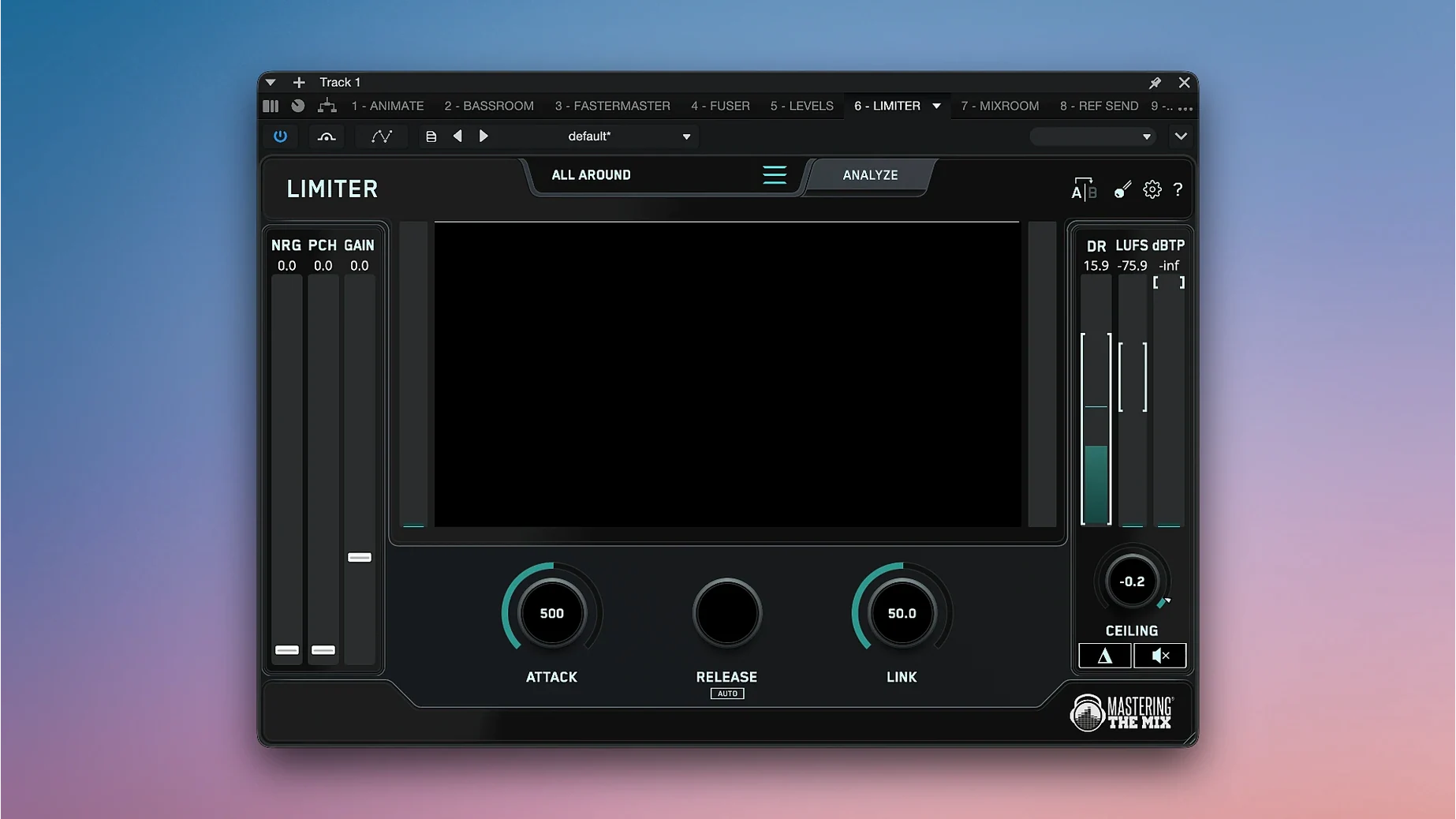
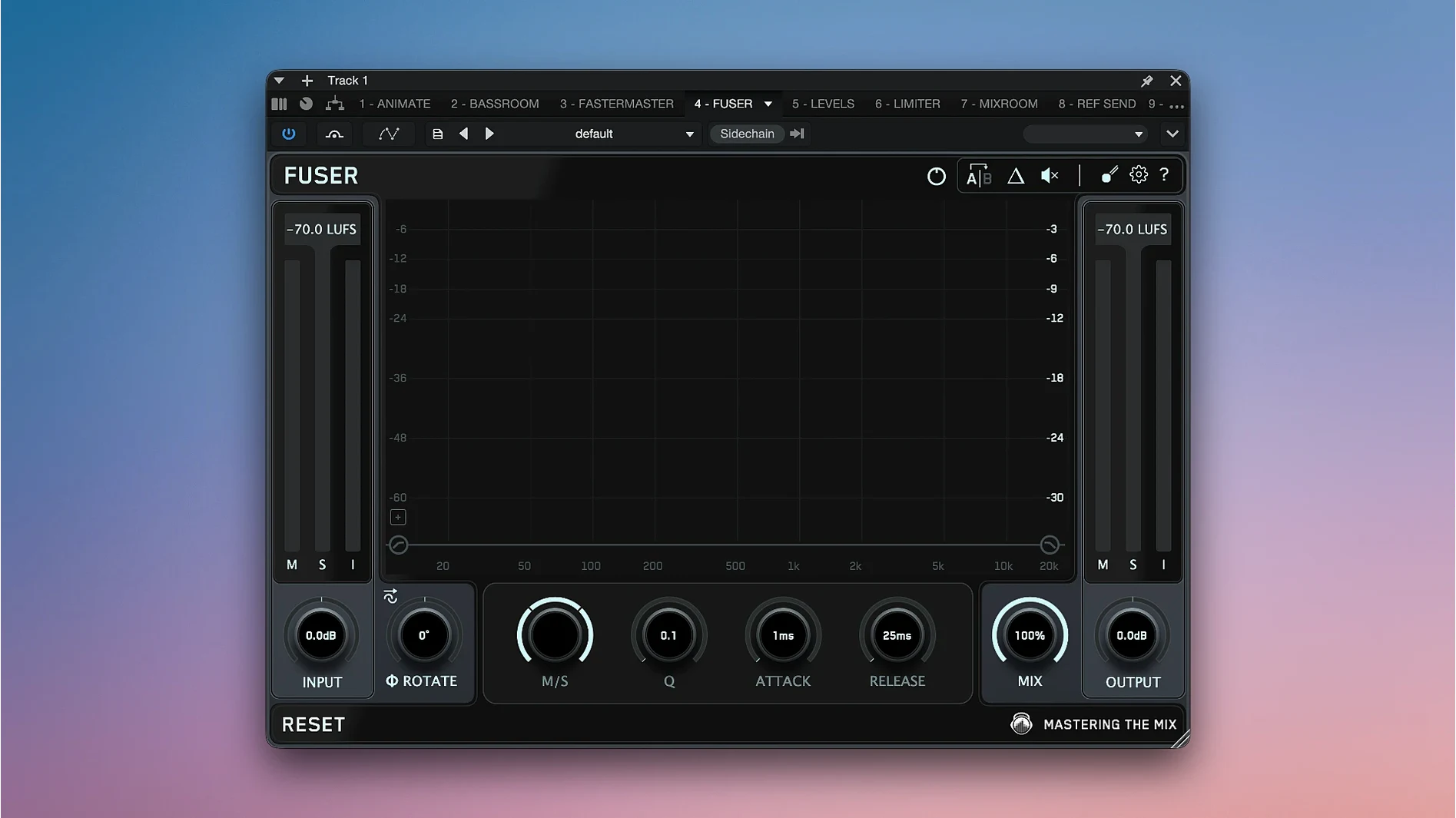
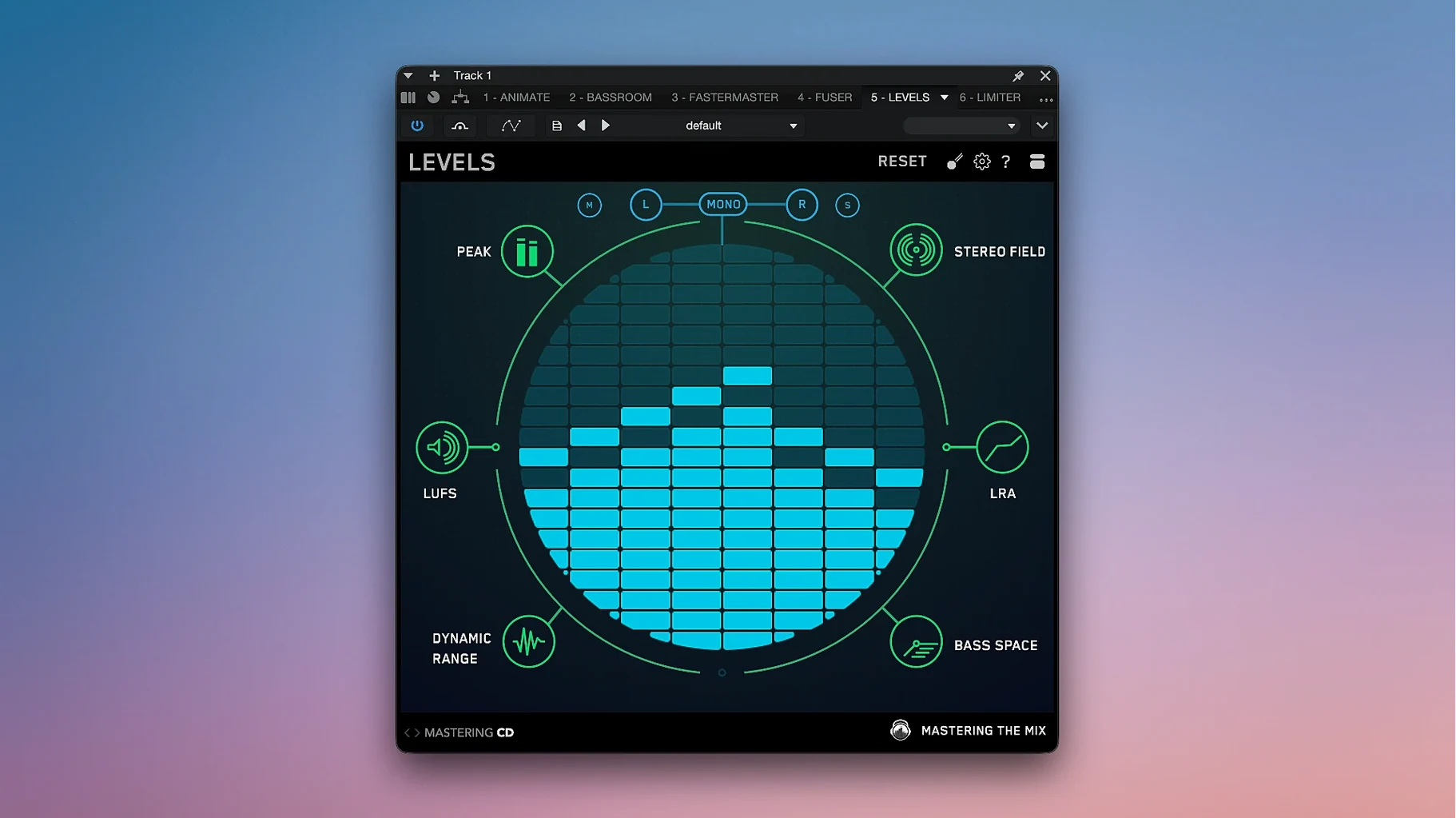
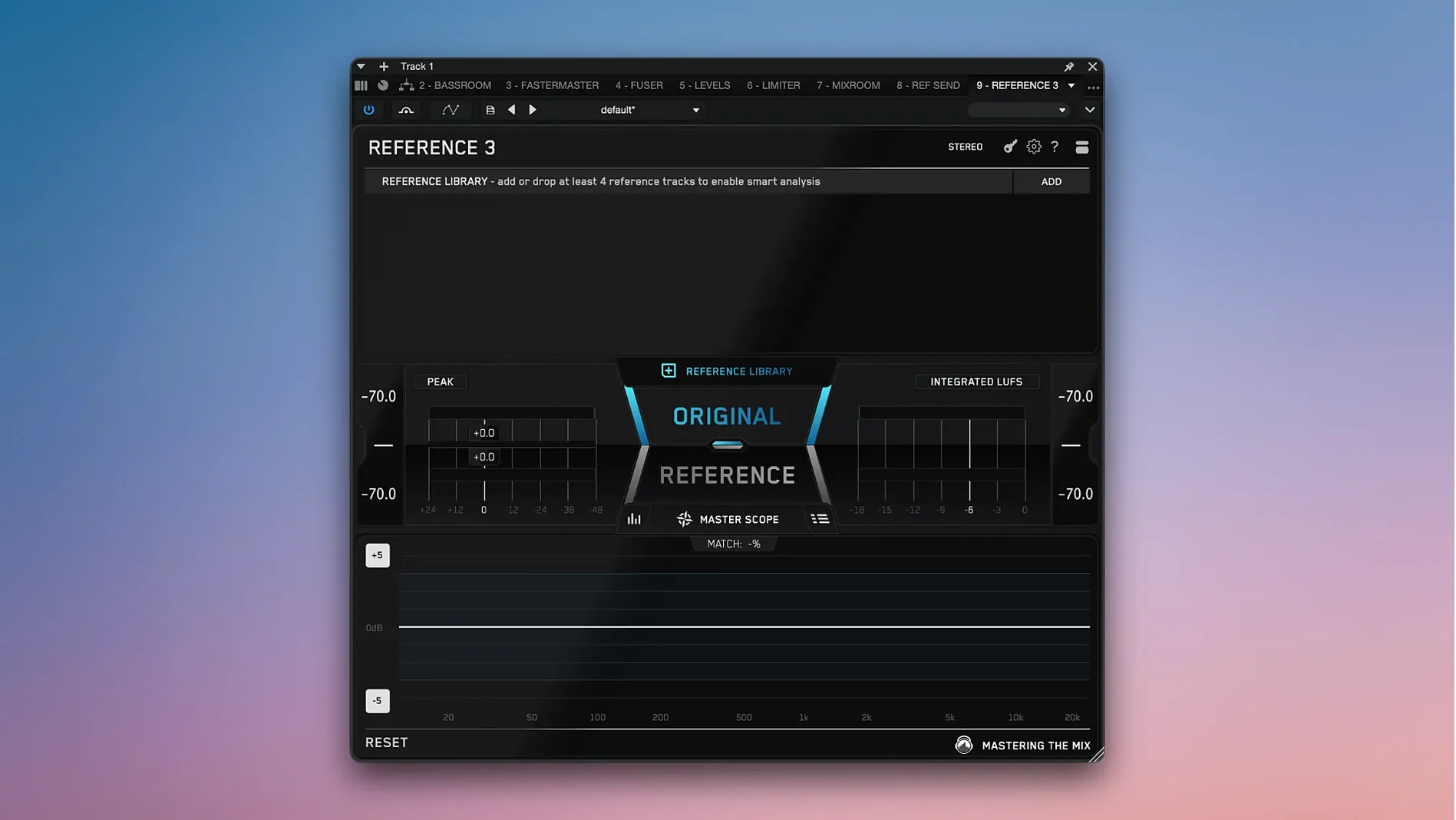
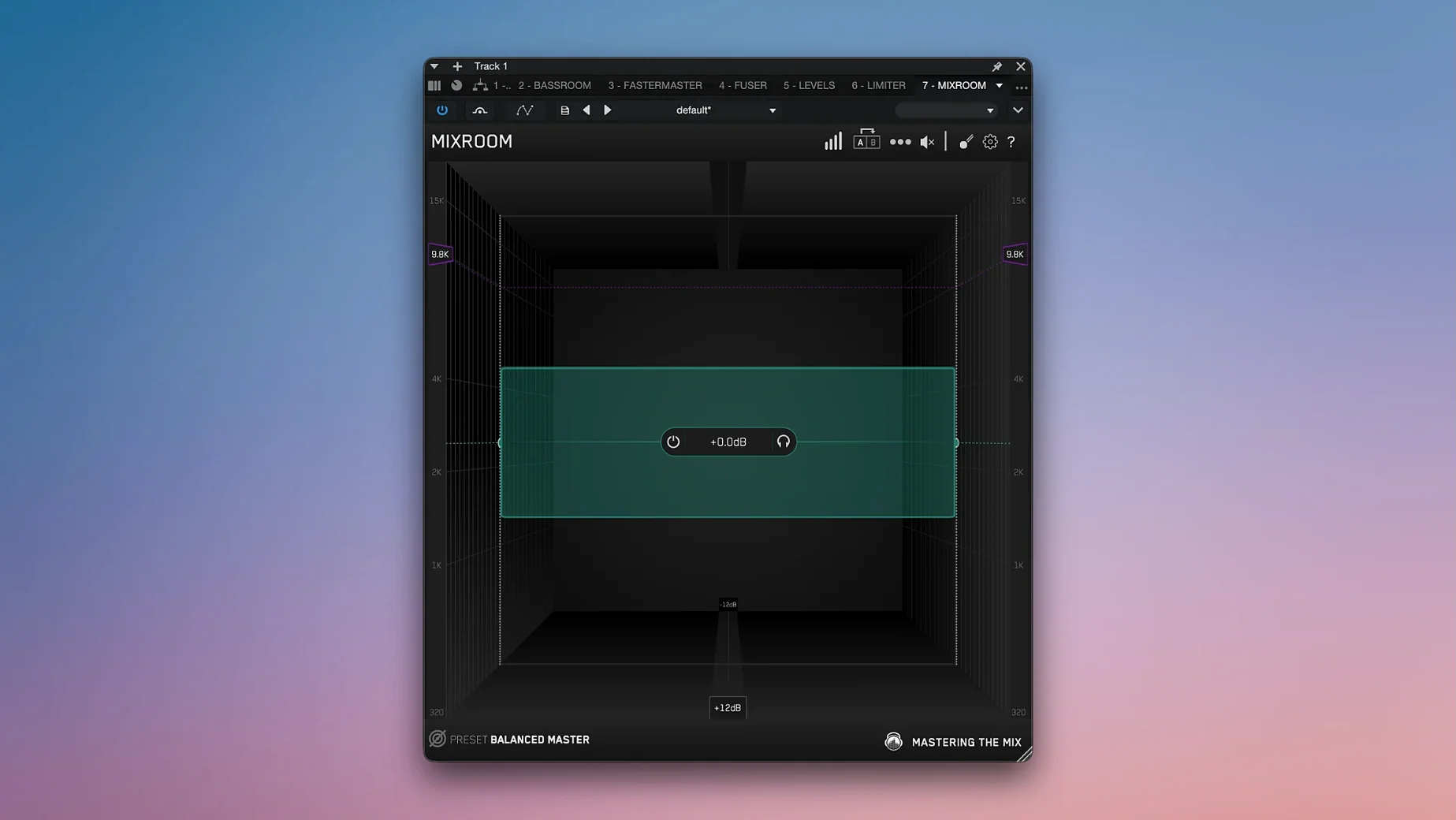
A track sits at -9 LUFS with a muddy low end and a brittle top. You open REFERENCE, load a commercial master, and see exactly where the tone and loudness diverge.
- Start with LEVELS on the output to confirm peak, short-term LUFS, and dynamic range figures. The metering gives you a fixed target for the session.
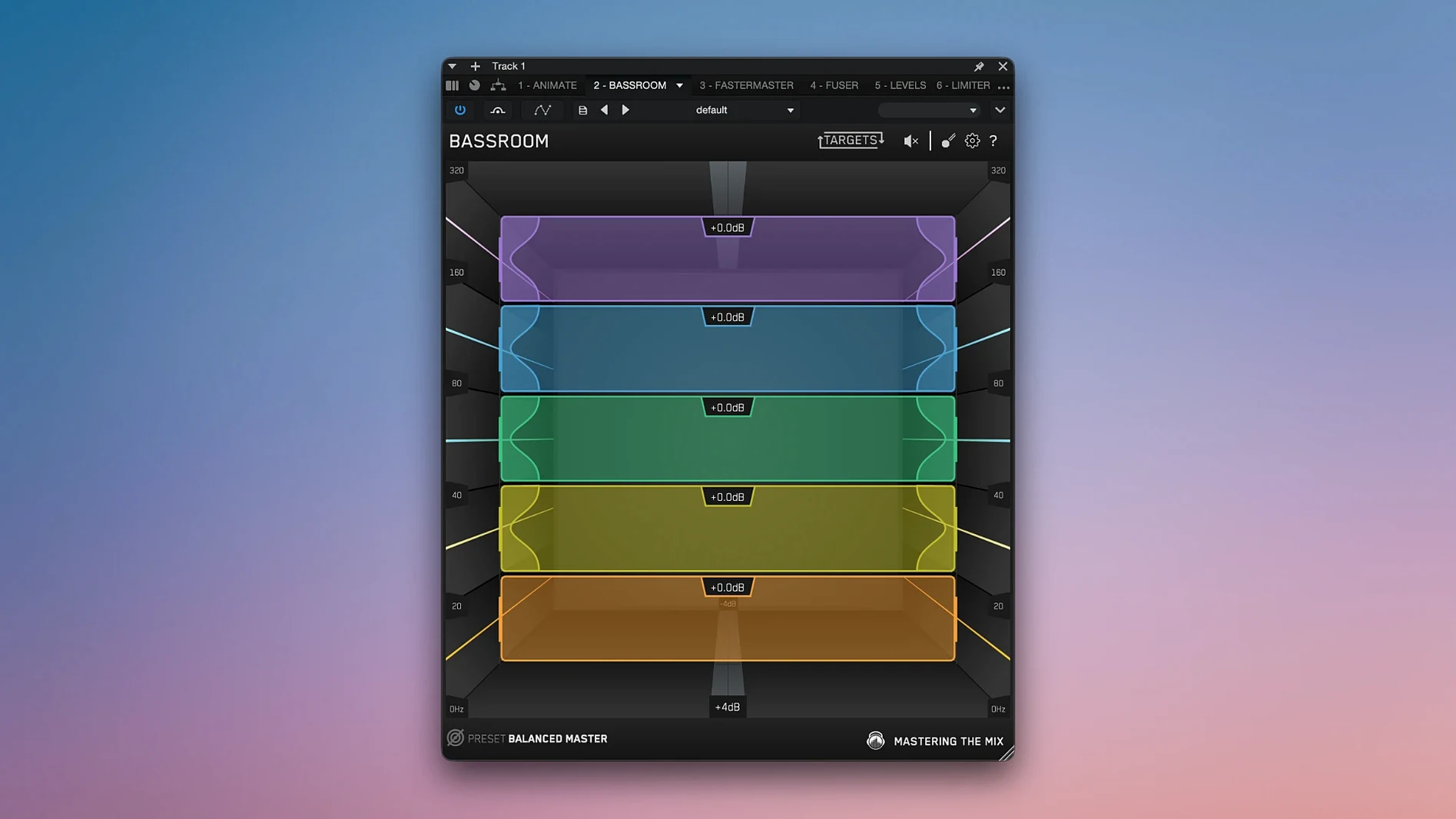
- Open BASSROOM and set a target preset. Adjust the five bands until the low-end energy aligns with the genre curve.
- Insert MIXROOM on individual channels and the bus. Dial the target EQ suggestions, watching the analyser overlay shift as you notch out boxy resonances.
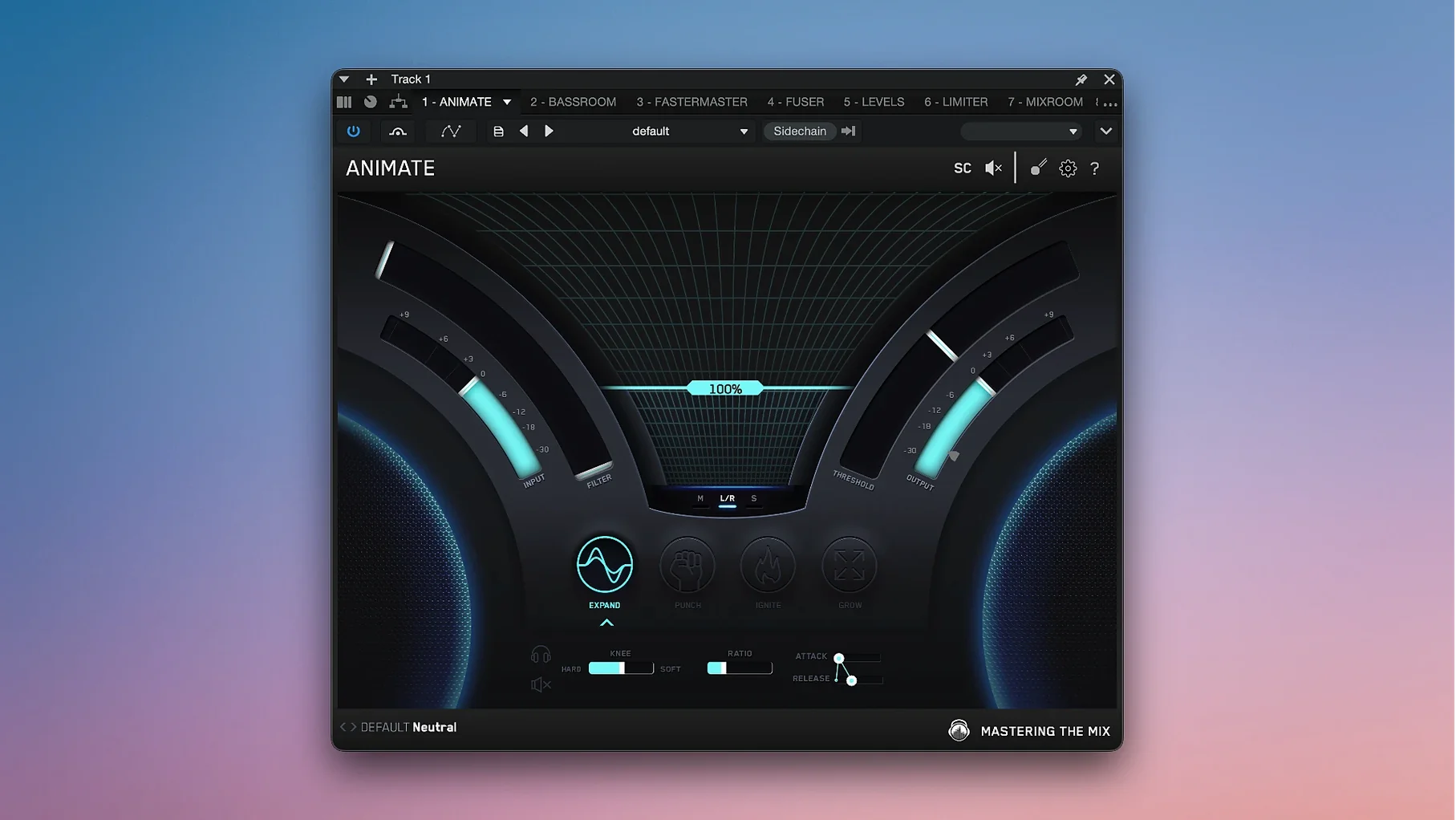
- Send stems through ANIMATE — expand, punch, or add top-end motion — to give static parts a sense of forward movement without pushing the fader.
- Apply LIMITER with its suggested settings. The ceiling and input gain land close to where the analyser expects them; you tweak the attack and release to keep the transient shape intact.
- Run EXPOSE 2 at the end of the chain to scan for true peaks, phase issues, and short-term overs that slipped past earlier checks.
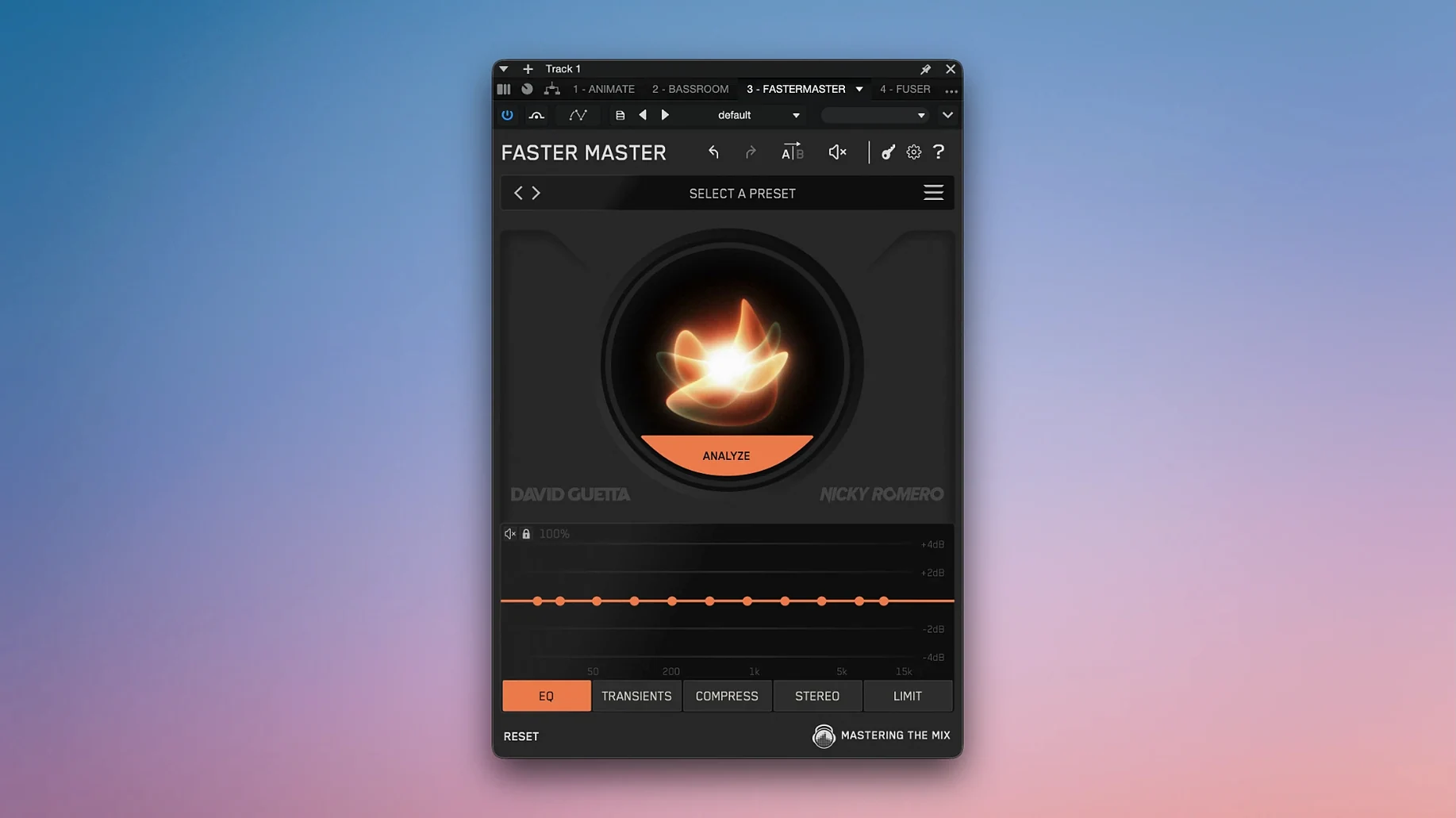
The bundle pulls ten tools into one workflow: FUSER resolves clashing frequencies, RESO tames resonant spikes, and FASTER MASTER generates a quick mastering chain from analysis. The result in a session is a series of objective checkpoints — listen, compare, measure — that keep decisions grounded in what the meters and match-EQ curves show rather than guesswork.
Some users report that RESO flags far more resonant peaks than they expected, leaving them unsure which to address. The analyser works on level-independent frequency detection, so a quiet resonance will still show if its shape is sharp. Narrow the Q to the three or four highest peaks first, notch only what you can actually hear in solo, then bypass RESO and check if the move improved the sound rather than just the graph.
Another common sticking point is REFERENCE level-matching. If the reference track is a lossy file — an MP3 or AAC rip — the encoder's lowpass filter can skew the high‑end comparison and make your mix look duller than it is. Use lossless reference files where possible, and keep the trim fader near unity so the plugin's gain compensation does not overcorrect. When the waveform alignment drifts, tap the align button again after any DAW transport change; the detection works best with a clean transient near the start of the timeline.
LIMITER occasionally confuses users who expect a brickwall limiter with no character. The plugin applies a lookahead and a release curve that adapts to the source, so pushing the input hard can soften transients in a way that a fixed-release limiter would not. Back off the input by 1–2 dB and raise the ceiling slightly if the punch starts to round off. The readout of gain reduction in dB gives a more honest picture of what the limiter is doing than the waveform preview alone.
An Apple Silicon Mac keeps latency near zero
On an Apple Silicon Mac the plugins load quickly and add negligible latency outside of the lookahead-dependent processors. LIMITER and RESO introduce the most delay — roughly 20–30 ms depending on the analysis window — which makes them less comfortable for live tracking but fine during mixing and mastering. EXPOSE 2 runs its full scan on a three‑minute track in under ten seconds on an M1 or later chip, so dropping it in at the end of a session for a final check does not interrupt the flow.
CPU load stays moderate. Running eight instances of MIXROOM, one of BASSROOM, one of ANIMATE and a LIMITER on the master bus sits around 25–35% on a recent MacBook Pro, leaving headroom for other effects. The analyser overlays in REFERENCE and RESO use OpenGL for rendering; on older Intel machines with integrated graphics the display can stutter when the plugin window is large. Reducing the window size or closing the graphical view while keeping the processing active solves this without affecting the audio engine.
Stability over long sessions is solid. Crashes are rare and typically tied to DAW‑specific graphics issues rather than the audio processing code. The plugins recall settings reliably when reopening a project, and the preset system saves comparisons, target curves and metering thresholds in a plain format that does not bloat session files.
Untreated-room mixers gain a frequency‑by‑frequency low‑end readout
Bedroom producers working in untreated rooms benefit disproportionately from the bundle's visual feedback. BASSROOM gives a frequency‑by‑frequency readout of low‑end energy that a small monitor setup cannot reproduce accurately, and REFERENCE provides an objective loudness and tonal target when the room makes A/B comparisons unreliable. The mastering the mix bundle mac download community often points to these two plugins as the first ones to reach for when acoustic treatment is limited.
Mixing engineers who deliver stems to a separate mastering house lean on EXPOSE 2 and LEVELS as a final sanity check. Running the full export through EXPOSE 2 catches intersample peaks and phase cancellations that would cause problems downstream, while the streaming presets in LEVELS confirm that the loudness will translate to Spotify or YouTube without further normalisation surprises.
Content creators who produce podcasts, voiceovers or video mixes use a narrower slice of the bundle — typically LEVELS, BASSROOM and LIMITER — to hit broadcast loudness targets and keep dialogue clear. The metering is direct enough that someone who does not think in EQ curves can still see when the low‑mids are crowding the voice range and make a simple cut. For these users the bundle's strength is not depth but the speed of getting a usable result from analysis‑based suggestions.