Aspecten
 Download (365 MB)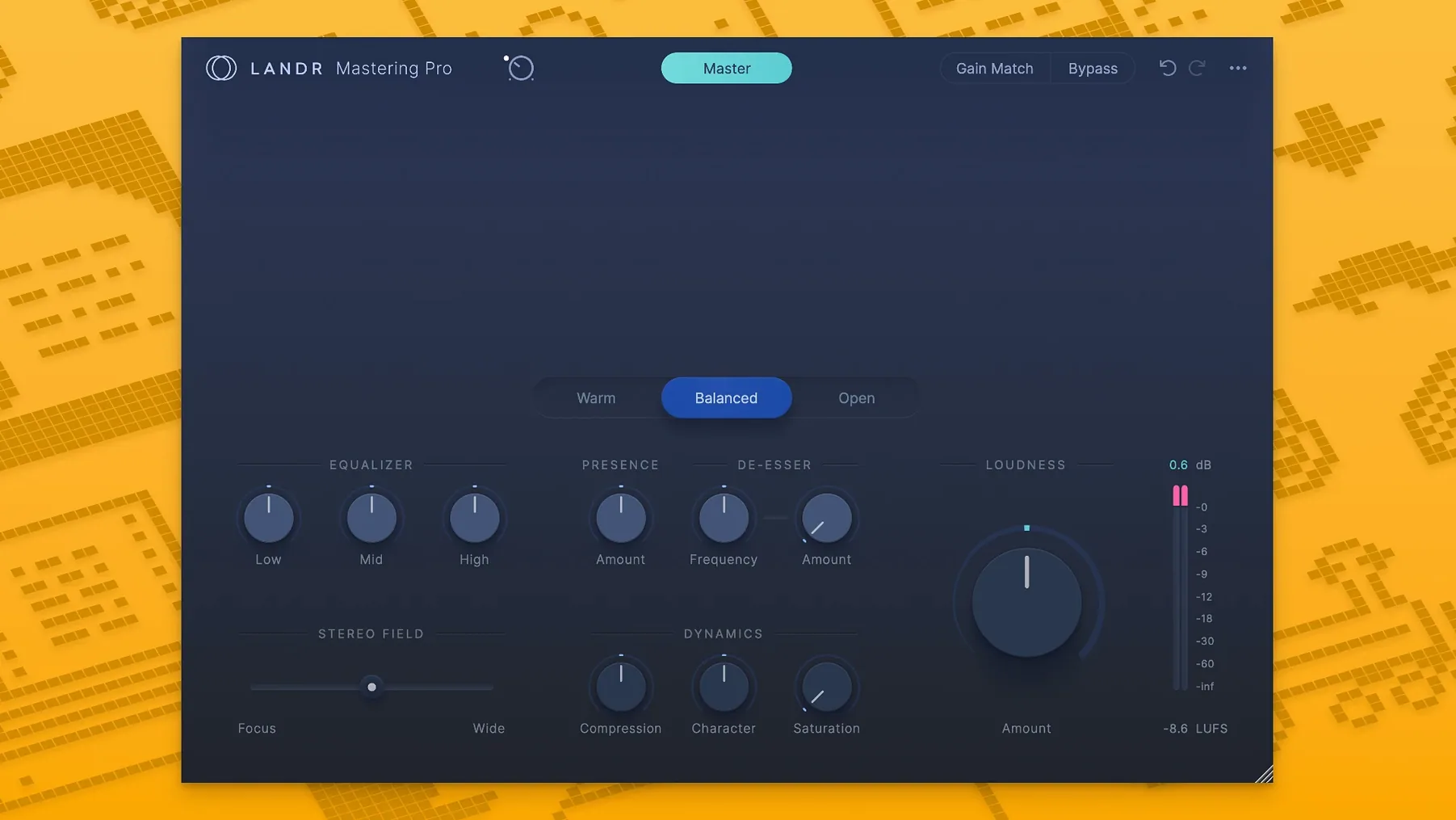
Stability maintenance for Intel and Apple Silicon Macs
Version 1.1.35 is a maintenance release addressing stability under macOS 10.13 and later. No new features are listed; the build focuses on keeping the plugin solid across Intel and Apple Silicon Macs.
1. Check the formats and hosts
The installer places VST3, AU and AAX components. That covers Ableton Live, Logic Pro, Pro Tools and most other DAWs running on a Mac. Check your host’s plug-in manager after installation to confirm the plugin appears. The download is a standard disk image; the installer handles Intel and Apple Silicon paths without separate packages.
2. Insert the plugin on the master bus
LANDR Mastering Plugin PRO sits on the stereo output. It processes in real time, so you can audition changes while the mix runs. No offline export cycle is needed. Latency is moderate — low enough for playback evaluation, not for tracking.
3. Select a mastering style
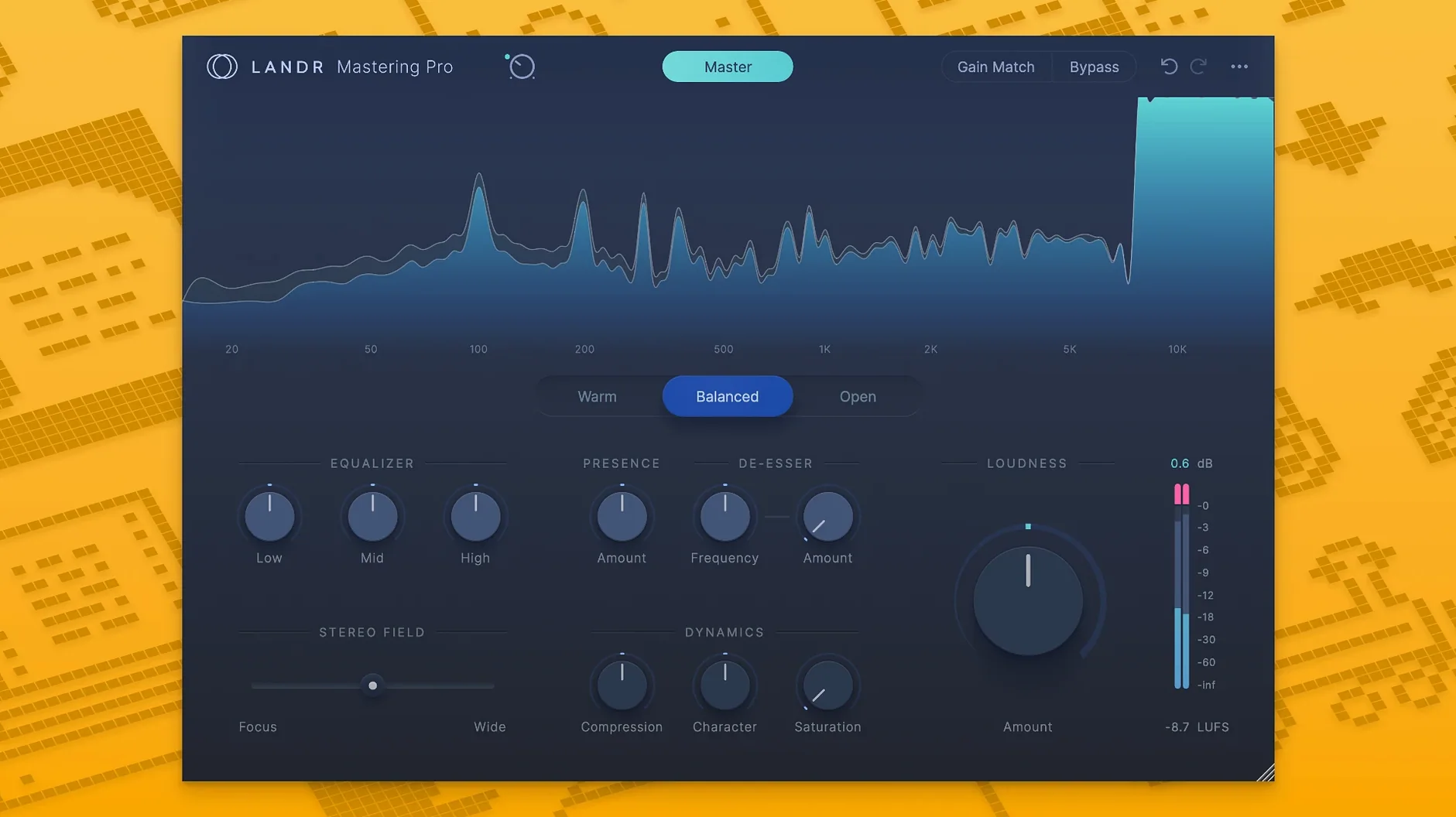
The interface presents a few broad style choices (warm, balanced, open) and an intensity slider. The AI engine adapts the curve to the incoming material. Adjustments happen during playback, which makes it practical to compare a setting against an untreated bypass.
Consistent loudness and repeatable neutral masters at speed
The processing aims for competitive loudness and tonal balance. The result is consistent across sessions, though it trades specific manual control for speed. This makes it useful for quick references or projects where a repeatable, neutral master matters more than bespoke tweaking.
Local engine inside your DAW, no browser required
One point of confusion is the relationship between the plugin and the LANDR cloud service. The plugin runs locally inside the DAW. It uses the same mastering engine as the web version, but it does not require a browser, does not upload audio, and does not produce a rendered master on a remote server. All processing happens on the Mac.
People also ask whether the plugin can replace a dedicated mastering engineer. The answer depends on the goal. For a demo, a reference mix, or a quick check against commercial loudness, it gives a usable result in seconds. For a release where subtle mid-side decisions, selective de-essing or stem-level control matters, a human engineer still brings options the AI does not expose. The plugin is a tool in the chain, not a substitute for ears and experience.
Another common question is about CPU load. On an Apple Silicon Mac, a single instance on the master bus sits comfortably alongside a moderately busy mix session. On older Intel machines, the plugin can push the processor when the session sample rate is high. Freezing or bouncing instrument tracks before engaging the plugin keeps the session responsive.
Analysis window reads the full mix on the stereo bus
A mix is nearly done. The stereo bus already carries a gentle compressor and a clean EQ for broad tonal shaping. LANDR Mastering Plugin PRO goes last in the chain.
Playback starts. The plugin analyses a few seconds of the loudest section and settles on a curve. The style is set to balanced and the intensity sits at halfway. The immediate impression: the low end tightens and the stereo image gains a touch of glue. The vocal moves forward slightly without sounding pushed.
Switching to the open style lifts the upper midrange a little, which works better on the quieter verse. A quick A/B against bypass shows the untreated mix is narrower and softer; the processed version is closer to a finished master. The intensity is nudged down by a notch. The gain staging is checked — the plugin’s output ceiling is untouched, but the DAW master fader stays at zero. A short bounce of the chorus goes to a reference folder for listening outside the studio. Total time from insertion to printed reference: under five minutes.
Plugin misreads spectral balance on single tracks
The most frequent mistake is placing the plugin on individual tracks instead of the master bus. It is designed to process a full stereo mix. On a single instrument it misreads the spectral balance and applies a curve that does not translate.
Another is chasing a preset without listening to the material. Switching styles while the transport is stopped prevents the engine from re-analysing the audio. The result sounds disjointed. Letting the track play for a few bars after a change gives the adaptation time to settle.
Leaving other processors after the plugin on the master bus also causes trouble. A limiter or a loudness meter inserted post-plugin works against the mastering curve and can clip the output. The plugin expects to be the final processor. If additional metering is needed, it belongs before the plugin or on a separate monitoring path.
Some users expect the intensity slider to behave like a threshold control. It adjusts the overall amount of processing — compression, EQ, limiting — as a single parameter. Cranking it to maximum often results in a flat, over-squashed sound. A moderate setting preserves dynamics while still bringing the level up to a commercial range.