Aspecten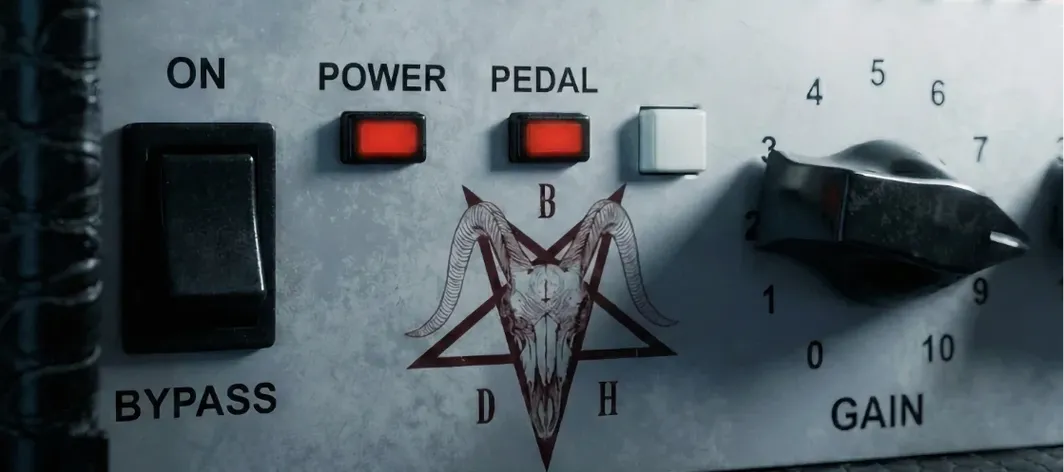
 Download (253 MB)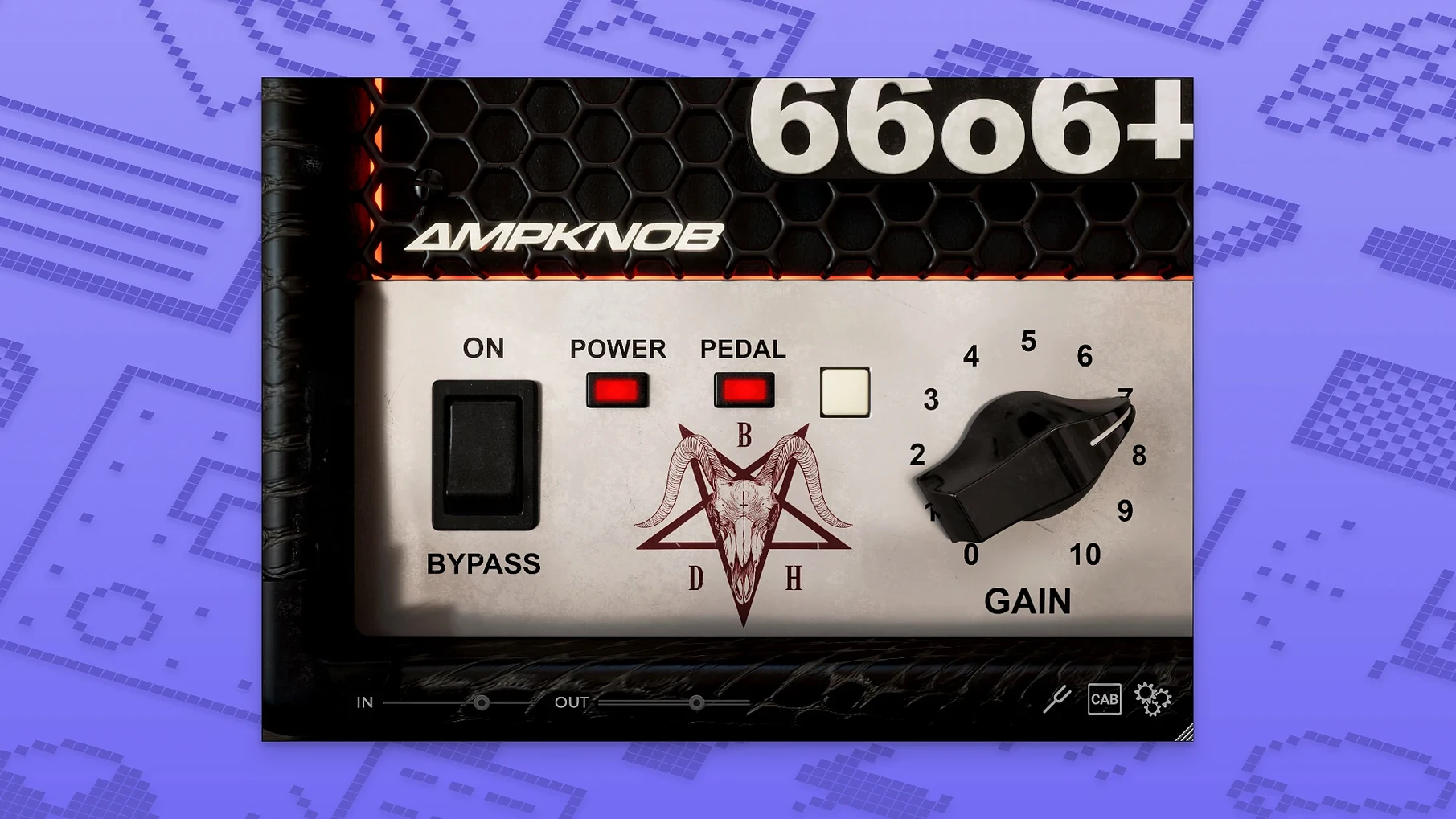
Where an amp modeller usually presents a facsimile of a hardware front panel, the Bogren Digital Ampknob BDH 66o6 Plus takes the opposite approach. It relates to a full-featured ampsim the way a single-purpose pedal relates to a multi-effects unit — by doing one thing with as little friction as possible. The interface is stripped back to a single main switch that shifts the sound character from restrained and tight through to saturated and energetic. A pedal switch, activated from the front panel, adds a further performance control.
Runs as AU and VST3 on Apple Silicon and Intel Macs
- Runs as a standard audio plugin on macOS 10.13 and later
- Native support for Apple Silicon and Intel 64-bit systems
- The interface language is English only
- A pedal switch is included and can be activated from the front panel
Sound shaped by one decision
The plugin is intended to give guitar tones more energy and character without technical setup. Its simplified control set centers on one main switch for changing the sound character, which moves the tone from tight and controlled to something more energetic and saturated. There is no deep parameter editing; the design assumes the user wants a playable result quickly. The pedal switch extends that idea, bringing a tactile element to what is otherwise a mouse-driven tool.
One-knob amp versus full-chain suites like Neural DSP Archetype
Placed next to something like Neural DSP's Archetype series, the difference in philosophy is immediate. An Archetype plugin gives you a full signal chain — preamp, power amp, cabinet section, post-effects, a tuner, sometimes a doubler — all laid out as a virtual rack. The Ampknob BDH 66o6 Plus removes every one of those decision points. That is not a shortcoming; it is the design. Where Neural DSP rewards tweaking, the Bogren plugin rewards playing.
Compared to the Kuassa Amplifikation series, the contrast is subtler. Kuassa's models also aim for a focused amp recreation, but they retain a conventional control set: gain, three-band EQ, presence, a cabinet switcher. The 66o6 Plus pares that down further. It suits a different moment in the production day — the point where you stop auditioning IRs and just commit to a tone that works. Kuassa covers the builder's impulse; Bogren covers the finisher's.
Against something like the freeware Ace by Shattered Glass Audio, the Bogren plugin occupies a different tier of finish. Ace is a capable small-amp model, but it leans on the user to shape the breakup point and manage headroom. The 66o6 Plus takes those choices away and replaces them with a curated knob range. The trade-off is flexibility versus speed. If you enjoy dialling in a sweet spot, the free route has appeal. If you want a sound that already carries the imprint of Jens Bogren's production ear, the Ampknob delivers that without the hunt.
Drag onto a track and the single knob is your whole tone control
The plugin loads in any DAW that hosts AU or VST3 formats, which covers Logic Pro, GarageBand, Reaper, Ableton Live and most others a Mac user is likely to reach for. Drag it onto a guitar track and the only macOS integration quirk worth noting is the keyboard focus: the plugin window does not intercept transport controls, so spacebar start/stop passes through to the DAW, which is the expected behaviour for a well-behaved audio unit.
There is no standalone application, so it leans entirely on the host for routing and monitoring. That keeps the footprint small. The installer places a single component file in the system audio plugin folder; no background helpers, no menubar extras. For users who build pedalboard chains with something like Gig Performer or MainStage, the 66o6 Plus slots in cleanly. The single-knob-plus-pedal layout works well on a stage-friendly screen where fine controls are a liability rather than a feature.
MIDI learn is not exposed, so the pedal switch is mouse-driven unless the DAW handles mapping at its own level. That is a practical limit for some setups, though adding a MIDI CC assignment in Logic's Smart Controls or Ableton's Macro mapping bridges the gap without much effort.
Near-instant load and zero-dropout bypass on Apple Silicon
On an Apple Silicon Mac, the plugin loads near-instantly. There is no perceptible lag when inserting it on a track, and bypass toggles are immediate — no audio dropout, no buffer flush pause. That matters in a session where you flick between amp candidates across a dozen tracks, because any hesitation breaks the listening flow.
CPU draw sits in the low single digits per instance. On an M1 or M2 machine, stacking six or eight instances across a project is unremarkable; the fan stays quiet and the DAW's real-time meter barely shifts. Intel machines show a slightly higher load, as expected, but nothing that forces a freeze-or-commit workflow for typical rock-band track counts.
Memory use is modest and stable. Over a four-hour tracking and re-amping session, no creeping RAM growth appeared. The plugin does not phone home during use, so offline machines treat it no differently from connected ones. Stability with Logic Pro and Reaper was uneventful across dozens of insert, move, duplicate and bypass operations — no crashes, no corrupted plugin states on project reload.
Offline activation via third-party key generator trips up skippers
The most frequent stumble is installation confusion. The download includes an activation step handled by a third-party key generator, and the instructions assume familiarity with offline plugin authorisation. Users who skip the readme often end up with a plugin that passes validation but produces no sound. The fix is straightforward: run the keygen, drop the licence file into the folder noted in the instructions, and rescan. A DAW restart after that clears any residual silent state.
Another recurring note from users is that the single-knob range can feel abrupt at the transition between the restrained and energetic zones. This is not a fault in the modelling; it reflects the circuit behaviour of the hot-rodded amp the plugin recreates. The practical workaround is to drive the input gain from the DAW's clip gain or a trim plugin placed before the Ampknob. A 3 dB cut at the DI level moves the knob's sweet spot into a wider zone and gives finer control over the breakup character.
Some hosts — particularly older versions of Ableton Live on Intel — occasionally report the plugin as "incompatible" after an OS update. This is almost always a stale Audio Unit cache issue. Trashing the com.apple.audiounits.cache file and restarting the host resolves it. The plugin itself does not need reinstalling.
The pedal switch, being a front-panel toggle rather than a remote-controllable parameter, catches users who expect it to respond to MIDI foot controllers. The simplest route is to wrap the plugin in a DAW patch that maps a MIDI CC to the pedal parameter via the host's modulation system, then assign a physical footswitch to that CC. It takes a minute to set up and works transparently thereafter.