Aspecten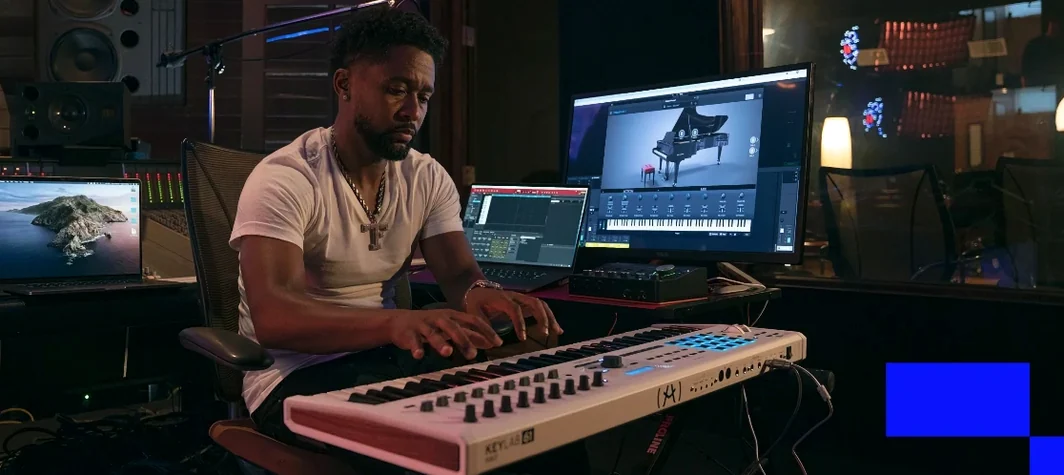
 Download (53.8 GB)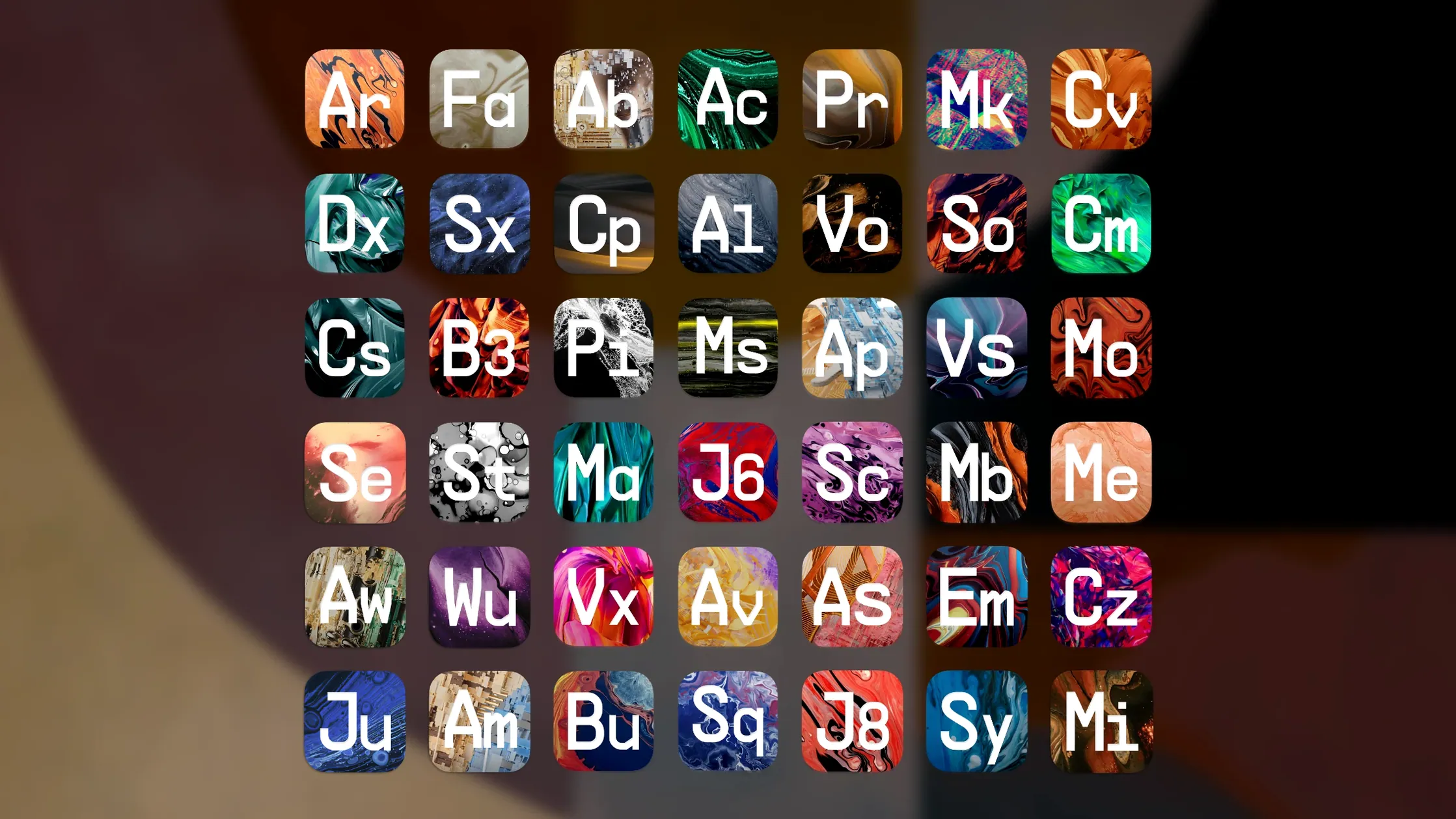
The suite runs on any Mac with macOS 11 or later and a 4‑core CPU, including M1 and later Apple Silicon machines. It installs as Audio Unit, VST, VST3 and AAX plug‑ins, so it slots into Logic Pro, Ableton Live, Cubase and Pro Tools without extra routing. A 50 GB library lives on your drive; the instruments themselves load quickly from an SSD.
What lands in a mix is shaped substantially by the modulation routing inside each instrument. Mini V, for instance, carries a modulation matrix that lets you map three sources to six destinations, while CS‑80 V exposes its ribbon controller and aftertouch paths. Jup‑8000 V, one of the seven new additions in version 2025.20.26, extends that further with a dual‑layer architecture and a clear mod‑assignment panel. The result is not just a collection of static presets — the more than 12,000 sounds are starting points you can pull apart with an LFO routed to filter cutoff or a velocity curve tied to envelope decay.
Arturia’s control‑assignment system keeps the hands‑on element straightforward. MIDI mapping is a right‑click away on most parameters, and the PolyBrute V connection to the hardware PolyBrute is particularly direct — controls mirror without manual setup. Synthx V and Pure LoFi, also new in this version, lean on macro knobs rather than deep menus, so a single dial can shift multiple parameters at once. That suits quick sound‑design sessions where you want the character of the instrument without spending time in sub‑menus.
The spread of instruments means a track can carry a modelled Prophet‑5 V bass, an Augmented Yangtze texture and a SEM V lead, each occupying its own frequency space with little overlap when the filters are set with intention. The 38 modelled classics bring a distinct set of control behaviours — the MS‑20 V’s high‑pass and low‑pass filters interact quite differently from the SEM V’s state‑variable design, and that difference is what gives a mix separation without heavy EQ later.
First playback CPU spike after loading projects
Loading a single instrument from an SSD takes a few seconds; a full project with eight or ten instances opens without stalling, though the first playback after loading may show a brief CPU spike as each plug‑in initialises its voice allocation. On an M1 Mac with 16 GB of RAM, a session running Mini V, CS‑80 V, Synthx V and three Augmented instruments alongside a drum sampler and two convolution reverbs sits around 40 percent CPU with a 128‑sample buffer — not featherweight, but workable for tracking without freezing.
Stability holds up well under extended sessions. Leaving a Logic Pro project open for several hours with PolyBrute V and Jup‑8000 V in a loop while tweaking macro controls does not trigger crashes or audio dropouts in version 2025.20.26. The one point worth watching is preset browsing while transport runs: switching rapidly through complex Jup‑8000 V patches can cause a momentary buffer underrun, pausing playback for half a second. Pausing transport before auditioning sounds avoids this entirely.
RAM usage per instrument varies. MiniBrute V and Pure LoFi sit around 200–300 MB each; Augmented Yangtze and Jup‑8000 V, with their sample‑based layers, can reach 500–600 MB. A modest 8 GB system handles six or seven lighter instruments before memory pressure triggers swapping, so larger templates benefit from 16 GB or more.
Laying down chords with Augmented Mallets Rhodes
A session might start with a chord progression laid down on a Rhodes patch from the Augmented Mallets library. Opening the plug‑in from the instrument slot in Logic Pro takes roughly three seconds; the preset browser appears first, with a search field that accepts terms like “felt” or “wooden” to narrow the 12,000 sounds.
With the chords recorded, a bass line comes next. Mini V loads and the preset “Round Bass” is selected from the favourites list. The arpeggiator is switched on, set to two octaves with a sixteenth‑note pattern, and synced to the DAW clock. A touch of the built‑in chorus widens the low end without muddying the kick.
A second track receives Synthx V, where a macro knob sweep dials in a bright pad that shifts filter cutoff and reverb send simultaneously. MIDI mapping is set by right‑clicking the macro knob and moving a physical controller fader — the assignment registers instantly and holds across session restarts.
Pure LoFi sits on an auxiliary channel, processing a sampled piano loop with bit‑crushing and tape‑wow controls. The wet/dry mix sits at 40 percent, adding texture without losing the original transient. By the end of a thirty‑minute session, four instruments are running with effects, automation lanes are drawn for filter sweeps, and the project plays back without a single audio engine reset — the kind of session where the tools stay out of the way.