Aspecten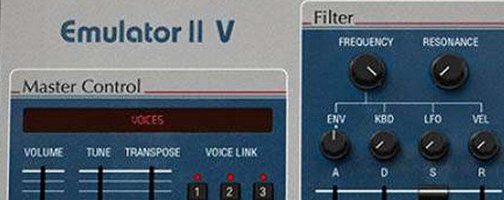
 Download (700 MB)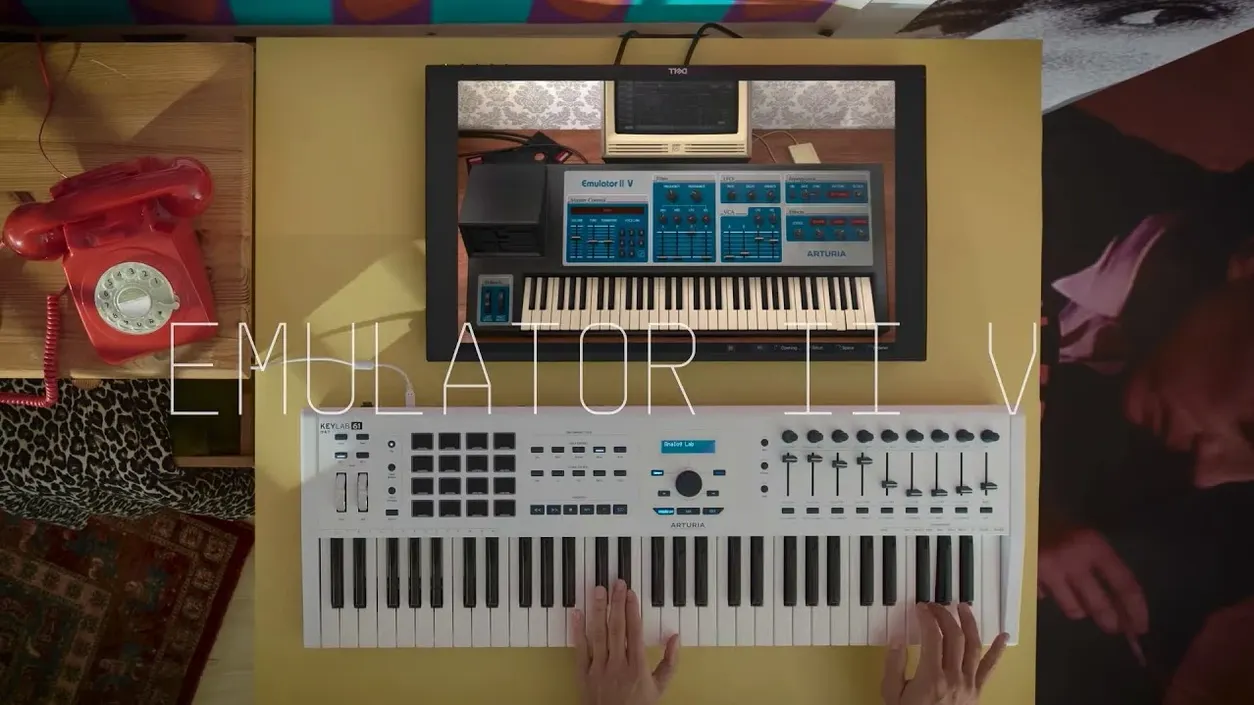
Apple Silicon support and AU, VST3, AAX formats
Emulator II V runs on Apple Silicon and Intel Macs, requiring macOS 11 or later. It operates in AU, VST3 and AAX formats across DAWs that support those plug-in standards. The installation package includes activation instructions.
A sampling workflow
- Load a preset from the 250 factory patches, curated from original Emulator and Synclavier material plus newer samples.
- Assign a sound to one of the multitimbral slots. The engine supports 8 voices of multitimbral sampling, letting you map separate instruments across the keyboard or sequence them on different MIDI channels.
- Adjust tone on the interface, where editable parameters appear graphically. The signal path follows the original 8‑bit companding design with a 27.7 kHz sample rate, producing the grit and aliasing characteristic of the hardware.
- Apply movement with the added arpeggiator, which was not part of the original E-Mu unit.
The result is a software instrument that leans into the lo‑fi texture of early digital sampling while offering a modern preset management system and broader host integration than the 1980s hardware ever allowed.
Starting a beat with the 12‑bit Grit Kit drum palette
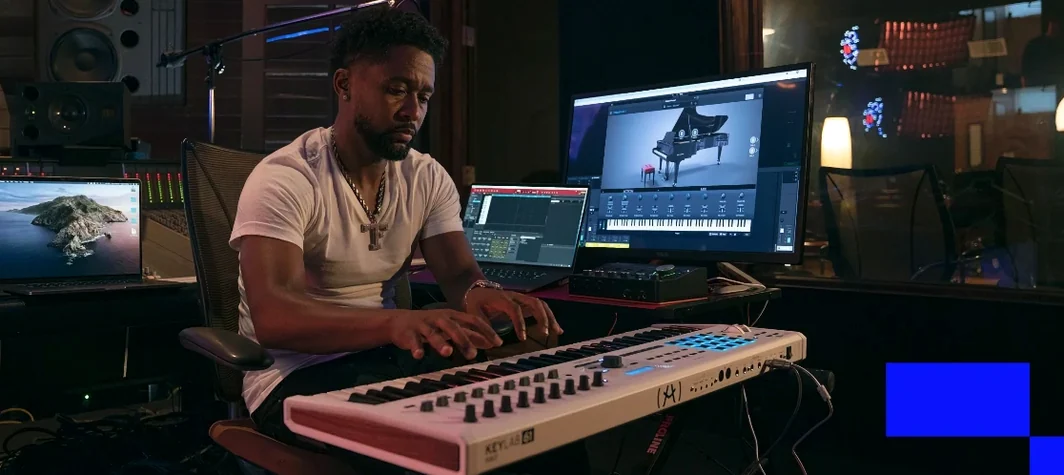
A producer sits down to build a dusty, off‑kilter beat. She opens Emulator II V on a drum bus, scrolls past the glossy modern presets and lands on a patch called 12‑bit Grit Kit — a collection of kicks, snares and hats sampled through the original engine’s input stage. She maps kick to C1, snare to D1, hat to F#1, then pulls the sample rate control down a few notches. The transients soften, the hi‑hat sizzles into a washy crunch. A second instance loads a choir stab. She sets the arpeggiator to a dotted eighth pattern, routes it to a short plate reverb and lets the phrase run against the beat. Within fifteen minutes she has a loop that sounds like it was lifted from a cassette found in a damp basement — precisely the texture she was chasing. None of this required a hardware sampler, SCSI cables or floppy disks. The instrument sat inside her DAW, recalling patches instantly and letting her automate the filter cutoff from a MIDI controller.
TAE‑modelled vintage sampler versus TAL‑Sampler’s multi‑emulation approach
Emulator II V sits in a small but well‑defined niche: software that models early digital samplers rather than simply playing back clean multisamples.
TAL‑Sampler recreates the sound of several vintage samplers, including the Emulator II, but does so with a broader remit. It models four sampling engines and offers selectable sample rates and jitter emulation. Its interface is simpler and the factory library is smaller. Emulator II V focuses on one machine and goes deeper — you get the exact companding curve, the original filter architecture and a larger curated library. TAL‑Sampler is lean and immediate; Arturia’s instrument feels more like a dedicated hardware emulation with a wider modulation and effects section.
Inphonik RX950 models the AD/DA stage of the Akai S950, another 12‑bit sampler. The crunch is comparable but the character differs — the S950 has a punchy, ringy tone, while the Emulator II is darker and grainier at the same sample rate. RX950 is a single‑window effect that you place across any signal; Emulator II V is a full instrument with multitimbral slots, a built‑in arpeggiator and a preset browser. If you already have a sample library and just want the conversion grit, RX950 does one thing well. If you want the complete workflow — browsing Emulator disk images, layering sounds, shaping them with the original VCF — Emulator II V is the more complete choice.
Native Instruments Kontakt can load Emulator II sample libraries, and several third‑party packs capture the original presets. What Kontakt cannot do is model the signal path: the input companding, the output DAC behaviour and the clock‑rate quirks that give the hardware its identity. Emulator II V uses Arturia’s TAE modelling to recreate those circuits, so even a clean sample run through its engine acquires the lo‑fi imprint. Kontakt offers vastly more flexibility for orchestral or hybrid work, but it does not sound like an Emulator II without considerable processing.
Taming the CPU hit from per‑instance TAE filter and DAC modelling
A few issues surface regularly in user forums and from hands‑on time with the instrument.
High CPU load with multiple instances. The TAE modelling of filters and the DAC stage is more demanding than a simple sample‑playback plug‑in. Running eight multitimbral slots with separate effects can tax older Intel machines. The fix is straightforward: bounce tracks to audio once the part is dialled in, or use the built‑in voice limiter to cap polyphony per instance.
MIDI mapping confusion. The arpeggiator and mod matrix respond to MIDI CC messages, but the default assignments are not always obvious. If external knobs do not move the expected parameter, open the MIDI learn panel (right‑click any control) and check whether a previous mapping is overriding the new one. Clearing stale assignments usually restores expected behaviour.
Missing presets after installation. Occasionally the plug‑in cannot locate its sample library, especially if the content was installed to a non‑default directory. Opening the Arturia Software Center and re‑pointing the content path resolves this in most cases. The instrument ships with 250 factory presets; if only a handful appear, the content folder is the culprit.
Phase issues in layered patches. Layering two instances of the same sound with slightly different sample rate settings can cause comb filtering when summed to mono. This is part of the charm for wide stereo patches but collapses poorly on club systems. Checking layers in mono before committing to a mix avoids an unpleasant surprise later.
Skipping the rompler habit and embracing the dark band‑limited tone
One early misstep is treating Emulator II V like a modern rompler. Loading a preset and playing it with no further tweaking yields a sound that is dark and band‑limited — which is authentic, but not always useful in a busy arrangement. The instrument rewards deliberate adjustment. Beginners who skip the filter envelope entirely miss half the character; opening the VCF cutoff with a short decay and adding a touch of resonance brings the sound forward without losing the vintage colour.
Another common error is running everything at the native 27.7 kHz sample rate. Authenticity is valuable, but the rate control exists for a reason. Pushing it up to 32 kHz or down to 16 kHz changes the aliasing character dramatically. New users often set it once and forget it, when varying the rate per part — brighter for a lead, grittier for a percussive stab — yields a more dimensional arrangement.
Some newcomers ignore the multitimbral slots and open eight separate plug‑in instances instead. This wastes CPU and misses the advantage of shared voice management. Assigning sounds to slots within one instance keeps the project tidier and makes it easier to balance levels and pans from a single window.
Finally, a few users expect the arpeggiator to sync to DAW tempo automatically. It does, but only when the host transport is running. Pressing a key with the transport stopped results in a free‑running pattern at the plug‑in’s internal tempo. Hitting play in the DAW locks it to the project grid immediately.