Aspecten
 Download (16.1 GB)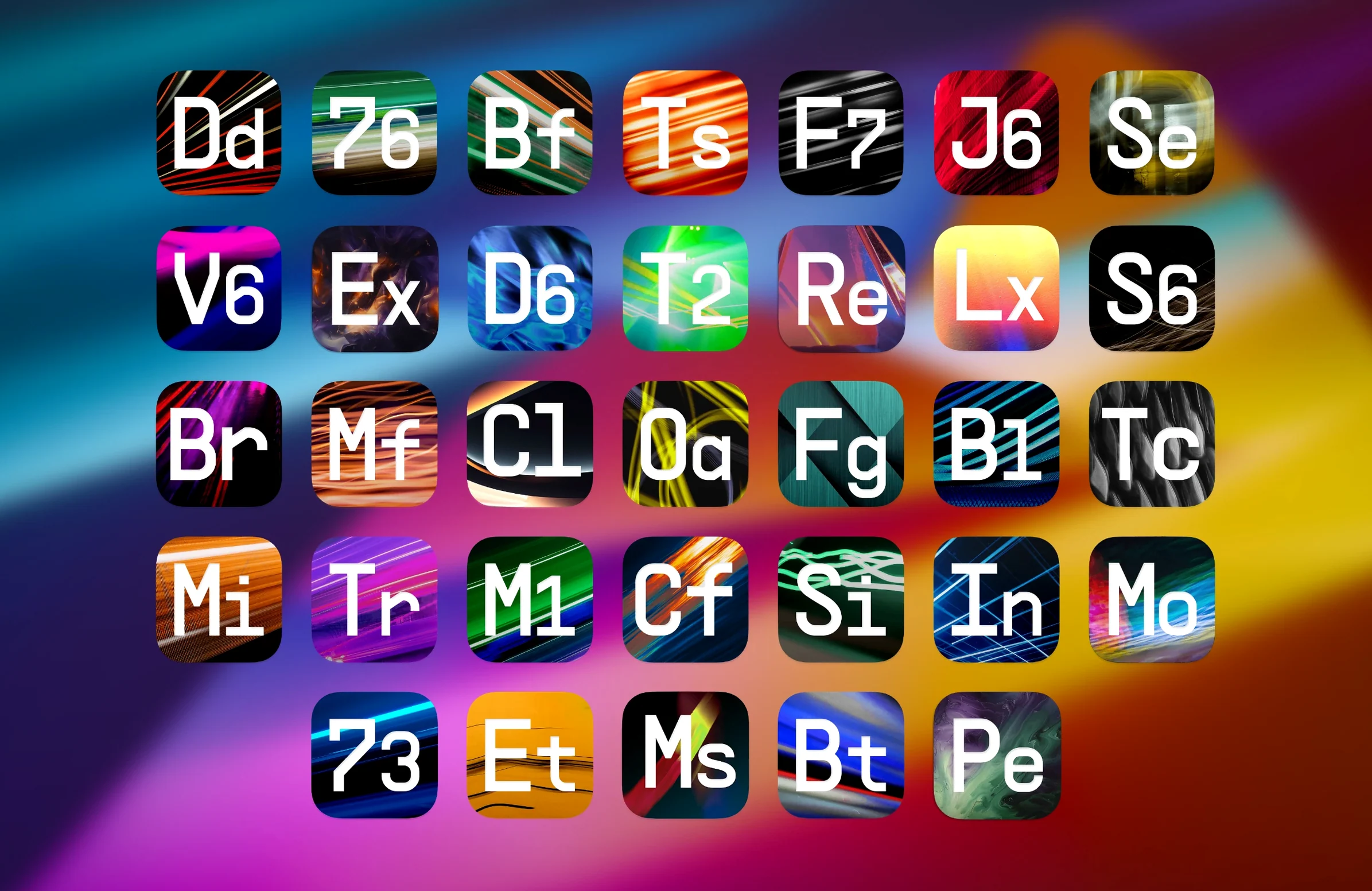
Tracking engineers, mixers and sound designers reach for it when a channel needs a specific colour or a bus calls for movement that stock plugins do not deliver.
Channel strip — where the collection sits on individual tracks. Compressors and EQs modelled on classic hardware handle vocal levelling, drum shaping and synth taming. The newer Mix Drums processor pulls together gating, transient control and bus compression for a complete close-mic channel.
Bus — where groups gel. Tape J-37 adds gentle saturation and low-end glue across a drum bus or full mix. Bus Transient sharpens or softens the attack of a grouped stem without shifting its tonal balance, which suits parallel chains where dry and processed signals blend.
Send — where space lives. Efx Ambient layers reverb and delay with modulation, filling out backgrounds or creating tail textures that sit behind a lead without clouding the foreground.
The collection includes 34 processors and more than 1,400 presets. Parallel processing is supported across the suite, and the plug-ins run in 64-bit x86 and ARM hosts on macOS 11 and later.
Mix Drums replaces a whole drum-strip chain
The 2026.02 release added five plug-ins. In everyday use, three of them shift the way a session comes together.
Mix Drums replaces the chain of gate, EQ, compressor and transient shaper that many engineers build per drum channel. A single window now handles the close-mic cleanup that used to take four insert slots. The practical gain is faster recall: open one instance, dial in the gate threshold and the compression knee, move on.
Tape J-37 saturates a drum bus or mix bus with a softer clip than the collection's older tape emulations. It rounds off transients before they hit a limiter, which means less peaky masters without extra compression. Pushing the input level brings up a hiss and wobble that suits lo-fi passages or intros.
Bus Transient is the one that changes stem work. On a percussion stem it can pull back the stick attack without thinning the body, something an ordinary transient designer rarely manages without sounding scooped. The effect is subtle enough that a 2 dB shift often does the job.
Efx Ambient and Pitch Shifter-910 fill out the send palette. The former blurs the line between reverb and delay; the latter handles the kind of pitch-warped feedback tails that suit breakdown sections and risers. Neither is an everyday tool, but both save a trip to a separate sound-design plugin.
Force a full AU and VST3 rescan after installing
After installing the components and following the included activation instructions, a few habits make the first sessions smoother.
- Rescan in your DAW. Even if the host auto-scans, force a full AU and VST3 rescan. Arturia plug-ins sometimes appear under both "Arturia" and "FX Collection" in plugin menus after an update; a rescan tidies the list.
- Check the preset browser early. The collection ships with more than 1,400 presets. Browsing by type (compressor, delay, reverb) before a session starts avoids scrolling mid-mix and losing your ear on the material.
- Test CPU load per plugin. Some of the newer processors — Tape J-37 in high-quality mode, Efx Ambient with long decay — pull more cycles than the older compressors. Note the heavy ones so you know when to freeze or commit.
- Mark favourites. The browser lets you star presets. After an hour of auditioning, star the ten you actually reached for. It cuts decision time on the next project.
Workflow: tightening a live drum recording
A common scenario: a multitrack live kit with bleed, uneven hits and a slightly woolly room sound. The goal is a punchy, controlled kit that still breathes. Here is a start-to-finish approach using four processors from the collection.
1. Kick and snare channels — Mix Drums. Insert Mix Drums on each close mic. Set the gate to close fully between hits, but keep the hold short enough that the shell resonance does not choke. Dial the compressor for 4–6 dB of reduction with a medium attack to let the beater through. Use the transient section to add 1–2 dB of attack on the kick; leave the snare attack flat and add a little sustain instead.
2. Overheads — subtractive EQ then Bus Transient. Pull a broad 3 dB cut around 400 Hz to clear out cymbal mud. Follow with Bus Transient, reducing the attack by 2 dB. This pushes the cymbals back just enough that the close mics take focus, without losing the air the overheads provide.
3. Drum bus — Tape J-37. Group all drum channels to a stereo bus. Place Tape J-37 last in the chain. Set the input so the meters tickle the orange, not the red. The tape compression smooths the snare peaks and adds a low-end thickness that makes the floor tom feel fuller without EQ.
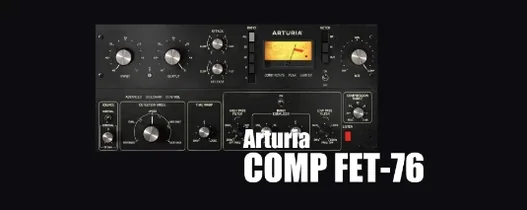
4. Parallel crush — a compressor from the collection. Send the drum bus to an aux with one of the FET-style compressors, attack fastest, release medium, ratio 8:1. Push the threshold until the meter shows 10–12 dB of reduction. Blend the aux fader up until the drums gain weight but not obvious distortion. The combination of the clean bus and the crushed parallel gives impact without losing the room tone.
The whole chain loads in under a minute once the template is saved, and the CPU hit across four plugin instances stays manageable on both Intel and Apple Silicon machines.
Settings to adjust immediately
A few defaults benefit from a quick change before serious work begins.
- Oversampling where it matters. Some processors offer an oversampling toggle. On bus compressors and Tape J-37, switch it on if your session sample rate is 44.1 or 48 kHz. The difference is audible in the top end; at 96 kHz it matters less and costs CPU, so leave it off.
- GUI size. The default window size is often the smaller option. Resize to a larger view from the plugin menu. The extra screen space helps when dialling in compressor curves or EQ nodes.
- Dry/wet mix on modulation effects. The flangers and phasers default to 50% mix, which sounds strong in isolation but can swamp a track. Pull the mix back to 25–30% and adjust from there.
- MIDI learn for live use. If you perform or automate with a controller, map the macro knobs on Efx Ambient and the filter cutoff on the analogue-modelled EQs. The learn function is right-click simple and works across AU and VST3 hosts.
VST3 vanishes on Apple Silicon unless host runs native
Plugin not showing in the DAW. This hits most often with the VST3 versions on Apple Silicon. The fix is to confirm the host is running natively, not under Rosetta, and to clear the plugin cache before rescanning. If the AU version appears but the VST3 does not, the AU is fine to use; functionally they are identical in this collection.
Tape J-37 introduces latency. The tape emulation adds a small delay when oversampling is on. On a track you are monitoring live, switch oversampling off while tracking and re-enable it for mixing. On a mix bus where latency does not matter, leave it on.
Preset browser slow to load. With 1,400 presets, the first launch can take a moment. Subsequent loads are faster once the database is cached. If it still lags, closing the browser panel while mixing and opening it only when browsing helps on older Intel machines.
AAX not working. The current package does not include working AAX plugins. Pro Tools users should stick to AU or VST3 via a hosting wrapper, or use the collection in a different DAW for processing and then print stems. This is a known limitation of the 2026.02 build, not a setup fault.
Activation loop after install. If a plugin repeatedly asks for activation, the instructions included in the package cover the offline method. Following them in order — without skipping the step that writes the licence file — clears the prompt. Once activated, the whole suite authorises in one pass.