Aspecten
 Download (705 MB)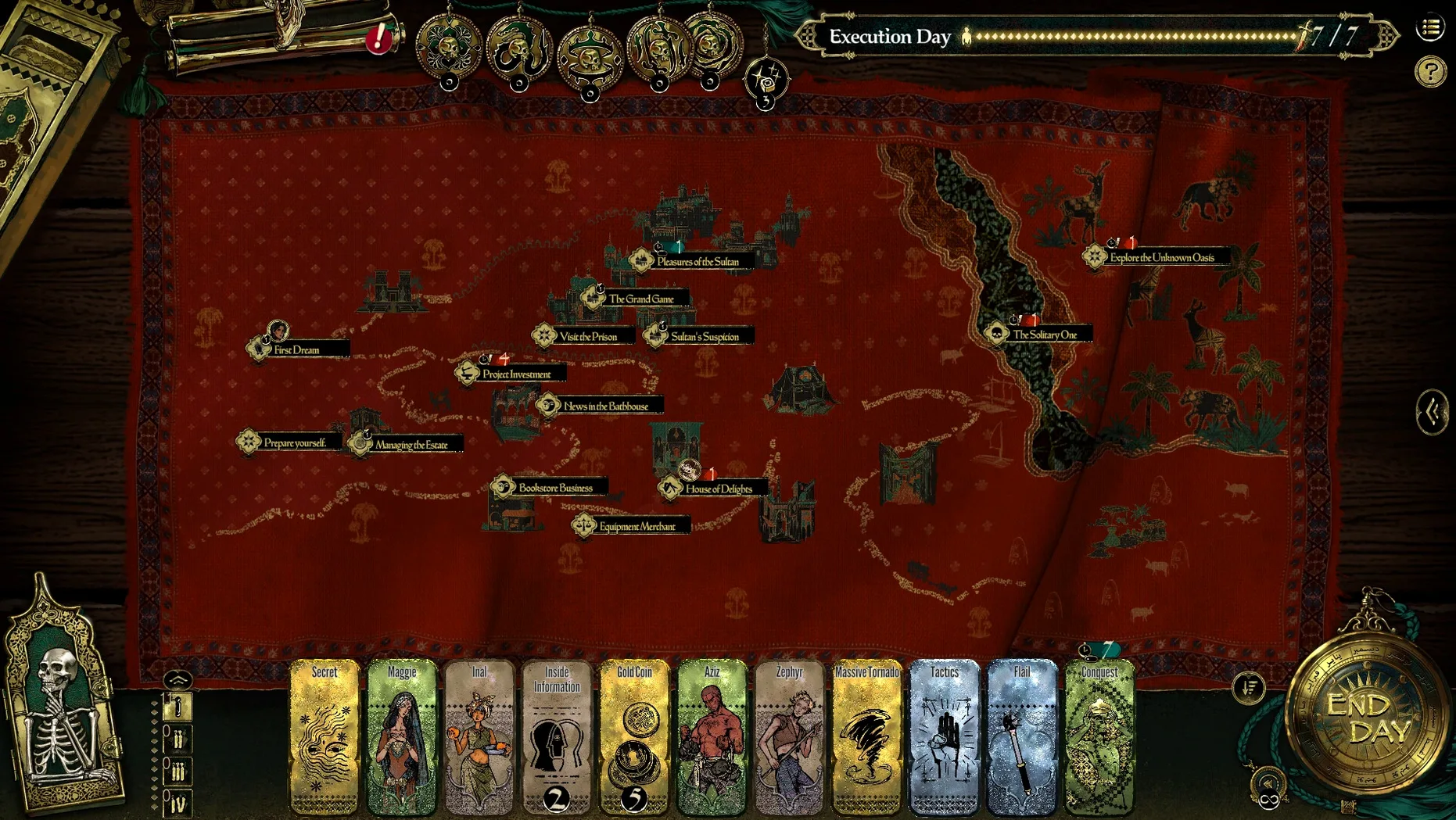
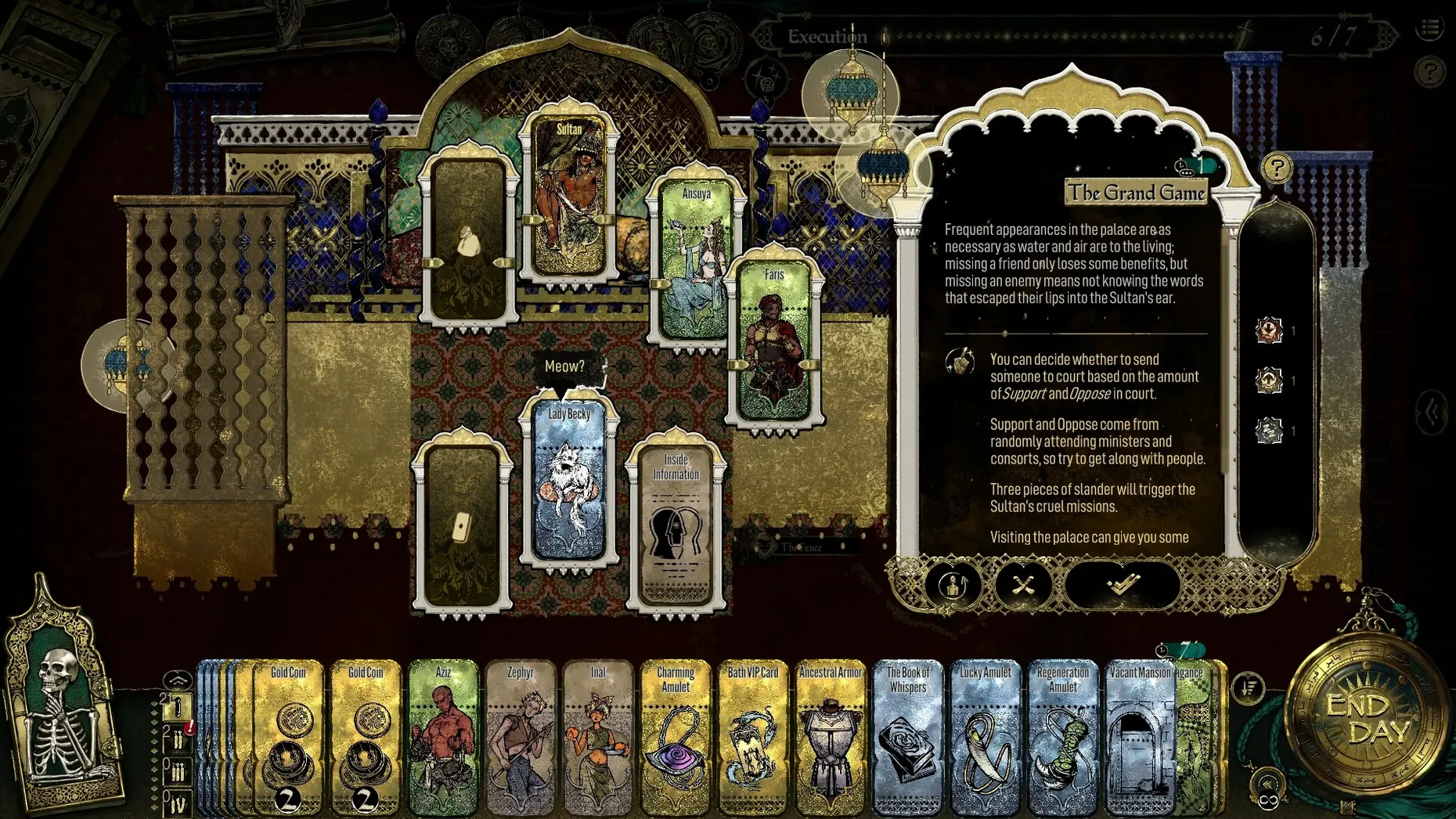
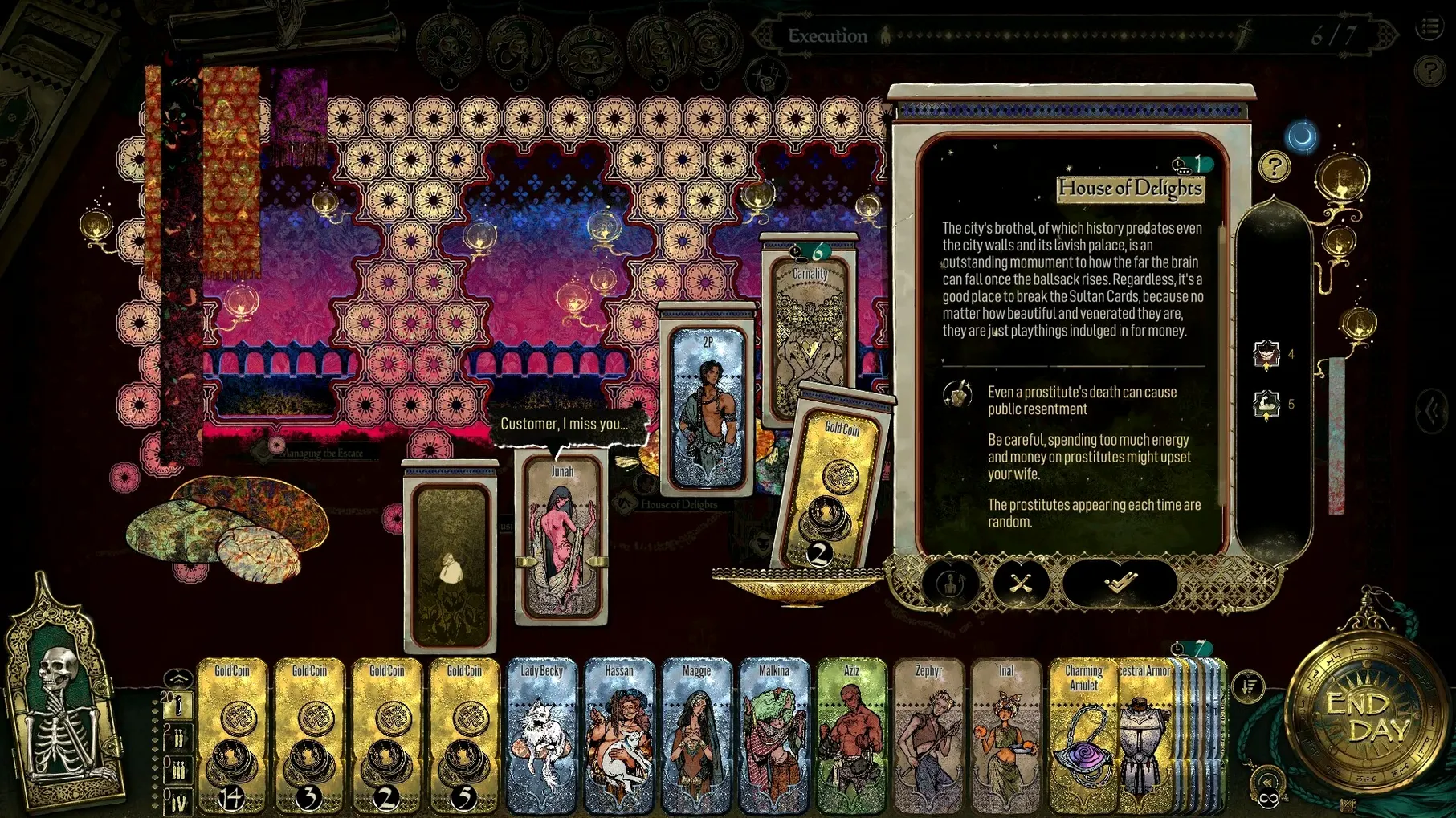
Seven days. That is the window given for each drawn card in Sultans Game, the turn-based strategy RPG from Double Cross in which the Sultan forces you into a deadly competition. The Mac build supports both ARM and 64-bit Intel architectures, so it runs natively on Apple Silicon machines like the Mac mini 2020 M1.
Tested on M1 mini with a single Apple‑Silicon‑ready build
The developer lists macOS Sequoia as the tested system, alongside the M1 Mac mini. There is no separate Intel-only path; the single build covers both processor families. Interface languages are English, Traditional Chinese, Simplified Chinese and Japanese, while music is the only listed voice-language item. The Steam page places the game across Adventure, Indie, RPG, Simulation and Strategy.
Assign action cards to exploit allies, resources and tasks
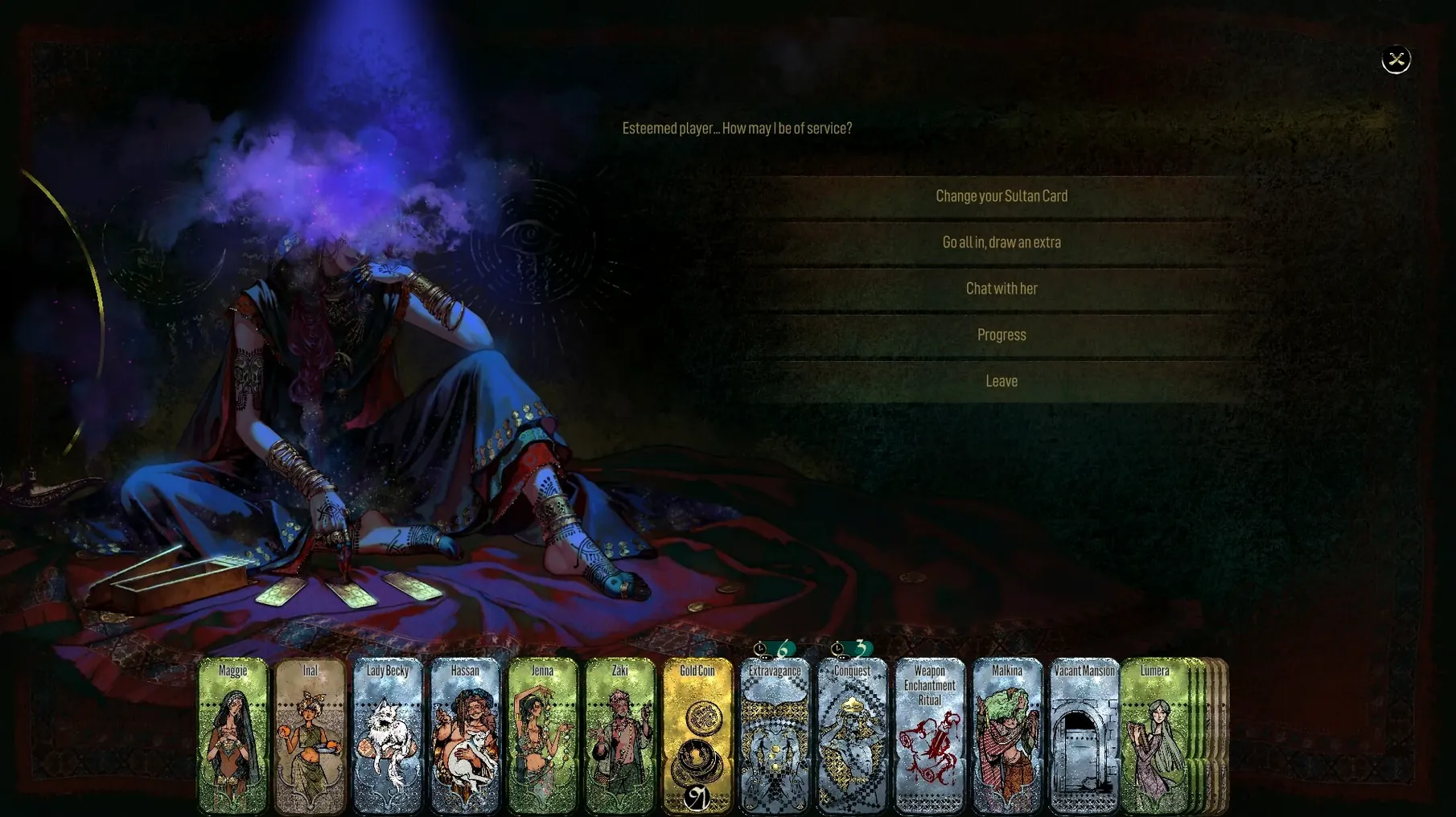
Play centres on assigning action cards to use allies, resources and tasks. Runs collect wealth, information and equipment, and different decisions lead to multiple endings. On Apple Silicon the experience is smooth in practice, with no Rosetta layer involved. The card-simulator structure keeps system demands modest, so a current Mac handles the interface and turn logic without strain.
Right‑click any courtier for loyalty, hidden traits and upkeep
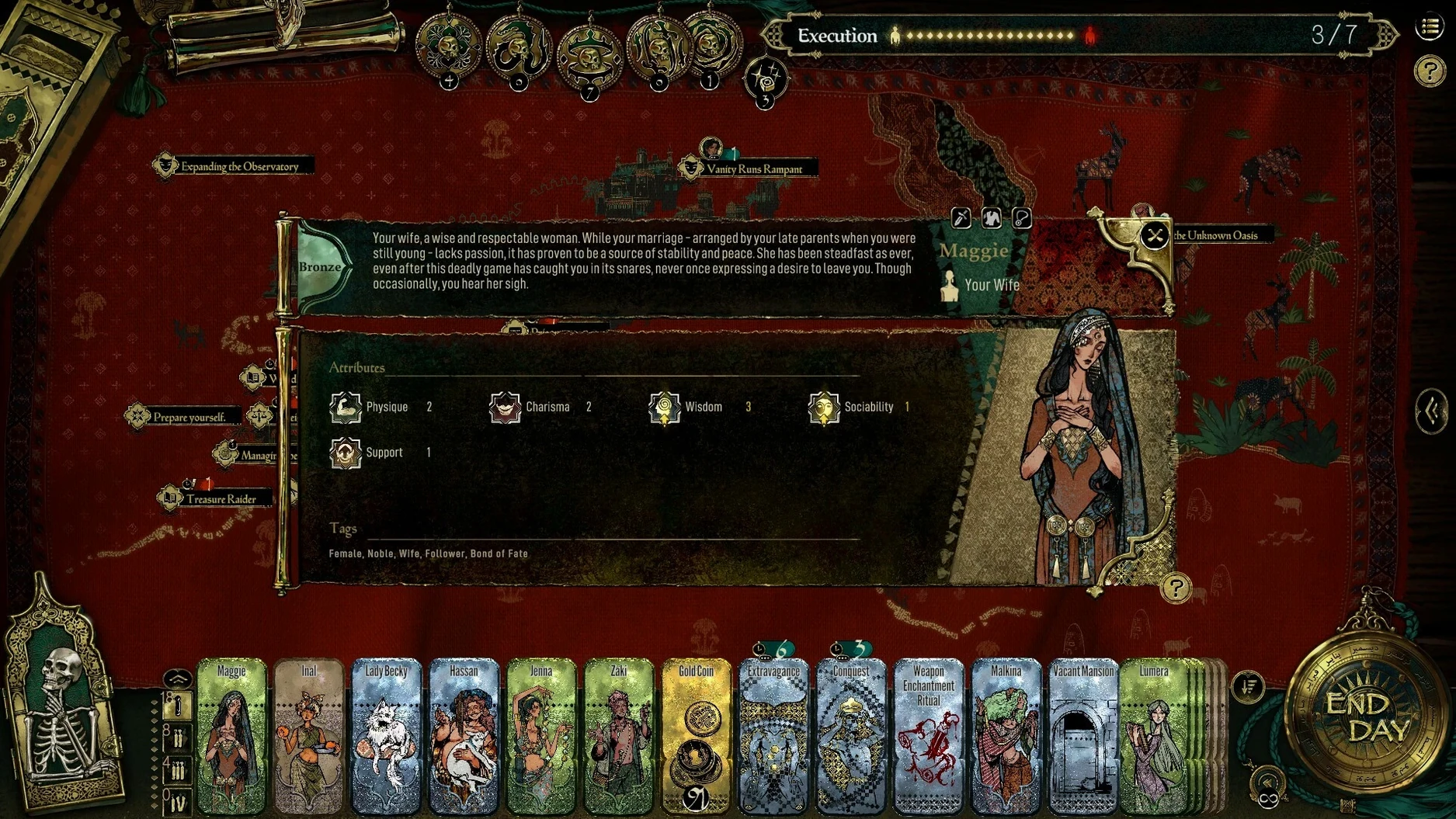
Right-clicking a courtier card in your hand expands a concise dossier: their faction loyalty, one hidden trait if you have uncovered it, and which resources they consume each turn. This saves repeated trips to the character index. The same gesture on a completed sultan card opens a log of exactly which actions succeeded, failed or triggered a narrative branch, which is useful when you want to reverse-engineer a particular ending.
The schedule panel accepts direct typing. Click the day number once and type 4 to jump to the fourth morning without dragging the timeline slider. Holding the Option key while clicking the "draw" button skips the card-flip animation, a small mercy when you are on your eighth run and just want to see which card type appears.
During resource allocation, double-clicking a resource icon in the treasury sidebar transfers the maximum affordable amount into the current action slot. It is easy to miss because the tutorial only covers drag-and-drop placement. The same double-click logic works when assigning allies to quests, though it respects faction restrictions rather than blindly filling the slot.
Mission Control sees it as a standard Mac document window
The game respects native window handling. It behaves like a standard macOS document window: Mission Control recognises it, the green traffic-light button toggles fullscreen on its own space, and the dock icon shows no abnormal behaviour when switching between desktops. Because the build uses a standard .app bundle rather than a launcher or wrapper, it sits cleanly in the Applications folder and launches from Spotlight without fuss.
Notifications are absent, which suits a game built around concentrated runs. No banner interrupts a tense card resolution to tell you about a sale or a patch. The trade-off is that you have to check manually for version updates, though the developer has not pushed frequent patches since release.
If you play with the system language set to Japanese, the interface switches automatically, matching the listed Japanese localisation. The setting respects macOS language preferences rather than requiring an in-game menu toggle. This is the same for Traditional Chinese and Simplified Chinese — the game reads the system preference order and applies the first supported option.
Save data lives in ~/Library/Application Support/DoubleCross/SultansGame, a standard location that Time Machine picks up in its default configuration. Moving to a new Mac with Migration Assistant carries the saves across without needing manual backup steps. The save folder uses plain SQLite files, so if you want to archive a particular run before a risky card draw, you can copy the folder to a different location and swap it back later.
Explicit resource costs on cards instead of opaque experimentation
Against Cultist Simulator, the comparison writes itself: both use card-based timers and opaque narrative systems where failure unlocks understanding. Sultans Game pulls back from that opacity. Cards have explicit resource costs displayed in the interface, and the seven-day structure gives each run a clear tempo rather than the drifting, anxiety-driven pacing of Cultist Simulator. Where Weather Factory's game buries its lore in tiny text fragments, Sultans Game presents its One Thousand and One Nights inspiration through character dialogue and court events that surface naturally during card completion.
Next to Hand of Fate 2, the difference lies in scale. Defiant Development's game mixes action combat with card encounters and a dungeon-crawling frame. Sultans Game stays entirely within the court, with no combat minigame and no character movement. The deck is a scheduling tool rather than a dungeon map. Both share a structure where drawn cards present narrative choices, but Sultans Game leans harder into resource juggling and faction management across repeated runs.
Measured against Slay the Spire, the distinction is clearer. Mega Crit's roguelike builds its tension through combat maths and deck synergy. Sultans Game has no combat deck in that sense; the action cards govern resource flow and ally assignments, and the real pressure comes from the tick of the seven-day clock and the Sultan's unpredictable mood. Someone coming from Slay the Spire expecting tight card-combo loops may find the pacing slow, but a sultans game mac download appeals more to players who want narrative weight behind each decision rather than refined combat engine optimisation.