Aspecten
 Download (565 MB)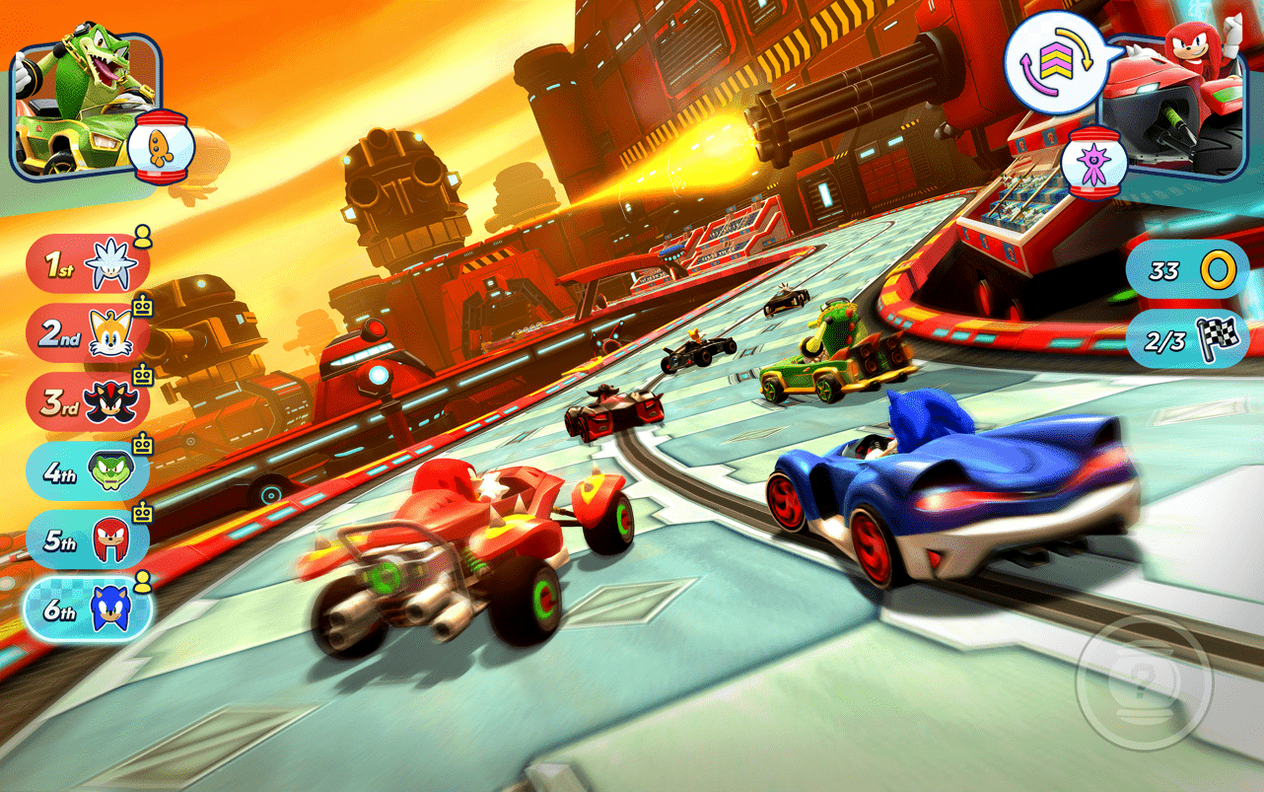
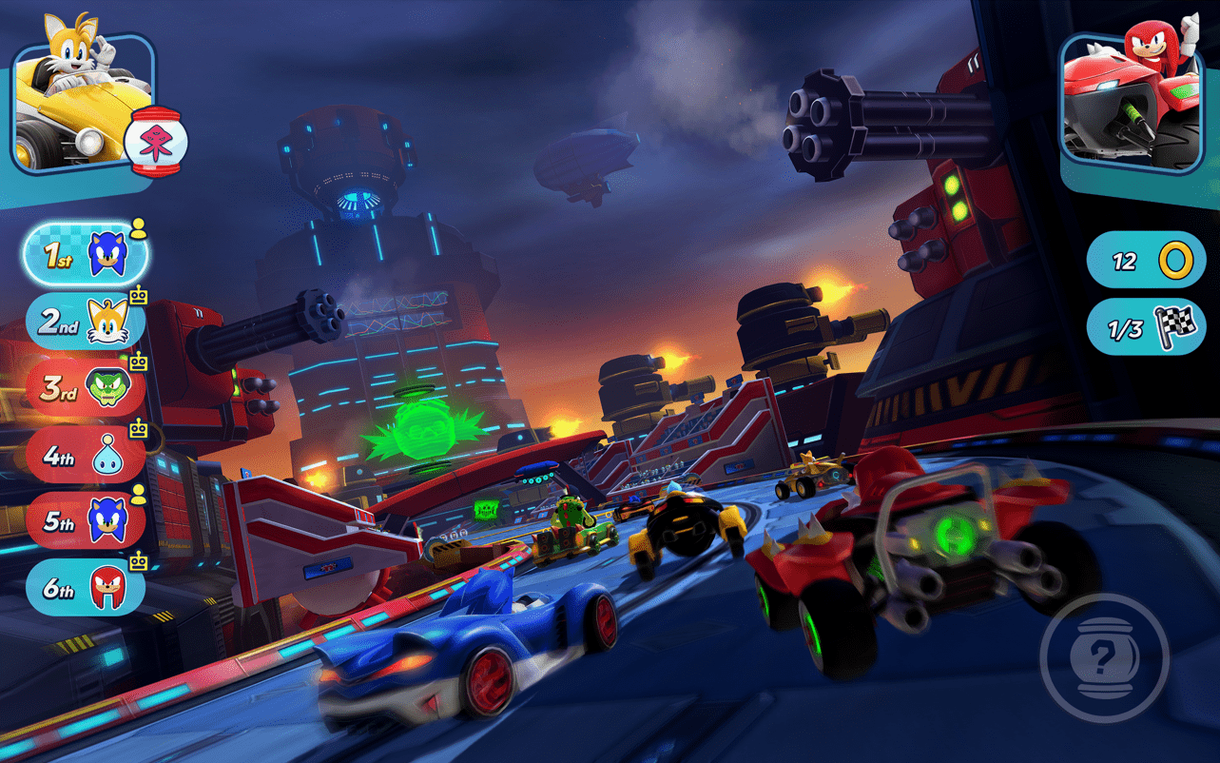
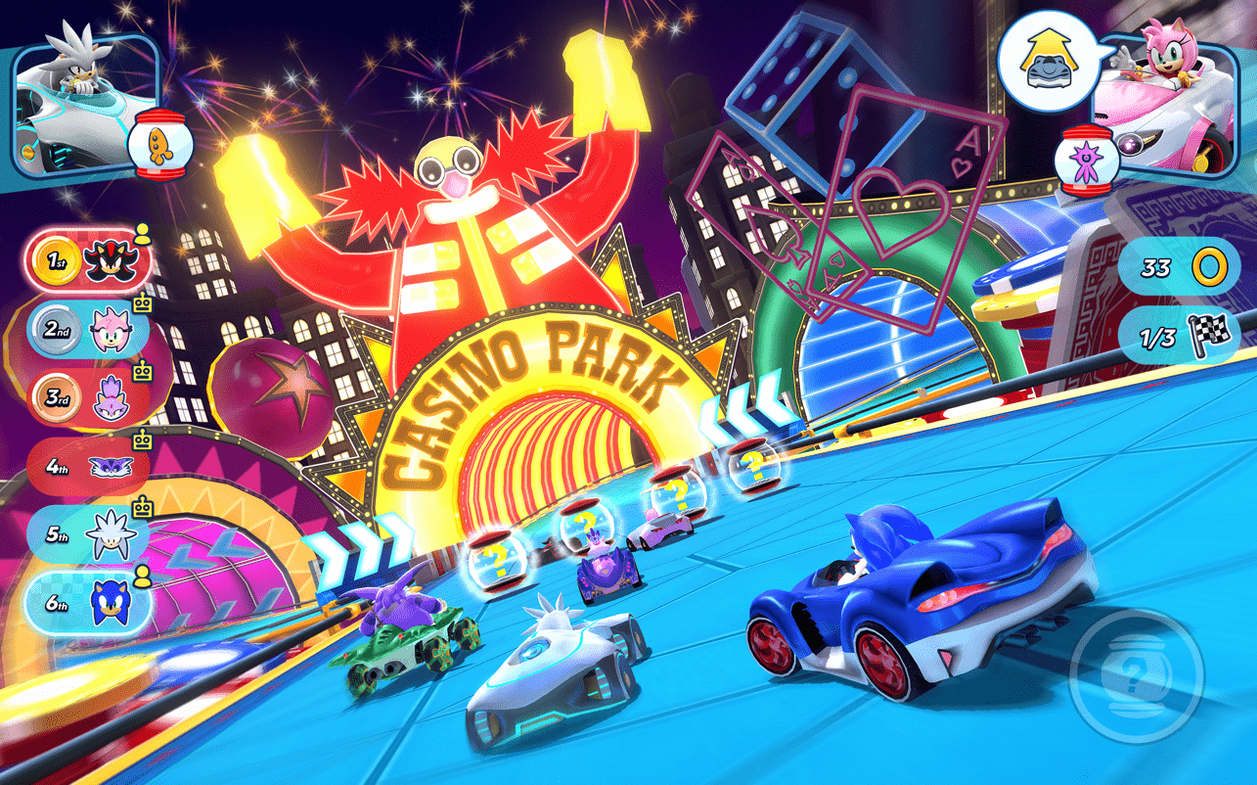
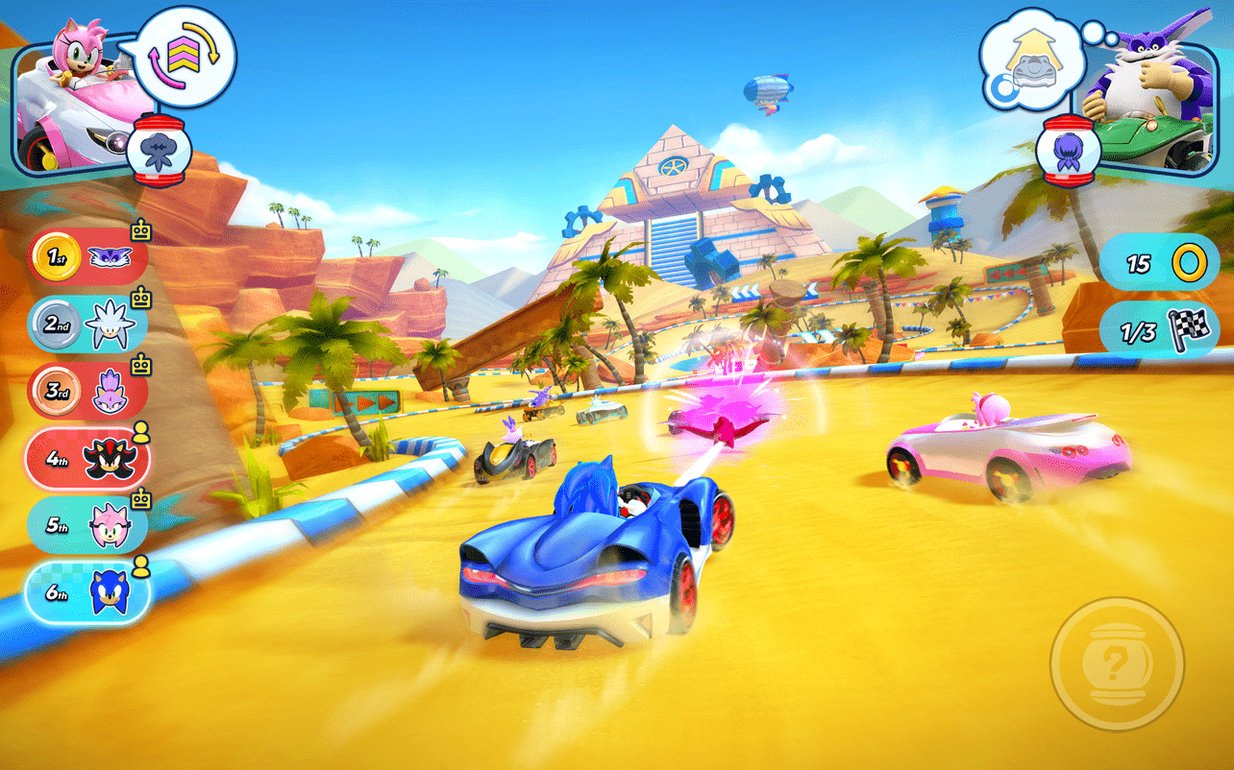
Sonic Racing suits players who know the cast well enough to care about which character they pick. The minute-to-minute loop leans on that familiarity: you choose a team of three, race across tracks drawn from the series, and switch between members when the situation calls for a different vehicle type or ability.
On the track
A race consists of laps spent managing drift boosts, item pickups and positioning. Each character carries a Team Ability, which charges over the course of a race and works best when coordinated with the other two members of your team. Passing items between teammates is part of the rhythm; a speed boost given to the right member at the right moment matters more than simply holding the lead from the first corner. Vehicle types differ enough that switching mid-race changes how you take corners, not just which character is visible on screen.
Off the track
Between races the structure is straightforward: pick a mode, pick a team, race. Single-player mode lets you work through events at your own pace, while online multiplayer shifts the dynamic toward reading other players' team choices. Controller support is present, which suits the arcade handling. The Mac version runs on both Apple Silicon and Intel, and the localisation list is broad — English, Dutch, German, Japanese and several other interface languages are included. Version 2.13.1 requires macOS 10.15.5 or later, and the game was tested on macOS Sequoia on a MacBook Pro with an M3 Pro chip.
A race from start to finish
Pick a team first. A balanced trio — one speed-type, one technique-type and one power-type — gives you the widest set of options, but committing to three speed characters makes for a different rhythm entirely: fragile, quick and reliant on slipstream timing. Once the countdown clears, the opening stretch is about building drift boost as early as possible. Hold a drift through the first real corner, release at blue sparks, and you settle into a position near the front without burning items.
Items appear in capsules across the track. What you do with them matters more than what they are. A rocket picked up by a technique character can be handed to the speed member behind you; they fire it, clear a gap, then you switch to them and ride the opening. Wisps complicate this. A drill Wisp lets you burrow under obstacles, but it also pulls you off the racing line. Use it on a straight where the line is already broken, not during a sequence of linked corners. By the final lap, Team Ability charge should be full — firing it together with two teammates transforms the last sector into something closer to a time trial, provided the other teams have spent their own charges early.
Pairing a controller before the track loads
The game expects a controller, and macOS recognises most Bluetooth gamepads without extra software. Pairing a DualSense or Xbox controller through the Bluetooth menu before launching the game keeps the process simple. While the game occupies the screen, macOS notifications stay suppressed by default in full-screen mode, which means a race rarely gets interrupted by a calendar alert. Screen recording through the built-in QuickTime Player or the Screenshot tool works for capturing lap replays — the game does not block capture. For players who want to listen to their own music while racing, the Music app runs fine in the background; muting the in-game music from the audio settings keeps the two from clashing. Voice chat over Discord or FaceTime audio sits neatly alongside online multiplayer, provided the Mac's audio routing is set to direct chat output to headphones and game audio to speakers.
Tighten drift response with a smaller stick dead zone
Before the first race, open the controls screen and check the dead-zone setting for the analogue stick. The default value can make drift initiation feel a touch sluggish on controllers with looser sticks; pulling it down a few notches sharpens corner entry without making the steering twitchy. In the audio settings, drop the music volume to roughly 60% of the effects volume. The engine sounds and item cues carry practical information — a Wisp pickup chime from behind, a Team Ability activation from a rival — and burying them under the soundtrack costs you reactions. Under display settings, turn off motion blur if you find yourself losing track of other racers during sharp turns; the visual clarity gain is modest but real. Finally, set the minimap to rotate with your facing rather than staying fixed north-up. The rotating version makes it easier to read corners before you reach them.