Aspecten
 Download (47 MB)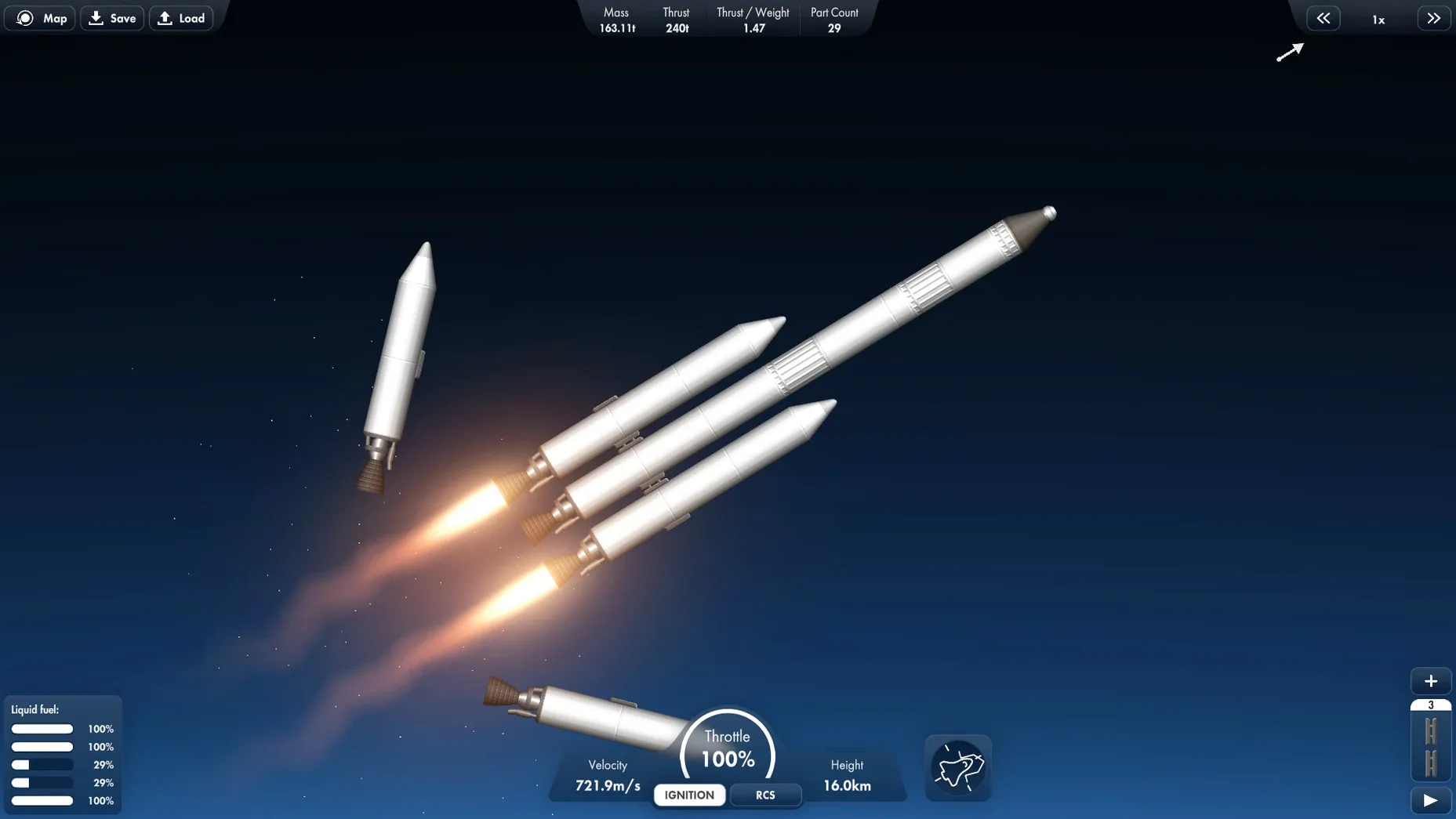
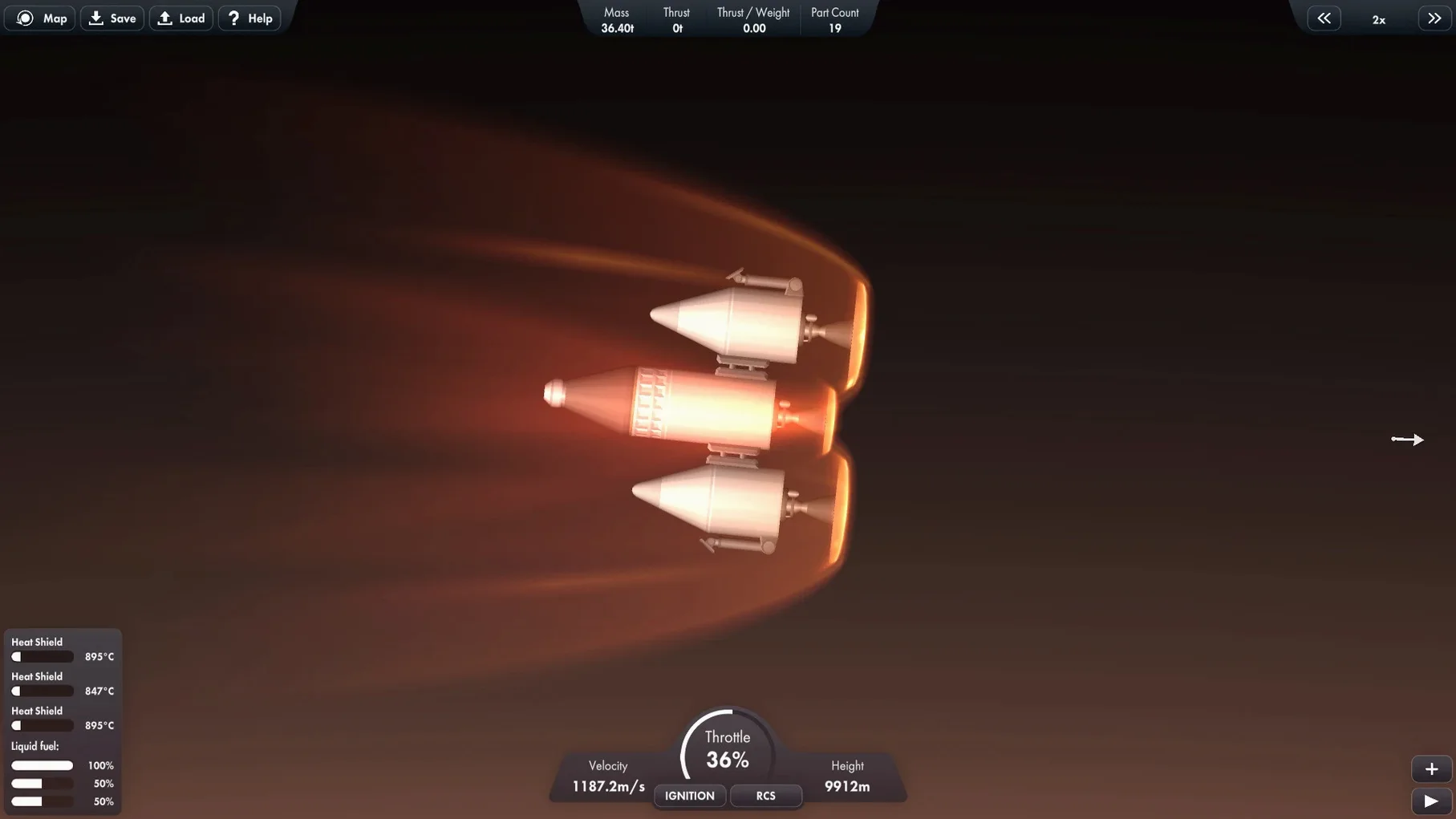
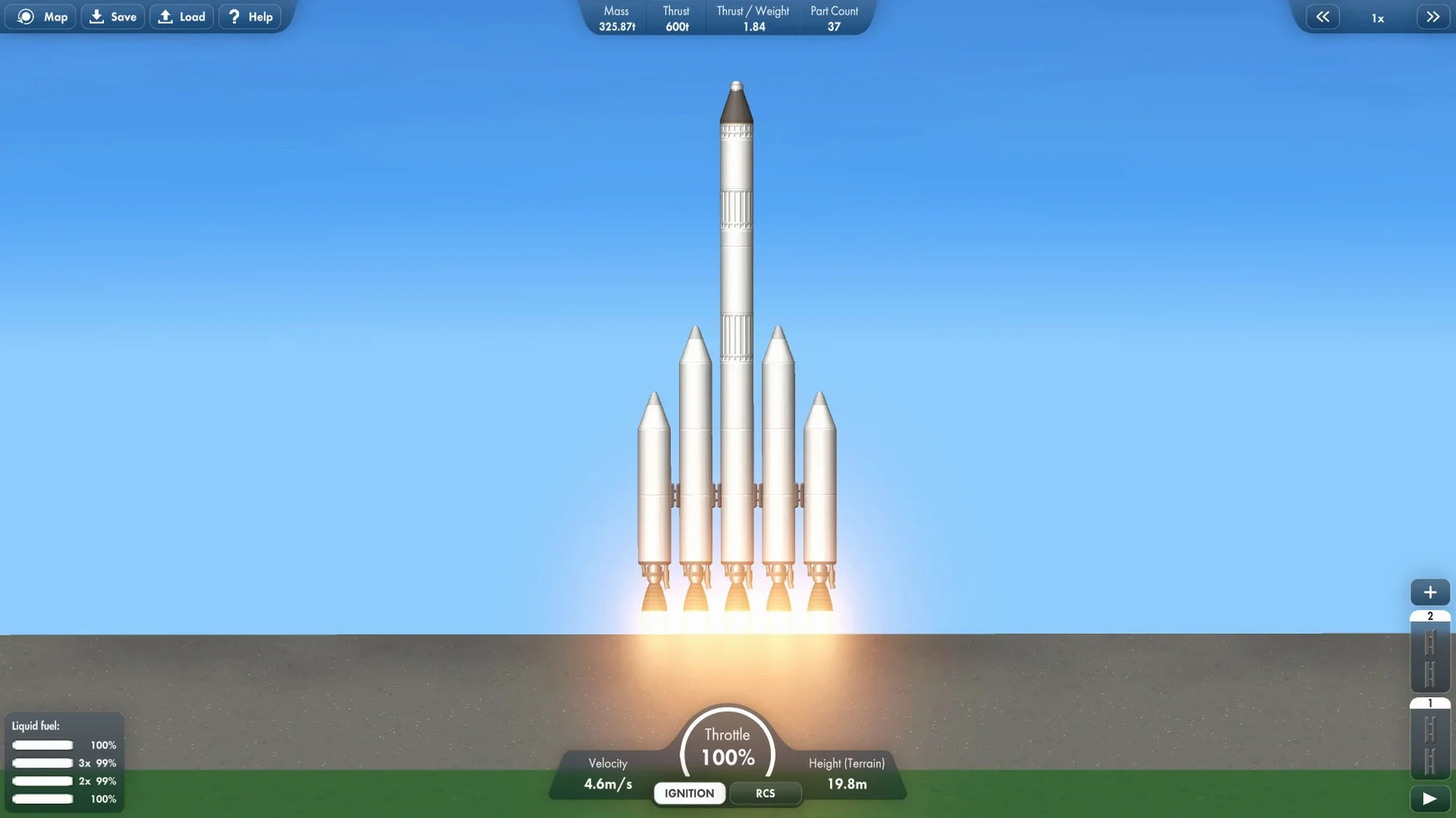
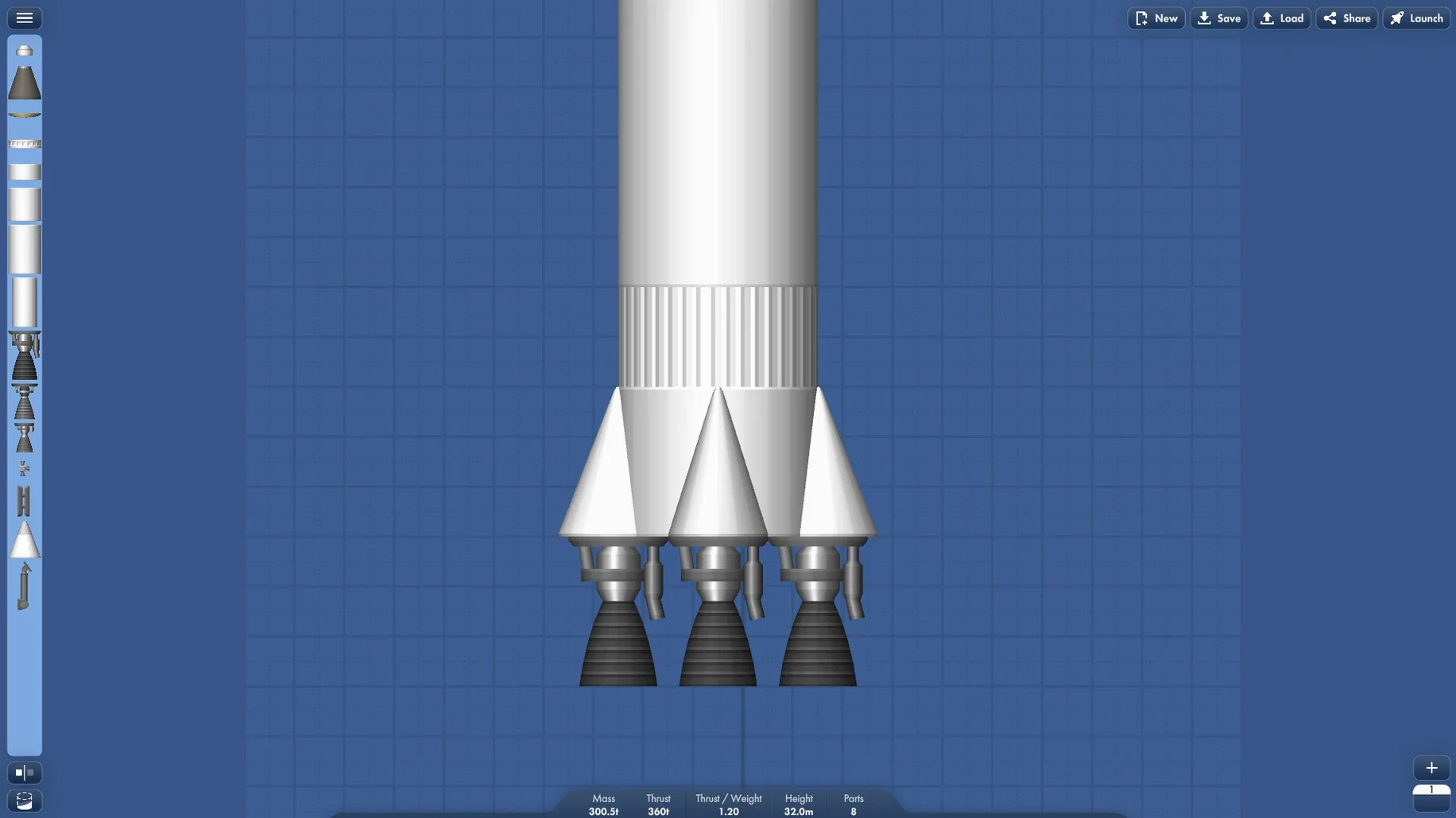
Most space games put you in the cockpit. Spaceflight Simulator puts you at the drawing board, the launch pad and mission control all at once. It fills the gap for players who want to sketch a booster stage, test a lander leg configuration and live with the physics that follow, without a scripted campaign pushing them along.
A sandbox with no fixed goals beyond your own
It is a sandbox for building and flying your own spacecraft. You manage a personal space program from rocket design through to interplanetary travel, with no fixed objectives beyond the ones you set yourself.
What can I build and do?
The parts menu lets you assemble multi-stage rockets, rovers and station modules piece by piece. You can launch satellites into orbit, construct space stations and plan missions to other planets in a simplified but honest model of the Solar System.
How does the simulation feel?
Orbital mechanics are present without being punishing. A two-dimensional side-on view keeps manoeuvres readable, while thrust-to-weight ratios and staging order still matter. The result is a builder that rewards tinkering rather than memorising checklists.
What content is included?
The download gives you the full sandbox with all building parts and celestial bodies. Version 1.6.00.16 runs as a native Intel application and the interface is presented in English.
No currency or unlock gating slows you down
SimpleRockets 2 leans closer to a guided career mode with contracts and a tech tree. Spaceflight Simulator stays looser — no currency, no unlock gating — so you move straight from idea to launch. The trade-off is less structure for players who prefer a nudge.
Kerbal Space Program offers a richer physics model and a three-dimensional build space, but the Mac version wants more from the hardware and the interface can feel crowded on a laptop screen. Spaceflight Simulator runs comfortably on integrated graphics and its side-on view keeps the frame rate steady even with complex staging. For a spaceflight simulator mac download that opens in seconds and stays responsive, it is the lighter pick.
Juno: New Origins also gives you full 3D construction and programmable avionics. Next to it, Spaceflight Simulator reads as the sketchpad: fewer dials, faster iteration, less time in menus. If scripting flight computers is your draw, Juno has the edge; if the joy is in the shape of the booster and the timing of the decoupler, this one fits better.
Lower particle density to keep Intel Macs smooth
The defaults are sensible, but a couple of adjustments make the build-test cycle quicker. In the graphics panel, lowering the particle effect density helps on Intel Macs when a multi-engine first stage kicks up exhaust across the full width of the pad. Turning off camera shake is worth doing before your first rover drop — a bouncy landing can make the screen hard to read right when you need to cut the throttle.
Under controls, switching the rotation slider sensitivity down by about twenty percent gives finer attitude adjustments during docking. The default speed is fine for ascent but twitchy when you are nudging a station module toward a clamp at half a metre per second. These changes stick between sessions, so you set them once.
Time Machine catches your rover after a rough lithobraking
The game writes its save files to the local ~/Library/Application Support folder, which means Time Machine picks them up with the rest of your home directory. If you ever lose a rover design to a rough lithobraking attempt, you can pull the blueprint back without hunting through cloud backups.
QuickTime screen recording works exactly as you would hope: press the shortcut, drag a rectangle around the build area or the flight view, and capture a clean launch sequence or a docking tutorial to share. Stage separations look tidy in a 60-fps recording on an M1 Mac running the Intel binary through Rosetta 2 — no dropped frames in the footage even during part-heavy moments.
For players looking to experiment, moving a craft file into a shared iCloud folder lets you pass designs between Macs. A friend can drop your lander blueprint into their own save directory and launch it from their sandbox without any import step inside the game. It is a small thing, but it turns a spaceflight simulator mac free sandbox into a quiet design exchange between two people who enjoy the same physics quirks.