Aspecten
 Download (21 GB)
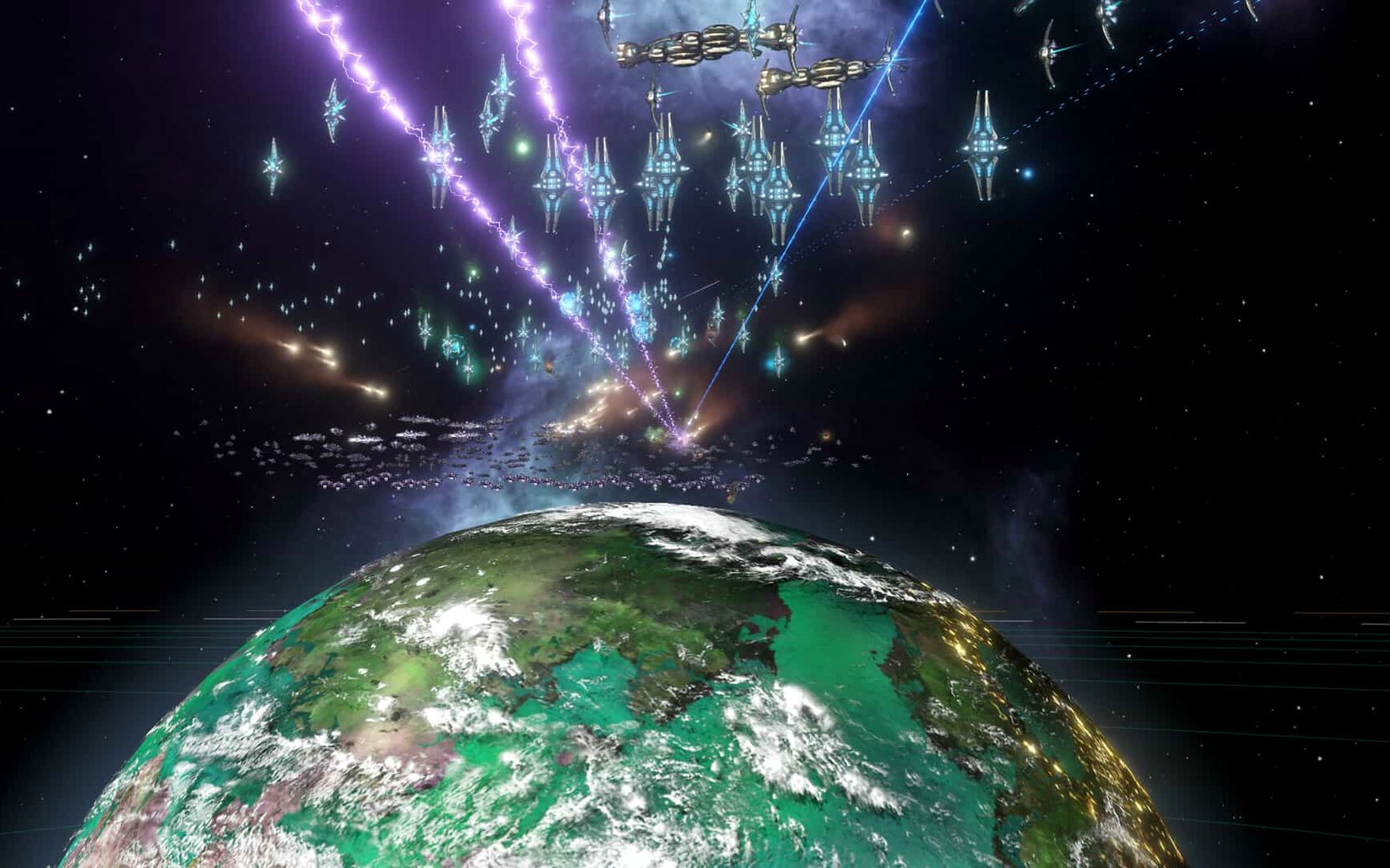
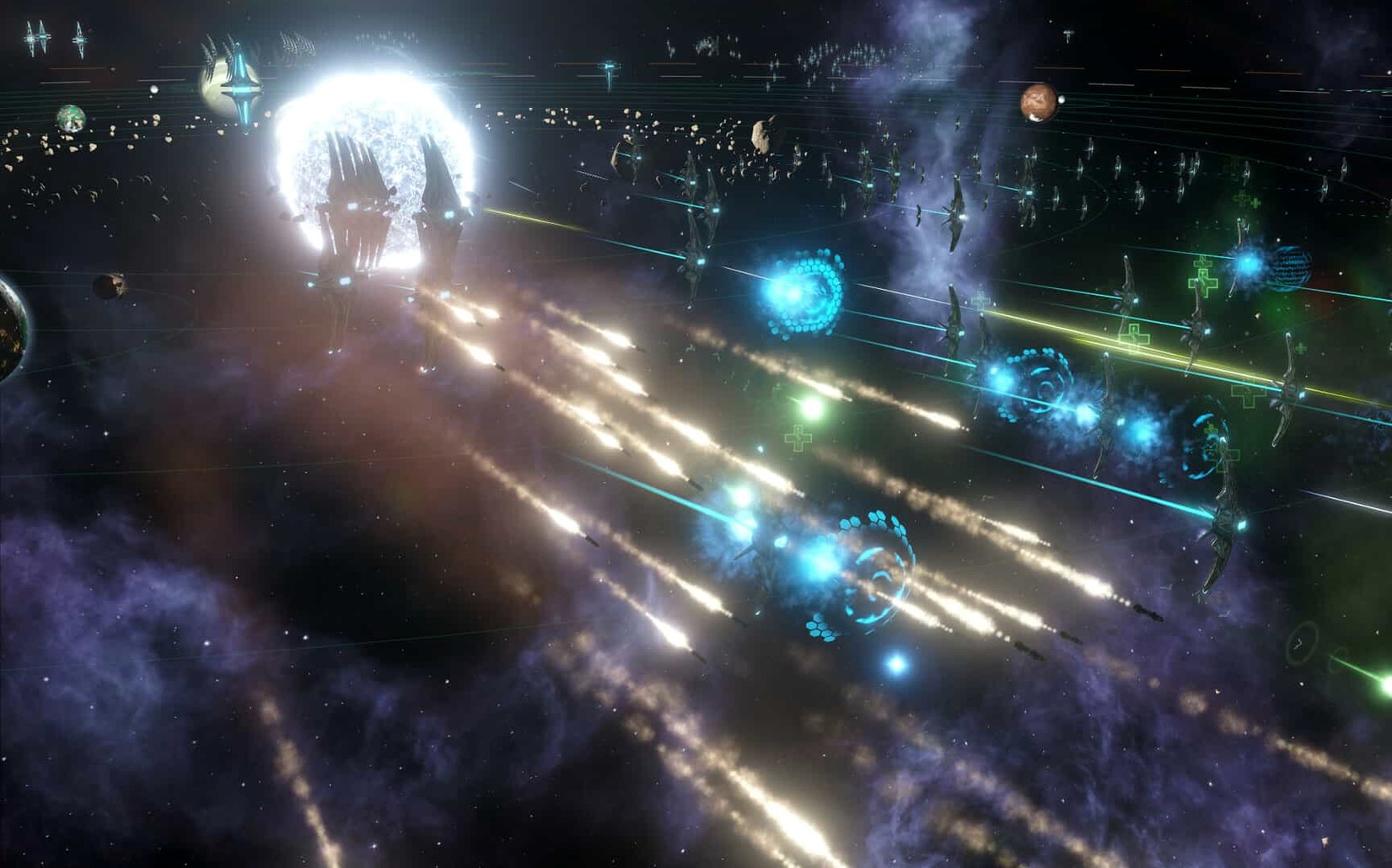
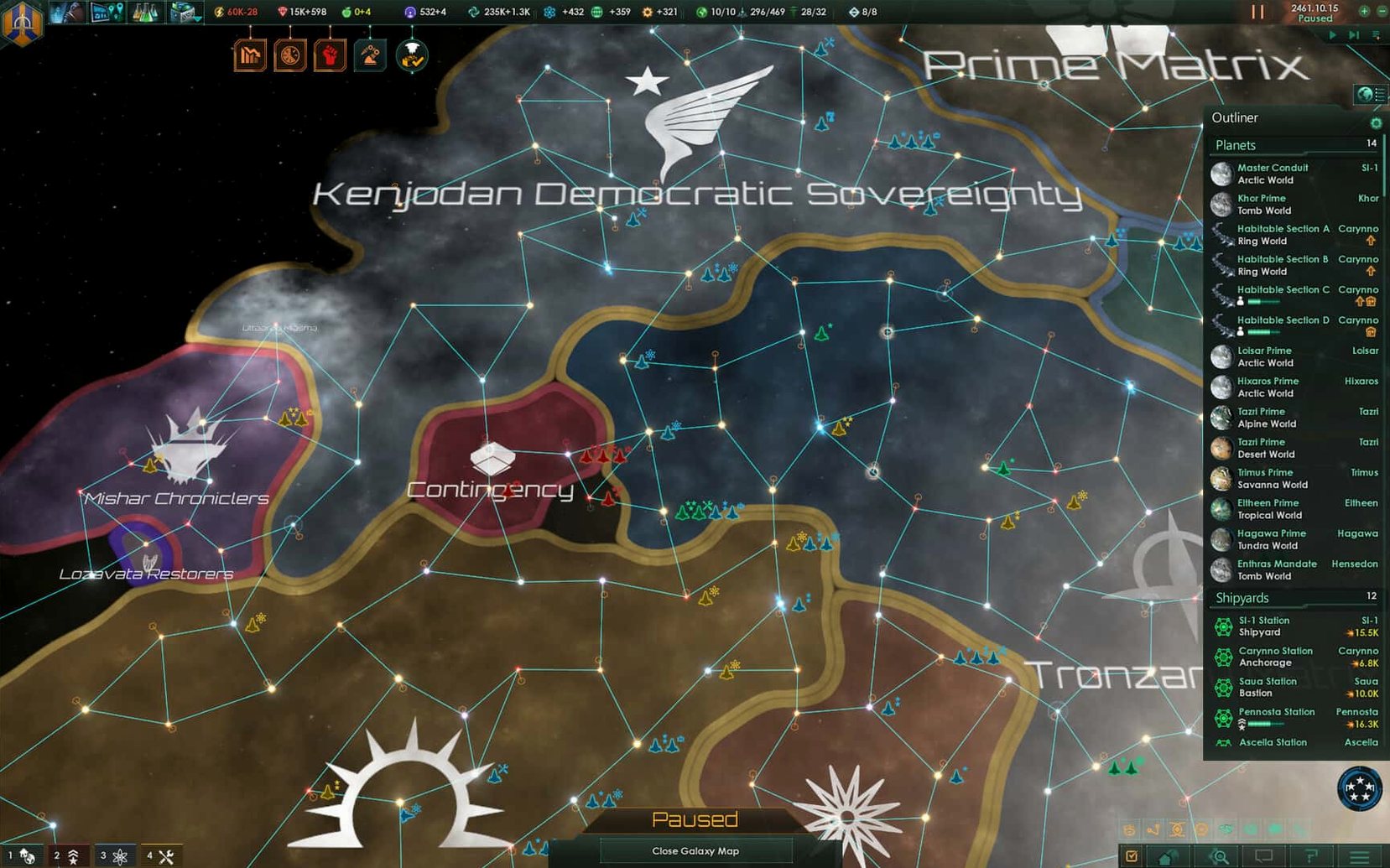
The clock in the upper corner reads 2257. A science ship has just entered an uncharted system on the edge of your territory. You order a survey of the nearest rocky world, queue up a project to investigate an anomalous reading, and check back on your homeworld. Three new pops have appeared, pushing the settlement into the next size bracket. Immediately the job distribution feels off — too many clerks, not enough alloy production. You open the population tab and start shuffling priorities, aware that this planet will only grow harder to manage as it fills up.
That is the core loop. Not grand strategy viewed from a distance, but a stream of small, concrete decisions. Each planet must be explored. Each anomaly presents a choice with a scientist’s traits influencing the outcome. As the game progresses, some frontier sectors can be turned into autonomous units with their own governors, reducing the number of plates you need to keep spinning by hand.
Layered systems and emergent stories
- Players who enjoy managing layered systems — pops, jobs, resources, and diplomacy all demand attention.
- Those who appreciate narrative emerging from mechanics, like a primitive civilisation reaching spaceflight inside your borders.
- People familiar with Paradox’s other titles, such as Crusader Kings and Europa Universalis, who will recognise the real-time flow.
Manual job corrections and a music-only voice language
- Settlements become increasingly difficult to manage as they gain more inhabitants, with job distribution requiring regular manual correction.
- The listed voice language is music only, so spoken feedback is absent during play.
- The macOS version is built for Intel 64-bit processors; Apple Silicon users run it through Rosetta.
Pops ignoring roles and the auto-assignment trap
New players often stumble on the same handful of friction points during the first century of play. The job system is by far the most frequent — pops do not always fill the roles you expect, and the game’s automatic assignment has a strong preference for clerk jobs even when alloy production is the obvious priority. Opening the population tab, selecting the strata, and manually favouring the jobs you need fixes this quickly. You can also reduce clerk positions by demolishing surplus commercial zones, which forces the AI to reconsider where it places workers.
Fleet behaviour after combat can also surprise people. A fleet that finishes a battle will sit idle indefinitely unless you give it fresh orders. The hotfix in version 4.5.1 disables the auto-disengagement after 15 days of inactivity, so the old habit of expecting ships to extract themselves no longer applies. You need to issue a manual retreat or a new move command once the engagement ends. Players downloading a torrent stellaris build should check they have the latest hotfix applied, since older pre‑4.5.1 copies still contain the auto-disengage logic and will behave differently.
Multiplayer out-of-sync errors, particularly with custom AI empires, were a persistent headache before 4.5.1. If you still encounter them, the quickest workaround is to ensure all players use identical empire presets rather than custom ruler- or species‑generated ones, and to avoid saving during the galaxy generation screen. A stellaris mac torrent that includes an outdated multiplayer DLL can reintroduce these desyncs even on a patched client, so check that the build's multiplayer DLL matches the latest version.
Dialling habitability down for scarcer worlds
Before starting a new campaign, a handful of adjustments make a noticeable difference. The galaxy generation screen includes a habitability slider that defaults to a generous spread of colonisable worlds. Dialling it down to 0.5 or lower produces a more interesting early game where habitable planets feel scarce and territorial grabs become tense. The advanced AI starts option is set to zero by default; adding two or three ensures the galaxy contains rival empires that have a head start and won’t crumble in the first war.
Inside the game menu, the auto-pause settings are worth reviewing. Enabling pause on pop-up events, first contact, and leader death prevents you from missing critical moments while scrolled across the map. The notification system can also be tuned so that less urgent alerts collapse into the log rather than demanding a click every time a construction ship finishes a mining station.
Rosetta translation slows galaxy generation
On current macOS builds, Stellaris runs smoothly during the early and mid‑game phases. Galaxy generation takes longer than on a similar Windows machine — the Intel‑architecture binary passes everything through Rosetta on Apple Silicon — but once the simulation is live, the tick rate stays steady at normal speed. Late‑game slowdown is real, especially on large galaxies with high habitable‑world counts and many empires. The bottleneck is single‑thread CPU load from pop calculations, not graphics. Reducing the number of habitable worlds at galaxy setup is the most effective mitigation, more so than lowering graphical settings.
Stability has improved markedly with the 4.5.1 hotfix. Crash cases that once triggered during startup, galaxy generation, federation law votes, and subject release events are now resolved. In testing, the game no longer exits unpredictably when forming alliances or entering first‑contact scenarios. Memory use tends to climb slowly over multi‑hour sessions, and a restart every few hours keeps responsiveness from degrading. A stellaris 4.2.4 download lacks these stability fixes, so anyone coming from that version will notice fewer crashes right away.
Customising the outliner before you unpause
The tutorial covers the basics but does not explain how to read the outliner on the right side of the screen. Spend five minutes customising it — right‑click entries to hide things you rarely need, and expand the fleet and planet sections. A cleaned‑up outliner is the single biggest quality‑of‑life improvement you can make. Without it, you will scroll across the map constantly for information that could sit in one compact vertical list.
When you find your first habitable world, resist the urge to colonise immediately. Survey the neighbouring systems first. Colonising a world that sits three jumps away from a xenophobic fallen empire or a marauder clan will create a border friction you are not ready to handle. Let your science ship complete two or three survey chains before you commit to a colony location.
Build a second science ship as soon as you can spare the alloys. The game opens with one, but anomalies stack up faster than a single scientist can clear them. Two surveyors splitting the map in different directions doubles your anomaly income and your chances of finding precursor artefacts, which snowball into powerful empire‑wide bonuses later.
Finally, check your policies screen early. The default stance on first contact is set to passive, which means your ships will avoid unknown entities. Switching to cautious or proactive lets you control how aggressively your fleet responds when a hostile alien appears in a system you are surveying, saving you from losing a science ship while you were looking at another part of the galaxy.