Aspecten
 Download (25 GB)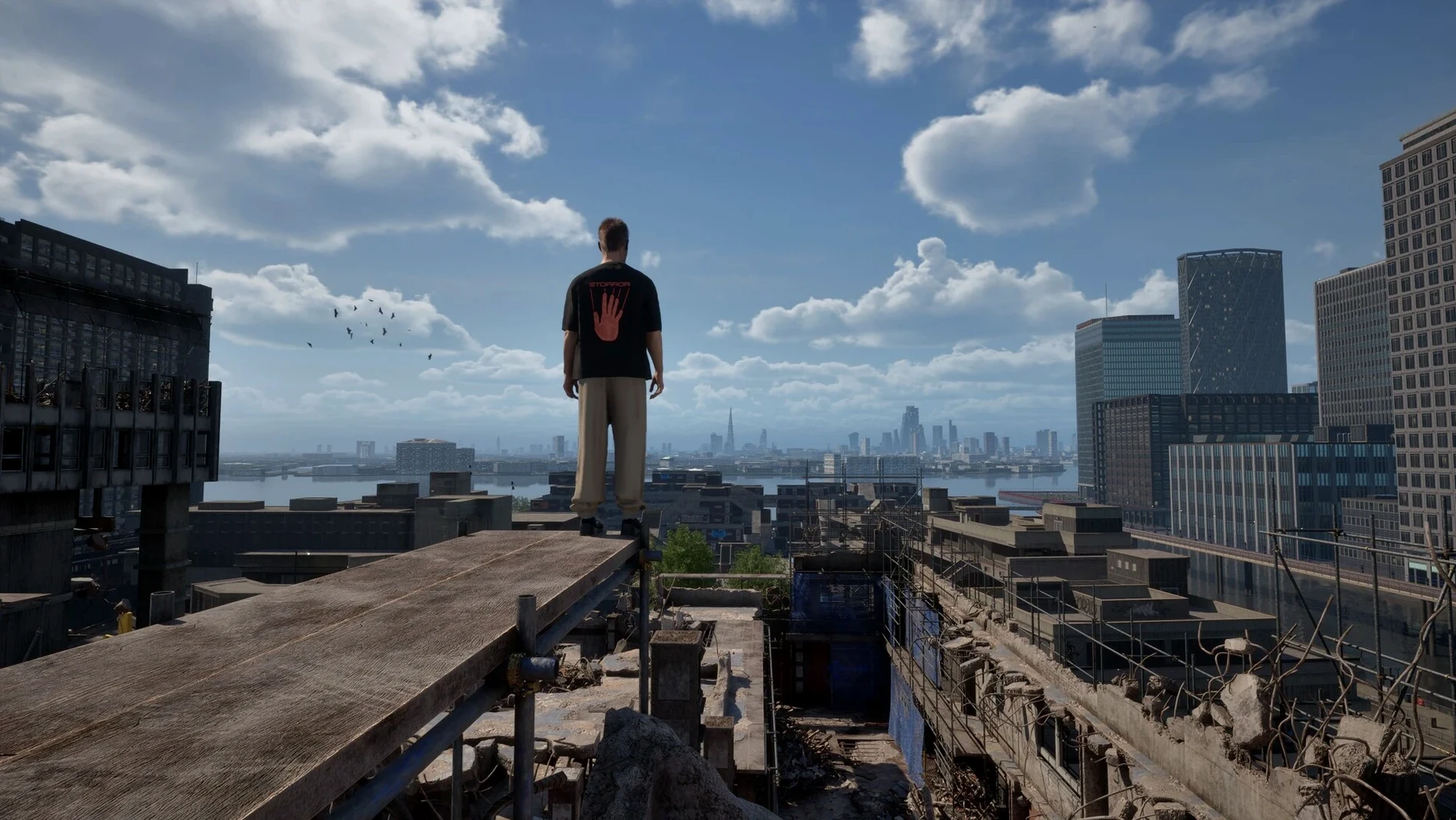
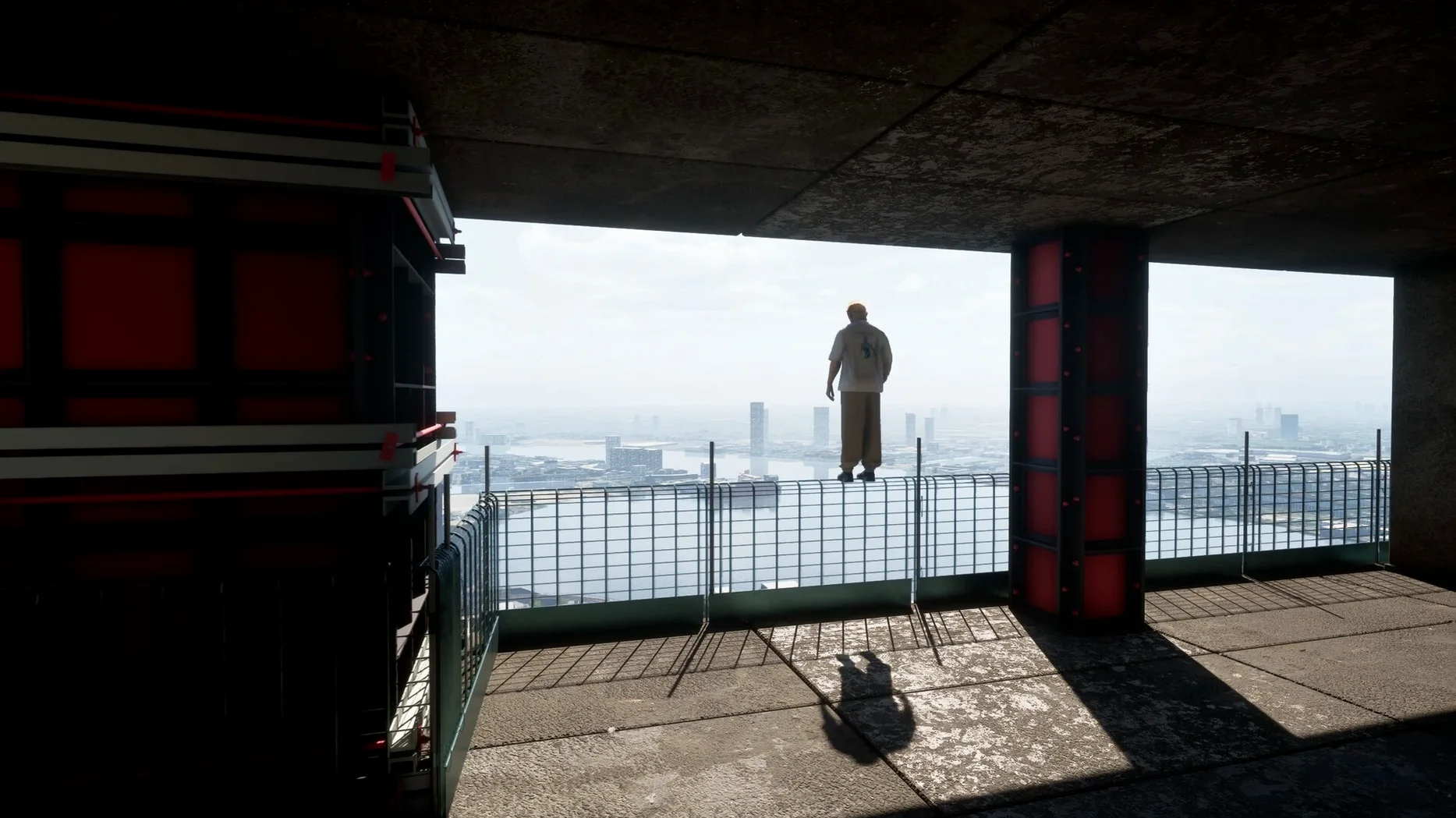
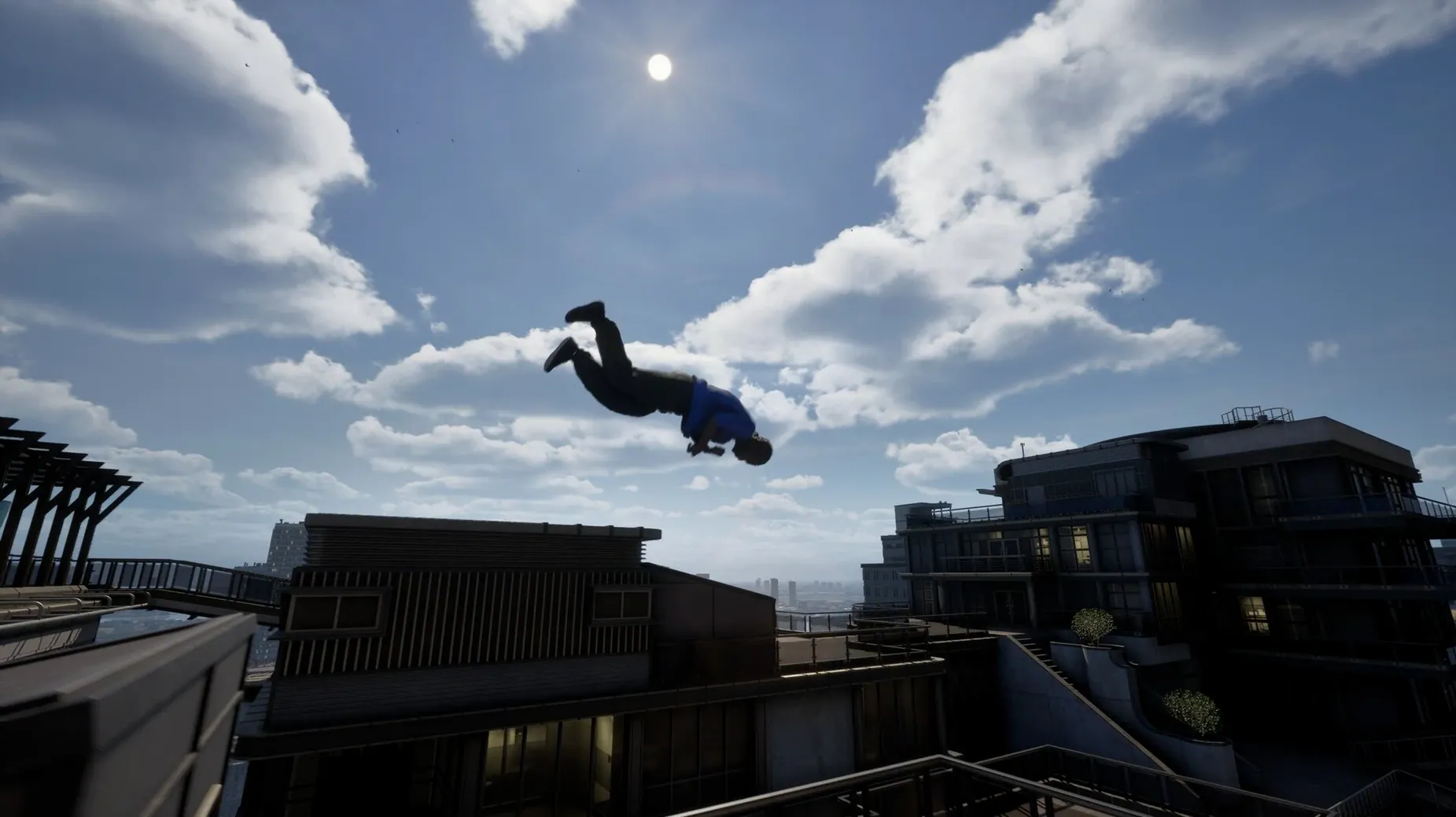
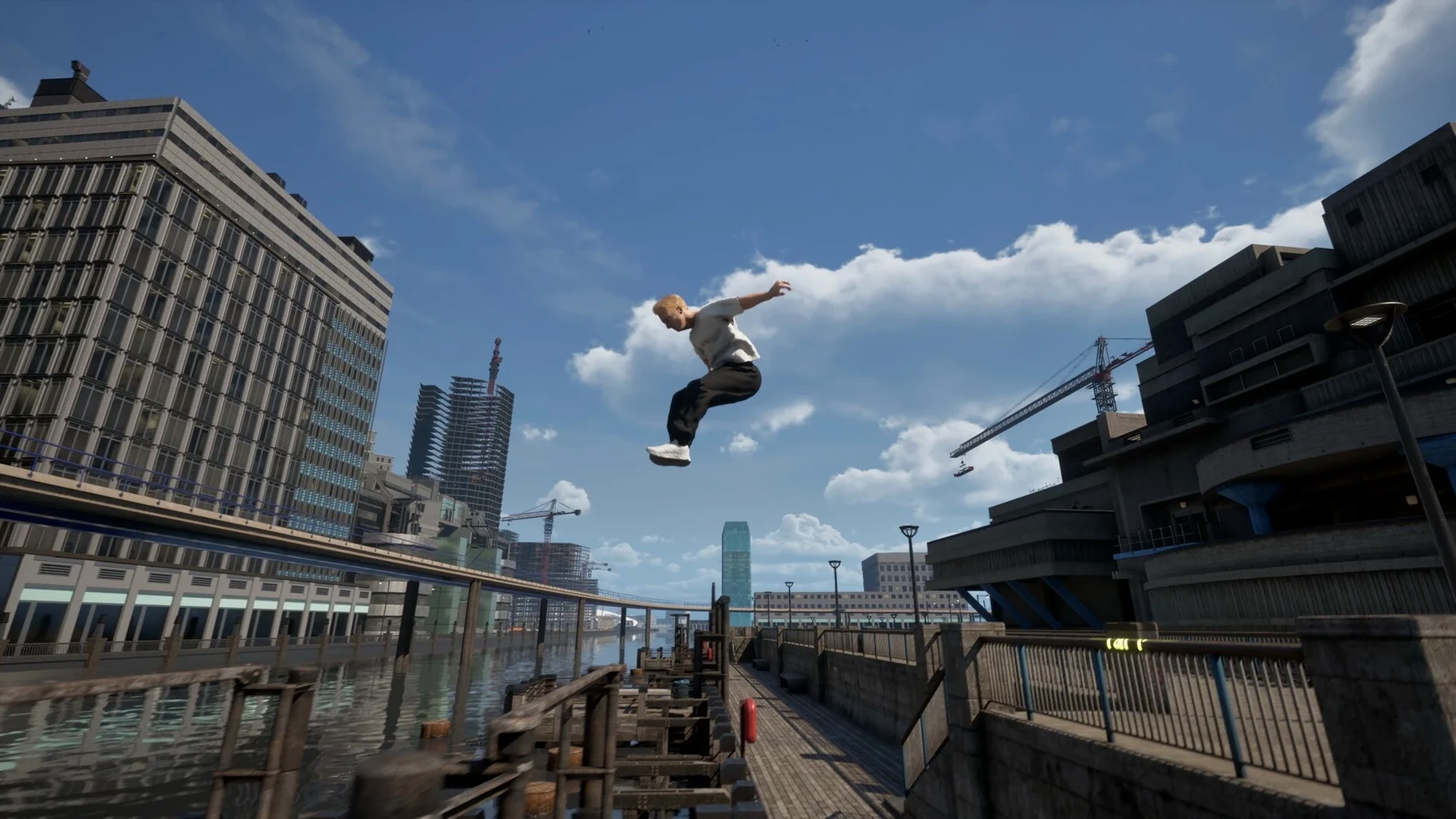
STORROR Parkour Pro is a first-person parkour game that turns a detailed London environment into a playground of wall-runs, rail grinds and leap-of-faith jumps.
String a line across roof gaps
Most of your time is spent reading the terrain ahead and chaining moves — vault a ledge, precision-jump to a lower balcony, then wall-run around a corner without losing momentum. The hundreds of motion-captured animations make each transition feel distinct.
Ride the train to reset the chase
When a helicopter tracks you, jumping onto a moving train becomes a practical escape route. You crouch low on the carriage roof while the city slides past, buying a few seconds to spot the next handhold before the searchlight finds you again.
Beat a Line Challenge for a clean run
Line Challenges mark a specific route through a district. You repeat the same sequence — gap, rail, wall, drop — until the timing locks in and the run comes out smooth. The first Storror Mission gives a taste of what the team has planned for later updates.
Movement as its own reward
Players who treat movement as its own reward get the most from STORROR Parkour Pro. If you spent hours in Mirror’s Edge finding the cleanest line through a district rather than chasing the story, the loop here will click immediately. The physics-based motion capture means every landing and hand placement has weight — you are not snapping to predefined markers, so reading the environment and adjusting mid-air becomes second nature.
Mac users with an Apple Silicon machine and a taste for early builds also suit this release well. Version 0.39.0 is honest about its Early Access status: the core movement system is solid, but not every district is fully populated with challenges. Players who enjoy watching a game grow update by update, and who do not mind the occasional rough edge, will find the current state satisfying rather than frustrating. Fans of the STORROR team’s real-world parkour videos get an extra layer — recognising an athlete’s signature vault style in the animation set adds a quiet pleasure.
The game also works for short-session players. A single Line Challenge or a rooftop loop around a crane takes only a few minutes, and the lack of a lengthy narrative means you can drop in and out without losing context. Speed Challenge chasers, on the other hand, will sink evenings into shaving tenths of a second off a particular route.
Full-screen isolation, with display scaling in mind
The game runs as a standalone full-screen experience and does not expect integration with other Mac software — no companion app, no cloud-sync of runs, no export of replay data. That said, it plays well with Apple’s display scaling on a Studio Display or MacBook Pro screen, keeping frame pacing consistent when you switch between resolutions.
If you use a gamepad, macOS recognises most Bluetooth and USB controllers without extra configuration. The game picks up input immediately; tested with a DualSense controller, the analogue stick precision made wall-run angling feel more controlled than on keyboard. Keyboard and mouse remain perfectly viable, though rebinding keys is not yet exposed in the settings — something to keep in mind if you prefer a custom layout.
Recording clips works through the built-in macOS screen capture (Shift-Command-5) or through QuickTime Player. There is no replay mode inside the game yet, so capturing a clean Speed Challenge run relies on external recording. Players who share clips in parkour communities or on forums discussing STORROR Parkour Pro torrent searches often use this method to compare lines.
Mission Control and Stage Manager behave as expected — the game suspends cleanly when you switch spaces, and audio ducks under system alerts without cutting out entirely. For a Unity-based Early Access title, the system integration is tidy.
Treating it like a standard first-person platformer
The most common early mistake is treating the movement like a standard first-person platformer. New players press forward and jump, expecting the character to clear gaps automatically. STORROR Parkour Pro asks you to build speed first — a standing jump from a flat rooftop covers far less distance than a jump taken three strides into a sprint. Learning to sprint before every significant leap transforms what feels like unfair geometry into reachable lines.
Another frequent error is ignoring the camera’s role in wall-running. Beginners tend to look straight ahead while running along a wall, which shortens the run and drops them early. Turning the camera slightly into the wall extends the run and gives more time to spot the next handhold. This single adjustment opens up routes that initially seem impossible.
Chasing the helicopter sequence too early also trips people up. The instinct to flee as soon as the searchlight appears leads to panicked jumps into blind drops. Waiting two extra seconds on a ledge to scan for a crane or train route changes the escape from frantic to controlled. The helicopter is a pressure tool, not an instant fail state.
Some players drawn in by storror parkour pro mac searches expect a finished product and are surprised by the Early Access roughness — unpolished UI in a few menus, occasional animation blending hitches, and districts not yet populated with challenges. Setting expectations around the 0.39.0 version number helps; the core is there, but the edges are still being sanded.
Field of view to gain peripheral awareness
Three adjustments make an immediate difference. First, field of view. The default is conservative, and pushing it to around 90–100 degrees (if your display allows comfortable viewing) gives noticeably better peripheral awareness when scanning for ledges during a sprint. On an ultrawide monitor, a wider FOV feels natural; on a 14-inch MacBook Pro screen, a moderate bump to 85 keeps the image readable without fisheye distortion.
Second, motion blur. It is on by default and, while artfully done, it can obscure the precise moment your hands make contact with a surface. Turning it off makes judging wall-grab timing easier, especially during Speed Challenges where a missed grab costs the run. Players chasing competitive times almost universally disable it.
Third, mouse sensitivity or gamepad stick response. The default sensitivity is tuned for exploration, not for the quick camera flicks needed when chaining a wall-run into a 180-degree grab. Bumping sensitivity up by 15–20% lets you whip the camera around during a Chase and Escape session without losing spatial awareness. Test the adjustment on a short Line Challenge route and tweak until the movement feels like an extension of instinct rather than a command you issue.
Audio balance also warrants attention. The soundtrack and ambient London soundscape are well mixed, but footstep audio — crucial for judging sprint rhythm — sits slightly low in the default mix. Raising effects volume relative to music by a notch or two makes the tactile feedback of each landing more pronounced.