Aspecten
 Download (2.3 GB)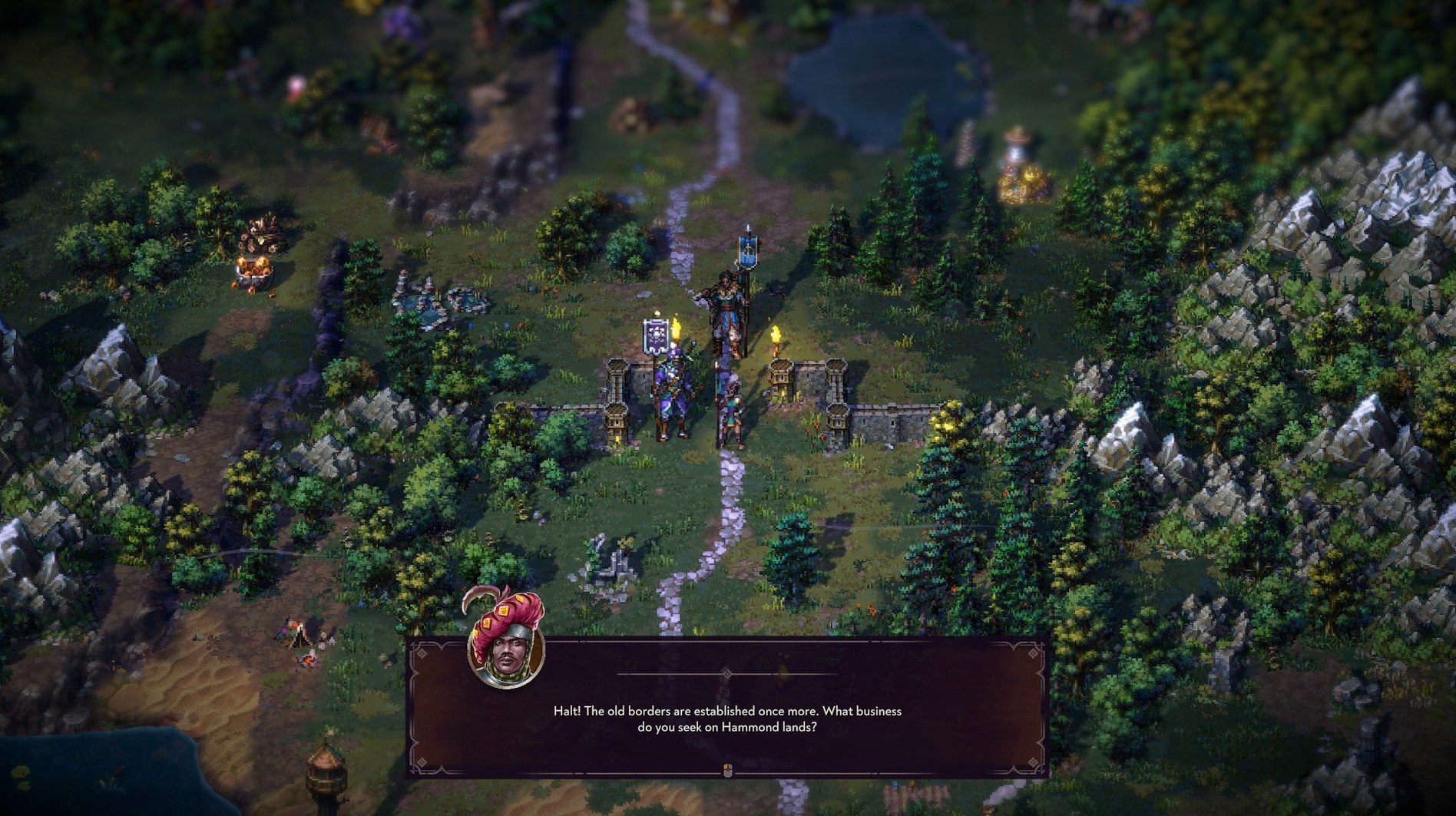
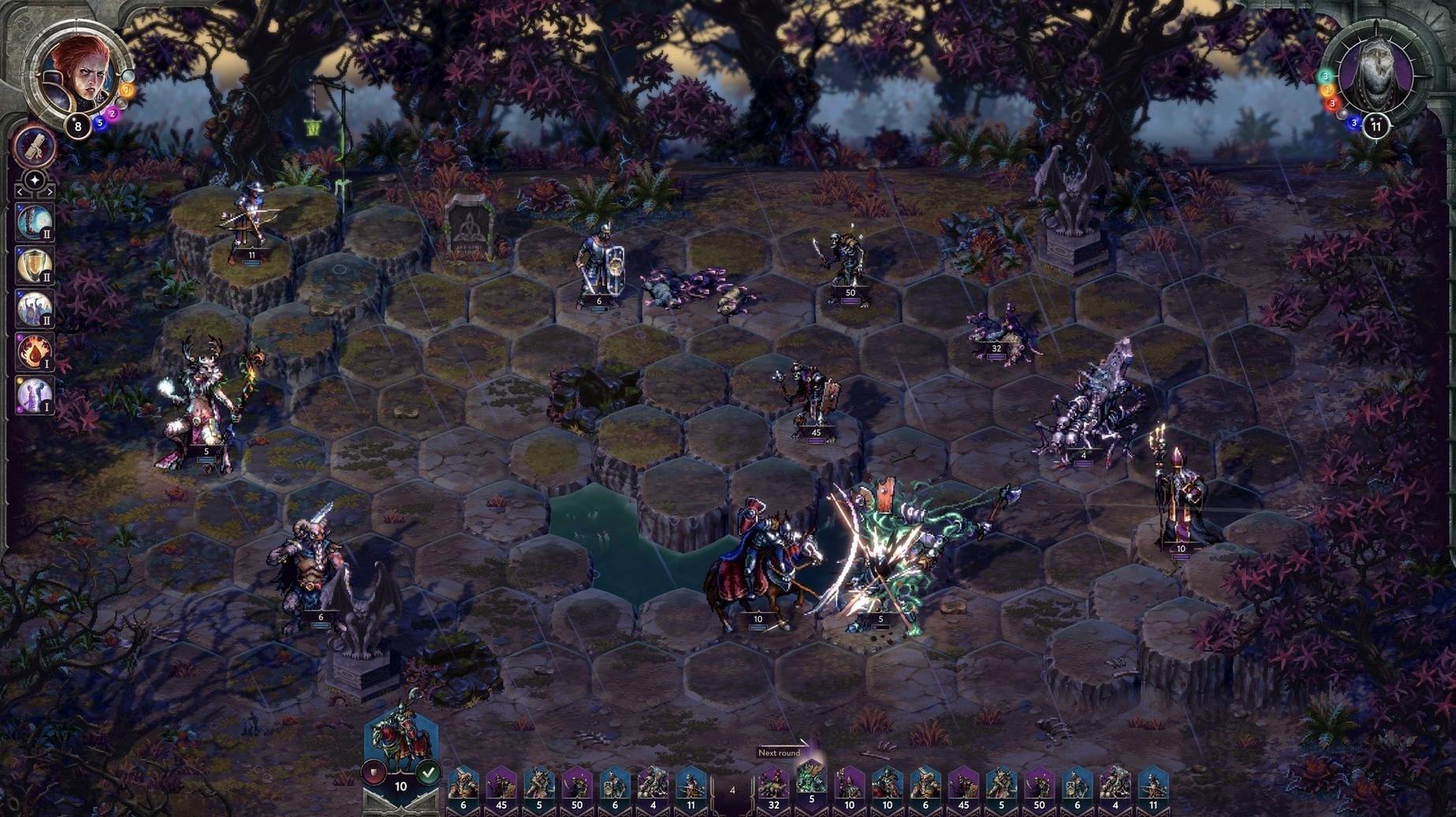
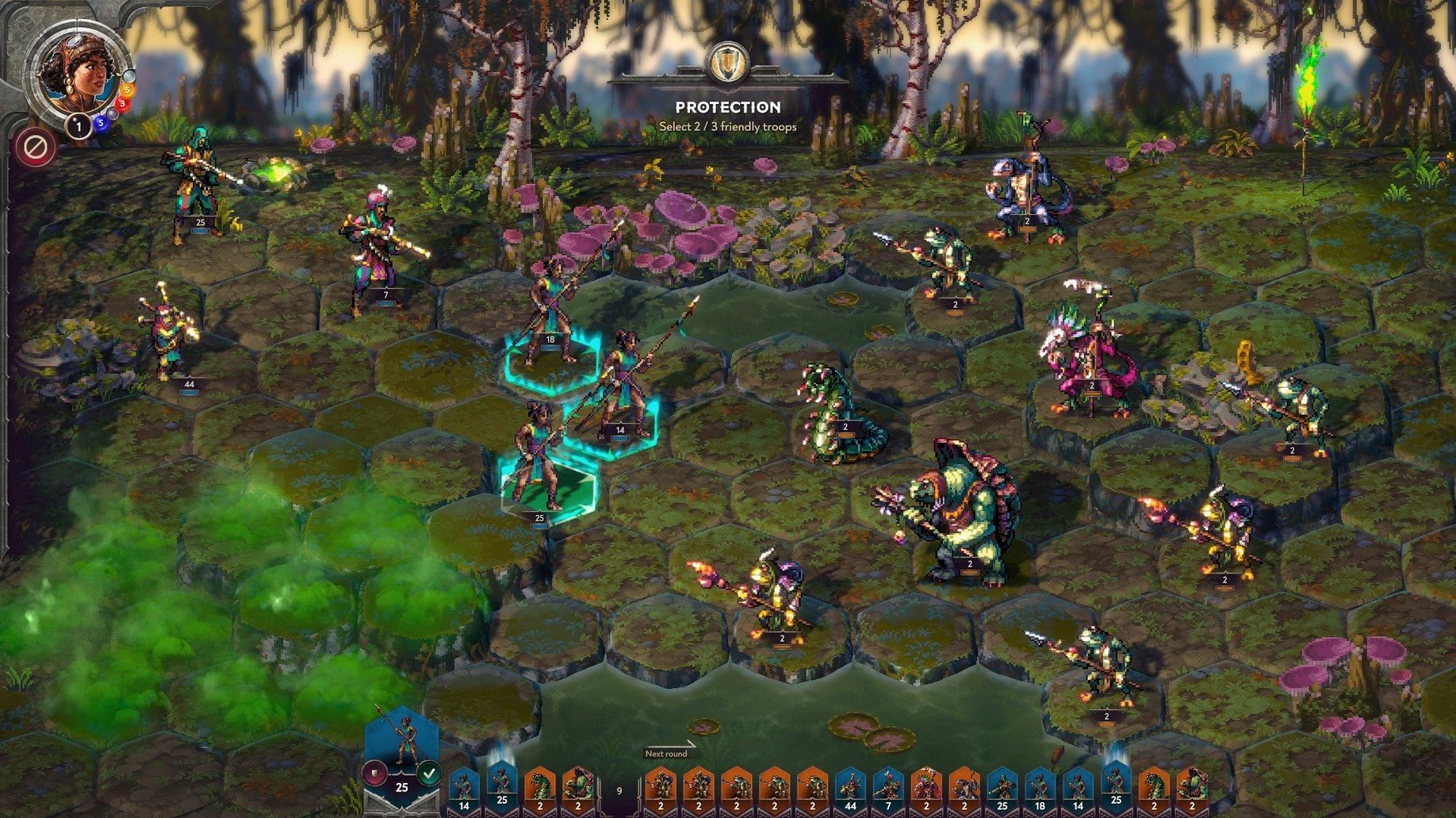
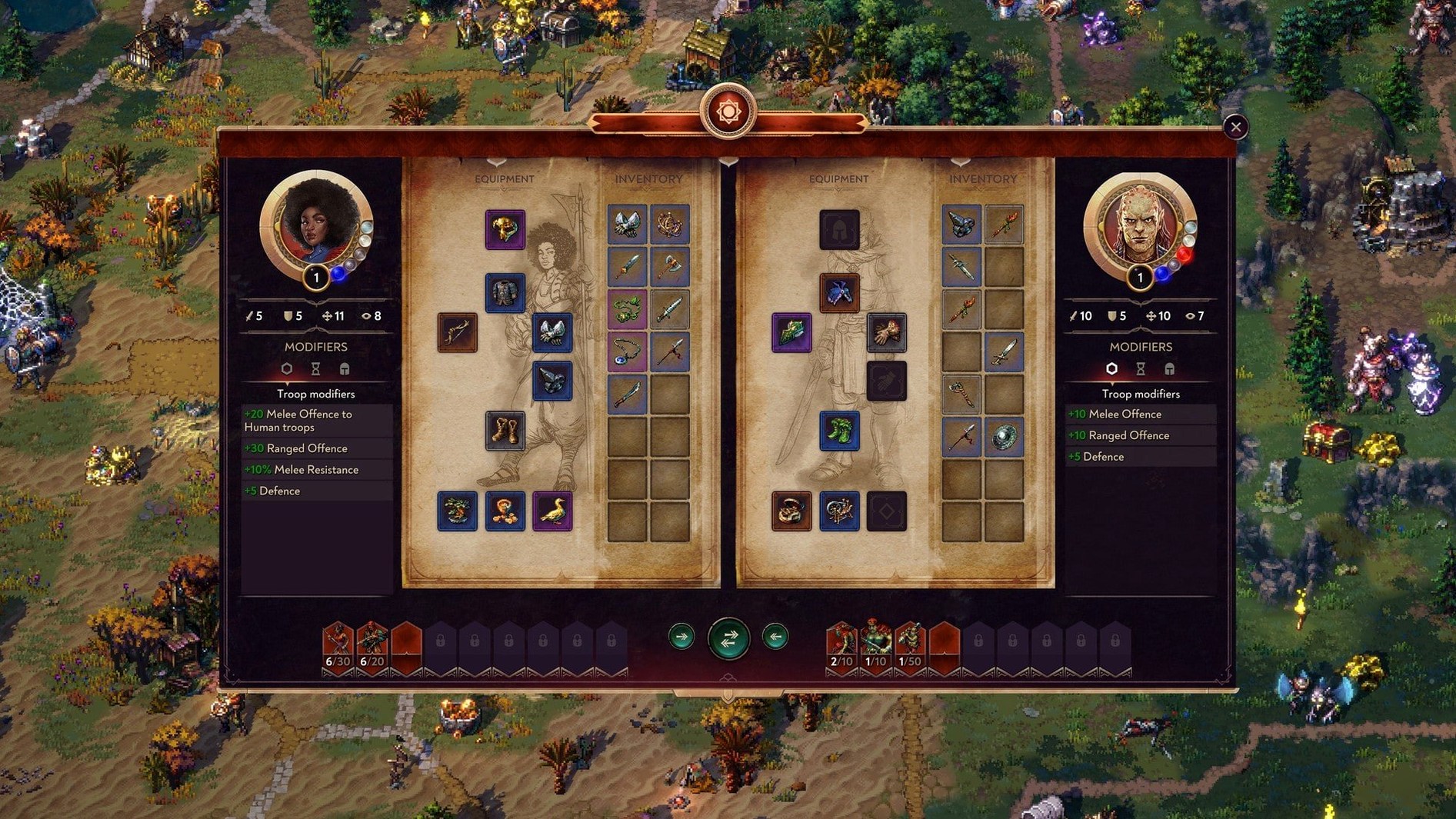
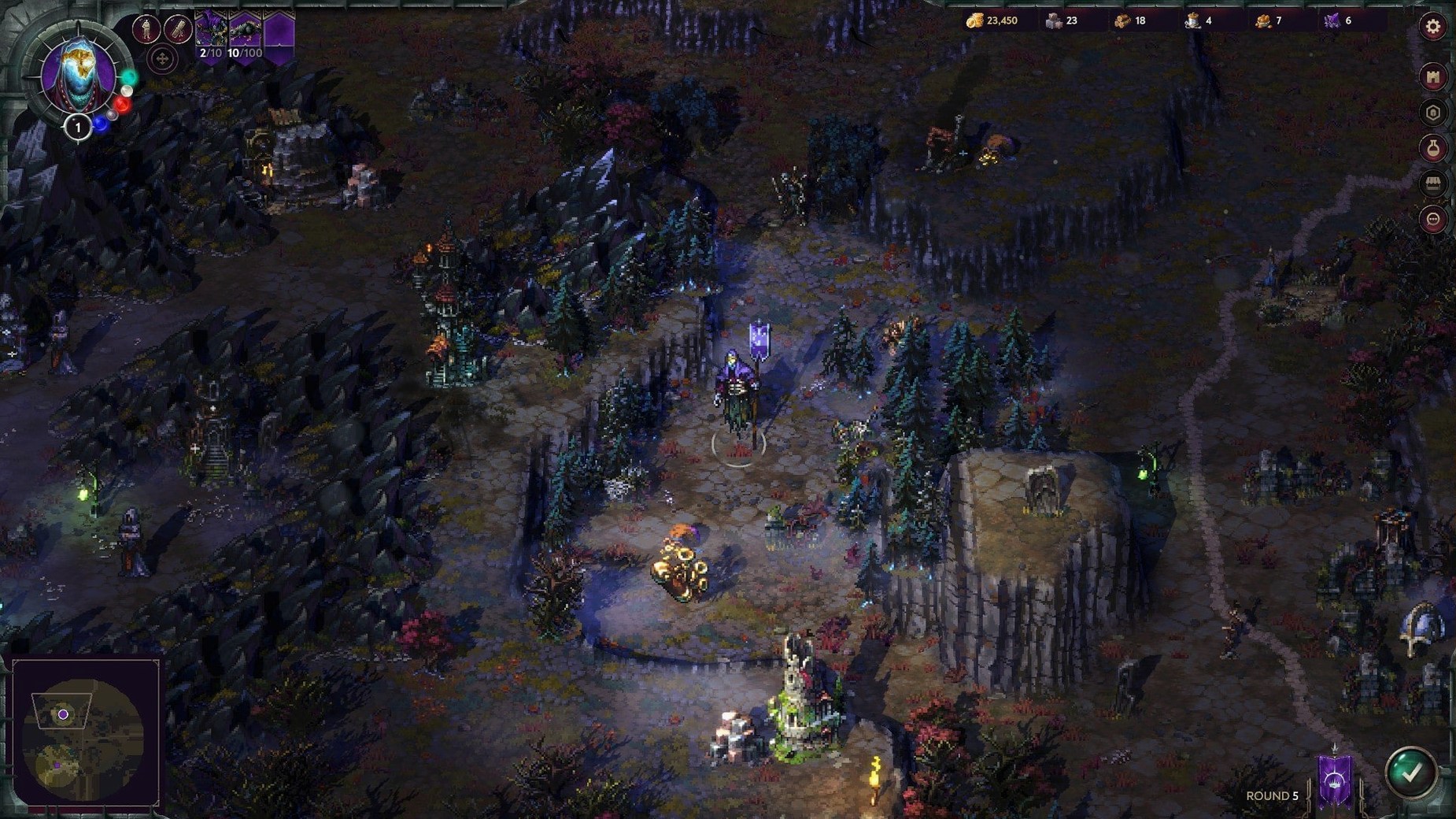
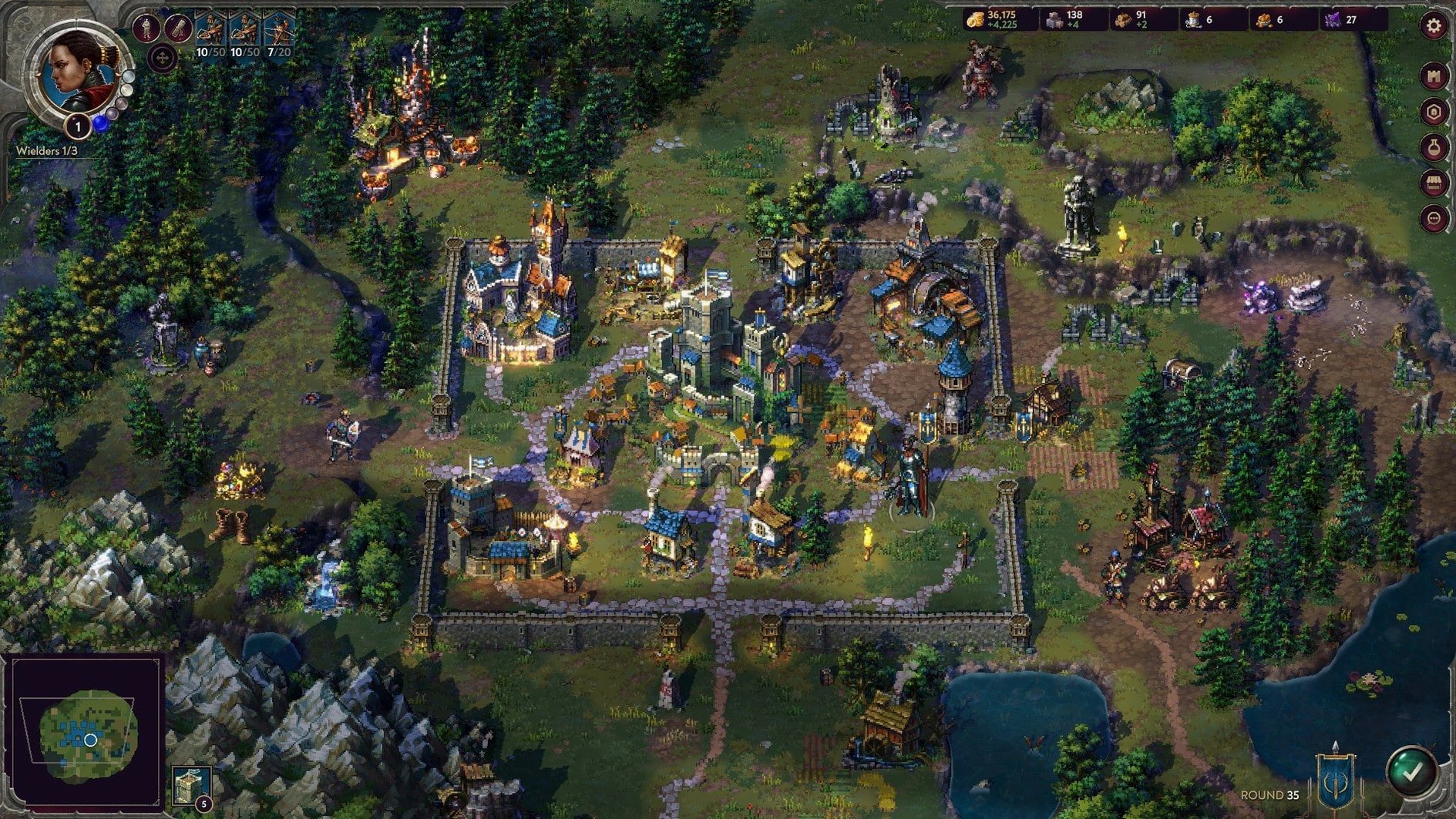
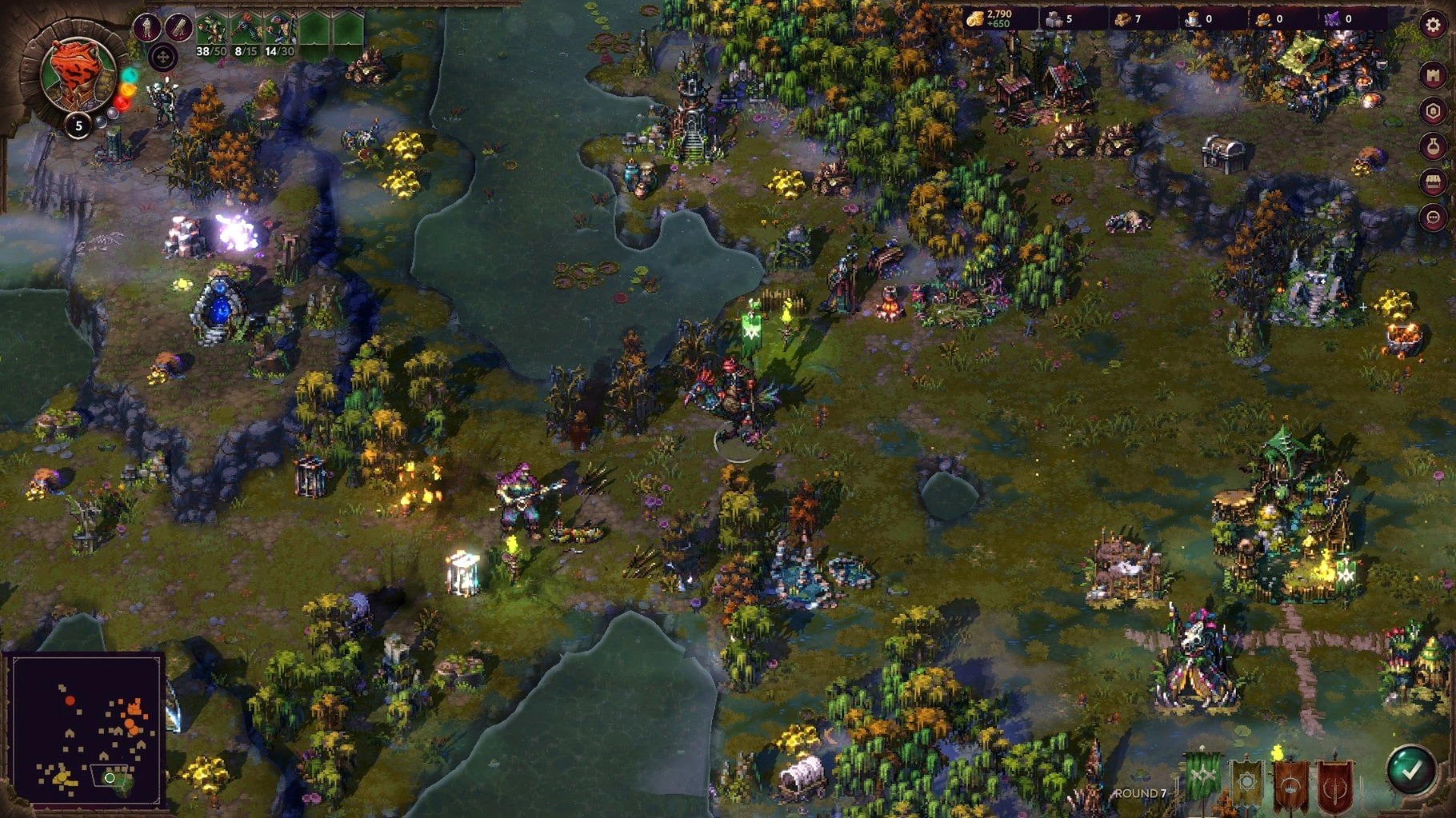
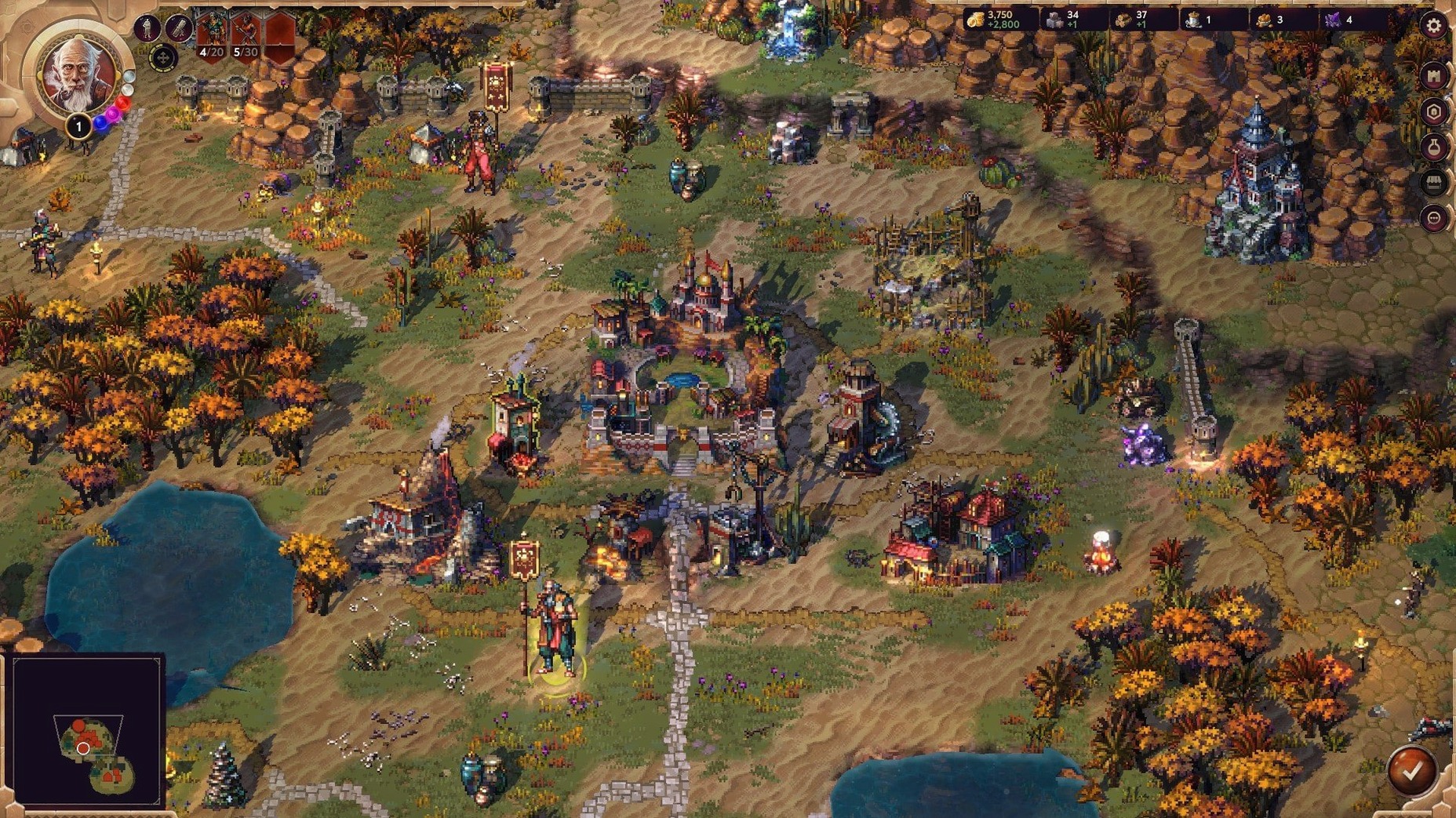
1. Establish a foothold
A campaign begins not with armies but with a single settlement and a handful of resources. The early phase is about surveying nearby terrain, deciding which structures to build first, and scouting for neutral enemy stacks. Expansion is deliberate. You weigh the trade-off between recruiting a larger force now and investing in research that pays off later.
2. Manage the economy
Gold, wood, stone, and other rarer materials dictate what you can build or recruit. City screens show clear upgrade paths for production buildings, dwellings, and defensive fortifications. Research unlocks new unit types and passive bonuses, pulling you in different strategic directions depending on your faction.
3. Enter tactical combat
When two forces meet on the adventure map, the view shifts to a hex-based battlefield. Spells and unique unit abilities add layers beyond raw stats — a well-timed ability from a single unit can turn a losing engagement. Terrain and positioning matter, and the magic system gives each wielder a distinct set of options rather than a generic spellbook.
Players looking for a measured, single-player strategy experience with an emphasis on planning and atmosphere will find a lot to like here. Those who prefer real-time action or brisk session lengths may feel the pacing is too deliberate.
Speed up combat before your first campaign battle
Most of the defaults are sensible, but a few adjustments make the early hours smoother. Open the settings panel before starting your first campaign and check these three things.
First, combat speed. The default animation pace is stately — fine for learning unit abilities, but it drags once you have seen the same sprite swing a sword twenty times. Bump the slider to around 70–80% and the hex battles gain a pleasant rhythm without becoming rushed. You can always slow it back down when a tricky fight demands frame-by-frame attention.
Second, auto-resolve threshold. The game offers to skip fights it deems trivial, and the default threshold is conservative. Set it a notch higher if you trust your economy to absorb minor losses. The time saved across a full campaign adds up, especially when clearing low-tier neutral stacks wandering the map.
Third, edge scrolling. By default the camera does not move when you push the cursor against the screen edge. Most players coming from other strategy titles will want to enable it immediately. Middle-mouse dragging works as an alternative, but edge scrolling feels more natural on a larger display.
Take a Loth-held town with a two-wielder push
Suppose you are playing Arleon and have two wielders, a modest treasury, and an unexplored mountain pass leading toward a Loth-held town. The goal is to take that town without overextending.
Start by parking your secondary wielder near a sawmill you already control. Let them ferry fresh recruits from the capital to a forward staging point while your main wielder scouts the pass. Send a single fast unit — a troubadour or a cheap scout stack — ahead to reveal the garrison composition without committing anything valuable. The adventure map shows partial information by default; a sacrificial scout stack reveals exact unit counts and lets you plan counters.
Back in the capital, queue construction that supports the unit types you will need against Loth. Loth fields necromancers and durable ranged stacks, so prioritise research that unlocks cavalry or shielded infantry rather than fragile archer upgrades. While those buildings finish, sweep the side paths near the pass for resource pickups and neutral camps. Each camp cleared adds experience to your wielder and may drop an artifact that tips the next fight.
When the garrison composition is known and your main stack is full, engage. Fight the battle manually even if the auto-resolve estimate looks favourable — losing a key upgraded unit to poor auto-resolve logic sets your siege back by several turns. After taking the town, spend one turn repairing its walls and converting its production to your faction. Then move the secondary wielder in as governor so the main force can push onward without babysitting.
Unlock tier-one magic instead of hoarding gold for units
Neglecting magic early. New players often treat spells as a late-game luxury and pour every resource into unit production. In practice, even the first tier of magic skills gives a wielder a decisive edge in the opening skirmishes. A single damage spell or buff cast at the right moment saves more troops than an extra stack of recruits ever could.
Stacking too many unit types. The tactical layer rewards coherent army composition. Bringing one of everything fills slots but creates a force with no clear role. Beginners tend to recruit whatever is available without pruning the roster. Pick two or three core unit types, upgrade them, and let the rest sit in reserve at a garrison.
Overbuilding before scouting. It is tempting to max out production buildings while the map is still dark, but a town with three upgraded dwellings and no intelligence on the nearest threat is a sitting target. Scout first, then build to match what you actually face.
Ignoring wielder specialisation. Each wielder has a skill tree that rewards focus. Spreading points across combat, magic, and economy equally produces a wielder who is mediocre at everything. Pick a lane by turn five and stick with it.
Learn economic pacing on the Arleon campaign first
Spend the first session with the Arleon campaign. The faction plays a straightforward game of combined arms — melee, ranged, and support units with clear roles — and the early missions teach economic pacing without overwhelming you with gimmicks. The voice-acted narration also gives the missions a sense of place that makes learning feel less like a tutorial.
Keep a notepad open, digital or paper, during the first two hours. Jot down which neutral stacks are guarding which passes and what their composition looked like. The game does not log this for you, and returning to a blocked route with the wrong army is a quiet time-waster.
Experiment with the level editor sooner than you think you should. Even if you never publish a map, opening the editor and examining how the campaign missions are constructed teaches you terrain mechanics and spawn logic that the game itself never explains. It is also the quickest way to test a unit matchup without risking a campaign save.
On Apple Silicon Macs, the game runs natively and smoothly, but if you own DLC and it does not appear after installation, launch once with Rosetta enabled. The content recognises the environment and unlocks correctly after that first launch. You can switch back to native mode for subsequent sessions.