Aspecten
 Download (273 MB)


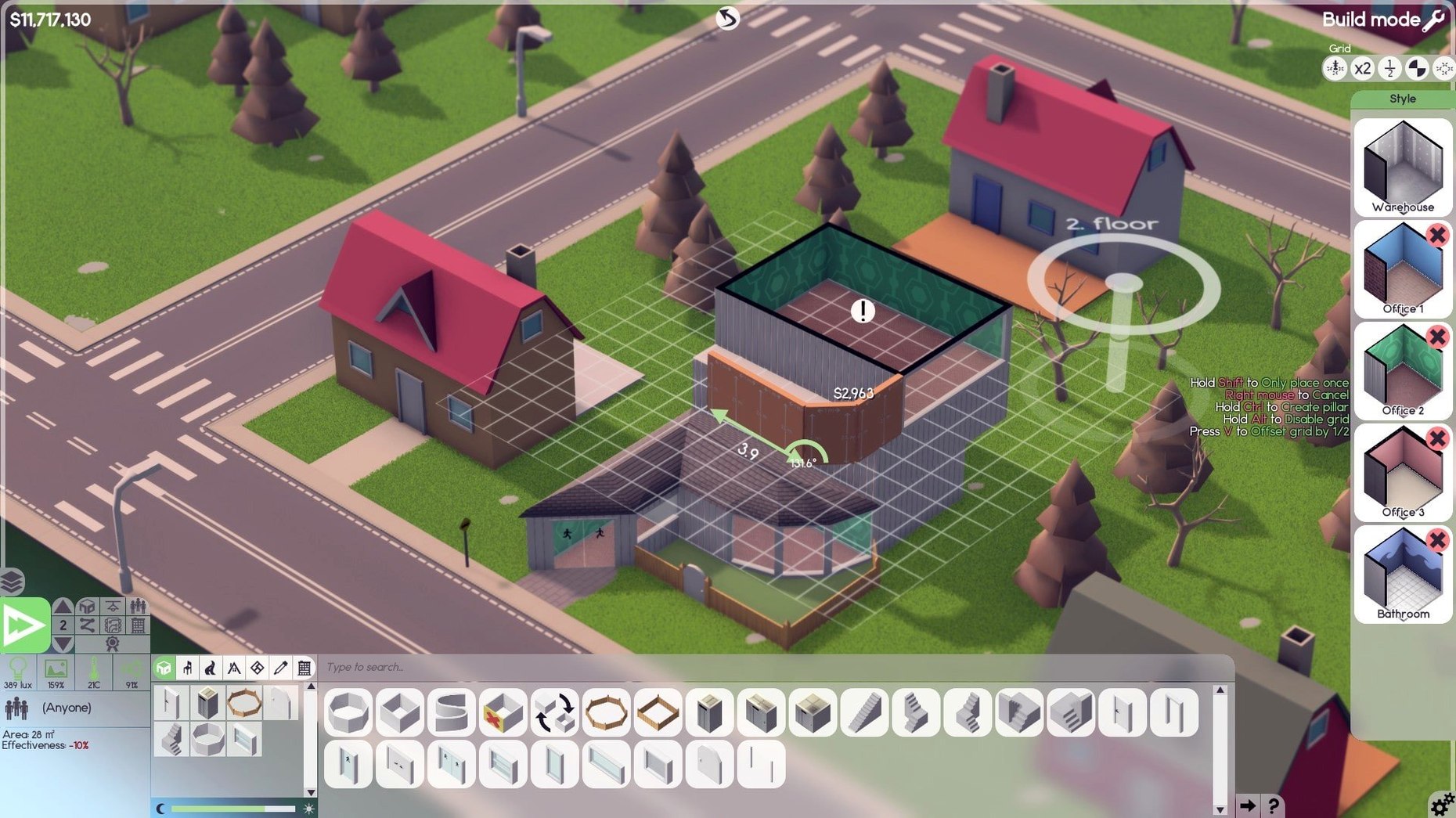
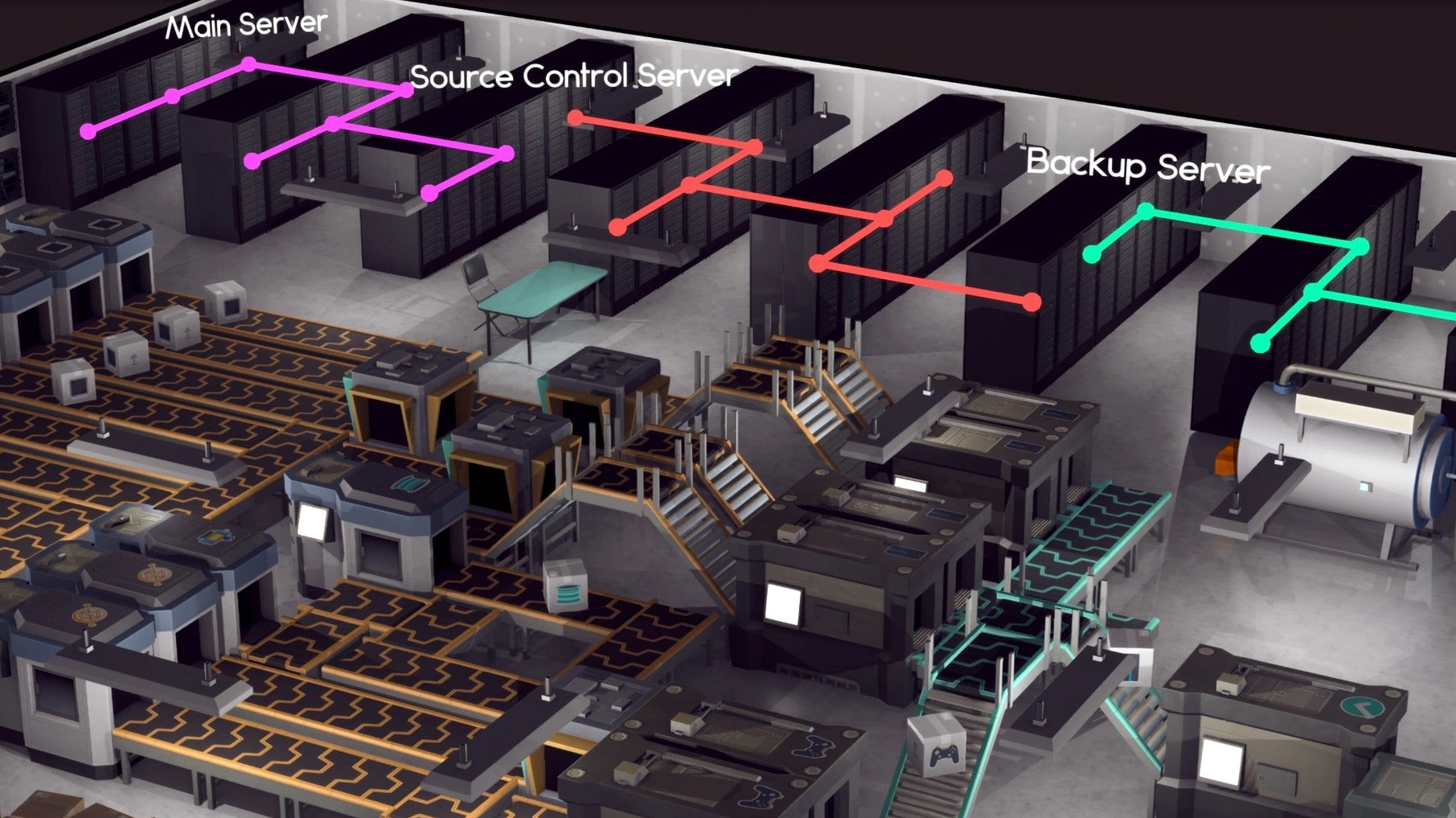
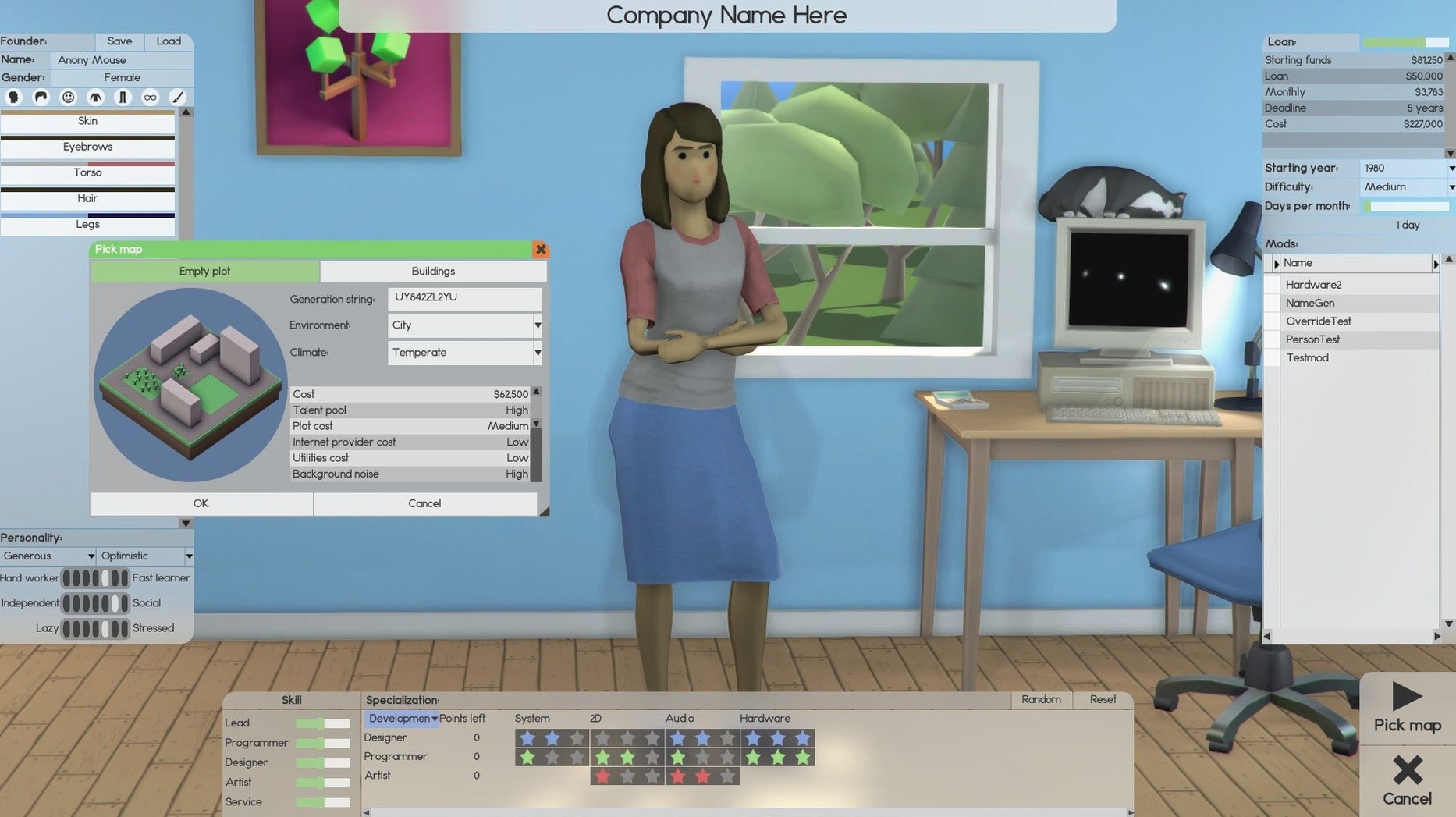
Version 1.8.41 carries no flashy new features, settling instead into a round of fixes that keep the simulation steady. The day-to-day work of guiding a software firm from a garage startup to a multi-floor operation remains the same absorbing tangle of floor plans, deadlines, and team morale.
The game runs natively on Apple Silicon and older Intel Macs, so there is no emulation layer to worry about. Controls map directly to mouse and keyboard, with camera movement tied to the usual edge-scrolling and middle-click drag. Late-game offices with hundreds of employees and dozens of rooms will test your machine, but a recent M-series chip holds frame rates steady even when the simulation ticks through complex projects.
Mac performance largely mirrors what you would get on a comparable PC. The bigger bottleneck is the simulation logic itself rather than graphics, so a fast processor matters more than a strong GPU. Save files carry over between platforms without conversion, which makes it practical to move a long-running company from a desktop to a MacBook.
Expect the same single-language English interface, the same fussy satisfaction of laying out heating vents and parking lots, and the same quiet stories that emerge when you assign a skilled leader to a troubled project. It is a management sim that feels as methodical on macOS as it does anywhere else.
what beta 1.8.41 changed in everyday use
The patch notes for Beta 1.8.41 read like a maintenance sweep rather than a feature drop. In practice, the most visible change is how the simulation handles employee pathfinding around staircases and lifts. Before this update, staff could occasionally get stuck on a landing when a room layout shifted mid-day, leaving a designer idle for hours. That no longer happens. The daily rhythm of watching your teams move between desks, meeting rooms, and server halls now runs with fewer interruptions.
A less obvious but welcome fix concerns software project cancellation. Earlier builds could leave a ghost task in the queue when you pulled a product mid-development, tying up a leader slot and confusing the assignment logic. The clean-up in 1.8.41 means cancelling a failing project actually frees your leader for reassignment without a reload. If you tend to experiment with speculative products—and abandon the ones that lose market fit—this matters more than most patch lines suggest.
Several render glitches tied to Mac-specific GPU drivers were also addressed. Flickering lightmaps on large basement floors and occasional texture stretching on certain furniture items have been quieted. The game still pushes its engine hard in dense builds, but the visual stability on Apple Silicon is noticeably improved from the 1.8.3x releases.
Set autosave to monthly before your first build
A handful of defaults in Software Inc work against the pace most players want. The first stop after launching a new company should be the gameplay options panel. Set autosave interval to monthly rather than the default quarterly. A quarterly save can cost you three in-game months of construction tweaking if a crash hits, and on macOS the game occasionally stumbles when waking from sleep with a large map loaded. Monthly saves soften that blow without adding noticeable disk overhead.
Next, lower the construction speed multiplier to around 0.5x if you enjoy the office-building side of the sim. The default speed finishes rooms so quickly that the satisfaction of watching a floor take shape evaporates. Slowing it down also gives you time to catch placement mistakes before the walls are up and the furniture bill is final. On the other hand, if you find the building phase tedious, leave the slider alone and focus on the management layer that kicks in once the drywall dust settles.
The difficulty preset you pick at the start of a game is easy to forget but hard to undo. Normal difficulty gives you a forgiving reputation curve and mild contract demands; Hard tightens both and makes rival companies far more aggressive about poaching your staff. If you plan to run a long sandbox company where the joy is in the physical office rather than cutthroat market competition, Normal keeps the simulation pleasant. Reserve Hard for when you want every hiring decision to sting.
Hold Shift to keep placing furniture without reselecting
The interface in Software Inc is functional but rarely offers a tooltip for its quieter tricks. A few of those tricks save real time once they become habit.
- Hold Shift while placing furniture to keep the placement tool active instead of returning to the pointer after each item. This alone cuts office furnishing time in half once you remember it exists.
- Press F with a room selected to centre the camera on that room. When you manage a building spread across six floors and a basement, jumping directly to the support team’s break room without scrolling through three stairwells keeps the workflow smooth.
- In the staff management panel, Ctrl-click a role to select all employees in that category. Assigning a batch of developers to a new project or moving all support staff to a fresh floor becomes a single drag instead of a clicking marathon.
- The clone tool, tucked into the build menu, duplicates an entire room including furniture, heating, and assigned equipment. For repetitive office layouts—rows of programmer cubicles or identical server rooms—this avoids placing a dozen desks and vents one by one.
- Right-clicking a software project in the timeline opens a context menu with a prioritise option. The game does not surface this anywhere else, but it is the quickest way to redirect your leaders when a contract deadline looms.
None of these shortcuts are plastered across loading-screen tips. They are the sort of small courtesies you stumble into after fifty hours and wish you had known at hour five.
Cold launch in under eight seconds on an M4 Mac mini
On a Mac mini M4 running macOS Tahoe, the game launches cold in under eight seconds and loads a medium-sized save—three floors, roughly forty employees—in about twelve. That is fast enough that you do not reach for your phone while waiting. Frame pacing stays smooth during regular play, hovering around 60 fps with the default rendering settings. Where the engine shows its limits is in the final third of a long game, when a ten-floor office with a hundred staff, multiple server rooms, and active projects on three products pushes the simulation thread hard. You will feel the occasional hitch when the month ticks over and the game recalculates finances, reputation, and product progress all at once.
The memory footprint is modest: around 1.2 to 1.8 GB of RAM in normal use, climbing toward 2.5 GB on very dense maps. Swap is rare unless you are running several other heavy applications alongside it. The game is not GPU-bound, so integrated graphics handle it without complaint, though you may want to disable shadows in the display options if you prefer a perfectly flat 60 fps during camera pans across a fully built campus.
Stability on the current build is solid. In roughly forty hours of play across the 1.8.41 patch, crashes are infrequent and almost always tied to waking the Mac from prolonged sleep with the simulation unpaused. A quick save before closing the lid is a sensible habit. The autosave setting mentioned above covers the rest. The game also plays nicely with Spaces and fullscreen mode, letting you swipe between it and other desktops without losing the cursor or triggering a resolution reset—a small thing, but one that makes dipping in and out of a management session feel natural on a Mac.