Aspecten
 Download (15.1 GB)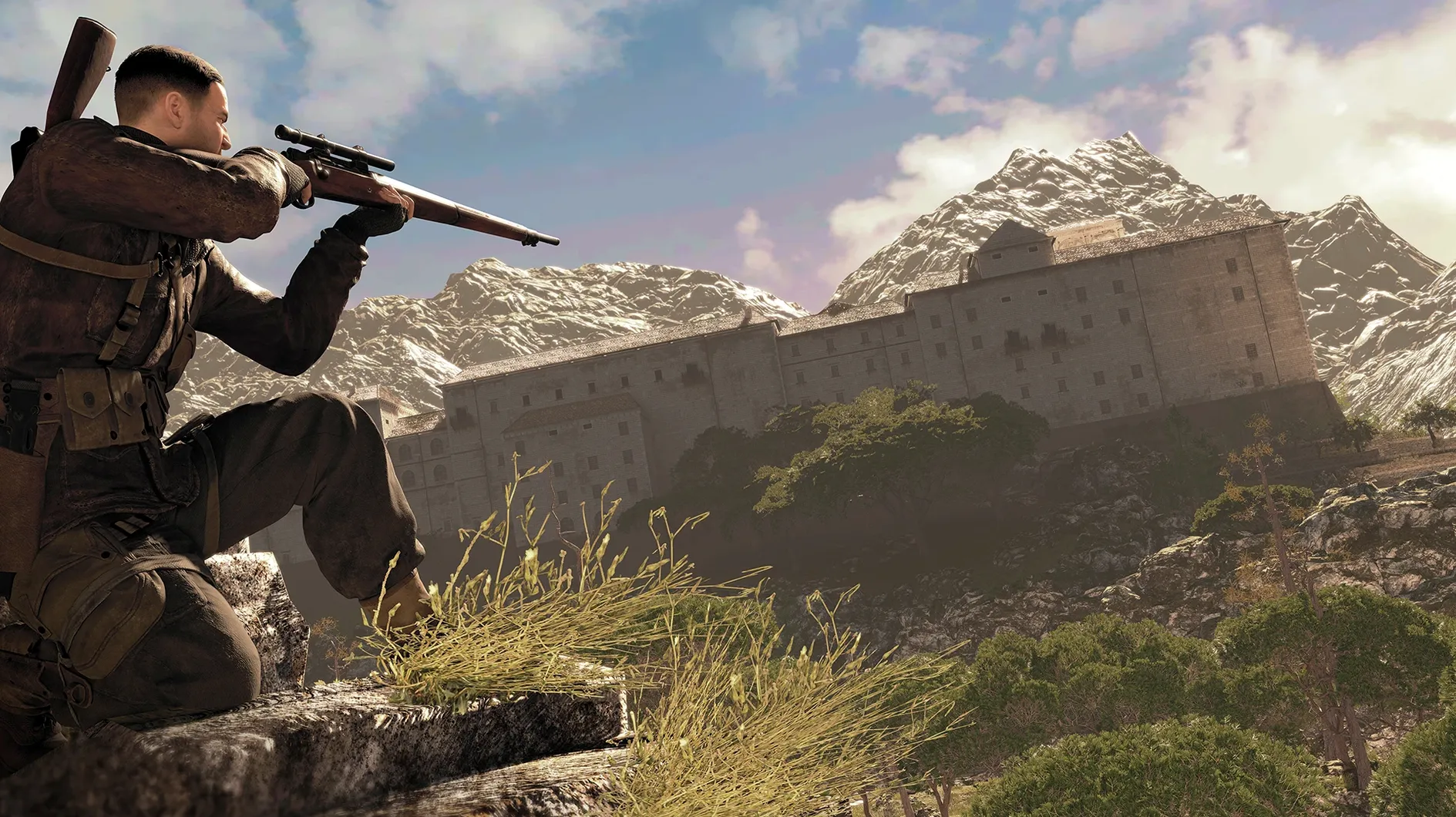
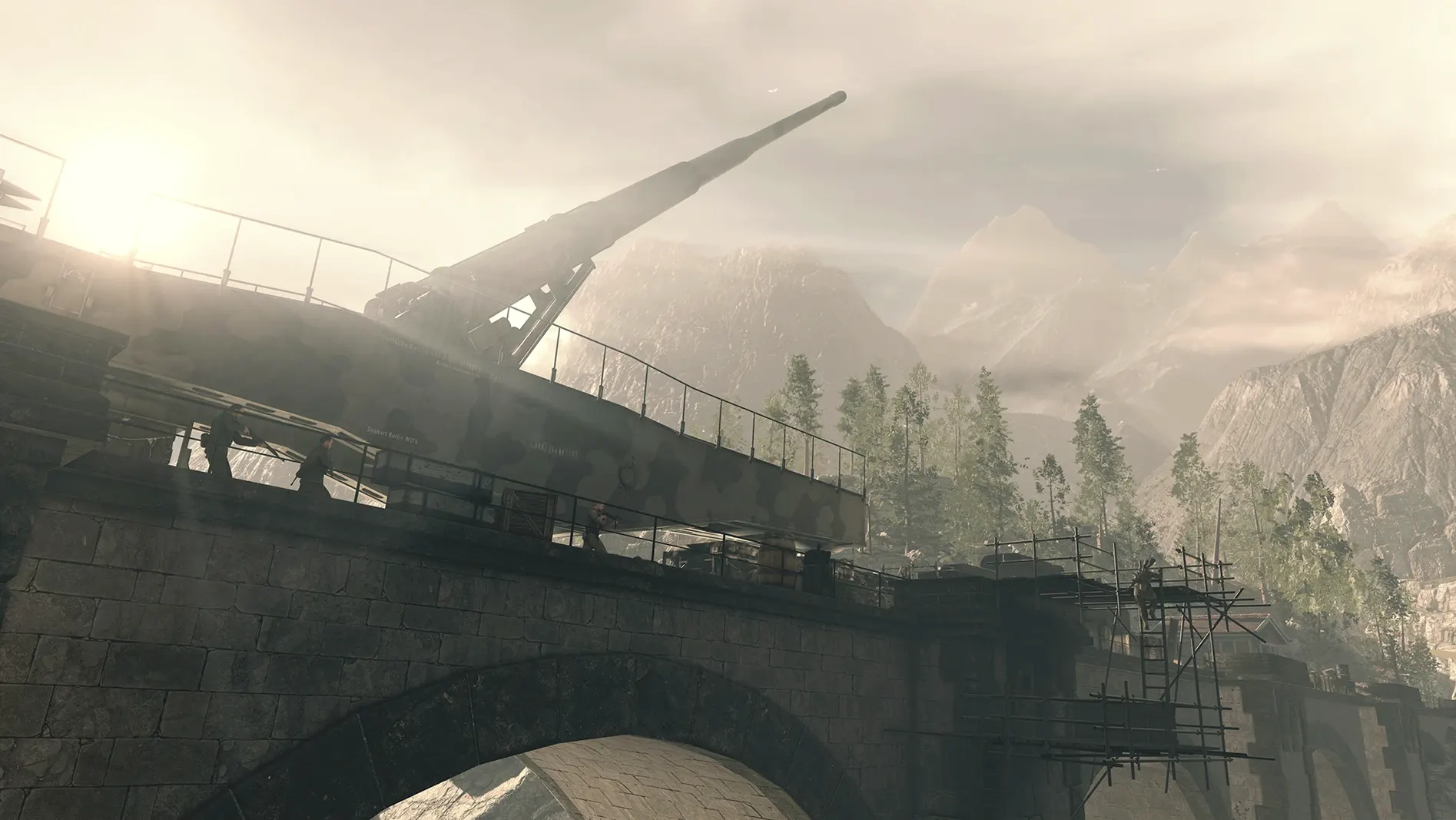
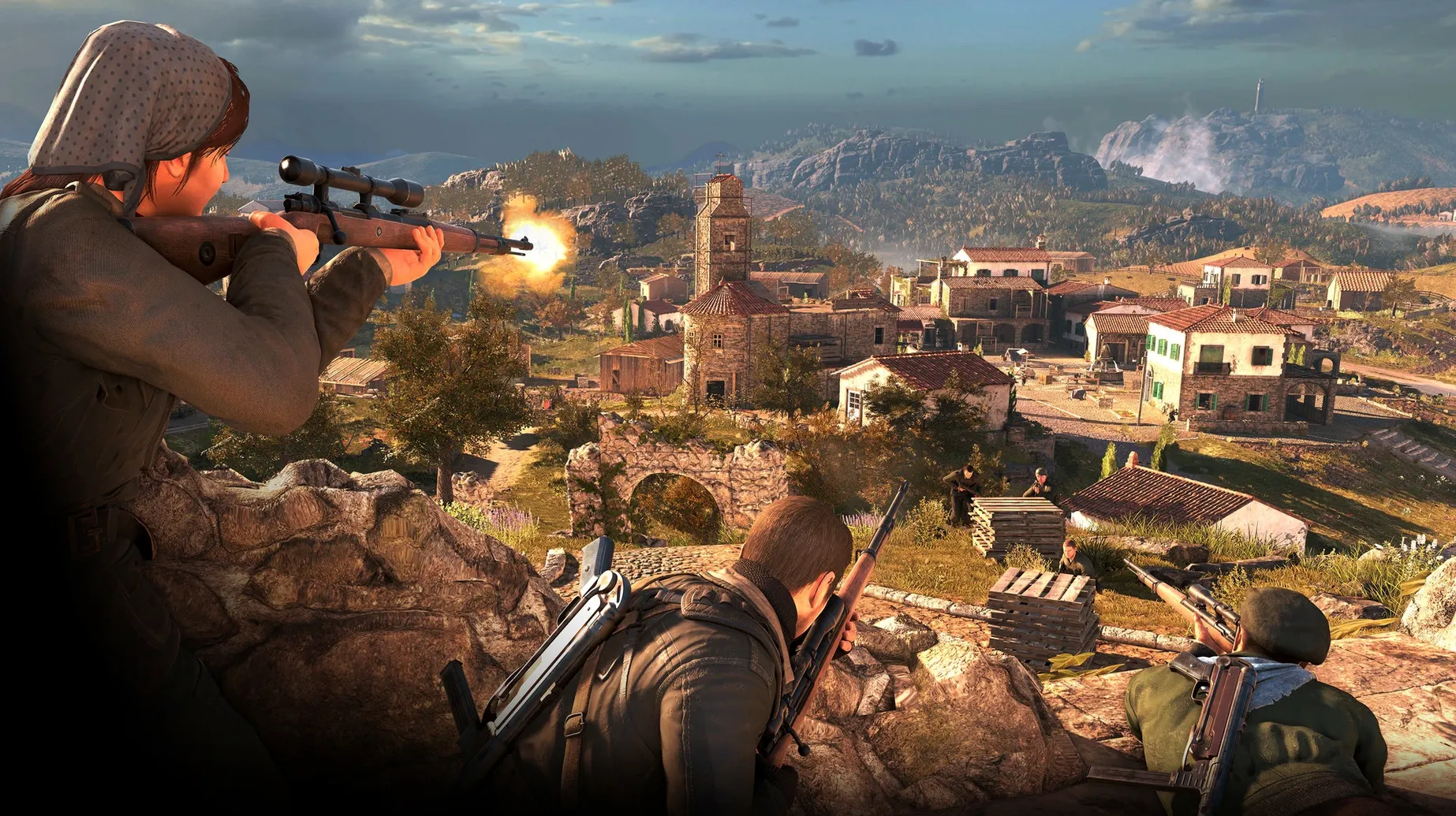
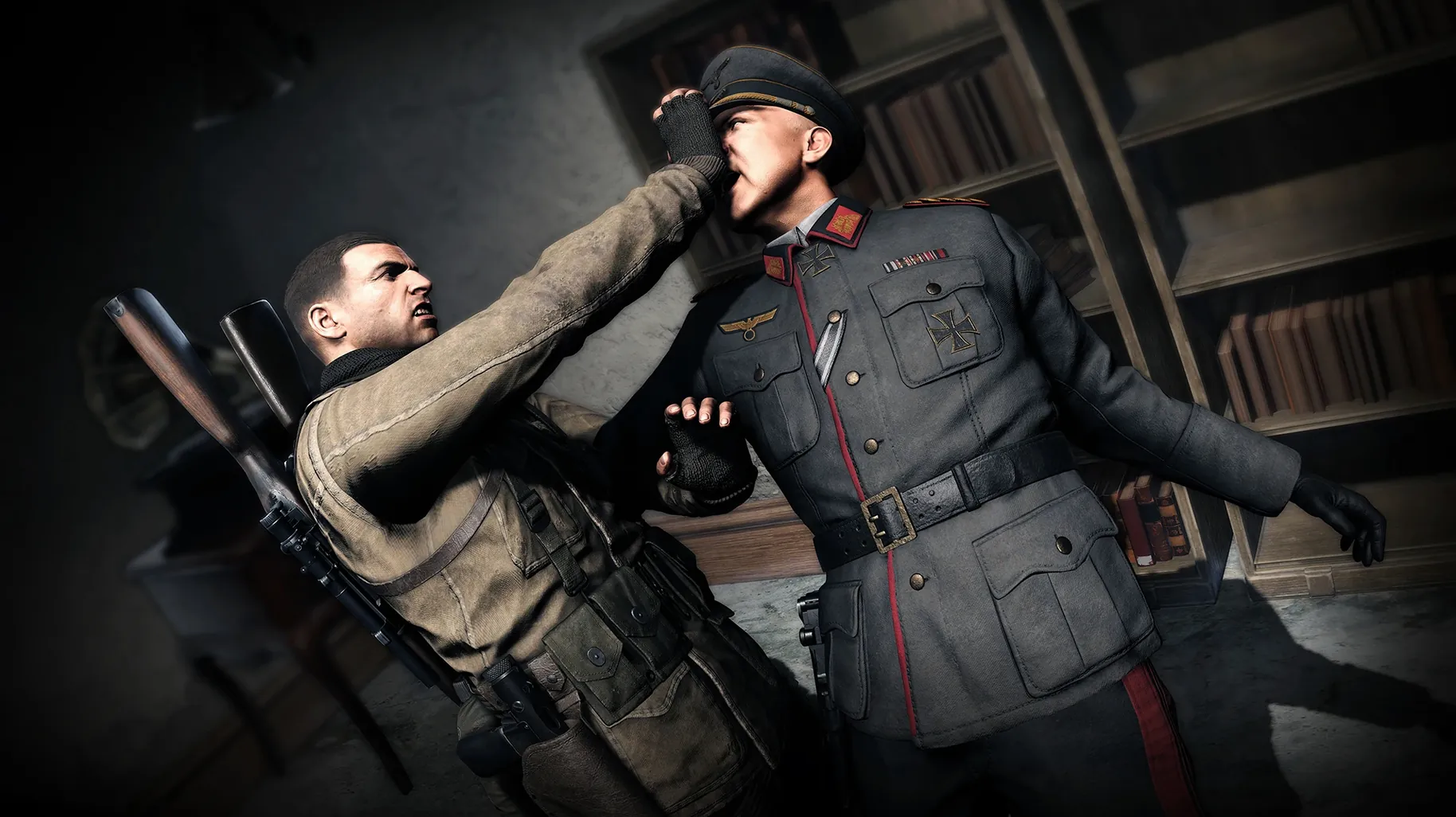
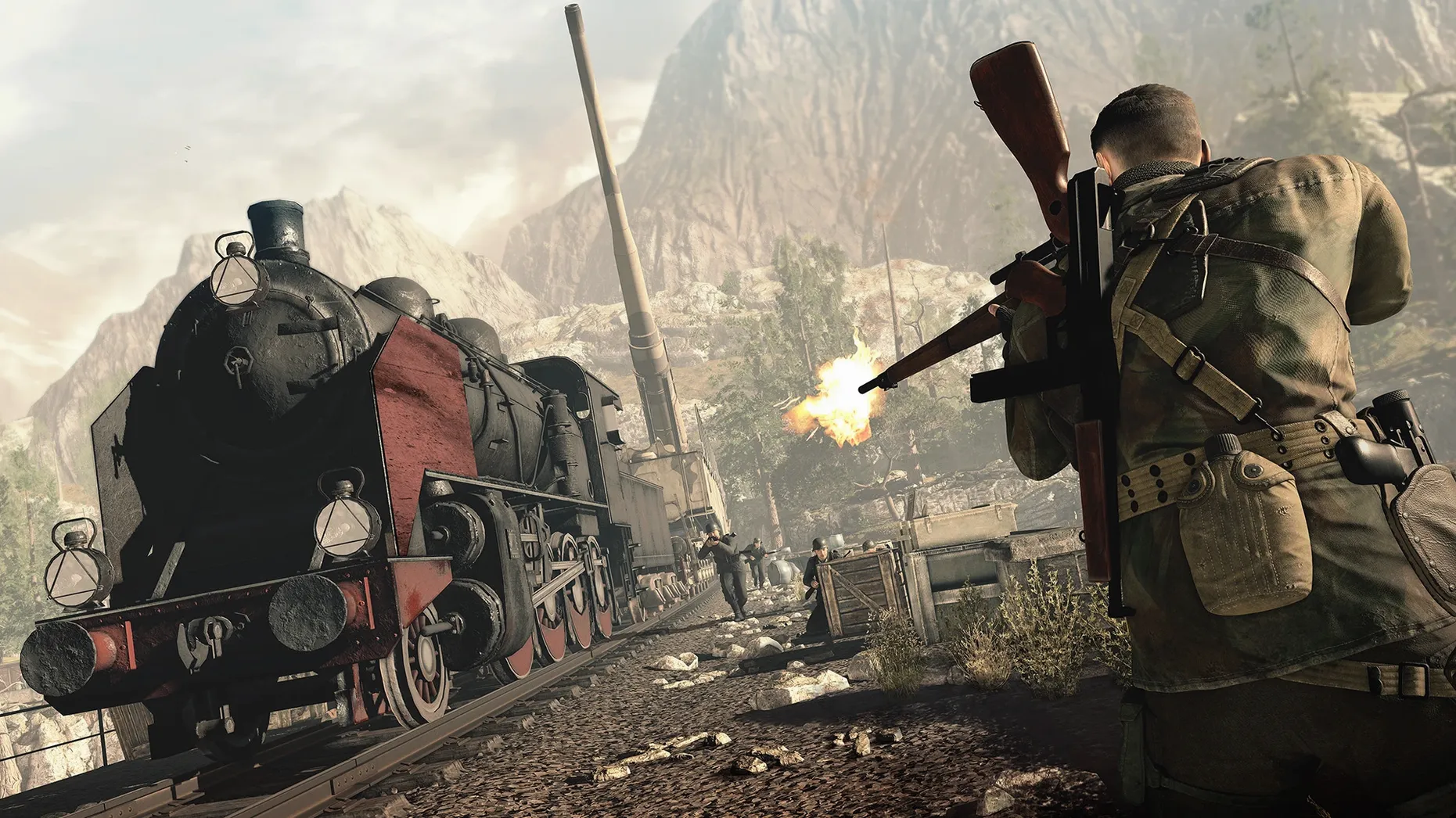
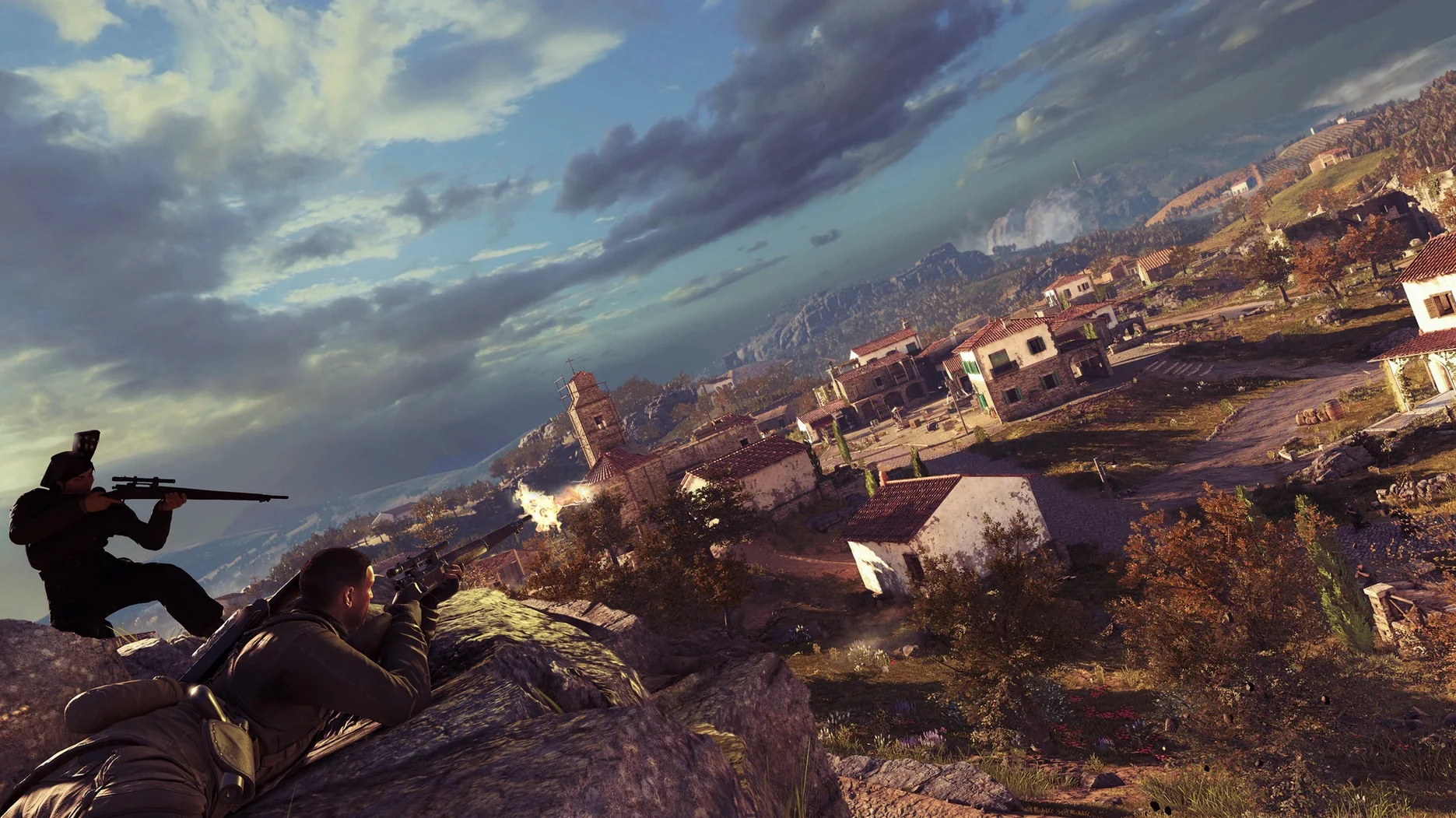
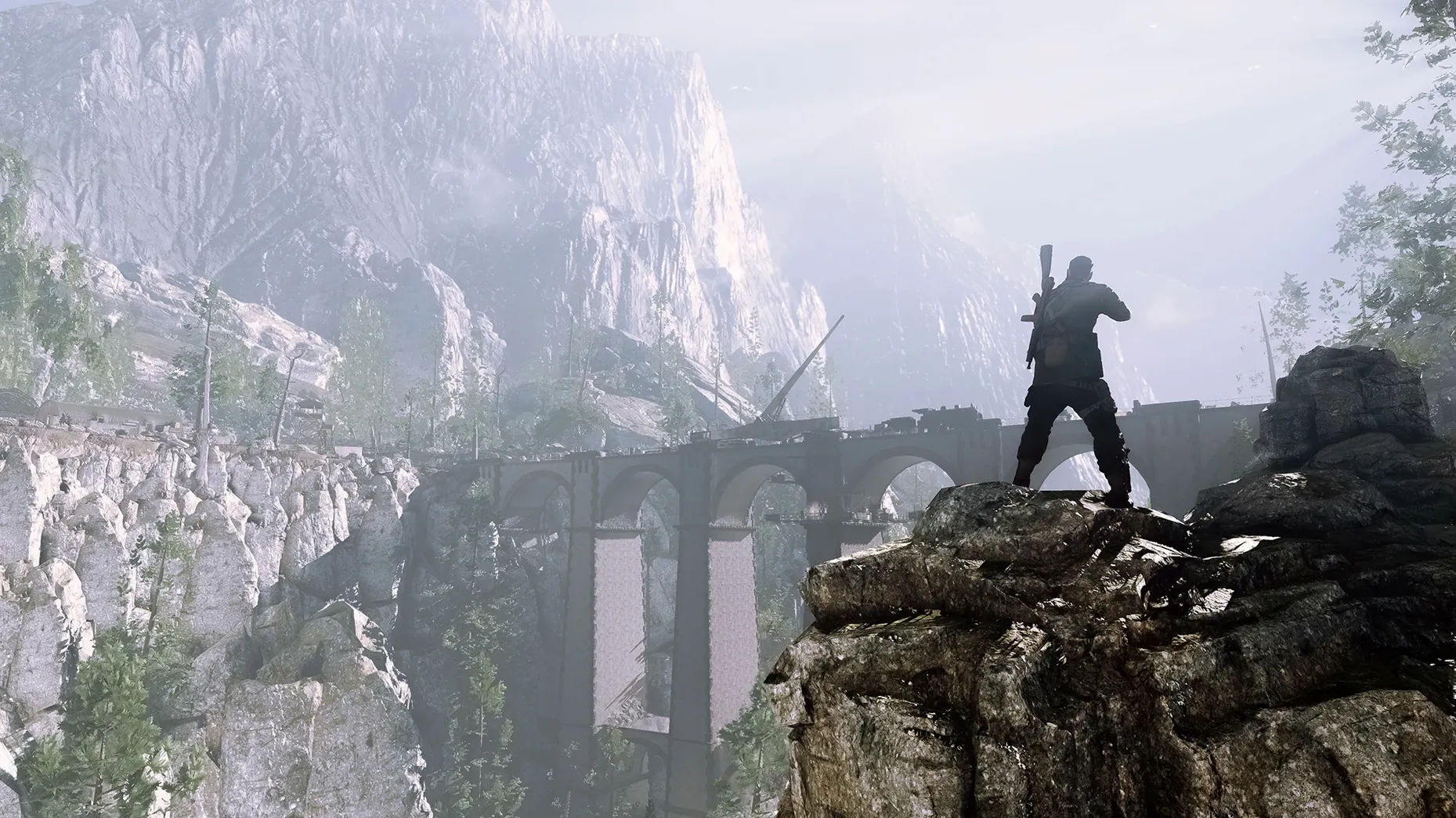
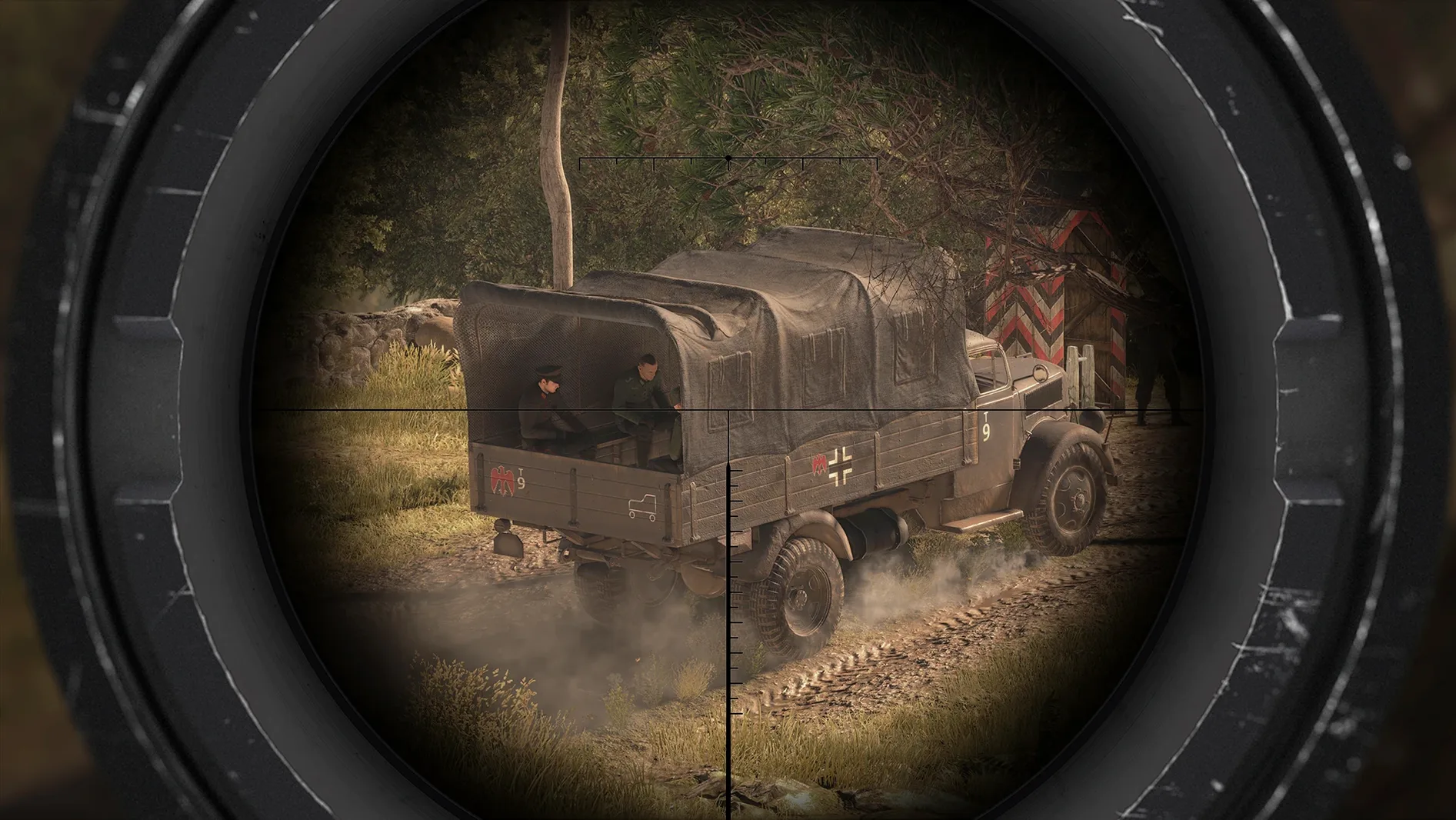
The ballistic model accounts for three variables on every long-range shot: wind, gravity and the shooter's heart rate. That single mechanic defines the pace of Sniper Elite 4, a third-person tactical shooter set in World War II Italy. The campaign follows Karl Fairburne across a series of large sandbox maps filled with enemy infantry, vehicles and optional side missions. It is a game that rewards patience — and punishes anyone who treats it as a run-and-gun affair.
- You enjoy shot planning. Wind, bullet drop and pulse force you to read the environment before squeezing the trigger. The long-range kill cam turns a well-placed round into a satisfying payoff.
- You prefer large, open levels. Maps give you room to reposition, set traps and choose your angle of attack. The scale supports multiple approaches to the same objective.
- You like customising your loadout. Before a mission you can edit your rifle, pistol and submachine gun, plus choose from heavy weapons, grenades, mines and other tools.
- You want more than the campaign. Sniper challenges and hidden side objectives sit alongside the main story, offering tighter, score-based shooting tests.
- You might not enjoy it if you want speed. Movement and gunplay feel deliberate. Close-quarters combat with SMGs and pistols works, but the game is built around the scope, not the trigger finger.
The Mac version runs on Apple Silicon and requires macOS 14.0 or later. It includes the full campaign, all weapons and the extra challenge modes, with interface support for ten languages including English, German, French and Russian.
Dial in your rifle feel at the shooting range first
After the initial mission or two, resist the urge to push straight through the campaign. Spend half an hour in the shooting range accessible from the main menu. It lets you cycle through any rifle in your inventory, pair it with different scopes, and learn how the wind gauge behaves at 150 metres versus 300. Doing this before a mission prevents the frustration of missing shots while a patrol walks into alert range.
A second tip that saves time early on: disable the internet connection before launching the app. This avoids a long wait while the game checks for online services that are not needed for single-player play. Launching offline also skips the news feed and drops you straight to the menu.
Tag enemies with your binoculars constantly. On large maps like San Celini, tagged soldiers remain visible through walls, which turns a chaotic village into a readable patrol puzzle. The habit also marks officers and snipers, helping you prioritise high-value targets before they call reinforcements.
Cut the kill-cam for longer stealth sessions
Two adjustments make a noticeable difference to how the game feels. First, dial the kill-cam frequency down to Low or Off if you plan long sessions. The cinematic bullet tracking is well executed, but it interrupts the rhythm when you are lining up ten shots in a row. Keeping it active only for the final enemy in an area is a useful middle ground.
Second, switch the scope reticle to the Mil-Dot option under gameplay settings. The default crosshair is clean, but the mil-dot markings give a visual reference for holdover at known distances, which pairs better with the wind and range marks you learn in the shooting range. On a MacBook display, the extra dots are thin enough not to clutter the sight picture.
Audio is worth a look as well. Lower the music volume a few notches and raise the ambient slider. Footsteps, distant truck engines and the metallic click of a rifle bolt carry tactical information that can be lost under the orchestral score.
Kill-cam frame pacing gets a stability fix
Version 1.2.2 fix addresses a handful of stability problems that were present in earlier Mac builds. The most noticeable improvement is more consistent frame pacing during the kill cam — previously the slow-motion sequence could stutter on some M1 and M2 machines when the camera tracked a bullet across long distances. That stutter is now largely gone, which makes the ballistic showcase feel as smooth as it does on other platforms.
Loading times between mission areas also saw a slight reduction. On an M4 Mac mini the San Celini map now loads in under twelve seconds, compared to the eighteen to twenty seconds that earlier test reports noted. Not a dramatic shift, but it shortens the gap between restarting a checkpoint and getting back behind the scope.
The fix also resolved an intermittent bug where objective markers would fail to appear on the map after reloading a save. Players who rely on the minimap to locate documents and side-objective items will find the marker system more reliable now, particularly during the longer missions with multiple collectible routes.