Aspecten
 Download (1.8 GB)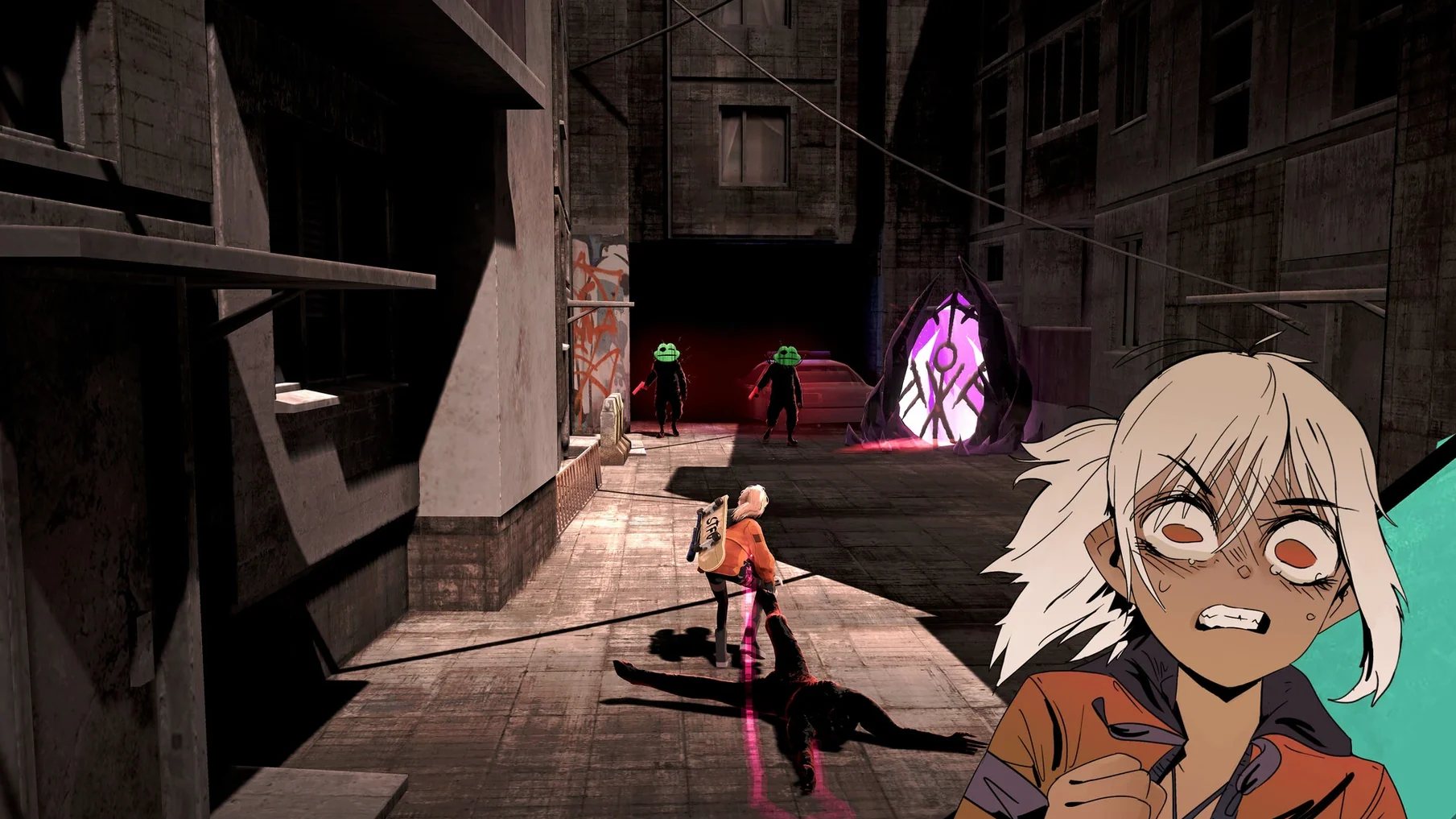
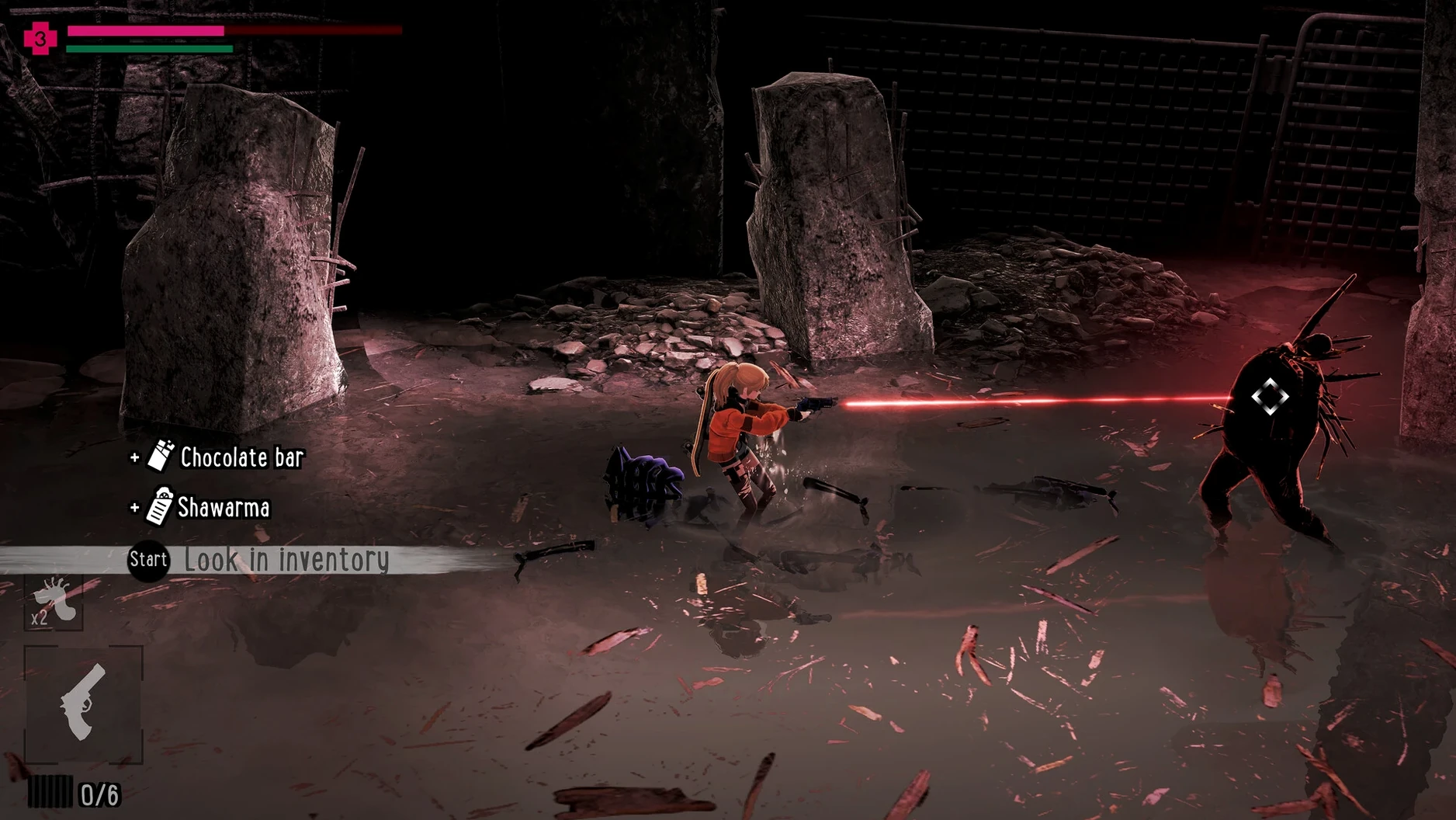
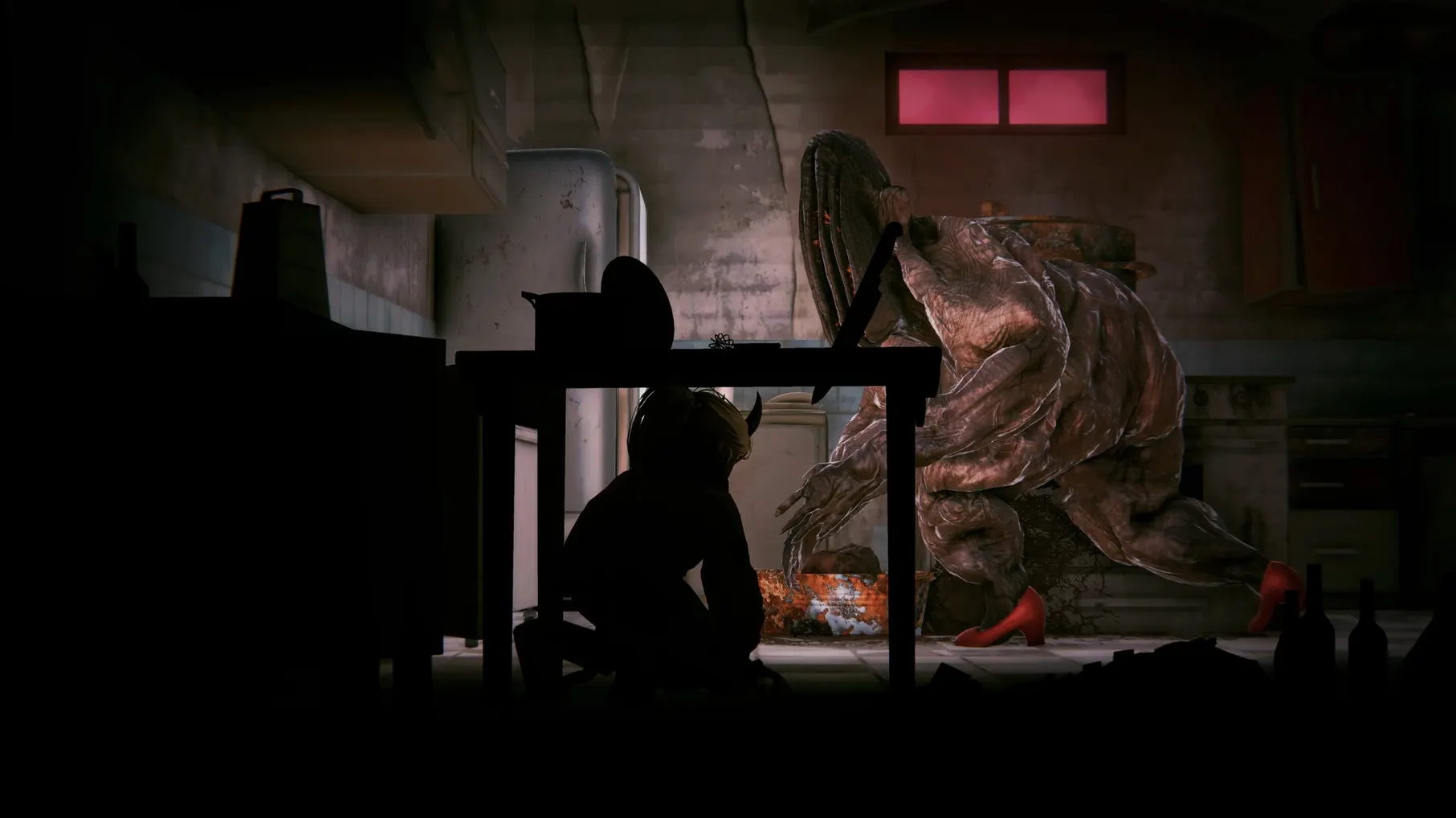
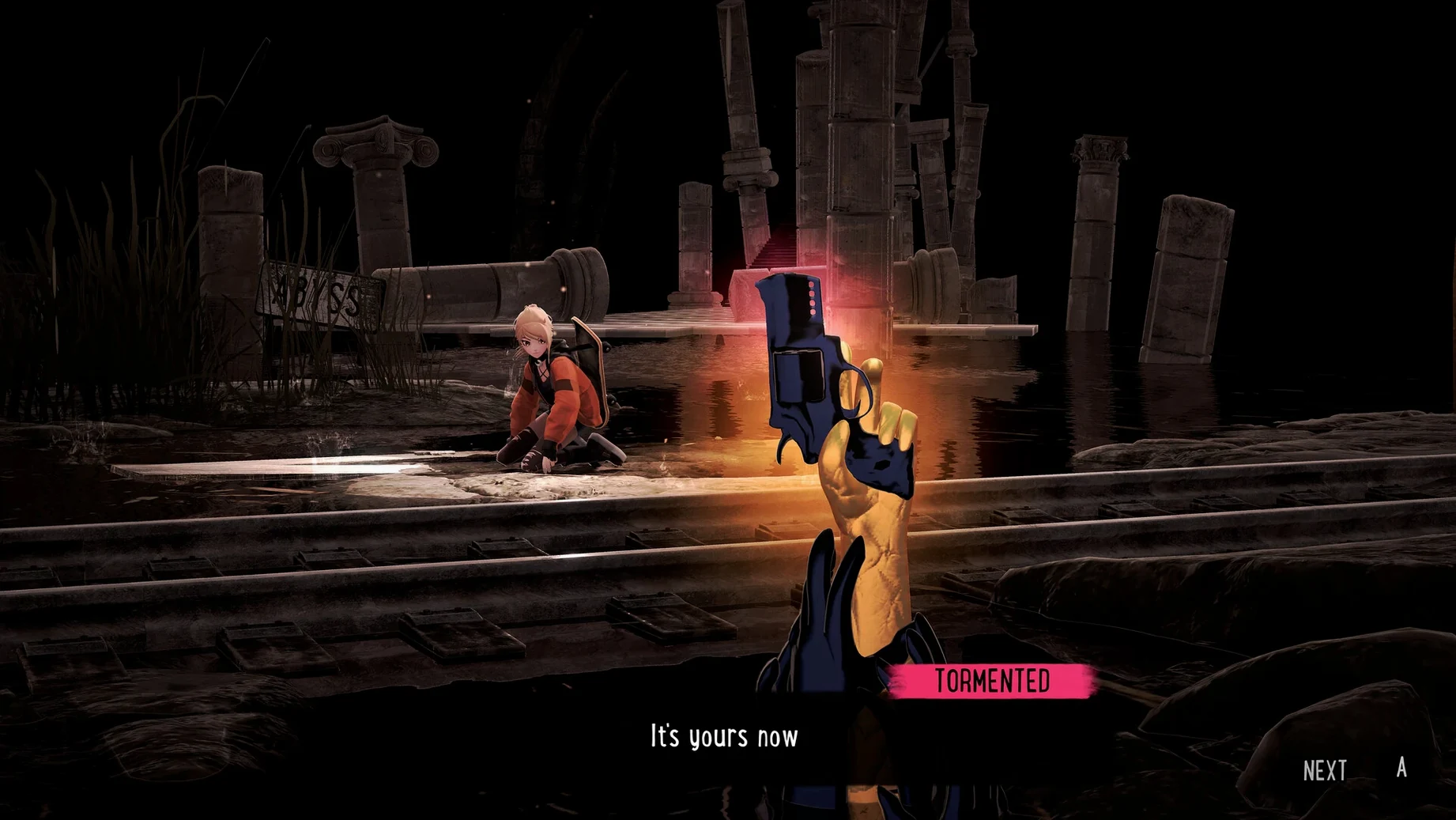
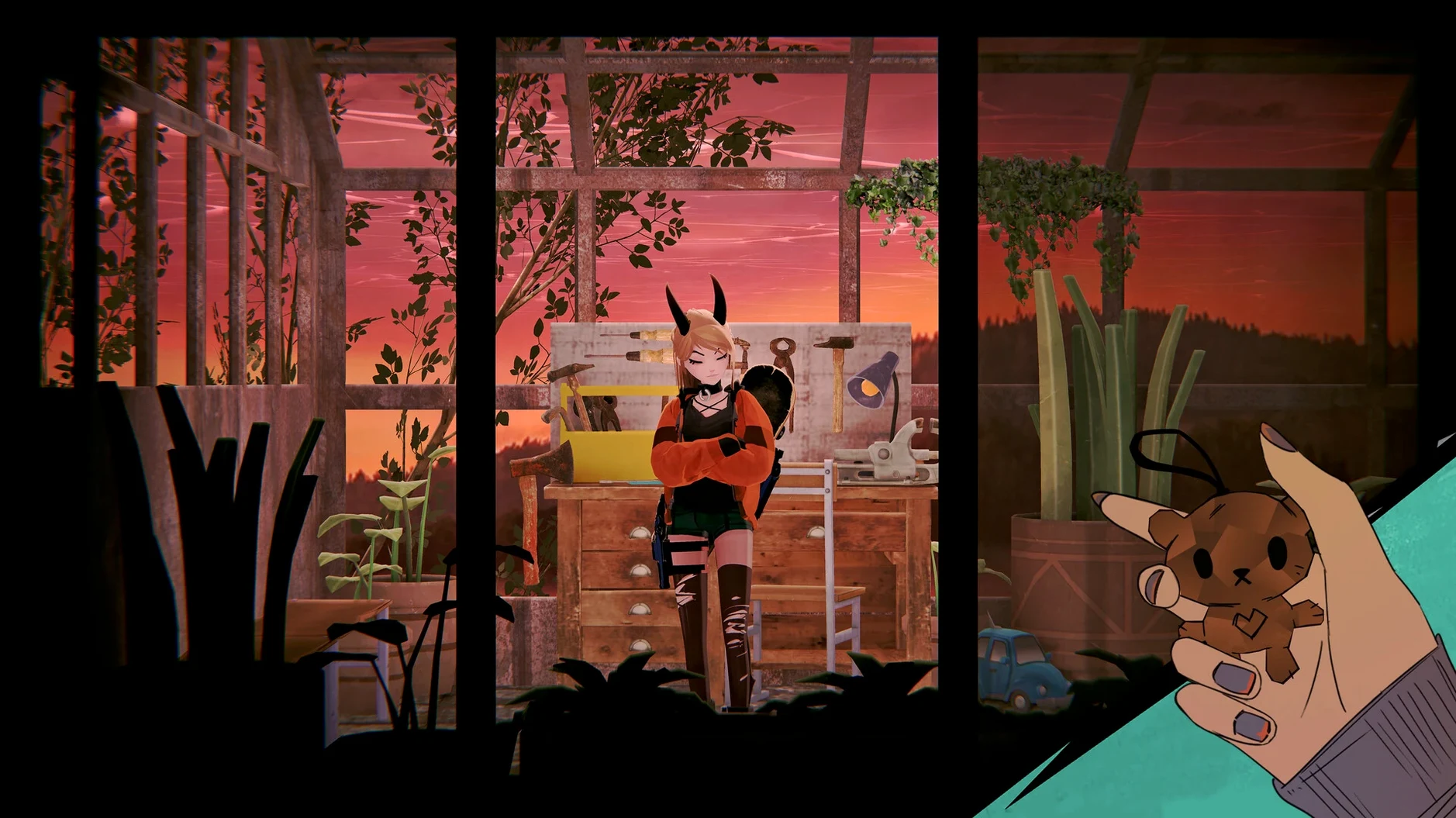
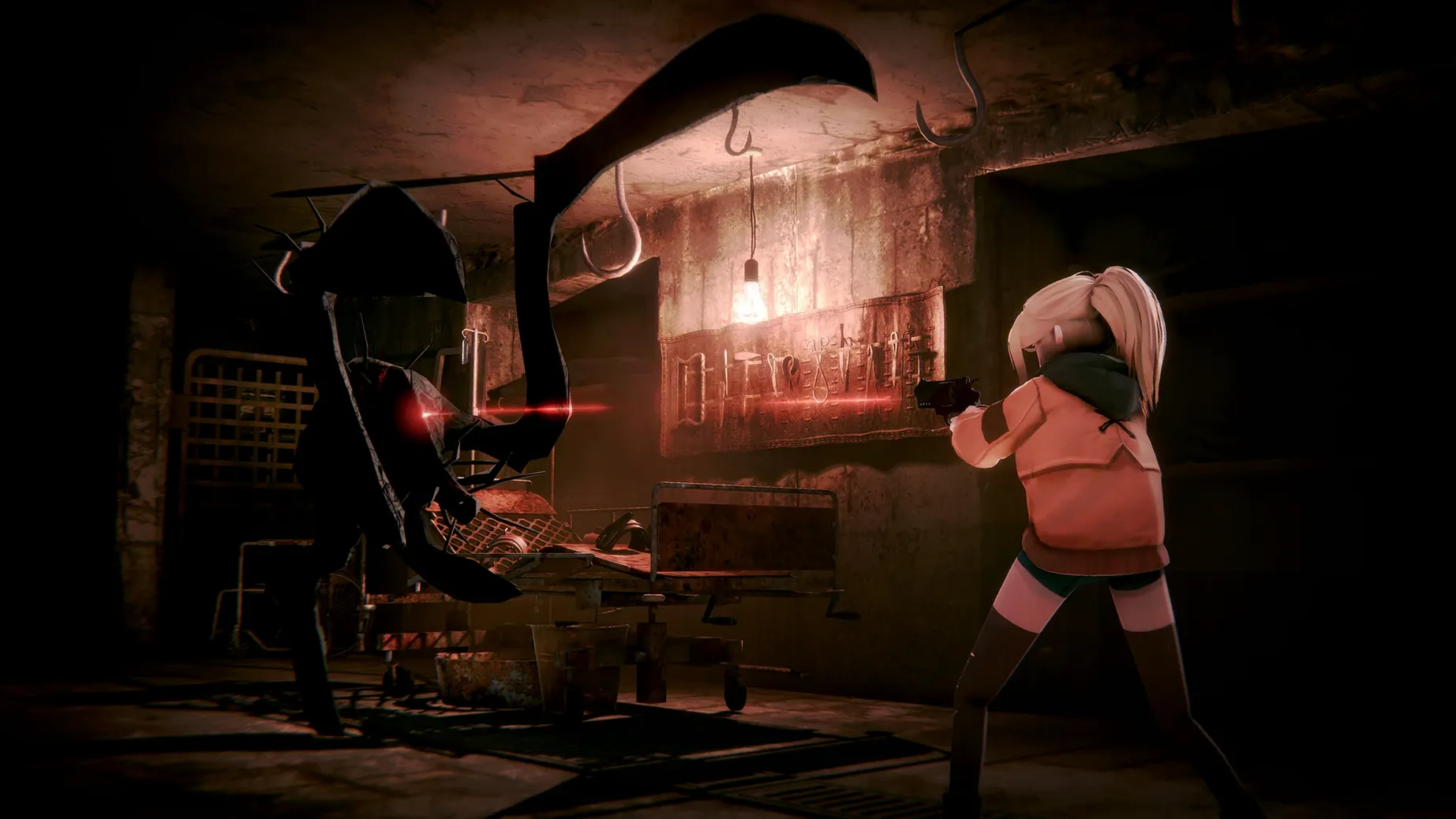
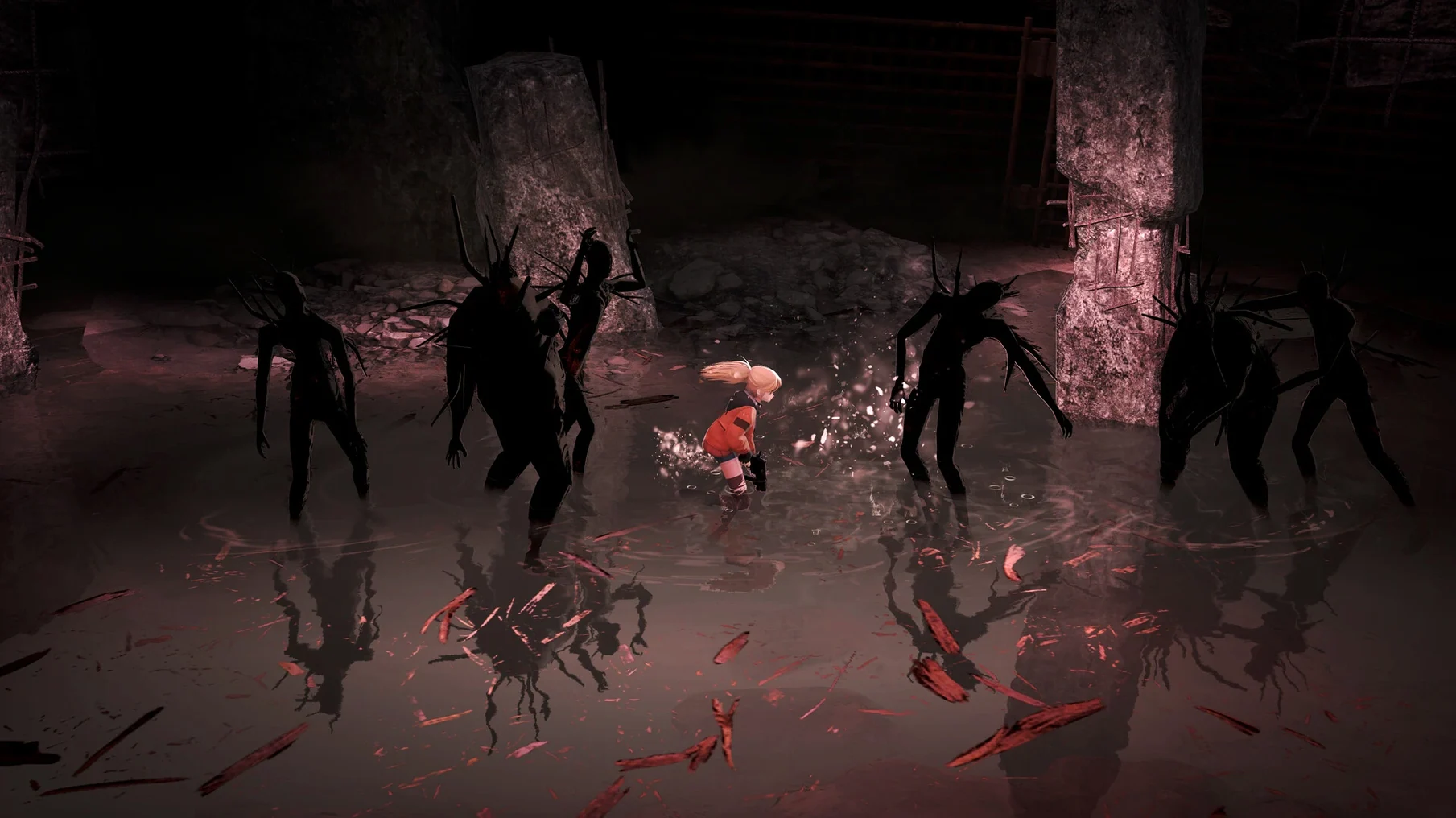
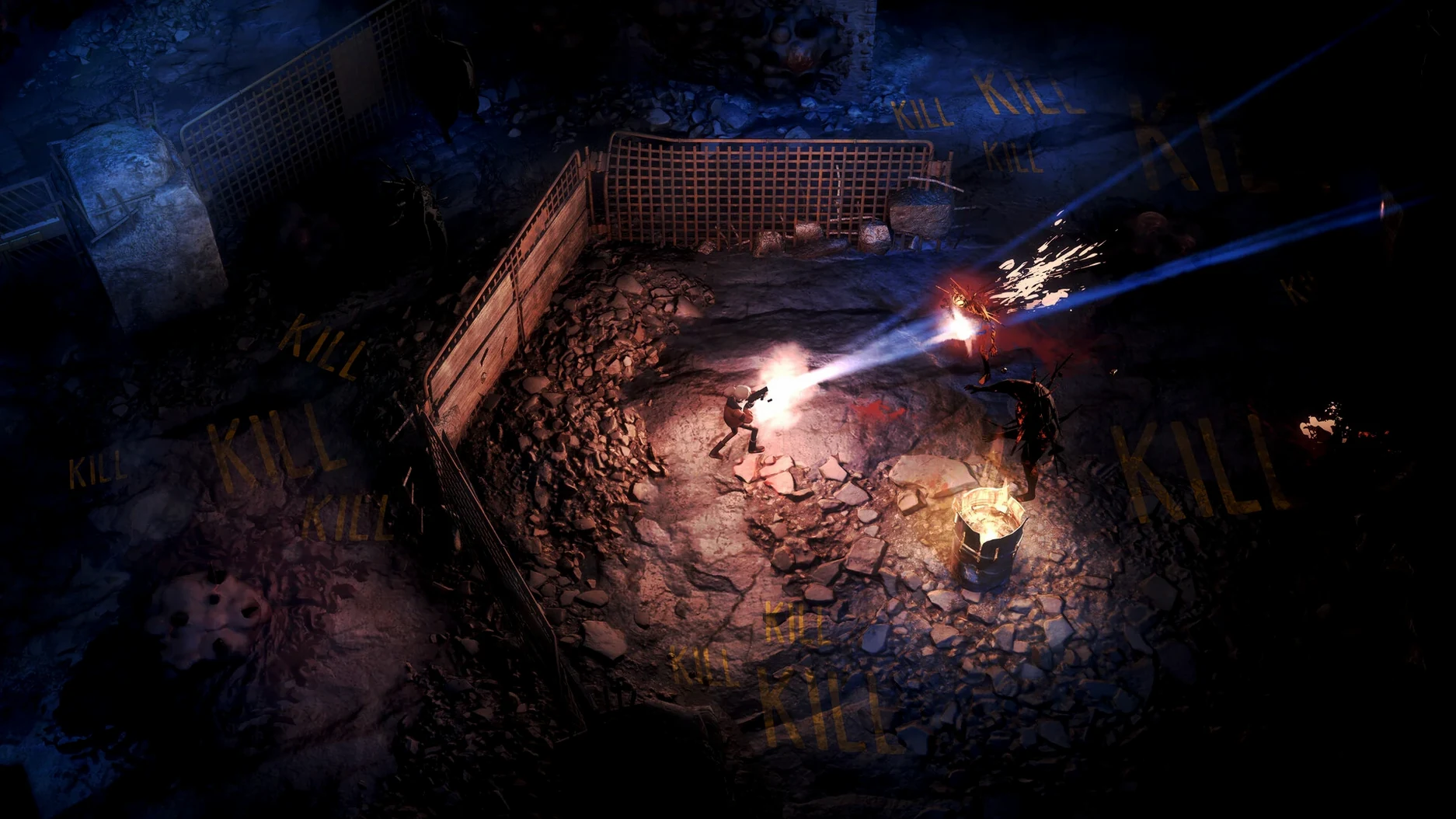
Silly Polly Beast is a story-driven action game that mixes shooting, exploration, and magic into a single journey through a strange underground world.
Modes and story
- A single narrative arc where Polly escapes an orphanage and descends into a hidden realm.
- Ancient knowledge scattered through the environment gives Polly new power as she progresses.
- Dark, claustrophobic areas sit beside open exploration zones, and a magical bracelet warns when the fog draws near.
- English voice language is included alongside the interface translations.
Combat and abilities
Shooting forms the backbone of direct encounters, but the game layers on spells that you learn from the world itself. These spells shift how you handle groups of enemies and navigate dangerous terrain. The ARM build runs through Wineskin, and the developer Anji released version 1.1 with a 2025-10-28 date on Steam.
Double-tap the spell key to cancel a charged cast
The bracelet's fog warning is the most obvious feedback system, but several quieter details sit just below the surface. Tapping the spell key twice in quick succession cancels a charged cast without spending energy — useful when an enemy pattern changes mid-fight and you need to reposition instead. In top-down sections, holding the movement key against a low wall for a full second makes Polly press her hand against it, a small animation that occasionally reveals hidden passages marked by faint cracks. These cracks are never tutorialised, and the game leaves you to stumble across them.
During side-view segments, jumping and firing at the same time produces a slightly different arc than doing each action separately; the shot originates from a lower point in the jump, which can thread bullets through gaps in cover that a standing shot would hit. The inventory screen lets you reorder spells by dragging their icons, and the order you set determines which spell the quick-cast wheel defaults to when you tap rather than hold the button. Setting a mobility spell in the first slot saves a beat during escape sequences.
Remap spell slots 5–8 for compact Mac keyboards
The default control bindings assume a keyboard layout where the number row sits close to the movement keys. On a compact Mac keyboard, reaching for 5 through 8 to cast spells pulls your hand away from WASD. Remapping those slots to Q, E, R, and F keeps movement and casting on the same hand during busy fights. The game stores these bindings in a plain text file inside the app bundle, so changes persist across sessions without needing to reapply them each launch.
Camera shake defaults to a strong setting that can make the fog bracelet's subtle colour shift hard to read. Dropping it to roughly thirty percent preserves the impact of explosions and heavy spells while keeping the bracelet's warning visible in peripheral vision. The audio mix also ships with voice lines set noticeably louder than ambient effects; pulling voice volume down by two notches and raising ambient by one brings the underground city's soundscape forward without burying dialogue. Since the build runs under Wineskin, the graphics preset defaults to a conservative setting — pushing texture quality up one step rarely causes issues on Apple Silicon hardware, and the difference in the dark city's wall details is worth the small frame-time cost.
Wineskin wrapper boots straight to the title screen
You launch the app from the Applications folder. The Wineskin wrapper takes a few seconds to initialise, then the title screen appears with its single continue option — no launcher, no configuration tool between you and the game.
You load into a side-view alley in the fog city. The bracelet glows a steady blue, meaning the fog is distant. You check the map overlay and spot an unexplored corridor two screens east. Moving through it, you pass a hunched figure who mutters something in the local dialect — not hostile, but the game's description warned against trust, so you keep your distance and move on.
The corridor opens into a top-down plaza with three enemies patrolling in a loose triangle. You swap to a ranged spell using the quick-cast wheel, then fire from behind a collapsed pillar. One enemy breaks off and charges. You cancel a second spell with a double-tap, roll sideways, and switch to a short-range burst that catches the charging enemy mid-lunge. The other two scatter, and the plaza falls quiet.
In the far corner of the plaza, a cracked wall catches your eye. You hold the movement key against it, watch Polly's hand press the stone, and the wall slides open to reveal a small chamber with a scroll — ancient knowledge that unlocks a new mobility spell. You slot it into the first position on the spell wheel before heading back to the main path. The fog bracelet blinks amber as you approach the city's outer edge, and you turn back toward the safer inner district to end the session.
Learn enemy audio tells before pushing the main path
Spend the opening hour learning enemy tells rather than pushing the main path. The orphanage escape sequence teaches basic shooting, but the first underground district introduces creatures with distinct audio cues before they attack — a metallic scrape, a wet clicking sound — and recognising those cues early prevents a lot of restarting. Let a few enemies approach without firing, just to hear their warning sounds, and you will read encounters faster later.
Ignore the urge to hoard spells. The game gives you more slots than you can fill early on, but unequipped spells still sit in your inventory and can be swapped at any safe spot. Carrying only three spells keeps the quick-cast wheel tidy and reduces the chance of selecting the wrong one during a panic moment. Add a fourth spell only when you have used the first three enough that their cast times feel automatic.
If the game stalls at launch with an error about missing components, the disk image includes a Fix file that patches the Wineskin environment. Running it once after dragging the app into Applications resolves most startup issues and does not affect save data. The build was tested on a Mac mini 2024 M4 running macOS Tahoe, and the ARM architecture means no Rosetta translation layer sits between the wrapper and the hardware — load times stay short even for the larger underground districts.