Aspecten
 Download (18 GB)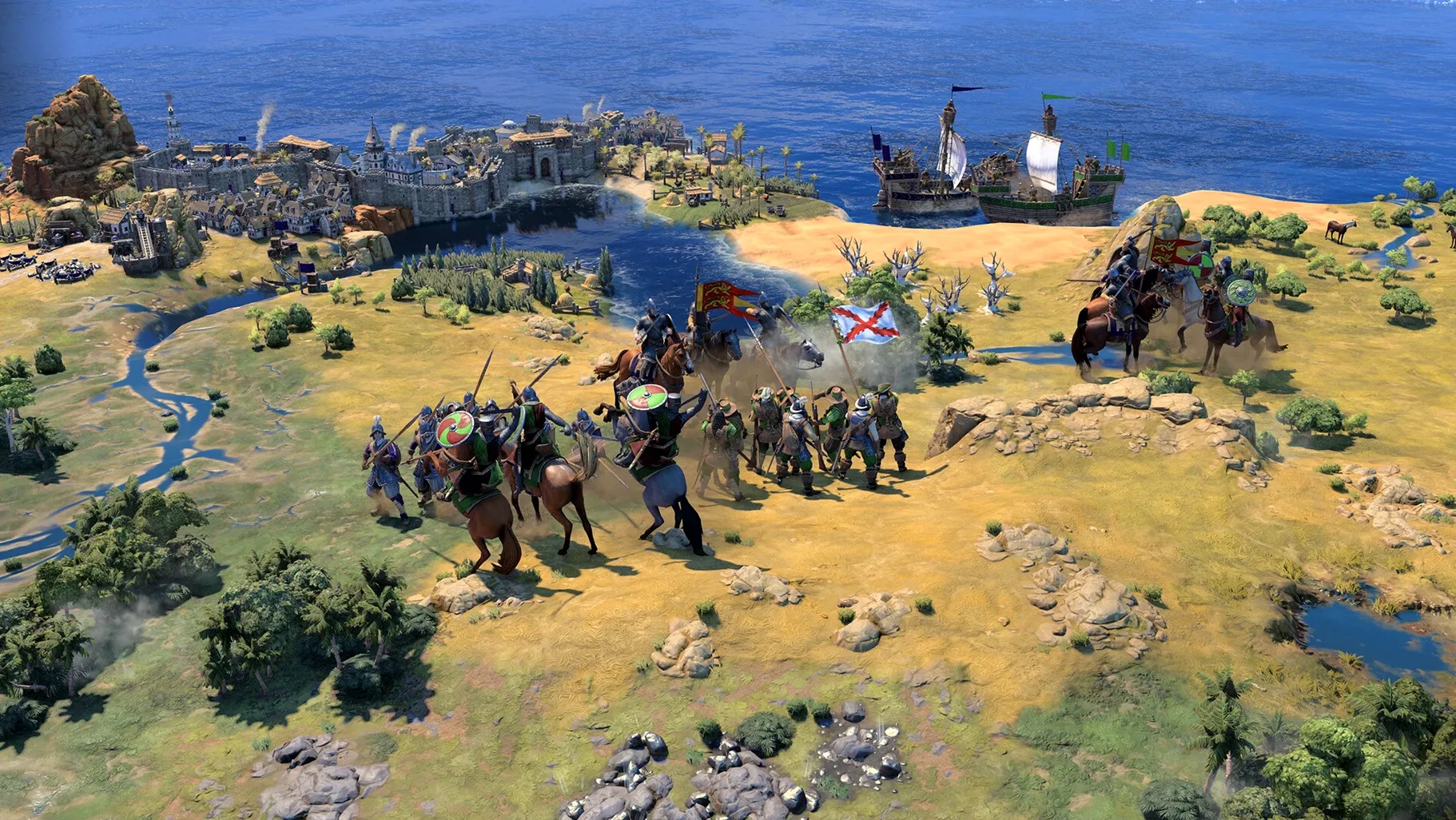
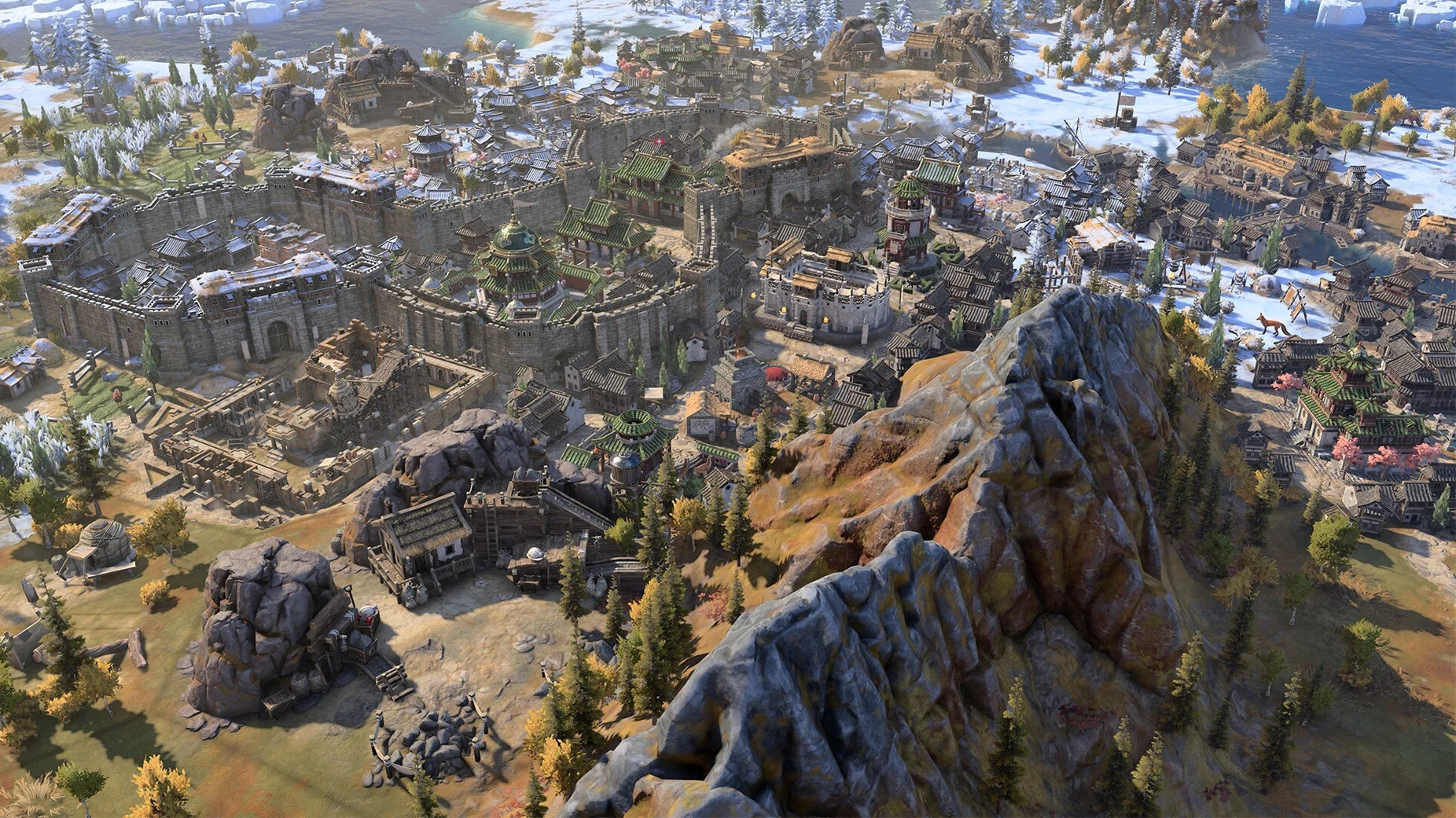
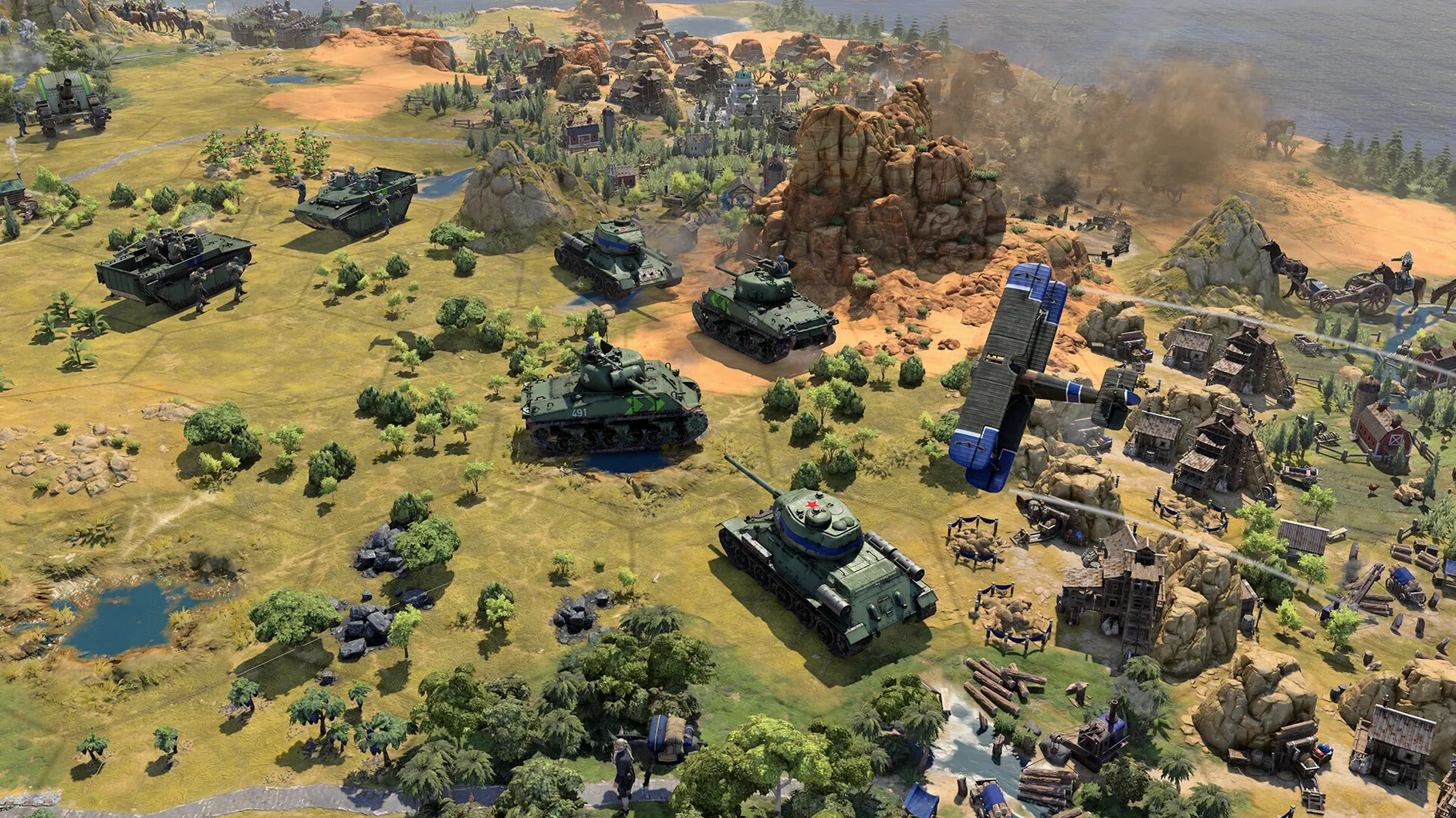
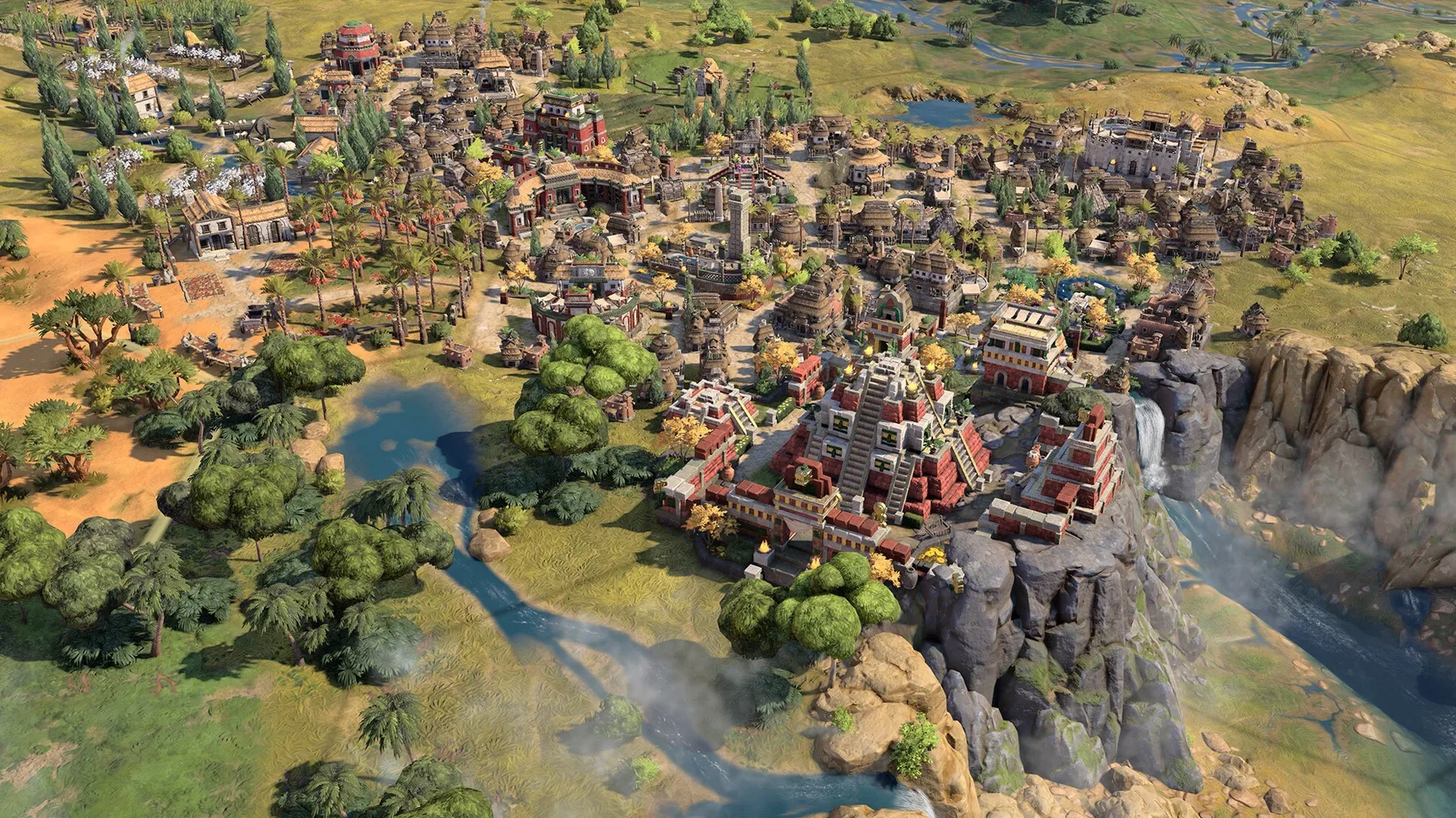
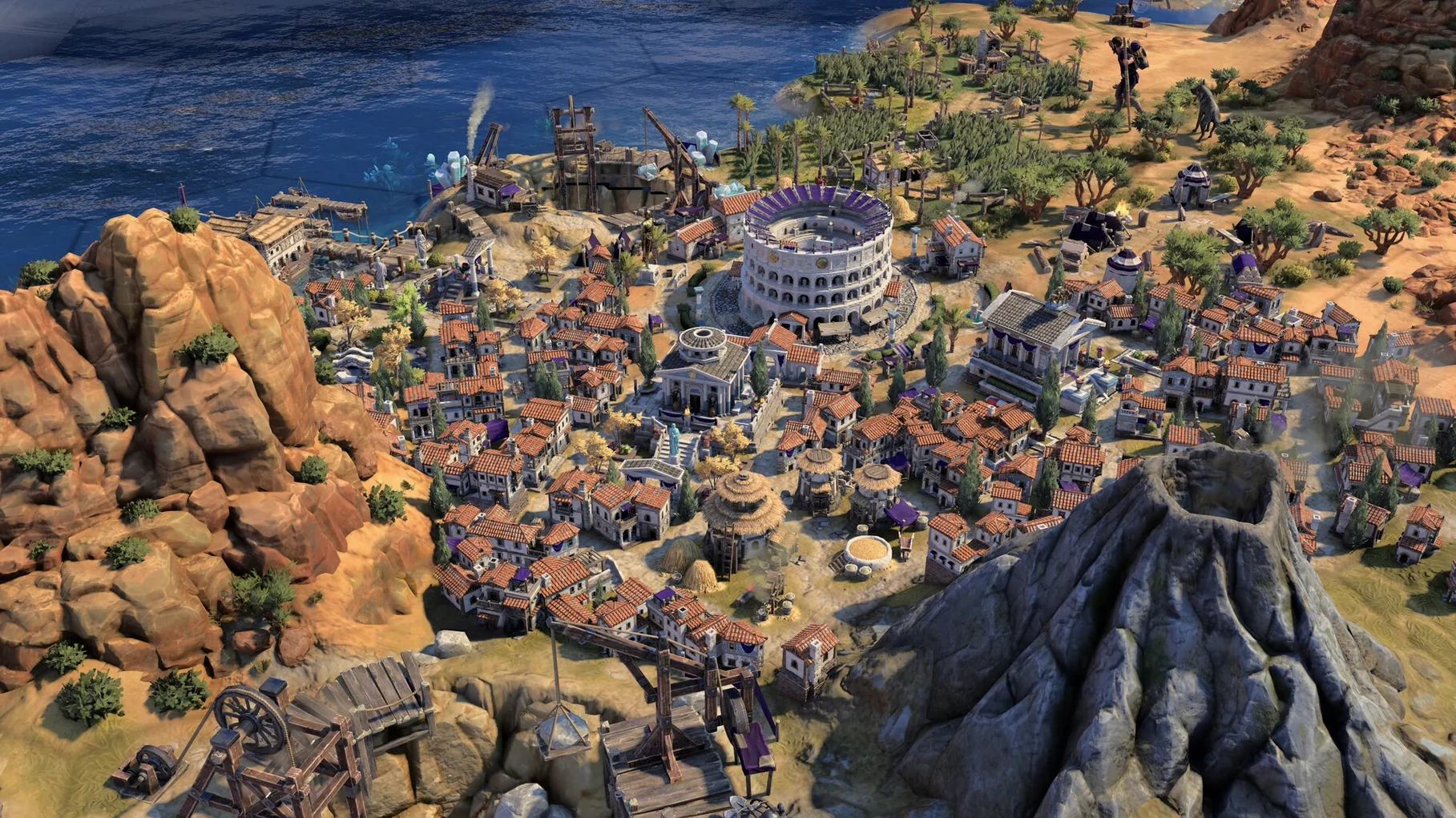
Sid Meier’s Civilization VII is a turn-based strategy game where you guide a civilisation from its earliest settlements through defined historical eras. Each turn, you make a series of small, concrete decisions: moving a scout across a hex of unexplored grassland, choosing which technology to research next, or assigning a builder to construct a farm on a riverbank tile. The map is a detailed patchwork of terrain, and the units and architecture slowly come to reflect your chosen culture's style as you progress.
| Detail | Note |
|---|---|
| Developer | Firaxis Games |
| Current version | 1.5.0 |
| Architecture | Apple Silicon |
Minute to minute, the work is about managing queues and positioning. A typical early turn might see you ordering a city to train a slinger while a warrior fortifies on a wooded hill for a defence bonus. As you move into a new era, the conditions for development shift. The technologies you chased in the previous age might unlock new social policies, and your relationship with neighbouring civilisations can pivot on a single border dispute. Later, the pace accelerates: you are repositioning fleets, adjusting trade routes, and deciding which cities will specialise in production or science. The interface gives you these reports in a straightforward list of notifications each turn, and you work through them methodically. Version 1.5.0 fixed a specific input lag that occurred when using a mouse and keyboard at the same time, so those commands now resolve more cleanly as you move between map and menus.
Hold right-click to path units across multiple turns
Several interaction details sit just beneath the surface and can quietly reshape how a session plays out. The hold right-click to move command, for instance, lets you path a unit across multiple turns without issuing separate orders each time — useful when a scout is crossing uncontested territory and you want to focus attention elsewhere. On the keyboard, pressing Space skips a unit's turn entirely, which becomes second nature once you have garrisoned units or naval patrols waiting in place.
The city detail panel offers a queue pin that locks the build order across turns, even when a new technology or civic would normally prompt a reprioritisation popup. Toggling that pin means a city keeps producing the same unit type until you manually intervene. Similarly, holding Shift while clicking a research target chains that technology at the end of the current one, so you can map out two or three advances and return only when the tree offers a branching choice. None of these are advertised prominently, but once they become part of a workflow, you notice their absence whenever you go back to an older title in the series.
Another quiet improvement in version 1.5.0 is the True Start Location Earth map, added as a map type in the setup screen. Civilisations begin roughly where their historical counterparts sat on the globe, which changes early-game scouting patterns considerably. On a standard Earth start, you might find yourself with a natural mountain barrier on one flank and a narrow coastal shelf on the other, forcing a different expansion rhythm than the shuffle of a random continents map.
Start by pairing a leader with a mismatched civilization
The game opens to the main menu, where you pick a leader and a civilisation combination — a deliberate decoupling in this version that lets you experiment with mismatched traits. You might, for example, pair a leader known for diplomatic bonuses with a militaristic civilisation to see how the bonuses layer.
Map generation takes a few seconds on Apple Silicon hardware. Once the world renders, the view settles on your settler unit and a warrior companion. The first turn is a small handful of choices: found the capital on the spot or move one tile for a better river adjacency, set the initial research target, and send the warrior in a widening arc to clear the fog of war. The city begins producing a scout, and the turn ends with a tap of the spacebar or a click on the end-turn button in the lower-right corner.
By turn thirty, the session has settled into a rhythm. Each turn starts with a glance at the notification list down the right side of the screen — a barbarian camp spotted to the north, a technology completed, a civic unlocked. You address them in order: move the slinger toward the camp, pick the next civic card from the policy screen, assign a trader to a route between your two cities. Between these interrupts, you pan the map with edge scrolling or a two-finger drag on the trackpad, checking on tile improvements and city growth.
Mid-session, an era transition triggers. The game pauses to present a new set of civilisation bonuses and legacy paths, and you spend a few minutes weighing the options before committing. After the transition, the map updates with new architecture styles, and the diplomatic landscape shifts as relationships recalculate. The session might run two or three hours, covering the full Antiquity era and the opening moves of the Exploration era, before you save and quit with Command-Q.
Patient, cumulative players settle in fastest
People who already have a feel for turn-based pacing tend to settle into Civilization VII most comfortably. The game rewards a patient, cumulative mindset: progress is measured in small tile acquisitions, incremental tech advances, and diplomatic nudges rather than sudden reversals. Mac users who spend hours in grand strategy titles, 4X games, or heavy simulation software already understand that rhythm and will find the interface familiar in its logic.
It also suits players who value modular experimentation. The leader-civilisation split means you can test unusual pairings without committing to a full campaign, and Mac users who tinker with configurations, mods, or alternative workflows — the kind of person who remaps keys and builds Automator scripts — often warm to that flexibility. The addition of Russian, English, and several other interface and voice languages opens the game to bilingual households where switching the display language on the fly makes the experience more comfortable for different family members.
Newcomers to the series benefit from the improved onboarding, which layers tutorials into the early turns without pausing the game for walls of text. Mac users who play primarily in windowed mode, perhaps keeping a browser or note-taking app open on the side, will appreciate that the game handles window resizing cleanly; the map and panels reflow without glitching, which is not a given for every large strategy title on macOS.
Keep a tech tree reference on a second display
The game works well alongside a second monitor setup, where the map occupies one display and reference material — a browser tab with a tech tree overview or a notes app for planning district placement — sits on the other. You can run the game in a fullscreen Space on one display while swiping back to the desktop on the other with a three-finger gesture, and the session stays responsive through each transition.
Mission Control and Spaces behave predictably. Dragging the game to its own Space prevents accidental window overlap when notifications from other apps arrive, and the game's audio ducks sensibly when a system alert sounds. On a Mac mini with a third-party mechanical keyboard, the function row keys map to their standard macOS actions unless you override them, so volume and brightness adjustments remain available without leaving the game.
For those who keep a clipboard manager running, the game's text fields — city renames, save file descriptions — accept pasted input, which is a small but practical bridge between the game and the outside system. The disk image installation method keeps the app self-contained, and it respects macOS file handling conventions: save files live in the user's ~/Library directory, where backup routines and sync utilities can reach them without special configuration. A search for civilization vii mac torrent or sid meier's civilization v torrent may surface this version alongside older entries in file-sharing circles, though the build tested here ran directly from the Applications folder after a standard drag-and-drop install.