Aspecten
 Download (816 MB)
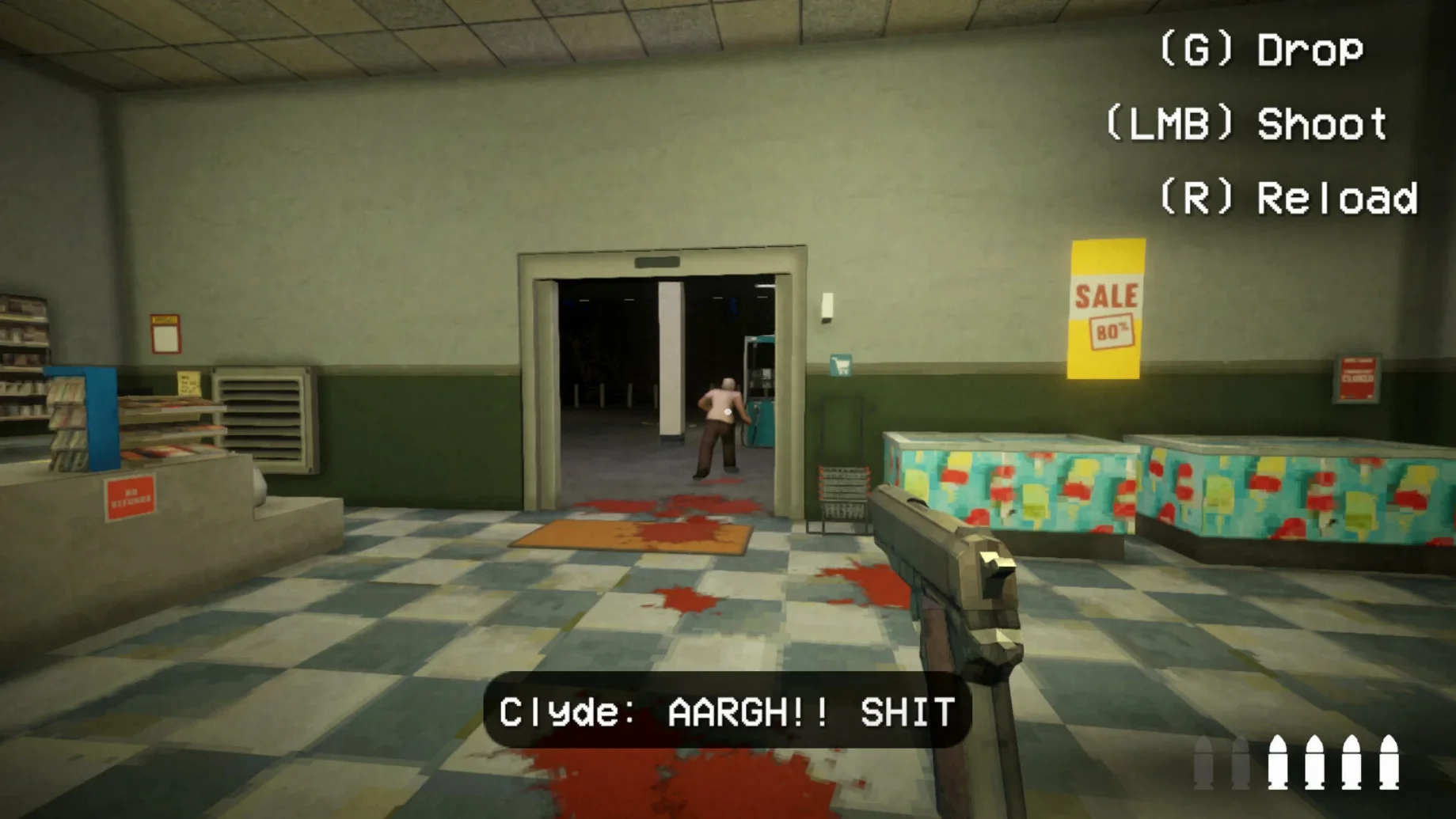
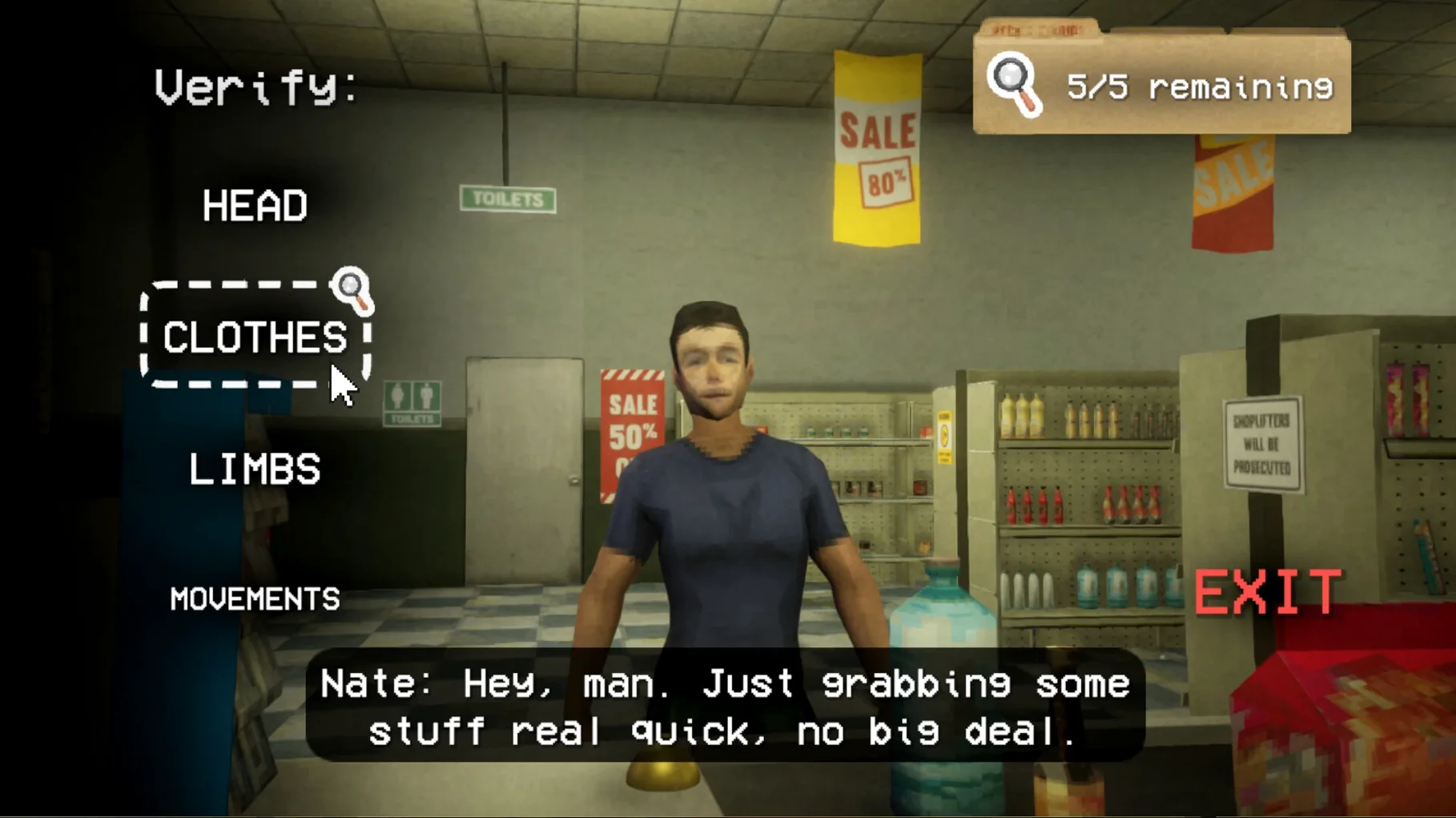
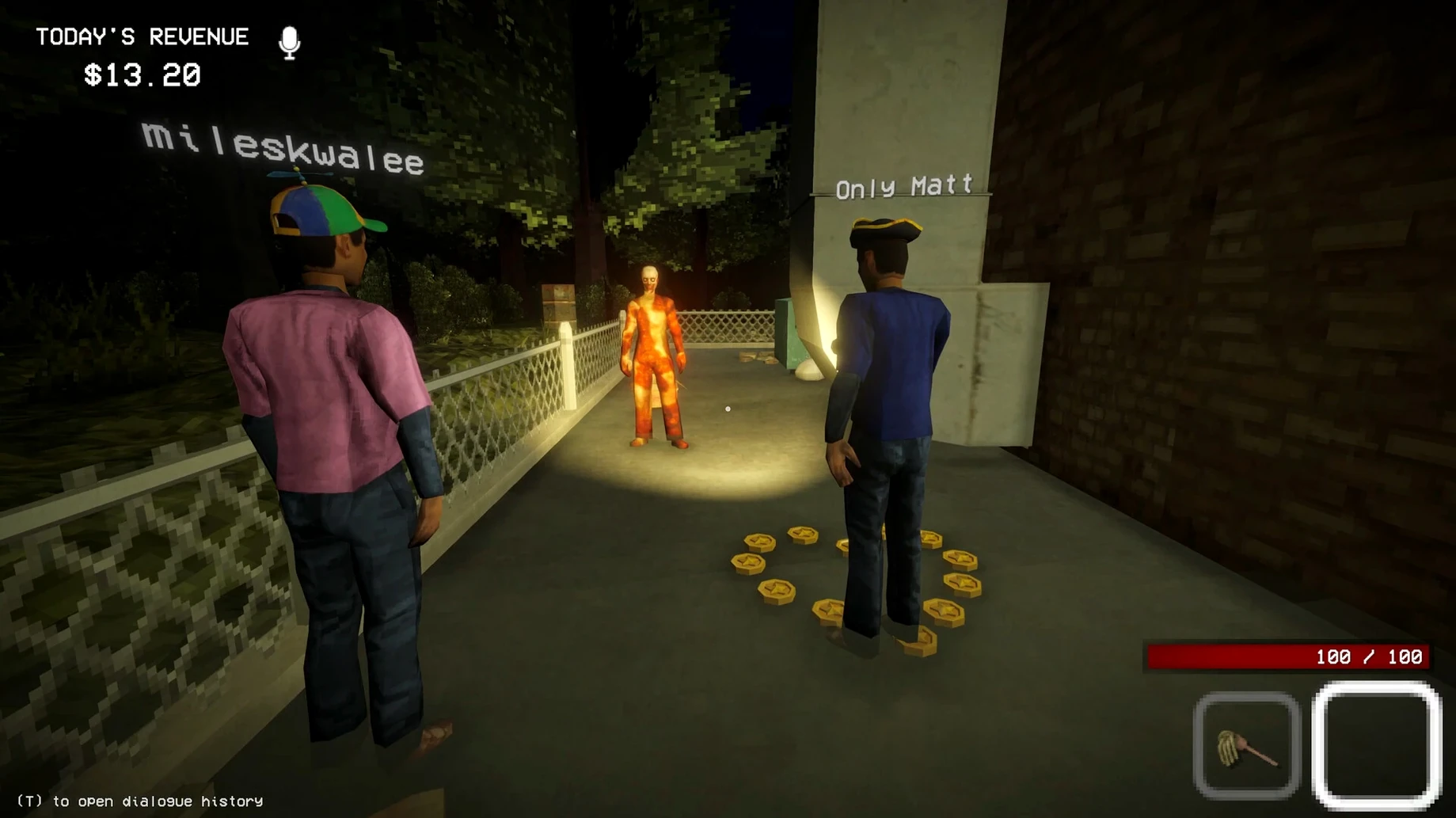
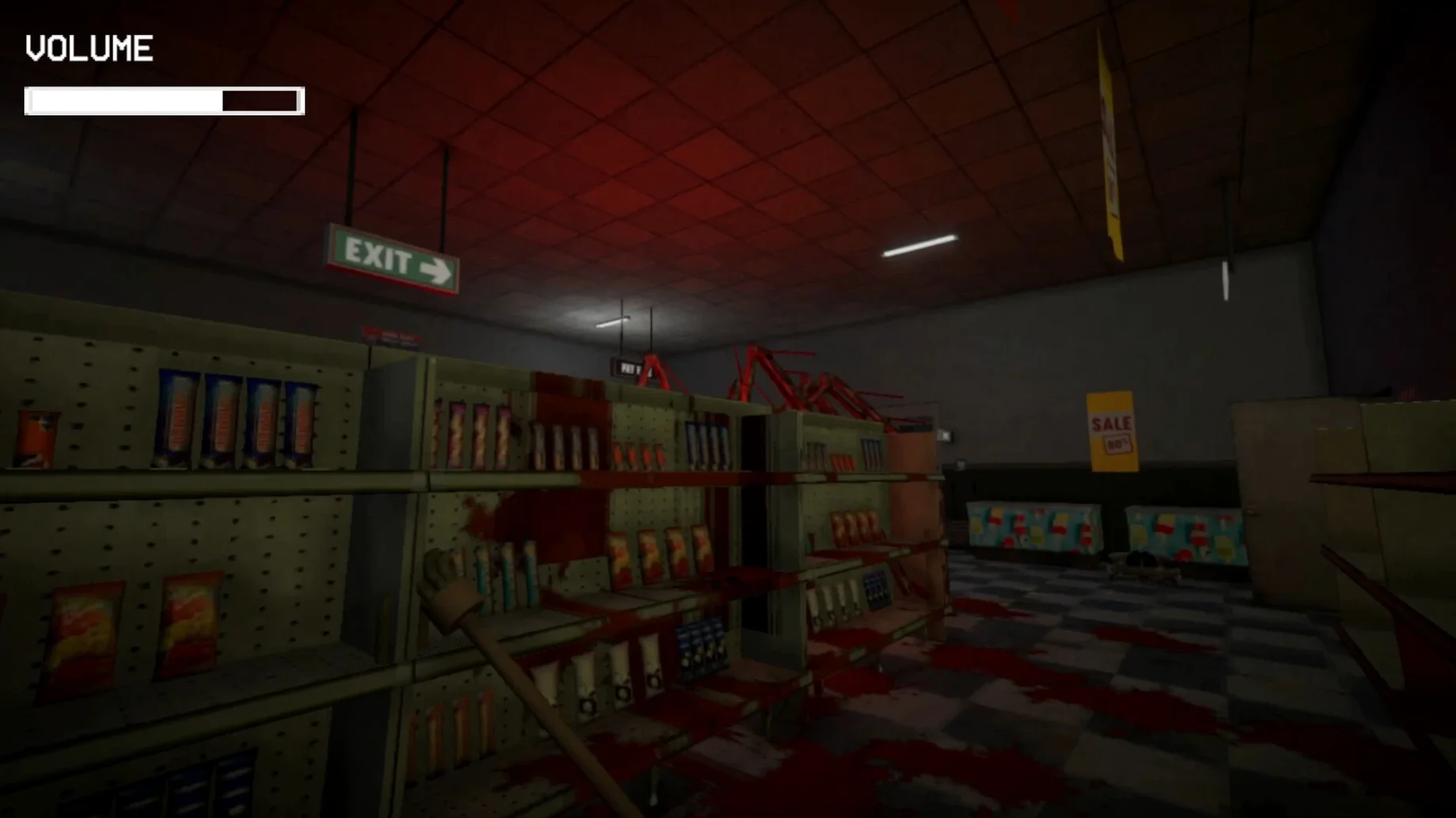
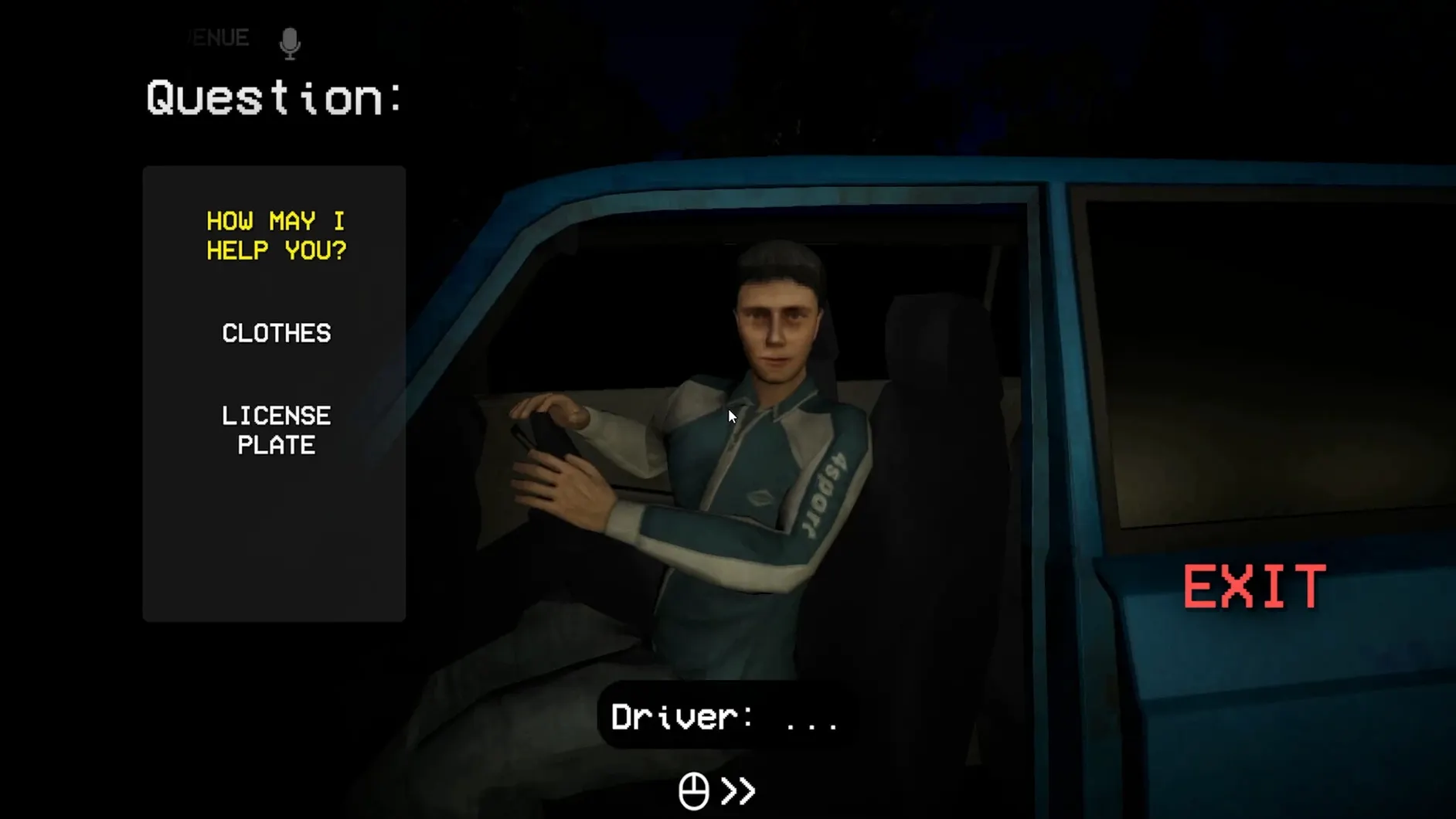
Most co-op horror games herd you through a linear script. Shift At Midnight solves the predictability problem by generating a fresh night shift every time you clock in, so no two sessions unfold the same way. You and a friend take the graveyard slot at a lonely gas station where something is deeply wrong.
| Detail | Note |
|---|---|
| Developer | Bun Muen |
| Publisher | Kwalee |
| Build | 24450017 (Wineskin) |
| Release | 2026-07-22 |
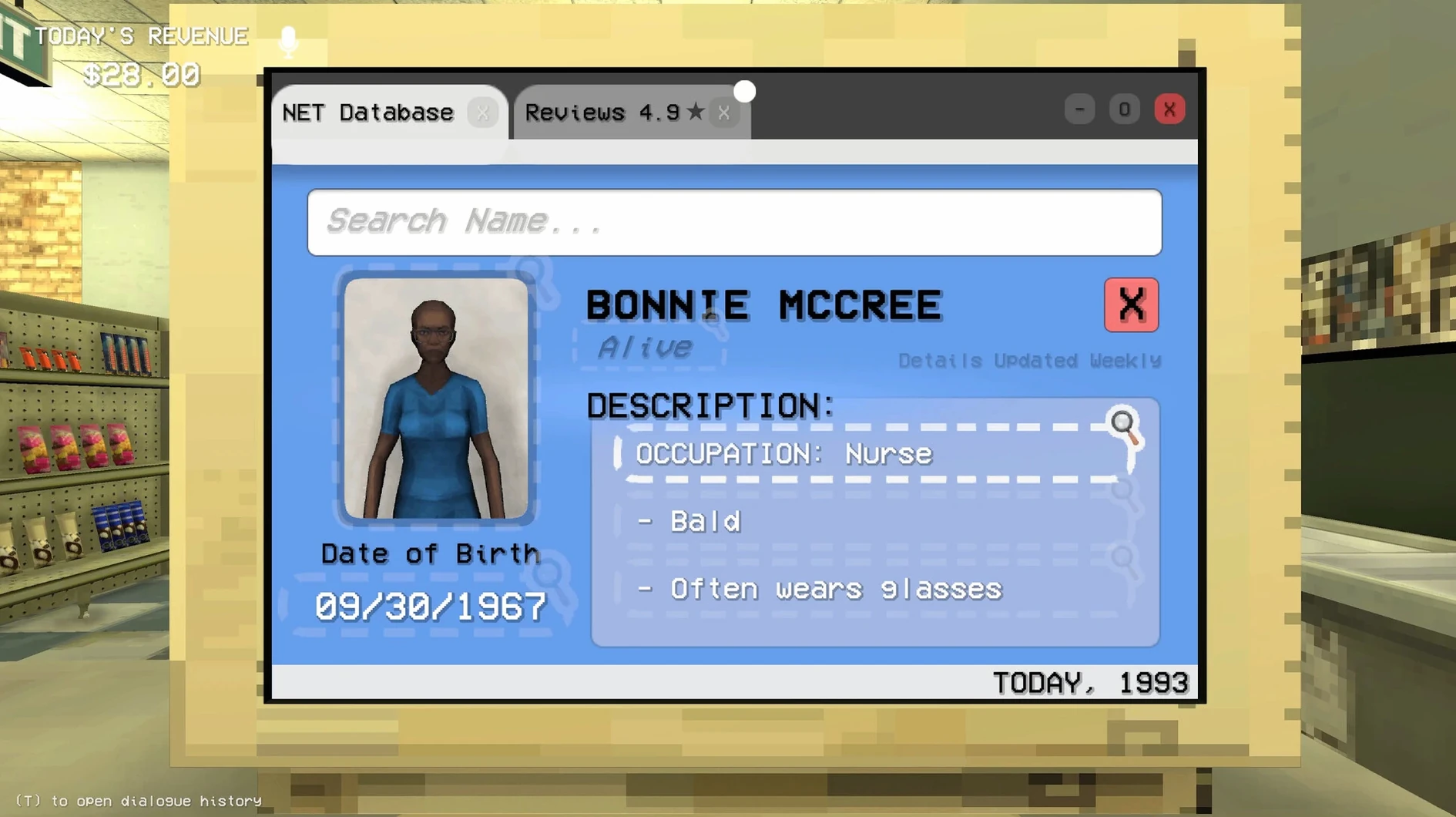
Minute to minute, the work is mundane until it is not. You restock shelves, receive deliveries and clean the store while customers drift in. Each one gets served, but you also question them and check their ID against a store computer. The tension sits in that quiet verification step — matching a face to a record while the door is still unlocked. If a doppelganger slips through, the shift turns. You barricade doors, set traps and find a place to hide. The loop is simple: serve, verify, react. Because the roster of customers and the moment of danger are randomised, the game asks you to read small details rather than memorise a sequence.
Wineskin build on Apple Silicon, tested on an M4 Mac mini
Because this is a Wineskin build, expectations need a small adjustment. On an Apple Silicon Mac — my testing sat on a Mac mini M4 running macOS Tahoe — the game loads without a visible translation layer getting in the way. Frame pacing stays steady through the quiet stretches of shelf-stacking and mopping. The moment a doppelganger breaks loose and the lighting shifts, you might catch a brief hitch; shader compilation stutter is the likely cause, and it smooths out after the first chase of a session.
Memory use is modest, hovering around 1.2 GB during a two-player shift with proximity chat active. CPU draw sits low enough that background apps do not need closing. The larger practical concern is network quality rather than raw hardware. Voice chat runs peer-to-peer, so a weak connection on one side makes the other player’s audio cut in and out even when the game state stays in sync. A wired connection or a solid 5 GHz Wi-Fi band clears that up.
First-launch Dock bounce and the Fix file inside the disk image
The first launch catches people out. If the app bounces once in the Dock and quits, the Wineskin wrapper has tripped over its permissions on first run. Inside the disk image sits a Fix file; running that once realigns the sandbox paths and the game opens normally afterward. You do not need to run it again after an update unless the developer ships a fresh wrapper.
Another point of friction is the invite flow. The game uses a peer-based lobby rather than a central server, so both players need to be on the same network or have a clear NAT path. If a friend cannot see your session, toggling the in-game network mode from “Nearby” to “Friends” and back forces a re-broadcast. It is a small thing, but the interface does not hint at that step.
Some players also report that the ID-check computer freezes for a second when pulling up a customer record during a busy shift. That is tied to the game autosaving in the background — the timing is unlucky rather than broken. Turning off “Background Autosave” in settings separates the save beat from the investigation moment and keeps the computer screen responsive.
Proximity chat set too wide out of the box
Out of the box, a few defaults work against the game’s rhythm. The proximity chat range is set wide, so you hear your teammate from across the store as if they were beside you. Tightening it to “Close” in the audio tab makes the doppelganger sequences far more unnerving; you lose voice contact the moment you split up to check opposite aisles.
The customer-question timer defaults to generous. Dialling it down by a notch in the gameplay settings removes the comfort cushion during verification and pushes the group into faster, more anxious decision-making. It suits the detective side of the loop better than the relaxed pace the game ships with.
If you are hunting for a shift at midnight for mac free download, the build here is self-contained — no extra launcher, no sign-in. Just mind the first-launch fix and those two settings, and the gas station will feel properly hostile from the first shift.