Aspecten
 Download (1.6 GB)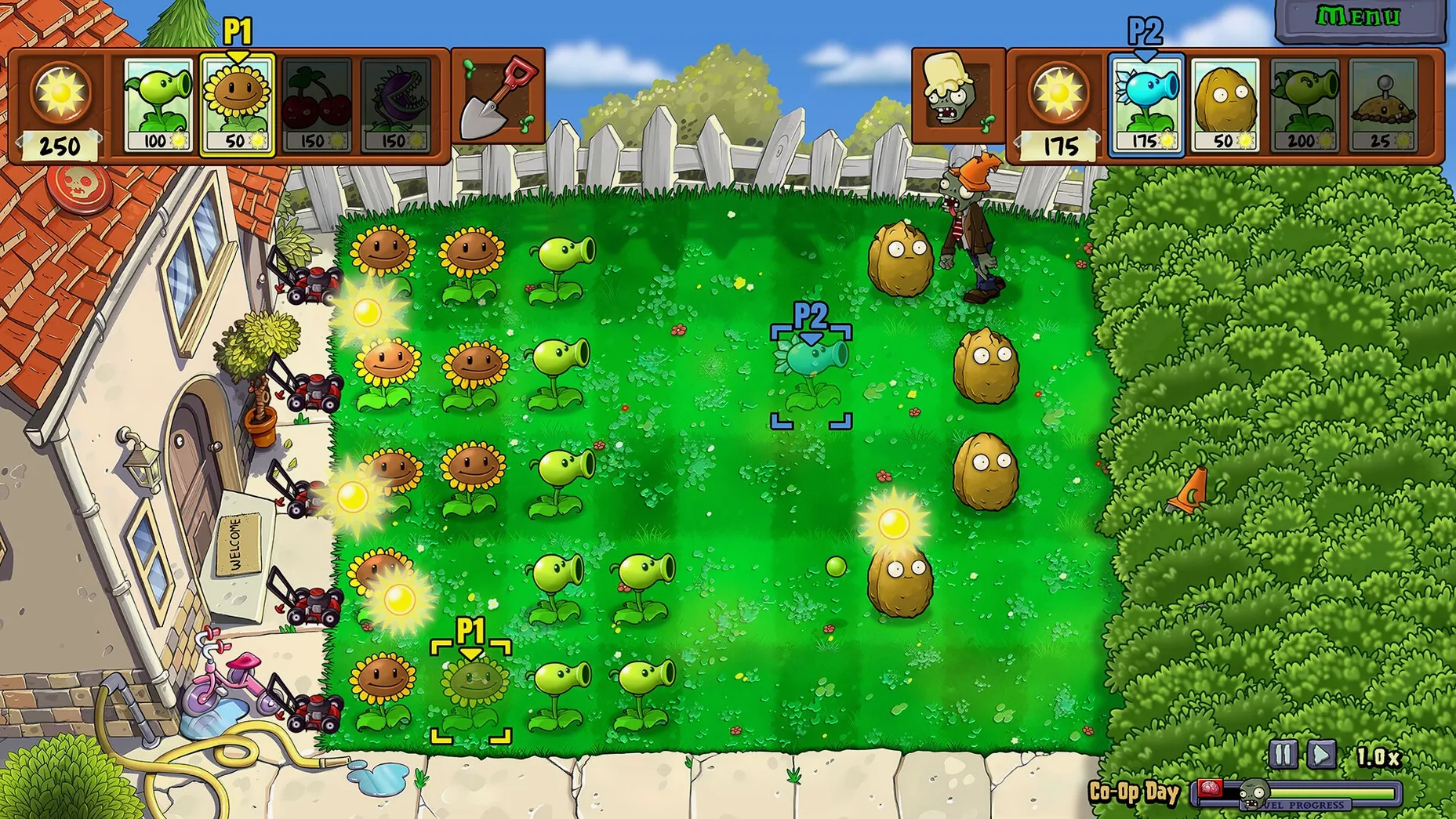
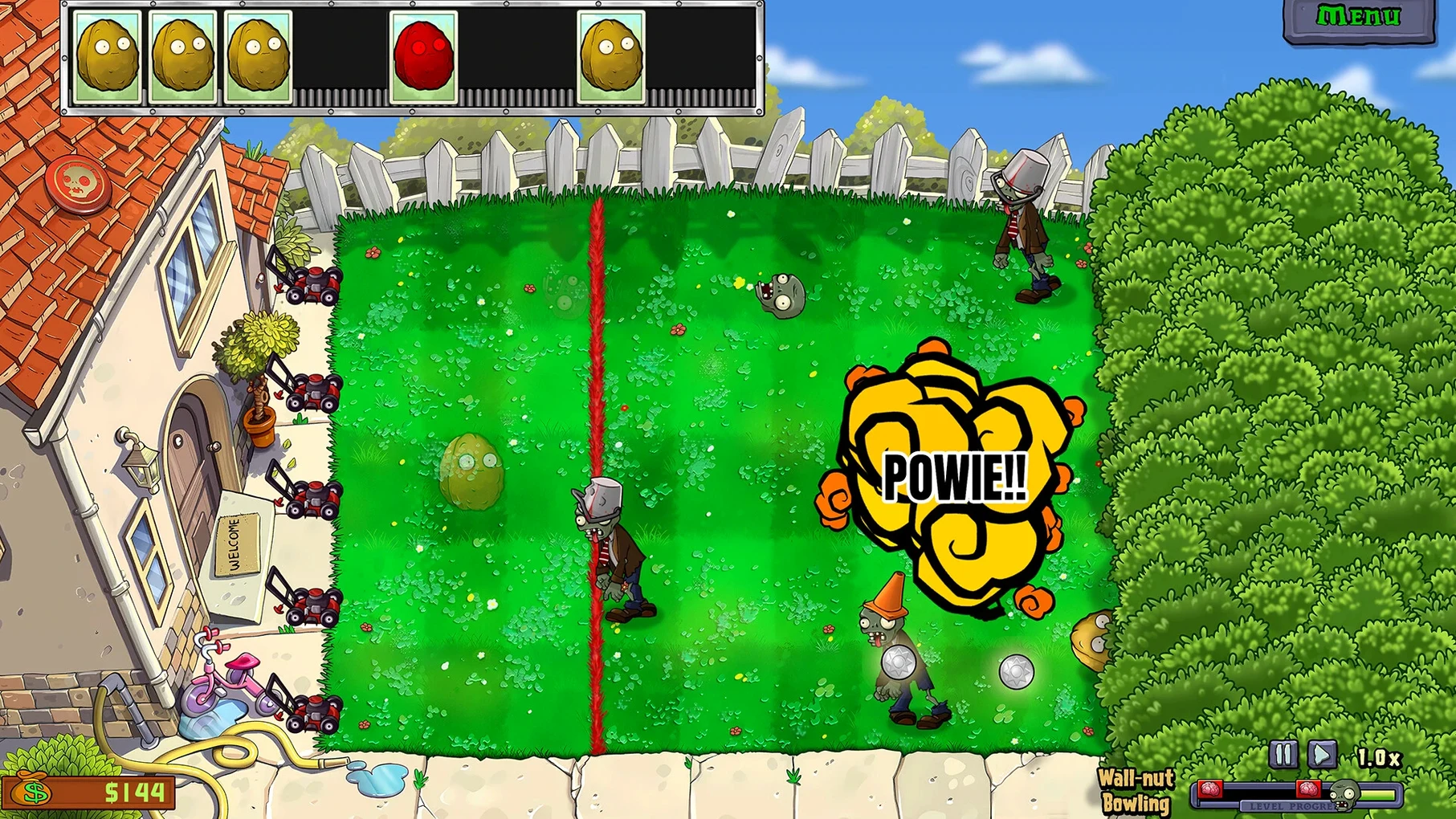
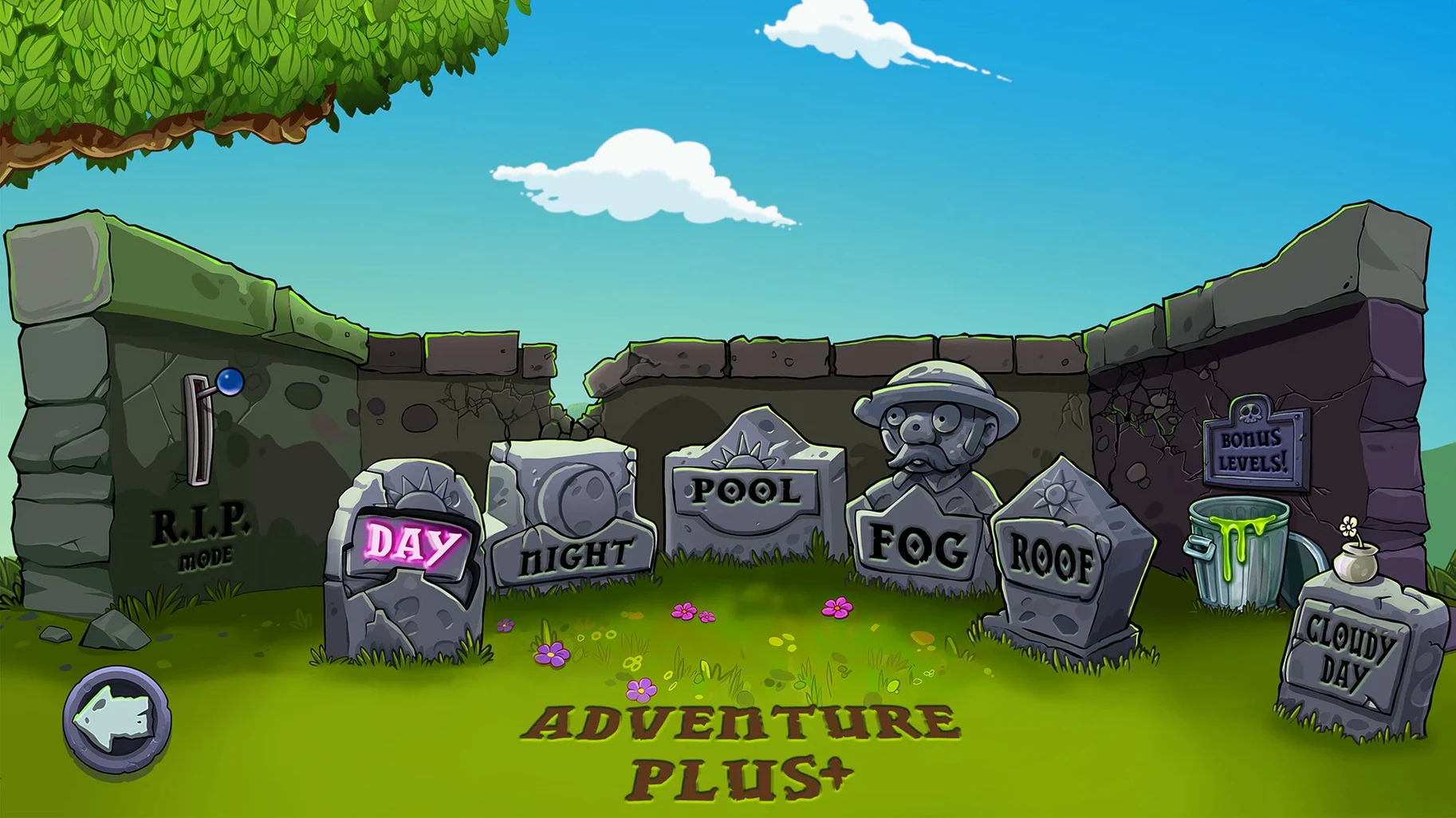
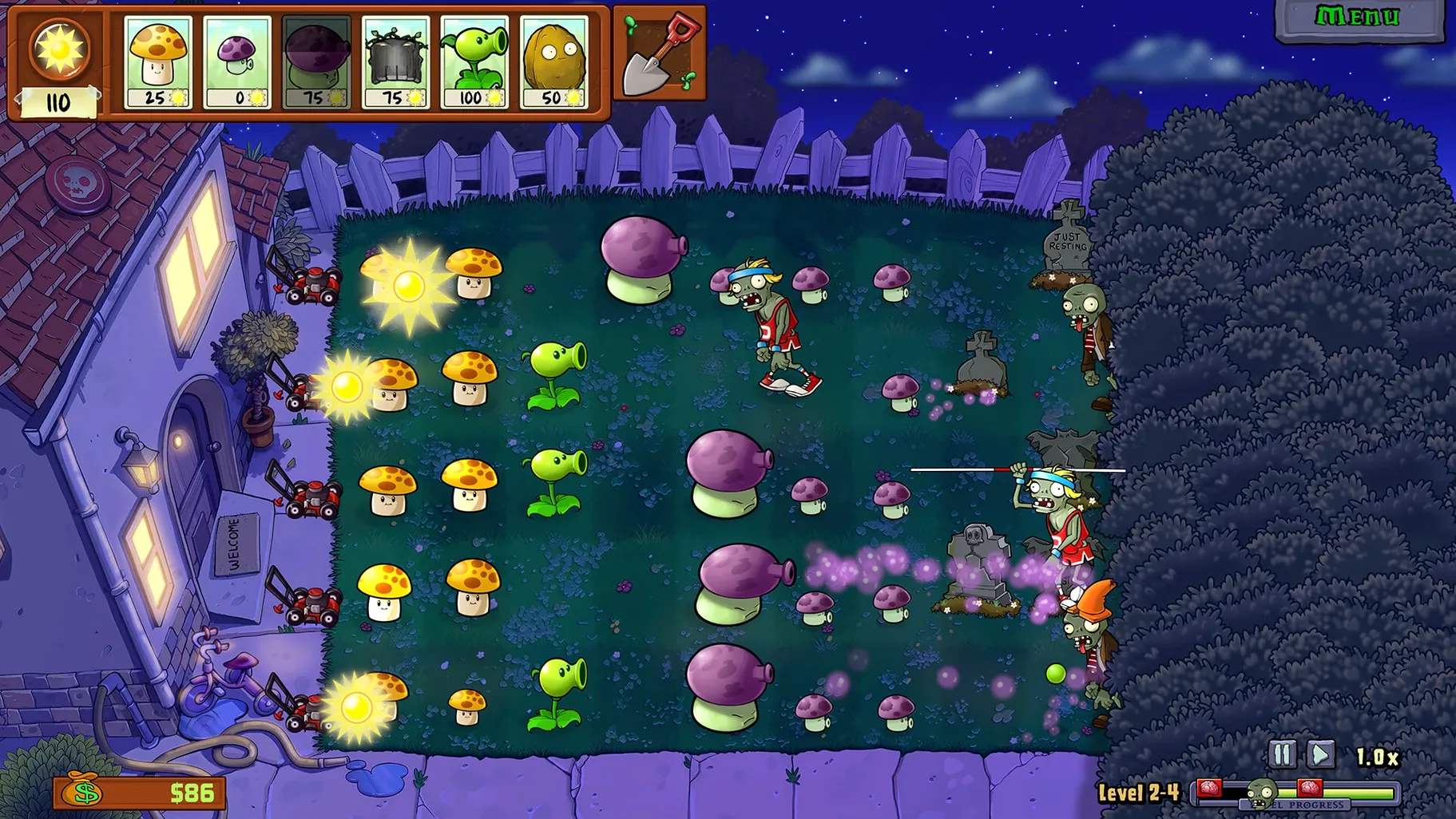
Someone who remembers the original but wants more than a straight re-release. Someone who missed the series the first time and prefers a version with sharper art and a few extra surprises. That is who Plants vs. Zombies: Replanted is aimed at.
Planting the lawn
Each level opens with an empty grid and a handful of seed packets. You spend the first thirty seconds deciding where the Peashooters go and whether a Wall-nut belongs in the lane that already has two zombies shuffling toward the house.
Collecting sun and reacting
Sun falls from the sky and pops out of Sunflowers. You click to gather it while keeping an eye on the approaching horde, dropping a Cherry Bomb when a lane gets too crowded or digging up a plant that no longer fits the situation.
Holding the final wave
The last minute of a level is a scramble. Conveyor-belt levels force you to work with whatever arrives; regular levels let you fill every spare tile with offensive plants. A flag zombie appears, the music shifts, and you adjust the back row one more time before the screen clears.
Picking up Adventure mode right where you left off
Launch the game from Launchpad. The title screen appears with the sunflower in crisp HD, and you click through to the main menu. Most sessions start by picking up where you left off in Adventure mode — the game remembers your progress automatically.
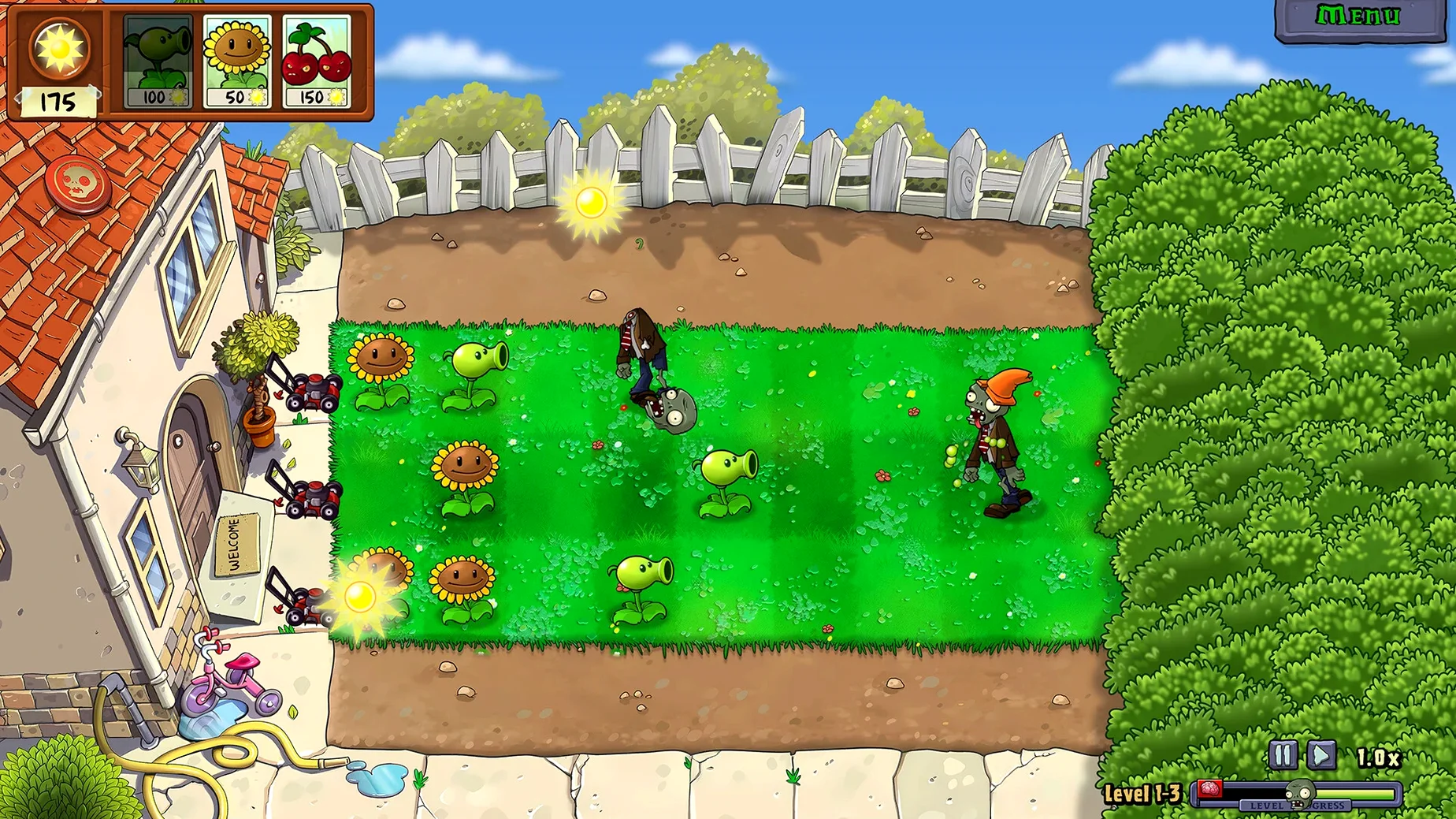
You select a level. Dave the neighbour says something odd, the seed-packet strip appears across the top, and the first lawnmowers sit waiting at the left edge. Before the first zombie, you plant two Sunflowers in the back row. The first sun drops. You collect it, plant a Peashooter in lane three, and watch a lone zombie amble into range.
By the ninety-second mark, you have a working defence: three rows of Sunflowers, a screen of Peashooters, and a Wall-nut or two where the path narrows. A Conehead zombie shows up — you drop a Snow Pea behind your Wall-nut to slow it down while the Peashooters work. The shovel tool sits in the corner, ready if you need to dig something up and replace it.
The final wave hits. You spend most of your saved sun on a Cherry Bomb where three lanes overlap with trouble, then plant a Potato Mine in a gap you missed. The last zombie collapses. The victory jingle plays, you collect a new seed packet or a note from Crazy Dave, and the map screen advances. A typical session covers three to five levels — enough to feel the difficulty climb without exhausting your supply of garden-variety one-liners.
Scrolling seed packets with the mouse wheel
A few details are easy to overlook during the first hours. The mouse wheel scrolls through the seed packets in your inventory; you are not stuck clicking the tiny arrows on either side. You can also tap the number keys 1 through 9 to select a seed with one hand while the other stays on the mouse for planting.
Holding Shift while clicking a plant instantly picks up the shovel, so you can dig up a Wall-nut and replace it with a Squash in one motion. On conveyor-belt levels, you can see the next plant arriving in the corner slot a moment before it lands — useful for planning a split-second Potato Mine placement.
The game auto-collects sun that falls while you are busy on the far side of the lawn, but only if your cursor hovers roughly over the drop zone. You do not need pixel-perfect aim. During the seed-selection screen before a level, hovering over a plant shows its sun cost and a short description; right-clicking plays a snippet of its sound effect, which helps when you are deciding between two offensive plants for the last slot.
One Wineskin-specific note: the game window can be toggled between full-screen and a resizable window with Command-F. If you prefer a smaller workspace that leaves room for other apps, the windowed mode remembers its size between sessions.
Turning the remastered soundtrack down from full blast
The default settings work, but three adjustments make the experience noticeably better. Open the options menu from the main screen before your first proper session.
Music volume. The remastered soundtrack is warm and surprisingly detailed, but it ships at full blast. Drop music to around 60 percent and leave sound effects higher — you want to hear the thwip of a Peashooter and the groan of a Gargantuar clearly over the background melody.
Cursor size. The HD graphics make the default cursor smaller on a high-resolution display. Switch to the larger cursor option. It is not enormous, just easier to track when you are planting fast during a flag wave.
Auto-collect. The game includes a toggle for auto-collecting sun and coins. Turn it on if you find the constant clicking distracts from plant placement. Purists may prefer manual collection for the rhythm it creates, but large levels with heavy sun production benefit from leaving the setting active.