Aspecten
 Download (16 GB)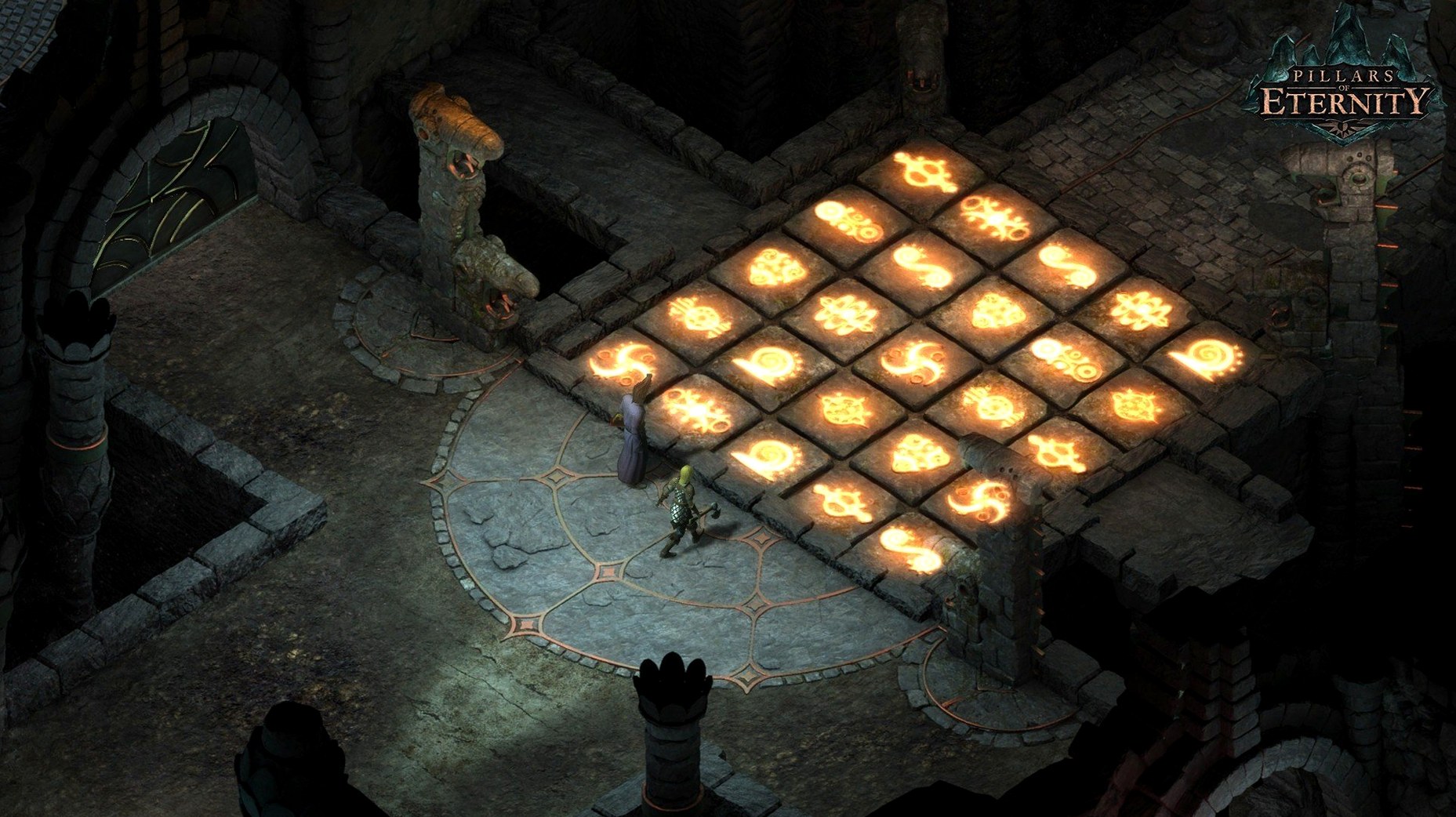
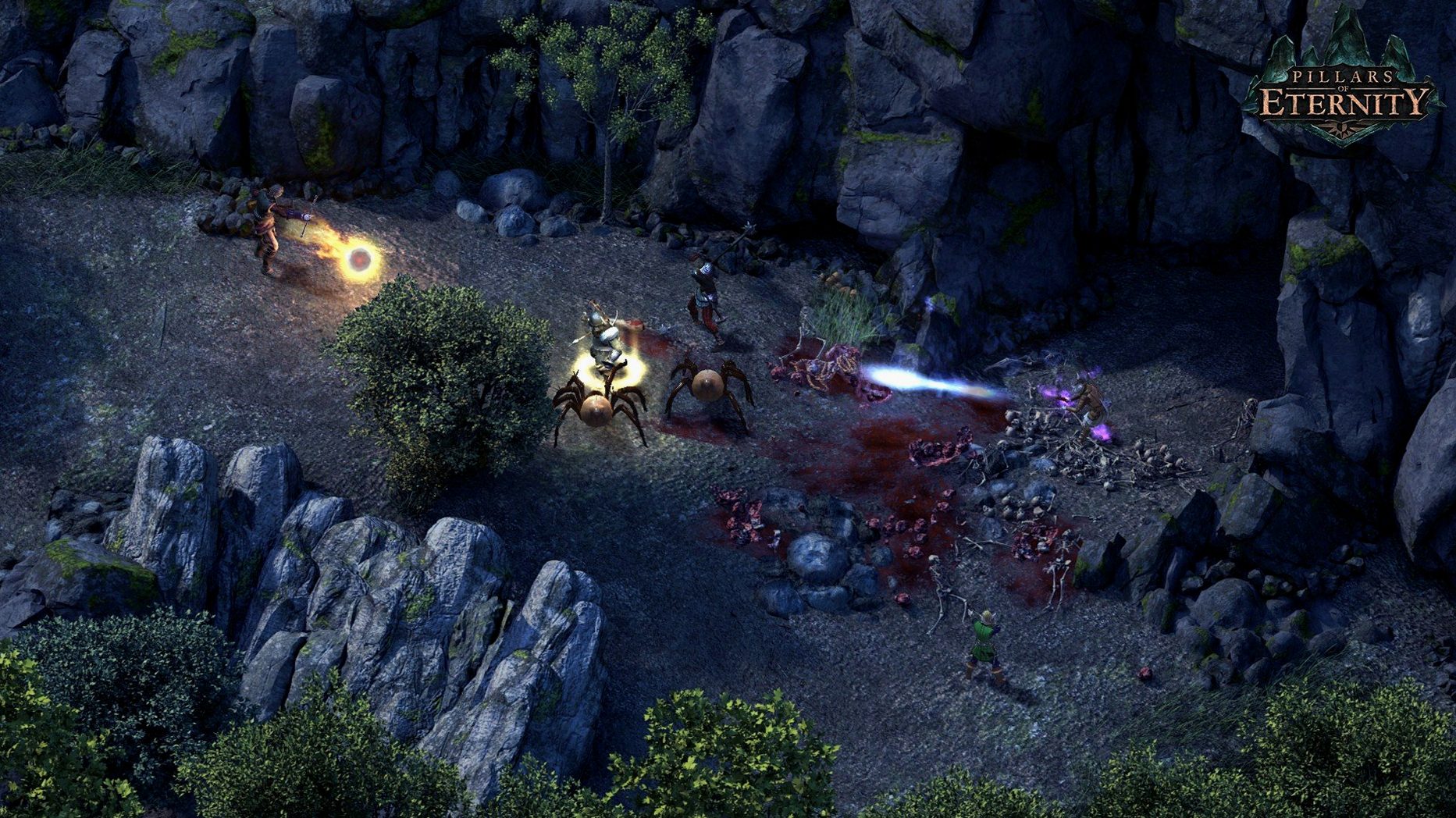
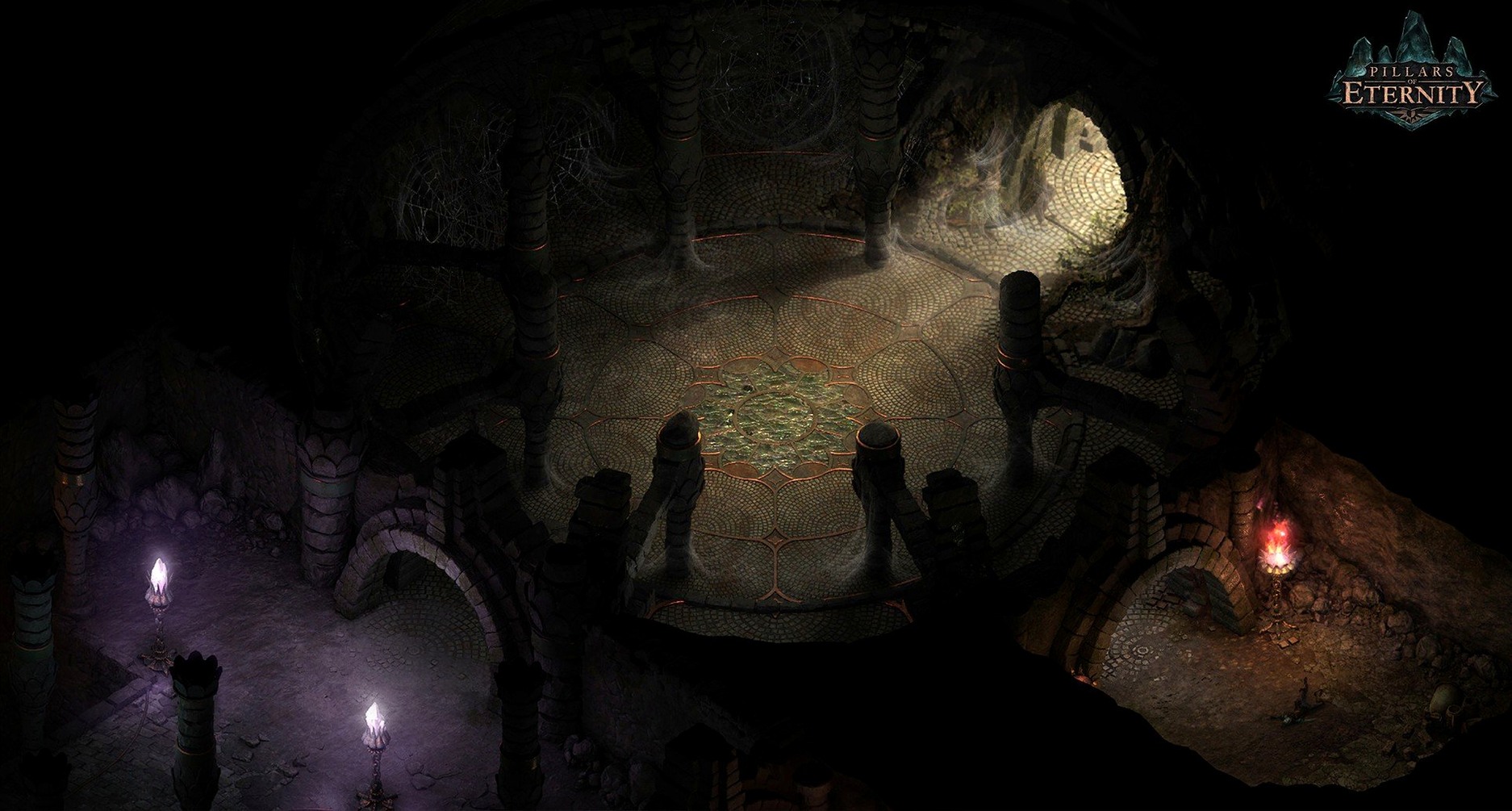
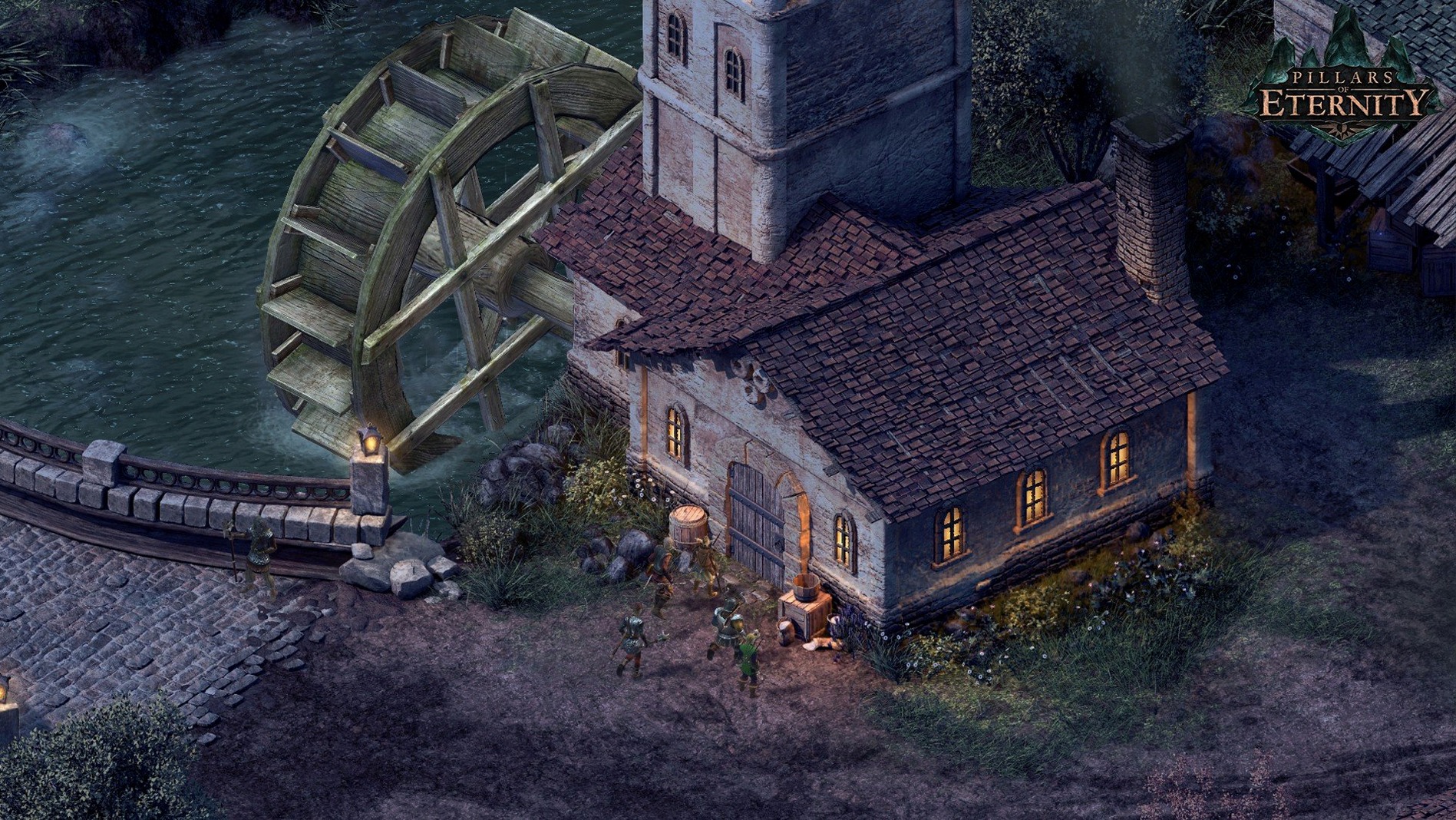
Pillars of Eternity: Definitive Edition is a party-based role-playing game where story choices and character customisation shape the fate of your heroes. The edition bundles the original game with the Deadfire Pack, offering the complete starting point for the series.
Starting a new campaign means working through a sequence that sets up the entire experience:
- Choose a race. Six are available: humans, aumaua, dwarves, elves, godlike and orlans. Each carries different stat bonuses and cultural backgrounds that affect dialogue.
- Pick a class. Eleven classes stand ready — Barbarian, Chanter, Cipher, Druid, Fighter, Monk, Paladin, Priest, Ranger, Rogue and Wizard. The choice determines combat role, from frontline damage to support casting.
- Shape your attributes and background. The character sheet feeds into a reputation system. Groups react differently based on your actions, and player choices alter which companions stay and how their stories resolve.
- Assemble a party. You recruit companions or hire adventurers. Positioning, ability combos and pause-and-command tactics drive the real-time combat.
The game runs as a 64-bit Intel application and includes Russian, English, German, Spanish, Italian and French localisation. Obsidian Entertainment designed the reputation mechanics so that no single playthrough reveals every outcome — a reason to return with a different build.
Treating dialogue trees and disposition tags as core gameplay
Players who enjoy reading through dialogue trees and companion backstories feel most at home here. The game rewards pausing to examine item descriptions, lore entries and the disposition tags that accumulate on your character sheet. If you treat a party as a puzzle — matching a Chanter’s sustained phrases with a Cipher’s focus-building attacks — the combat reveals its depth slowly, but it lands best for those who tinker with formation spacing and per-encounter ability timing.
Fans of older Infinity Engine titles tend to settle in quickly. The pause-and-issue-orders rhythm, the coloured area-of-effect indicators and the habit of quicksaving before every doorway are second nature to that audience. Newcomers who stick with the early hours, particularly through the first town and its surrounding wilderness, often find the game clicks once they stop trying to clear every map in one push and instead return to camp, swap party members and rest to refresh per-rest spells.
Tab highlights every interactive object on screen
Holding the Tab key highlights every interactive object on screen — containers, hidden switches and readable plaques — so you spend less time squinting at background art. The stash system lets all party members access a shared inventory, but fewer players realise you can send items directly to stash from a character’s personal inventory by right-clicking the item and choosing the stash option, which avoids the encumbrance shuffle during loot-heavy dungeon runs.
Double-clicking a portrait centres the camera on that character, handy when the party splits across two rooms. The formation editor, tucked inside the party management panel, lets you set marching order and spacing; a custom formation with ranged characters at the back and a sturdy Fighter at the front saves repositioning time when a scout triggers combat. Holding Shift while issuing a move order queues it after the current action, letting you plan a retreat or a flank without cancelling an ability animation. The combat log’s right-click menu offers detailed breakdowns of every roll — miss, graze, hit, crit — which helps when an encounter feels unfair and you need to check whether a particular defence is too low.
Set auto-pause triggers before your first serious fight
The auto-pause options deserve a visit before your first serious fight. Enabling auto-pause on enemy spotted and on combat start gives you a clean moment to assess positioning. Adding auto-pause on party member low health prevents a backline character from dying while you are micro-managing the front. The game defaults to showing combat tooltips on hover; switching to always show tooltips makes it easier to read enemy defences and vulnerabilities without extra mouse movement.
In the graphics settings, disabling the camera zoom limit allows a wider overhead view during outdoor encounters, which helps with placing area-effect spells like Chill Fog or Slicken precisely between your front line and the enemy. The marching sound of armour can become repetitive during long exploration sessions; the audio panel includes a slider for footstep volume that lets you dial it down while keeping the environmental ambience and the superb English voice acting intact. For players installing the pillars of eternity definitive edition for mac cracked version, note that the initial launch after installation is unusually slow while the game builds its shader cache — subsequent starts are much quicker.