Aspecten
 Download (4.8 GB)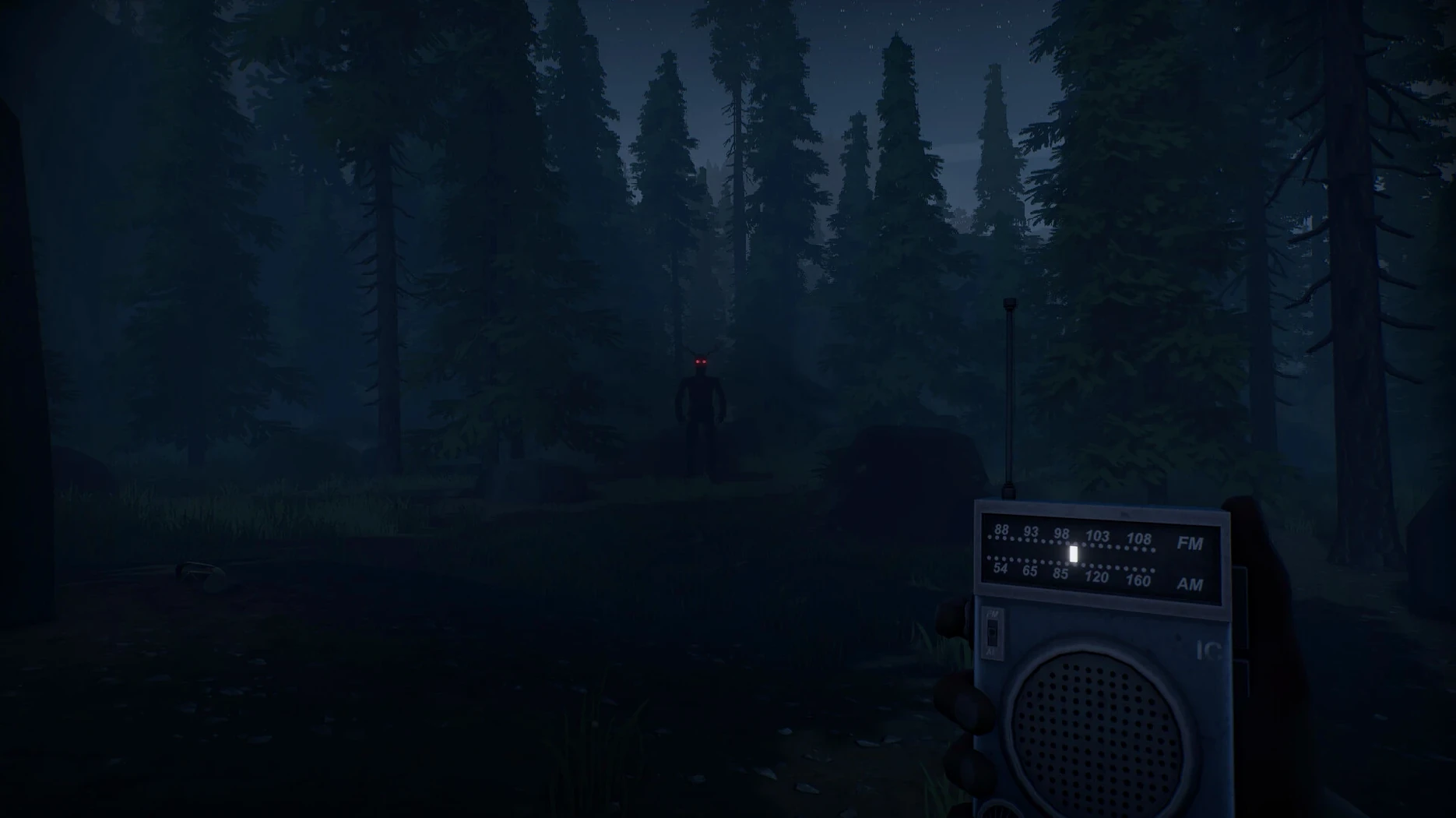
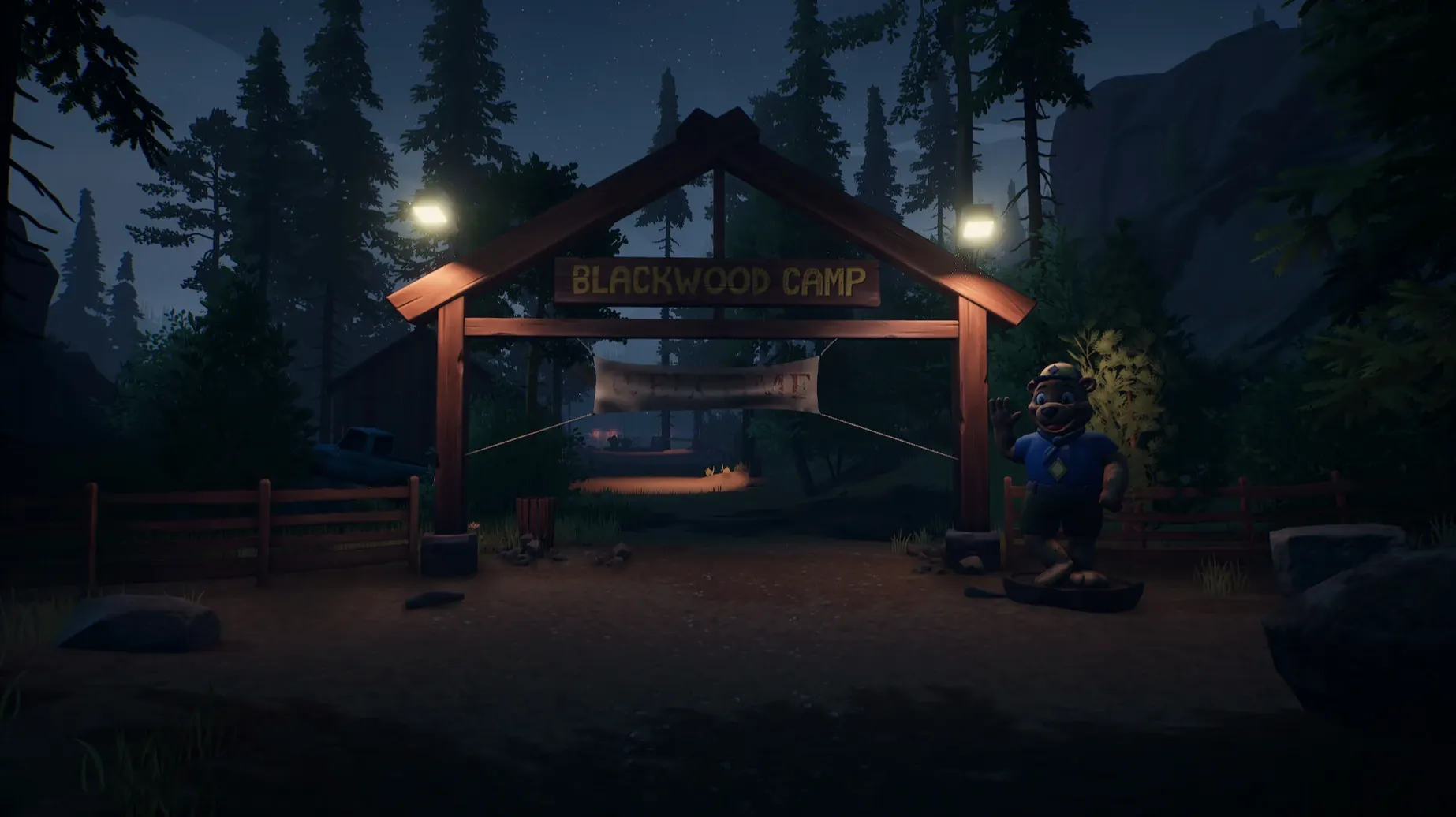
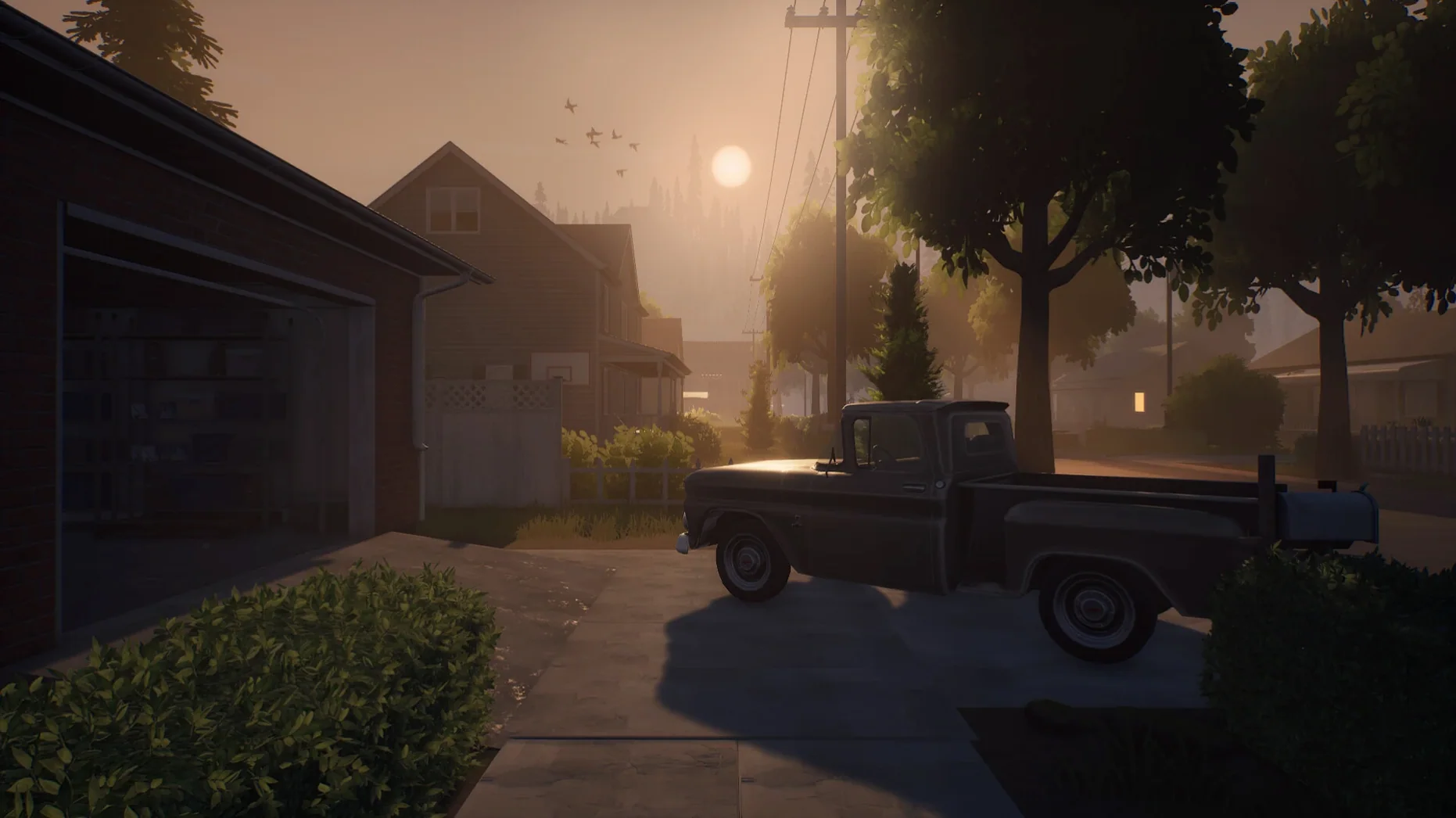
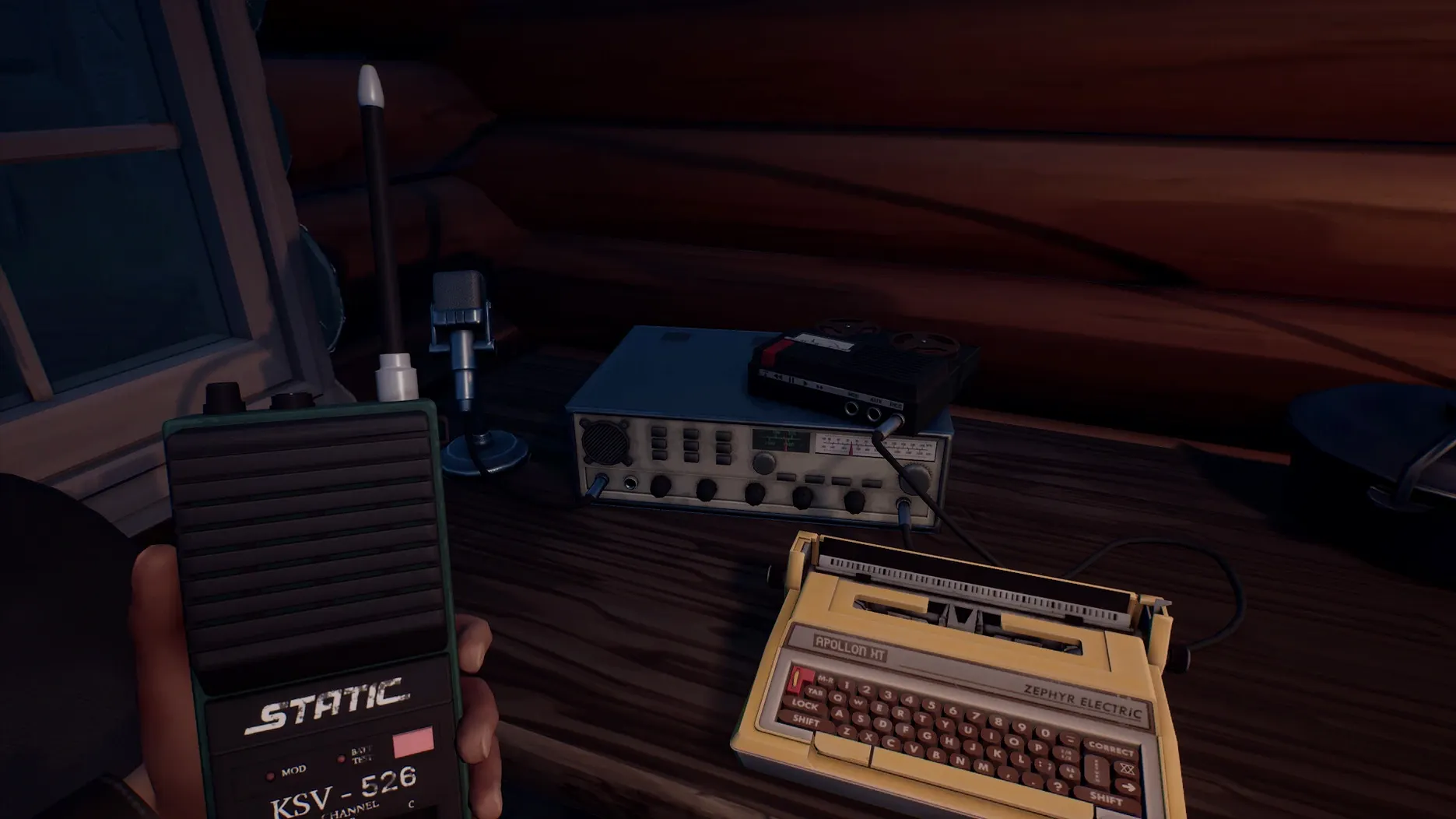
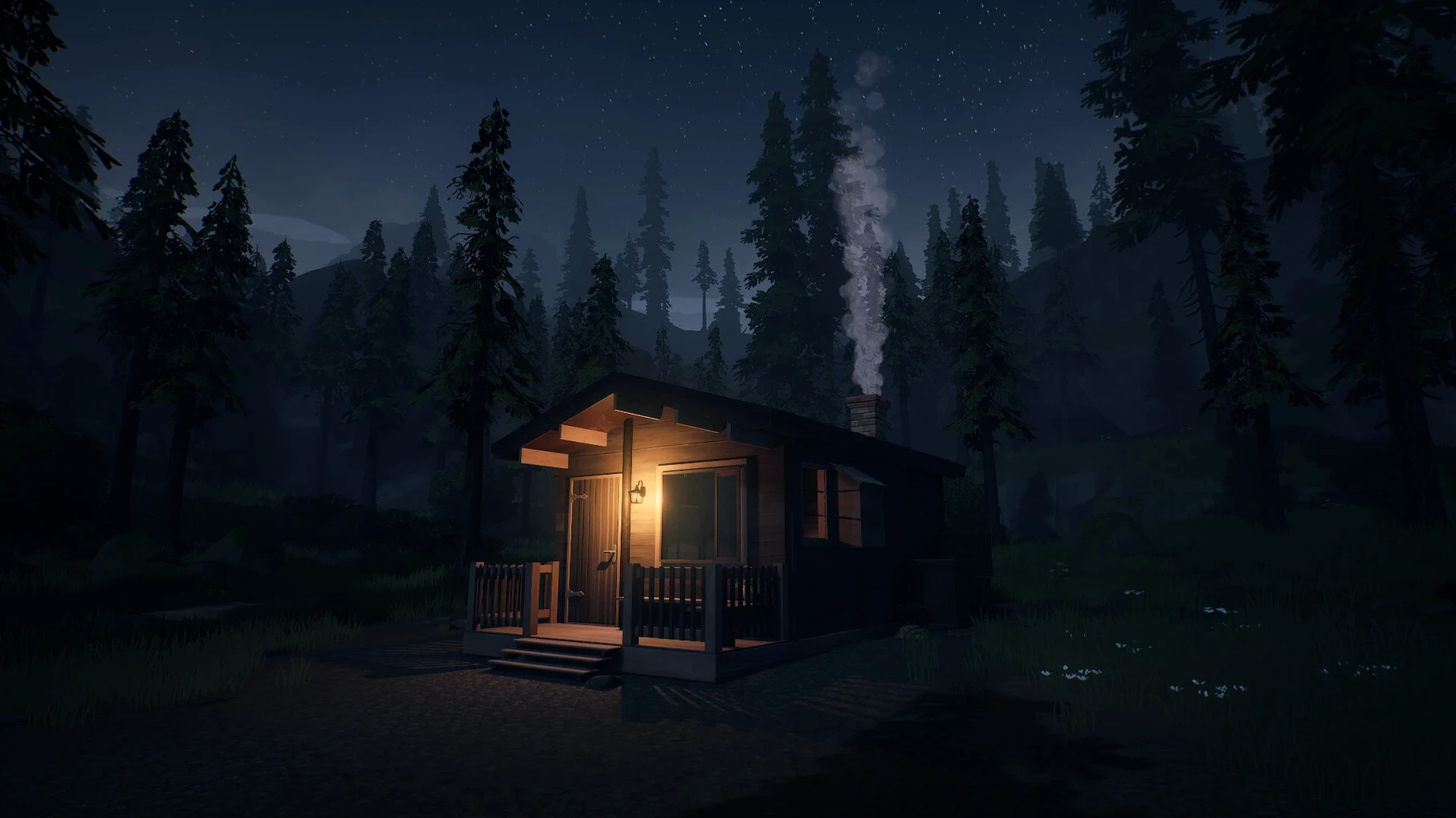
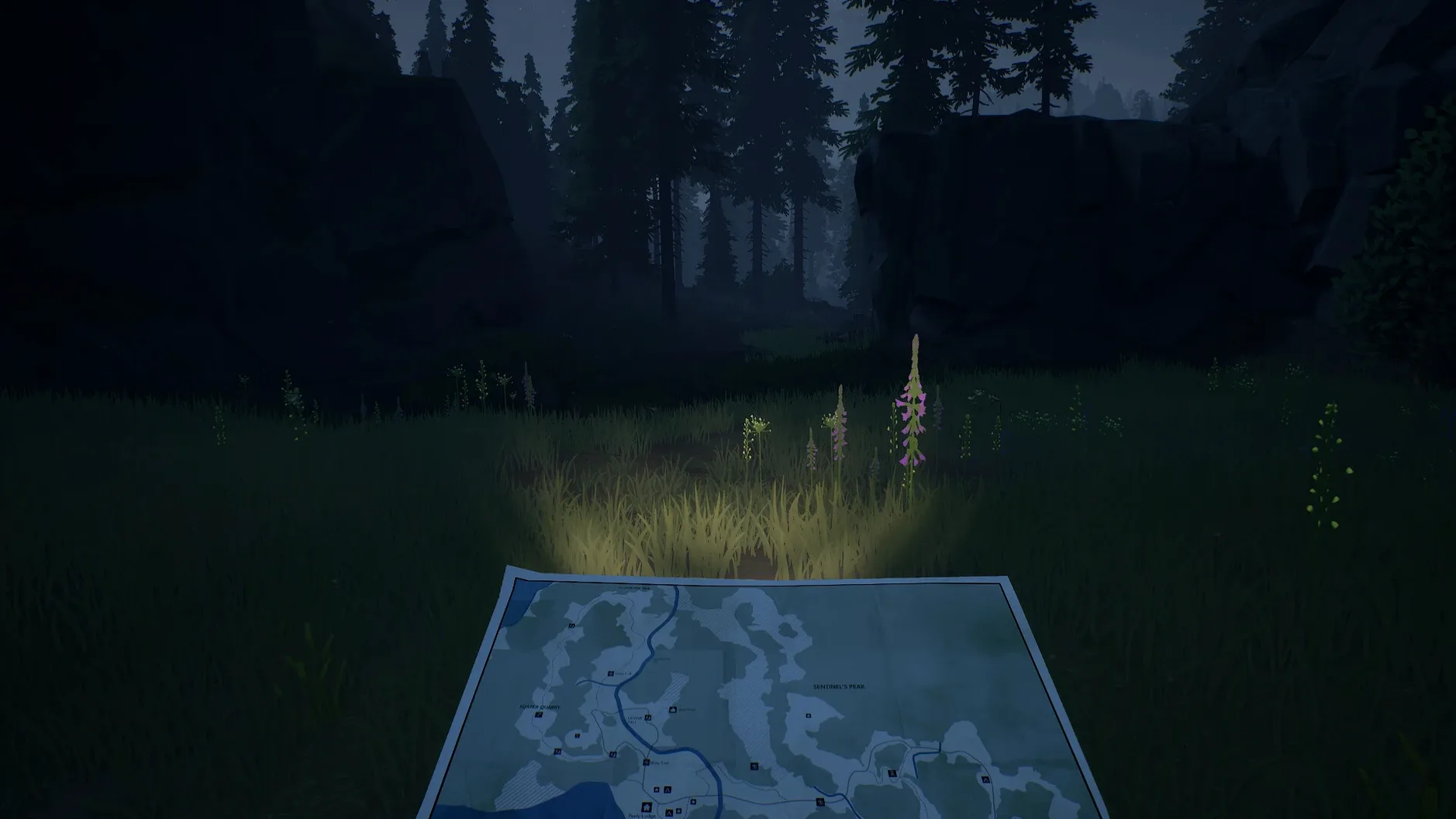
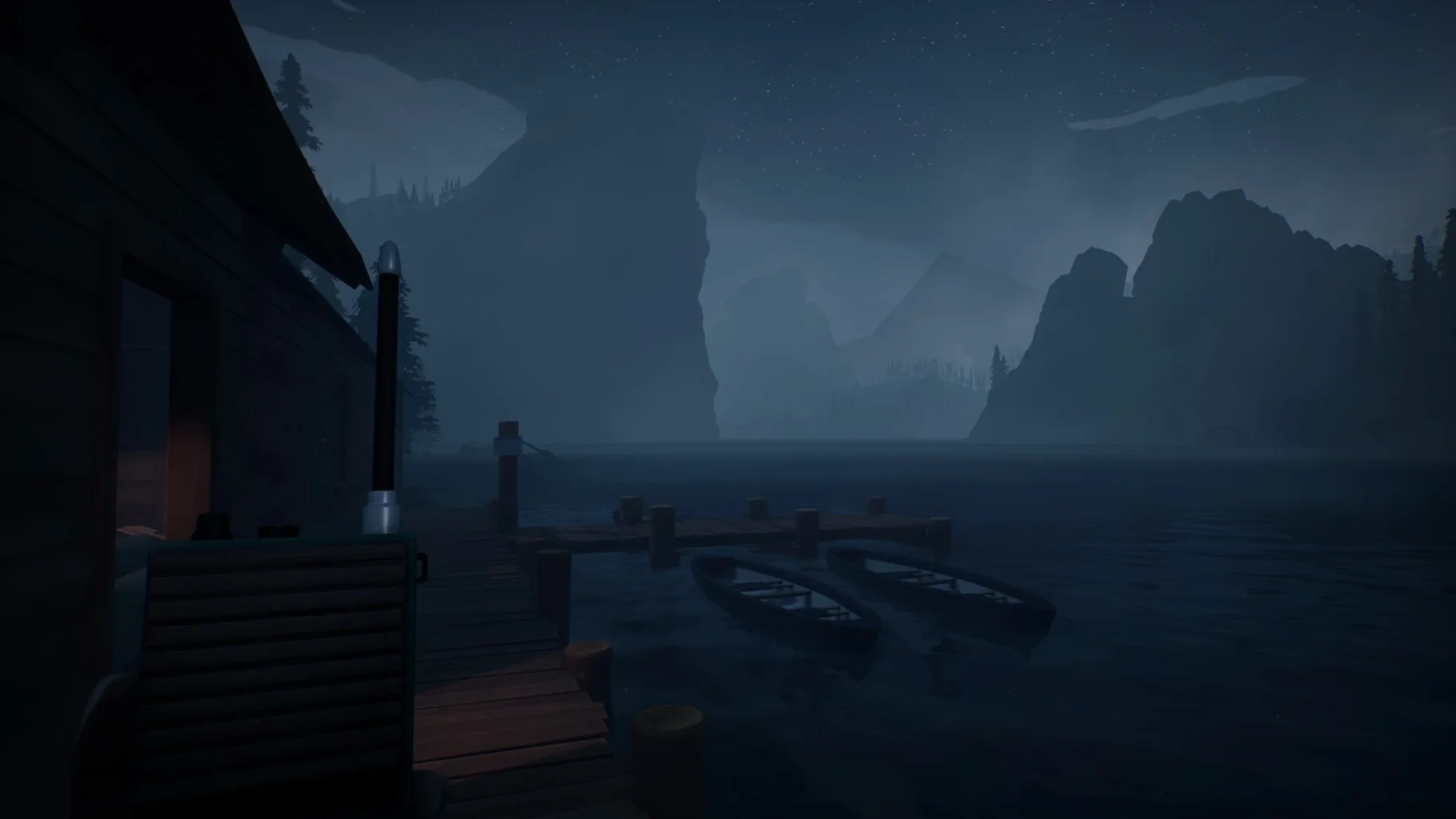
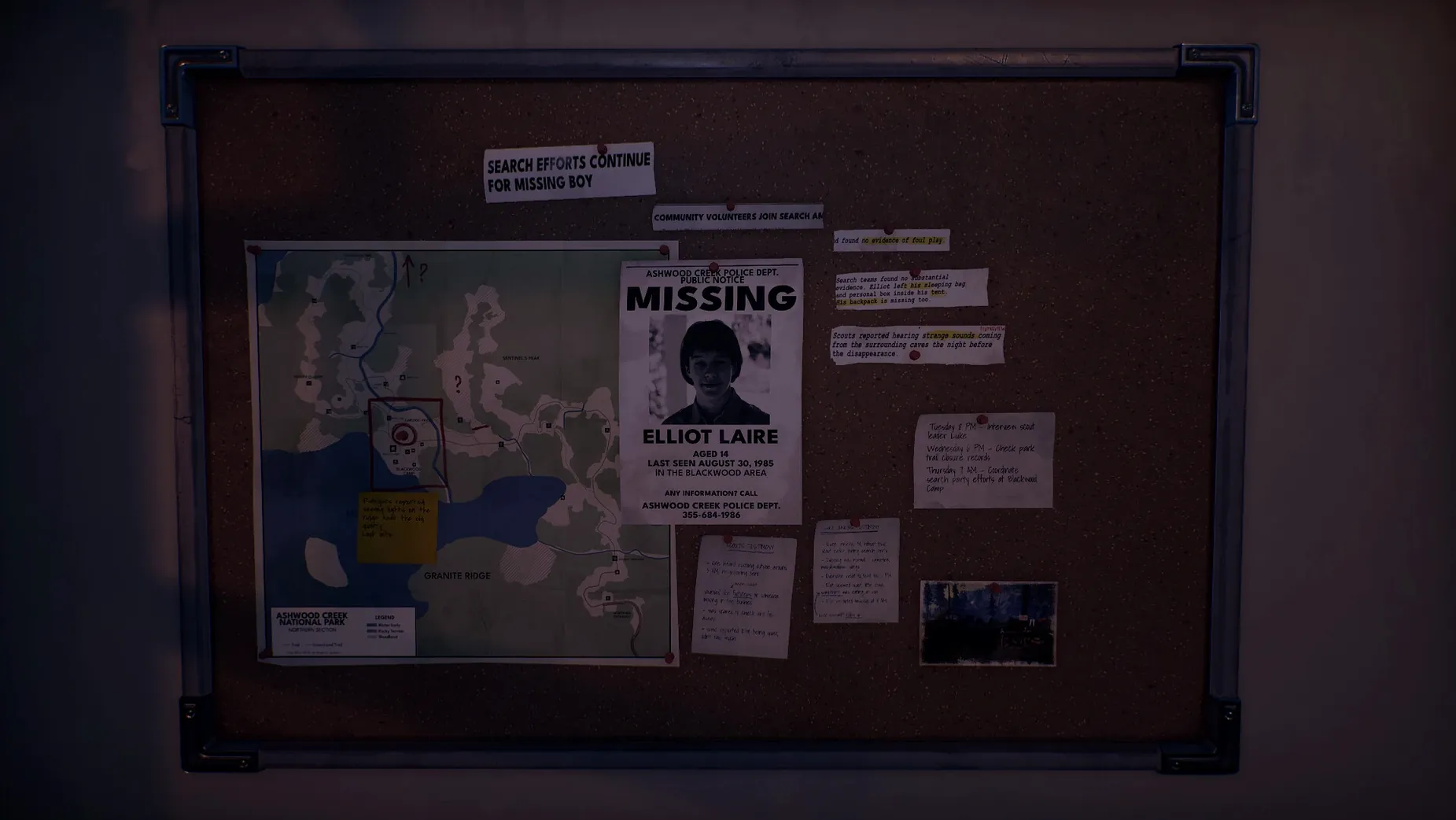
Getting a Windows-built indie game to behave on a Mac often means wrestling with compatibility layers, and Radiolight is no different. This solo-developed adventure drops you into Ashwood Creek in September 1985, where police officer Ethan investigates disappearances in a national park using radio signals to survive. The current 0.9 build is packaged with Wineskin, which removes the need for a separate Windows installation but adds its own quirks.
| Detail | Note |
|---|---|
| Developer | Krystof Knesl (solo) |
| Setting | Ashwood Creek National Park, 1985 |
| Build | 0.9 [Wineskin], ARM architecture |
| Tested on | macOS Tahoe, Mac mini 2024 M4 |
The Wineskin wrapper means performance is largely what you would expect from a translation layer — playable but not native. On an M4 Mac mini the game runs, though you may encounter an error on first launch that a bundled Fix script resolves. Controls lean on the keyboard: the Tab key operates the radio, central to the investigation and supernatural elements woven through the story. Language support spans Russian, English, German, Spanish, Simplified Chinese, French and Czech, switched inside the settings. The Russian version requires removing a specific file to fall back to English, a small workaround worth knowing if you prefer the original voice acting.
Investigating a signal in Ashwood Creek National Park
A typical investigation starts at the park entrance around dusk. Ethan’s walkie-talkie crackles with Robert’s voice, giving you a rough bearing to follow. Before heading in, check the radio — press Tab to bring it up, then sweep the dial manually. Static fills most of the band, but a faint rhythmic pulse near the middle suggests something worth pursuing. Mark the frequency in your head; you will return to it.
Move into the tree line. The park paths fork early, and the left route leads toward an old ranger station the game hints at through a torn notice pinned to a gate. Inside, a desk drawer holds a frequency log with three entries. One matches the pulse you heard. Tune the radio to that exact number and the signal sharpens into a distorted voice loop — a teenager’s voice, repeating a date. That date corresponds to a campsite logbook entry you passed earlier, which now reads differently when you double back. The game layers clues quietly, often without a prompt, so revisiting locations after a radio discovery pays off.
With the date confirmed, the walkie-talkie becomes the next step. Hold it up (the game switches perspective automatically in key spots) and Robert will respond with a new objective: check the old firewatch tower. The tower is locked, but a maintenance shed behind it contains a fuse. The radio pulse grows louder near the shed, and if you let the signal guide rather than the map marker, you find the fuse tucked behind a loose panel — something no objective text points to.
Small conveniences hidden in plain sight
A few details make the investigation smoother if you spot them early. The radio remembers the last three frequencies you tuned, cycled with the arrow keys while holding Tab. No menu tells you this. It saves scrolling through the full band every time a clue references a prior signal.
Ethan’s notebook auto-fills with key frequencies and dates as you discover them, but it only updates when you lower the radio. If you tune a signal and immediately switch to the walkie-talkie, the entry may not register. Lower the radio first, wait for the scribble sound, then proceed.
The park map marks locations you have visited, but it also records the time of your last visit. This matters because certain supernatural events only trigger at specific hours. The clock runs in real time once you enter the park, and there is no way to fast-forward. Planning a route that loops back to a hotspot at the right hour — say, the lake shore at midnight — avoids standing around waiting. Moving through the park with a loose clockwise loop often aligns things by accident.
A shift supervisor’s first hour
Someone coming to Radiolight from narrative-driven adventures like Firewatch or Kona will recognise the lonely-park atmosphere immediately. A player stepping into the role of Ethan for the first time might spend the opening twenty minutes simply walking the main trail, soaking in the low-poly pine silhouettes and the hum of insects. The radio sits ignored at first, because the environment feels safe and the story has not yet pulled hard on the leash.
Then the static starts. A player who does not realise the radio is interactive beyond a scripted moment may wander for ten minutes trying to find a physical clue near the campsite, only to grow frustrated. The moment they press Tab and turn the dial, the tone of the game shifts. The radio is not a gimmick — it is the primary tool, and once the player grasps that they begin sweeping every area twice: once visually, once by frequency. The boy’s voice on the loop, quiet and matter-of-fact, does more to unsettle than any jump scare could.
Common sticking points and fixes
The first launch error on macOS Tahoe is widely noted in the build’s documentation. Running the Fix file inside the disk image resolves it by adjusting the Wineskin wrapper paths. If the game still fails, opening the wrapper’s own configuration (right-click the app, pick Show Package Contents, launch the Wineskin tool) and setting the screen resolution manually often sorts the remaining cases. The default auto-detect sometimes picks a resolution the renderer cannot handle on Apple Silicon.
The Russian localisation presents a second snag. The build includes a file that forces the interface to Russian, and simply changing the language in settings does not override it. Removing the file — located inside the game’s data folder within the wrapper — lets the settings menu work as intended. If you prefer English voice acting anyway, you lose nothing by doing this.
Radio tuning precision trips up players who expect a highlighted frequency to lock on automatically. You must stop the dial exactly on the number; being one tick off plays only static. The pulses grow louder as you approach the correct spot, so use the volume as a guide rather than relying on the visual dial alone. Headphones make this far easier than speakers, especially for the fainter signals in the eastern section of the park where ambient wind noise competes.