Aspecten
 Download (11.1 GB)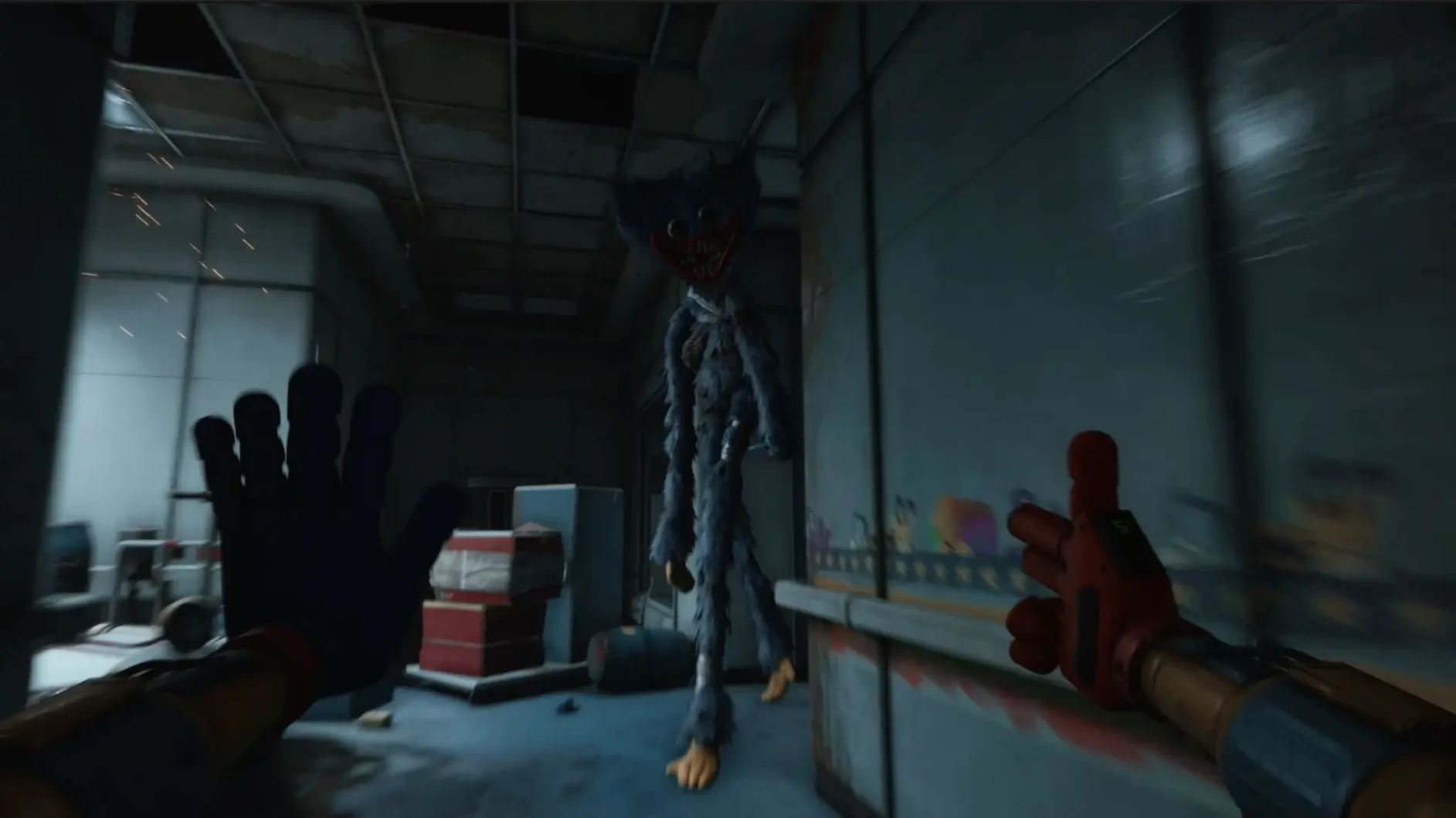
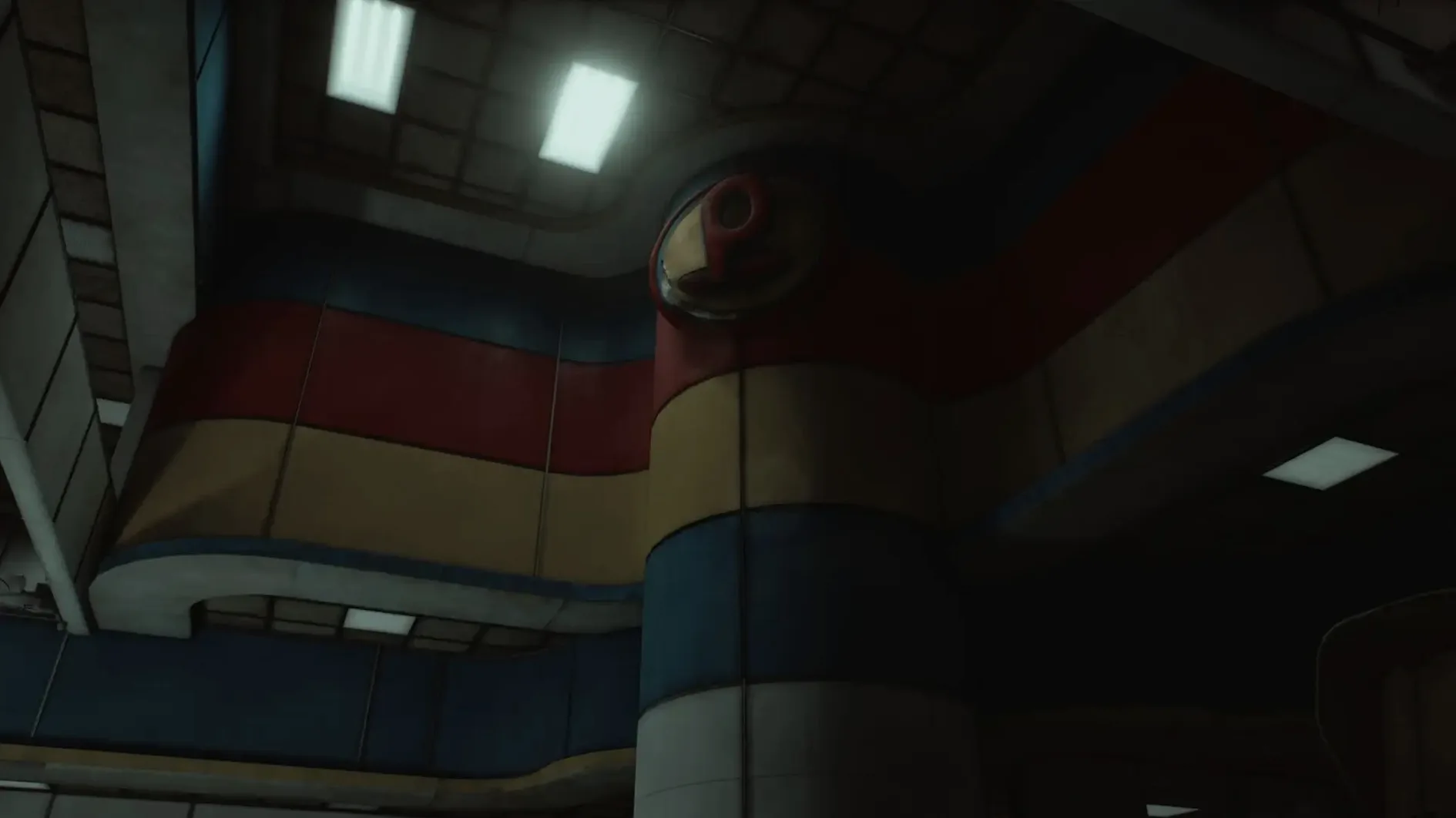
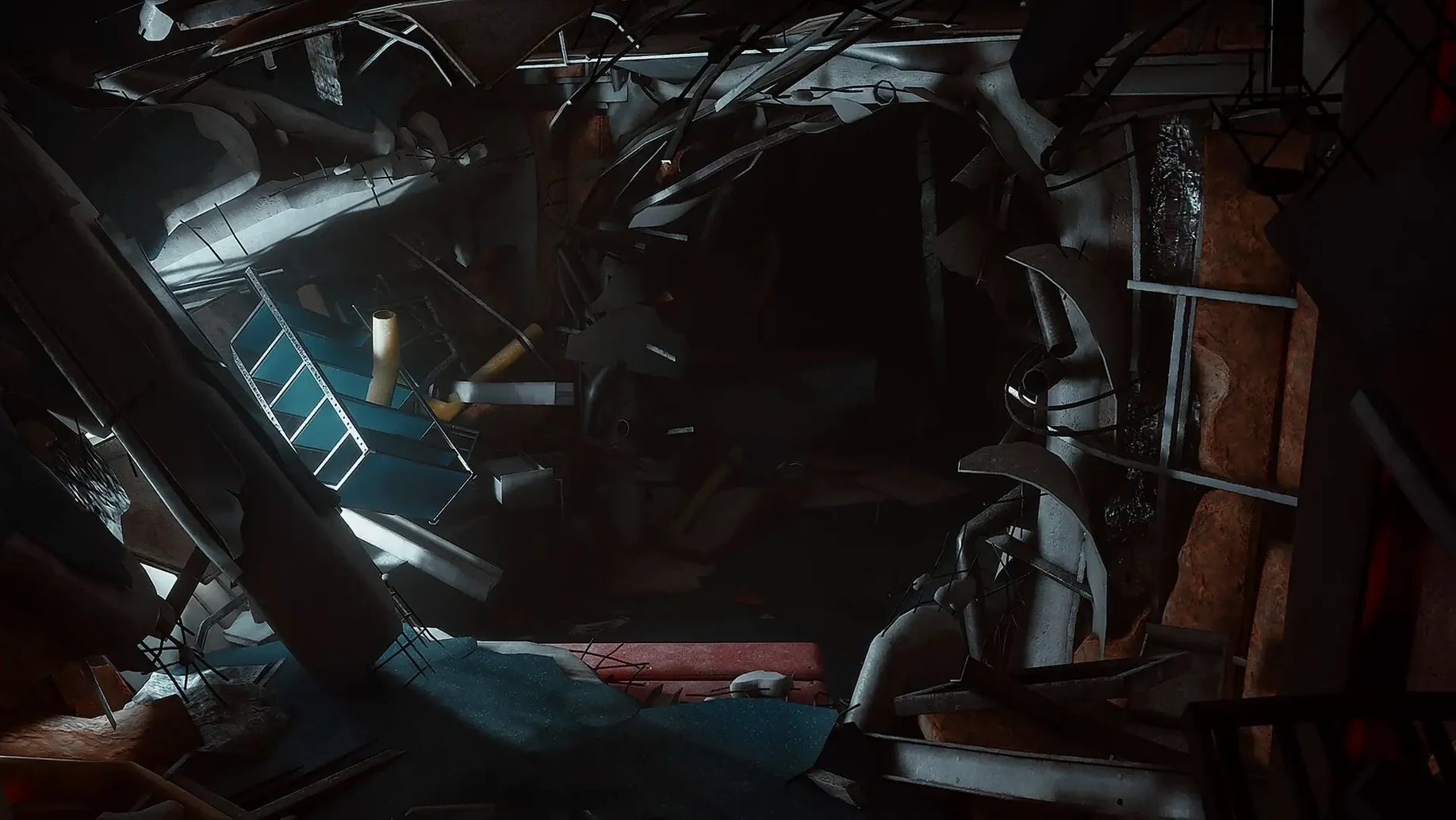
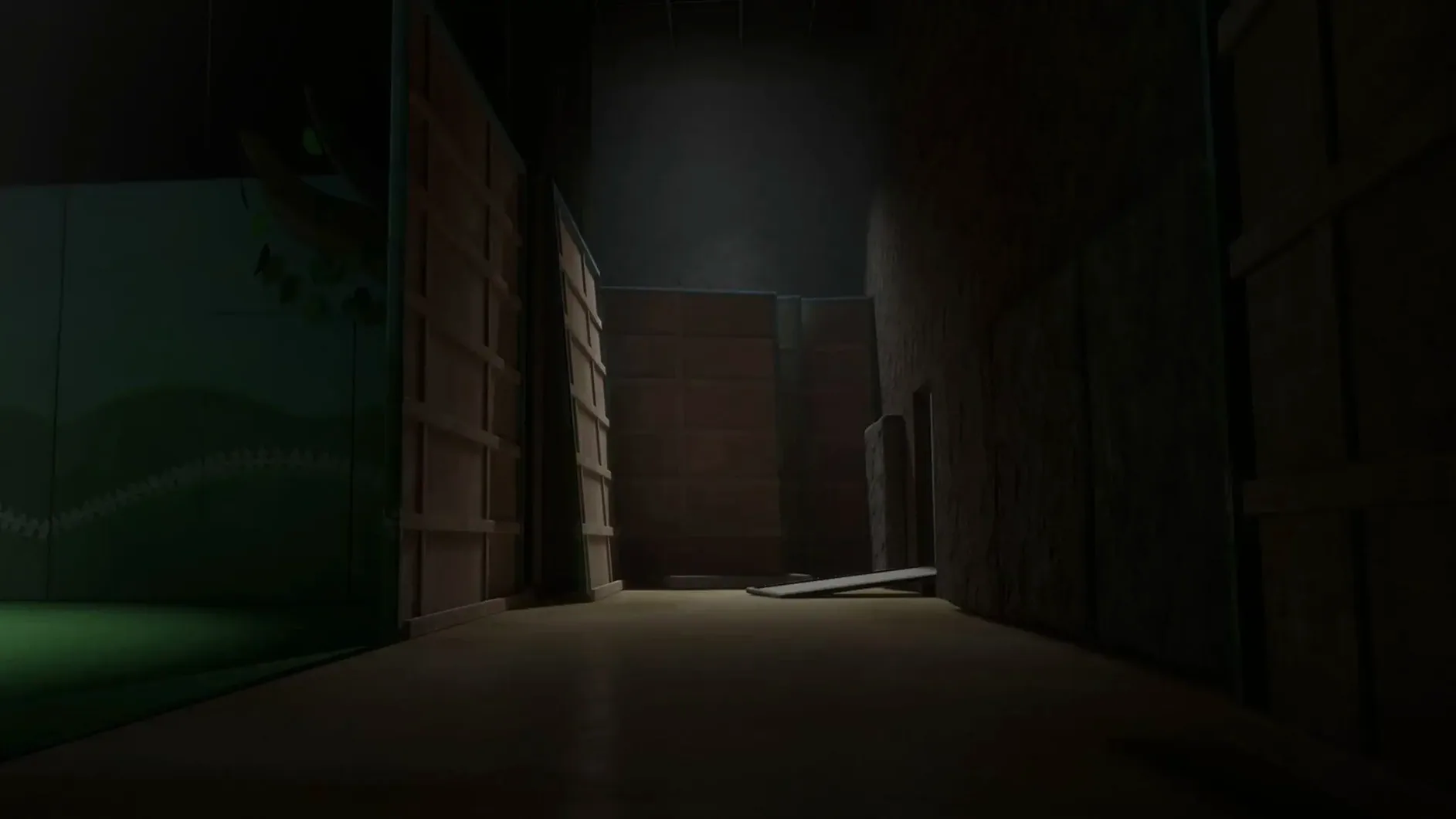
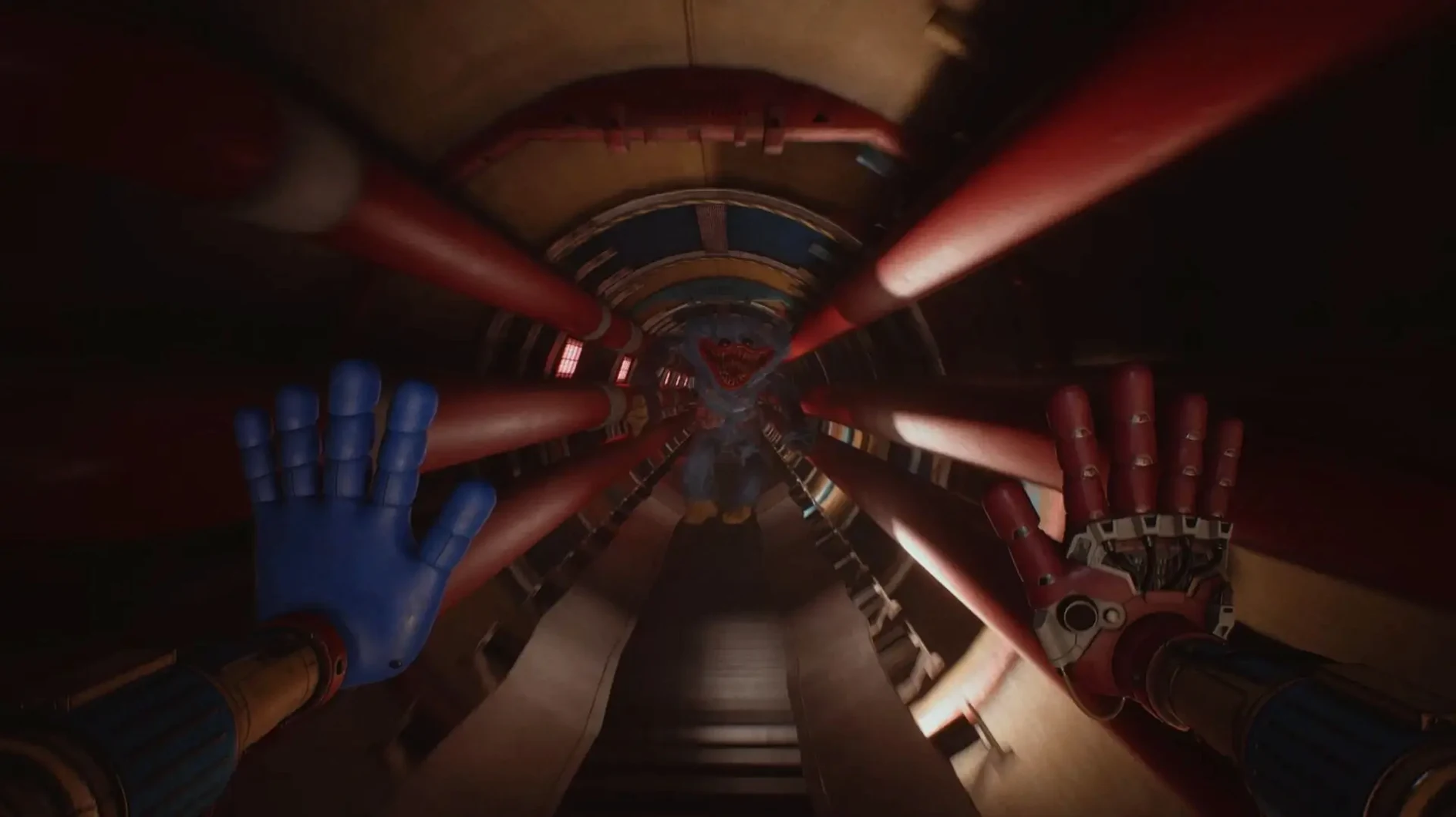
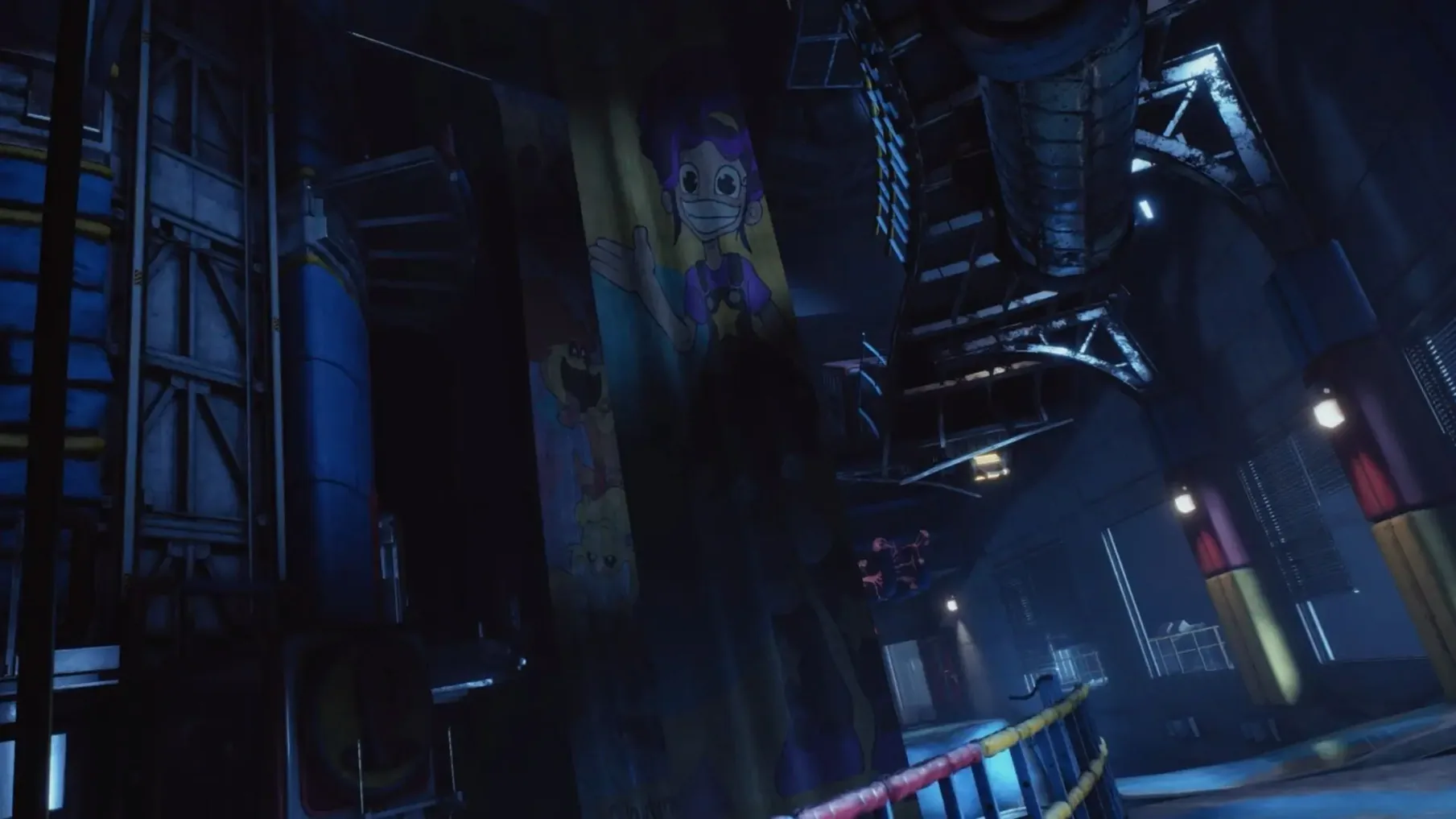
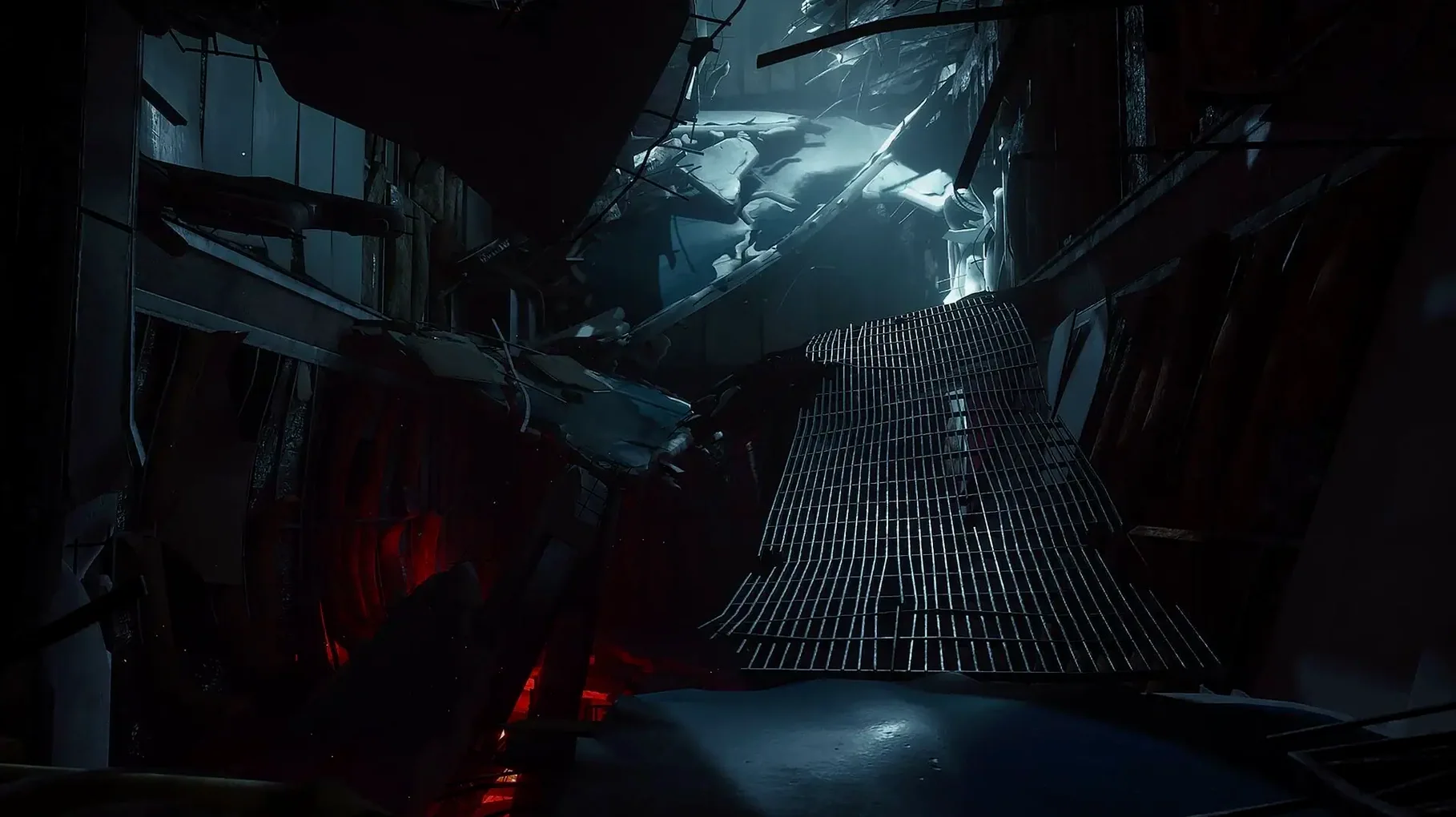
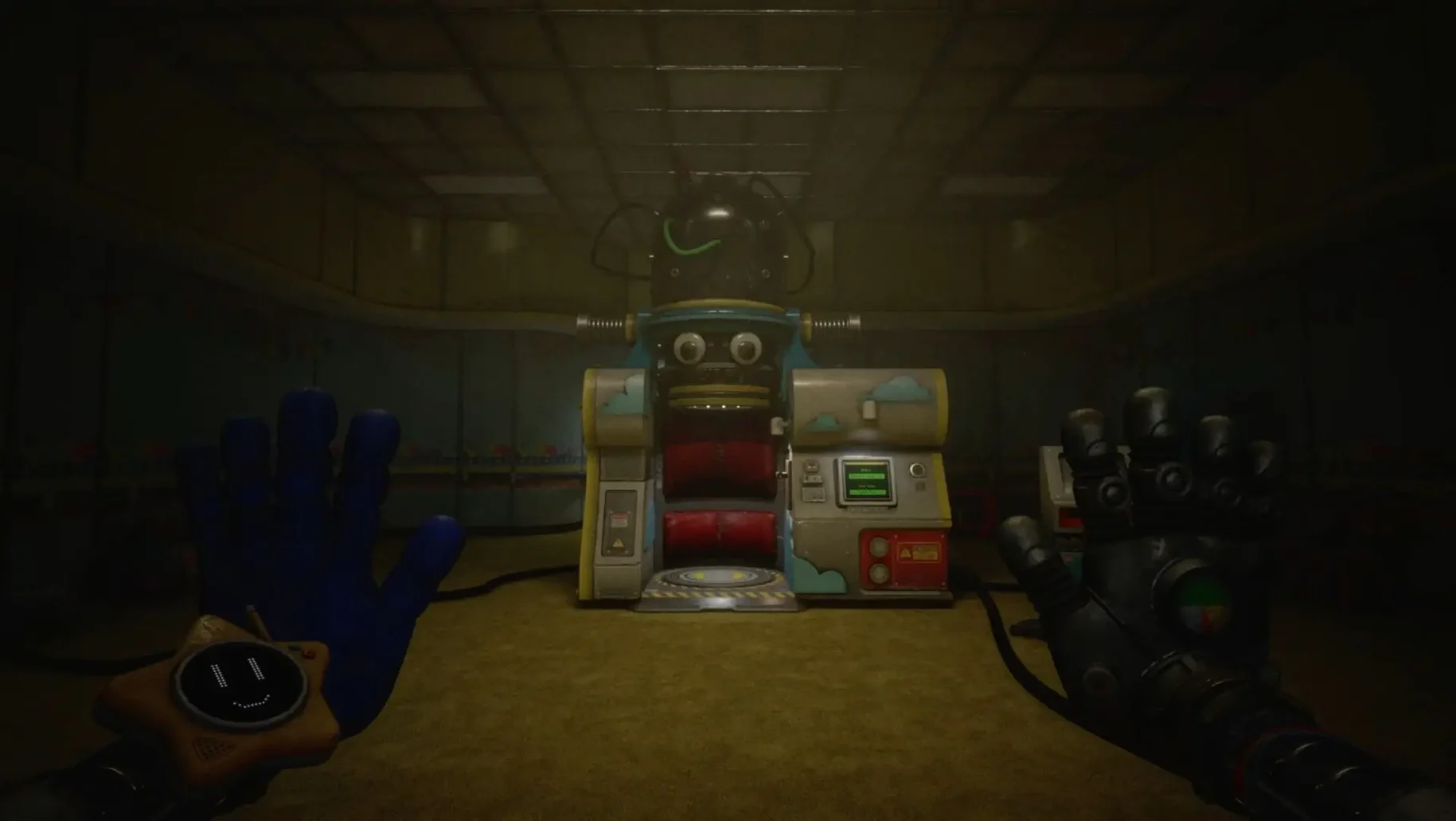
Anyone who has wrapped a Windows executable in a Wineskin wrapper knows the routine: a disk image, a drag to Applications, and sometimes a fix script to nudge things along. Poppy Playtime - Chapter 5 arrives in exactly that form for macOS Tahoe, bundling the Unreal Engine horror into a self-contained package.
Enter the deeper factory
This chapter sends you further into the Playtime Co. facility, into a new section built around the sense that Huggy Wuggy is no longer just a memory but an active pursuer.
Manage the intro quirk
On first launch, the introductory video may not play due to an Unreal Engine and Wine incompatibility, leaving a black screen; holding the skip button moves you past it.
Adjust the language
The interface ships with ten languages including Russian, Japanese, and Simplified Chinese, and you switch between them inside the game settings once you are past the menu.
Wrapper-ready players who already mount disk images
The game suits a particular kind of Mac user: someone comfortable with a wrapper-based port and the small adjustments it can demand. That includes players who already keep a folder of Wineskin-packaged titles and know to mount a disk image, run a fix script if needed, and skip an intro that refuses to play. For them, the chapter slots into an evening’s play with minimal friction.
It also works well for horror-adventure players who value environment over combat. The factory does not hand you a weapon; it hands you a GrabPack and asks you to puzzle your way forward while something heavy moves in the next corridor. Players who prefer slow, atmospheric dread — the kind built by sound design and industrial gloom — find more here than in chase-heavy horror.
Completionists following the Poppy Playtime storyline get the obvious reward: narrative threads that reach back through earlier chapters and forward into whatever the Prototype’s works are building toward. The chapter assumes you know the world already, so newcomers stepping in cold may feel adrift during the quieter character moments.
A puzzle-and-pursuit workflow
Consider a stretch where a locked gate blocks the path and a distant clatter suggests Huggy Wuggy is not far behind. A methodical approach helps.
- Scan the room with the GrabPack’s extended reach first — pull at loose panels, tug overhead chains, test anything that moves. The new tool functionality often reveals a secondary grip point or a chargeable shot that can disable a sensor.
- Identify the power source. In this factory section, many gates tie back to a junction box hidden behind a grating. Use the GrabPack to yank the grating free, then fire a charged shot at the exposed switch.
- Listen for the sound cue that confirms the gate is live. If Huggy Wuggy’s footsteps have grown louder, back into a side alcove and wait for the patrol pattern to pass before crossing.
- Cross the gate and immediately look for a way to seal it behind you — a lever, a cable to snap, a heavy crate to drag into place. The chapter rewards closing off pursuit routes before you push deeper.
- If the black-screen issue interrupts a scripted sequence after the gate, hold the skip button to bypass the stuck video, then resume from the checkpoint that should have triggered.
Launch error cleared by running the Fix file
A launch error on first open usually means the wrapper’s environment needs resetting. Running the Fix file from the mounted disk image rebuilds the internal paths and often clears the fault within a minute. No need to reinstall or move anything out of the Applications folder.
When a new game starts with a black screen and no prompt appears, the culprit is the Unreal Engine intro video failing under Wine. Holding the skip button — typically the Escape key or a long press on the trackpad, depending on your input setup — forces the engine past the unplayable media. The rest of the chapter runs normally once you are in-game.
Some players report that the GrabPack’s charged shot occasionally fails to register on objects at the edge of its range. Stepping a half-pace closer and aiming slightly above the target point usually corrects the collision detection. The wrapper does not alter the game’s physics, but frame pacing under Wine can make hit registration feel a tick less precise than on native Windows.
If the language setting reverts after quitting, set it once, play through a checkpoint, and then exit to the main menu before closing the app. The wrapper sometimes discards settings written only during active gameplay, but a clean menu exit writes the configuration properly.
A collector’s evening
A player who archives every VHS tape and document across the series loads the chapter late on a Friday. The language is set to English, the room is dark, and the first hour is spent not sprinting but scanning — pulling open rusted locker doors with the GrabPack, angling for the faint glint of a collectable tucked behind a collapsed conveyor belt. The new factory section rewards this pace. One tape lies beneath a floor grate that must be lifted by gripping two rings simultaneously, a task that takes three attempts because the grab points are easy to misjudge in the dim light. When Huggy Wuggy’s hand appears at the far end of a ventilation shaft, the player freezes, counts to four, and then backs out the way they came, tape in hand, no chase triggered. The session ends with six new entries in the collection log and a note to revisit a locked door that glowed briefly when a nearby console sparked.