Aspecten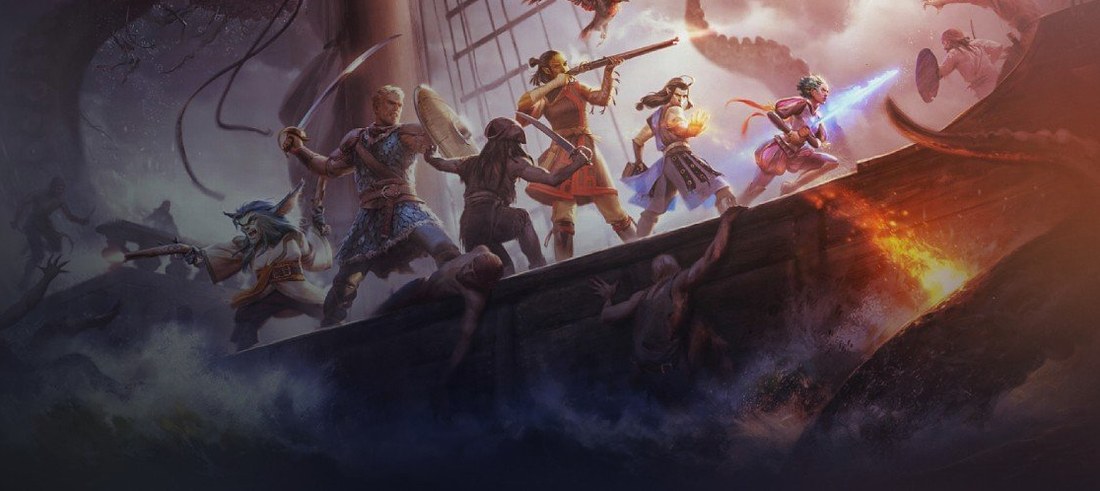
 Download (25.5 GB)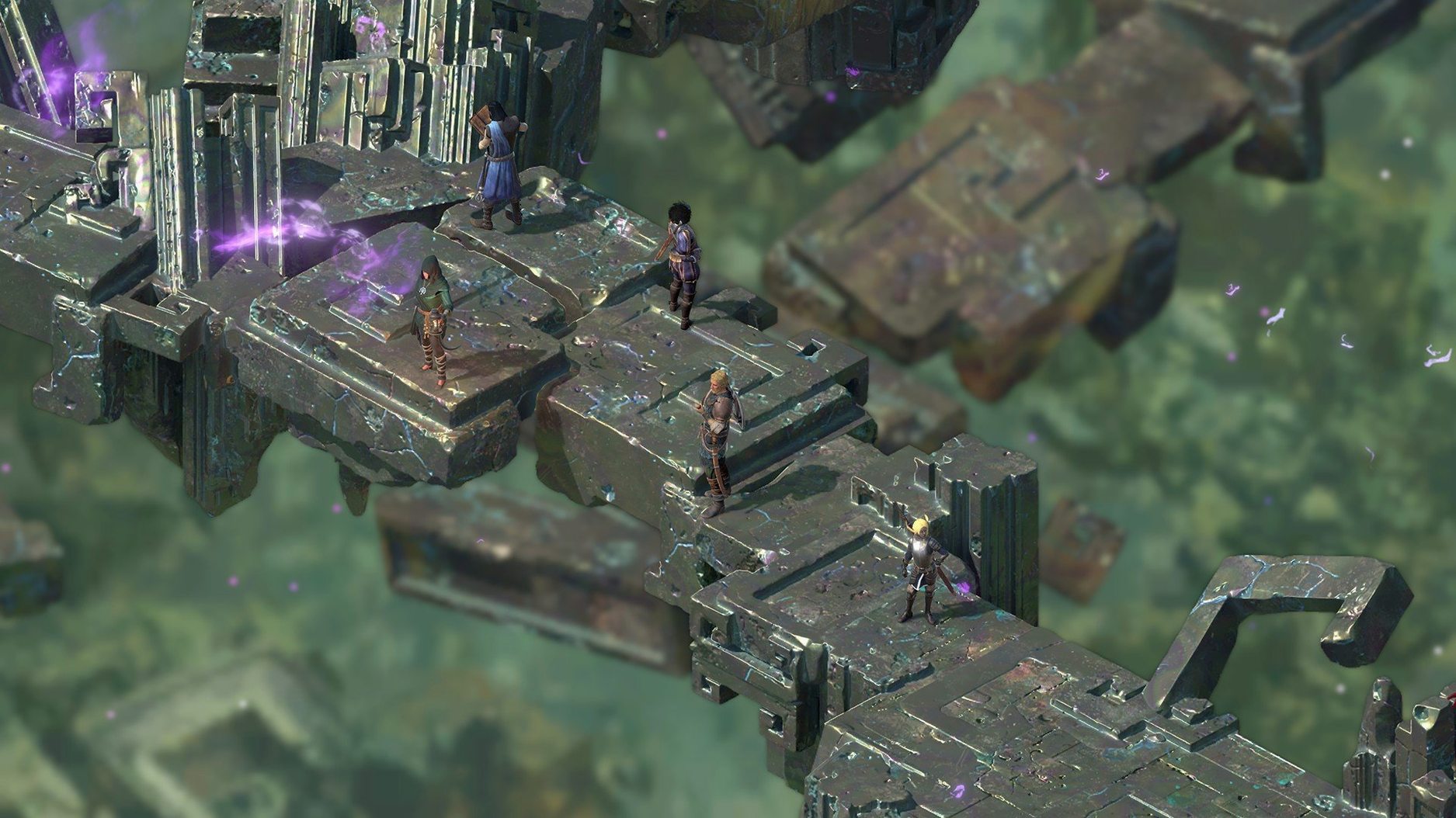
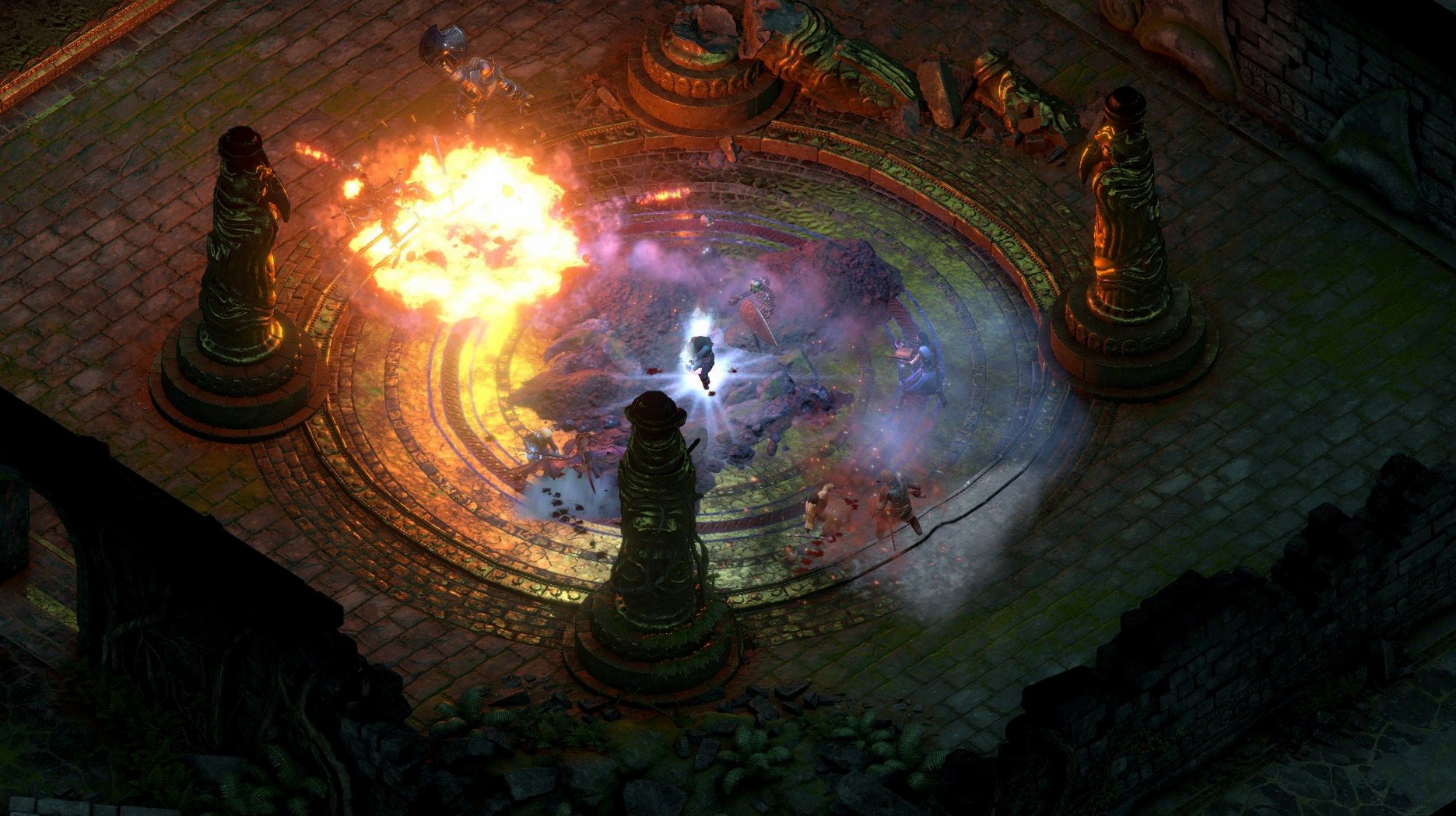
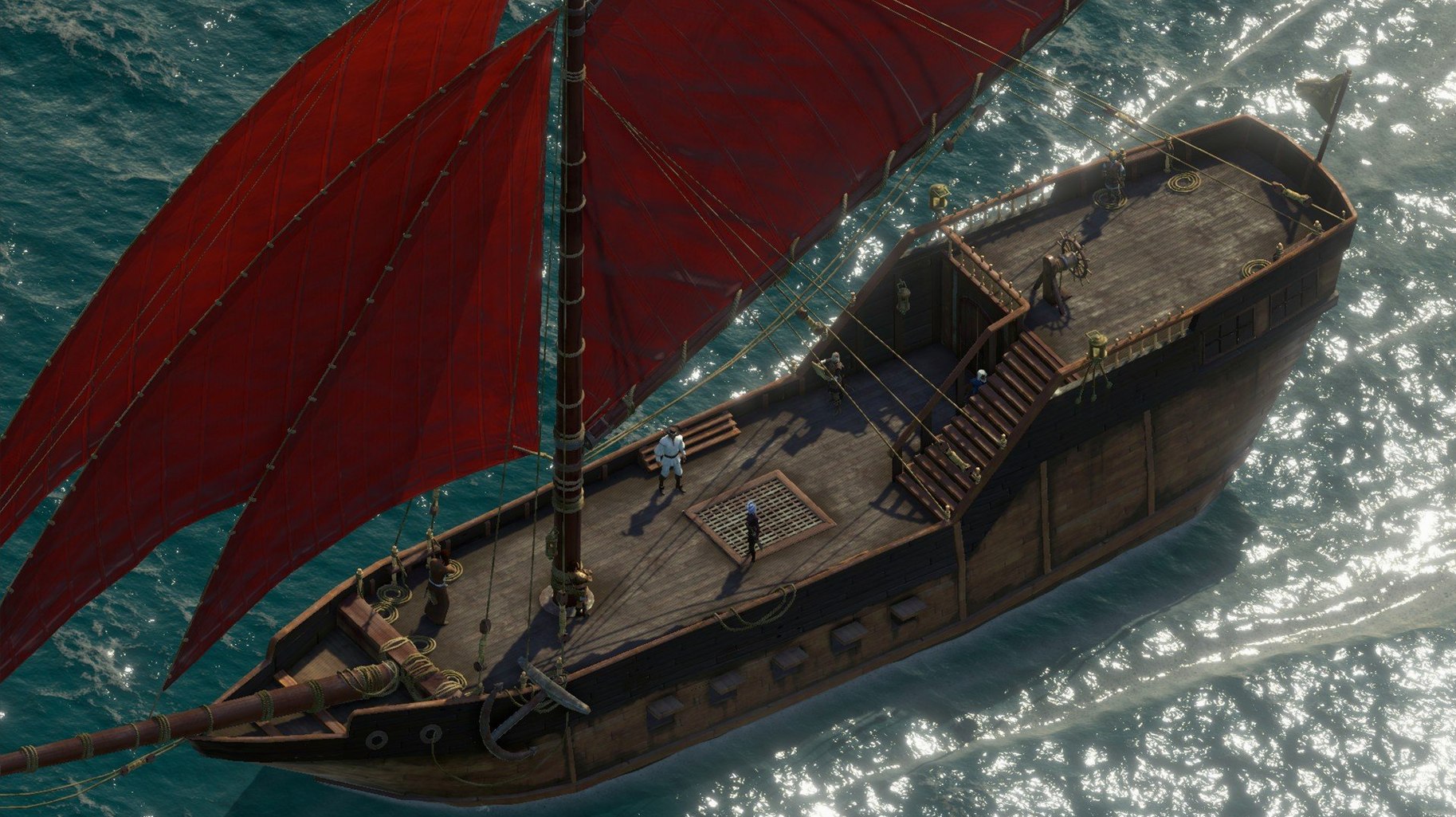
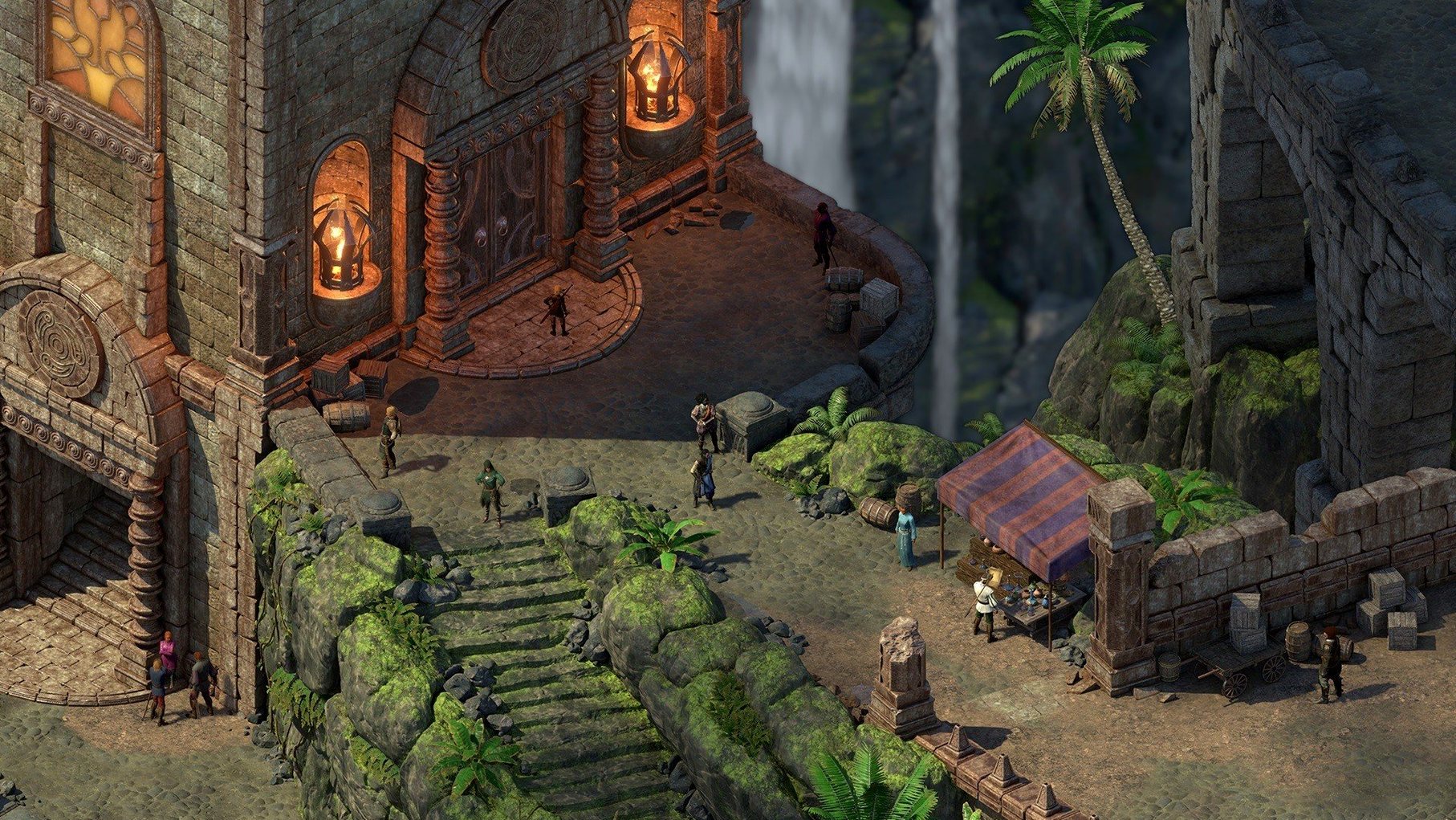
Ship-to-ship combat and a branching faction reputation system sit right at the centre of the Deadfire experience. Obsidian’s sequel picks up where the first game left off, placing you in pursuit of a rogue god across the vast, uncharted Deadfire archipelago. The game gives you direct choices about how you want to play through the story, whether that means following the critical path or getting lost in the dense politics of the region’s competing powers.
| Aspect | Detail |
|---|---|
| Release | 2018-05-08 |
| Build | 64-bit Intel |
| Interface languages | Russian, English, German, Spanish, Italian, Simplified Chinese, Polish, French |
The content here is built on hand-painted backgrounds that give each island and ruin a distinct, static beauty. You manage a party of companions with their own agendas while the tactical combat uses a real-time-with-pause system. Expect the initial launch to be slow; the application can take a long time to finish starting up before the main menu appears.
Faction quests can lock you into reputations early
Rushing into the faction quests too early is one of the easiest ways to paint yourself into a corner. The Deadfire archipelago runs on a reputation system that tracks your standing with the Huana, the Valian Trading Company, the Royal Deadfire Company, and Principi pirates independently. Accepting work from one faction can lock you out of others sooner than the dialogue suggests. A safer approach during the first ten hours is to explore Neketaka thoroughly and run side tasks for all parties before committing to any single group.
Another misstep is treating ship combat as optional window dressing. The game does not gate much of the critical path behind naval engagements, but ignoring your ship’s crew, cannons and hull upgrades means you will either flee from every encounter or lose party members to boarding actions you were not ready for. Assign crew to stations manually after hiring them — the auto-assign logic rarely picks the best combination of skills for your current vessel.
New players also tend to hoard consumables. Scrolls, grenades, food and potions occupy a generous portion of the loot table, and the game expects you to use them during tougher fights — especially in the turn-based mode added in patch 5.0, where action economy makes a well-timed bomb or paralysis scroll far more impactful than an extra basic attack.
The black screen on first launch can take a minute
The long startup on first launch is normal. On an M1 MacBook Air running the game through Rosetta, the black screen can sit there for a full minute before the Obsidian logo appears. Give it time and avoid clicking or force-quitting. After the initial run, subsequent launches tend to be quicker, but never instant.
Your first destination after Port Maje should be the main island of Neketaka. The city acts as a hub for companions, faction introductions and equipment vendors. Spend an hour or two walking through each district and talking to named NPCs before venturing into the archipelago. Filling out the party with companions like Aloth, Eder and Xoti early gives you a full roster of six by the time the map opens up.
Set the autopause conditions in the options menu before starting a serious playthrough. The default settings pause only at combat start. Adding pauses on enemy sighting, trap detection and party member low health turns chaotic encounters into something you can actually read and react to. If you plan on using the turn-based mode, try both systems during the first few island encounters — the switch is available from the options menu at any time, but it changes the pacing of the entire game, so settling on one early prevents having to re-learn combat mid-campaign.
Small conveniences and overlooked shortcuts
- Holding the Tab key highlights all interactive objects on screen — containers, lootable corpses, switches and hidden stashes. This works in every indoor and outdoor area and reveals items the hand-painted backgrounds can easily camouflage.
- The world map allows fast travel between islands you have already visited. Clicking directly on a known location skips the ship sailing animation, saving a surprising amount of time over a full playthrough.
- Right-clicking any item in the inventory opens a detailed description panel. For unique weapons and armour, this panel includes lore snippets and upgrade paths that the standard tooltip omits.
- The ship supply shop in Neketaka’s Queen’s Berth district sells water and food at far lower prices than random traders on smaller islands. Stocking up there early prevents crew morale penalties later.
- Companion relationships evolve based on your dialogue choices during scripted interactions. The small approval text that flashes in the corner of the screen is easy to miss, but checking the character sheet afterwards shows exact disposition values — useful for steering conversations toward outcomes that keep the party stable.
- In ship-to-ship combat, pressing the number keys 1–4 fires cannons without clicking through the radial menu. A single broadside delivered quickly can cripple an enemy vessel before it closes to boarding range.
If you are looking for pillars of eternity ii deadfire for mac free download, the DRM-free build installs cleanly into the Applications folder and runs on Intel Macs without any additional account or activation step. The version tested here is the 5.0.0.0040 fix, which includes the turn-based mode and The Ultimate challenge alongside the complete Deadfire storyline.