Aspecten
 Download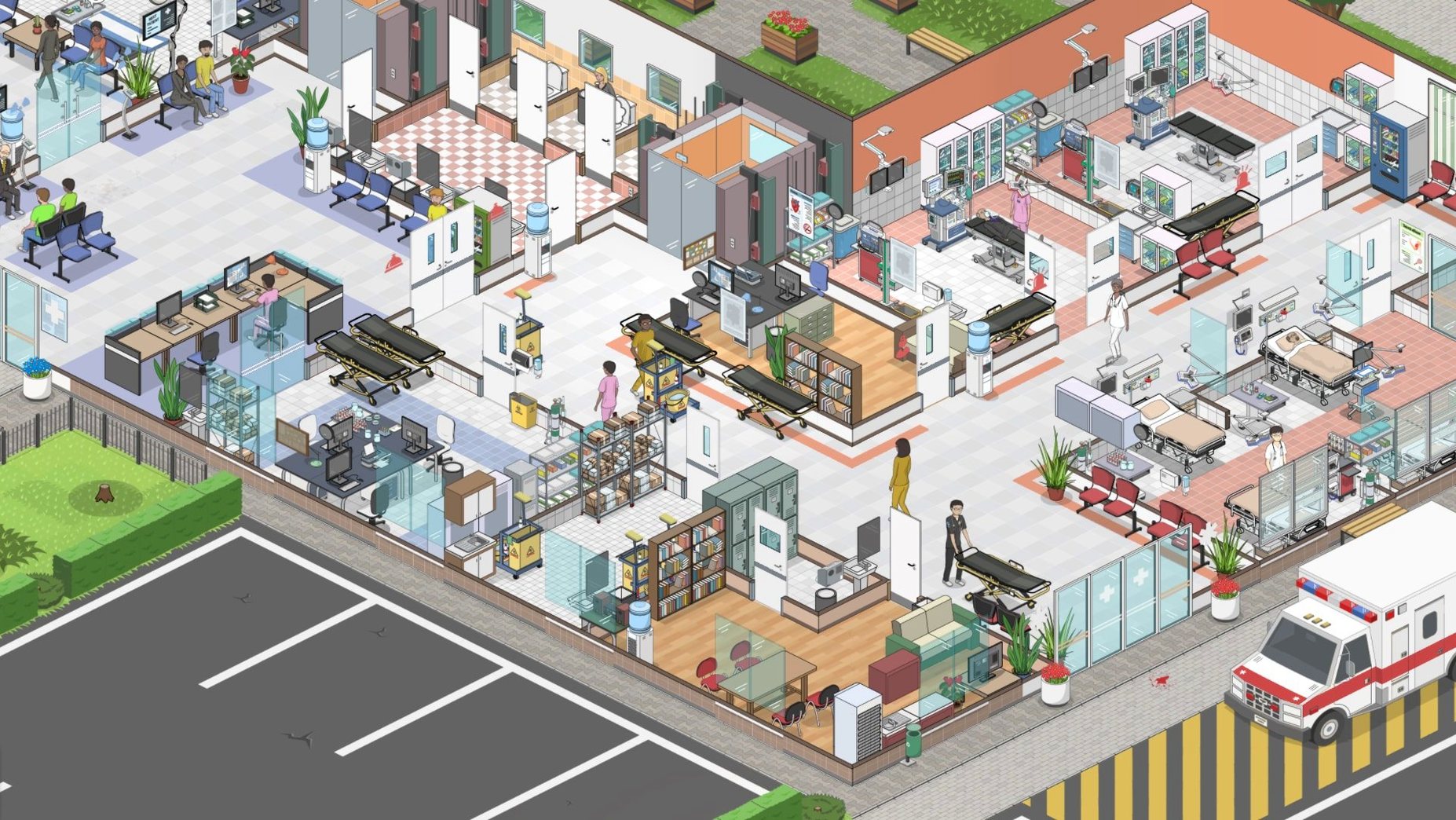
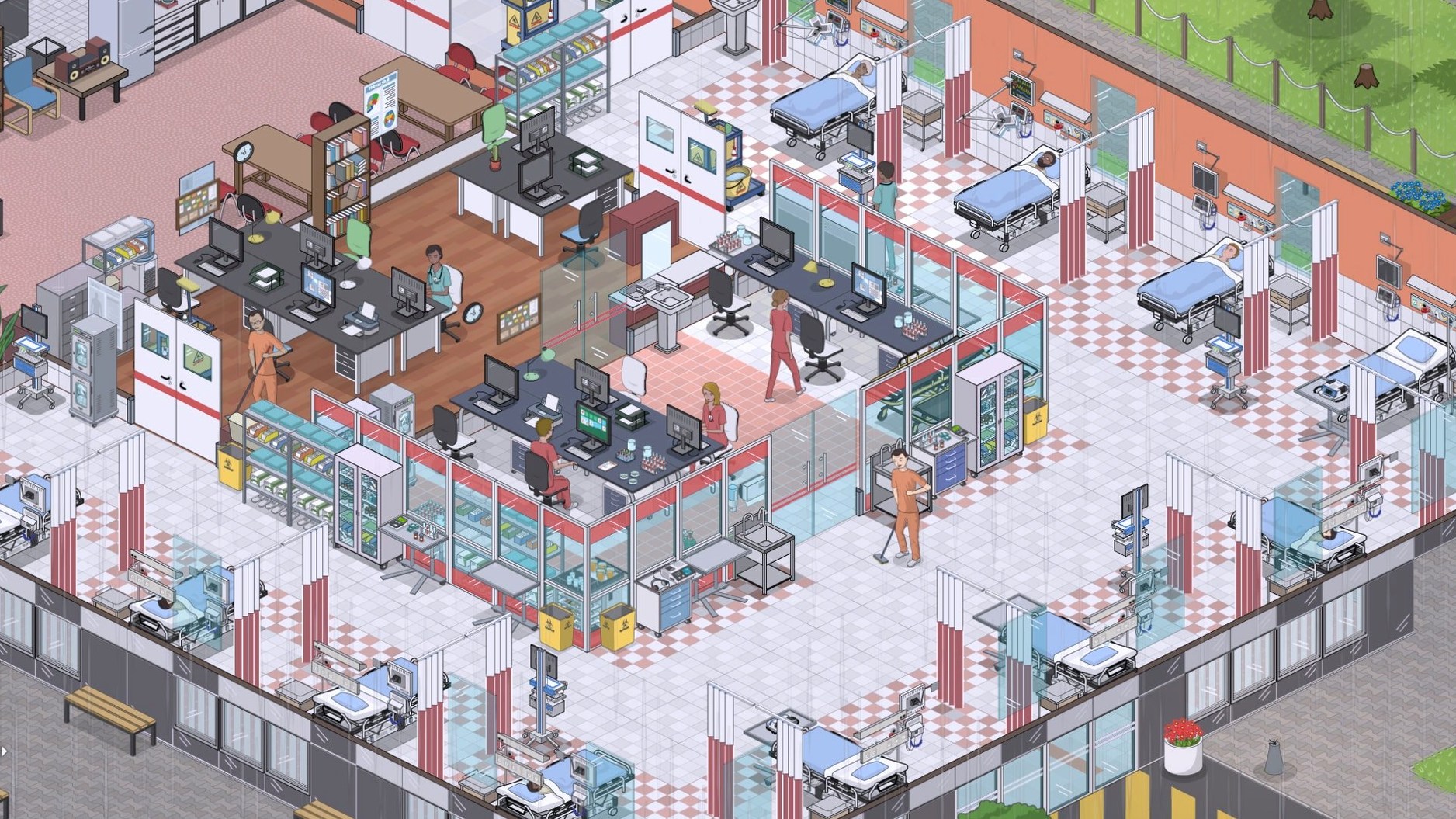
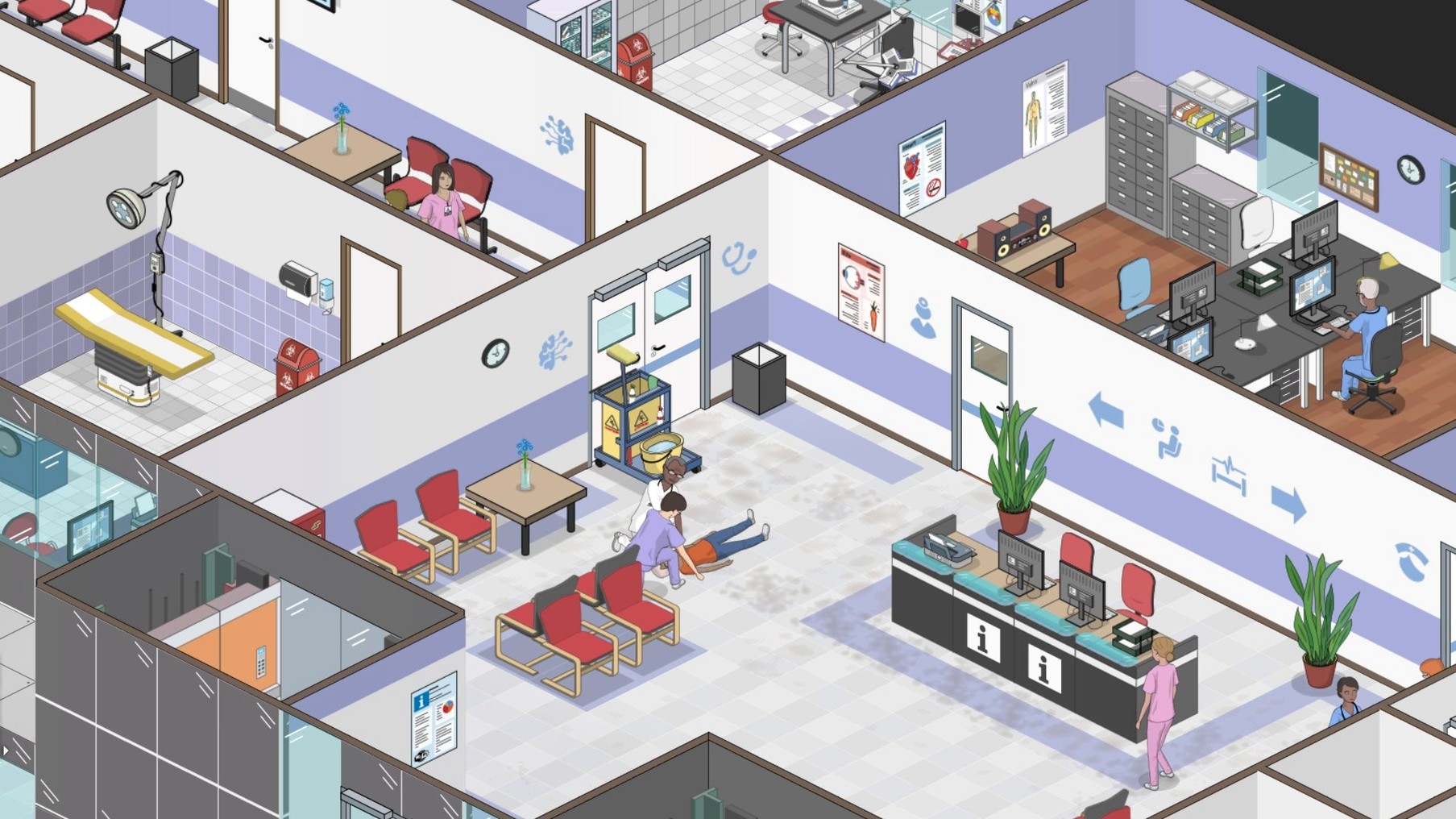
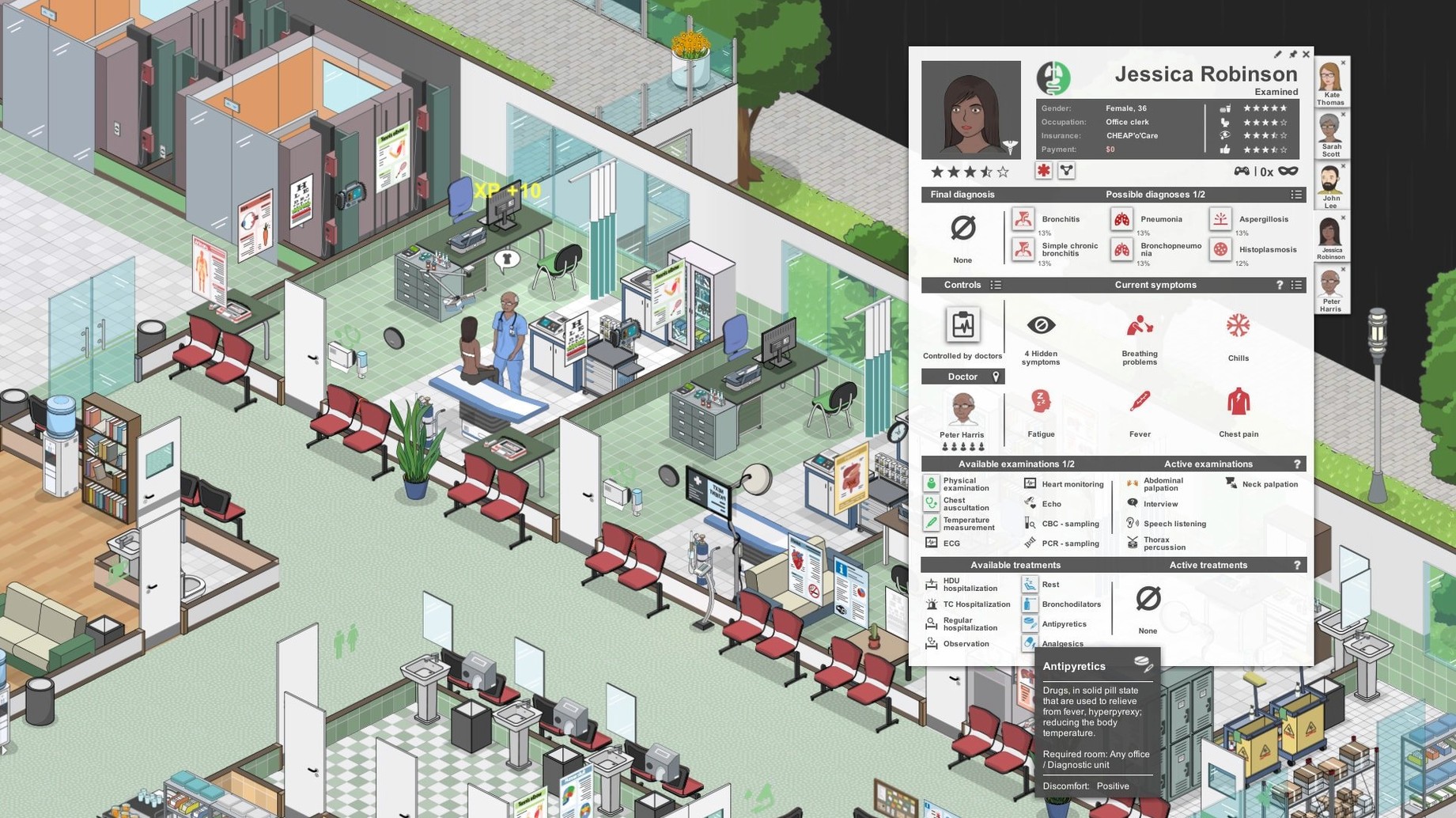
People who use reference software for work know the feeling of a tool that is calm, dense and slightly unforgiving. Project Hospital sits in that same territory. It is a hospital management simulation built around diagnostic gameplay based on real medicine, and the minute-to-minute experience is closer to reading a well-structured departmental system than to a light tycoon game.
| Detail | Value |
|---|---|
| Developer | Oxymoron Games |
| Version | 1.2.23726 |
| Architecture | 64-bit Intel |
| Languages | 15, including English, German, Dutch, Czech |
Most of a session consists of watching patients move through a diagnostic chain. A patient arrives with symptoms, gets examined, is sent for laboratory tests, and eventually lands in front of the right equipment. The player's job is to keep that chain moving without letting queues build up in one department. The multi-floor construction mode adds a spatial layer: rooms are assembled from prebuilt elements, and a poorly placed imaging department will quietly slow down the whole hospital. Between cases, there is the management side — staffing, schedules, insurance handling. It is methodical work, and the game does not rush it.
Patients bouncing between GP and specialist without diagnosis
One frequent irritation is patients looping between a GP office and a specialist department without a diagnosis ever settling. It often looks like a bug, but the underlying cause is usually a missing piece of diagnostic equipment that the AI keeps trying to route around. Check that every department you are running has at least one functional unit for the most common examination types in its list — a sonography machine in internal medicine, for instance, or a working X-ray in orthopaedy. The waiting room loop tends to stop once the equipment is physically present and staffed.
Another early problem is ambulance traffic jamming the reception area. Emergency patients arrive through a specific entrance spot you place during construction. If that spot sits directly on a narrow corridor shared with walk-in patients, the flow breaks down. Revisiting the layout and giving ambulance arrivals their own clear path into a triage space clears it up quickly. The same principle applies to the janitorial staff: a single small maintenance closet near the far end of a large ward means a cleaner spends half the shift walking, and bins overflow before anyone reaches them. Spreading two smaller closets across the floor plan is often more effective than one large one.
Why a preset layout teaches more than an empty plot
It is worth starting with one of the preset hospital layouts before touching the build mode. The sandbox tools are detailed, but understanding how a working department breathes — how many changing rooms a ward actually needs, or where a staff room fits relative to the nurses' station — is easier when you have a functioning example in front of you. Run the preset for an hour or two, watch where patients stall, and only then start your own floor.
In the first few sessions, resist the urge to sign contracts with every insurance company immediately. Each contract opens a new patient stream with a specific mix of conditions, and a small hospital with four GP offices cannot absorb cardiology, neurology and orthopaedic cases all at once. Taking one or two low-complexity contracts at first and adding a third once the relevant specialist department is fully equipped keeps the patient backlog manageable. It also gives your diagnostic staff time to gain experience on a narrower set of symptoms, which speeds up later expansion.
Pause whenever a hospitalised patient needs a decision
The game defaults to a moderate simulation speed and a fairly conservative notification threshold. Two adjustments help in the early game. First, under gameplay settings, switching the auto-pause on new patient events to include hospitalised patients — not only emergency arrivals — prevents a deteriorating inpatient from being overlooked while you are absorbed in construction. Second, reducing the music volume and raising the interface sound feedback slider makes the small audio cues for completed examinations and staff alerts more noticeable without constant visual scanning.
On the control side, the camera pan bound to the screen edge can feel sluggish on larger displays. Enabling edge scrolling acceleration and setting the mouse sensitivity a notch above the default makes navigating a multi-floor hospital less tiring. If the key bindings for floor switching do not match your habits — they default to Page Up and Page Down — remapping them to something closer to the movement keys, like Q and E, keeps floor transitions quick during busy diagnostic hours.