Aspecten
 Download (52 GB)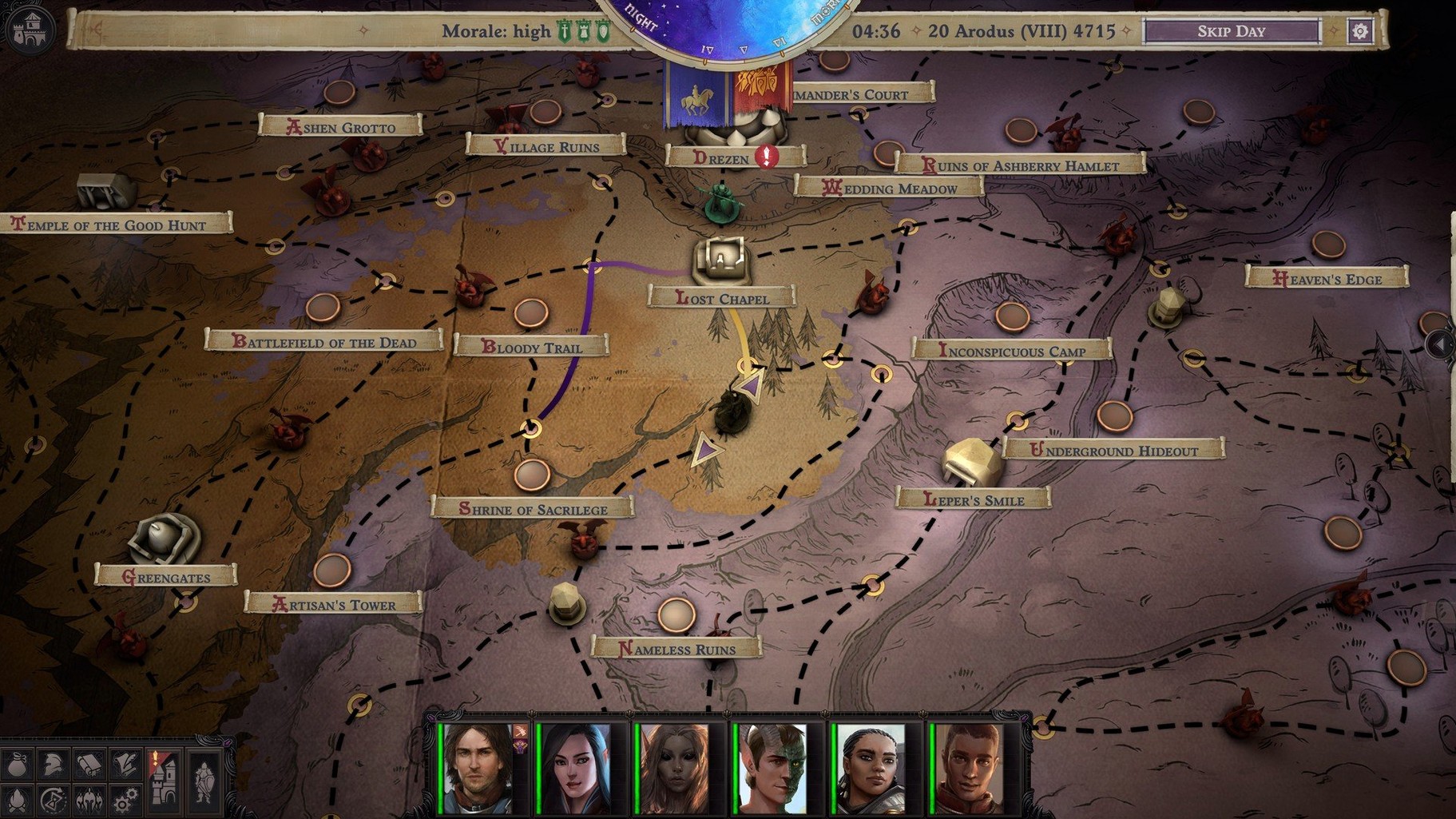
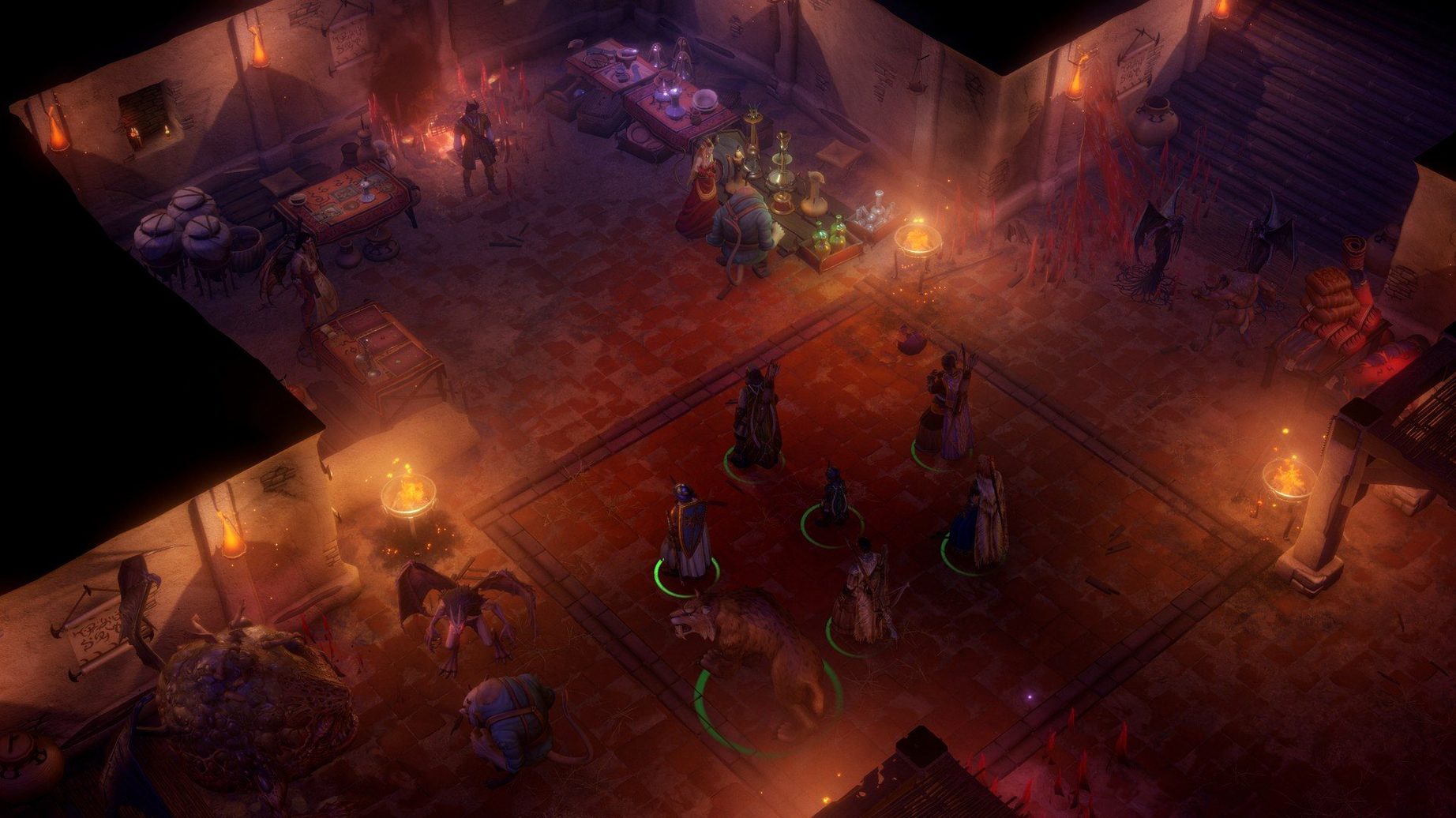
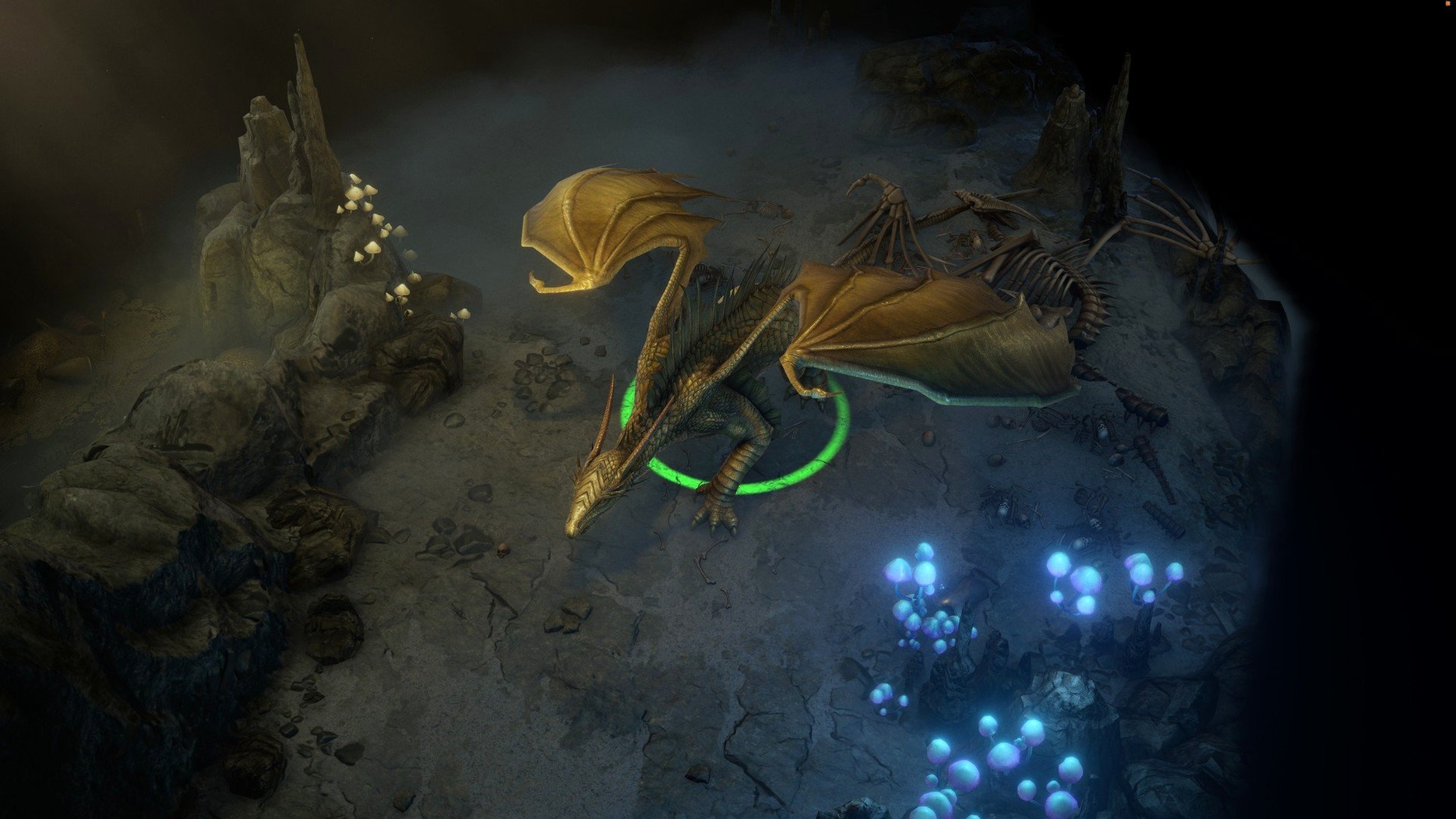
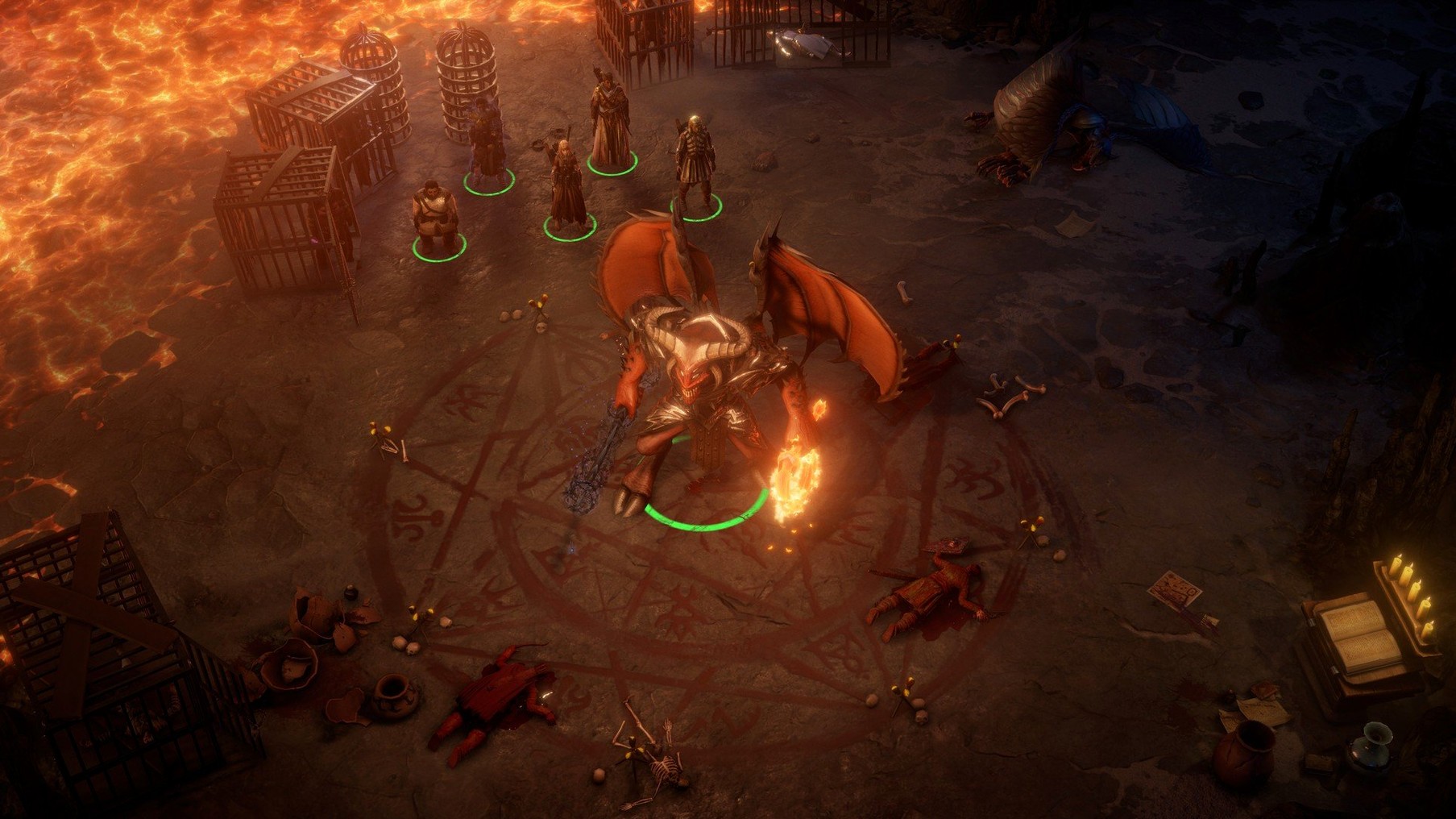
If you have played Baldur's Gate or Pillars of Eternity, the rhythm of Pathfinder: Wrath of the Righteous will feel familiar immediately. You move a party across isometric maps, pause or slow combat to issue orders, and spend a lot of time between fights adjusting spells, abilities, and equipment. The setting shifts the stakes: the Worldwound has opened, and your character leads a crusade against demonic forces rather than a small adventuring company.
Exploration, party builds, and crusade army management
You alternate between exploring locations, managing your party's builds, and fighting turn-based or real-time battles. Dialogue and companion interactions are frequent, and the crusade layer adds army management on top of the usual RPG loop.
1,000+ spells, feats, and mythic path transformations
The game includes more than 1,000 spells, feats, and abilities, plus nine mythic paths that reshape your character as the story progresses. You also recruit more than 10 unique companions, each with their own build and story.
What drives the minute-to-minute decisions?
Rosetta 2 performance and minute-long initial boot times
Under Rosetta 2 on an M1 MacBook Air, the game runs more comfortably than its size and visual density might suggest. Load times are the main friction point: the initial boot can take over a minute, and transitions between zones feel slow enough that you learn to plan your route before clicking. Once a map is loaded, movement and camera panning stay smooth at medium settings, though the fan spins up noticeably during larger encounters with spell effects layered across the screen.
Stability holds up well over sessions of two or three hours. Crashes are rare — perhaps one in fifteen hours — and the autosave system is frequent enough that you lose little progress when one does occur. The bigger stability concern is the crusade management screen, which can stutter when scrolling through army lists late in the campaign.
Memory use sits around 6–8 GB on this machine, climbing gradually during long play sessions. Closing other applications helps, especially browsers. The application itself occupies roughly 45 GB of disk space, so clearing room before installation is sensible even on machines with 256 GB drives.
Disable screen shake before leaving the first tavern
A few adjustments make the game feel more responsive and less visually cluttered before you even leave the first tavern.
- Disable screen shake. Spell effects and crusade battles shake the camera by default. Turning this off in the Game section reduces visual fatigue without affecting combat clarity.
- Set autopause triggers carefully. The real-time-with-pause mode can rush past you if autopause is too sparse. Setting pauses on trap detection, enemy sighted, and combat start gives you better control without needing to hammer the space bar.
- Lower shadow quality first. Shadows are the biggest drain on frame rate in outdoor areas. Dropping them to medium or low gains you more headroom than turning down textures or effects.
- Switch tooltip behaviour. By default, tooltips appear on hover after a short delay. Reducing that delay or switching to a key-press toggle makes spell and ability comparisons faster during levelling.
- Adjust crusade difficulty separately. The crusade layer uses its own difficulty slider, independent of the core combat difficulty. Setting it lower early on prevents the army management from becoming a bottleneck while you are still learning the map.
Companion inventory sorting now persists between sessions
Version 2.7.0y fix tidies several long-standing interface quirks. The most noticeable change in everyday play is that companion inventory sorting now holds between sessions. Previously, sorting by type or weight would reset each time you loaded a save, which added a small but persistent friction to party management. The fix also addresses a crash that could occur when switching between turn-based and real-time modes during ambush encounters — an edge case that cropped up often enough in tight dungeon corridors to matter.
Earlier patches in the 2.7 line reduced the frequency of a bug where mythic path dialogue options would fail to appear if you levelled up mid-conversation. That particular fix smooths over a moment where the game's reactivity briefly broke its own promise, and it means fewer reloads during key story beats.
Performance-wise, the current build handles large-scale crusade battles with fewer dropped frames than the launch version, though the improvement is modest rather than transformative. The bigger practical gain is that save file bloat — a known issue in earlier builds — has been reduced, so load times do not worsen as dramatically over a 100-hour run.
Mostly positioning, ability usage, and spell selection. Combat rewards understanding of Pathfinder rules, and mythic path choices feed back into both dialogue and mechanics.