Aspecten
 Download (1.1 GB)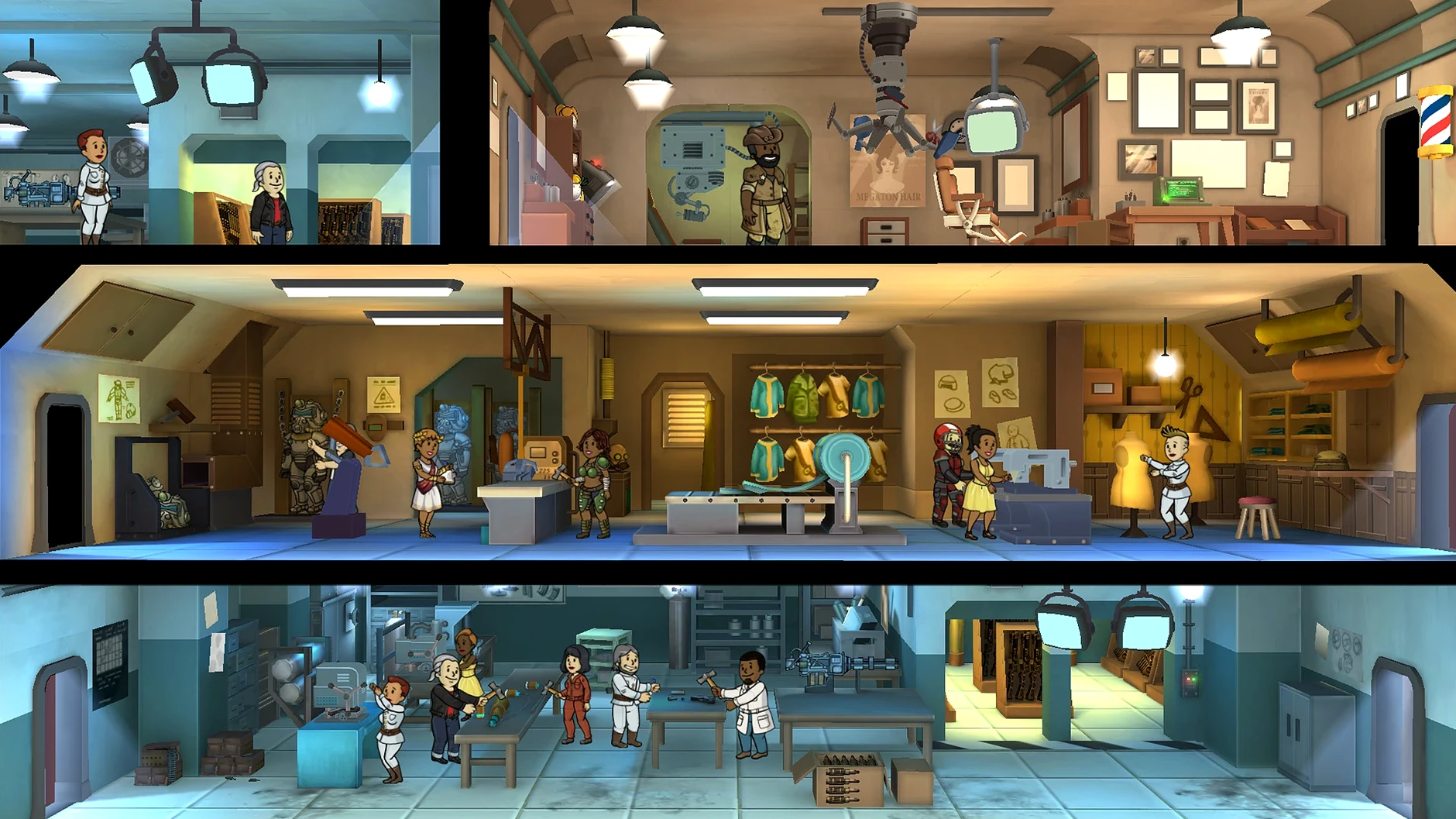
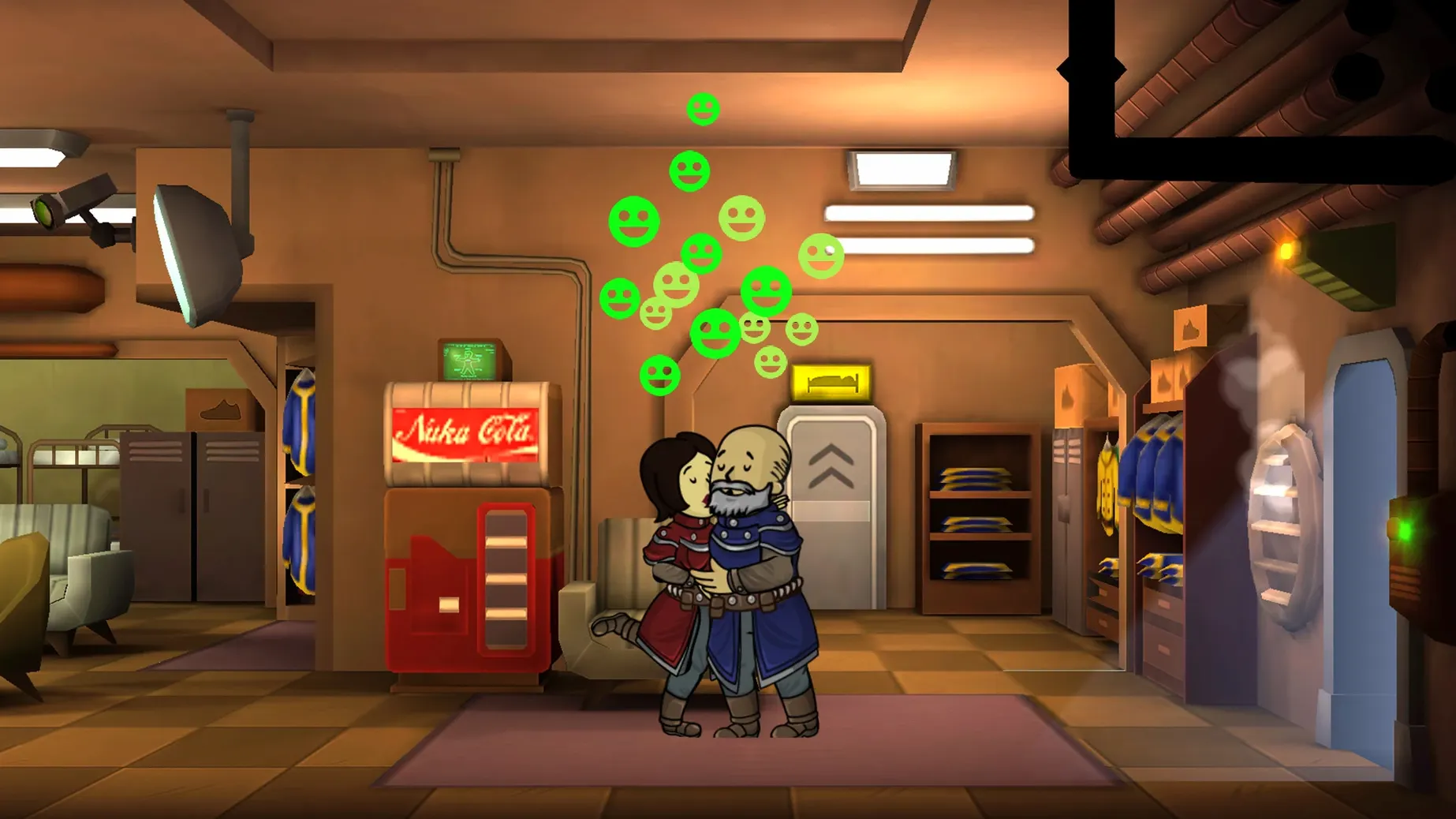
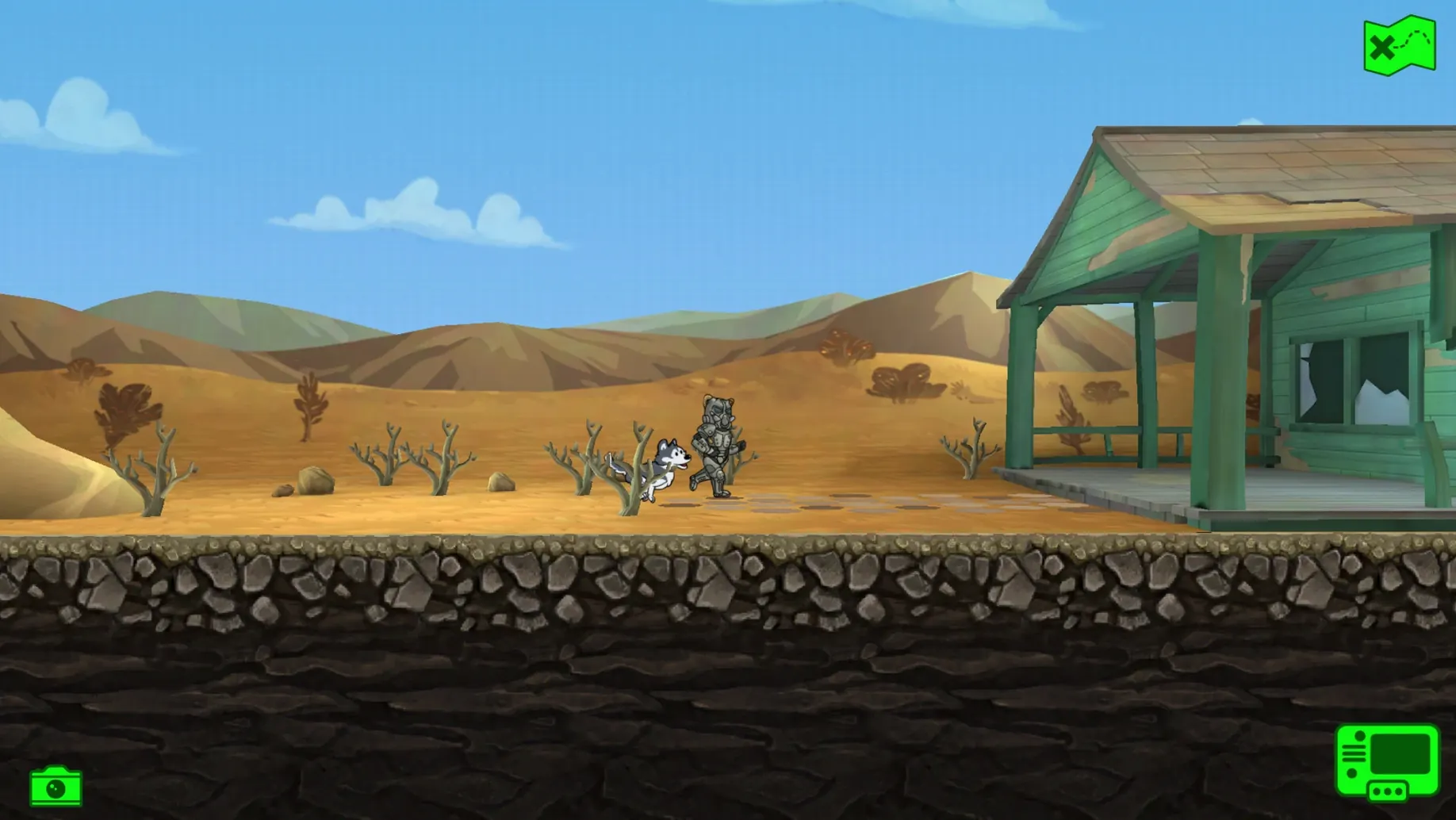
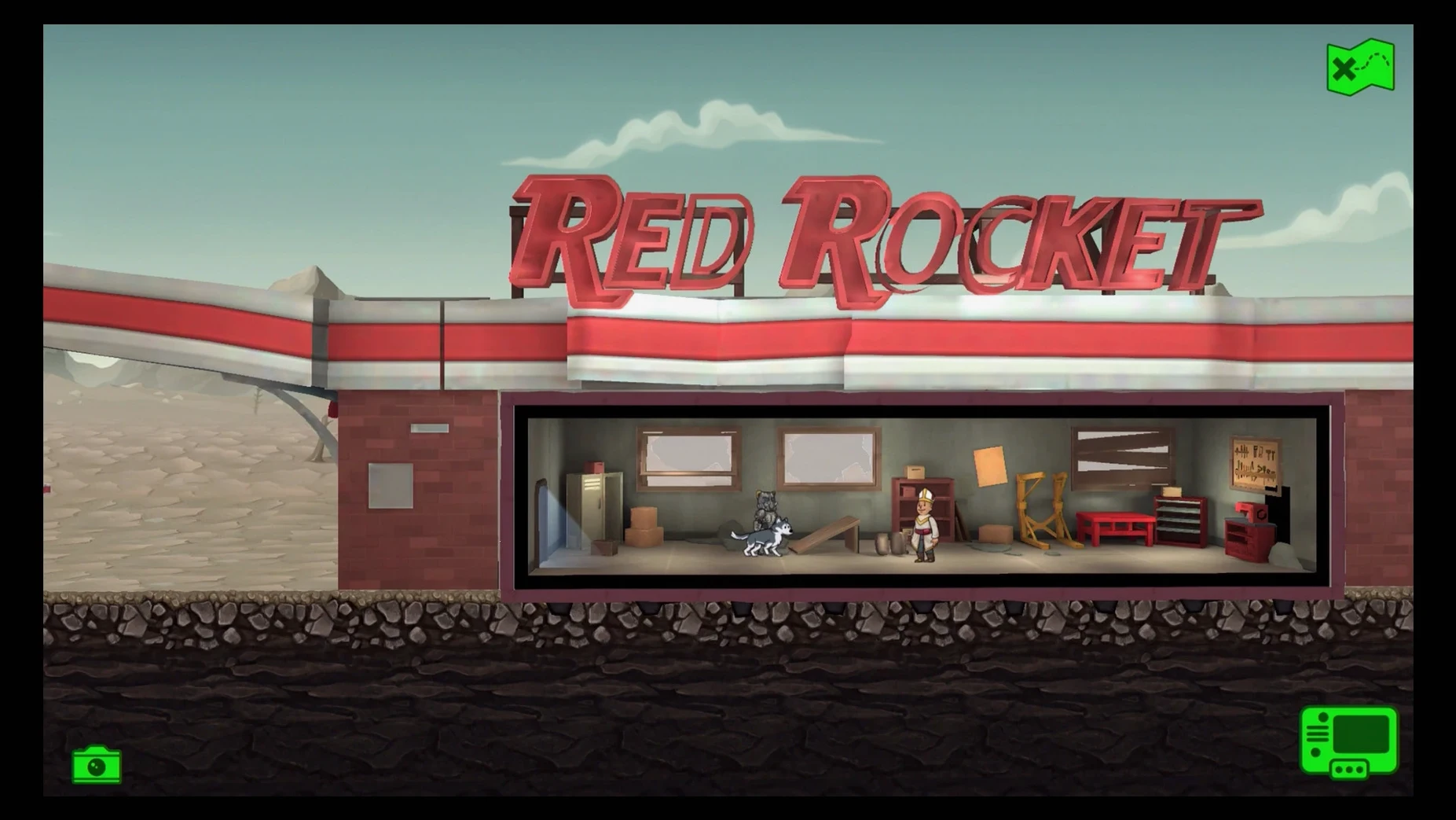
A morning routine takes shape underground. You send three dwellers to the surface with stimpaks and rifles, queue up a water treatment upgrade in an empty cave, and wait. A radio call brings in a new face. A radroach infestation breaks out in the diner, resolved before you drain your morning coffee. Fallout Shelter builds its loop around these short, repeatable sessions.
What makes the management loop tick
The core appeal lies in balancing resources against time. Power, food and water gauges drop at a steady rate, while dwellers assigned to the right rooms produce them faster. The satisfaction comes not from twitch reflexes but from laying out an efficient Vault-Tec vault, matching a dweller's high perception to the water plant and watching a settlement hum along. It is a spreadsheet dressed in 1950s kitsch.
Who will enjoy the wasteland exploration
Players who like idle progress and reading short journal entries will get the most from sending dwellers to the surface. An explorer disappears for hours and returns with a log of encounters and a backpack of junk. There is no direct control during the trip, just the delayed reward of checking in later. For some, that wait is the hook; for others, it feels like downtime.
Who might find the pace too relaxed
Anyone expecting a hands-on survival sim or a tense city builder will hit the game's ceiling early. Threats like fires or raider attacks are momentary and rarely punishing. Once the vault reaches a stable size, the challenge flattens. The barber shop and radio room add flavour, but the drive to expand can fade. It suits overseers who enjoy tending a system more than fighting one.
How Fallout Shelter fits with other apps and macOS
Fallout Shelter runs as a self-contained Wineskin wrapper, which means it does not hook into macOS services in the usual ways. It ignores Notification Centre, so dweller arrivals and wasteland returns never ping you outside the window. The game sits well in a mixed workspace provided you keep a couple of habits. It respects the system's mute key and mixes its own audio sensibly with background music apps like Apple Music or a podcast player.
Because the wrapper draws its own window, Stage Manager treats it as a single tile. That works in its favour: you can tuck it into a corner of the display next to a browser or a notes app, glance at the vault, nudge a dweller, then carry on elsewhere. Drag-and-drop never comes into play, nor does Handoff or iCloud — the save lives inside the wrapper, a single folder you can back up by copying ~/Library/Application Support/Fallout Shelter.
A workable task: stabilising a new vault in the first two hours
Starting a vault from scratch can feel rushed if you build too quickly. A deliberate pace saves caps and keeps incidents small. Here is a sequence that keeps the first dozen dwellers fed, watered and safe while you learn the layout.
- Place the first living quarters against the entrance elevator shaft, not off a side tunnel. That keeps room adjacency simple later.
- Build a diner and a water treatment room directly after — one dweller in each, even if the diner sits at half capacity. Do not touch the storage room yet; caps are scarce.
- Equip the first two dwellers who arrive with the best outfits in the inventory, even if the stat boosts look trivial. A point or two in endurance reduces stimpak waste during emergencies.
- Once the water and food bars are stable at about 60%, queue the power generator. Assign the dweller with the highest strength, then immediately upgrade the room once rather than building a second one.
- Send a single dweller to the wasteland with two stimpaks once the medbay appears. Wait two hours before checking their log. That first return usually carries enough caps and a weapon to make the wait feel worthwhile.
- Build the radio room only after the vault hits 18 dwellers. Earlier, the influx strains resources faster than new arrivals can repay the investment.
Silent audio on first launch
A few headaches recur across installations. Most have straightforward remedies.
Silent audio on first launch. The wrapper sometimes defaults to a missing output device. Open the in-game settings, toggle the sound device dropdown from “System Default” to a named output and back again, then restart the vault. That restores music and effects.
Language stubbornly stays in Russian. The configs.user.ini tweak in the install steps usually does the job, but the file can revert if the wrapper rebuilds its prefix. After changing language=russian to language=english, lock the file via Get Info (⌘I) so the wrapper does not overwrite it during a crash recovery.
Wineskin window loses focus and refuses clicks. Pressing ⌘Tab away and back restores input. If that fails, right-click the dock icon, choose Show All Windows, then click the vault window from that view.
Save appears to vanish after a reboot. The wrapper stores progress in a hidden path. Navigate to the save folder listed above and confirm the .sav file still exists. If you moved the app bundle between volumes, the wrapper can lose its symlink; placing it back in /Applications resolves the link.
People occasionally search for “fallout shelter for mac cracked” expecting a native port, and the Wineskin build is the common distribution. The fixes above apply to that version and keep the vault running across macOS updates.