Aspecten
 Download (11 GB)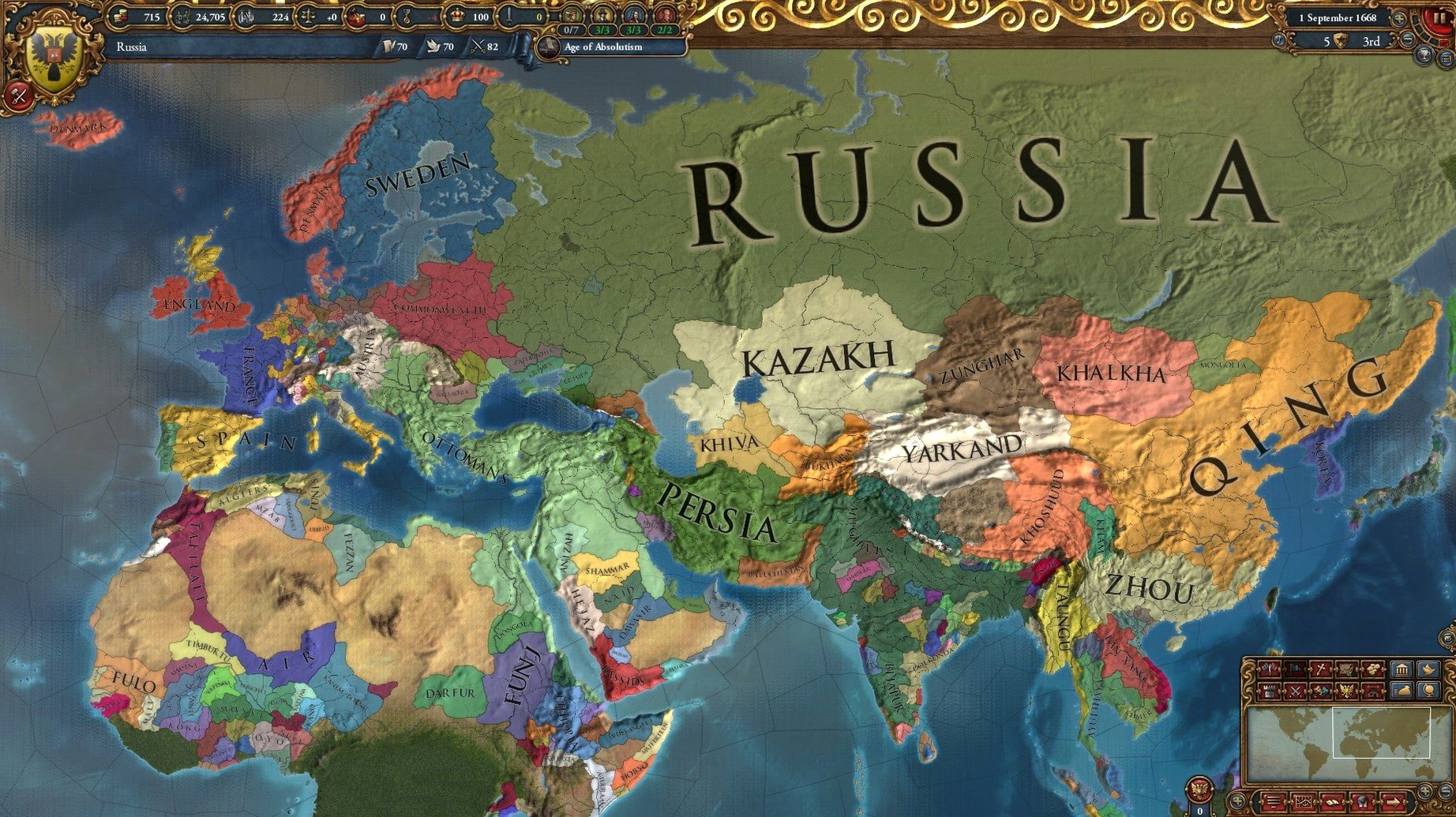
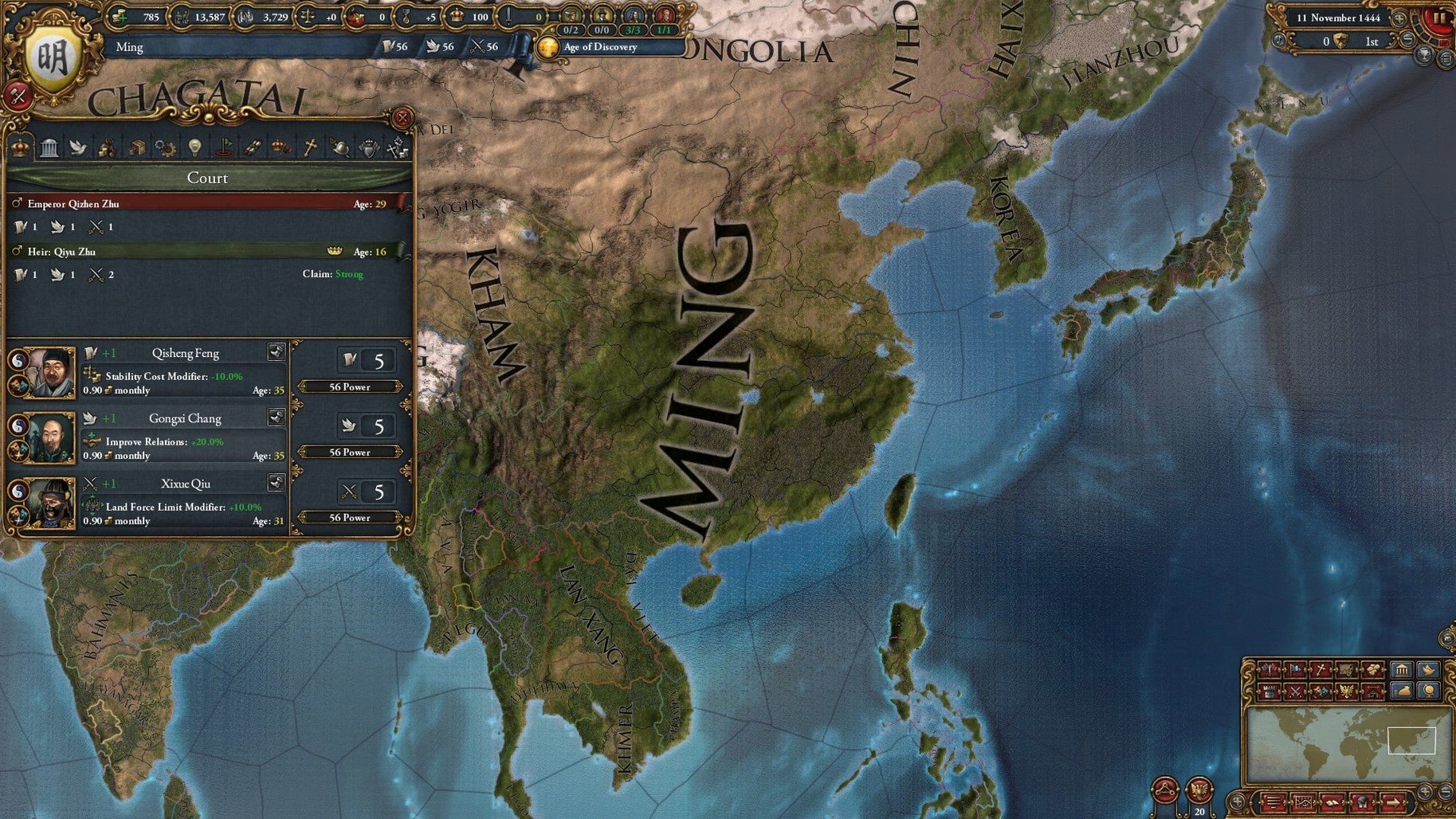
Version 1.37.5.2 fix keeps the game stable on macOS Tahoe, with no new features in this build. It is a maintenance release that ensures the eu4 launcher behaves on an M4 Mac mini. The interface still arrives in Russian, English, German, Spanish and French, and the music component sits ready in the Applications folder.
Weaving a long-term plan
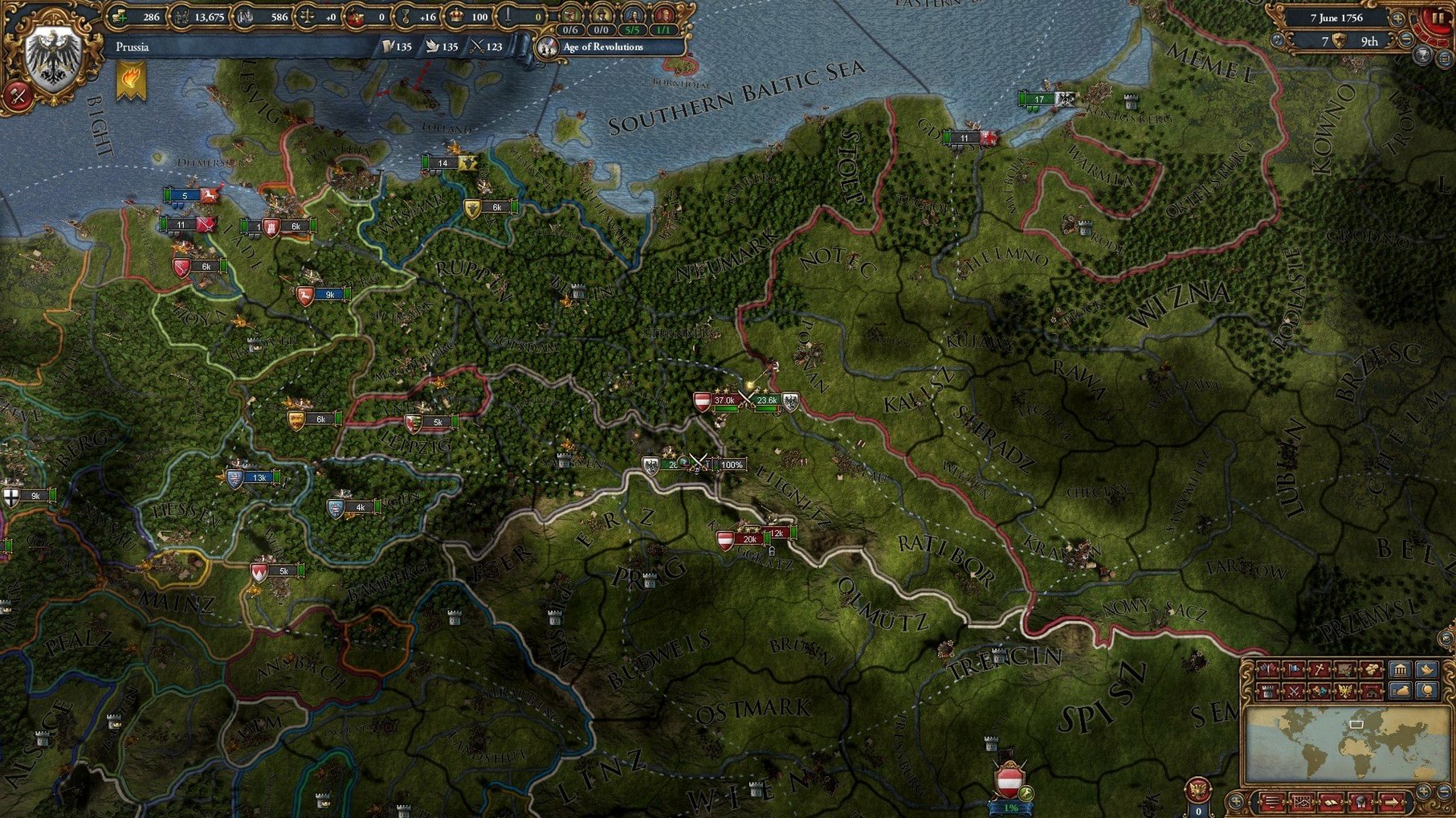
You spend hours nudging trade power, royal marriages and army tradition toward a goal you set yourself — forming Prussia, colonising the Moluccas, or simply surviving the Reformation. Every slider and diplomatic action feeds a system that rewards patience, and losing a war rarely ends the campaign.
Living with incomplete information
The ledger gives you numbers, but your rivals’ intentions stay hidden behind the fog of war. You interpret province history and alliance webs, and a miscalculation can turn a manageable war into a slow retreat. Comfort with not knowing everything is what separates a relaxed player from a frustrated one.
Accepting mechanical abstraction
Aggressive expansion, coring costs and mana points are board-game abstractions, not historical simulations. If you want a narrative generator that sometimes breaks immersion for a rule, the trade-off feels natural. Players who expect a pure historical re-enactment often bounce off the interface.
On a Mac mini 2024 M4, the simulation runs through a translation layer because the build targets x86. Daily play stays fluid through the early centuries; later campaigns feel heavier when the map fills with armies and the ledger tracks hundreds of provinces. The main cost is not frame rate but time — monthly ticks arrive quickly on speed five, and a session can swallow an afternoon before you notice.
Memory use climbs after several hours with the same save, especially if you leave the game running while switching between applications. A restart every three or four hours keeps the interface responsive. Autosaves to the cloud can cause a brief pause at the start of each year, so keeping saves local reduces that interruption on slower connections.
Start with Portugal to learn trade and colonisation at your own pace
Start with a nation that forgives mistakes. Portugal teaches colonisation and trade without forcing you into wars you did not choose. The Ottomans are stronger but give you room to experiment with armies and sieges. Avoid France or Austria until the diplomatic system makes sense.
Spend the first session reading tooltips instead of conquering. Hover over a trade node, a rebel faction, a casus belli. The game explains itself in layers, and the interface rewards curiosity. Leave a bookmark in the ledger and check it after every war.
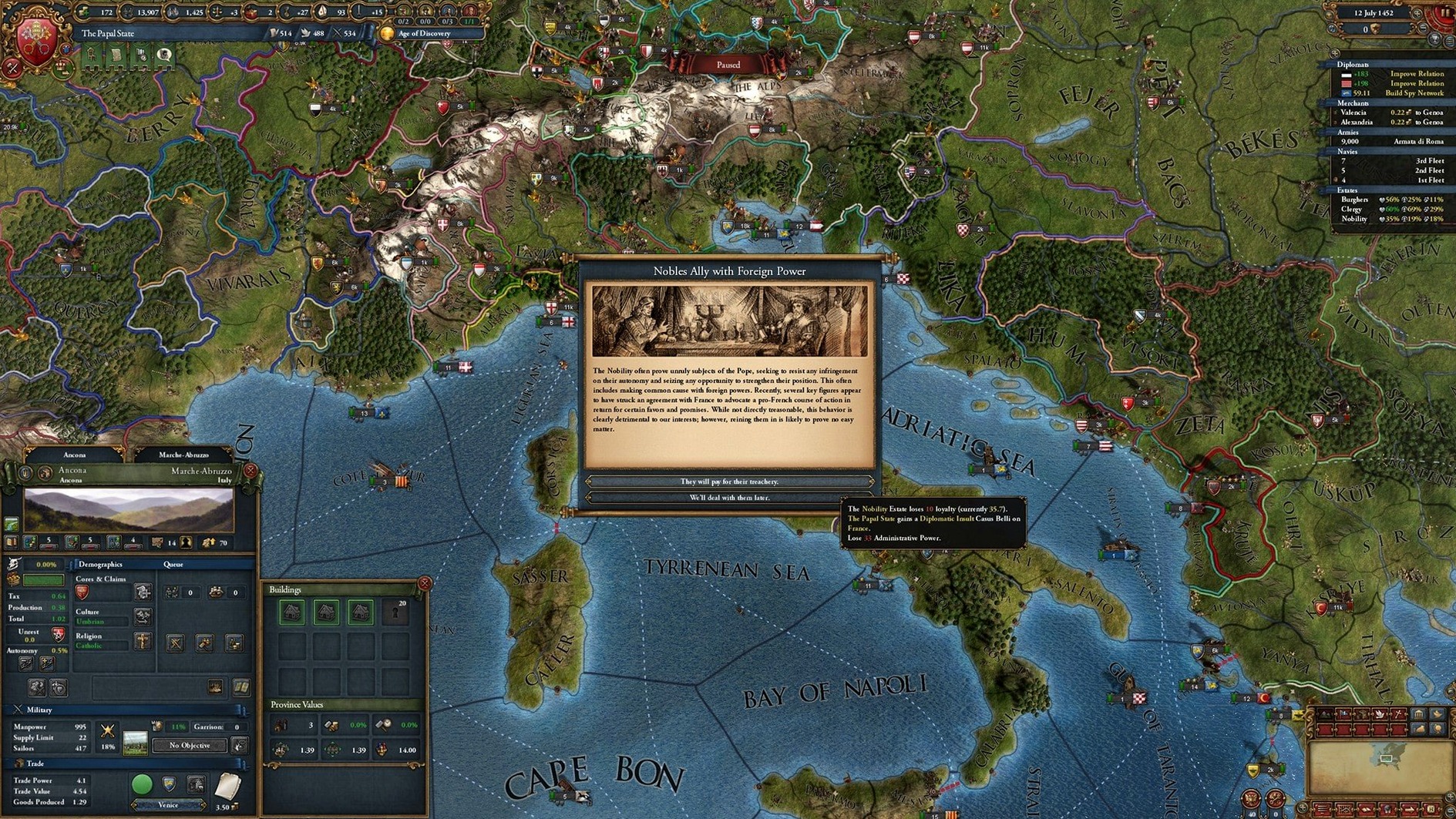
Set the message options early. Paradox games generate dozens of pop-ups by default, and editing them to pause only on declarations of war and peace treaties turns the early confusion into a readable rhythm. Keep pause on monarch death — a regency can block your plans for years.
Bind the map modes to keys you remember. Trade, diplomatic and unrest modes are your main tools, and switching between them quickly changes how you see the same border. The default setup works, but a small adjustment saves hundreds of clicks in the first week.
Check the manpower tooltip before you declare war
Treating manpower as an endless pool is the fastest way to ruin. Sieges and mountain attacks drain it faster than the number suggests, and rebuilding an army takes years. Check the manpower tooltip before declaring any war, not after the first defeat.
Ignoring aggressive expansion leads to coalitions that end campaigns. The peace screen shows exactly which countries will join a coalition against you, and the number is not decorative. If the list includes three neighbours with strong allies, take less land or wait for the penalty to decay.
Corings are easy to forget in the middle of a war. Conquered provinces without cores drain administrative points and cause unrest. The game does not punish the mistake immediately, which is why it repeats so often. Make coring part of the peace routine.
Recruiting too many cavalry or artillery units early throws the army composition off balance. Infantry carries the line, cavalry flanks, artillery sits in the back row. A stack of ten cavalry looks impressive and collapses against a balanced force half its size.
Workflow: taking a trade node
Trade income funds everything else, so a controlled expansion into a rich node is a practical first project. This sequence assumes you play as a mid-sized power with one strong ally and a small fleet.
- Open the trade map mode and find a node where you have little power but strong neighbours. The Baltic and the English Channel are good examples for different reasons.
- Check the trade node panel for the countries that hold the most power. Look for one that is already losing a war or has weak allies to call in.
- Fabricate a claim on a province in that node using the diplomacy screen. The spy action takes a few months and gives you a casus belli.
- Move your troops to a province bordering the target while the claim builds. Do not park them on the border too early or the target will seek allies.
- Pause on the first of the month and check the ledger for the target’s manpower and army size. If they are stronger than you, wait for a distraction or find a new target.
- Declare war with the conquest casus belli and call in your ally only if you need them. Allies who want land in the same node can complicate the peace deal.
- Fight defensively at first. Let the enemy attack into your territory and reinforce with your ally. Siege the border fort while the enemy army recovers.
- Open the peace screen after the first wave. Take one province in the trade node, core it immediately, and select your new merchant placement before unpausing.
The whole process takes about two hours of play at speed three. Do it twice and the trade income shifts noticeably, which makes the next project easier to fund.