Aspecten
 Download (5.7 GB)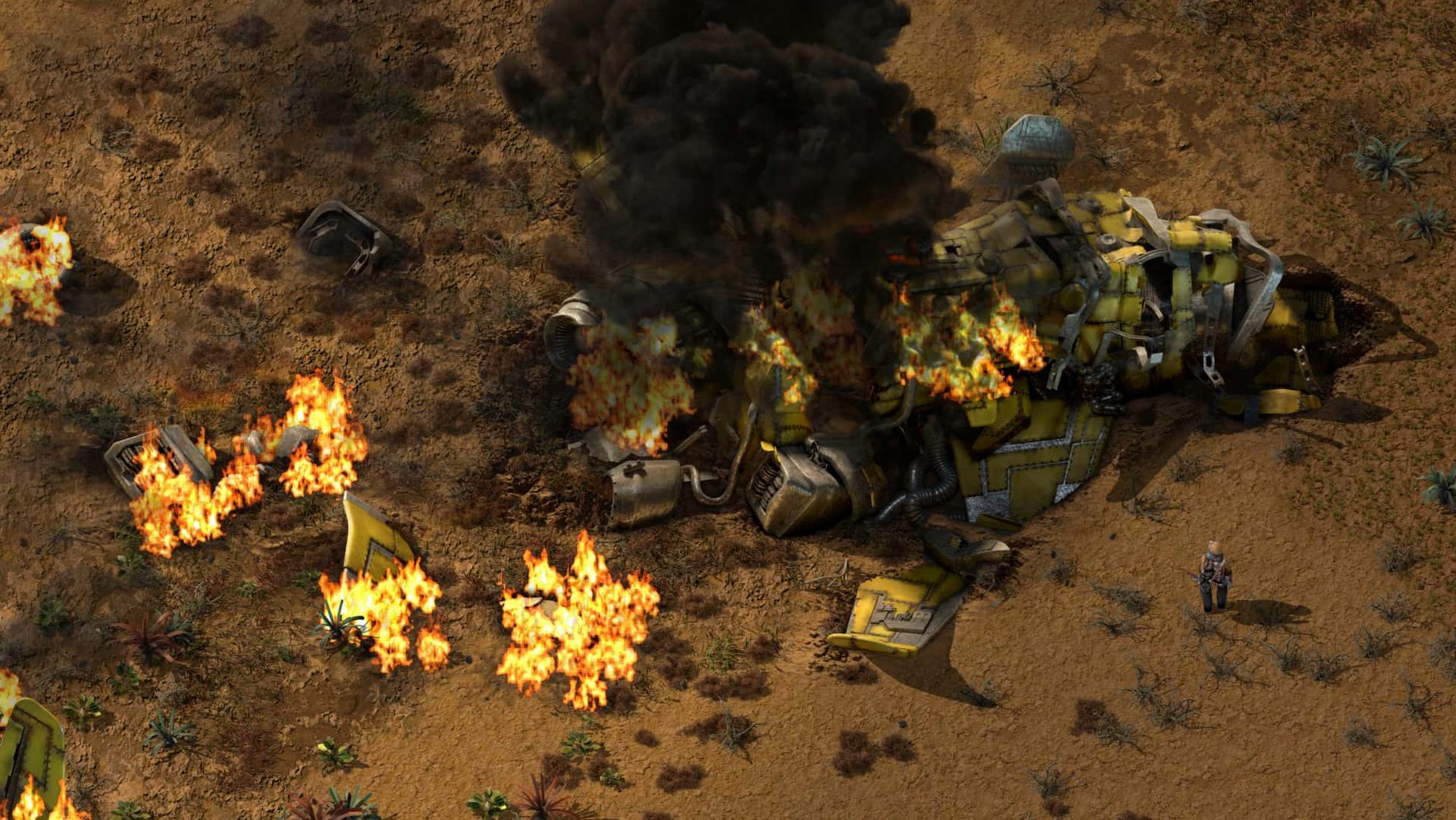
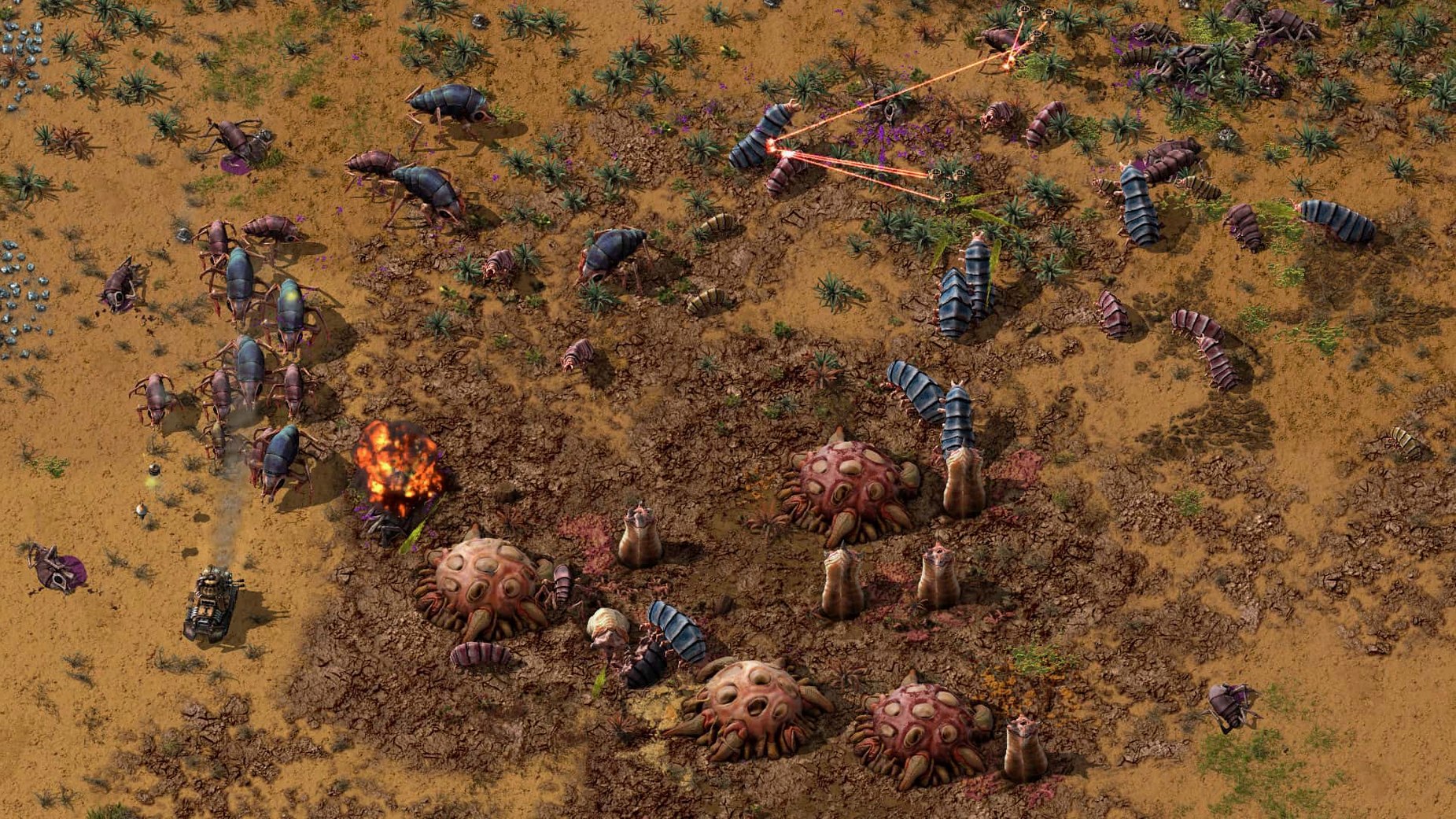
The game runs natively on both Apple Silicon and 64-bit Intel Macs, so it draws full advantage of the hardware you have without translation layers or emulation.
| Aspect | Detail |
|---|---|
| Developer | Wube Software LTD. |
| Current version | 2.0.77 |
| Release date | 2026-05-21 |
| Architecture | Apple Silicon and Intel (64-bit) |
| Interface languages | 21 languages including English, German, Russian, Japanese, Simplified Chinese |
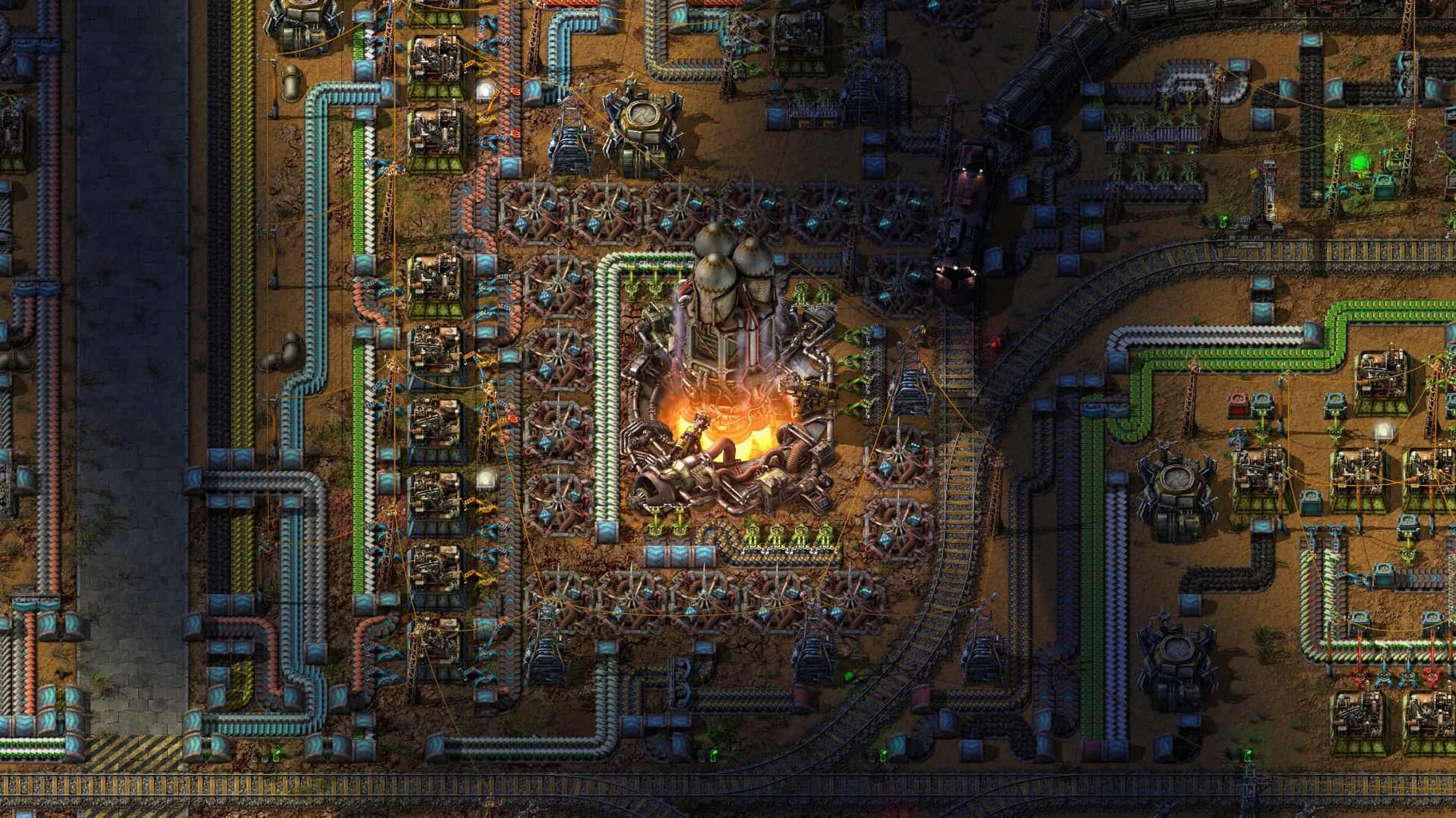
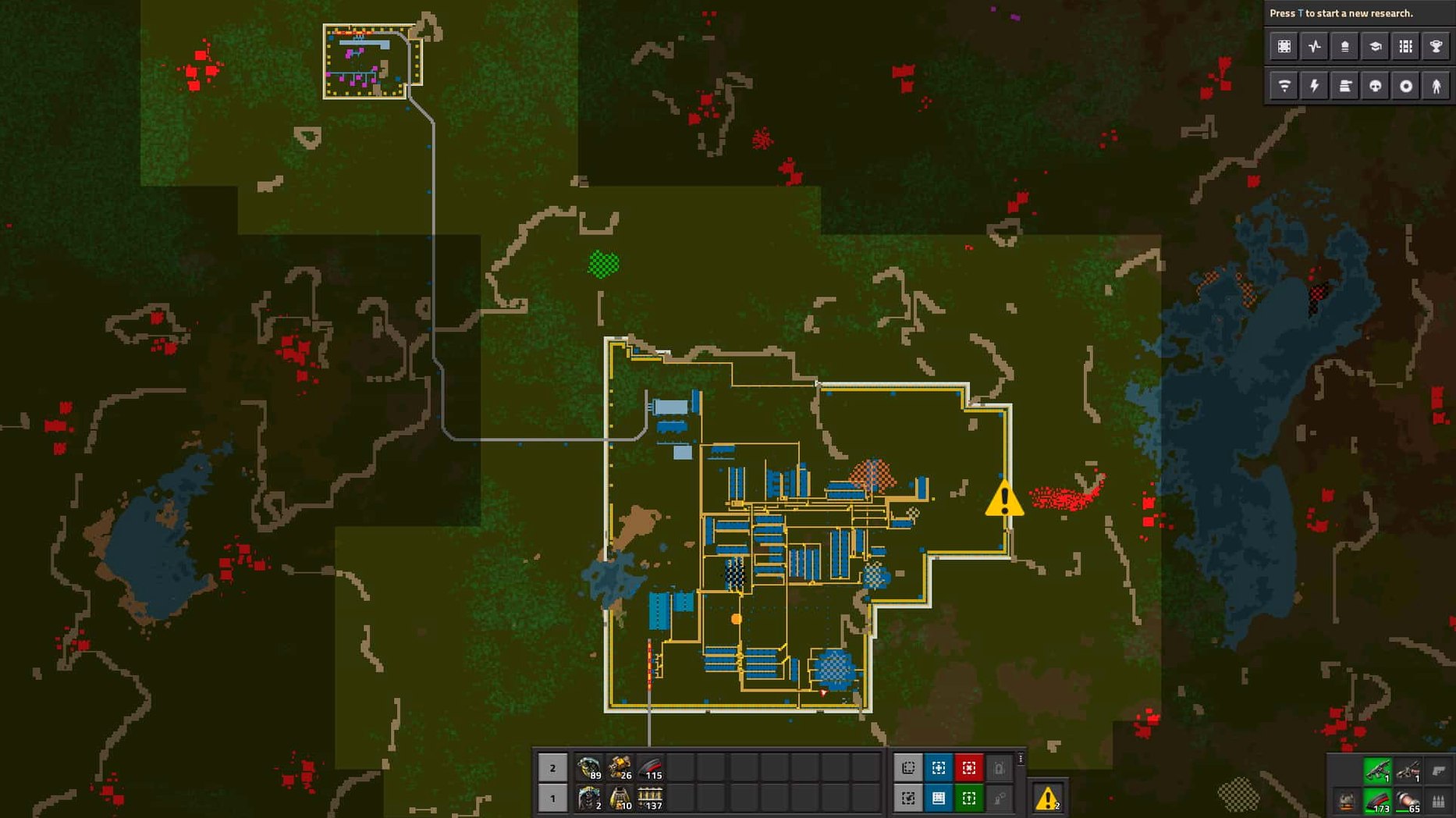
What ships in the box is a complete factory-building loop. You begin by cutting trees and mining ore, then progress through inserters, transport belts, oil processing, solar farms and a logistics network staffed by robots. Every step feeds the next: resources become intermediate parts, those parts become more complex items, and eventually you manage a sprawling automated system that researches technologies while defending itself against enemies. The world is endless and two-dimensional, so space constraints come from your own planning rather than a hard map edge. A built-in map editor lets you sculpt scenarios or test layouts without starting a new save, and the game supports mods — placed in ~/Library/Application Support/factorio/mods — which extend recipes, entities and behaviours well beyond the base content.
Deadlock fixes that matter once your factory gets huge
Version 2.0.77 is a maintenance release, and its effect on daily play is mostly felt in large factories. The fixes for inserter deadlocks and rocket silo deadlocks matter once you reach the stage where a stalled machine can quietly stop an entire production line. If you played an earlier build and learned to place inserters in a particular order to avoid lock-ups, that habit is now less necessary. The bug had a way of appearing in tightly packed setups where two inserters waited for each other, and the fix removes one of those small frustrations that was hard to diagnose without watching the machines frame by frame.
The cargo pod clipping fix applies to space platform logistics, where pods could visually pass through structures during loading and unloading. It was a cosmetic issue rather than a functional one, but it made busy platforms look broken. The crash fixes — one when entities are killed without a source, another when creating a loader with a stack size override — affect edge cases that most players never hit, though mod authors are more likely to have seen them, since mods often create entities and loaders in ways the base game does not.
For mod creators, the new Lua prototype reads are the more interesting addition. The ability to read quality-related values from LuaEntityPrototype and properties like drops_full_belt_stacks or visualization_color from LuaEntityPrototype and LuaFluidPrototype opens up cleaner ways to inspect game data from scripts. A mod that adjusts belt behaviour based on stack drops, or one that recolours pipes based on fluid properties, no longer needs to guess at values that were previously inaccessible. In everyday use this means fewer mod errors and more predictable behaviour when several mods interact.
Skip mods until belts and inserters feel natural
Start with the base game before adding mods. The first hours are about learning how belts, inserters and assemblers fit together, and a mod that doubles the item list can bury that lesson. Keep your starter factory spread out enough that you can walk between machines; the map is endless, so space costs nothing until you are managing dozens of production lines.
On the Mac side, the game runs as a standard application. Launch it from Launchpad after copying it to the Applications folder, and check the graphics settings in the options menu before starting a serious session. The default settings are reasonable, but if you plan a large factory, lowering some effects early prevents a slide in frame rate later when hundreds of machines are active at once.
If you intend to use mods, the folder is ~/Library/Application Support/factorio/mods. Create it after the first launch if it does not exist. The in-game mod browser is the simplest way to find and install mods, and it handles dependencies automatically. Keep mods out of that folder until you understand the base game well enough to know what you are adding.
Save often and under names that describe the state of the factory. A save called before-oil is more useful than my-game-7 when a redesign goes wrong and you want to roll back twenty minutes. Autosaves help, but named saves let you recover from decisions you made deliberately and then regretted.
A search for factorio download mac will bring up this version, and the disk image install works the same way whether you are on Apple Silicon or Intel hardware. A factorio mac torrent search is another route some players take, and the standard disk image is straightforward enough for most people. If you search for factorio macos torrent, treat any result as a source you should verify to confirm it matches the latest stable build.
A full chest can hide a bottleneck
The most common early mistake is building too small. A miner that fills a chest feels productive until you realise the chest is the bottleneck. Belts and inserters work best when items flow continuously, and a buffer chest that hides a supply problem only delays the moment you notice it.
Another frequent error is ignoring the research queue. The game lets you queue several technologies, and new players often finish one research and then stand idle while deciding what to do next. Queuing three or four technologies keeps the labs working while you expand production.
Defence is often left until after the first attack. By the time enemies arrive, a few turrets placed near the pollution source are more useful than a wall around the entire base. Pollution draws enemies to its source, so defending the miners and furnaces matters more than protecting empty land.
Beginners also tend to hand-craft too much. The crafting menu is convenient, but long hand-crafting queues waste time that automated assemblers could use. If you need more than ten of an item, build a machine to make it.
If your Mac runs 64-bit Intel or Apple Silicon, you are fine
People usually want to know whether the game runs on an older Mac. The answer depends on the architecture: the build supports 64-bit Intel Macs and Apple Silicon, so if your Mac falls into either group and runs a reasonably recent macOS version, it should work. The game was tested on macOS Tahoe on a 2024 Mac mini with an M4 chip, but that is a test target, not a minimum requirement.
Another frequent question is about multiplayer. The game supports it directly, and you can host a game from your own Mac or join one. The main mode is sandbox, so there is no story campaign to finish before you can play with others.
Some people ask whether mods are safe or supported. The game is designed around modding, and mods live in a dedicated folder inside Application Support. Removing a mod is a matter of deleting its folder entry, and the built-in mod browser handles installation and updates.
A last common question is about DRM. The game is DRM-free, which means the application runs without an online check or an account. That also means the installer is what you get, and any extra steps beyond dragging the game into Applications are unnecessary.