Aspecten
 Download (1.4 GB)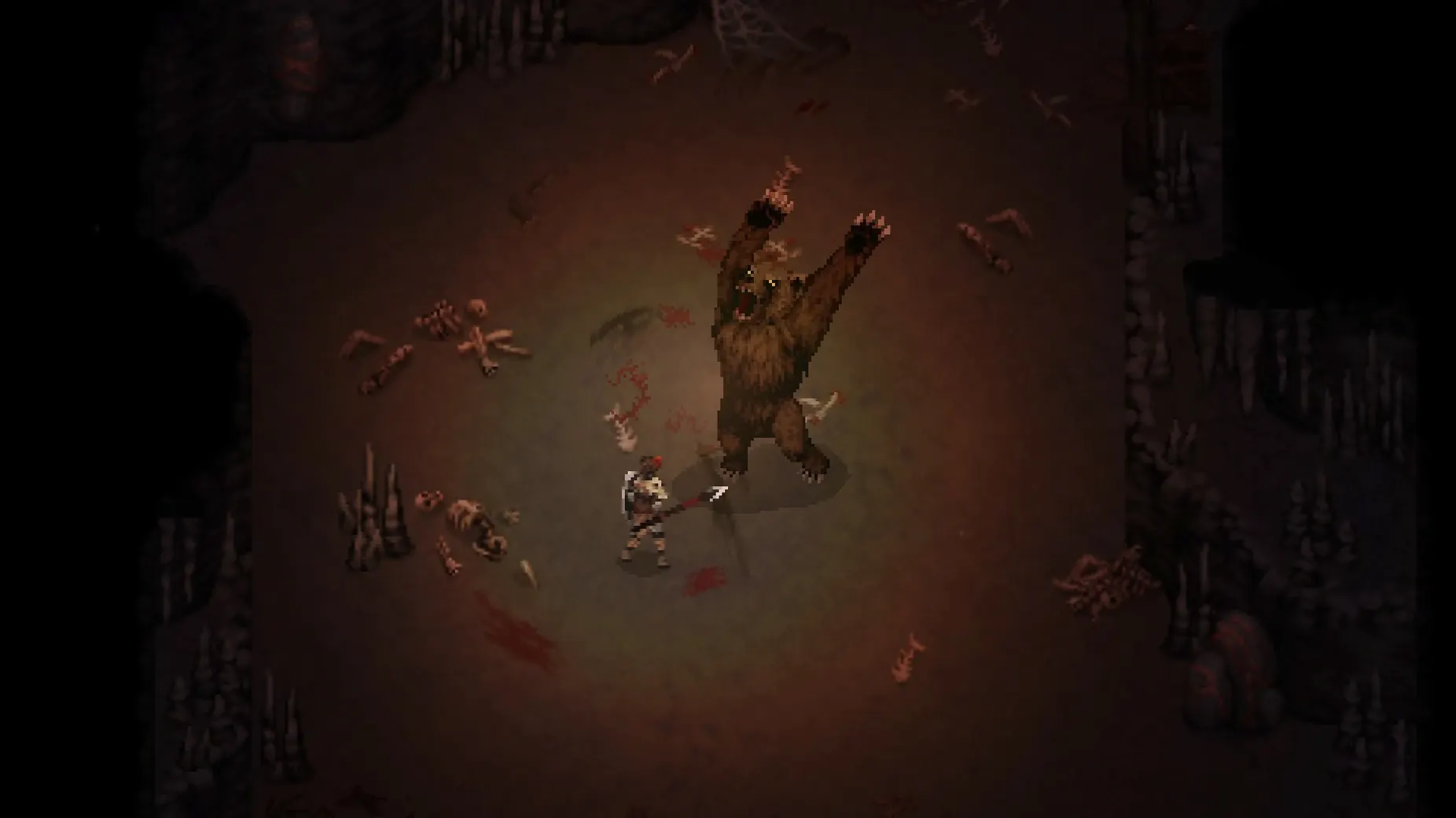
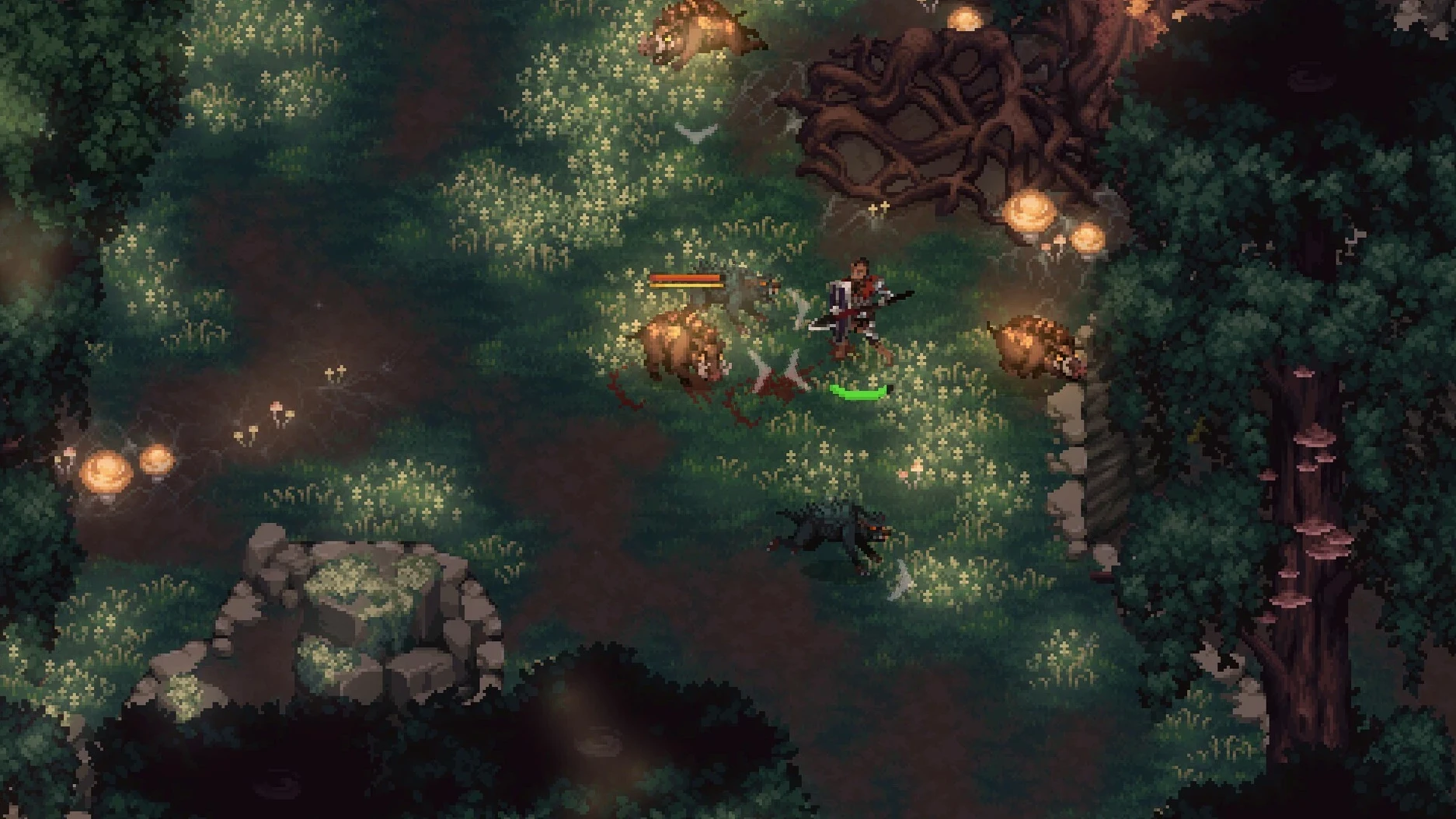
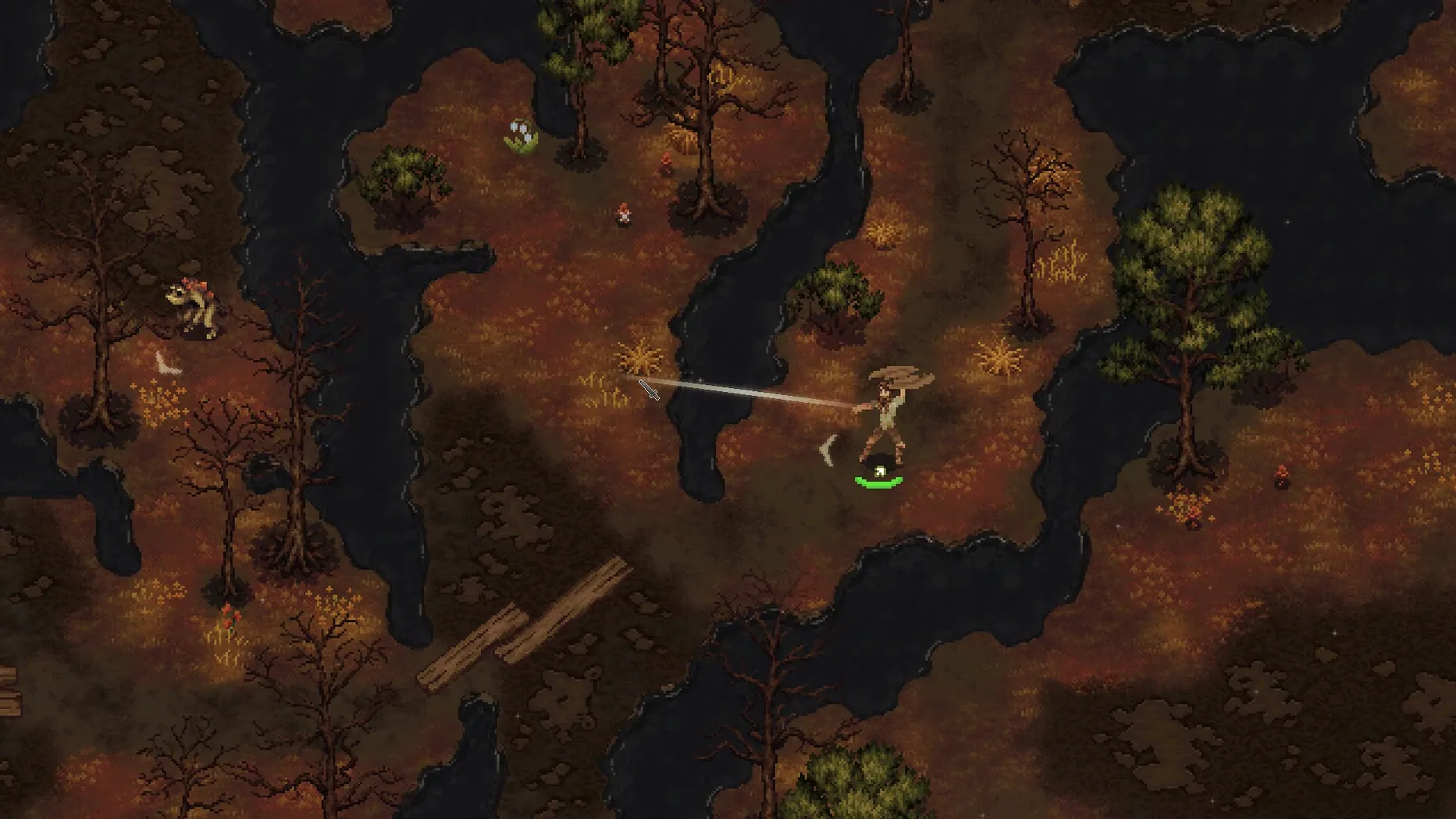
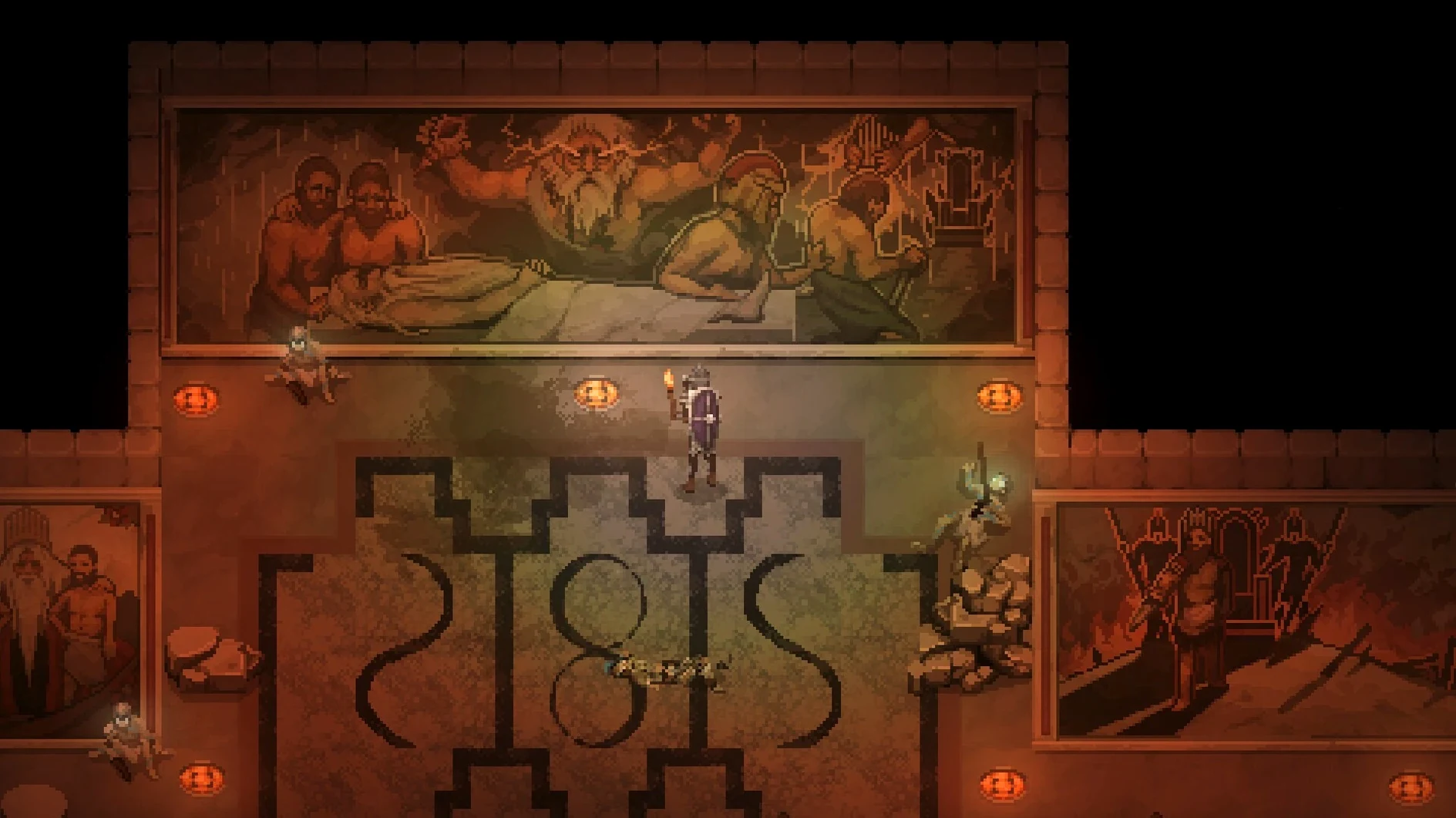
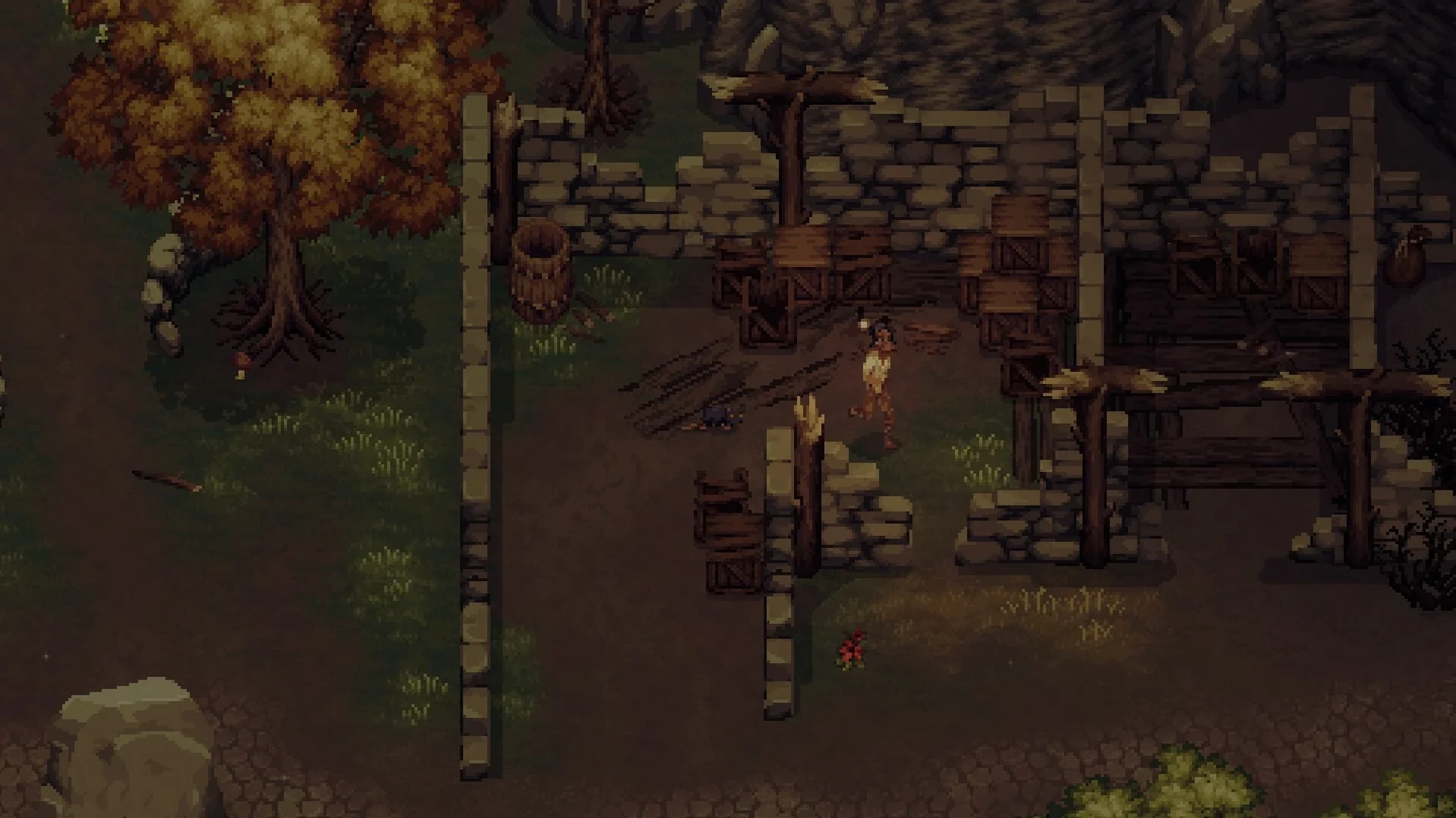
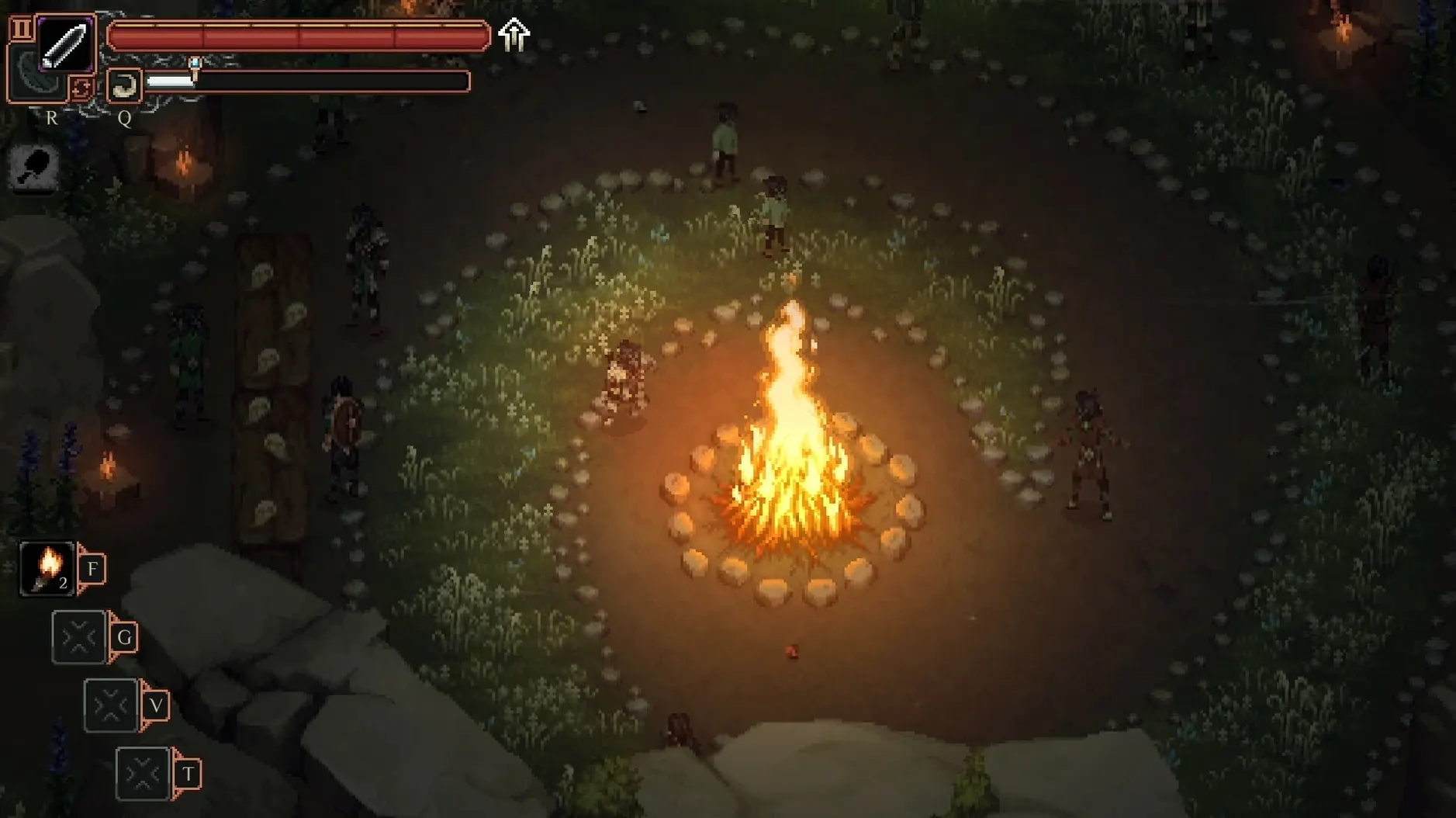
The game lists 52 Steam achievements, but you start with none. No equipment, no status, no faction. Your character washes up in a pixel-art wilderness where even a basic sword feels like a distant promise. The first ten minutes are about scavenging — grabbing a branch, a blunt knife, anything that might let you survive the next fight.
Minute to minute, you move between small tasks. A quest sends you to find a missing person. On the way, you spot a herb patch and stop to gather it. A wild boar charges; you swing, miss, reposition, swing again. The boar drops a tusk you can trade in the next settlement. Trading gets you a better cloak. The cloak lets you survive a colder area where a blacksmith needs ore. The loop is tight, one small gain feeding the next.
The open world does not scale to your level. Walk east too early and enemies will flatten you. The map nudges you instead toward faction territory. You choose between two groups, and the choice locks off quests from the other side while opening a different story thread. The environment changes too — a cleared bandit camp stays cleared, a saved character remembers you later.
Combat is deliberate, not flashy. Each weapon swing commits you to an animation, so button-mashing gets punished. Between fights, you craft from gathered materials — a boiled leather vest from boar hide, a sharpened blade from ore you mined yourself. The game runs natively on Apple Silicon and Intel Macs, with interface text in English, German or French.
Fights stay fluid on M4 even in weather
On a Mac mini M4 running macOS Tahoe, the game holds its frame rate without noticeable dips during crowded fights or weather-heavy scenes. Load times between areas stay short, and the game resumes cleanly after sleep. No crashes in extended sessions, no save corruption, no memory creep. The fan stays quiet even after an hour of exploration.
Resource use is modest for an open-world title. Pixel art keeps the footprint low without sacrificing draw distance. The one quirk: the game does not pause fully when the window loses focus, so a stray boar can finish you while you check a message in another app. Worth knowing before you alt-tab mid-combat.
Turn on health bars, turn down screen shake
The defaults are sensible, but three changes make the first hours smoother:
- Show enemy health bars. Off by default. Turning them on removes guesswork when you are weighing a fight against a retreat.
- Reduce screen shake. The default setting is lively; lowering it makes parry timing easier to read.
- Rebind dodge. It sits on a shoulder key by default. Moving it to a face button shortens your reaction time in boss fights.
Language switching happens in the main menu, not in-game, so pick English, German or French before starting a run. The choice is not locked — you can change it later without losing progress.
Quests clean up properly and inventory sorts faster
Version 1.3.4.2 is the current build. Day-to-day differences from the launch version are mostly felt in small places: faster inventory sorting, fewer cases of quest markers lingering after completion, and better controller remapping on macOS. The core loop — gather, trade, craft, choose a faction — has not shifted, but the rough edges around it have been filed down.
Players searching for drova - forsaken kin for mac free download will find the game remains a single, self-contained release. No separate launcher, no online requirement for the single-player campaign, no account checks between you and the world. The game simply starts when you run it, which suits a title built around wandering at your own pace.