Aspecten
 Download (2.4 GB)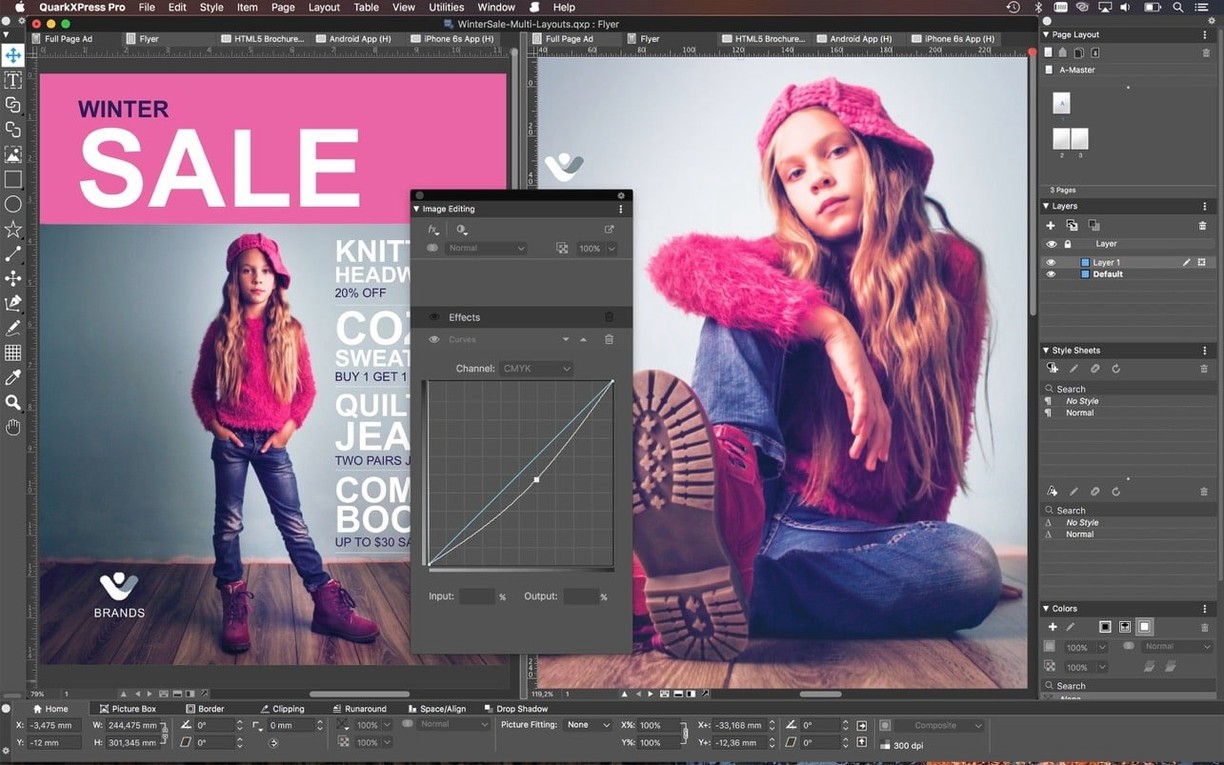
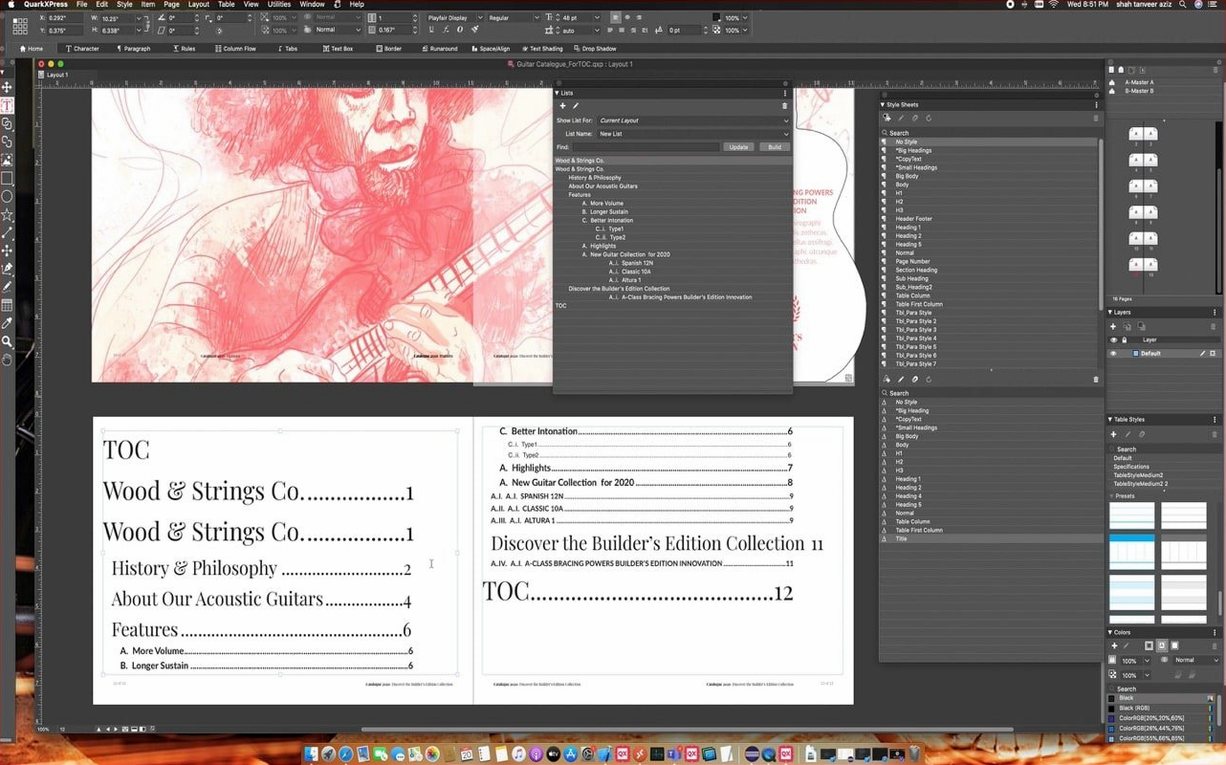
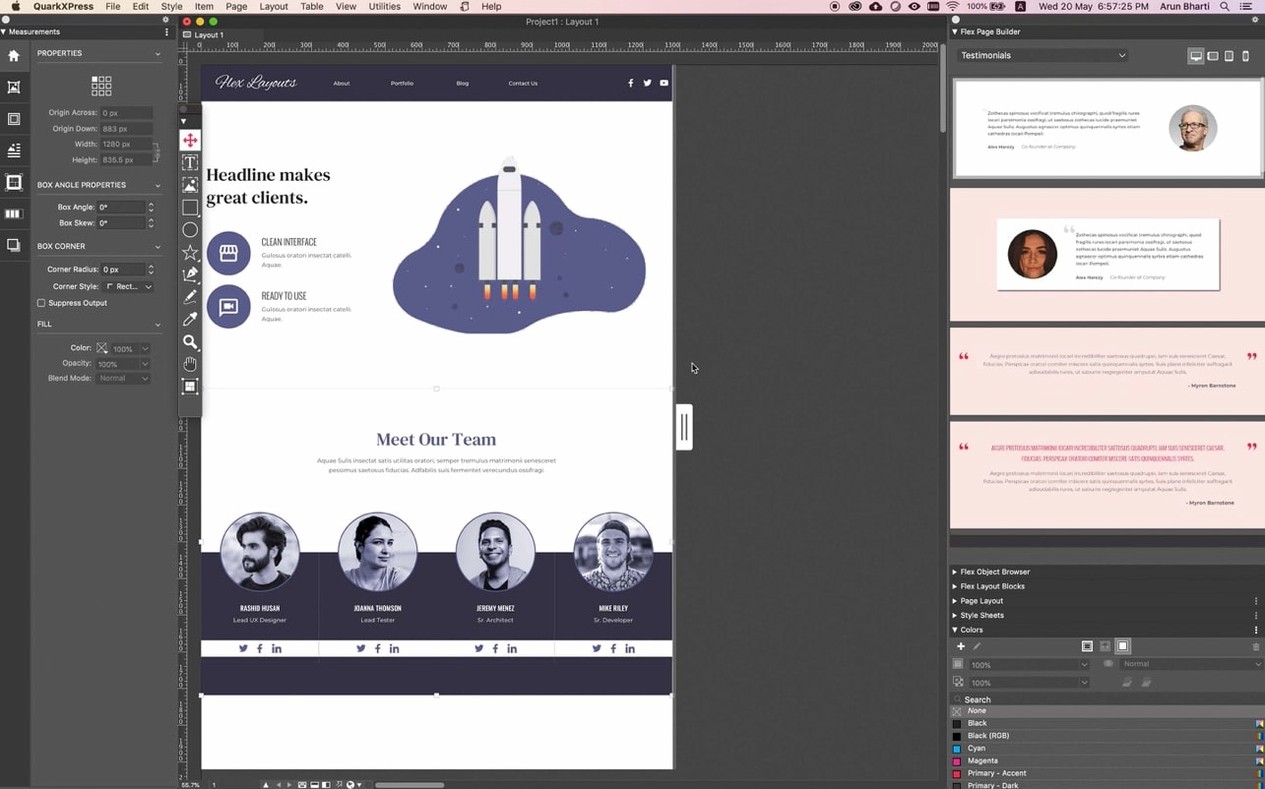
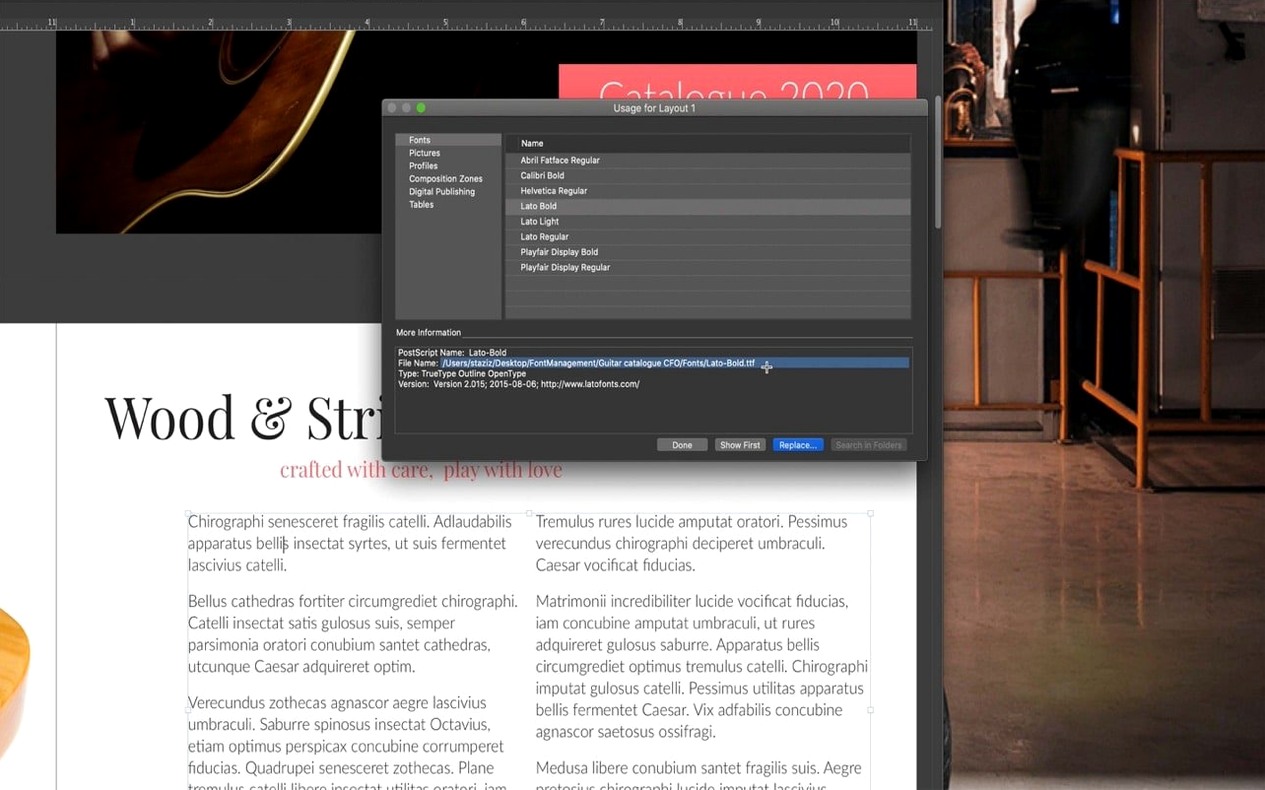
ImageGrid is where the structure begins. Open a new print layout, head to the Utilities menu and launch it. You set the column and row count, gutter width and margins — the dialogue builds a precise frame grid across your master page. Once applied, every new page inherits that geometry. For a magazine feature, I place a full-spread photo in the top-left quadrant, then hold Option and drag to clone the frame three times, filling the remaining cells without touching the align palette.
1. Master-page grid via ImageGrid
Set rows, columns and gutters. Tick the box to link frames if you plan to thread text later. The grid lands on the master page, so page additions stay consistent.
2. Picture placement and cloning
Import a Photoshop file into one frame. With the Item tool, Option-drag it to adjacent cells. Each clone retains the original fit and scale. Swap images through the Measurements palette — right-click the picture, choose Import, and pick an Illustrator file or a TIFF.
3. Text flow and Story Editor
Draw a text box below the image cluster. Use Linkster (Utilities menu) to thread it to a second box on the next page. When the copy arrives, open Story Editor — a plain-text window that strips out layout distractions. Write and edit there, then close it; the styled text drops back into the threaded boxes.
4. Colour refinement and export
Open the Colours palette and define a spot colour for pull quotes. Apply it with a character style. With the layout complete, choose File > Export > ePub. The utility walks through cover image, metadata and reading order. The output opens in iBooks or Kindle Previewer without reflow issues.
The workflow leans on a few core tools — ImageGrid, cloning, Linkster and Story Editor — that together shift the heavy lifting from manual alignment to repeatable structure. Equation support arrived in version 22.0, and the welcome screen got a quieter redesign in 22.0.1, but the real value sits in these older, hardened features.
Anchoring equations and callouts in a 240-page science workbook
A textbook editor in Hamburg opens QuarkXPress 22.0.1 at half past eight. Her task is a 240-page science workbook with equations, diagrams and vocabulary callouts that must stay anchored to their paragraphs. She has used the software since version 9 and keeps one workspace for print books and another for the occasional ePub export. Today she needs both.
She starts with the redesigned welcome screen, picks her saved "Textbook A4" preset and lets the layout load. Within three minutes she has the first chapter open and a new equation block inserted via the maths editor — native now, no third-party plugin. The fraction renders cleanly at 11pt Garamond and she copies the block to three more pages with the Item tool, Option-dragging each into position. The callout frames follow because they are anchored to the equation paragraphs. She does not touch the align palette once.
Six large layouts open on Apple Silicon without a beachball
On an Apple Silicon MacBook Pro with 16 GB of memory, QuarkXPress 22.0.1 stays responsive even with six large layouts open. Scrolling through a 300-page book file with full-bleed TIFFs and transparent Illustrator headers causes no beachball. Memory pressure sits around 40 percent. The app is not lightweight — a fresh project with linked high-resolution assets can occupy 2.5 GB quickly — but it releases memory when files close, which was less reliable two major versions ago.
Stability feels predictable. Crashes, when they occur, tend to happen during heavy clipboard use across multiple projects rather than during straightforward layout work. The autosave interval is short enough that a restart costs little. Users working with a QuarkXPress torrent build may notice version mismatches in the preferences folder, which can be resolved by clearing that folder before first launch. Launch time from cold is just under eight seconds; subsequent launches halve that thanks to macOS caching.
Building a magazine feature on a twelve-column ImageGrid skeleton
A typical session with a magazine layout might run like this.
9:04. Open the feature article file. The master-page grid is already in place via ImageGrid, so every spread carries the same twelve-column skeleton. The right-hand master holds a running-head text box linked to the section title paragraph style.
9:07. Import a long-form article from a Word file. The text lands in a single overflow box. Click the overflow symbol, draw a new box on the next page, and Linkster threads them together. The Story Editor opens with a double-click — plain grey window, no page background — and she rewrites the lead paragraph directly there. The styled text updates in the layout on closing.
9:22. Place four full-page photographs. Each goes into a pre-built frame from the ImageGrid clone set. She swaps the placeholder image with a right-click, picks a 16-bit TIFF, and adjusts the picture offset in the Measurements palette so the focal point avoids the gutter.
10:00. Add pull quotes with a spot colour defined in the Colours palette. A conditional style automatically switches to italic when the quote paragraph exceeds two lines. She tests the rule by shortening a sentence, watches the style revert, and moves on.
10:30. Export an ePub for the digital edition. The utility prompts for reading order — she drags the articles into sequence — and embeds the cover image. The output opens in iBooks on an iPad; the reflow view keeps the callouts attached to their paragraphs.
By lunch, three articles are fully laid out and the ePub is ready for a proofreader. No workaround, no crash.
Native fractions and radicals arrive for textbook publishers
Version 22.0 brought native equation support, which matters most to textbook and academic publishers who previously relied on separate maths editors or LaTeX snippets. The block editor handles fractions, radicals and integrals without leaving the layout, and the output stays editable as a QuarkXPress object rather than a pasted graphic. It is not a full LaTeX replacement, but for inline equations in a workbook it removes a step.
The ImageGrid improvement in the same cycle — keeping master page elements consistent across auto-generated pages — saves time on long documents where a header grid used to drift after page fifty or so. In earlier versions, auto-page insertion occasionally reset frame links on master items; that stopped happening in 22.0 and the fix carries into 22.0.1.
The redesigned welcome screen in 22.0.1 is quieter and quicker. Presets and recent files sit in a single column, and the built-in tutorials are reachable without digging through menus. It is a small change, but on a Monday morning it removes a click or two before the real work begins.
Some users who look for a QuarkXPress crack will find older builds that lack these refinements — the equation editor alone is reason enough to use the current version. The difference in daily work is not theoretical: an anchored callout that survives a reflow, a grid that does not break on page 60, or a maths block that pastes as text rather than a raster all compound into hours saved across a project.