Aspecten
 Download (42 MB)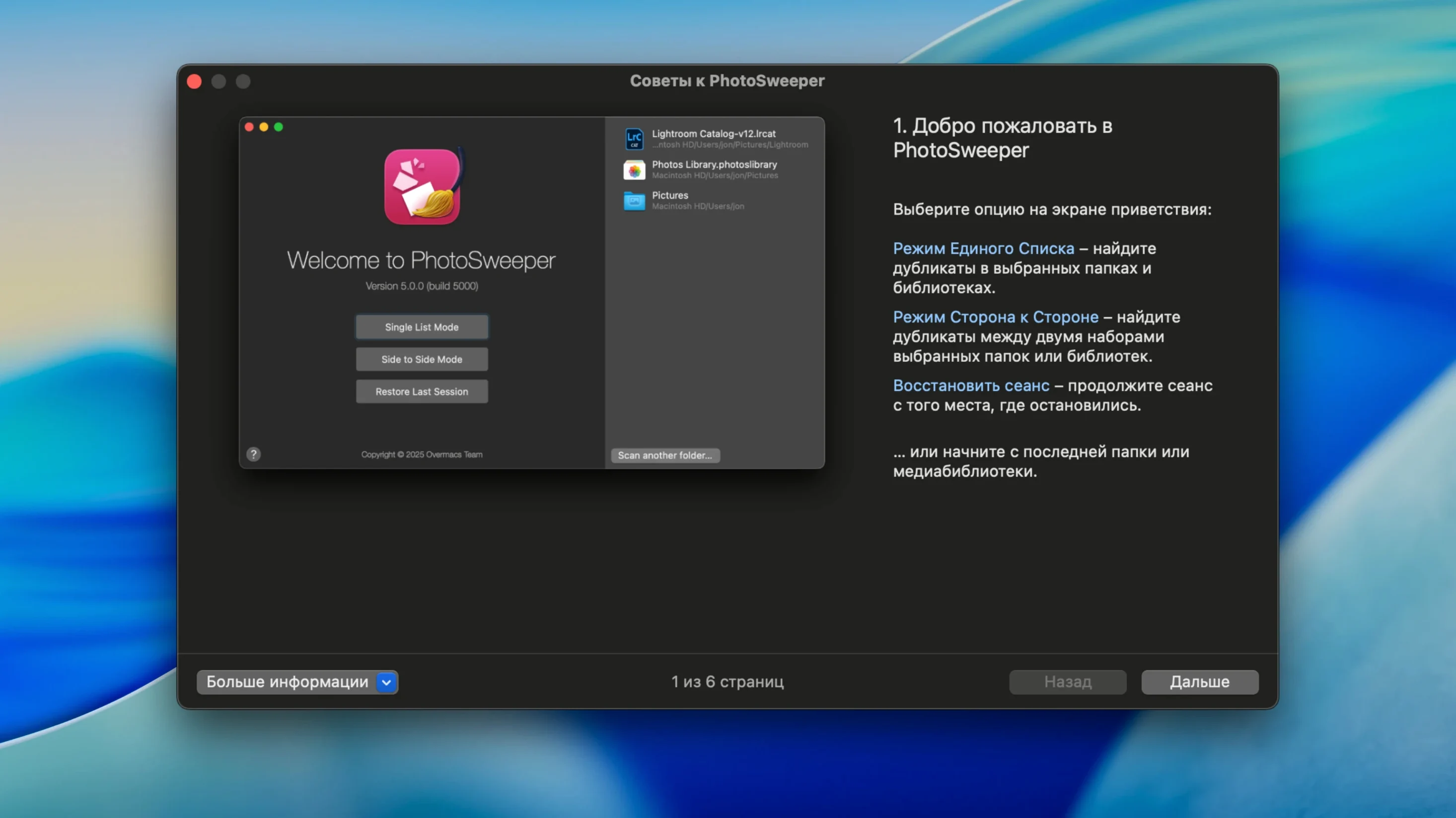
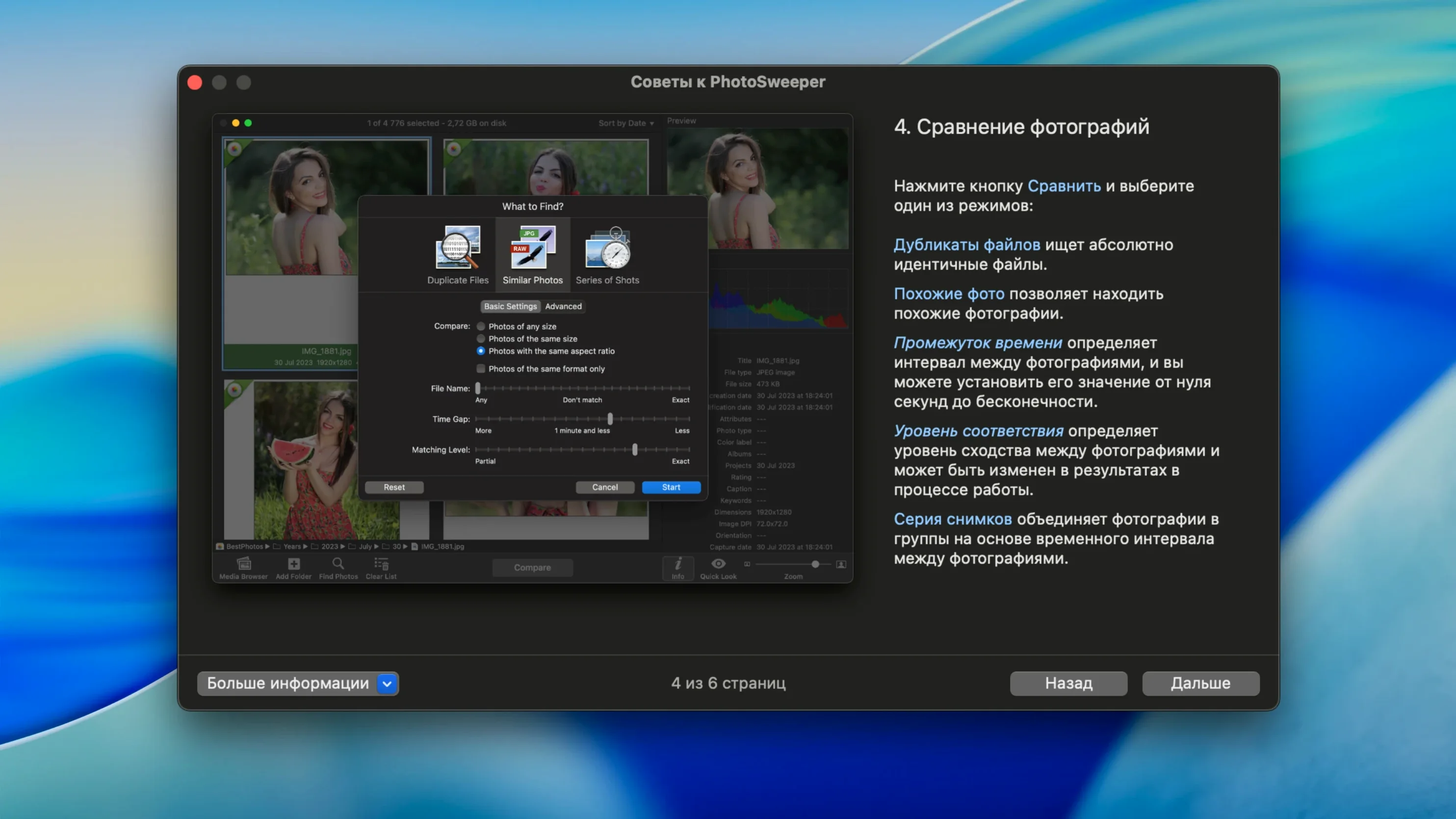
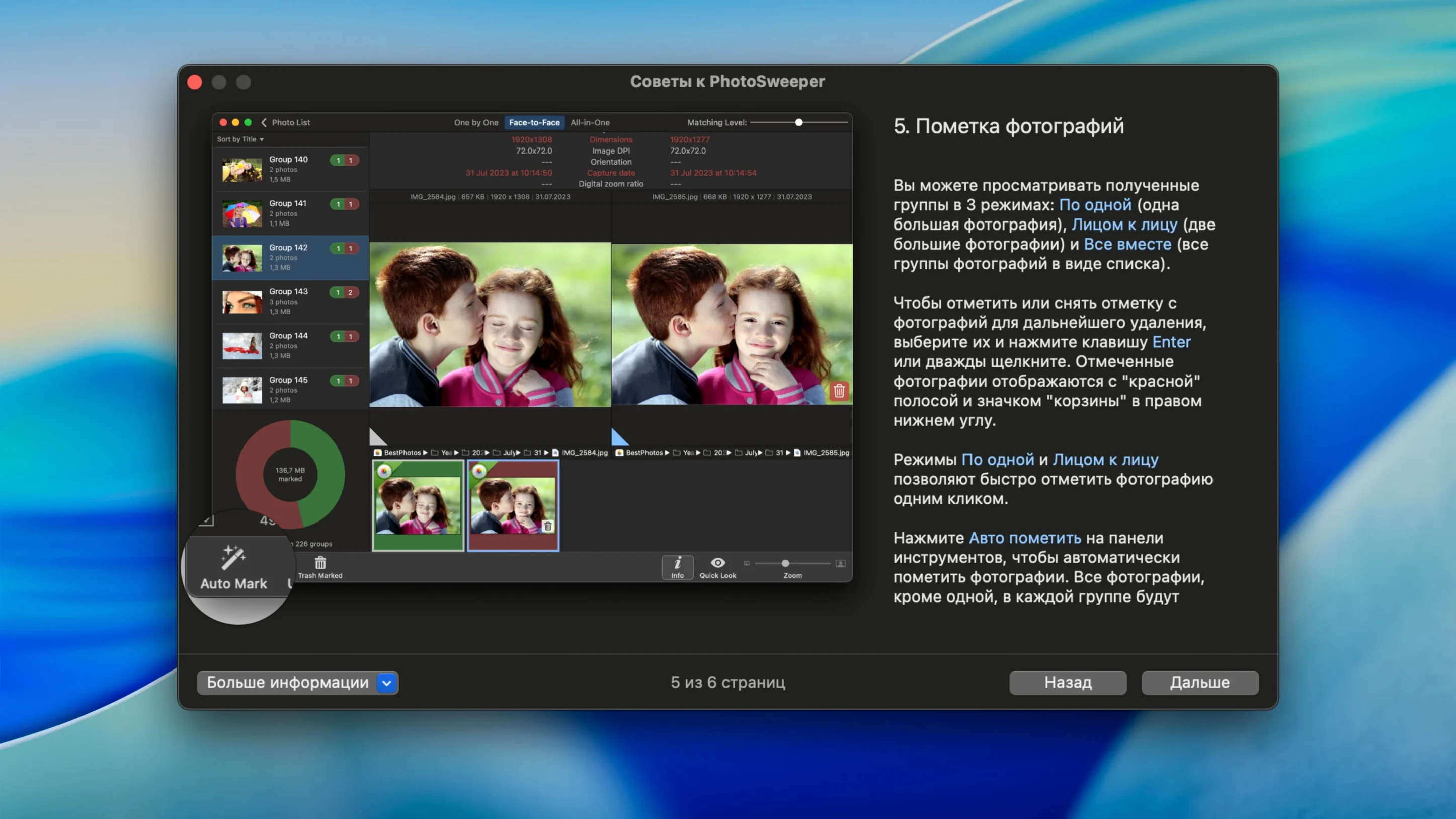
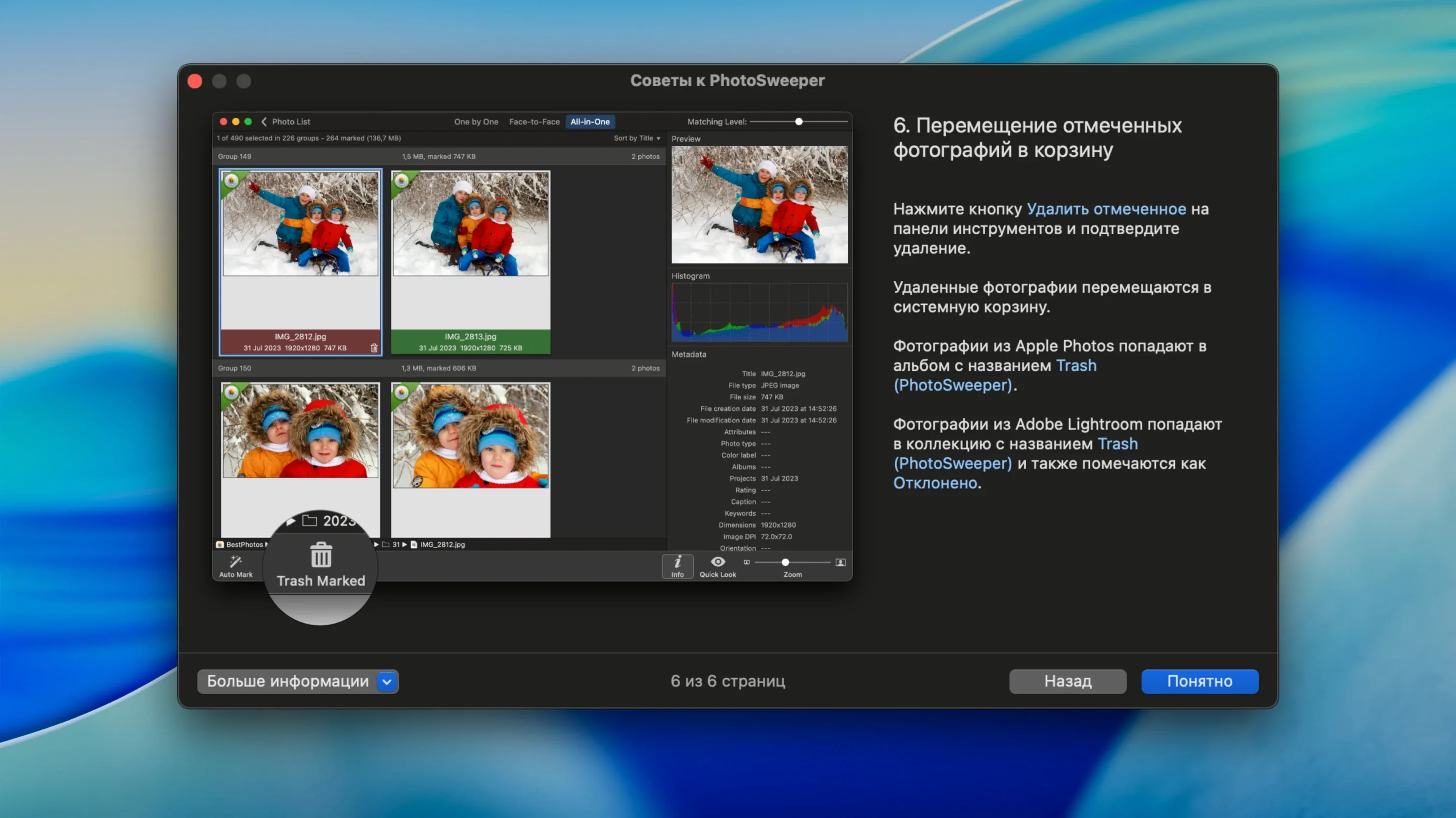
Version 5.5.5 extends the app's reach into raw workflows. XMP sidecar metadata support arrived, alongside improved reading of Adobe DNG files and more reliable Lightroom previews. New import options let you ignore hidden Apple Photos items and rejected Lightroom images, cutting clutter before scanning even begins.
How does it read images from managed libraries?
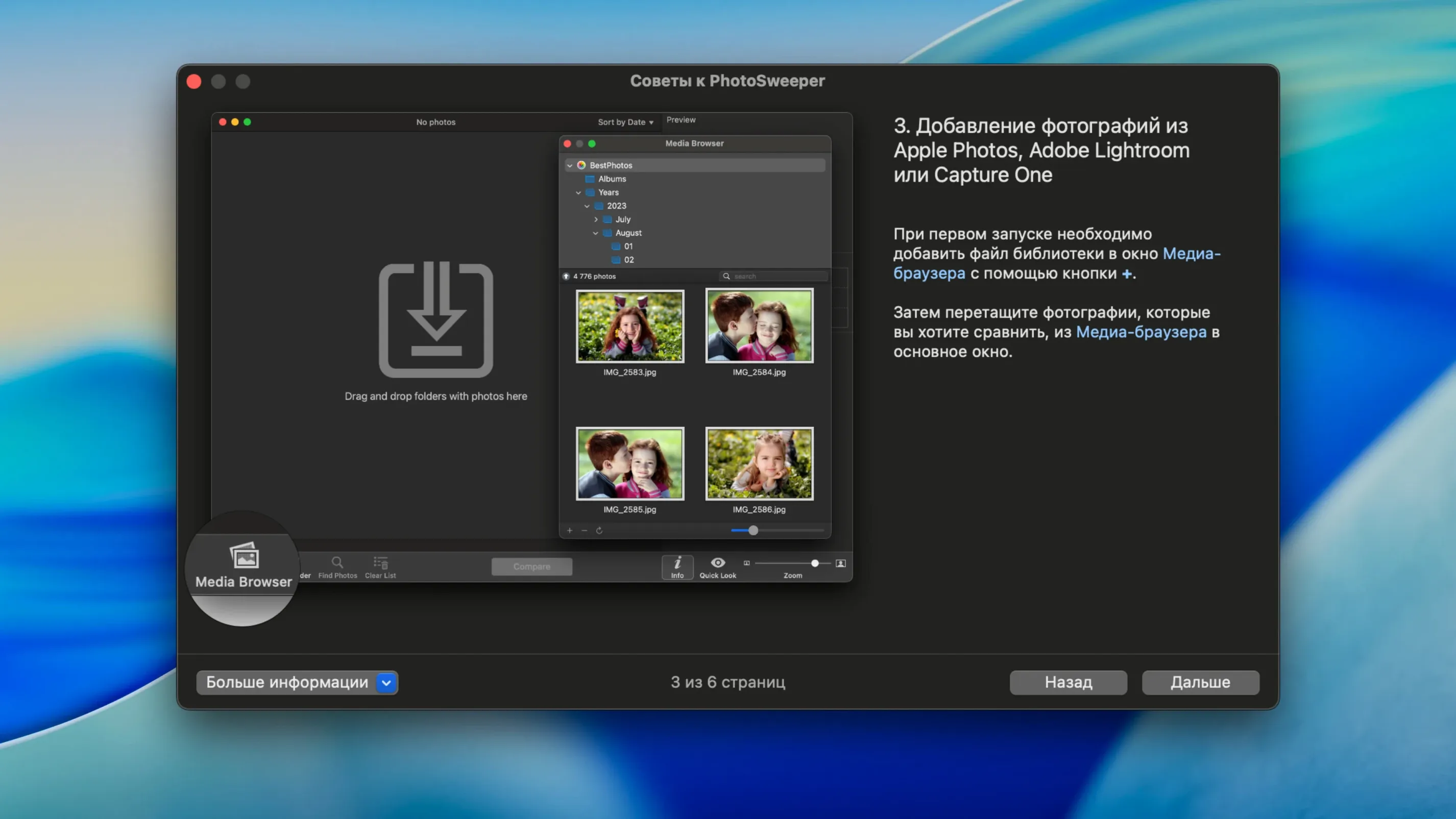
PhotoSweeper connects directly to Apple Photos, iPhoto, Aperture, Capture One and Lightroom libraries without exporting intermediates. It respects each library's internal structure, so a duplicate sitting inside a Capture One catalogue and an Apple Photos library is found cleanly.
What makes the comparison engine thorough?
Three methods run independently or together: straight duplicate detection by checksum, bitmap-based similar-image matching, and histogram comparison. You can tune the similarity threshold and combine rules, which matters when you are hunting near-duplicates from a burst sequence rather than exact copies.
Which review views help with large sets?
The app offers one-by-one, face-to-face and all-in-one layouts. Face-to-face places two candidates next to each other — useful for picking the sharper of two similar frames. The metadata panel surfaces EXIF, IPTC and a live histogram, so you can check exposure and focus without leaving the window.
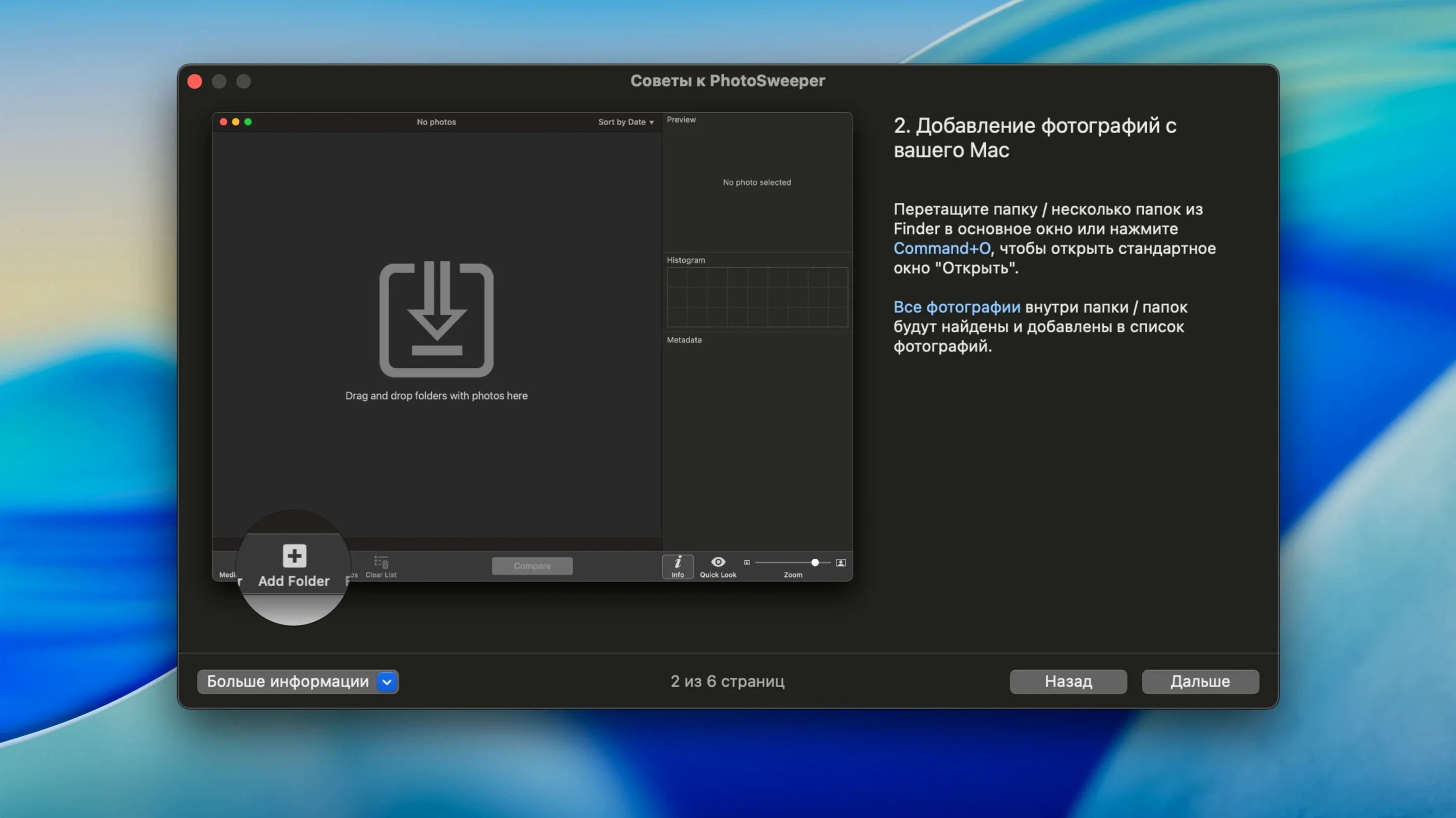
When you first launch PhotoSweeper 5.5.5, resist the urge to point it at your entire photo library. Start with a small test folder of perhaps fifty images — some genuine duplicates, some edited variants, a few burst sequences. This lets you learn how the similarity slider behaves before committing to a scan that might take an hour. Drag the folder into the main window, leave the default settings, and watch how the three detection methods label their findings. The histogram comparator sometimes flags images with matching colour distributions but different subjects; nudging the slider a few points to the right usually dismisses those false positives.
A second habit worth forming early: set up the import filters before scanning a managed library. The new option to ignore hidden Apple Photos items prevents the app from pulling in thumbnail cache files and face-recognition crops that would otherwise inflate the duplicate count. For Lightroom users, the toggle for rejected photos keeps discarded raw files out of the results pane. These two checkboxes save a surprising amount of cleanup work and are easy to overlook on the import screen.
If you are working from a large external drive, let the scan complete without interruption. PhotoSweeper writes no data back to the source until you explicitly choose to move or delete files, so a cancelled scan leaves your library untouched. That said, a full comparison pass over a 2TB external volume can tax older spinning drives; an SSD makes the metadata extraction phase noticeably snappier. The app remained responsive during testing on an Apple Silicon machine, even with 80,000 images loaded — scrolling the face-to-face view stayed smooth, and switching between comparison methods triggered only a brief progress spinner.
Cleaning up 600 raw files after a weekend trip
Picture a Wednesday evening. You have just returned from a weekend trip and imported 600 raw files into Apple Photos, but you know there are near-duplicates from bracketed exposures and a handful of shots you copied twice. You open PhotoSweeper, click the plus button, and select your Photos library from the media browser. The import filter panel appears; you check the box to skip hidden items, then confirm. The application reads the library structure for about forty seconds, pulling in the new imports alongside the existing 12,000-image collection.
You set the comparison method to bitmap matching with a similarity threshold of 85 percent, then click Compare. The progress bar fills steadily over two minutes. When results appear, the all-in-one view clusters similar images into groups of two to five. You switch to face-to-face mode and begin working through the groups. In one cluster, three frames of the same landscape differ only in cloud position; you keep the one with the flattest histogram. Another group catches a genuine duplicate — identical checksum — so you mark the copy with a single keystroke. After fifteen minutes of review, you click Move to Trash and confirm. The managed library remains consistent; Apple Photos reflects the changes next time you launch it.
Trading raw speed for comparison accuracy
PhotoSweeper is not the fastest scanner available — if you search for photosweeper for mac free download you will find alternatives that prioritise raw speed over comparison depth — but it compensates with accuracy. A checksum-only duplicate pass finishes quickly, often within a minute for moderate libraries. Bitmap analysis is the bottleneck; it scales linearly with image count and resolution. On an M1 Mac, a 10,000-image comparison with bitmap matching enabled consumed roughly 2.5 GB of RAM and kept the CPU at 70 percent for the duration of the scan. Once the comparison finished, memory usage dropped back to under 400 MB.
Stability was unremarkable in the best sense. The app did not crash during a week of daily use, nor did it stall when asked to read corrupted DNG files — it simply skipped them and logged a note. The improved Lightroom preview handling in version 5.5.5 means you are less likely to see placeholder thumbnails for images stored on network-attached storage, though very large preview caches still introduce a slight delay when browsing collections from within the app. If you arrived here via a PhotoSweeper torrent download, note that the build tested was the current 5.5.5 release with all bug fixes applied; earlier cracked versions may also include the metadata and DNG refinements that make the latest iteration worth using.