Aspecten
 Download (131 MB)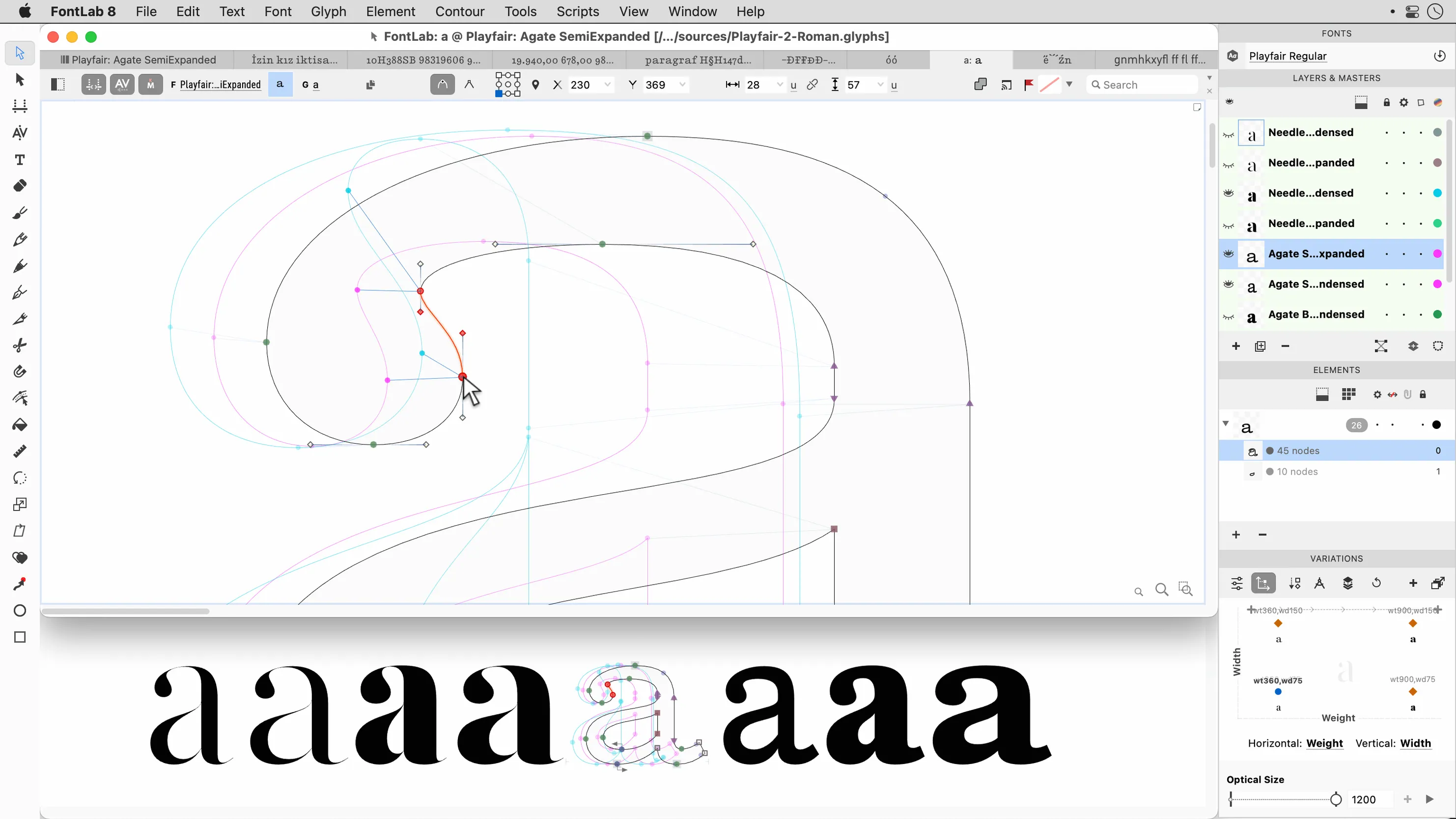
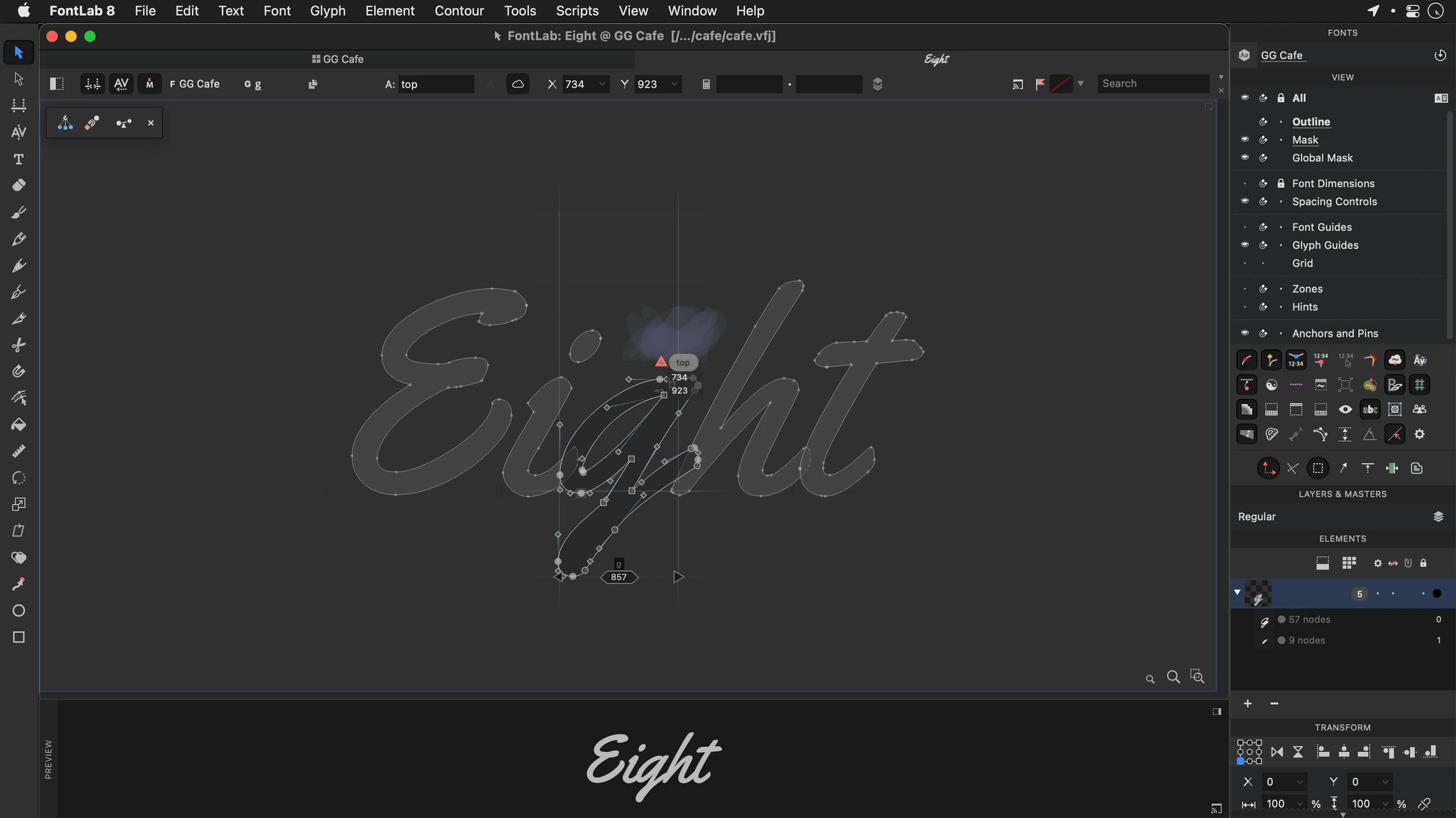
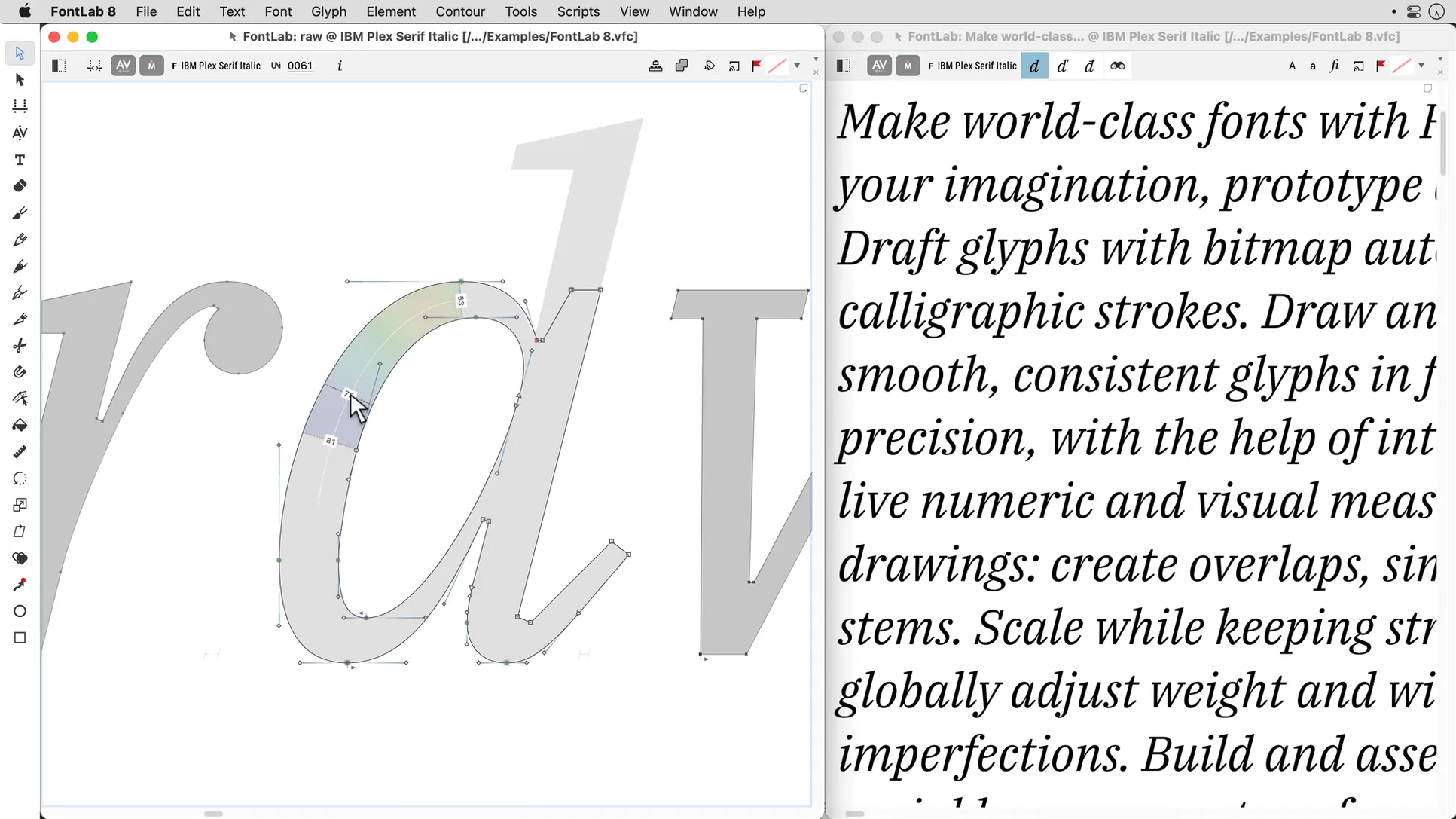
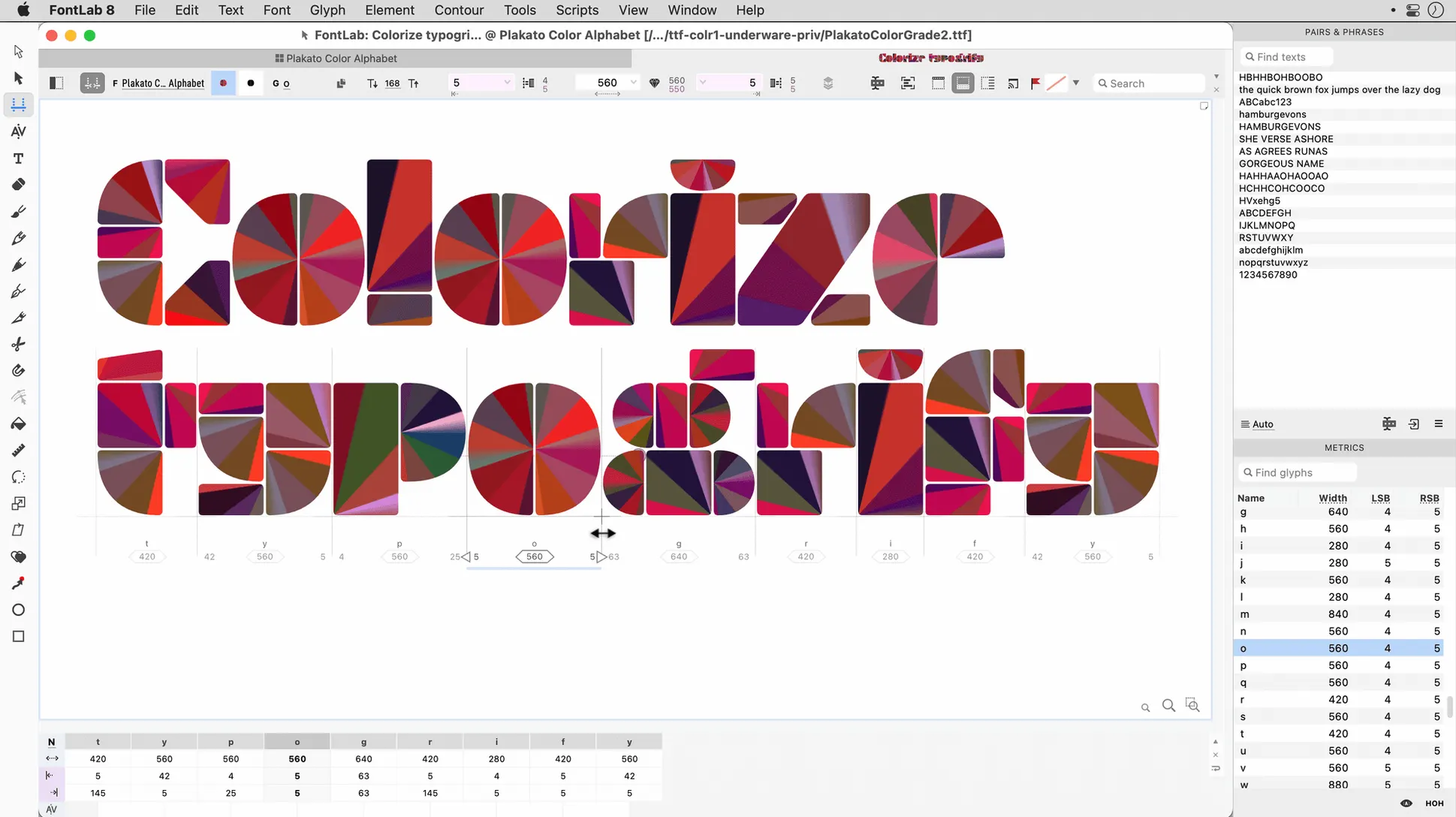
FontLab 8 is the direct successor to FontLab Studio 5, and anyone who spent years in that older editor will recognise the same purpose here: a professional environment for creating and editing high-quality fonts. The current version, 8.4.3.8984, runs on macOS 10.15 through macOS 26 Tahoe on Intel Macs. That range matters, because it means the software still opens on a fairly old machine while remaining current on recent systems.
Requirements and compatibility
- macOS 10.15 through macOS 26 Tahoe
- Intel architecture
- Interface language: English
Drag-and-drop glyph placement and 200+ undo levels
FontLab 8 centres on glyph work, with drag-and-drop glyph placement and more than 200 undo and redo levels for trying out changes without worrying about losing earlier states. Unicode support sits alongside editable code pages and encodings, and the editor handles ASCII/Unix Type 1 and TrueType AAT fonts. Programmable font transformations cover repetitive tasks, while imports accept AI, EPS, TIFF, and BMP files. The 8.4 update brings 500 improvements over version 8 and 900 over FontLab 7.
Settled performance on Intel machines with large glyph sets
FontLab 8.4 feels settled in daily use on Intel machines. Opening a font with several thousand glyphs takes a few seconds, and switching between the Glyph window, Classes panel, and Metrics view rarely causes a visible stutter. Undo and redo respond quickly even after long editing sessions, which matters when you have been nudging a curve for an hour and want to step back through twenty states without waiting.
Memory use stays reasonable for an editor that keeps multiple masters and a preview cache in the background. On a Mac with 16 GB of RAM, a working file with many layers and imported backgrounds leaves enough room for a browser and a vector app alongside. The app does not idle heavily when the window sits in the background, and closing a large font releases the memory promptly.
Stability has improved noticeably across the 8.x cycle. Long batch operations, such as applying a transformation to several hundred glyphs, complete without the editor freezing. Autosave works quietly in the background, and after a forced quit the recovery prompt appears with a recent state of the file. The most common interruption in my own use is a slow redraw on very complex outlines; zooming out and back in clears it. The 8.4 update included enough fixes that I no longer keep a second copy of a working file open as a precaution, which I did in earlier versions.
Paste vector outlines directly from Illustrator
FontLab 8 fits into a wider design workflow without much friction. Copying vector outlines from Illustrator or another editor into a glyph cell works directly, and imported AI and EPS files arrive with their paths ready to edit. TIFF and BMP imports are useful for digitising sketches: place a scan as a background layer, then draw over it with the vector tools. The same background approach works for comparing a revised glyph against a printed proof.
macOS integration is modest but practical. The app respects the system appearance setting, so the interface switches between light and dark modes without manual adjustment. Standard shortcuts for copy, paste, and undo behave as expected, and drag-and-drop works between the Glyph window and the Finder for importing files. AppleScript support is limited, so automation tends to happen inside FontLab's own transformation tools rather than through external scripts.
Font files generated from the editor open cleanly in the built-in previewer and in other font tools. I have moved test fonts between FontLab and a few utilities for validation without seeing encoding problems, and the Unicode handling has been consistent across Arabic and Hebrew test sets.
Start with a TIFF background image and draw the first letter
A practical session often starts with a scan. I place a TIFF of a pencil draft into a new font file as a background image, set its position for the x-height, and begin drawing the first letter. The vector tools are precise enough for small adjustments, and the background stays locked so it does not move by accident.
- Open the font file or start a new one from a template.
- Import a sketch as a background in the Glyph window.
- Draw the outline with the Pen and Contour tools, adjusting nodes and handles as needed.
- Place the glyph in the correct cell by dragging it from the editing area.
- Copy finished outlines to related cells, then reshape the copies instead of drawing from scratch.
- Use a transformation preset to adjust the whole set: slant, weight, or spacing in one pass.
- Check spacing and kerning in the Metrics view with a short test text.
- Export the font and open it in another app for a final look at actual rendering.
The session rarely ends at export. A test print or a quick comparison in a layout app usually reveals a spacing detail, and the undo depth means going back ten or twenty steps is never a problem. The batch transformation step is where the editor saves real time, especially on a font family where the same adjustment must be applied across many glyphs.
Refined editing, preview accuracy, and import reliability
The 8.4 update focused on refinement rather than new tool sets. The 500 improvements over the original FontLab 8 mostly touch editing behaviour, preview accuracy, and import reliability. In practical terms, the Glyph window redraws more cleanly on complex outlines, and the spacing tools feel more consistent between the Metrics view and the main editor.
For users coming from FontLab 7, the difference is larger: 900 improvements across the whole 8.x line cover drawing, transformation, and font generation. The daily effect is a smoother editing loop. Things that used to require a workaround are now direct actions.