Aspecten
 Download (2.1 GB)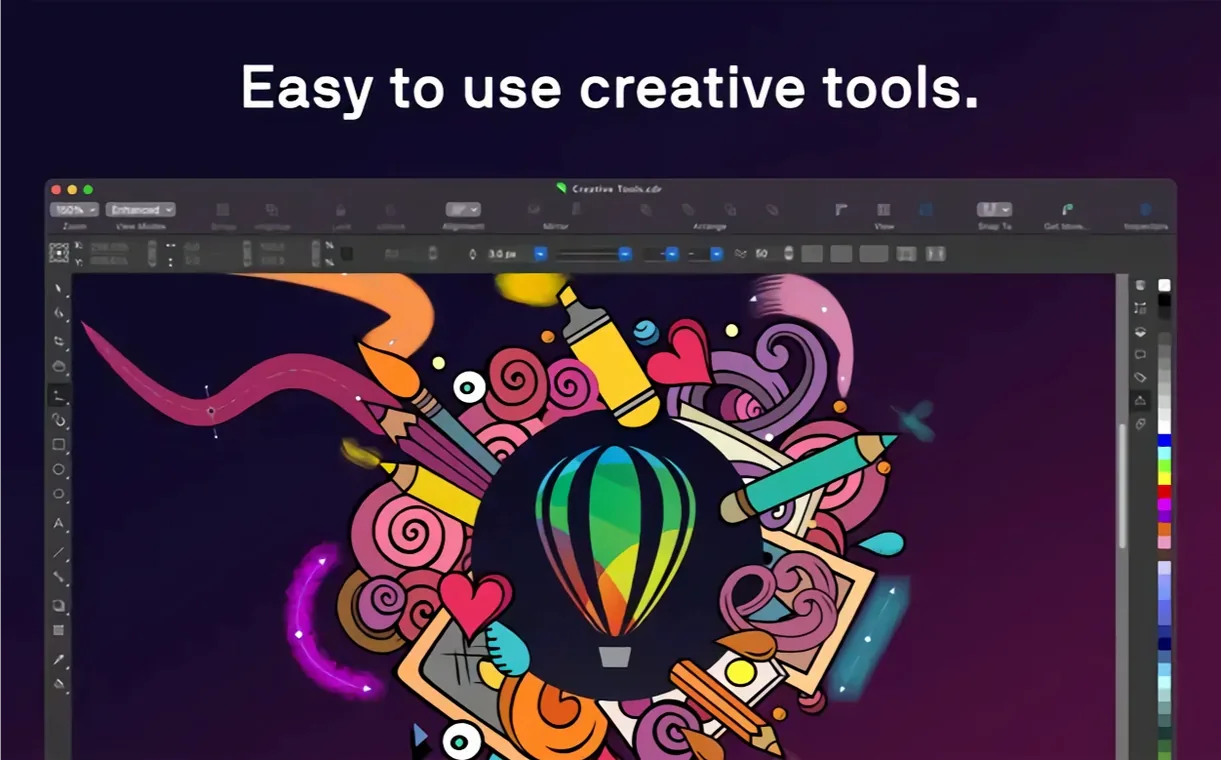
The Focus tool in Corel PHOTO-PAINT works the same way it does on Windows — apply a depth-of-field blur and push it around with a radial control until the falloff looks right. That parity is what prompts the first question.
Full vector, layout, and photo suite, not a trimmed port
It is the full CorelDRAW Graphics Suite. You get vector illustration, page layout, photo editing via Corel PHOTO-PAINT, and font management through Corel Font Manager. The raster-to-vector tracing engine, variable font support, and multi-page document handling are all present.
Runs natively on Apple Silicon with 16 GB recommended
Apple Silicon is supported natively, and Intel Macs with AVX2 work as well. The baseline is 8 GB of RAM, though 16 GB or more keeps complex gradient meshes and large photo files moving without swapping.
Can I switch the interface to another language?
Fifteen interface languages are built in, including Dutch, Japanese, Simplified Chinese, and Czech. You set the language once and it applies across the whole suite.
Does it handle both vector and pixel work in one file?
Yes. Vector objects can carry transparency, pattern fills, and outline colour, while Corel PHOTO-PAINT layers hold raster effects. The two sides exchange clipboard data without round-tripping through an export dialogue.
Objects refuse to align until one setting is flipped
A few sticking points crop up often enough that they are worth naming directly. None is a design flaw; most come from habits carried over from other software or from skipping one step in a chain.
Objects refusing to align to the pixel grid. When a rectangle snaps to 0.3 px off the edge of a web banner, the culprit is usually the document's snap settings. Open View > Snap to and tick Pixels. If it is already ticked, zoom in and check whether the object's own coordinates contain fractional values — CorelDRAW honours those unless you explicitly quantise them via Object > Align and Distribute.
Fonts rendering jagged at print size. This one bites people who design at screen resolution and then scale up. The fix sits in Tools > Options > Text, where you can set the display quality to Best. For variable fonts, also confirm that the axis sliders in the Text docker have not been bumped accidentally — a stray weight value of 402 instead of 400 produces subtle but visible rasterisation artefacts on some output devices.
Colour shifts when exporting to PDF. The document colour profile and the export profile are two separate choices. A document set to sRGB that gets exported with a FOGRA39 profile will shift. Before exporting, open File > Document Properties and note the active RGB and CMYK profiles, then match them in the PDF export dialogue under the Colour tab. Soft-proofing with View > Proof Colours catches mismatches before the file leaves the machine.
Corel PHOTO-PAINT brushes lagging on Apple Silicon. The brush engine defaults to a tablet mode that polls input at a frequency some Wacom drivers interpret too eagerly. Switching the brush input mode from Pressure to Pressure + Tilt inside the brush settings panel often smooths this out. If it persists, dropping the brush spacing value by 2–4 units reduces the number of dab calculations per stroke without visible quality loss.
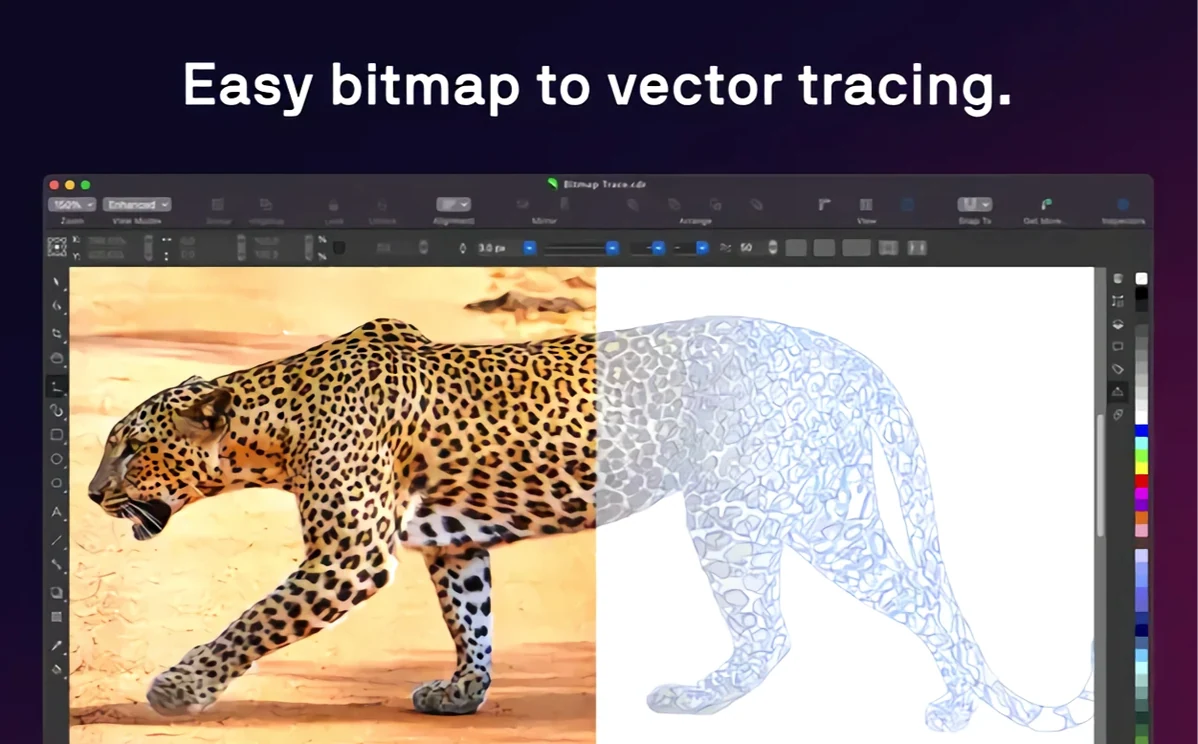
The tracing engine producing too many nodes. PowerTRACE defaults to a detail level that is generous for photographic sources. For logo work or flat illustrations, dial the detail slider down to about 30% and switch the trace type to Line art or Logo before running the trace. The resulting curve set will have far fewer control points and much cleaner Boolean results downstream.
Fifty gradient-mesh artboards push memory past 6 GB
A session that involves fifty artboards, each with gradient meshes and placed TIFF links, will push memory usage past the 6 GB mark on an Apple Silicon machine. That is expected, and the application pages to compressed memory rather than writing swap files aggressively. Idle memory sits around 1.2 GB — roughly the same footprint as the Windows build running under similar conditions.
Launch time on a Mac Studio with an M1 Max hovers between four and six seconds for a cold start. Subsequent launches are faster because macOS caches the binary segments. Corel PHOTO-PAINT opens about a second quicker than the main vector application, presumably because it loads fewer dockers at startup.
Stability has improved markedly since the early Mac releases. Version 27.2.0.135 has not thrown a single document-losing crash in three weeks of daily use across print and screen projects. The one soft crash observed involved the Replace Colours dialogue in Corel PHOTO-PAINT when fed a 16-bit raw file from an unsupported camera profile — the application beachballed for eight seconds and then recovered without closing the file. Autosave, set to five-minute intervals, had a backup ready anyway.
GPU acceleration engages automatically for blur effects, blend modes, and canvas rotation. The renderer leans on Metal, and on integrated M-series GPUs this keeps the fan curve flat. On an Intel MacBook Pro with a Radeon Pro 5500M, the fans spin up audibly when applying a Gaussian blur to a 600 dpi A3 document, but not during ordinary vector editing. For users who keep large raster objects embedded rather than linked, the advice is straightforward: link them. Embedded rasters inflate the CDR file size and force the entire bitmap into the undo history, which raises memory pressure for no functional gain.
Building a trifold brochure from scratch for spring print
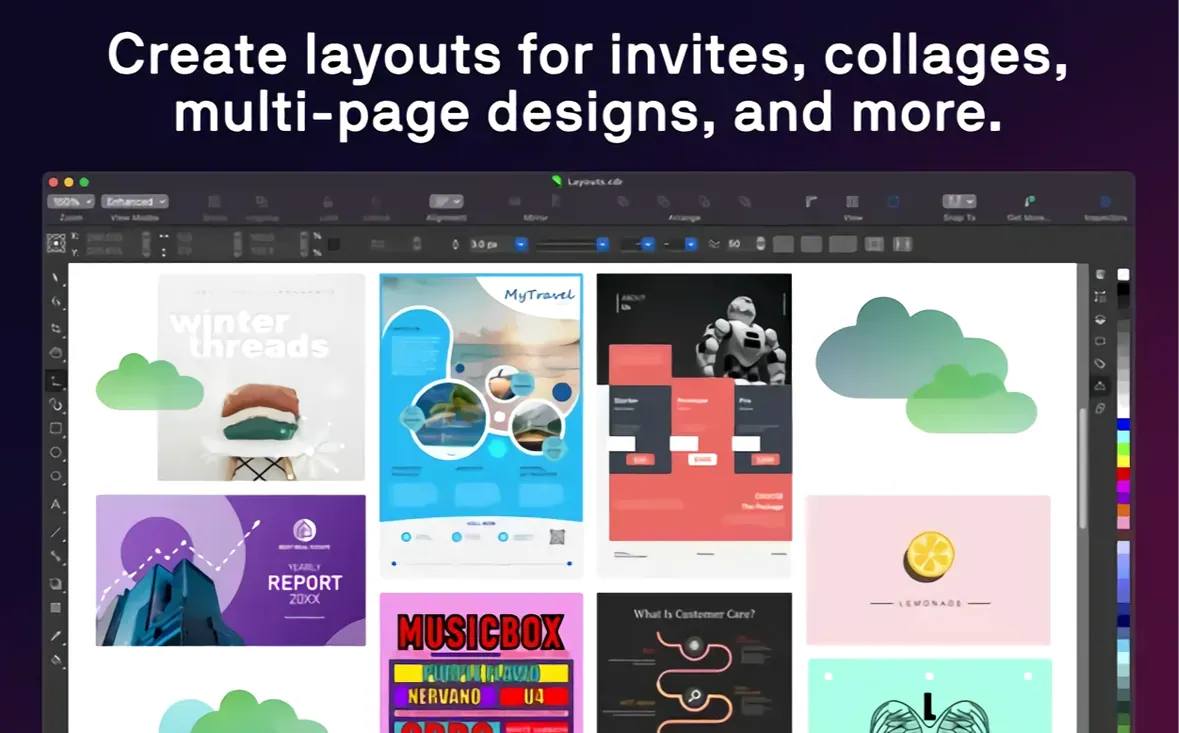
A morning task: produce a trifold brochure for a garden centre's spring campaign. The brief specifies A4 folded to DL, full bleed, RGB for screen and CMYK for the print run. The copy and photos arrive in a mix of formats — Word document, HEIF shots from an iPhone, and an EPS logo from the client's previous designer.
The session starts by opening CorelDRAW and setting up a new document from the Print preset list. Bleed is set to 3 mm, colour mode to CMYK, and three pages are added for the six panels. Ruler guides get dragged from the rulers to mark the fold lines at 99 mm and 198 mm, and the guides are locked with a right-click so they do not shift during layout.
The EPS logo is placed first. CorelDRAW imports it as an editable group of curves, retaining the spot colour callouts. One quick Ungroup separates the logotype from the tagline, and the tagline is set in a variable font — a width axis tweak lets it span the panel without changing point size or tracking.
Photos arrive via drag-and-drop from a Finder window. Each HEIF lands as a linked object, not embedded, keeping the working file under 8 MB. Double-clicking a photo opens Corel PHOTO-PAINT for adjustments. A magenta cast in the daffodil shot is corrected with a curves adjustment on the red channel, saved back into the linked file, and the layout updates without a re-import step. The AI-based JPEG artefact removal tool cleans up the one compressed image the client supplied, smoothing the sky gradients without smearing the flower petals.
Body copy comes from a Word document. Pasting it in as Rich Text carries over the paragraph breaks but strips the Word-specific style noise. A style set built earlier — body text in 9 pt Source Serif, headings in 14 pt Source Sans — is applied with two clicks from the Object Styles docker. The text frames are linked across the six panels, and a quick balance pass adjusts the column width on panel four to avoid a widow.
The back panel needs a map. Rather than drawing roads from scratch, a screenshot of OpenStreetMap is placed on a locked layer and traced with the Bézier tool. The resulting curves get a dashed outline style and a transparent fill. PowerTRACE could have done this, but the manual method yields exactly fourteen nodes for the route, which is simpler to edit if the client changes the pickup point.
Before exporting, soft-proofing with a FOGRA39 profile reveals a slight blue shift in the sky areas of the cover photo. A hue adjustment layer in Corel PHOTO-PAINT pushes the cyan back by three points, and a second soft-proof confirms the correction. The print PDF exports with bleed and crop marks at 300 dpi; the screen PDF, at 72 dpi in RGB, is half the size and loads in a browser preview in under a second. The whole session, from blank page to two delivery files, runs just under ninety minutes without a save error or a redraw glitch.
Apple Pencil on iPad changes vector editing rhythm
Sidecar support is the integration that changes the rhythm of vector editing. With an iPad connected wirelessly or via USB, CorelDRAW mirrors the document window and accepts Apple Pencil input directly on the tablet. Drawing a complex path with the Pencil feels closer to pen-on-paper than a Wacom on a desk, largely because the cursor tracks exactly under the tip with no offset. The Touch Bar on compatible MacBook Pro models surfaces context controls — layer visibility toggles and text property shortcuts — that save a trip to the docker panel for frequent adjustments.
File interchange with Adobe applications works through the supported format list. An Illustrator file with multiple artboards opens with each artboard placed on its own page, preserving the layer names and most blend modes. Photoshop PSD files open in Corel PHOTO-PAINT with layer groups intact; adjustment layers rasterise on import, which is a known limitation worth planning around. The DWG and DXF support means CAD exports from Vectorworks or AutoCAD drop into CorelDRAW as editable curves, useful for architectural signage work where the client supplies floor plans and expects decorative overlays.
macOS colour management ties in through the system-level colour picker and the document colour settings dialogue. If a display is calibrated with a Spyder or i1Profiler, CorelDRAW reads the system profile automatically and soft-proofs against it. The Finder Quick Look integration is absent — pressing the spacebar on a CDR file shows only a generic icon — but the thumbnail preview in the open dialogue works, so files are identifiable before loading.
The clipboard bridge between the suite applications is understated but saves real time. Copy a vector shape from CorelDRAW, switch to Corel PHOTO-PAINT, and paste it as a vector mask. Copy a retouched photo and paste it back as a linked or embedded object. No export dialogue, no intermediate file. For users who also run the Windows version on the same network, CDR files open without conversion, and font mapping handles cross-platform differences cleanly as long as the font names match exactly.
One integration not obvious at first: the Print Merge feature reads CSV and TXT files directly, which means Numbers or Excel exports slot in without reformatting. A directory of names and addresses exported from Contacts as a CSV can drive a batch of certificates or name badges with no database middleware.
Embedding high-res photos on every page grinds the file
New users often treat CorelDRAW as if it were a single-mode application — either pure vector or pure layout. The most frequent misstep is placing high-resolution photos as embedded objects on page one, page two, and page three, then wondering why a twelve-page document has ballooned to 800 MB and takes twenty seconds to save. Linking instead of embedding is a preference that can be set globally in Tools > Options > CorelDRAW > File > Save, and it is worth toggling before the first image is imported.
Another early mistake is ignoring the Object Manager docker entirely. Beginners draw everything on Layer 1, stacking objects by creation order, and then struggle to select a background rectangle buried under twenty text frames. Naming layers and locking the ones not being edited adds ten seconds to setup and removes minutes of frustration later. The same docker also controls the stacking order across pages in multi-page documents — a detail often discovered only after accidentally moving a master page element.
Colour mode confusion is endemic. A document created as RGB and later exported to a CMYK PDF will shift, and the beginner response is to blame the printer. Setting the document colour mode at creation time — and checking it in the Document Properties before the first export — prevents the whole class of problem. The Proof Colours toggle, mapped to its keyboard shortcut, becomes a reflex after the first print run that comes back too dark.
Node editing is where beginners either get too timid or too aggressive. Some click the Shape tool and barely touch the control handles, accepting lumpy curves as final. Others delete nodes indiscriminately and lose the curve's character. The middle path is to select a curve, press the Reduce Nodes slider in the