Aspecten
 Download (356 MB)
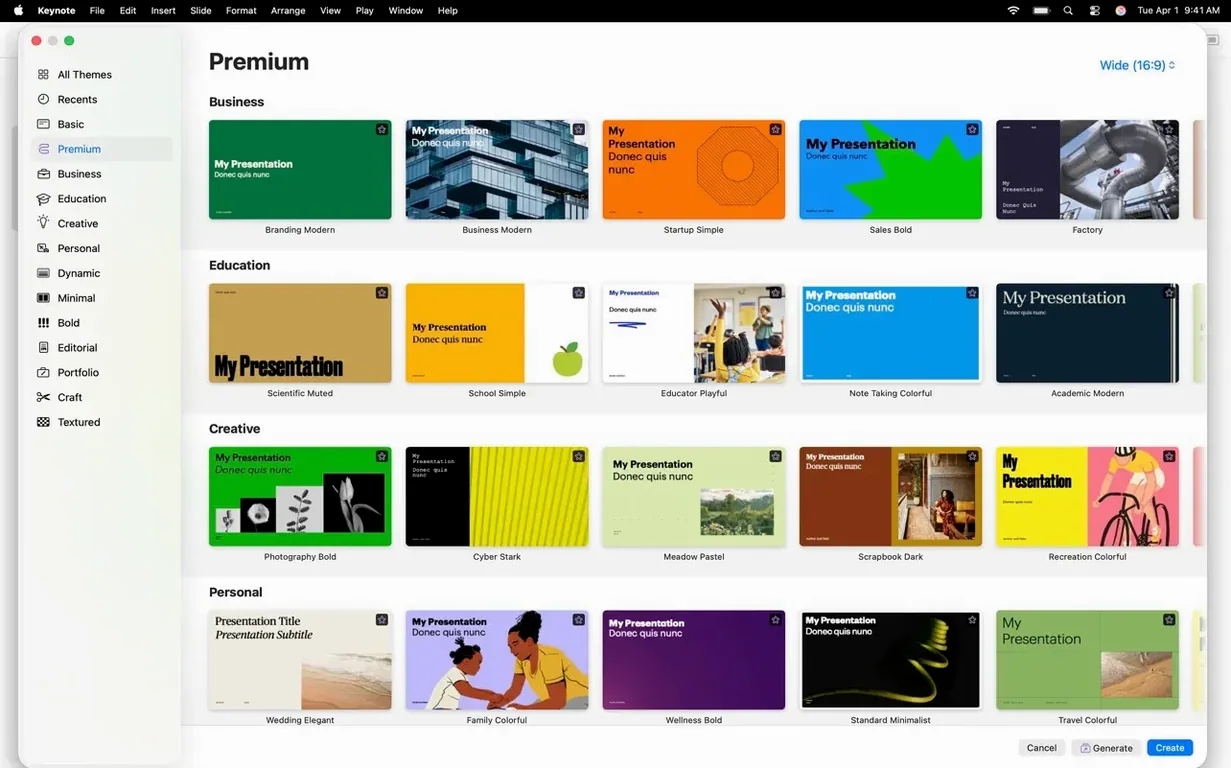
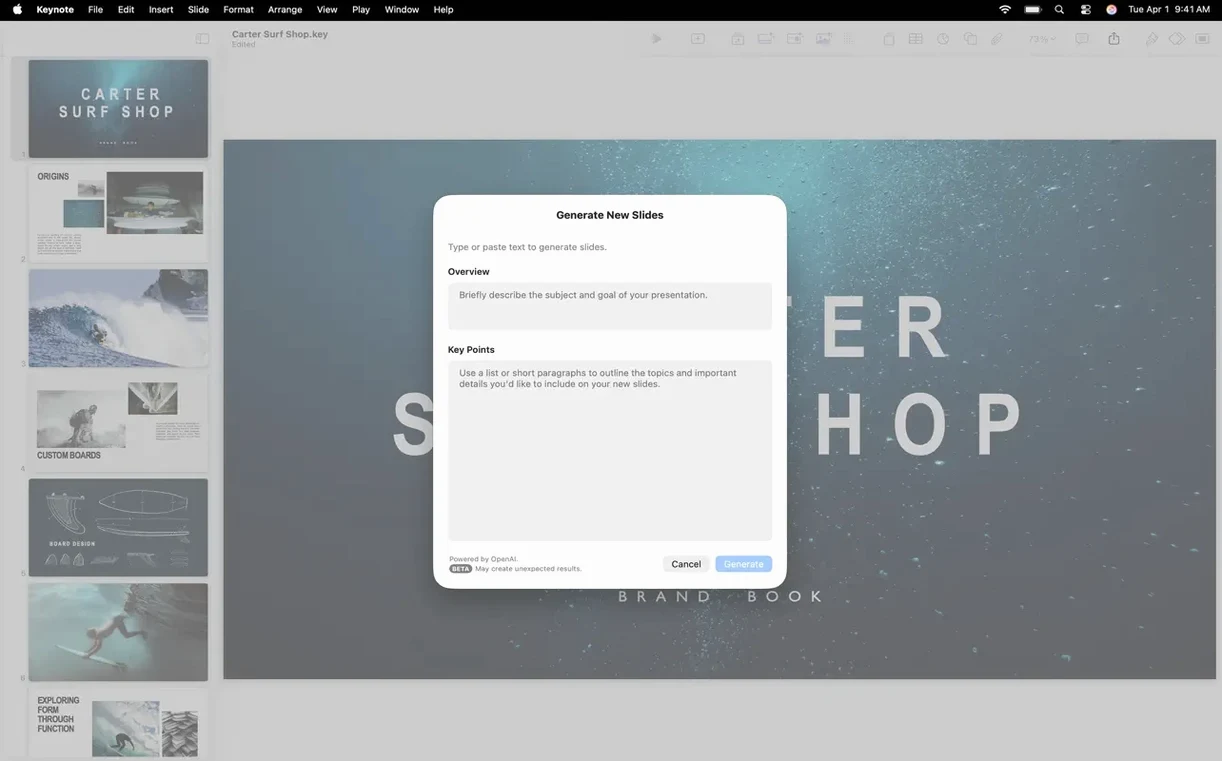
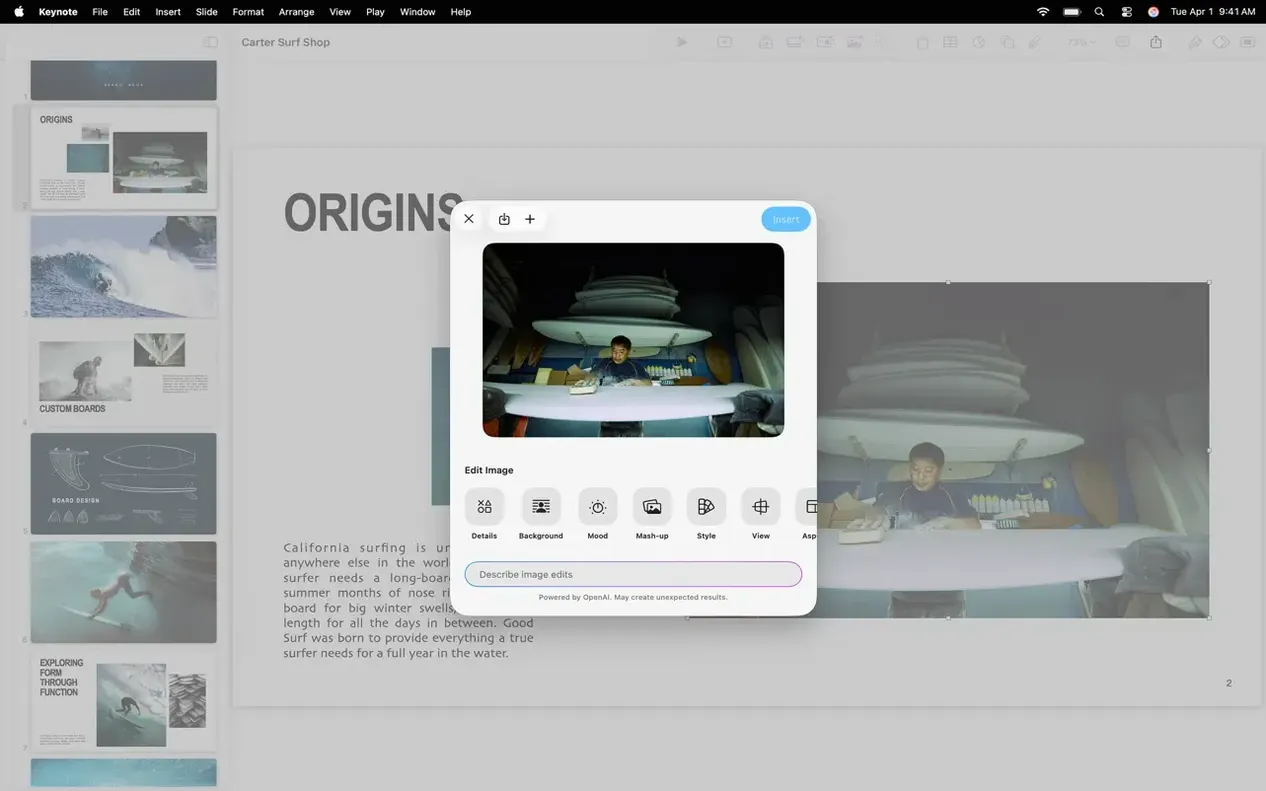
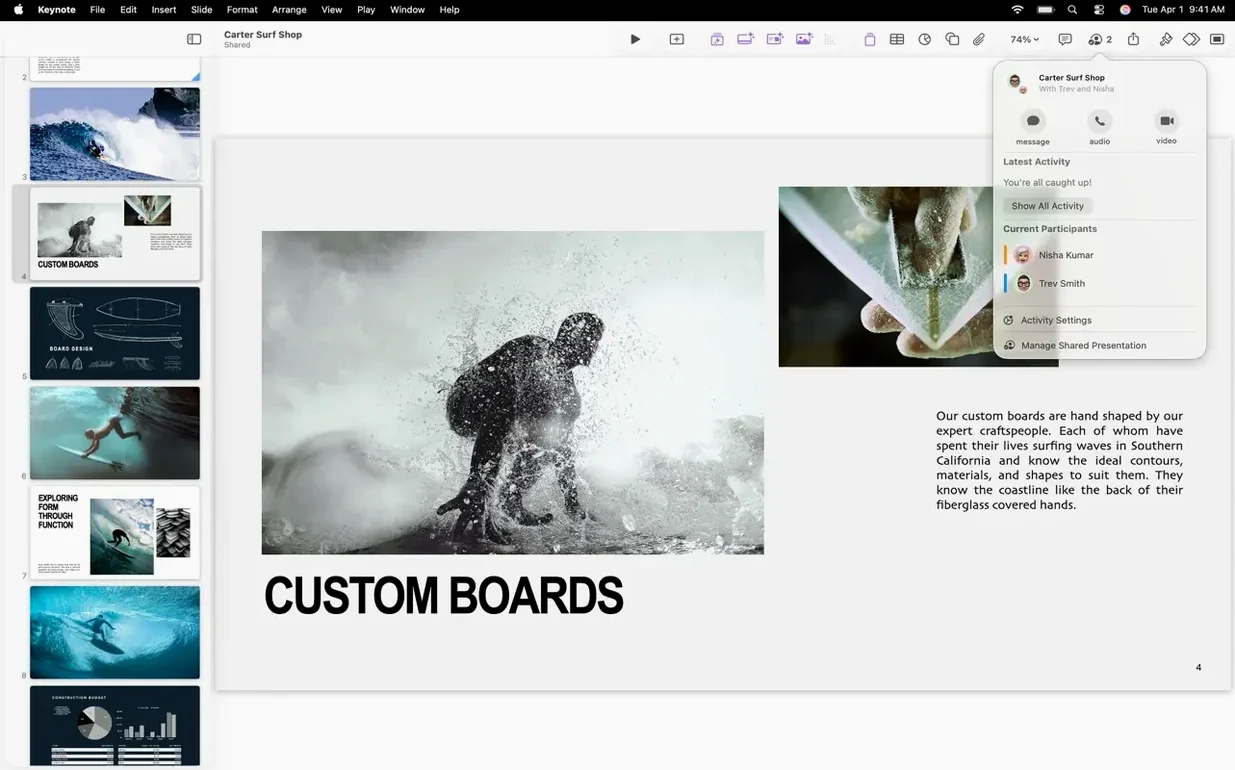
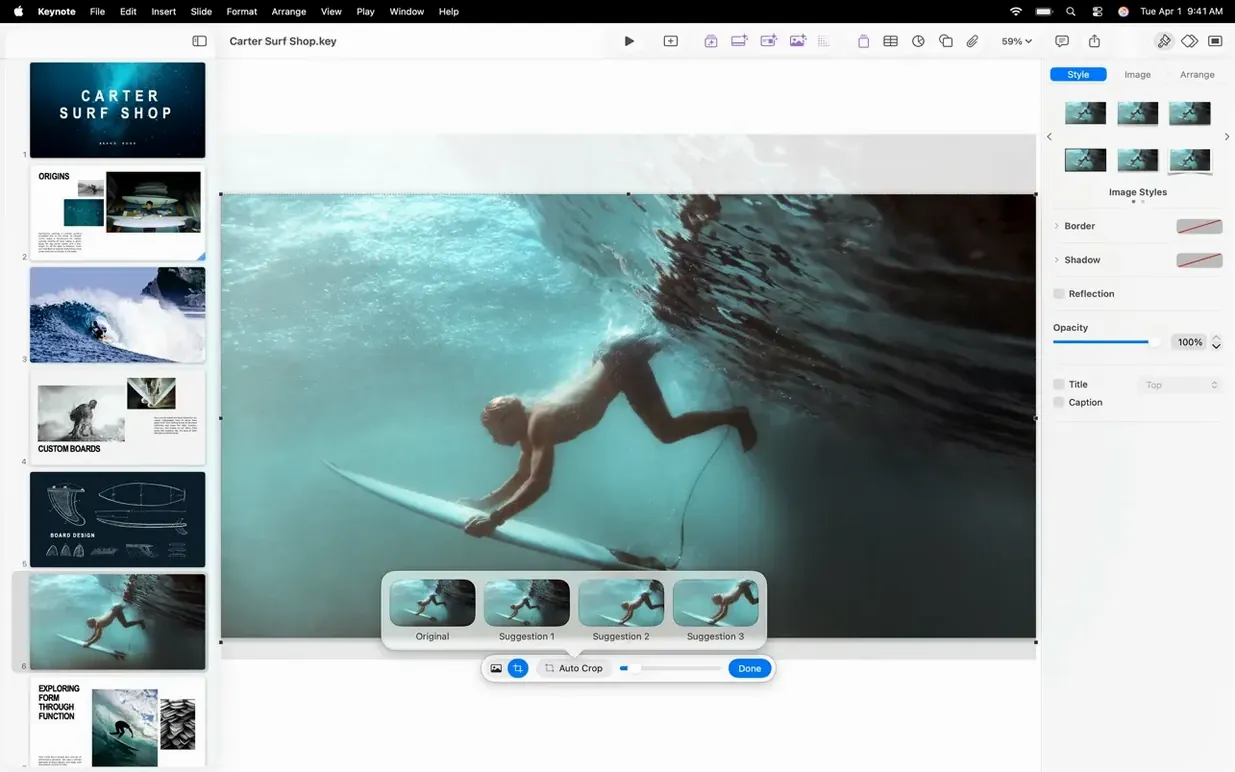
If you work in Pages or Numbers, Keynote fits the same rhythm. It is the presentation third of Apple's iWork set, built for creating and delivering slides on a Mac. Version 15.3.1 keeps that familiar structure while tightening a few things under the hood.
Building decks from Apple’s themes with custom charts and shapes
- Building decks from Apple-designed themes, with custom text, images, charts and shapes.
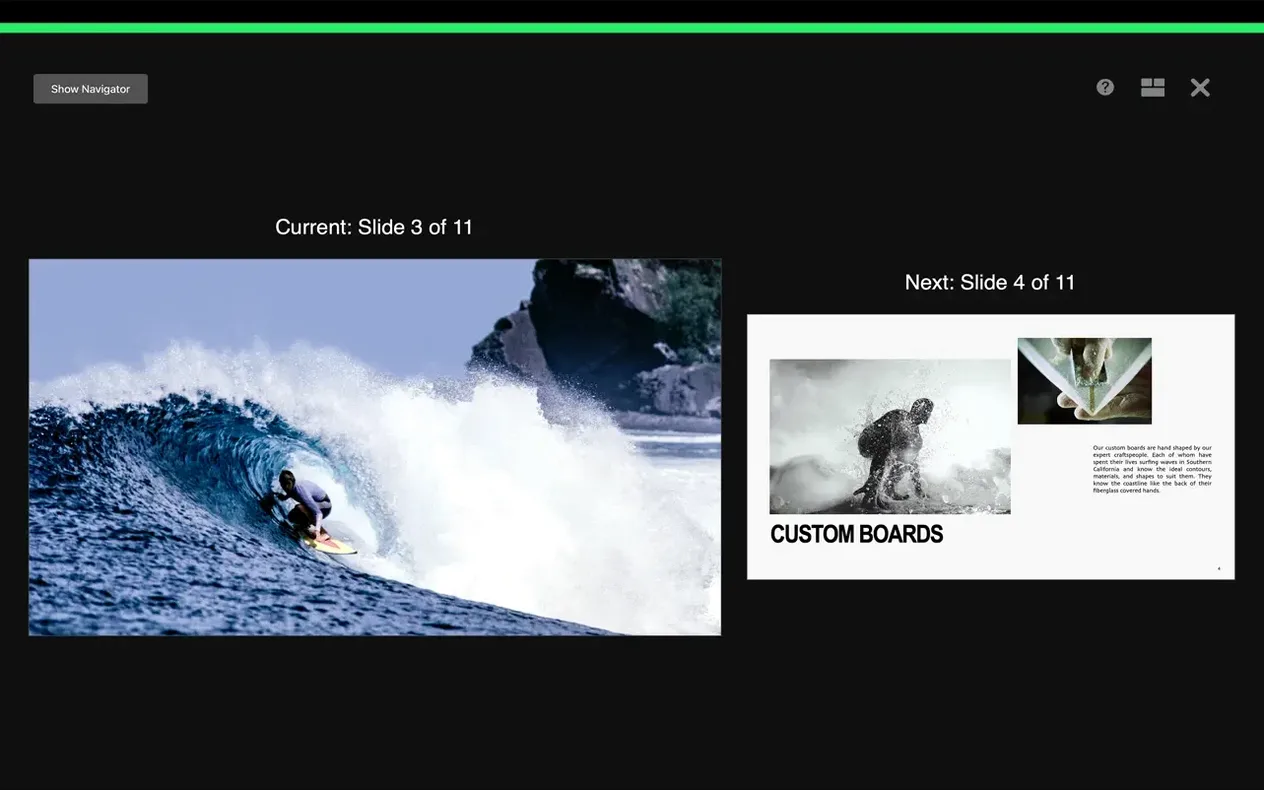
- Rehearsing with a customisable presenter display that shows notes and upcoming slides while the audience sees only the current one.
- Editing on any device — changes track in real time through iCloud.
- Sharing presentations with specific users via iCloud or Box, or opening and editing Microsoft PowerPoint files directly.
- Adding annotations with Apple Pencil or a finger when presenting from an iPad.
Complex builds can break when round-tripping to PowerPoint
- Requires macOS 15.6 or later.
- Cinematic transitions and builds are there, but complex presentations can still expose the limits of cross-format fidelity when round-tripping to PowerPoint.
What shifted in 15.3
The update notes mention bug fixes and performance improvements, which in everyday use translates to fewer small stutters when scrubbing through the slide navigator on larger decks. Opening a 60-slide file with embedded video now settles a beat faster than it did on the previous release. Nothing dramatic — just less friction.
The new transitions and builds are the visible part. Shift moves an object from its original position to a new one in a straight diagonal, which suits infographics where you want to imply relocation without manual motion paths. Radial wipe reveals content in a circular sweep from one point outward, useful for spotlighting a region on a map or a single figure in a chart. Character blur applies a per-letter fade that softens bullet points off screen; it feels more deliberate than a simple dissolve and pairs well with type-heavy slides. None of these are flashy for the sake of it — each solves a specific visual need that previously required workarounds with multiple builds or imported media.
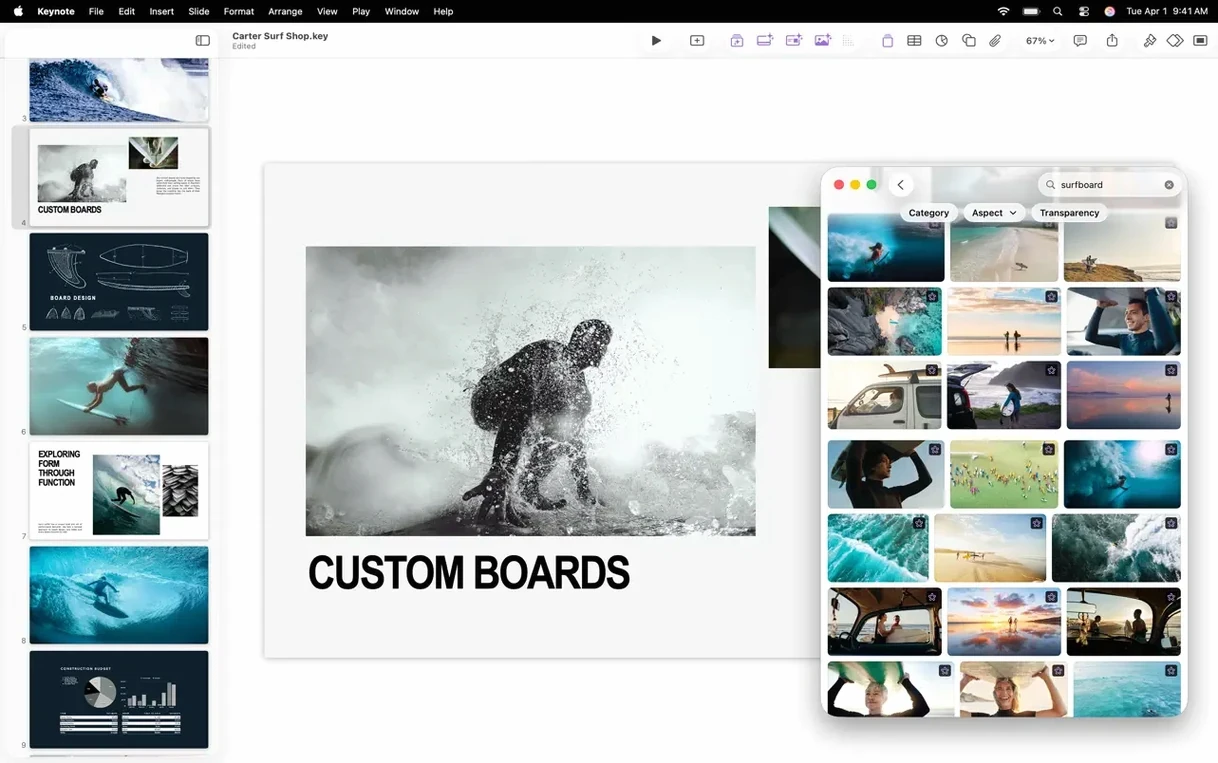
Replacing images from the Content Hub is simpler now. Select a placeholder, open the Content Hub, and drag the replacement. The aspect ratio snaps to the frame, and Keynote remembers the original mask and shadow settings. For decks that go through multiple rounds of placeholder photography before final assets arrive, this saves a handful of clicks per slide.
Day-to-day speed and stability
Keynote 15.3.1 runs natively on both Intel and Apple Silicon Macs. On an Apple Silicon machine, launch is nearly instant even with a handful of iCloud-synced documents in the recents list. Memory use for a typical 40-slide deck with 1080p video and a few hundred images hovers modestly; the app rarely crosses into swap territory unless you stack multiple uncompressed ProRes clips on one canvas.
Stability has been one of Keynote's quieter strengths across recent versions. Crashes during live presentations are uncommon, and the autosave mechanism is aggressive enough that even a forced quit rarely costs more than the last few keystrokes. The 15.3.1 bug fixes appear to target edge cases around iCloud sync conflicts — the kind where two devices edit the same slide simultaneously and one set of changes temporarily vanishes. Those moments now resolve with fewer dialogue interruptions.
One limit worth knowing: when a presentation uses many high-resolution PNGs with transparency, scrolling through the slide navigator can still hitch slightly on Intel Macs with integrated graphics. Keeping an eye on image resolution before importing — or using HEIC where possible — keeps the editor responsive.
Preferences to adjust early
A few settings change how the app feels day to day:
- Default scale in the editor: under Keynote > Settings > Ruler, switch the default unit to points or centimetres depending on whether you think in print or screen dimensions. The ruler itself can be toggled on permanently if you spend time aligning objects manually.
- Presenter display layout: open any presentation, choose Play > Customise Presenter Display, and arrange the notes, clock, timer and next-slide preview to suit your speaking rhythm. The layout sticks across all presentations, so set it once.
- Saving new themes: if you customise a master slide set with your own fonts and colours, use File > Save Theme to make it available in the theme chooser. This keeps branding consistent without starting from scratch each time.
- Auto-play on open: in the Document inspector under Presentation Type, a deck set to "Links Only" or "Self-Playing" behaves differently when double-clicked in the Finder. Useful for kiosk-style slides, but surprising if you expect the editing window.
What survives a round trip to PowerPoint and what needs rework
Keynote reads and writes Microsoft PowerPoint (.pptx) files directly. Simple slides — text, images, basic charts — survive the round trip with minimal rework. Complex builds, custom fonts not installed on the target system, and certain chart types still require manual adjustment after import. For collaboration with PowerPoint users, exporting a duplicate as .pptx before sharing and checking slide-by-slide remains a sensible workflow.
Integration with the rest of iWork is straightforward. Charts and tables copied from Numbers paste as editable objects; text from Pages arrives with paragraph styles intact when you use Edit > Paste and Match Style carefully. Universal Clipboard lets you copy a chart on an iPad running Numbers and paste it directly onto a Mac slide, provided both devices share an Apple ID and have Handoff enabled.
macOS features hook in at several points. Quick Look previews .key files in Finder with a spacebar tap. Spotlight finds text inside presentations, not just file names. The share menu routes a finished deck to Mail, Messages, AirDrop or directly to a Box folder if the Box extension is installed. For a presentation file that needs to land on a Windows machine quickly, a keynote torrent or direct export both work — though the export route preserves fonts more reliably. Some users searching for a keynote 15.1 download or a keynote dmg are after an offline installer rather than the App Store path; once the disk image is mounted, dragging the app into Applications and launching from Launchpad completes the setup.
Apple Vision Pro support is present but specialised. The Conference Room and Cinema immersive spaces let you rehearse in a simulated venue, which is useful for checking sight lines and slide scale before presenting on a large screen. Most Mac users will encounter this only when preparing a deck destined for a Vision Pro session, but the rehearsal environment is accessible directly from the Play menu.