Aspecten
 Download (779 MB)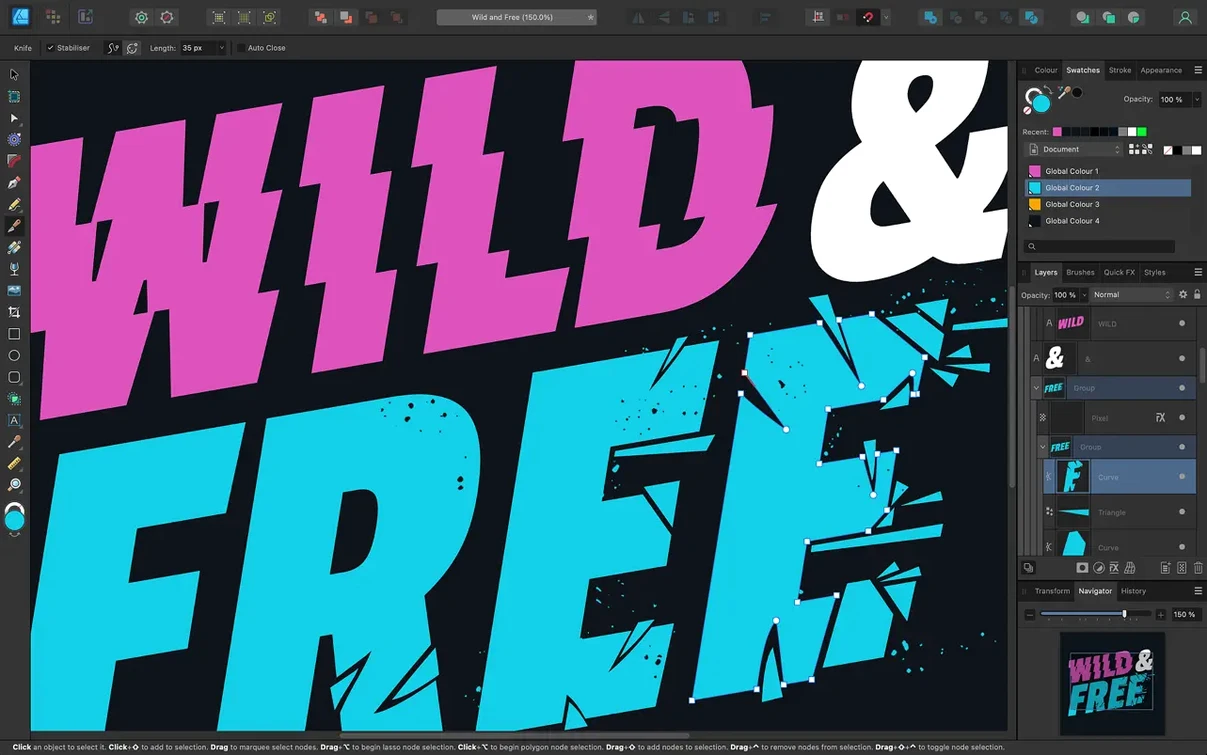
Affinity Designer runs on any Mac that can handle macOS Catalina or newer, on Intel processors or Apple Silicon. It settles in alongside the rest of the Affinity suite — Photo and Publisher — sharing a common update channel and a consistent way of handling colour, text and graphics. For a Mac user who already has a few Serif apps installed, it feels less like a separate purchase and more like unlocking another panel in a larger toolkit.
| Fact | Detail |
|---|---|
| Current version | 2.6.5 |
| macOS requirement | 10.15 (Catalina) or later |
| Architecture | Intel and Apple Silicon |
| Part of suite | Affinity Photo 2, Affinity Publisher 2 |
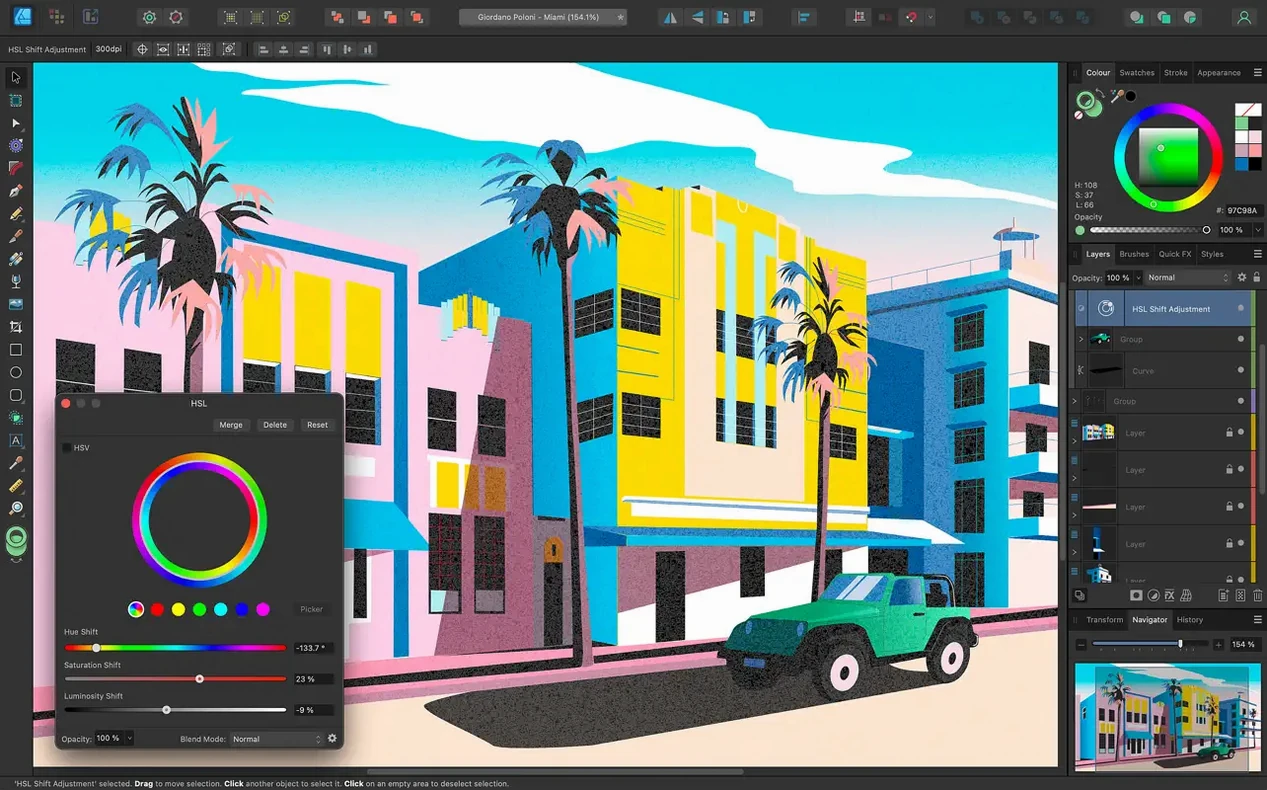
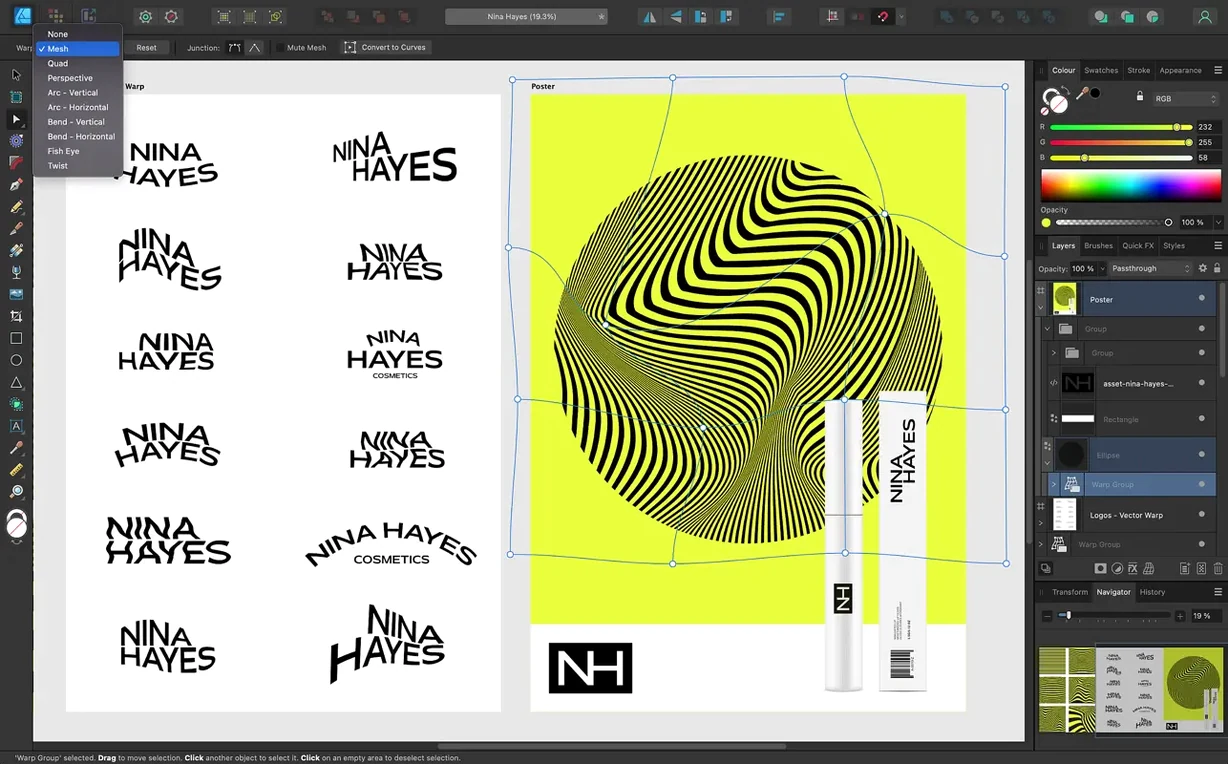
It brings the standard precision tools: Pen, Node, shape primitives and curve editing. Text can follow a drawn path, and OpenType features stay accessible from the panels. Colour-wise, it works in CMYK, LAB, RGB and greyscale, and it respects ICC profiles, so what you see on screen stays predictable when the file moves to another Mac in the same studio. Under the hood, the app leans on Metal, OpenGL, Grand Central Dispatch and Core Graphics — standard macOS frameworks that keep the interface responsive on current machines. The Touch Bar and Force Touch trackpad get practical callouts too, which is still useful on older MacBook Pro models still in daily use.
Illustrators in vector curves all day
Illustrators who spend most of their day inside vector curves tend to settle in quickly. The Pen and Node tools behave predictably, the Boolean operations on shapes feel instantaneous, and the isolation mode for groups keeps complex drawings manageable without a hundred locked layers. Someone drawing icons or character designs at multiple sizes will use artboards constantly — there is no ceiling on how many, and each one can have its own colour profile without splitting the file into separate documents.
UI and screen designers get a lighter workflow than they might expect from a general-purpose vector app. Pixel preview snaps on with one toggle, grids and guides stick to whole-pixel positions when set that way, and slices for export are tied directly to artboards. The 60 fps pan and zoom matters more here than in print work — nudging interface elements around a large canvas at low frame rates is a quiet productivity drain, and Affinity Designer avoids it entirely on Apple Silicon Macs. The dual raster-vector workspace also means a designer can drop into a pixel persona, clean up a bitmap texture, and return to vector mode without launching another application.
Print designers who already use Affinity Publisher benefit from the StudioLink arrangement — opening a Designer file from within Publisher, editing it in place, and seeing the changes reflected immediately in the layout. The LAB and CMYK support, combined with 16-bit-per-channel editing and ICC colour management, means a designer preparing packaging artwork or a magazine spread stays inside a colour-accurate pipeline from first sketch to final export.
Apple Silicon cold-launches in three seconds
On a machine with Apple Silicon the app opens in under three seconds and a document with two dozen complex artboards scrolls without stutter. Metal acceleration does most of the heavy lifting for canvas rendering, and the difference is noticeable when you drag a live gradient across a large shape — it updates in real time with no lag. On older Intel Macs the experience holds up reasonably well, though a 2017 MacBook Air with integrated graphics will show some slowdown when applying multiple live effects to a busy vector scene.
RAM usage stays modest for the category. With six artboards filled with gradient meshes, text on paths and embedded bitmaps, the app sits around 800 MB of memory. That figure climbs when switching into the pixel persona and working with high-resolution raster brushes, but the app releases resources quickly when you close a file. Background saves are quiet — no beachballing while it writes to disk — and the auto-save recovery system has pulled back unsaved work reliably in testing after a simulated crash.
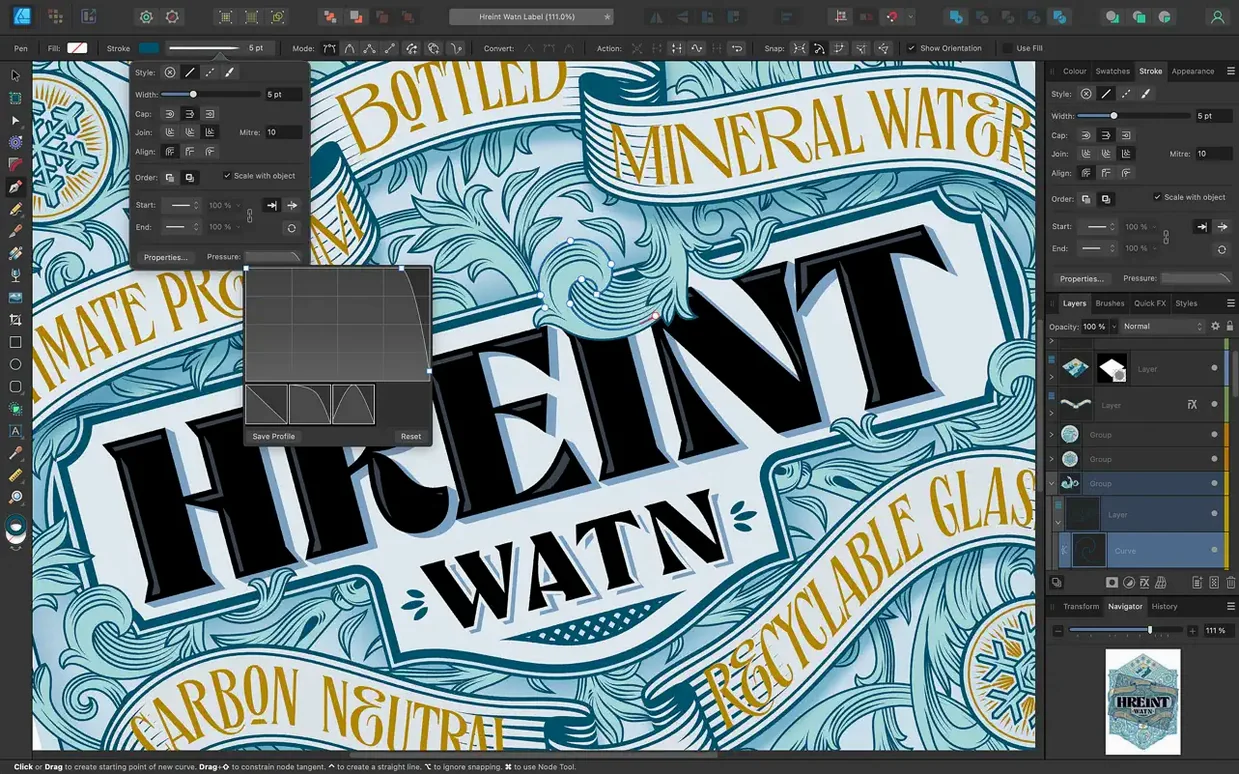
Stability in version 2.6.5 is uneventful, which is what you want. The 2.6 release notes point to bug fixes and general stability improvements, and in daily use that translates to fewer unexplained quits during long sessions. The Stroke Width Tool got profiling improvements and a Reset Profile option in 2.6, and the marquee select intersection behaviour gained a Command or Ctrl toggle — small quality-of-life fixes that reduce friction without adding interface clutter.
Covers print and CMYK where Sketch stops
Set beside Sketch, Affinity Designer covers more ground. Sketch is purpose-built for screen design and its symbol system, plugin ecosystem and prototyping tools still lead for pure UI work. But Sketch does not handle CMYK, has no real print output path and lacks the deep vector illustration toolkit. A designer splitting time between branding and interface work will find Designer more versatile, while a specialist UI team already invested in Sketch plugins and shared libraries will stay put.
Next to Adobe Illustrator, the comparison is more about philosophy than feature count. Illustrator has decades of plug-in support, tighter integration with After Effects and a larger pool of stock templates. Designer responds faster on the same hardware, especially on Apple Silicon where it feels native in a way Illustrator's emulated Rosetta 2 performance does not always match. Designer's one-time model also differs from Illustrator's subscription approach, though neither fact changes what the software actually does. For a freelancer who does not need Illustrator's scripting or video-adjacent workflows, Designer delivers the core vector toolkit without the monthly overhead.
Against Inkscape, the gap widens on macOS integration. Inkscape runs through XQuartz by default, its interface widgets are not native Cocoa, and it does not use Metal for canvas rendering. The feature set overlaps — both have path operations, node editing and text-on-path — but Designer feels like a Mac application and Inkscape feels like a Linux application that happens to run on a Mac. Colour management in Inkscape also trails behind: ICC profile handling and CMYK preview are present but rougher, which matters when prepping files for print.
Runs entirely offline after install
Does it need an internet connection to work? No. Once installed, the app runs entirely offline. There is no activation server check during normal use, and you can work on a plane or in a studio without internet without interruption.
Will it open my old Illustrator files? It imports AI files that were saved with a PDF compatibility stream, which covers most files created in the last decade. Pure AI format without the PDF stream will not open, but that case is rare outside very old archives. EPS and PDF imports are more reliable paths for transferring legacy artwork.
Can I use my existing font collection? Yes. The app reads fonts installed on macOS through Font Book or any third-party font manager. OpenType features like ligatures, stylistic alternates and swashes appear in the Typography panel, and variable fonts work as long as macOS itself supports them.
How large can a document be? The canvas maxes out at 256,000 by 256,000 pixels, which is far beyond any realistic print or screen project. Practical limits come from RAM when embedding many high-resolution raster images, but the engine handles deep layer stacks and dozens of artboards without slowing noticeably.
Does it work with a drawing tablet? It does. Pressure sensitivity, tilt and angle are recognised from Wacom, XP-Pen and Huion tablets on macOS. The brush stabilisation added in earlier versions makes a tangible difference for freehand inking — set the stabiliser to rope or window mode and the line smooths without feeling disconnected from the stylus movement.
Edit in Photo or Publisher without exporting
The tightest integration is inside the Affinity suite. A document opened in Affinity Designer can be switched to Affinity Photo or Publisher through the File > Edit in… command, which hands the file over without exporting and reimporting. Colour profiles, text styles and layer names stay intact across the handoff. For a studio that owns the full suite, this removes the friction of bouncing files between separate applications for vector and raster edits.
Outside the Serif ecosystem, the app speaks enough formats to fit into most pipelines. PSD export keeps layers editable in Photoshop, SVG output is clean enough for web development and the PDF export supports press-ready profiles with bleed and crop marks. A designer sending files to a printer who works exclusively in CorelDRAW will export to EPS or PDF; the translation is not always pixel-perfect with complex gradient meshes, but flat vector work transfers without surprises.
macOS features like Quick Look work after a document is saved — pressing spacebar on an .afdesign file shows a thumbnail preview in Finder. Spotlight indexes layer names and text content, so searching for a client name can surface the file even if the filename is cryptic. The app also respects system-wide Dark Mode, switching the UI when the Mac does, which reduces eye strain in dim studios. Handoff and iCloud Drive are not directly integrated for live collaboration — there is no real-time co-editing — but saving files into an iCloud folder lets another Mac open the same document normally, as long as edits are not simultaneous.
For users exploring how to get started with Affinity Designer, searching for phrases like affinity designer crack mac or affinity designer torrent might surface unofficial distributions, and some will also look for affinity designer 2 torrent or a broader affinity torrent bundle. The version described here is 2.6.5, and the behaviour described — the offline operation, the Metal-rendered canvas, the StudioLink interoperability — all assume a clean, complete installation.