Aspecten
 Download (56 MB)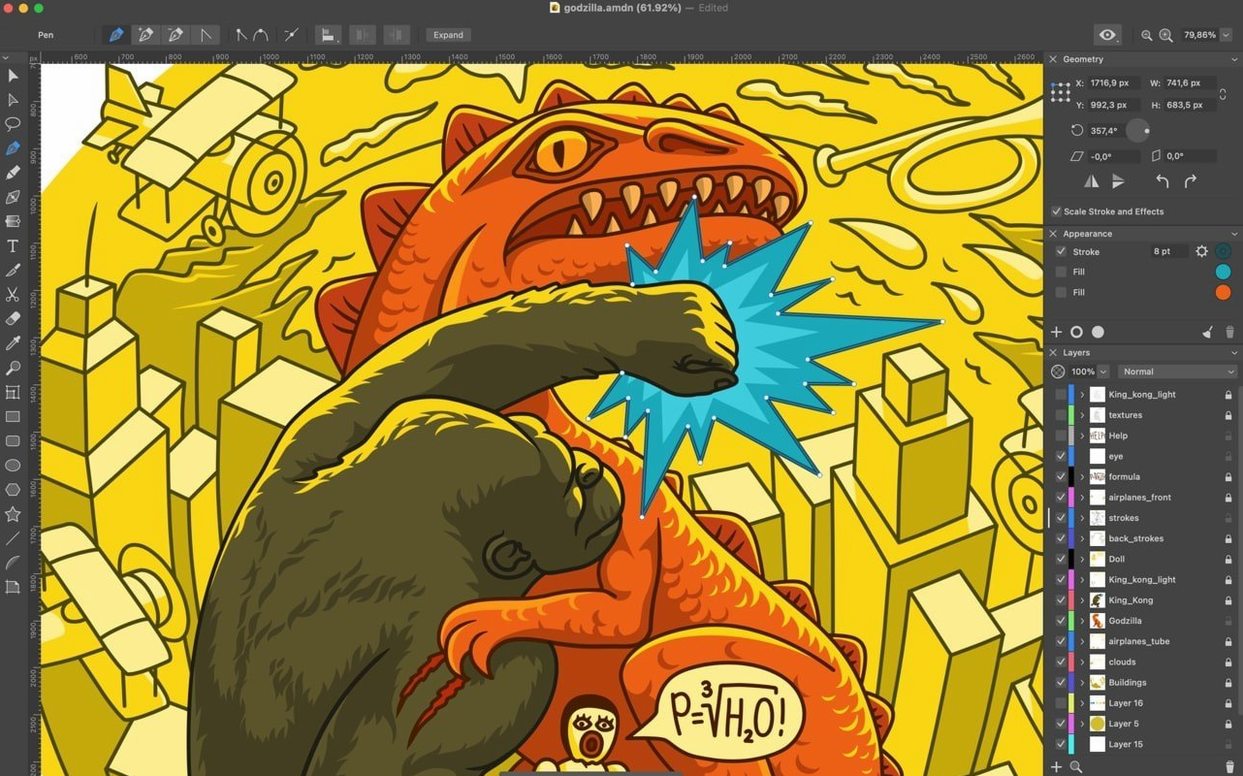
How does the Eraser tool handle in daily use?
The Eraser tool received a quiet overhaul in version 1.8.3 and now produces a cleaner result when cutting away parts of paths or compound shapes. It sits alongside the Knife and Scissors tools for direct path editing, and the three together cover most destructive vector work without needing to switch to a separate app.
Slotting between Preview and full desktop publishing
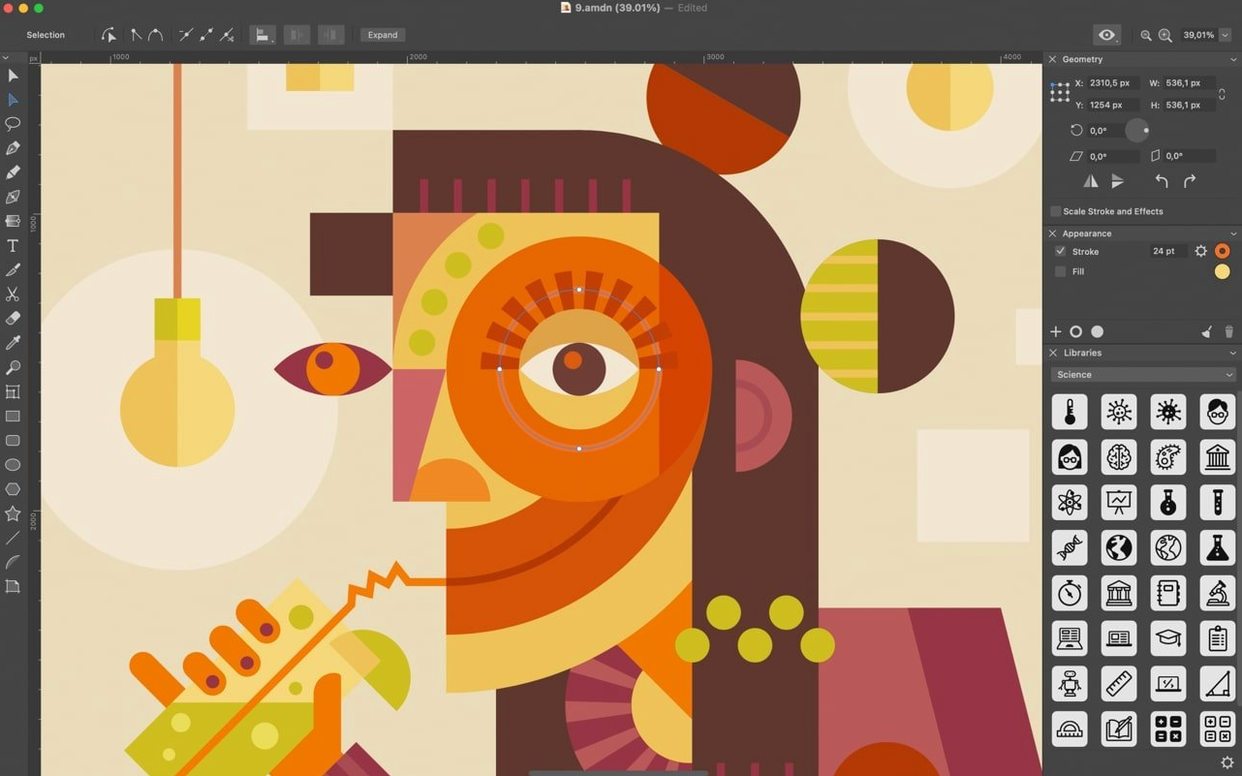
Amadine does not try to replace a full desktop publishing chain, but it slots in neatly between a quick markup tool like Preview and a heavier layout environment. You can open it to create an icon, refine a logo, or draw a custom illustration, then bring the result into Pages, Keynote, or a design suite. The more than 30 tools for selecting, creating, and editing objects mean you rarely run into a ceiling when a shape needs one more adjustment.
Can it handle bitmap images and mixed-media files?
Yes, and version 1.8.3 made this stronger. The app can vectorize bitmap images, which is useful when you receive a flat logo or a scanned sketch. Sheets now support transparent backgrounds alongside regular ones, so you can place a vectorised result over a photograph or a colour block without an extra export step.
How does it manage complex stroke work?
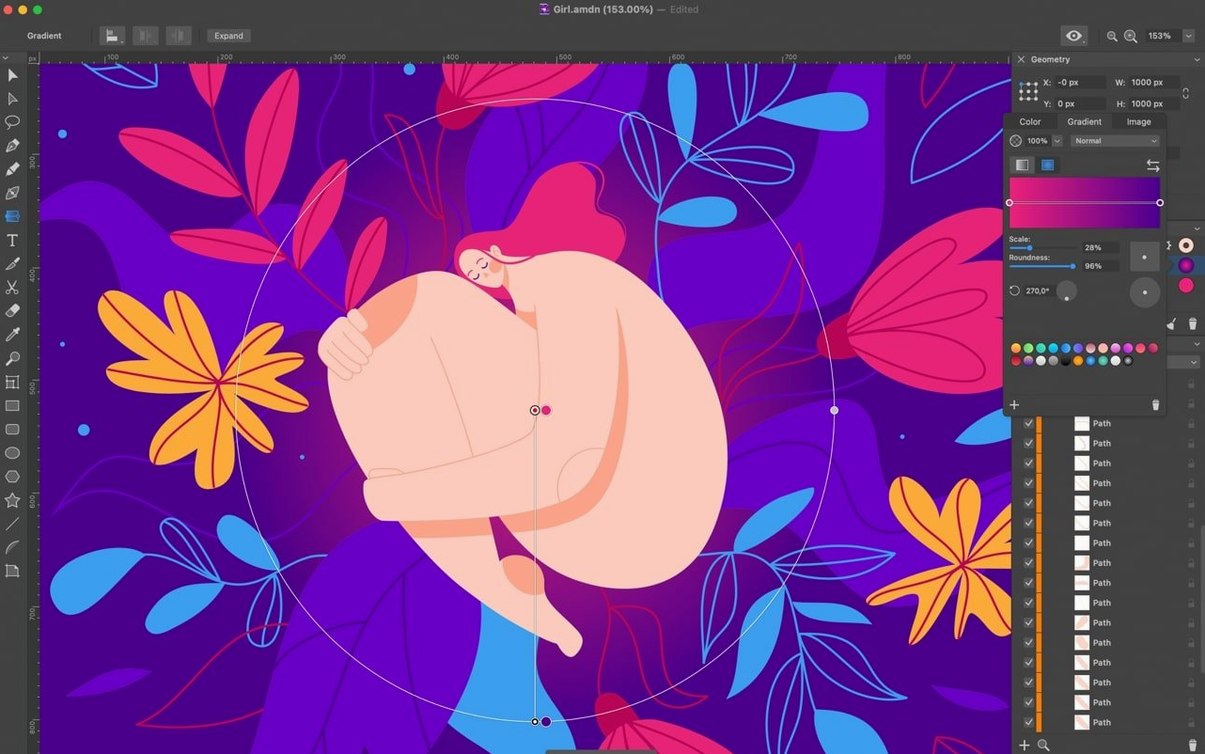
Objects accept multiple fills and strokes, and the Path Width tool lets you draw custom stroke profiles directly. Brushes come with different properties, so a single path can carry a tapered, textured, or pressure-sensitive line without being baked into a shape too early.
Light memory footprint with multi-artboard documents
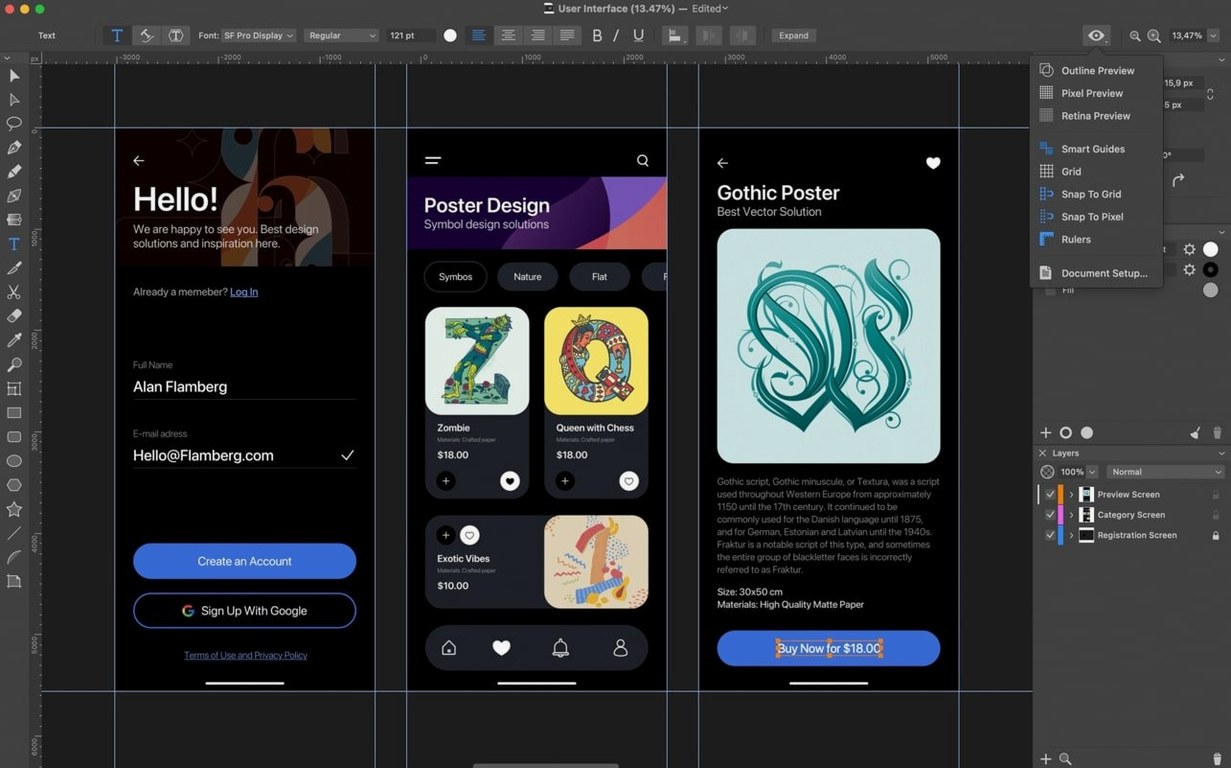
On Apple Silicon and Intel machines alike, Amadine 1.8.3 stays light on system resources during routine illustration work. A document with half a dozen artboards, each holding a mix of text blocks, compound shapes and gradient fills, sits around 180–220 MB of RAM — modest for a vector app. The renderer keeps up with zoom and pan operations at 60 fps on a MacBook Air display, and redraws feel immediate even when dragging a complex brush path across multiple layers.
Stability improved noticeably around text handling in the latest version. Earlier builds could stall when cycling through font families in a live text object, but 1.8.3 keeps the type engine responsive and has not dropped a font preview in testing. The app also recovers cleanly from an unexpected quit: the next launch offers to restore the last open document, and unsaved artboards reappear without missing elements.
CPU use spikes only during bitmap vectorisation, where a 3000-pixel-wide photograph pushes a couple of performance cores to 80 % for roughly four seconds. After that traces settle into standard vector objects, the processor returns to idle. The app does not spin up fans on fanless machines during ordinary drawing, which makes it a quiet companion for long sessions.
Smoother offset paths on acute shapes
The jump to 1.8.3 brought several corrections that alter daily workflows without adding new tool icons. The Offset Path tool now creates more predictable offset curves, particularly on asymmetric shapes with acute angles; earlier versions sometimes produced self-intersecting outlines that needed manual cleanup. The Simplify dialog also gained precision — it reports the exact count of original and resulting points, so you can decide whether a reduction from 147 to 42 points is worth the slight loss of fidelity before committing.
Transparent sheet backgrounds, another 1.8.3 addition, change how you approach icon and logo exports. Instead of toggling a white backdrop on and off in the export panel, you set the sheet background once and see the true transparency grid while working. Combined with the cleaner Eraser output, the update favours people who move assets between Amadine and raster editors like Pixelmator Pro or Preview.
Cumulatively, the 1.8.x line has pushed the app away from a drawing-only tool toward a lightweight vector hub. The addition of bitmap tracing, transparent sheet control and brush-based paths over recent updates means you can start a project with a scan or a photo, trace it, draw over it, and export an SVG with transparency — all inside a single window.
Freeform illustration instead of screen-design symbols
Next to Sketch, Amadine occupies different territory. Sketch is built for screen design — symbols, responsive resizing, prototyping links — and Amadine offers none of that. But for freeform illustration, multiple fills and strokes on one object, and brush-based drawing, Amadine gives you tools that Sketch deliberately omits. The two can coexist: wireframe in Sketch, then draw a custom illustration in Amadine and drop the SVG straight onto a Sketch artboard.
Set against Affinity Designer 2, the difference is one of depth. Affinity Designer includes pixel persona, non-destructive adjustment layers, and prepress colour controls that Amadine does not attempt. Amadine loads faster, feels less imposing, and surfaces path-editing tools like the Knife, Scissors and Eraser without mode switches. For a poster with spot colours and linked images, Designer is the fuller workshop; for a quick icon set or a traced logo with variable stroke widths, Amadine is the nimbler bench tool.
Beside Inkscape on macOS, Amadine benefits from a native Cocoa interface. Inkscape carries deep SVG spec support and a sprawling feature set, but its XQuartz underpinnings mean menus, scrolling and text input feel disconnected from the rest of the Mac. Amadine supports Quick Look, Touch Bar, iCloud Drive handoff to the iPad version, and standard macOS shortcuts — small integration points that add up when you move between apps throughout the day.