Aspecten
 Download (22 MB)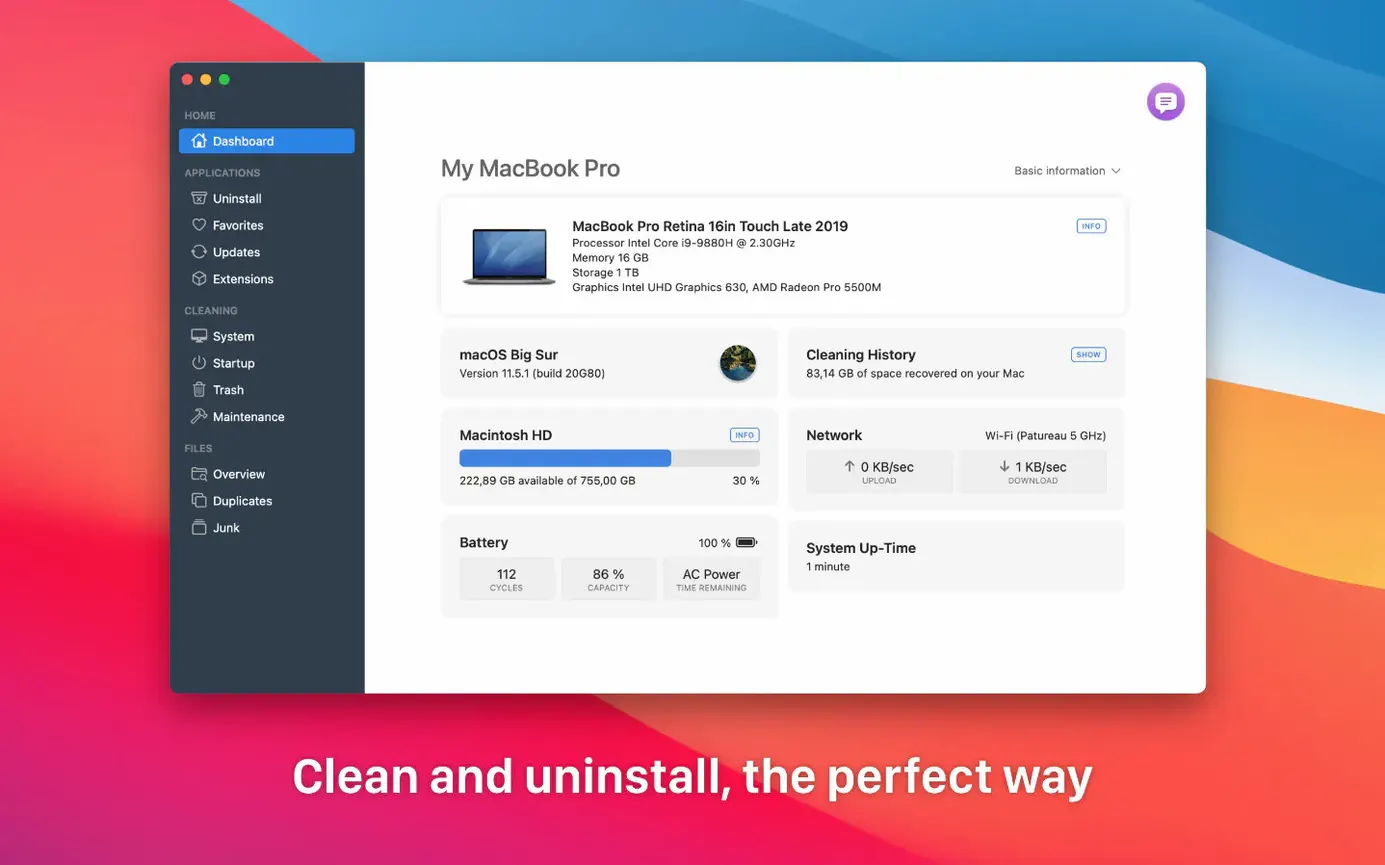
M1 and M2 support lands with a Terminal-based install step
The latest update brings support for Apple M1 and M2 processors alongside existing 64-bit Intel Macs. The developer has also adjusted the Gatekeeper bypass flow, which now runs through a short Terminal step during installation.
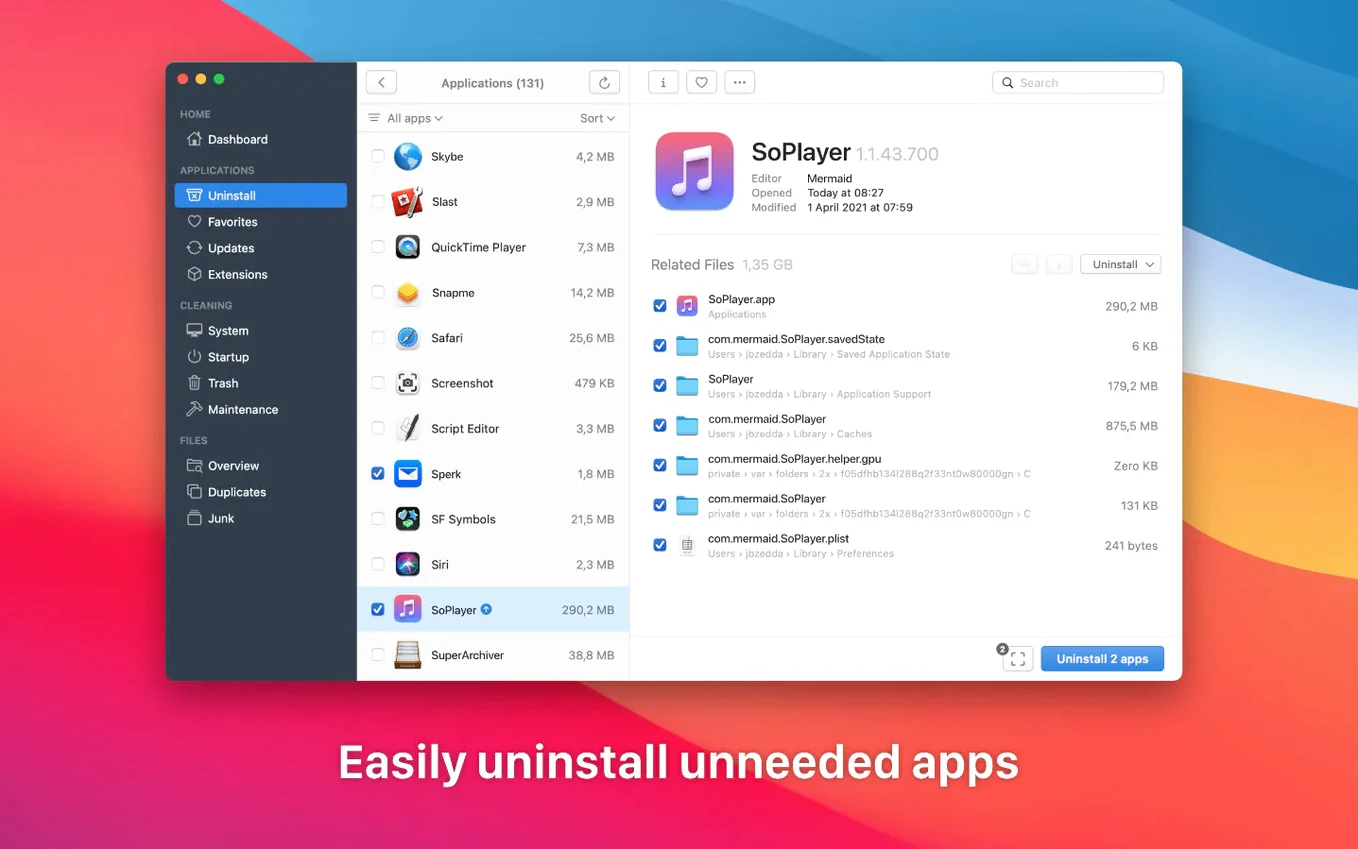
What does a full app removal look like?
Select an application in the main list and TrashMe gathers the binary, its preferences, caches and other support files spread across the Library folders. You review the collected items, tick anything you want to keep, then click Delete to remove the lot in one pass.
Orphaned prefs, logs and caches surface in the Leftovers tab
Switch to the Leftovers tab and TrashMe scans common system paths for orphaned preference files, logs and caches. You get a flat list of what it finds, which you can delete individually or clear in bulk.
What else can you clean beyond app leftovers?
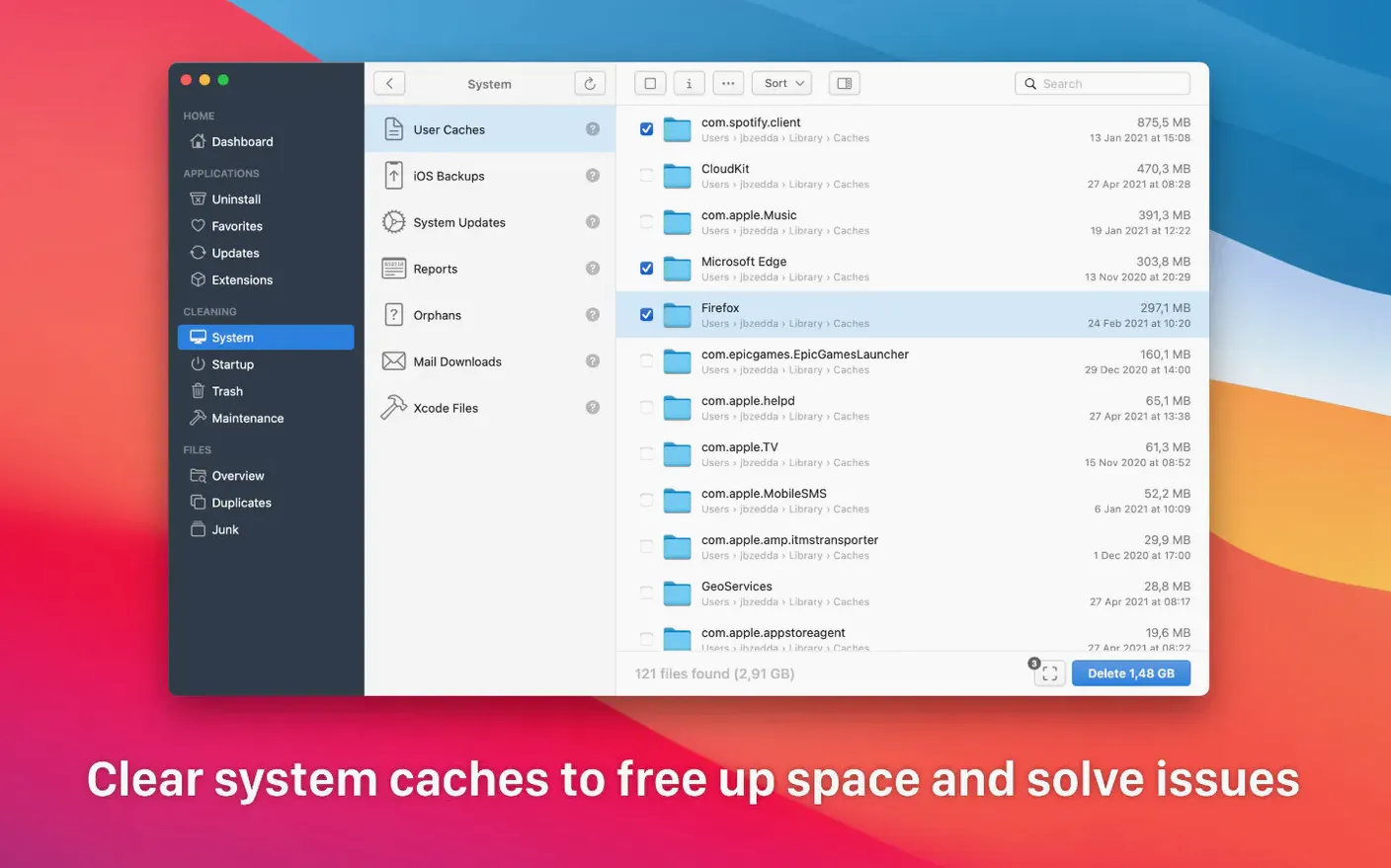
The System Cleaner tab targets Xcode caches, crash reports, mail downloads and similar accumulations. It also includes a duplicate-file finder that compares content within a chosen folder, so you can strip away exact copies without touching the originals.
Uninstalling and tidying after a video project
Suppose you have finished a round of edits in DaVinci Resolve and want to reclaim space. The application itself is large, but its support files often sprawl further. Open TrashMe, find Resolve in the app list, and select it. The right panel populates with the binary plus folders tucked inside ~/Library/Application Support, ~/Library/Preferences and ~/Library/Caches. Tick everything except one folder where you keep LUT presets, then click Delete.
Next, move to the Leftovers tab. A scan picks up a handful of orphaned Blackmagic log files from an older version you dragged to the Trash months ago. Remove those. Switch to System Cleaner and target the Xcode caches heading — Renderdoc captures from a graphics debugging session sit there, invisible to normal housekeeping. A final pass through the duplicate-file finder on the project’s scratch folder reveals three copies of a 4.3 GB proxy file. Keep the master, delete the rest. The whole routine takes under four minutes and frees nearly 18 GB.
It can clear caches and crash reports but skips protected system volumes
Does TrashMe remove system files Apple normally hides? It can reach caches, crash reports, mail downloads and Xcode-derived data, but it does not touch protected system volumes. The scan stays within user-accessible paths, and the app is notarized by Apple, so SIP does not block it.
Will it catch every file an app ever wrote? It catches what the app placed in standard locations — preferences, caches, logs, application support directories. An app that scatters files into non-standard folders may leave traces, which is why the Leftovers tab exists as a second sweep.
How does Smart mode behave when I drag an app to the Trash? TrashMe opens automatically and offers to find related files before you empty the Trash. If you decline, the app binary sits in the Trash but its support files remain. You can still catch those later through the Leftovers scan.
Does the menu bar system monitor drain battery? It refreshes gently and you can toggle it off from preferences. On Apple Silicon, the impact is barely a blip in Activity Monitor.
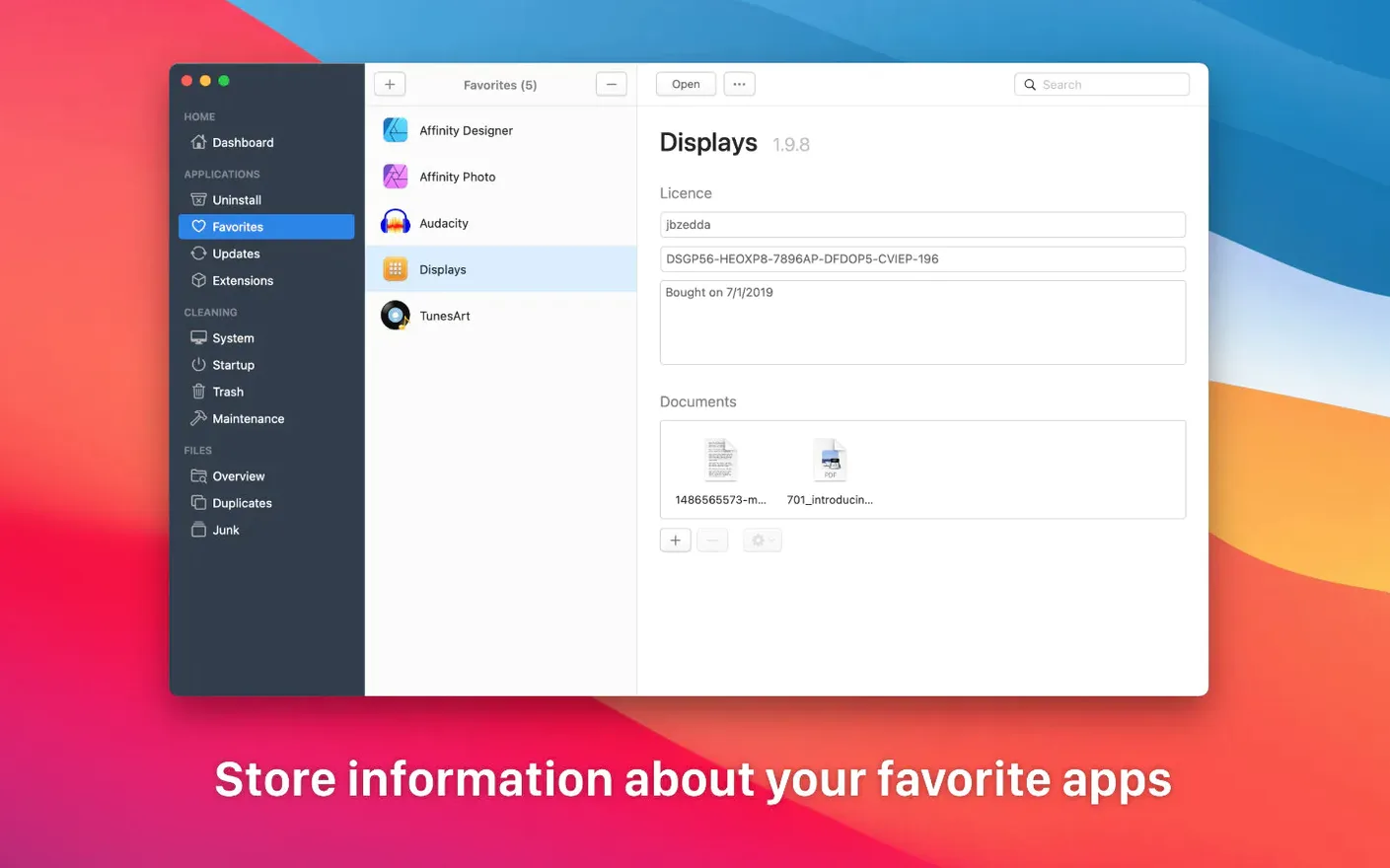
Store Affinity Photo or Scrivener licence keys in Favourites
- Favourites list with registration notes. Under the Favourites tab you can store licence keys or registration emails for apps like Affinity Photo or Scrivener. The field is plain text, searchable from the same view, and survives a reinstall of TrashMe itself if you back up the preference file.
- Space map right-click. In the interactive disk map, right-clicking any block reveals a “Reveal in Finder” command. You can trace exactly which folder that large purple rectangle represents without leaving the map.
- Update checker with changelogs. The Apps tab lists installed applications that have updates available, and a small “i” button pulls a changelog from the developer’s feed. It covers both App Store and directly downloaded software.
- Trash preview with selective delete. The Trash pane shows individual items in the bin, and you can delete a single 12 GB disk image without emptying the entire Trash. Useful when you know one file is safe to remove but need to inspect others first.
- Maintenance scripts from the menu bar. Holding Option while clicking the menu bar icon reveals a “Run maintenance scripts” item. It invokes the periodic daily, weekly and monthly scripts macOS normally schedules for the early hours, handy if your Mac sleeps through those windows.