Aspecten
 Download (6 MB)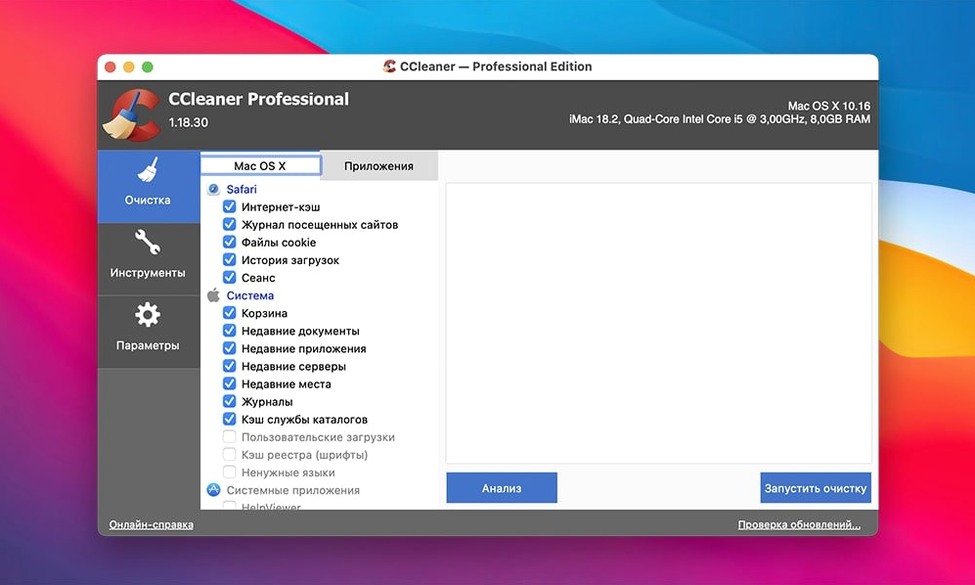
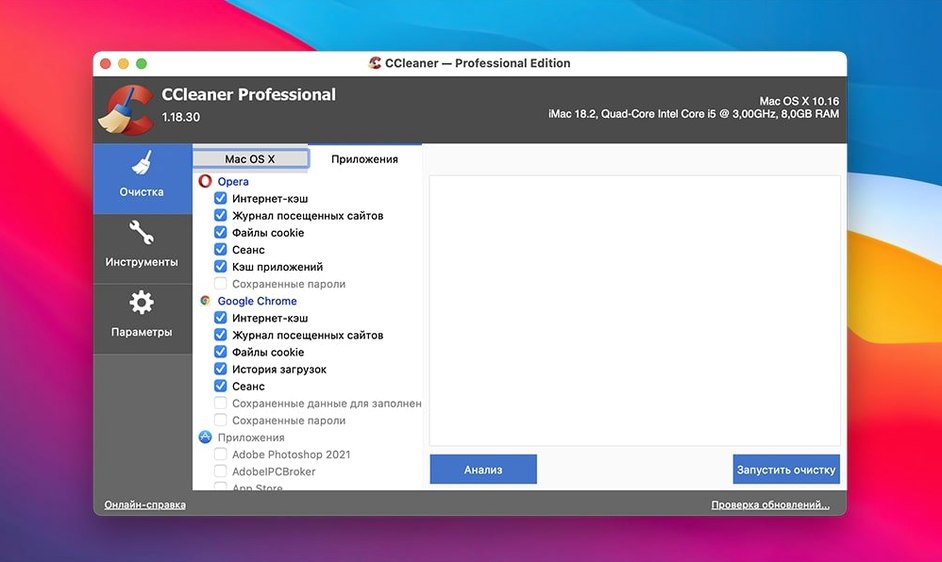
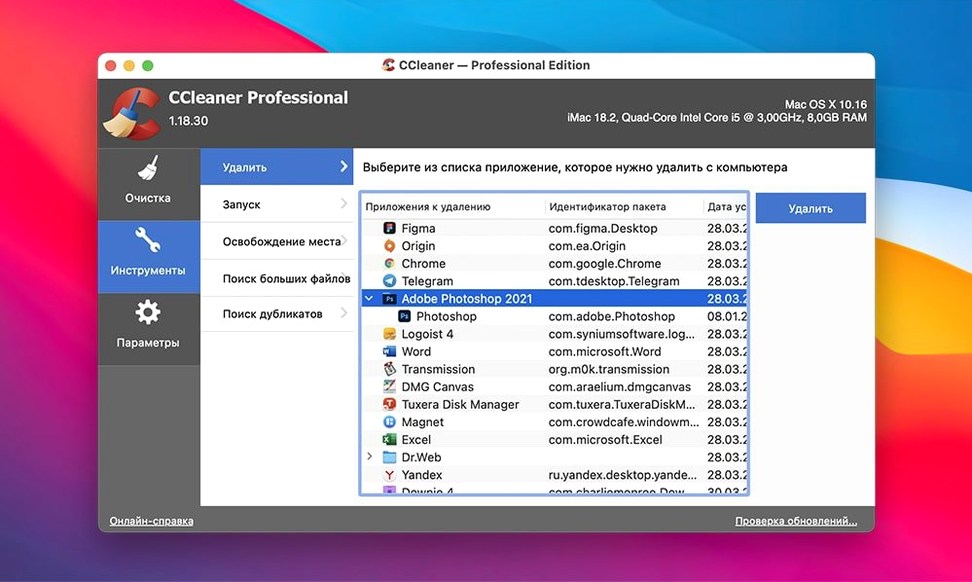
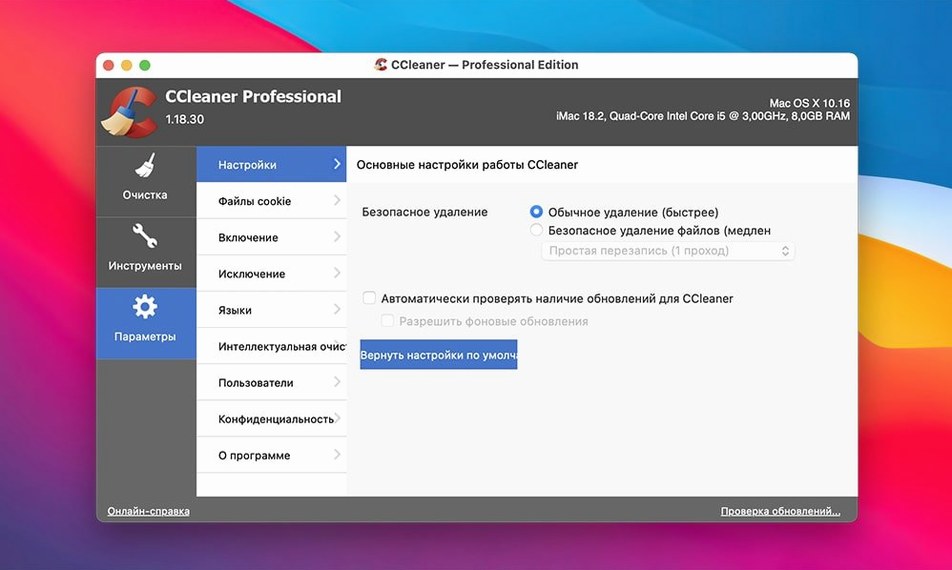
If you have used the Windows version of CCleaner, the Mac edition will feel familiar in purpose but lighter in scope. It is a system tidying utility from Piriform that removes temporary and unused files, along with browsing traces left behind by Opera, Firefox, Google Chrome and Safari.
This is the older, 64-bit x86 version of the app — separate from the redesigned CCleaner for Mac introduced at version 2.3. It supports eleven interface languages, including Dutch, Japanese and Polish.
Wiping browser traces and system junk on Intel Macs
- Freeing up space by clearing system caches and temporary files
- Removing browsing history and traces across four major browsers in one pass
- Running on older Intel Macs still on OS X 10.10
Stuck on Intel code with fewer tune-up tools
- No native Apple Silicon support — this is an Intel-only build
- Lacks the deeper maintenance tools found in the modern 2.x Mac version
When the app ignores a browser you use
People occasionally run into a handful of recurring hiccups with version 1.18.30. Most are straightforward once you know where to look.
The app ignores a browser you expected it to clean. CCleaner detects browsers by reading their standard profile paths. If you moved a profile folder manually, or if a browser installed itself in a non-standard location, the app will skip it. The fix is usually to close the browser fully — including any background helper processes — then relaunch CCleaner. On a few machines, restarting the Mac itself resolves the detection glitch.
Disk space freed is smaller than expected. The analysis scan counts only what CCleaner is configured to remove. If you have unchecked several categories — system logs, for example, or application caches — the reported figure will be lower than what Finder shows as total junk. Go through the list of ticked items under each cleaning tab before scanning. Also worth knowing: some temporary files are in active use by running applications and will be skipped automatically, even when their category is selected.
File wiping takes far longer than a normal clean. The secure deletion option overwrites files with several passes, which on a mechanical hard drive can be slow. On an SSD it is faster but still not instant. If you do not need the multi-pass overwrite for privacy reasons, leave the option off for everyday maintenance — the default deletion is quicker and sufficient for reclaiming space.
Gatekeeper blocks the first launch after installation. This version predates modern macOS notarisation requirements and will trigger a security warning. You need to mount the disk image, then use Terminal with the sudo spctl --master-disable command or right-click the app and choose Open to grant an exception. Once launched successfully, macOS remembers the choice and will not ask again for that installation.
Unchecking cache folders you still need
Right after installing, a few deliberate choices will make the tool fit your habits rather than the other way around.
- Disable categories you genuinely need. The default selection is a sensible starting point but not gospel. If you rely on recently-opened file lists inside applications, uncheck those entries before the first cleaning run. Once cleared, those lists cannot be rebuilt.
- Review browser cleaning item by item. The browser section bundles saved passwords, form data, download history and session cookies. Untick anything you want to keep — especially saved passwords and autofill data — before you run the cleaning job.
- Set a reminder to run it weekly. CCleaner has no built-in scheduler in this version. A recurring calendar entry on, say, Friday afternoon keeps the habit going without the tool nagging you. Weekly is frequent enough to stop caches from ballooning, but not so frequent that you end up re-downloading the same temporary assets every day.
- Stick to the analysis pass first. Before hitting the Clean button, always run an analysis scan. It lists exactly which files will be removed and how much space you stand to reclaim. Glancing through that list once or twice teaches you what the tool considers disposable, and you will spot any category you meant to exclude.
Clearing 8 GB of cruft before Safari slows to a crawl
Imagine a Wednesday afternoon. Safari has been sluggish, and Finder reports less than 8 GB free on the internal drive. You have not run CCleaner in about ten days.
You launch the app and are greeted by the main cleaning pane. The left sidebar lists the broad categories — macOS, Applications, Browsers — with expandable sub-items. You expand the Safari entry and notice that Internet History and Download History are checked, but Saved Passwords is not. Good. You leave that arrangement alone.
You click Analyze. The progress bar moves steadily as the tool walks through system caches, temporary files from Preview, the font cache, user log files, and then the browser data for Chrome and Safari — the only two browsers you use. After about twenty seconds the results appear: 1.8 GB across 4,200 files. The detail view shows that Safari’s cache alone accounts for 900 MB, and Chrome’s cache another 520 MB. The rest is scattered across application logs and user temporary items.
You scroll through the file list as a quick sanity check. Nothing jumps out as a wrong deletion. You click Clean. A confirmation dialogue reminds you that the operation is permanent. You confirm. The cleaning run completes in under ten seconds and the interface refreshes to show zero bytes pending.
You switch to Finder and check the drive: free space is now just under 10 GB. Safari opens a moment faster. The session took less than a minute from launch to finish, and the machine feels a little more responsive for it.
Free Intel-only cleaner versus OnyX and modern rivals
Version 1.18.30 sits in a particular niche: an Intel-only cleanup tool that runs on macOS as far back as version 10.10. Three other utilities occupy overlapping ground, each with a different emphasis.
OnyX (Titanium Software) is a free, Mac-native maintenance tool that goes far deeper into system internals. It can rebuild Spotlight indexes, verify disk structures, tweak hidden Finder settings and clear far more system caches than CCleaner attempts. The trade-off is complexity. OnyX presents dozens of panes and checkboxes; a newcomer can easily trigger a full database rebuild without meaning to. CCleaner is simpler and safer for someone who wants to clean and walk away, but it cannot touch the file-system-level tasks OnyX handles. OnyX also releases separate builds for each major macOS version, whereas CCleaner 1.18.30 works across a wide span of releases from a single binary.
CleanMyMac (MacPaw) is the more polished, all-in-one alternative. It bundles malware scanning, optimisation scripts, an uninstaller and maintenance notifications into a single interface. It also supports Apple Silicon natively in its recent versions — something this older CCleaner build does not. The downside is that CleanMyMac runs background processes continuously, which some users find intrusive. CCleaner is a on-demand tool: it launches, you clean, you quit, and it leaves nothing running behind. For an older Intel Mac where background resource use matters, that is a meaningful difference.
AppCleaner is a focused uninstaller rather than a general cleanup tool, but it often gets compared because many people search for adobe ccleaner or a ccleaner for mac crack looking for a way to completely purge application leftovers. AppCleaner excels at finding preference files, caches and support folders when you drag an app to its window, and it is free. It does not touch browser history, system temp files or large-file scanning. It is a complementary tool rather than a direct rival — useful alongside CCleaner, not instead of it. Those hunting a CCleaner Mac torrent sometimes end up with AppCleaner as a lightweight addition to their toolkit, though the two programs solve different problems.
Where CCleaner 1.18.30 holds its ground is broad browser coverage, cross-version macOS support on Intel hardware, and the secure file-wiping function. If you are running an older Mac and want a single tool that handles browser privacy and temporary-file cleanup without background daemons or complicated configuration, this build remains a practical, self-contained option.