Aspecten
 Download (421 MB)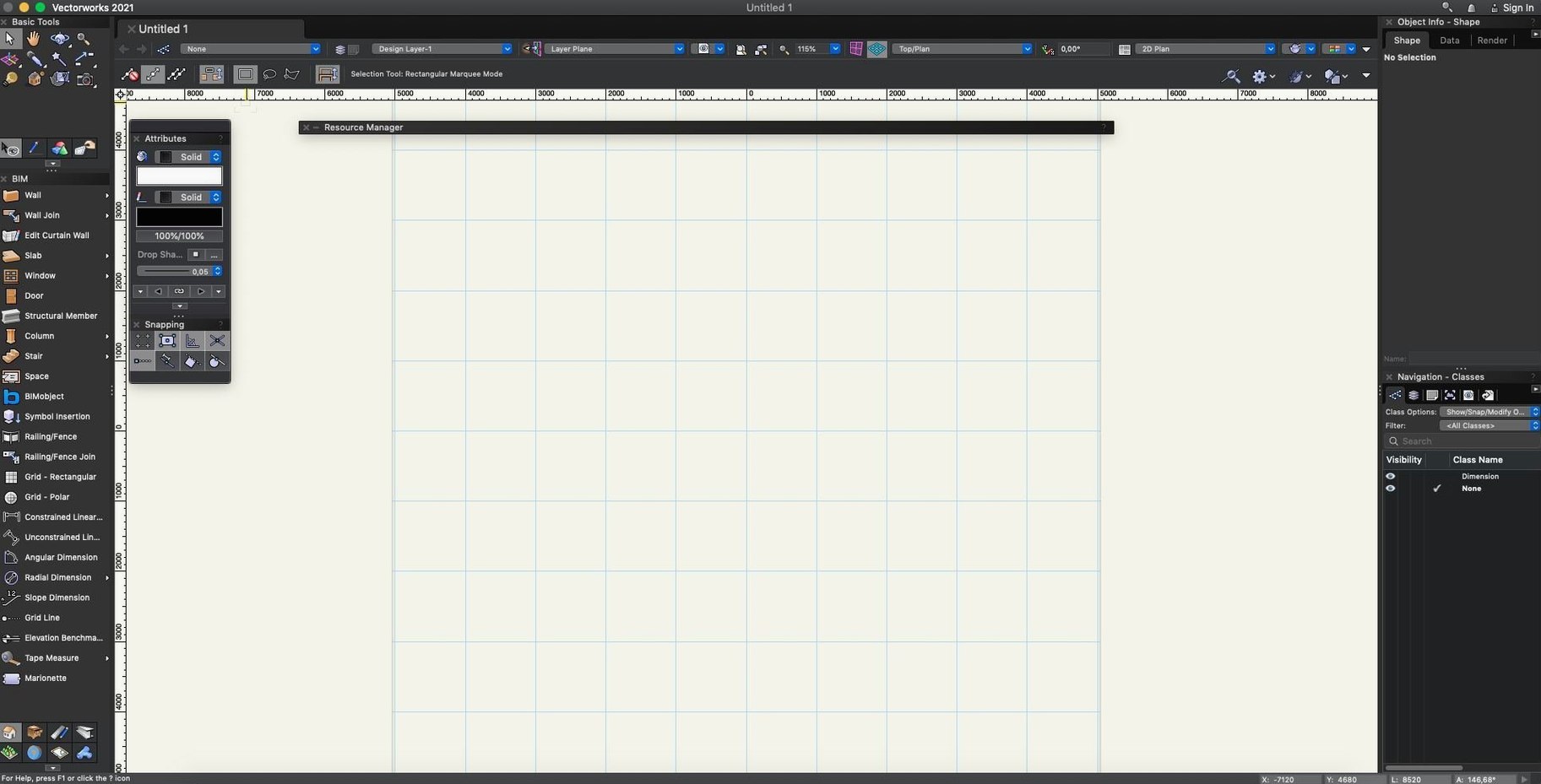
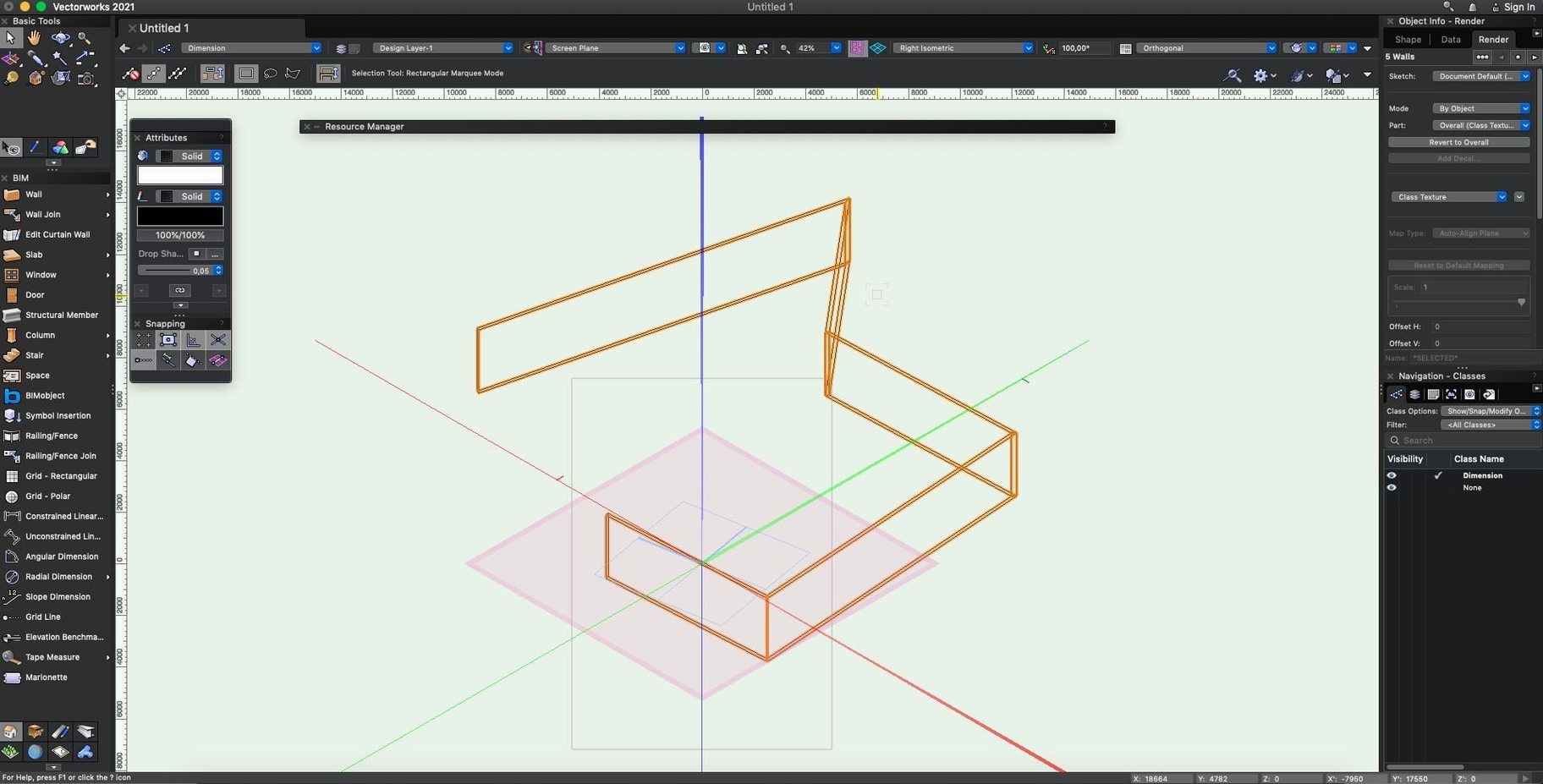
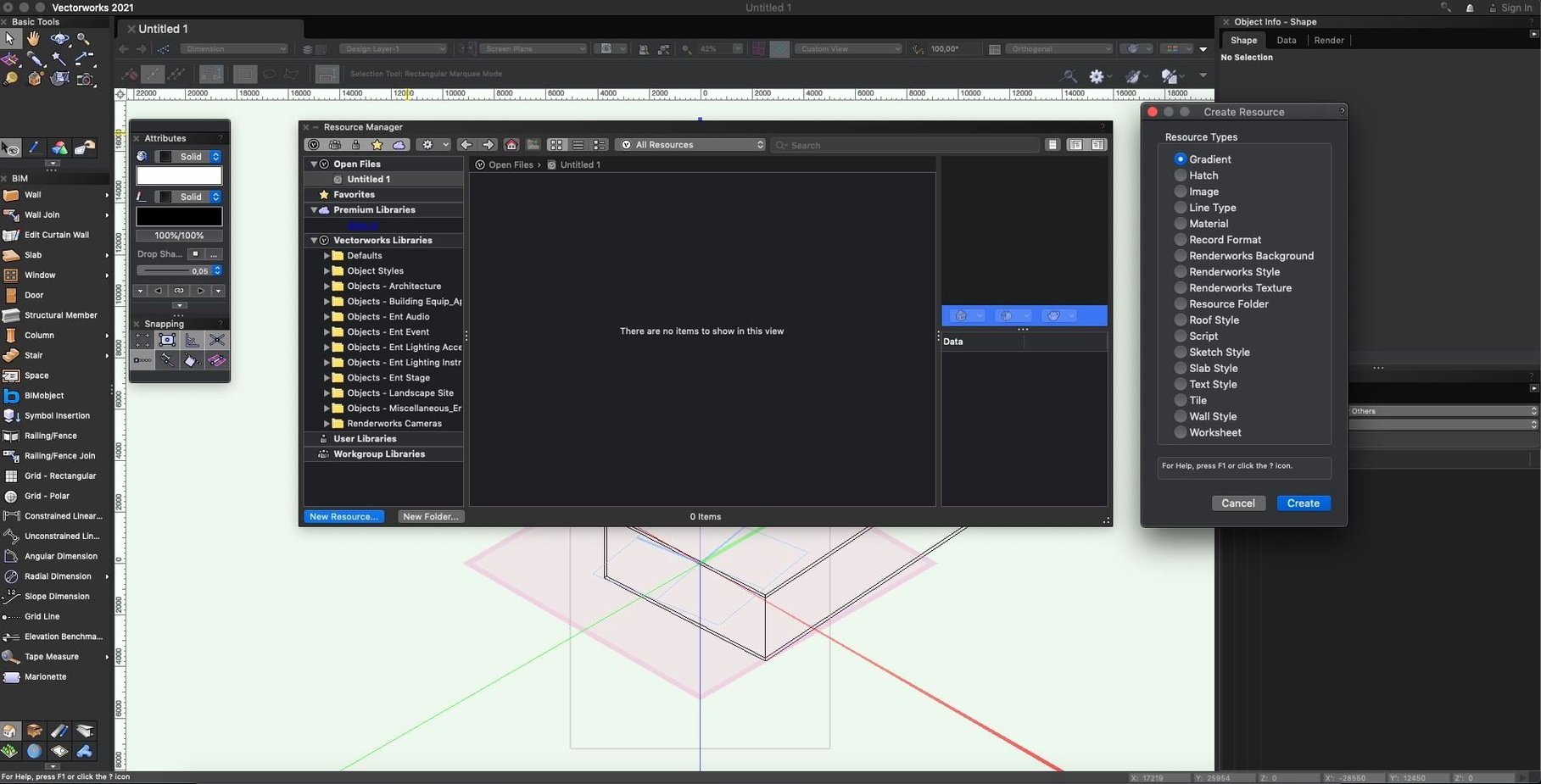
Where a general-purpose modeller stops at geometry, Vectorworks shifts into domain-specific reasoning. It shares a conceptual link with parametric tools like Revit in its handling of information-rich objects, yet it keeps a direct-modelling flexibility that feels closer to Rhino. For an experienced user, the value lies less in the feature list and more in how the system connects drawing, data and rendering without forcing a rigid sequence.
Associative hatching and surface logic
Hatching in sectioned or dimensioned drawings updates with the model rather than sitting as static post-production. The associativity extends across viewports, so a material change in a wall assembly pushes through to the drawn hatch without manual rework. In practice, this turns sections into living documents. Updated work surfaces in the 2025 cycle tighten the link further: a countertop or stage deck carries its own material logic, and the hatching follows whichever plane you cut through it.
Decal placement and texture snapping
The renderer supports decal-style placement of images directly on objects, which sidesteps the usual UV unwrapping for quick signage, screen content simulation or material sampling. Extended texture snapping methods let you align these decals by face normal, edge or vertex, giving enough precision for entertainment lighting mock-ups and interior detailing without leaving the main workspace. Where other packages treat this as a post-effect, Vectorworks keeps the decal tied to the object, so it persists through design revisions and viewport changes the same way a hatch does.
Switching graphics mode stops the sluggish feel
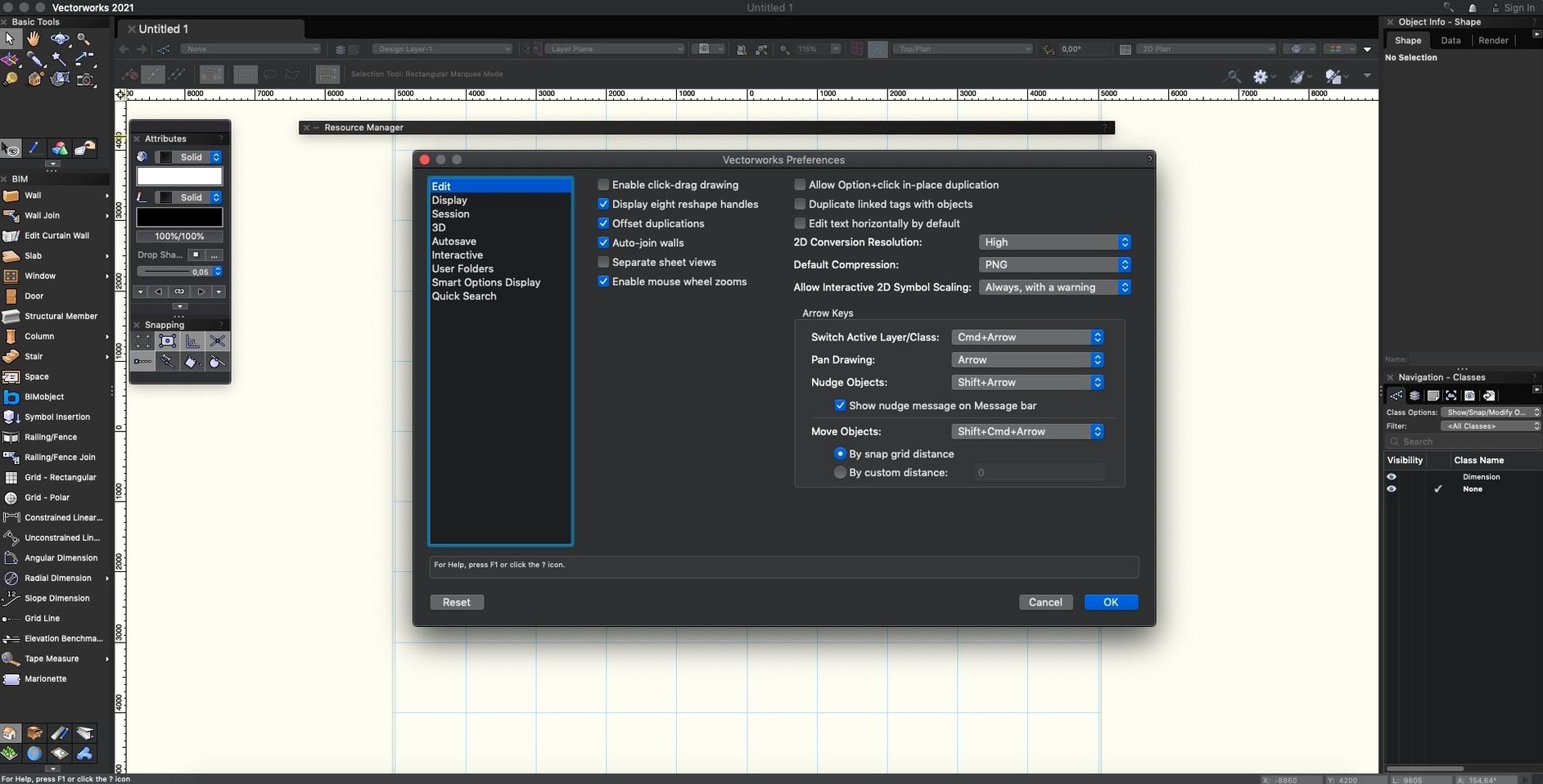
One of the first things people notice after installing is that Vectorworks can feel sluggish on certain Macs even when the hardware spec suggests it shouldn't. The culprit is often the graphics mode. Switching from the default to Best Performance under Vectorworks Preferences > Display can bring back responsiveness on Retina displays and machines with integrated graphics. Another persistent issue shows up during IFC import: some class mappings come in scrambled, leaving objects coloured or grouped oddly. The fix is to open the IFC import dialogue and uncheck Auto-classify on the first pass, then manually map a few key entities. After that, subsequent imports using the saved mapping hold steady.
Viewport rendering that gets stuck or produces artefacts is sometimes traced to a stray corrupt texture rather than a corrupt file. Running the file through Tools > Purge clears unused resources and often resolves the freeze. For users migrating from older versions, custom workspaces may not carry forward cleanly. Rather than rebuilding from scratch, the quickest route is to export the workspace from the previous version as a .vwx file, then import it via the Workspace Editor in the new version and accept the prompts to update plug-in paths.
DWG exchange keeps layer names and solids intact
Vectorworks reads and writes DWG without going through a translation service, and the exchange holds layer names, block references and solid geometry well enough that an architect working in Vectorworks can hand off sheets to an engineer on AutoCAD without rebuilding annotation. SKP import brings in SketchUp models with their component hierarchy intact, which proves useful for early-stage massing studies that start life in a lighter modeller before moving into BIM detailing.
IFC export carries the full property set assigned in Vectorworks, so a model leaving the platform arrives in Solibri or Navisworks with the data structure needed for clash detection. On the macOS side, the software integrates with Spotlight via a custom importer: typing a sheet number or project name into the system-wide search bar surfaces the file in results. Quick Look previews of .vwx files work without launching the full application, which saves time when hunting for a specific project among dozens of revisions. Cloud Services syncs documents through a lightweight desktop app that keeps a Finder-level watch folder, so dropping a file into the synced directory triggers upload without opening Vectorworks itself.
Terrain and planting plans live inside one interface
Landscape architects tend to adopt Vectorworks as their primary platform because the site-modelling tools and plant libraries address grading and planting plans from the same interface as the hardscape, avoiding the round-trip between a dedicated terrain modeller and a CAD package. The data attached to a tree symbol stays live through quantity take-offs, so a planting schedule updates when the design changes rather than requiring a separate count.
Entertainment designers lean on the Spotlight module for light plots, stage geometry and projection studies. The decal and texture snapping tools mentioned earlier are particularly relevant here: a screen visual or gobo pattern placed on a planar surface remains editable and exportable to vision systems without leaving the file. It's one of the few environments where a lighting plot, a 3D set model and a seating layout coexist in a single document with shared coordinates.
Interior designers working at the detail level benefit from the associative hatching and wall assembly tools because a change in wall composition — swapping a finish layer, adjusting a stud thickness — propagates through sections and interior elevations without manual patching. Coupled with DWG exchange, this makes coordination with millwork shops and MEP consultants less prone to version mismatches.