Aspecten
 Download (5.3 GB)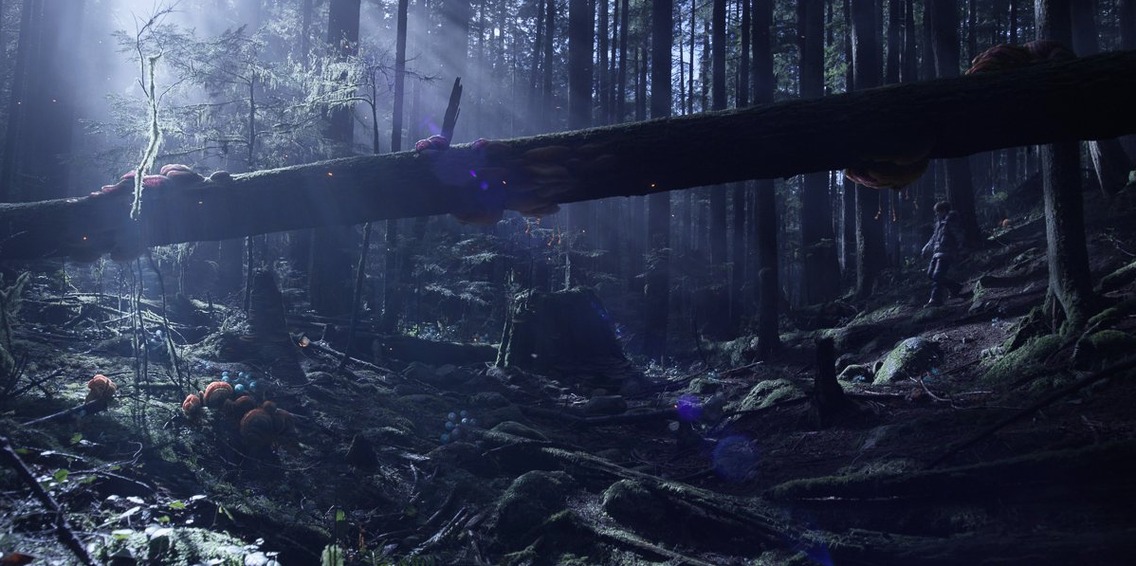

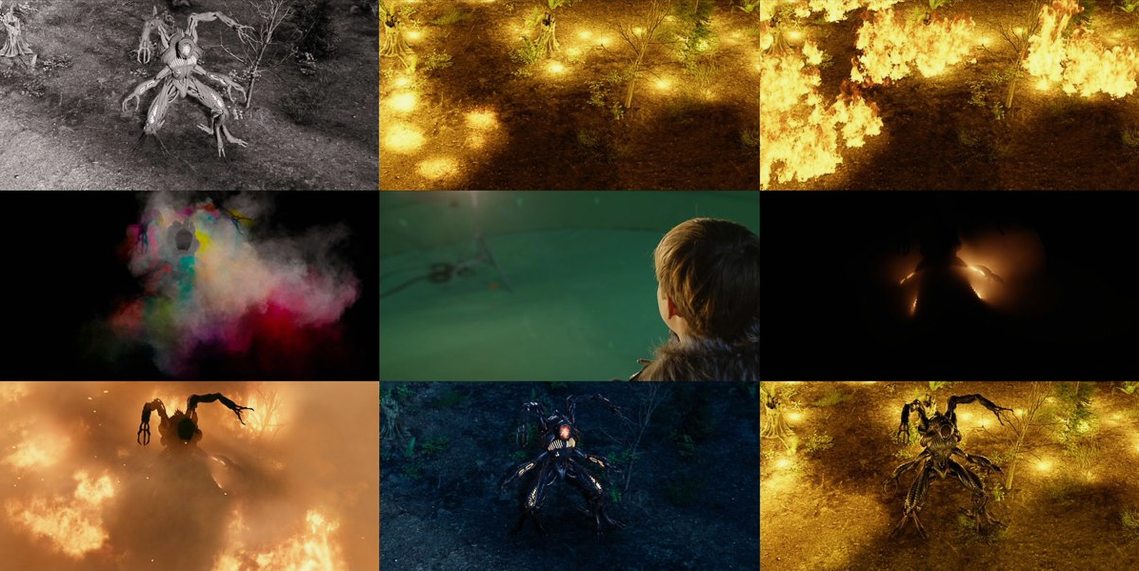

Maya is a 3D animation, modeling, rendering, and compositing application that runs on macOS, Windows, and Linux.
First tools to explore
A sensible way in is to pick three areas and spend an afternoon with each:
- Scene animation — set a few keyframes, then experiment with the procedural and inverse animation tools. The timeline scrubbing fixes in 2027.2 make this smoother than earlier builds.
- Painting and compositing — the application bundles 2D and 3D painting, roto, tracking, keying, and colour correction. Try loading a short image sequence and working through a basic composite.
- Scripting — open the script editor and run a small MEL or Python snippet. It is the fastest way to understand how much of Maya is command-driven under the interface.
What a newcomer notices
The memory floor sits at 8 GB, though 16 GB or more is recommended. A three-button mouse is listed as a requirement and genuinely changes the navigation speed. The 2027.2 release tidied several rough edges — GPU Override deformers behave more predictably, Flow Retopology labels no longer truncate, and Smart Bevel gives cleaner junction results. The Mac build ships as a universal binary for Apple Silicon and Intel, so there is no Rosetta penalty on newer machines. If you have used Maya Creative, the full application feels familiar but lifts the feature ceiling considerably.
Viewport stays fluid even with dense meshes on Apple Silicon
On a Mac with 16 GB of RAM, Maya 2027.2 settles into daily work without much friction. Viewport navigation on Apple Silicon feels direct — tumble, dolly and track operations stay smooth even with moderately dense polygon meshes. The Arnold renderer can push the CPU and GPU hard, so a machine with active cooling will sustain long renders more comfortably than a fanless laptop. Memory use climbs with scene complexity; a character rig with hair and cloth simulations easily crosses into swap territory on an 8 GB system, which makes the 16 GB recommendation feel well-judged.
Stability has improved in this release. Timeline scrubbing no longer trips into crashes on complex animation files, and GPU Override deformers behave more predictably than in earlier 2027 builds. IGES export received a security fix that also tidied edge-case geometry handling. In practice, the application recovers well from heavy scripting sessions and repeated undo chains, though saving incrementally remains sensible during long simulation bakes.
Hold Space to pull up every menu at your cursor
A few touches are easy to overlook. The hotbox — press and hold Space — puts nearly every menu within a single click, and customising its radial layout saves real time during modeling sprints. Shift + right-click in the viewport brings up a context-sensitive marking menu that changes depending on whether you are over a mesh, a joint or an empty area. The script editor supports tab completion for MEL and Python commands, and keeping it docked to a second display turns it into a live command line for the whole application.
Smart Bevel improvements in 2027.2 mean fewer manual tweaks after a bevel operation, especially on junctions where three or more edges meet. Flow Retopology now shows full UI labels, so the reduce and smooth sliders are easier to read at a glance. A quiet quality-of-life detail: the application remembers the last few export and import directories per session, which cuts down the file-browser navigation when bouncing assets between formats.
Fitting into a workflow
Maya talks naturally to other Autodesk tools. Scenes move back and forth with MotionBuilder for character animation, Mudbox for sculpting detail, and 3ds Max or Softimage through FBX and Alembic exchanges. Artists who build assets for real-time engines will use the game exporter or send FBX files directly to Unity and Unreal Editor without extra conversion steps.
On macOS, Python scripting ties Maya into the wider pipeline. You can trigger renders from a terminal job, drive batch exports from a shell script, or hook Maya's Python API into a ShotGrid or Deadline render farm. Drag-and-drop from Finder brings images and scene files straight onto shelves, and the QuickTime playblast option still works for generating preview renders with frame stamps. The universal binary means Apple Silicon Macs run the application natively, which keeps render times competitive when other Intel-only tools in a pipeline still require Rosetta.