Aspecten
 Download (169 MB)
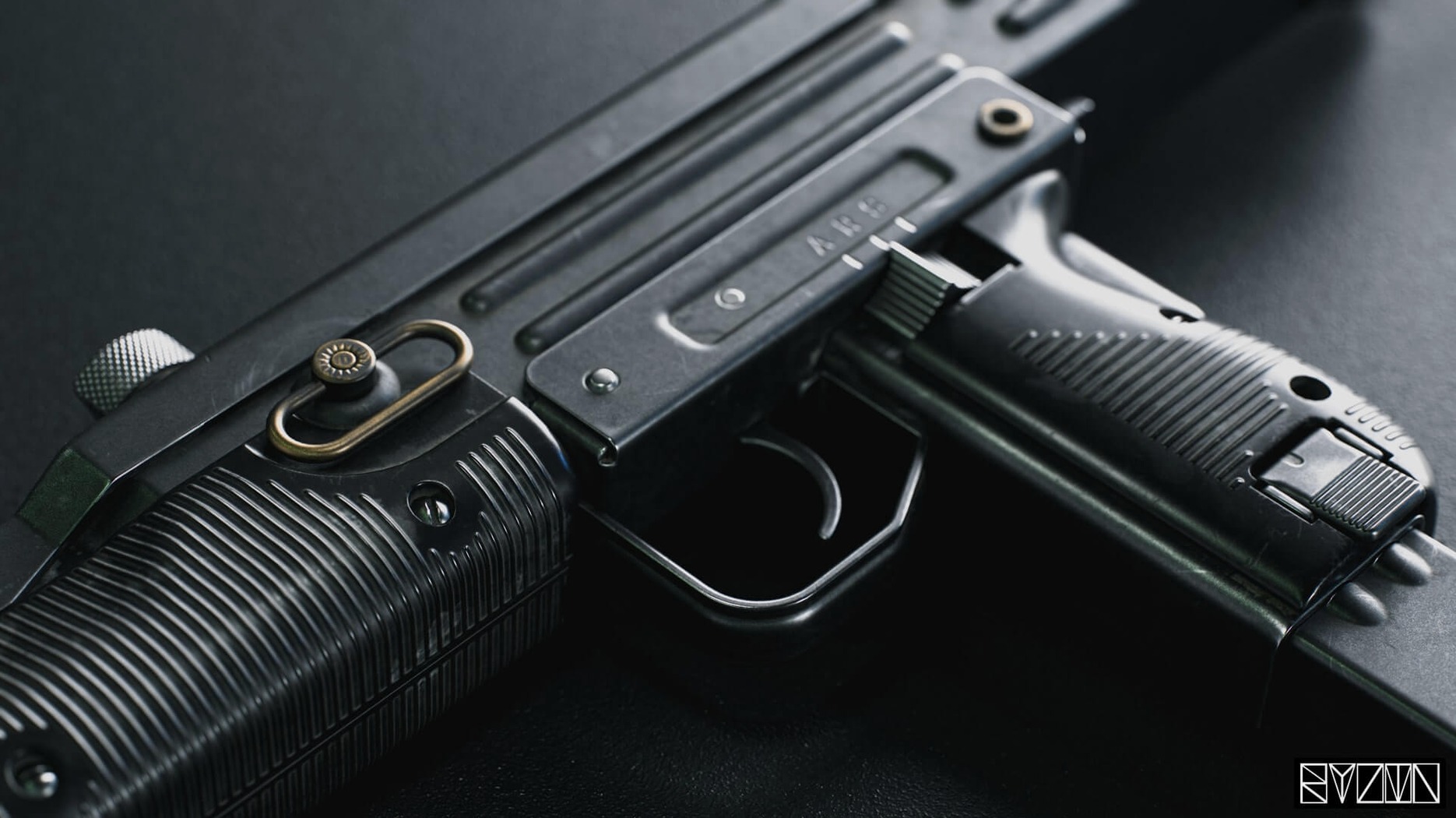

Version 4.02, released on 2021-01-11, is a maintenance update that tidies the interface rather than expanding the feature set. The developer addressed several display bugs, so the viewport and tooltips behave more predictably across mixed-resolution and widescreen setups.
What did the 4.02 release actually fix?
Tooltips were crashing on systems with mixed-resolution monitors, and that has been corrected. The preference to toggle tooltips on or off works again. Blurry text at 125% and 175% scaling is sharpened, and the window no longer flickers after a DPI scaling change. Elements that used to drift off-screen on widescreen monitors now stay within bounds.
Real-time preview and material editing core hold steady
The core remains a real-time rendering environment with a built-in material editor. You can still place assets into different lighting scenarios using HDRI maps and check ambient occlusion in the Viewer. Texture warping and variant filtering for export have not changed.
What about system compatibility?
The application remains an Intel 64-bit build for macOS 10.15 and later. There is no native Apple Silicon support mentioned for this version. The interface is available in English.
Setting up a mini-showcase for a character model
A freelance character artist finishes sculpting a stylised fox warrior in Blender and needs a quick turntable render to show a client. The model is already UV-unwrapped and textured, and the artist wants reflective, painterly eyes that catch the light without spending an afternoon in a path tracer. They drag the FBX onto the Toolbag window, and the mesh lands in the scene with its texture groups intact. Within ten minutes they have a three-point light setup, a neutral grey backdrop from the sky library, and a turntable animation running in the viewport. The client sees a short video clip the same afternoon, with the metallic nose picking up the key light exactly as they hoped.
The speed comes from Toolbag ignoring the offline-render waiting game. The artist swaps between an overcast exterior HDRI for a soft beauty shot and a high-contrast studio dome for a dramatic rim-light look, watching the eyes adjust in real time. A quick screen recording from the viewport is enough for an interim review. When the client asks for a warmer rim light, the artist drags the colour temperature slider on the spot and emails a still frame before the call ends.
Disable background GPU updates to free resources
Out of the box a few defaults can be tightened immediately. In the preferences, disabling Dynamic scene update while inactive prevents unnecessary GPU activity when Toolbag is in the background. On Intel Macs with limited VRAM this keeps the system cooler and the fans quieter during long sessions.
In the Viewport tab, switching the background from a solid colour to a radial gradient makes metallic and glass materials easier to judge before a full HDRI is loaded. Setting the viewport resolution scale to 100%, rather than leaving it on automatic, avoids the blurry half-resolution step that occasionally appears after a window resize. The 4.02 fixes already cleaned up DPI-related blurring, but locking the scale prevents temporary softness when dragging the viewport between displays.
Under Camera defaults, the near-clip plane can be pushed out to 0.1 units or higher. The factory value is extremely tight, which suits tiny hard-surface details but creates z-fighting on larger character models examined at a distance. A small change there saves repeated per-camera tweaks.
A complete material-baking workflow
A hard-surface prop — a sci-fi crate with separate low-poly and high-poly meshes — needs a clean set of PBR maps for a game engine. The workflow begins by loading the low-poly FBX into an empty scene. The high-poly version is dragged in alongside it, hidden from the render camera but kept visible for baking.
The Baker panel is set to generate a normal map, an ambient occlusion map, and a curvature map. The cage is set to auto initially, but for the crate's long flat panels the artist switches to a custom offset to avoid wavy artefacts near the edges. The bake runs at 4K resolution with 4x anti-aliasing, and the viewport shows a low-resolution preview while the full map writes to disk. Ambient occlusion is computed with the use low-poly mesh as occluder option, which keeps the contact shadows tight around the crate's recessed bolts.
Once the maps are baked, they are plugged into a new material in the editor. The normal map is set to DirectX orientation on import, then flipped to OpenGL with a single checkbox so it works with the macOS viewport's Y-axis convention. A subtle dust layer is added in the roughness channel using a grunge bitmap from the built-in library, and the cavity map from the curvature bake masks a darker shade of paint into the crevices. The result is checked under three different HDRIs — midday sun, a dim hangar, and a warm interior — before the final maps are exported with the lossless normal map option enabled for the game engine's asset pipeline.
Indies match Unity or Godot shading directly in the editor
Indie game developers working in lightweight engines like Unity or Godot benefit heavily from the material editor's similarity to real-time shading models. They can prototype a look in Toolbag and trust that the roughness and metallic values will transfer without re-tuning. The automatic mesh updates mean a re-saved OBJ or FBX appears in the scene without a re-import dialogue, which tightens the iteration loop when an artist is bouncing between a modelling package and the render view.
Architectural visualisation artists who already keep a library of HDRI skies find the lighting workflow nearly instant. Placing a building model into a streetscape hemisphere and toggling shadows is quick enough to compare the morning and evening angle of the sun during a client call. The volumetric fog feature, even on the Intel Mac build, runs at interactive rates for light haze, giving a courtyard scene depth without a separate compositing step.
Product visualisation specialists working with consumer-electronics models gain from the smooth camera animation and the ability to set camera limits for Viewer export. A turntable with brushed-aluminium highlights can be packaged for a client to inspect on an iPad, with the reassurance that the ambient occlusion and normal maps survive the compression pipeline. The same user is likely to appreciate the ArtStation publishing link, which reduces the friction between finishing a render and showing it to a public audience.
Users on older Intel Macs with discrete Radeon graphics still get a responsive viewport for medium-complexity scenes, provided they keep texture sizes reasonable and avoid stacking too many transparent shader layers. The 4.02 bug fixes matter most for those who plug their Mac into a 4K external display or use a scaled resolution — text and UI elements now remain crisp, and the window no longer jumps when the display configuration changes.