Aspecten
 Download (1.8 GB)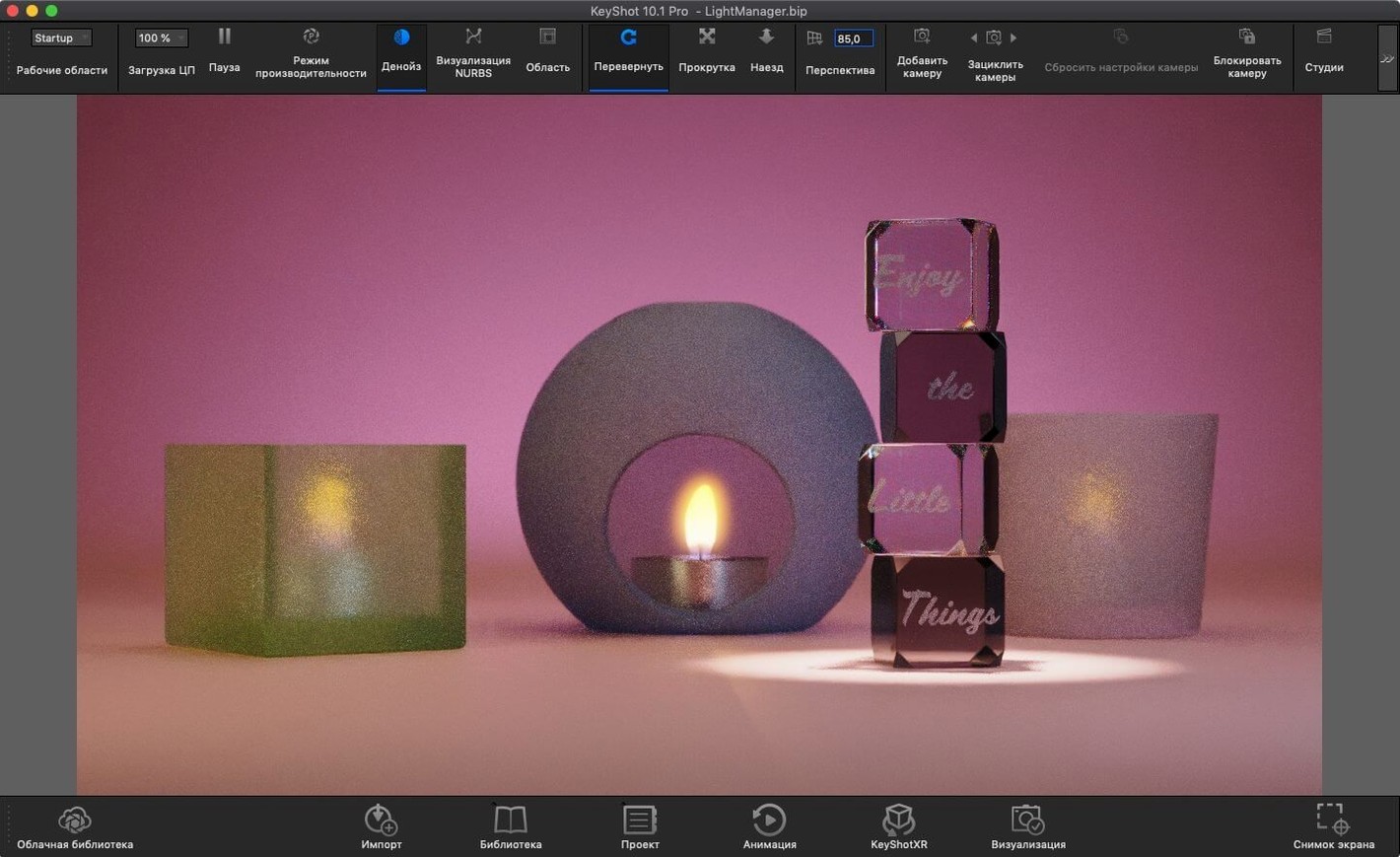
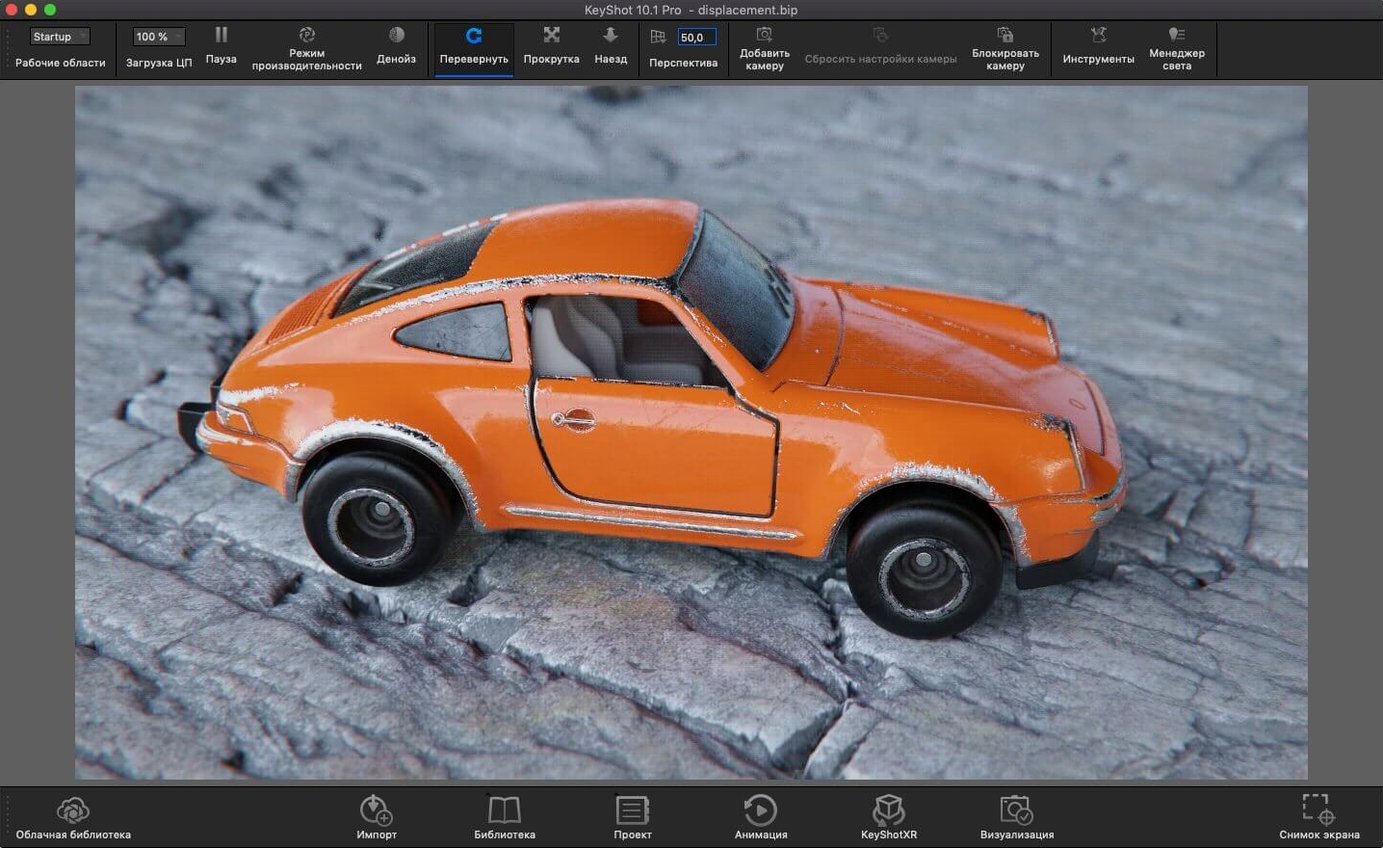
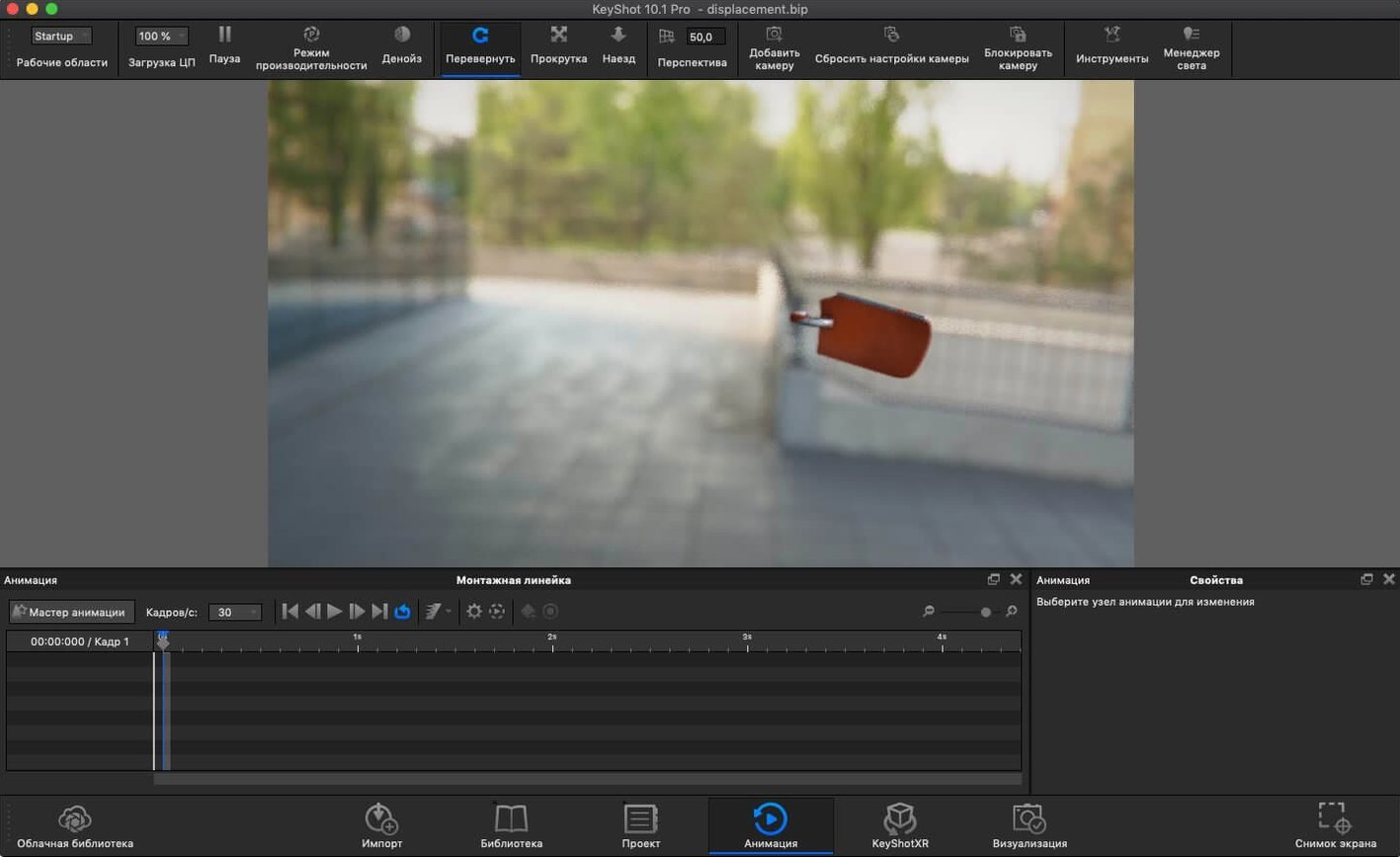
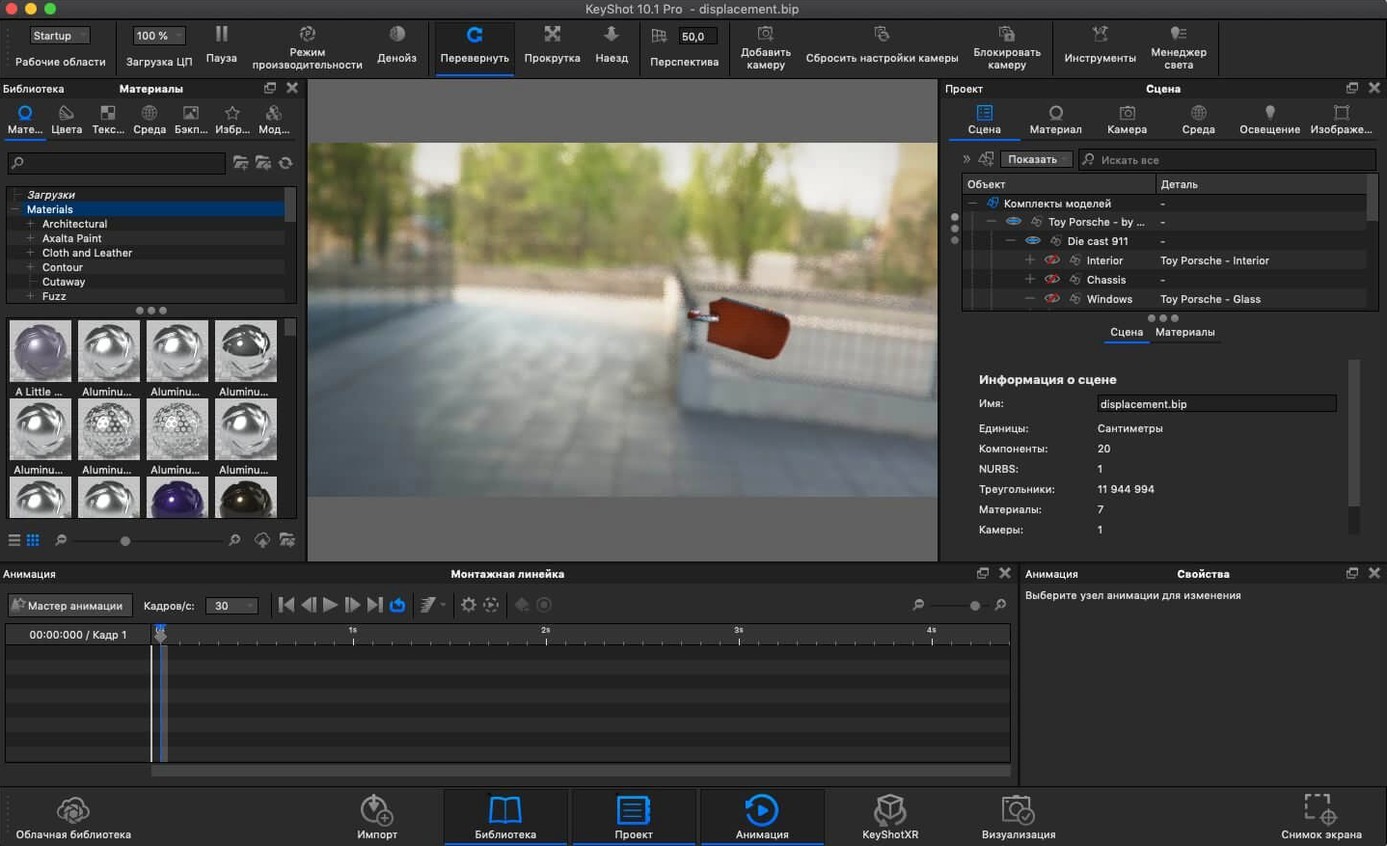
If you work with a parametric modeller like SolidWorks or Rhino, KeyShot Studio is the bridge from precise engineering geometry to a photograph or animation you can present. It takes those CAD assemblies and renders them interactively, using ray tracing so the viewport shows reflections, shadows and caustics as you adjust the camera — no waiting for a preview frame to resolve.
| Detail | Note |
|---|---|
| Version | 2025.1 (14.0.0.176) |
| macOS | 12 Monterey and later |
| Architecture | Intel and Apple Silicon |
| Languages | 12, including English, German, Japanese and Simplified Chinese |
Version 2025.1 refines the lighting workflow with a dedicated Light Tool for placing Physical Lights, paired with a new Planar Light material type. The glTF export addition makes it simpler to move assets into real-time viewers or web-based 3D scenes. On the automation side, the Scripting API now exposes the Re-tessellate Tool, which helps when a script needs to refine a mesh before further processing. The core rendering engine remains unchanged: it still relies on photon mapping, HDRI environment lighting, ambient occlusion, final gathering and inter-object light bouncing to build the scene. The interactive WYSIWYG viewport continues to show the final result as materials, focus and lighting are adjusted. File compatibility covers the main mechanical CAD formats — ALIAS, CATIA V5, Creo, Inventor, NX, Solid Edge, SolidWorks and SketchUp — plus Maya for those combining DCC and rendering on the same Mac.
No vertex snapping here: geometry edits stay in your CAD tool
New users often treat KeyShot Studio like a modeller and spend ten minutes hunting for a vertex snap tool. It is not a modeller. Geometry changes happen in the source application, then the updated file is re-imported or refreshed via the plugin link. Trying to remodel inside KeyShot leads to frustration and wasted time.
Another early habit is dragging a material from the library straight onto the model and calling the job done. The library materials are starting points, not finished surfaces. A textured aluminium, for example, usually needs the roughness map scaled, the bump intensity halved, and the colour shifted one or two points warmer before it reads as the specific alloy a design review expects. Beginners who skip this tweaking stage wonder why the render looks generic despite using "accurate" physical materials.
The ground plane catches people out too. A model dropped into the scene sits on an invisible plane that catches shadows but does not appear in reflections unless the setting is enabled. A product shot with mirror-like floor reflections that suddenly vanish in the final render usually traces back to that one checkbox in the environment tab.
Lastly, the temptation to crank samples to maximum before understanding what each setting does leads to overnight renders that still show noise in the wrong places. KeyShot's sampling is adaptive by default, and a modest global sample count paired with targeted increases on shadow-catching surfaces almost always gives a cleaner result in half the time.
Light Tool turns physical light placement into a viewport drag
The Light Tool introduced in this release alters a workflow that had remained largely click-and-drag for years. Previously, placing a physical light meant navigating the scene tree, adding the object, then positioning it with the standard move gizmo — fine for a single area light, tedious for a three-point setup. The new tool lets you click a surface in the viewport and the light snaps into place, oriented to that surface normal. In practice, that turns a thirty-second positioning task into a two-second one, repeated across however many lights the scene needs.
The Planar Light material type addresses a specific gap. Earlier versions could apply emissive properties to any surface, but a flat geometric plane with emissive behaviour required a thin box or a workaround. Now a single-sided plane can act as a light source, which is useful for simulating LED panels, light boxes in retail displays, or backlit signage. The material appears in the same library panel as the existing Physical Light options, so the learning curve is shallow.
Export formats expanded in ways that shift how a KeyShot scene moves downstream. glTF export means a configured product shot — materials, lighting, camera angles — can travel directly into a WebGL viewer without an intermediate conversion step. USD export opens a path into Apple's AR pipeline and the Omniverse ecosystem. For teams that split rendering and interactive presentation between different tools, fewer round-trips through a third-party converter saves noticeable time across a week of revisions.
The Scripting API addition — exposing the Re-tessellate Tool — matters more to technical artists who maintain automated pipelines. A script that imports a STEP file, assigns materials from a preset library, and queues a render can now also adjust tessellation quality before the render starts, reducing the manual cleanup pass that some imported CAD surfaces still require.
Sluggish viewport on heavy CAD? Loosen import tessellation, not render quality
A frequent issue on Mac is the viewport turning sluggish when a heavy CAD assembly has tessellation set too fine during import. The fix is not to reduce the render quality, but to open the import settings and lower the tessellation value before loading the file. If the model is already in the scene, re-importing with coarser settings and re-applying materials is faster than trying to simplify geometry inside KeyShot.
Some users on Apple Silicon machines notice that the render queue occasionally ignores the GPU setting and falls back to CPU only. This happens when the scene contains a legacy material node that the GPU path cannot interpret — often a custom procedural texture from an older KeyShot version. The workaround is to locate the material in the scene tree, replace the problem node with a current equivalent, and re-submit the job. The render log inside the queue panel flags which material caused the fallback.
Network rendering over Wi-Fi introduces another snag. KeyShot Studio's network rendering expects a stable, low-latency connection between the manager and worker nodes. A MacBook sending frames to a desktop over a home Wi-Fi network often drops packets and leaves frames stuck mid-render. Running an Ethernet cable between the two machines, even temporarily for a batch job, eliminates most of the stalling.
When the live viewport shows black after switching to a custom HDRI, the environment file has likely been moved or renamed since it was first loaded. KeyShot stores a reference path, not the file itself. Opening the environment tab, removing the missing entry, and reloading the HDRI from its current location restores the lighting immediately. Keeping all custom HDRIs inside a single folder inside the KeyShot resources directory prevents the problem from recurring.
What to know before installing KeyShot Studio on a Mac
Does KeyShot Studio run natively on Apple Silicon?
It does. The 2025.1 build ships as a universal binary with native ARM code. The render engine uses the GPU on M-series chips through Metal, and the performance difference between native and Rosetta-translated rendering is substantial — scene loading, material previews and final-frame renders all benefit. No translation layer is needed on current Mac hardware.
Can a MacBook Air handle it?
It can, with realistic expectations. A fanless M2 or M3 MacBook Air runs the viewport smoothly for single-product shots and small assemblies. Complex scenes with hundreds of parts and multiple light sources will push the thermal limits and the machine will throttle, slowing the render. The CPU path takes the bigger hit; GPU rendering on the Air holds up better under sustained load, but a MacBook Pro with active cooling remains the safer choice for animation work or batch rendering.
Do I need the plugin for my CAD software?
The plugin is helpful, not mandatory. KeyShot Studio opens STEP, IGES, Parasolid and other common CAD formats directly, without a host application. The plugin matters when you want live-link updates — change the model in SolidWorks or Rhino and see the update appear in KeyShot without re-importing and re-assigning materials. For one-off renders or projects where the geometry is finalised before rendering starts, a direct file import works just as well.
How much drive space does it need?
The application itself occupies around 4 GB. The material library and sample scenes add roughly 8 GB when the full content pack is installed. A typical product-visualisation workflow — the application, a moderate material subset, and working files for two or three active projects — settles comfortably inside 25 GB. The bigger space consideration is the render output folder, where high-resolution stills and animation frames accumulate quickly if old renders are not regularly cleared out.
CAD-native workflow makes consumer product renders immediate
Industrial designers working on consumer products benefit immediately because their workflow already revolves around the CAD formats KeyShot handles natively. A designer modelling a hand tool in SolidWorks can push the assembly into KeyShot Studio, apply anodised aluminium and rubberised grip materials with the correct roughness maps, and have a client-ready still within an hour of finalising the geometry. The interactive viewport cuts the iteration cycle — moving a key light to reduce a harsh reflection takes seconds rather than the minutes a CPU-only offline renderer would need.
Packaging visualisation specialists form another group that extracts significant value. A folding carton modelled in ArtiosCAD or a structural design tool can be imported as a 3D surface, wrapped with artwork applied as a label texture, and rendered inside a studio environment that matches the lighting conditions of a retail shelf. The new Planar Light material helps here for simulating the diffuse fluorescent panels common in supermarket aisles.
Engineering teams producing technical documentation — exploded views, assembly instructions, service manuals — use KeyShot Studio differently. They are not chasing photorealism for marketing; they need clear, consistent lighting that separates parts visually and highlights the assembly sequence. The ability to save a studio setup (HDRI, camera angle, material set) and apply it to every new revision of a product means the thirtieth exploded view looks identical to the first, without an artist re-lighting the scene each time.
Architects and interior designers who use SketchUp as their primary modeller also find a comfortable home here. The SketchUp plugin maintains material assignments across updates, and the physically based renderer gives architectural glass, brushed metal fixtures and timber flooring a weight that raster-based SketchUp renderers often miss. Animation tools for turntable rotations and camera fly-throughs let an architect walk a client through a lobby design without leaving the KeyShot environment.
Mac users who work with AR prototyping benefit from the new USDz export in version 2025.1. A product configurator built in KeyShot Studio can output an AR-ready file that opens in Quick Look on an iPhone or iPad, letting a stakeholder see the design at scale on a real desk. This pathway — CAD to KeyShot to AR in three steps — removes the need for a separate AR authoring tool in the early review stages.