Aspecten
 Download (1.6 GB)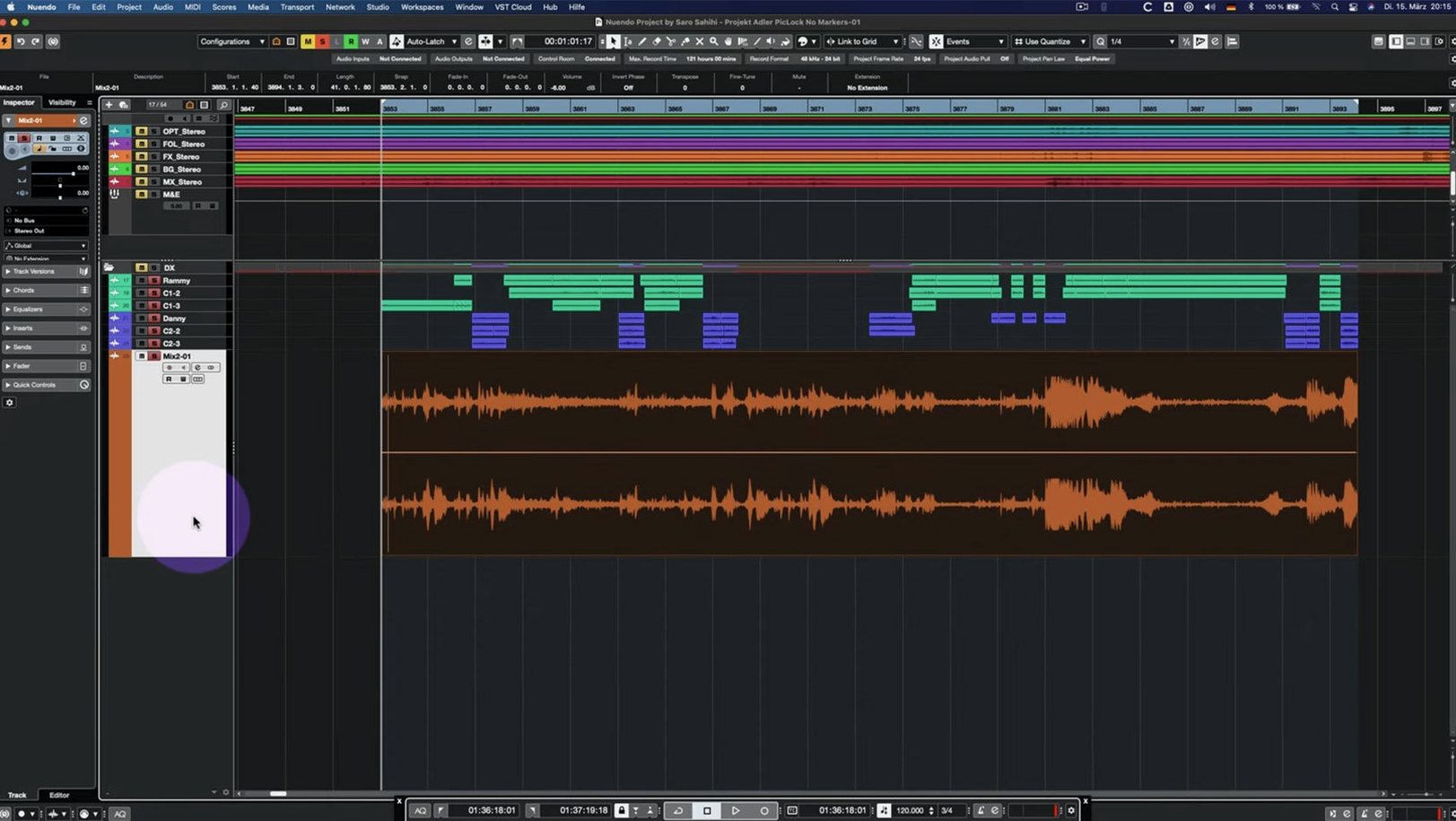
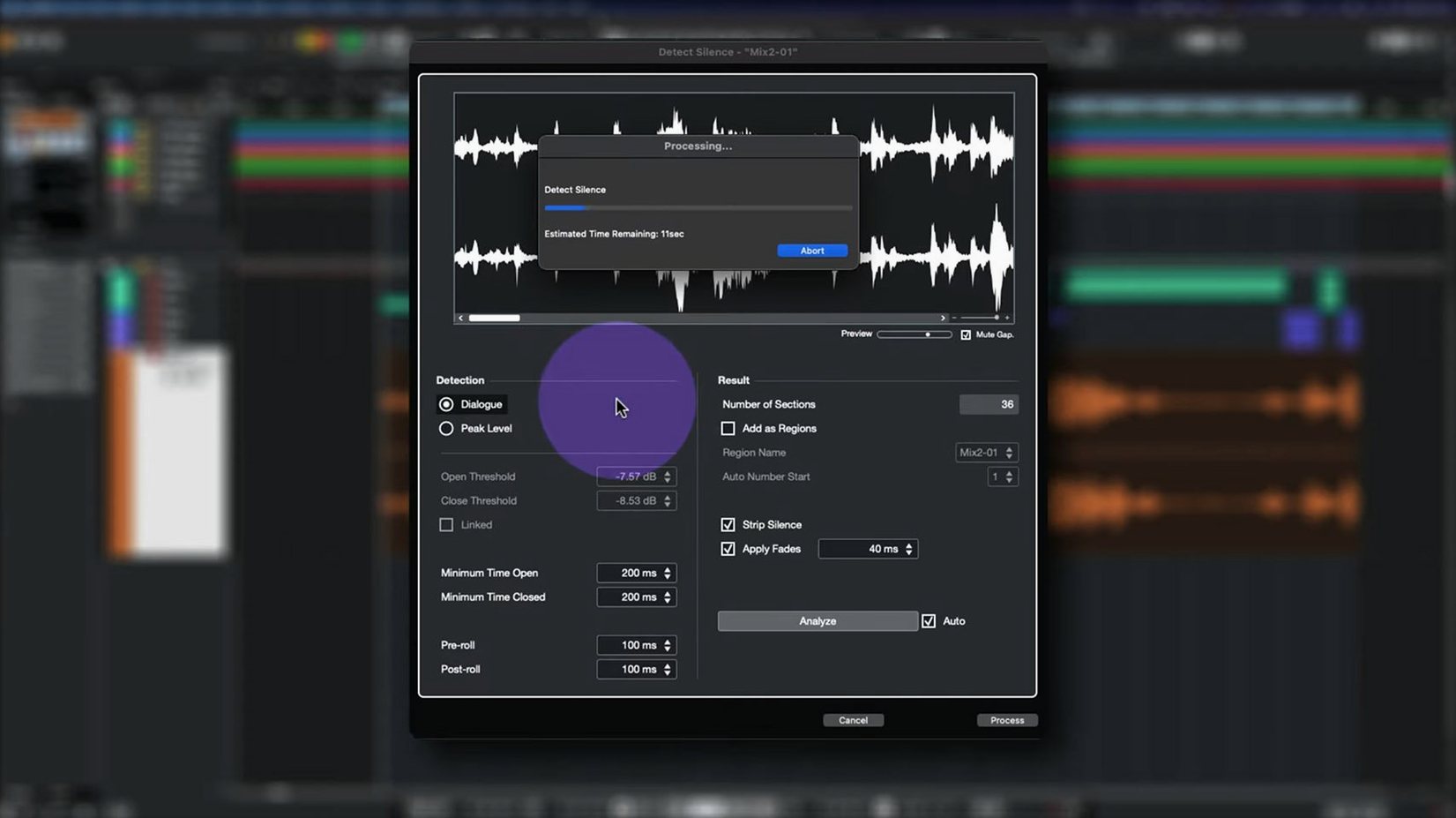
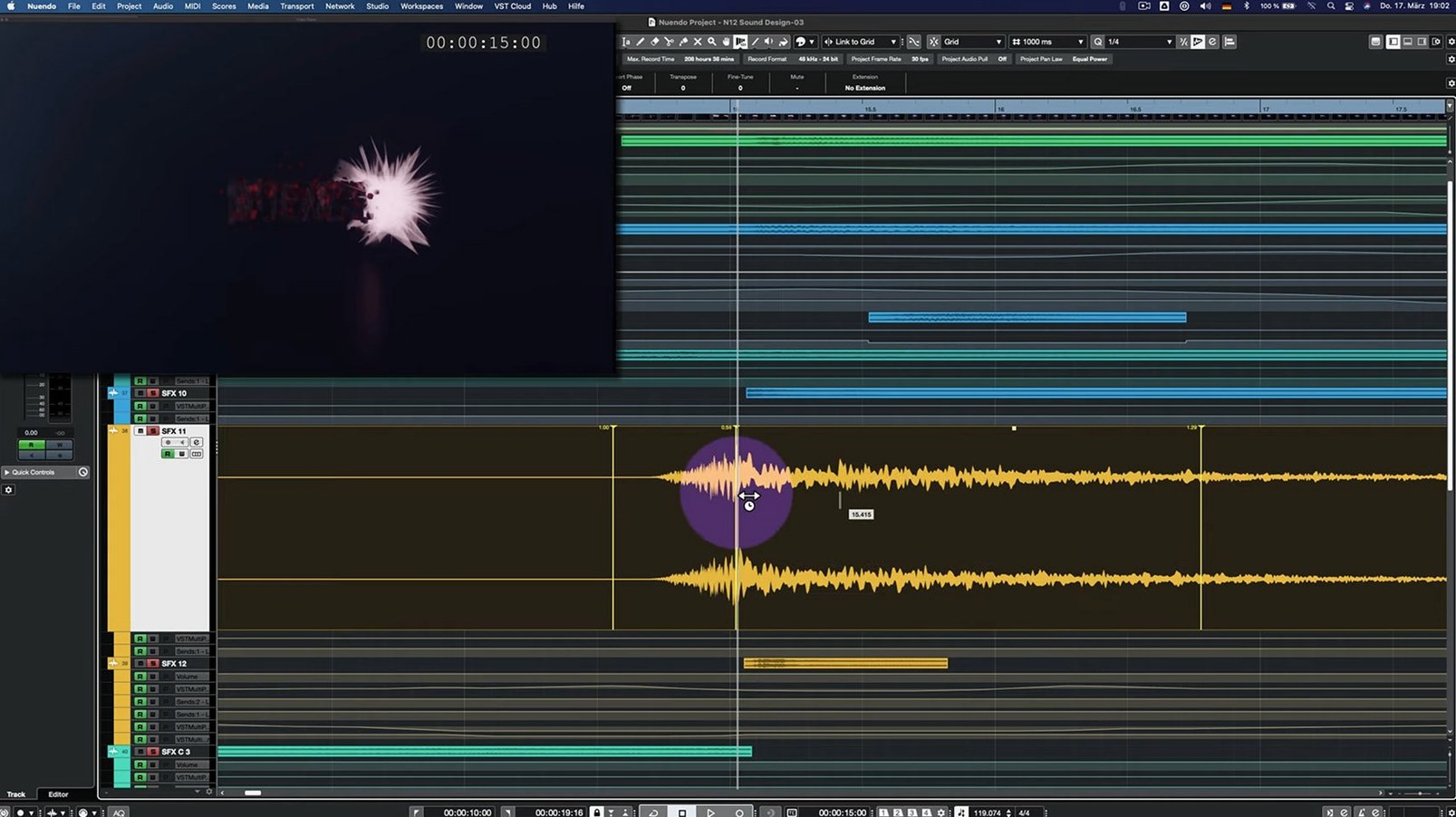
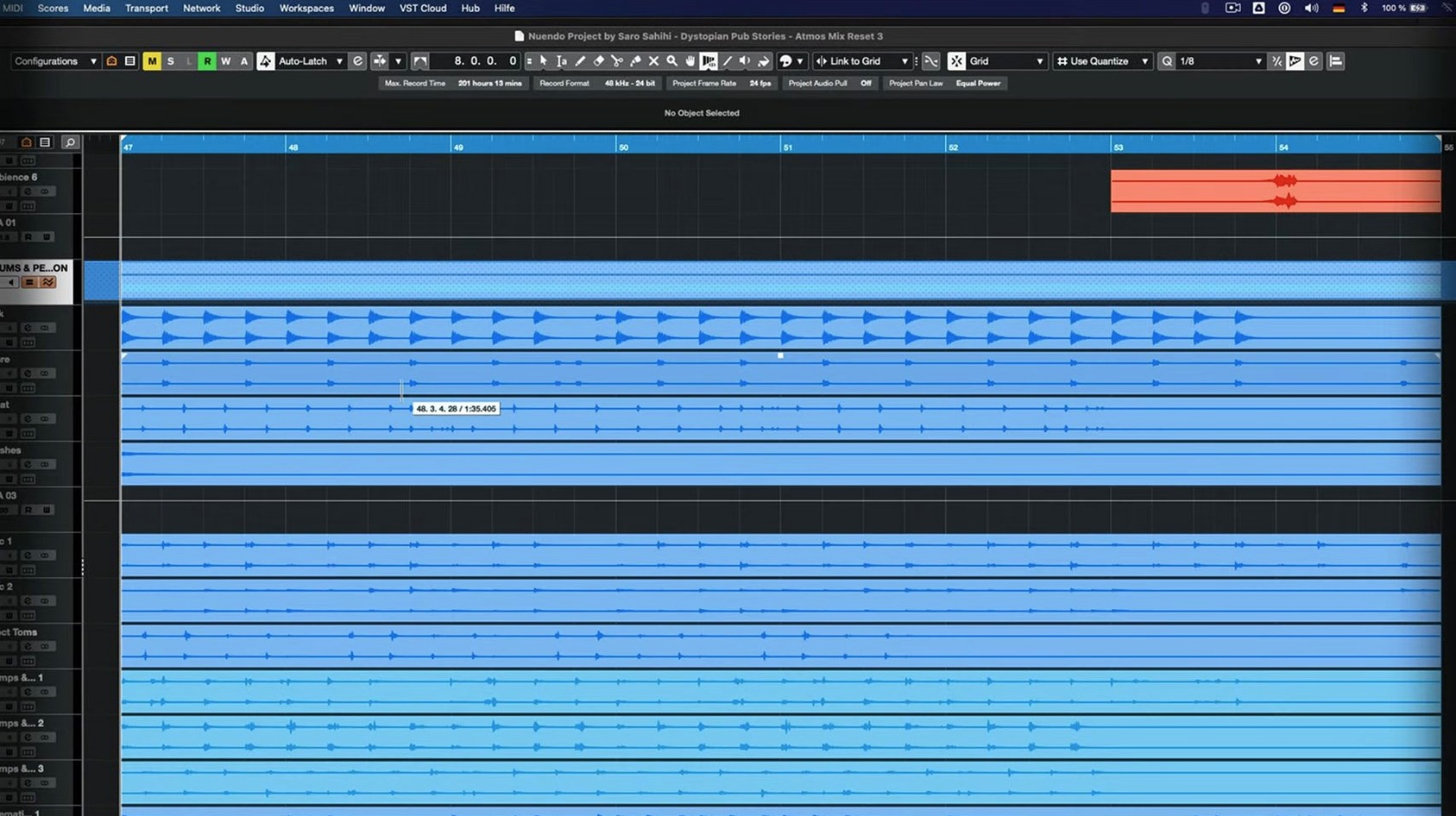
Anyone who has used Cubase will recognise the broad strokes of Nuendo's editing environment — the same track lanes, the same mixer architecture. But where Cubase leans toward music production, Nuendo adds dedicated layers for dialogue editing, ADR, game audio integration, and immersive mixing. The version 15.0.30 application update does not rewrite that relationship; it tightens a number of screws.
- Set up folder tracks that act as group channels. The 15.0.30 release adjusted the routing behaviour here, so summing and processing feel more predictable when you nest stems.
- Open the Comp Tool with Group Editing active. Several fixes landed for grouped events, which makes comping dialogue takes across multiple microphones less prone to drift.
- Load a VST Bass Amp or VST Amp Rack in Direct Offline Processing. A user-interface glitch that could stall the window was resolved in this update.
- Insert the Multiband Envelope Shaper on a track and bypass it. Performance optimisation means the plug-in now draws less CPU when it is not actively shaping the signal.
- Work in the Score Editor with a locked global track present. The editor no longer trips over the lock status, keeping the notation view stable.
The download sits just under 1.8 GB and runs on Intel and Apple Silicon Macs from macOS 11 onward. It is a maintenance step more than a feature drop, but for post-production workflows that depend on the Comp Tool, folder routing, and offline processing, the accumulated fixes make a practical difference.
Session interchange expectations versus a modern plug-in format
A comparison people sometimes reach for is Nuendo against Avid Pro Tools. Pro Tools Ultimate remains the entrenched choice in many large facilities, partly because session interchange is so widely expected. Nuendo counters with a more modern plug-in format in VST3, a tighter link to game audio middleware, and no mandatory hardware dependency. Where Pro Tools leans on its established clip-based editing paradigm, Nuendo feels closer to a DAW that grew post-production limbs — the editor inherits musical timing concepts that can feel either fluid or disorienting depending on your background.
Apple Logic Pro sits at the other end of the spectrum. It ships with an enormous sound library and a score editor that composers appreciate, and it handles Dolby Atmos natively. But Logic lacks dedicated ADR tools, loudness measurement integrated into the edit window, and the object-based panning depth that Nuendo builds into its mixing environment. For a full post-production timeline with conform, dialogue editing panels and an export queue tied to broadcast standards, Logic simply was not designed to go that far.
Steinberg’s own Cubase is the most direct relative. The two share the same audio engine, plug-in set and much of the interface skeleton. The difference lies in what ships unlocked. Nuendo includes the Game Audio Connect module, direct Netflix TTAL dialogue script import, loudness metering on the control room, and a full Ambisonics pipeline up to third order. For a music producer who occasionally mixes a short film, those extras add weight a Cubase user never needs. For a dialogue editor working with nuendo torrent or nuendo mac torrent builds distributed by post houses, a Cubase licence would leave half the toolkit missing.
Skipping the control room and misreading the loudness meter
The most common early stumble is treating Nuendo like a stereo music DAW and ignoring the control room. New users often route their monitoring straight out of the main mix bus, then wonder why the loudness meter does not reflect what they hear. The control room inserts a calibrated monitoring path with loudness measurement, downmix checks and speaker switching; bypassing it removes the post-production safety net.
Another frequent slip involves folder tracks configured as group channels. After the 15.0.30 routing adjustments, the distinction matters more. A beginner who dumps dialogue, Foley and ambience into a folder expecting simple subgroup processing can end up with double-routing if the folder’s group behaviour was left active from a template. The result sounds phasey and confusing, and the fix is a single routing checkbox hidden in the track inspector.
The Comp Tool with Group Editing trips up editors coming from a different DAW. Selecting takes across grouped tracks, then sliding a boundary, can shift edit points on linked clips in ways that feel unexpected. The recent fixes improved the consistency, but the underlying logic still requires the operator to understand that group editing applies comp actions to all tracks in the group simultaneously — including tracks muted in the session.
Lastly, people who find a nuendo torrent or download without accompanying documentation sometimes miss that Nuendo’s offline processing is not destructive in the traditional sense. Applying a VST Amp Rack in Direct Offline Processing creates a rendered file that can be removed or re-edited later. Beginners who treat it like a permanent print end up duplicating work when the director changes their mind about a character’s radio effect.
Eighty-track post sessions launch briskly on Apple Silicon
On a current Apple Silicon Mac, the application launches briskly and settles into memory without the lengthy plug-in scans that some competitors impose. A medium-sized post session — say eighty tracks of dialogue, backgrounds, three reverb returns and a dozen group channels — keeps the GUI responsive at a 256-sample buffer. The 15.0.30 Multiband Envelope Shaper optimisation is modest in isolation, but in a session where eight or nine such plug-ins sit bypassed across stem chains, the cumulative CPU saving is noticeable.
Stability has been uneventful in testing with the current build. The Direct Offline Processing window no longer hangs when loading amp simulations, and the Score Editor behaves with a locked global track present. The application has not required a force quit during several days of editing, conform and export work. That matters more than a feature list: post sessions run long, and a crash at hour seven is expensive.
Memory pressure stays moderate. The 1.8 GB download expands into an installation that, with the included content, occupies a few gigabytes of disk. Nuendo does not stream gigabytes of sample libraries unless you add them, so a post-production laptop with 16 GB of unified memory handles typical dialogue and effects work comfortably. Video playback of a 4K ProRes proxy on the timeline adds some load but does not choke the transport when the video engine is set to a sensible quality level.
Quick Link maps a MIDI track to the next available port
- Quick Link for MIDI ports. The 15.0.30 update tweaked this behaviour. When you right-click a MIDI track and enable Quick Link, the track automatically maps to the next available port. It is a small thing, but it spares you opening the Inspector just to route a controller.
- Analyzer track metering. The changes in this build make the Analyzer track more usable as a persistent reference. You can park it on a dialogue bus and watch spectral balance shift scene by scene without opening a separate plug-in window.
- Track archive handling. Importing settings from a track archive now preserves routing assignments more faithfully. If you archive a complex dialogue chain — EQ, de-esser, compressor, two sends — and recall it into a new session, the connections land intact more often than they did before.
- Holding Option while bypassing a plug-in. It bypasses all instances of that plug-in across the session. Useful when you need to quickly check what a particular processor is doing to the whole mix.
- Double-clicking the locator range. It sets the cycle region to the length of the selected event. Dialogue editors who work clip by clip find this much faster than dragging locators manually.