Aspecten
 Download (24 MB)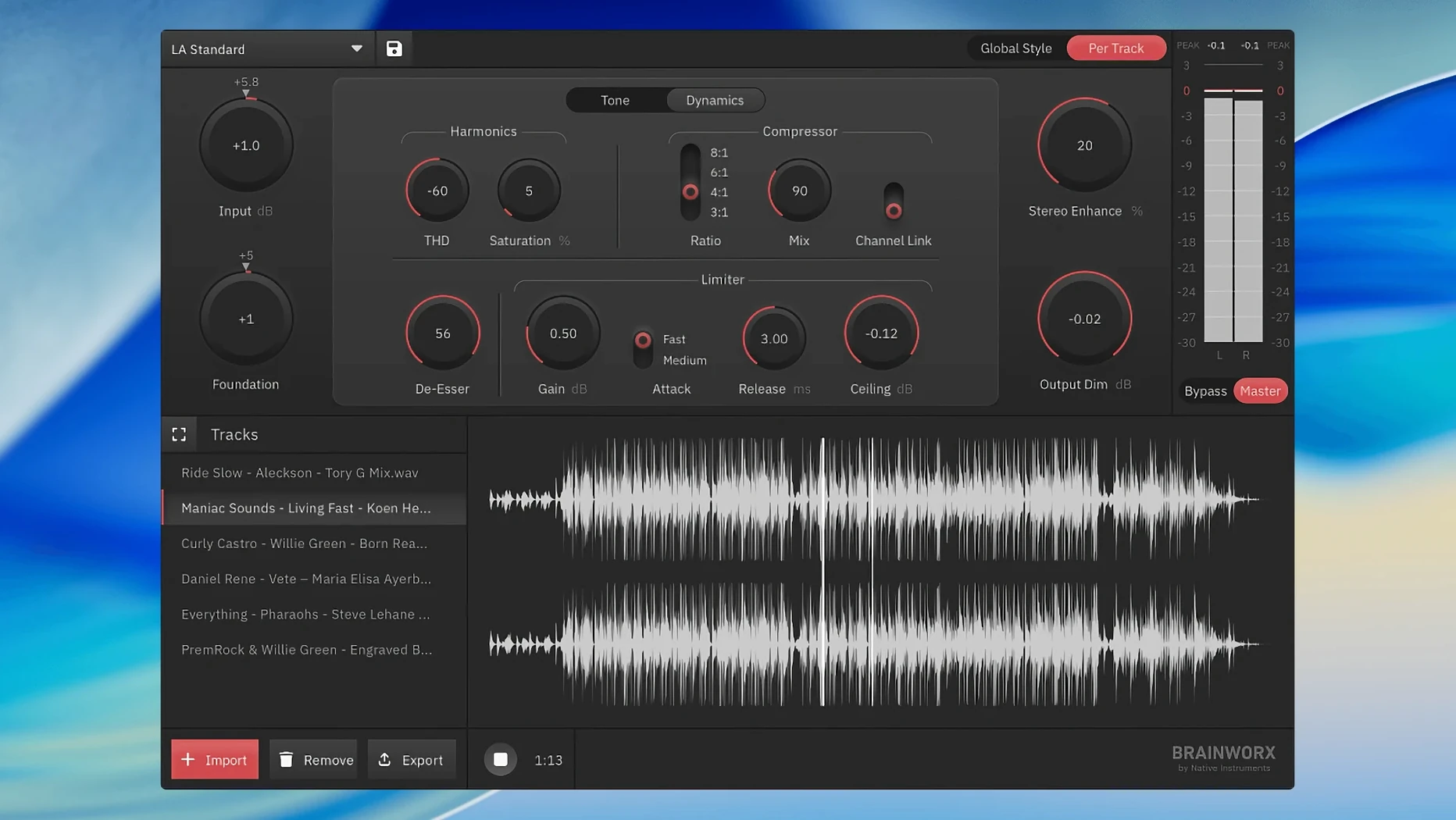
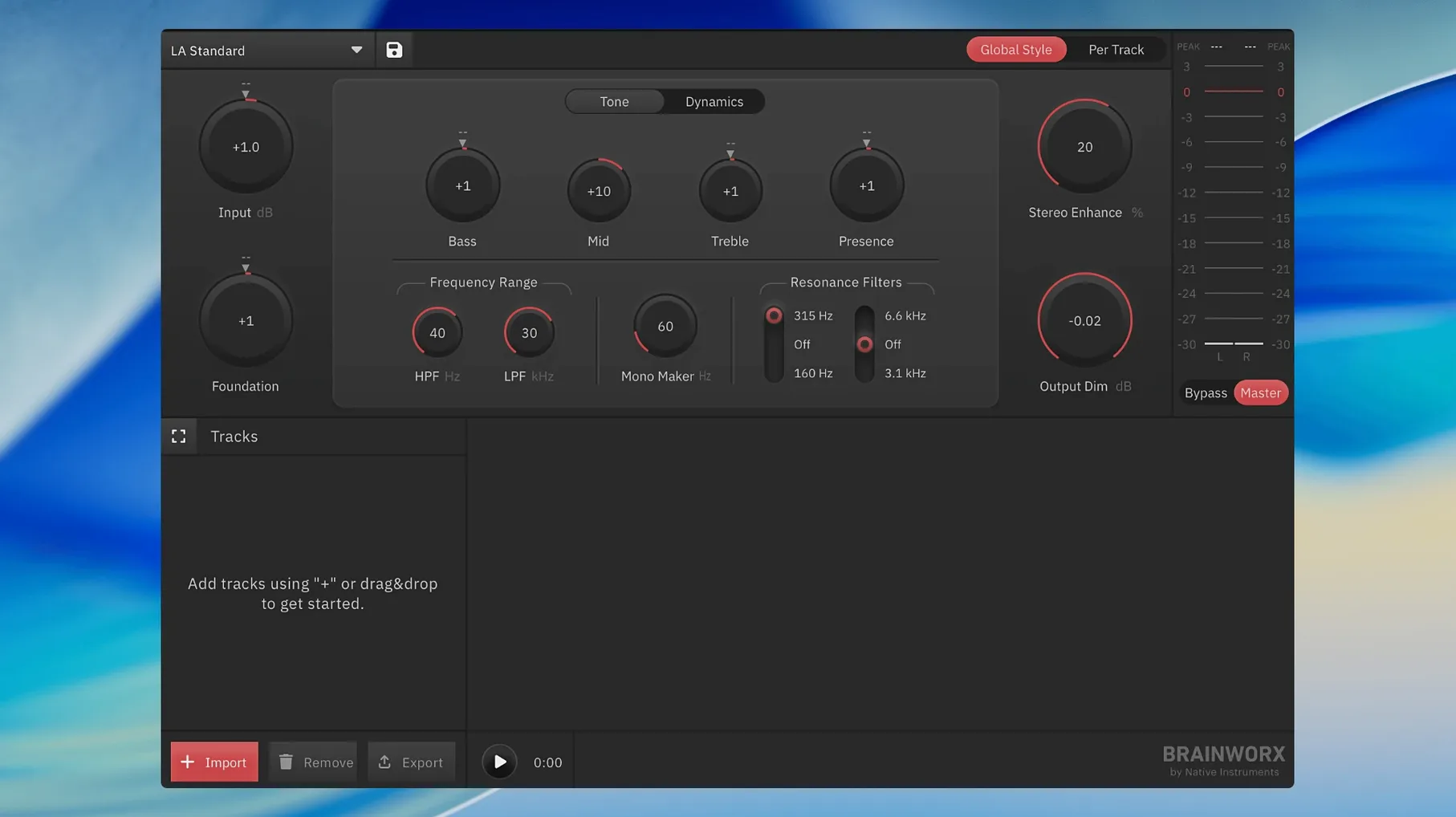
One licence covers an unlimited number of masters. bx_mastering studio is a standalone desktop application built from the Style Creator technology, offering a way to finalise tracks without opening a digital audio workstation. It sits alongside a Mac user’s existing tools as a dedicated endpoint, rather than a plug-in that lives inside a DAW session.
- Operates as a self-contained Mac application, independent of any host.
- Built-in mastering style creator carries a set of reference styles shaped by analysis of well-known masters.
- Algorithm-driven processing makes the decisions, suiting quick turnarounds where manual control is less practical.
- Unlimited masters per licence remove the per-track counting found in some online services.
- Fits after a mix exported from a DAW, adding a focused mastering stage to an existing workflow.
Runs on any stereo export, outside the DAW
bx_mastering studio works at the end of the chain, after the mix leaves your DAW. You export a stereo file from Logic Pro, GarageBand, Ableton Live, Reaper or any other recording environment, then drag it into the app. Because it is standalone software rather than a plug-in, it does not appear inside a DAW’s insert slots or the Audio Units manager. That separation keeps the mastering decisions physically apart from the mixing session — a small psychological nudge that discourages endless tweaking of both stages at once.
The app reads standard WAV and AIFF files, the formats most DAWs produce when bouncing a mix. After processing, it writes a new stereo file with the chosen style baked in. That file lands back in Finder, ready for distribution, further metadata tagging in Apple Music or a third-party tag editor, or opening in QuickTime Player for a quick listen. No additional audio routing, no virtual cables, no Soundflower-style workarounds are needed.
macOS integration is modest but practical. The app respects the native open and save dialogues, remembers recent files, and lives in the Applications folder like any other Mac program. Drag-and-drop from Finder works for loading a track. Because it does not install kernel extensions or system-level audio drivers, it sits lightly on the system alongside an existing audio interface and its Core Audio drivers. VoiceOver support is undocumented, but standard AppKit controls suggest basic accessibility without a separate configuration step.
Broad-strokes processing can't rescue a troubled mix
Does this replace a proper mastering engineer? It does not. bx_mastering studio handles a specific set of broad-strokes processing based on reference masters. It cannot correct a problematic mix, repair phase issues, or make creative decisions about a track’s emotional arc. Think of it as a fast, consistent alternative when time and budget make a human engineer impractical — a podcast episode, a demo, a quick social-media cut.
Can I tweak the results, or is it all automated? The processing is algorithmic and the built-in styles are fixed. There is no parametric EQ, no compressor threshold dial, no limiter ceiling slider. You pick a style, the app analyses the incoming audio, and it applies its processing. Some users looking for landr mastering plugin pro torrent downloads are searching for a plug-in version with DAW integration; this app is standalone, not a plug-in, which is either a relief or a limitation depending on how you prefer to work.
How does it compare to online mastering platforms? The core similarity is speed: you get a processed file back quickly. The difference is that bx_mastering studio runs entirely on your Mac, so no upload bandwidth matters and no account or internet connection is needed after the initial download. People searching for a landr mastering plugin torrent or a landr mastering plugin mac torrent often want offline operation; this app delivers that, albeit with fewer style options and no manual controls.
Will it work on an older Mac? The stated minimum is macOS 12. Machines running Monterey or later on either Intel or Apple Silicon should be fine. Anyone still on Big Sur or earlier will need to stay with a previous workflow, as there is no backwards compatibility path.
Three episodes polished before lunch without cloud uploads
A podcast editor sits down with three episodes to finish before lunch. The raw interviews are edited, levelled and mixed in Reaper, each bounced to a 16-bit stereo WAV. Last week she tried a cloud service and spent twenty minutes waiting on uploads; the week before, she stacked plug-ins on the master bus and second-guessed the limiter settings for an hour.
This morning she opens bx_mastering studio, drops in the first episode, and selects the Broadcast style — one she knows adds a gentle loudness lift without crushing the speech dynamics. The app processes in under a minute. She drags the second file in, same style, same result. By the third episode she has stopped checking the waveform visually and trusts the output to slot into the RSS feed without further attention. The files land on her desktop, she renames them for the publishing script, and the whole mastering pass takes less than ten minutes across all three episodes.
What the app does not do: add metadata, encode to MP3 or AAC, or produce a podcast-ready file with chapter markers. Those steps still happen in separate tools. But by removing the mastering decisions from her morning, it clears a small, persistent friction point from a recurring task.
Native app picks up where the web tool left off
Version 1.0.0 is the first public release of bx_mastering studio, so there is no upgrade history to trace. The application arrived as the standalone successor to the earlier mastering.studio web-based tool, carrying over the Style Creator concept into a native Mac executable. Early adopters who previously used the browser version gained a self-contained app that does not depend on a web connection or a browser’s audio pipeline.
The shift from a web service to a local application brought a few practical changes for everyday use. Offline operation means mastering continues during an internet outage or in a location with poor connectivity — a tangible difference for travelling musicians and field producers. Processing speed now depends on the local Mac’s CPU rather than a remote server queue, making turnaround predictable rather than variable. The file stays on the local drive throughout, which matters to anyone handling unreleased material under embargo.
What did not arrive with version 1.0.0 is equally relevant. There is no AU, VST or AAX plug-in version, so anyone searching for a landr mastering torrent or a landr mastering mac torrent hoping to insert the processing directly on a DAW master bus will find the standalone-only design a deliberate constraint. The built-in style list is finite and not user-expandable in this release. Integration with Apple’s Shortcuts or Automator is absent, so batch processing still requires opening each file individually. These are not bugs in the current version; they are design boundaries that define where the app stops and the user’s own workflow carries on.
The app’s place on a Mac desktop is straightforward: it handles the final polish when the arrangement and mix are already done elsewhere.