Aspecten
 Download (144 MB)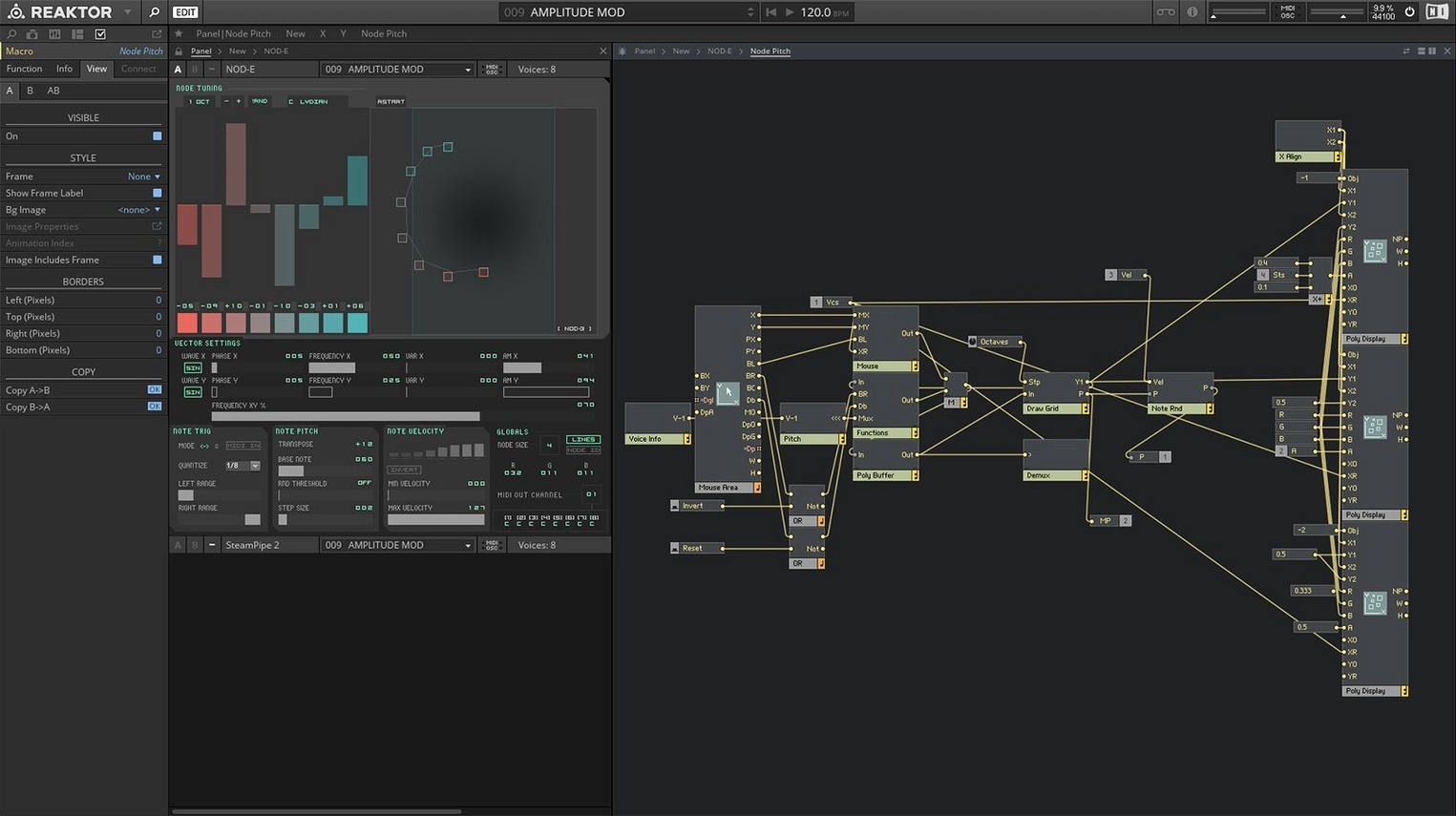
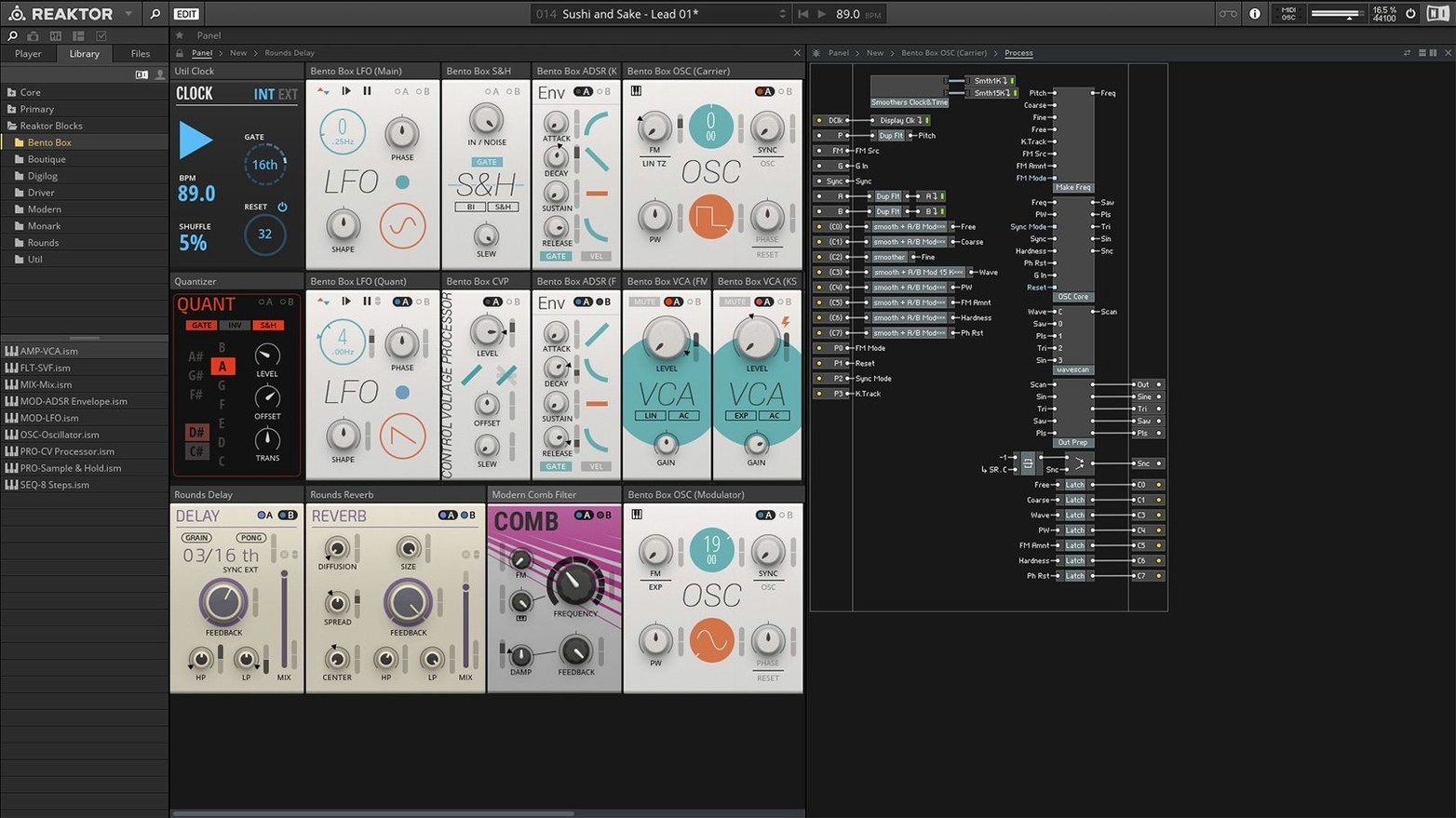
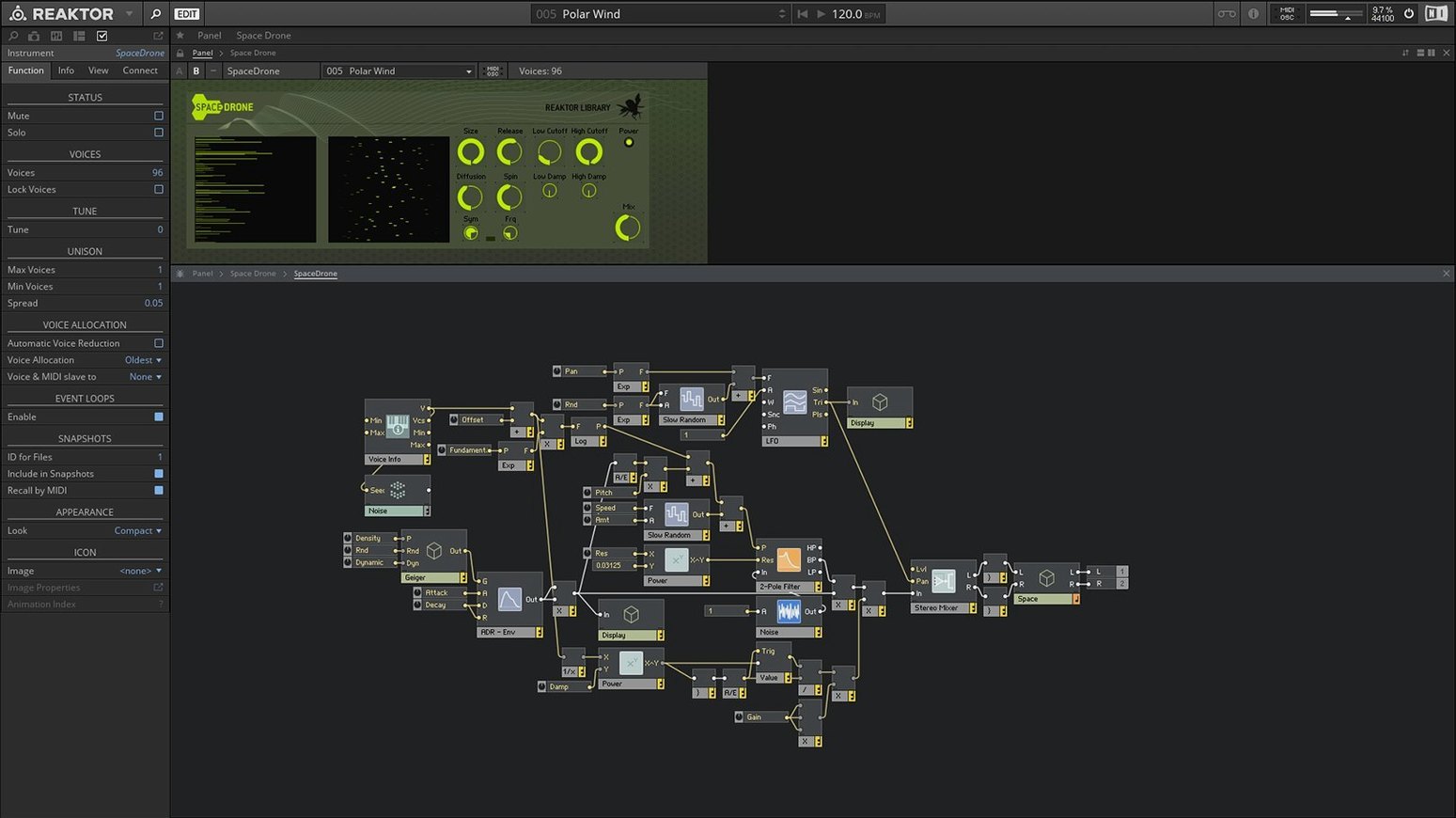
Reaktor 6 ships with 70+ built-in instruments, 23 of which are new to this version. The collection spans synths, drum machines, sequenced effects and experimental processors, all built on a framework that has defined the modular software approach for years.
- Reaktor Core Technology introduces a way to visually construct custom low-level modules from scratch, alongside the existing Primary level.
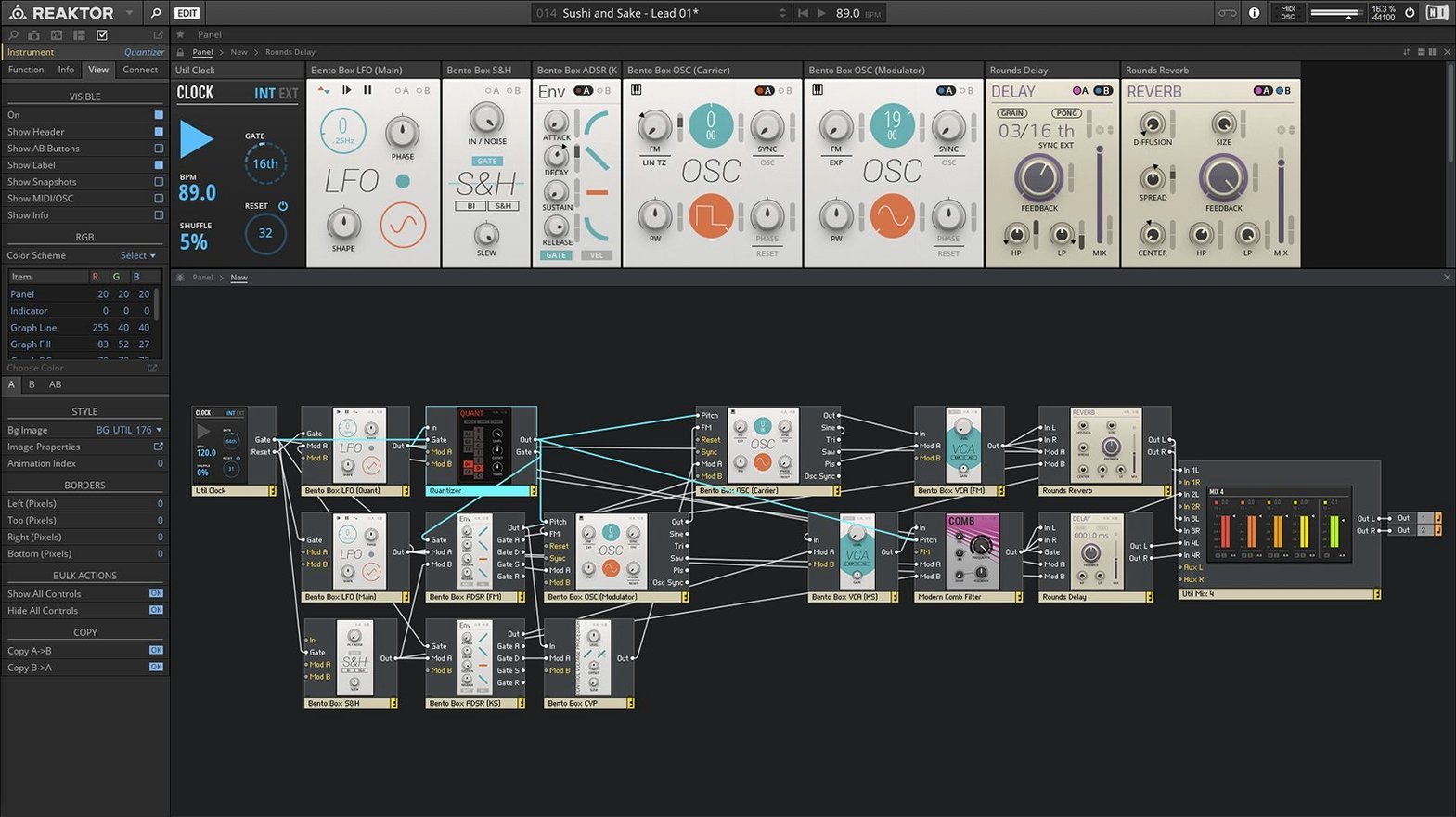
- The instrument library gains 23 fresh devices, including Blocks — a rack-style framework of patchable components.
- Apple Silicon and Intel 64-bit Macs are both supported, running natively on each architecture.
- The REAKTOR user library remains accessible, offering thousands of community-built instruments and effects.
- Integration with Native Instruments KORE allows preset organisation and hardware control across the KORE platform.
- The open architecture still permits building complete custom instruments without writing code.
What has not shifted is the dual-role nature of the application. It operates as a standalone sound design environment and loads as a plug-in inside a DAW, with full recall of any ensemble you build or edit. The interface stays in English, and the core workflow — connecting modules, tweaking parameters, saving snapshots — follows the same logic as previous versions.
Stacking Blocks tests the CPU meter
On a modern Apple Silicon Mac, Reaktor 6.5 loads an empty ensemble in under two seconds. The real test comes when you stack multiple Blocks or load a dense user-library instrument with layered oscillators and convolution processing. CPU metering inside the app gives direct feedback, and on an M1 or M2 machine you can comfortably run eight to ten moderately complex ensembles before the buffer starts to protest. Intel Macs handle lighter loads well, but large Blocks patches with heavy modulation routings push older quad-core machines into audible crackle territory sooner.
Memory use stays modest. A typical session with three or four open ensembles sits around 600 MB to 900 MB of RAM, which leaves headroom for a DAW and other plug-ins. Stability has improved noticeably since the early Reaktor 6 days. Crashes are rare in standalone mode. The plug-in version occasionally trips over AU validation in Logic Pro after a macOS point update, but a rescan usually sorts it. One pattern worth knowing: closing and reopening the plug-in window quickly in Ableton Live sometimes freezes the GUI for a few seconds. The audio engine keeps running — it is a display hiccup, not a dropout.
Building a custom filter at Core level
Three groups tend to pull the most value from this environment. Sound designers who build their own instruments find the Core level genuinely useful. The visual patching approach for low-level DSP modules means you can craft a custom filter or oscillator without writing C++, and the result runs inside the same host as the factory library. Musicians who prefer a hardware-like workflow gravitate toward Blocks. Patching a Monark filter into a West Coast waveshaper and sequencing the lot with a Rounds step sequencer feels closer to a Eurorack case than a software instrument normally does.
Producers who work across genres use Reaktor as a grab-bag of oddities. The user library contains granular processors, physical modelling oddities and spectral manglers that have no direct equivalent in typical DAW stock plug-ins. Someone making ambient textures one afternoon and techno the next will keep returning for the sheer range of sound sources. The third group is the curious tinkerer — a person who may never build an ensemble from scratch but happily downloads community creations, twists a few knobs and learns synthesis by taking things apart.
Getting past the one-time internet activation
A handful of points trip up new users consistently. The first is activation. Reaktor 6.5 expects an internet connection for initial setup, and the Native Instruments access application needs to run through once. After that, offline use works without fuss. If the app refuses to launch after a macOS update, granting full disk access to the Native Instruments background service inside System Preferences usually resolves it.
Another snag involves the Blocks framework. Newcomers sometimes patch a modulation source straight into an audio input and hear silence, not realising that Blocks distinguishes between audio and control signals at the port level. The fix is straightforward: use the grey control-rate cables for modulation, the coloured audio-rate cables for sound. Holding the mouse over a port displays its type in the info bar at the bottom of the screen.
Third-party ensembles from the user library occasionally throw a "missing module" warning. That typically means the creator used a module from a different Reaktor version or a commercial library you do not have installed. Checking the ensemble comments on the library page often reveals which add-on is needed. If all else fails, Reaktor still opens the ensemble with the missing modules greyed out, so you can often patch around them.
Picking Monark and playing the virtual keyboard
You launch Reaktor standalone on a MacBook Pro. The browser opens to the player tab, showing factory instruments grouped by type. You pick Monark from the synths folder and play a few notes on the built-in virtual keyboard to check the preset. The filter growls nicely at high resonance — worth keeping. You switch to the Blocks tab and drag a Bento Box ensemble into the rack. The default patch sends a simple sequence through a low-pass gate. You add a second oscillator Block from the library, patch its output into the mixer Block already in the rack, and tune it down an octave.
The sound thickens but the timing feels stiff. You drop a Rounds sequencer Block next to the Bento Box, disconnect its internal clock and patch the Rounds gate output into the envelope trigger input. Now the pattern shifts with each cycle. You nudge the decay time on the low-pass gate and save a snapshot. The whole process — open, browse, load, tweak, patch, save — takes about twelve minutes. You have not opened a manual and you have not touched your DAW. The ensemble file sits ready to load as a plug-in later, with the snapshot recalled exactly as you left it. That loop of exploration and capture is what keeps the environment feeling immediate years after its release.