Aspecten
 Download (444 MB)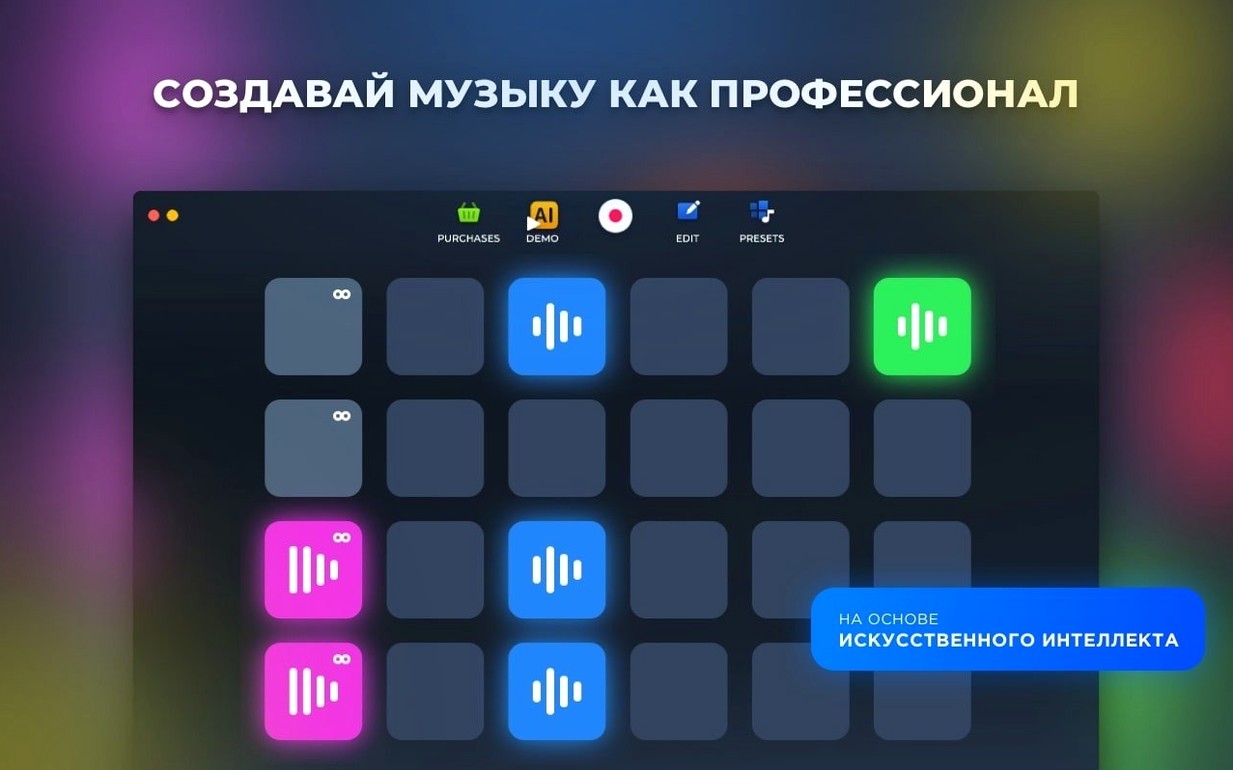
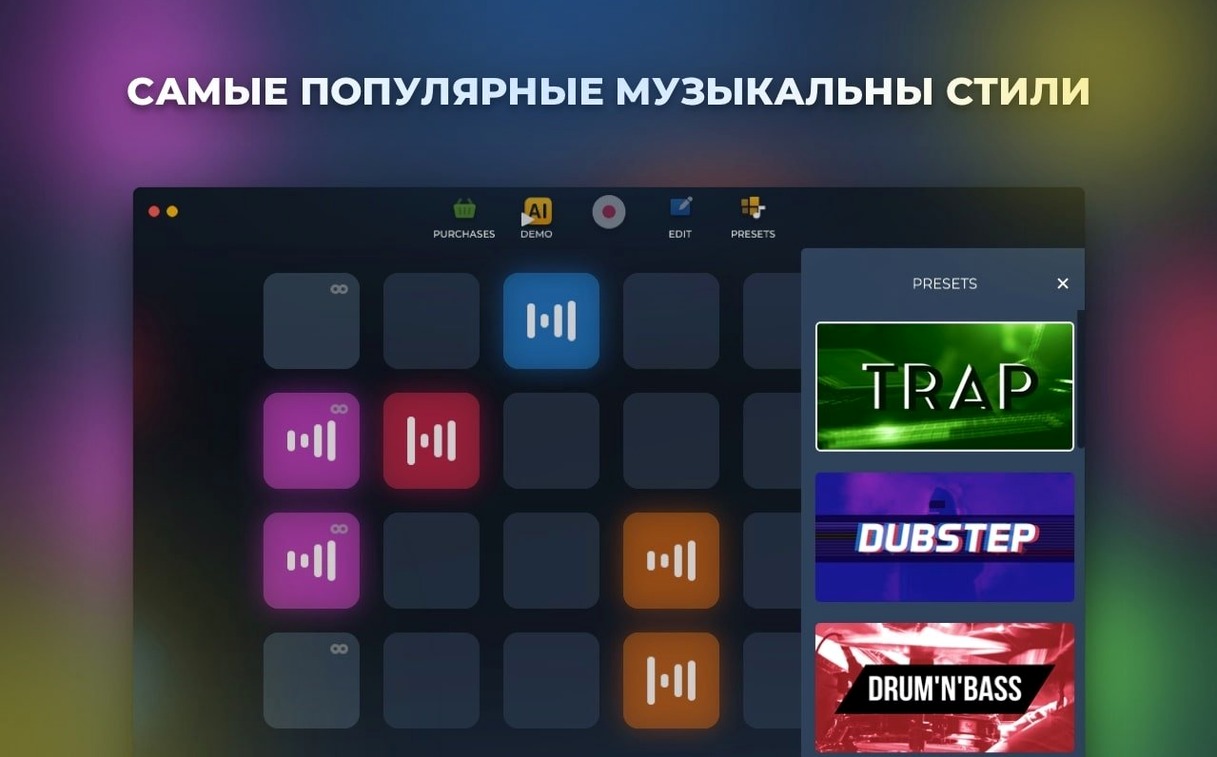
Six electronic music styles ship with the app, each containing dozens of preset sounds.
Browse a style
Pick a genre and scroll through the bundled loops and one-shots. Every style offers its own set of drum hits, basslines and synth phrases.
Layer a loop
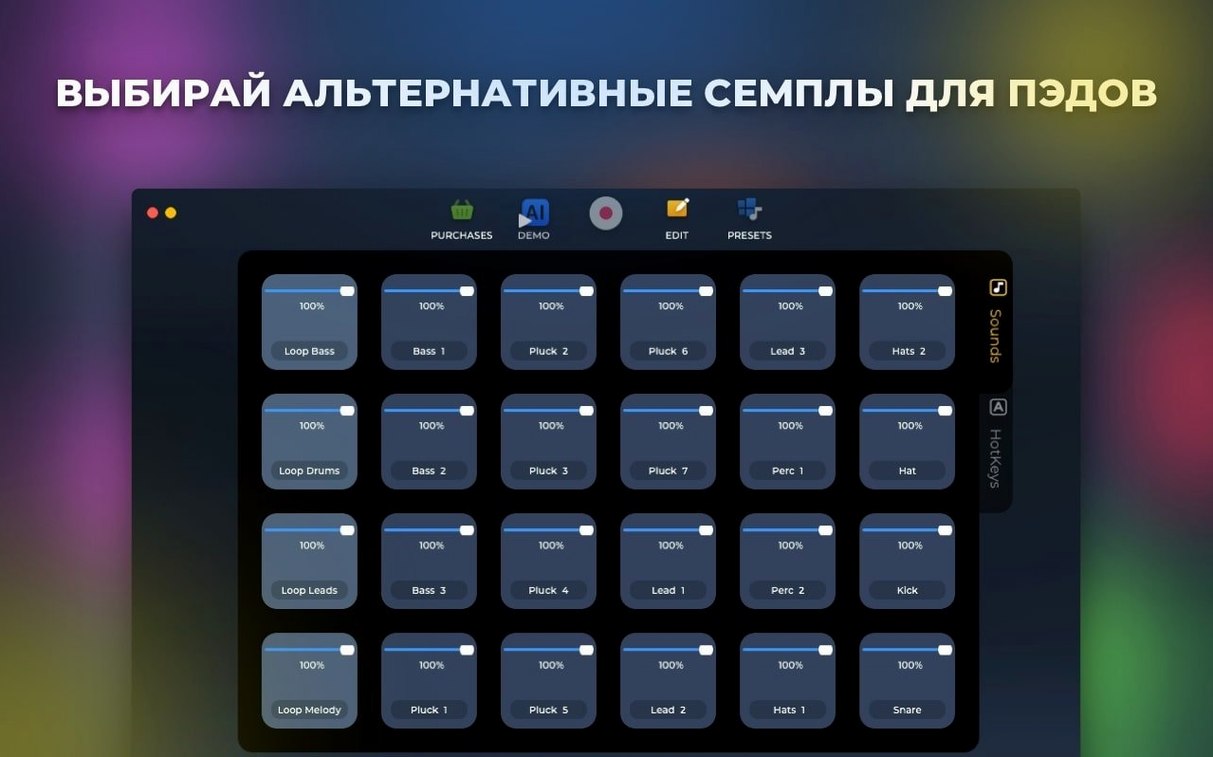
Drag samples onto pads or the timeline to stack rhythms and melodies. The layout keeps the current combination visible while you audition new parts.
Adjust playback
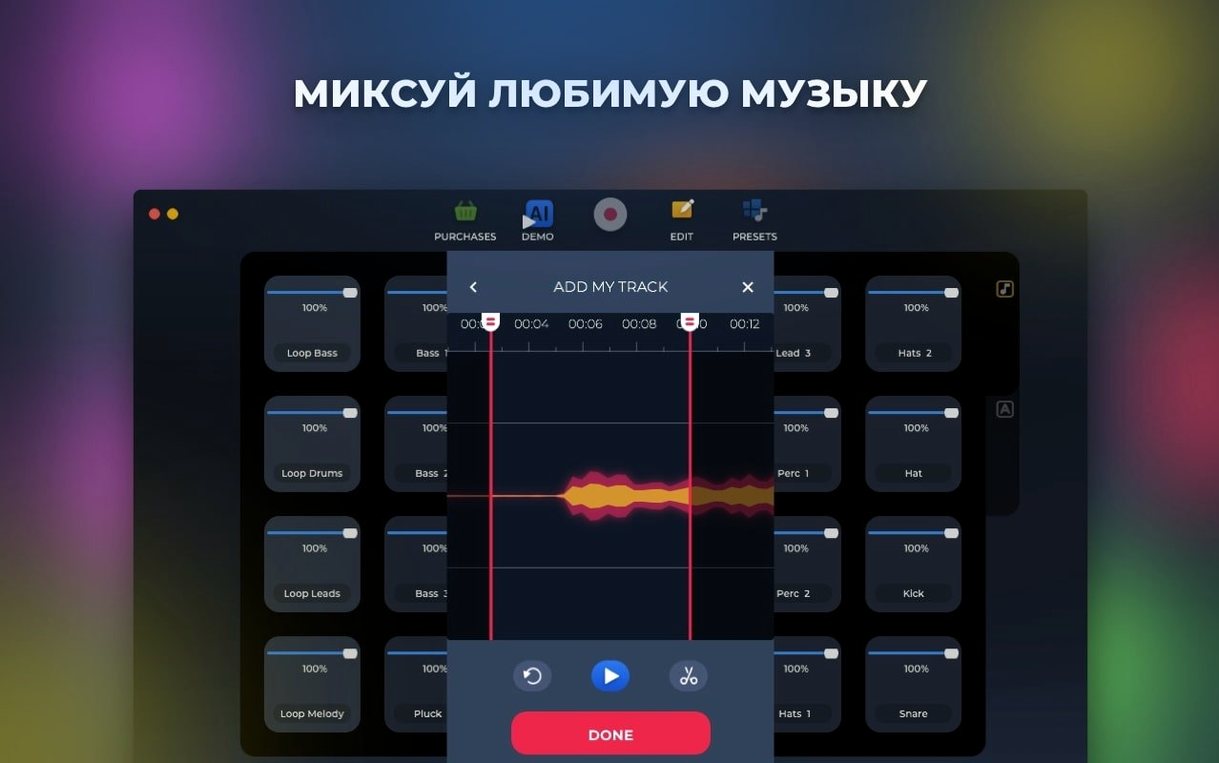
Trim start and end points directly on the waveform to isolate the section you need. An AB loop player lets you repeat a passage while you tweak timing or pitch.
Hidden copy shortcut when dragging samples
Loop Mash Up Pro packs a few shortcuts that sit just outside the main toolbar and take a few sessions to uncover. Holding Option while dragging a sample from the browser to a pad creates a copy rather than moving the reference, useful when you want the same snare on two pads with different trim points. Right‑clicking any pad reveals a menu to clear, duplicate or rename it, and the rename function updates the on‑screen label instantly.
The hotkey assignment panel, reachable from the View menu, works with single letters and number keys. Once assigned, a pad fires even when the app window is behind another, provided the transport is armed. Another overlooked detail: double‑clicking a waveform in the trim view resets start and end markers to their defaults, which saves time during experimental edits. The mixer section lets you mute a channel by clicking its level indicator rather than hunting for a tiny mute button.
180 MB memory and single-digit CPU on Intel Macs
On an Intel Mac running macOS 11, version 1.2.17 launches within three seconds and settles to around 180 MB of memory with a six‑pad project open. CPU load stays low during straightforward playback: the activity monitor showed single‑digit percentages for four layered loops and a live‑recorded bassline. Latency between pressing a pad and hearing the sample is tight enough for finger‑drumming, with no perceptible lag through built‑in audio output.
Stability has improved noticeably after the under‑the‑hood fixes noted in the release. Extended sessions of 90 minutes or more passed without a crash, even while switching rapidly between styles and triggering the AI‑based track generator. One limitation: the app does not release memory immediately when you discard a large set of samples; quitting and relaunching once a day keeps the footprint tidy if you work with long files. Disk access is modest, with samples loaded into RAM rather than streamed, so an SSD is not a requirement but shortens project reload times.
Bypassing Gatekeeper with a one-time Terminal prompt
Gatekeeper will block the initial launch on recent macOS versions. Mount the disk image, open Gatekeeper friendly, press Enter in Terminal when prompted and drag the app to the Applications folder. That step only applies once; future launches behave normally.
On day one, spend ten minutes auditioning the factory content without trying to build a full track. Tap each style name, listen to a handful of loops and note which kits sit well together. The six electronic genres share a common BPM range, but a few hip‑hop‑oriented presets in the urban style run slower; the timeline does not automatically stretch tempo, so matching BPM before dragging saves rework. Assign hotkeys to the four or five pads you reach for most often. The mapping persists between sessions and becomes muscle memory within a few days.
A practical tip: create a blank project, add one kick and one snare, record a simple four‑bar pattern and export it. This confirms the full signal path from pad to saved file and highlights any audio routing quirks on your specific setup before you invest time in a complex arrangement.
Workflow: building a dubstep groove from scratch
Start with an empty project and select the Dubstep style from the genre picker. The browser populates with wobble basses, half‑time drum loops and synth stabs. Drag a kick‑snare loop onto pad 1 and a hi‑hat pattern onto pad 2. Set the transport to loop four bars and press record. While the timeline runs, trigger pad 1 on the downbeat and pad 2 on the second bar to create a basic rhythmic skeleton.
Next, browse the bass folder and find a growl sample that fills the low end without masking the kick. Pull it onto pad 3 and use the waveform editor to trim the attack so the note starts cleanly. Engage the AB loop player on pad 3 and isolate a two‑beat slice that locks with the drum pattern. Record a second pass, tapping pad 3 on bars one and three. The overdub layers the bass onto the existing drums, and you can adjust volume balance with the on‑screen mixer as the loop cycles.
Open the AI‑based track generator and set it to half of the sequence length. The engine analyses the rhythm and melodic content already recorded and suggests a complementary synth line. Accept the suggestion and drag the resulting clip onto pad 4. Tweak the pitch up by two semitones in the pad inspector for a brighter tone. Record a final pass, adding the AI‑generated phrase on the last two bars as a fill. Export the four‑bar loop as a WAV file to the desktop, ready for use in a DJ set or a larger arrangement.
Dragging exported WAV loops straight into Logic or Ableton
Loop Mash Up Pro sits comfortably in a wider production chain. Drag exported WAV loops directly into any DAW that supports file drop from the Finder, including Logic Pro and Ableton Live. The app does not offer Rewire or AU plugin hosting, but the file‑based exchange keeps the workflow clean: build a loop here, drop it into a larger arrangement elsewhere. Some users searching for a loop mash up pro companion to a DJ tool will find the exported loops slot neatly into Serato or Traktor cue points.
macOS features integrate where expected. The app respects Dark Mode and switches its interface automatically. Audio routing through the system sound preferences works with external interfaces and aggregate devices, so you can monitor through studio monitors while keeping the Mac’s internal microphone available for voice notes. Quick Look does not preview project files, but Finder tags applied to exported loops carry through to other applications. Time Machine backups include the application support folder, which stores hotkey assignments and user‑created pad layouts, though the sample content itself lives inside the app bundle.
Spaces and Mission Control handle the window predictably; keeping Loop Mash Up Pro on a dedicated desktop next to a full‑screen DAW makes drag‑and‑drop between the two a one‑swipe operation. The clipboard does not transfer audio data, but the export path is short enough that the limitation rarely matters during actual sessions.