Aspecten
 Download (1.1 GB)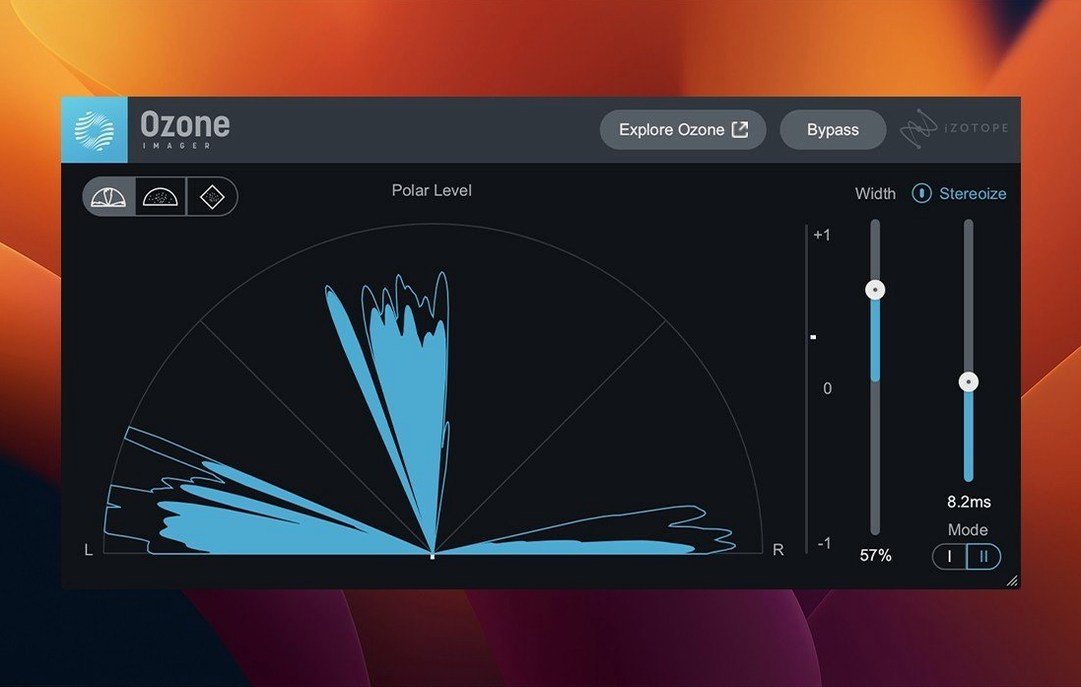
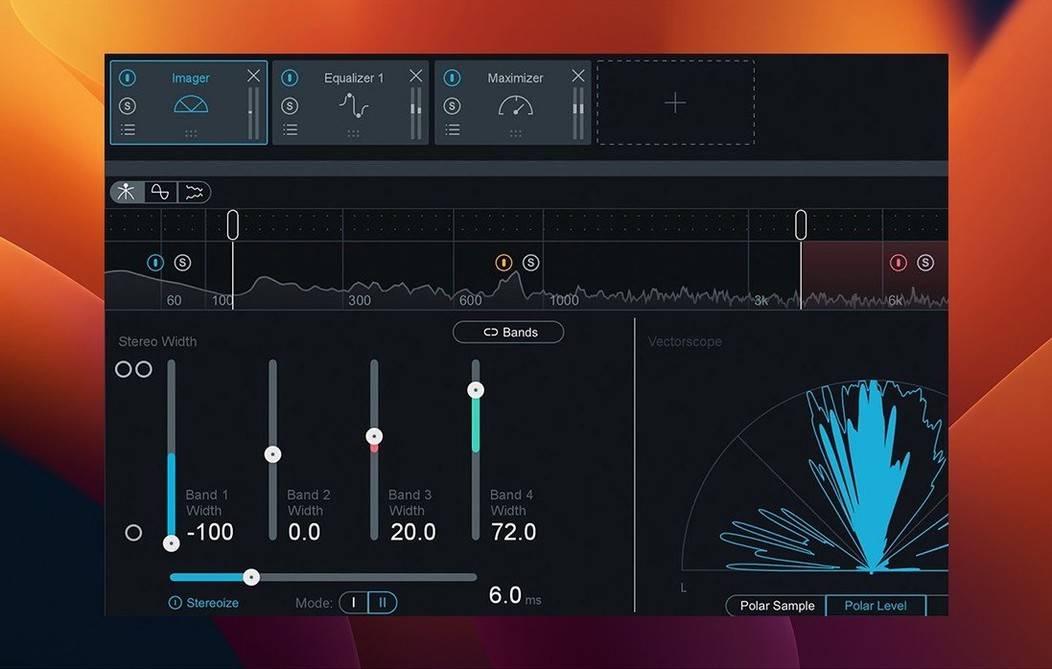
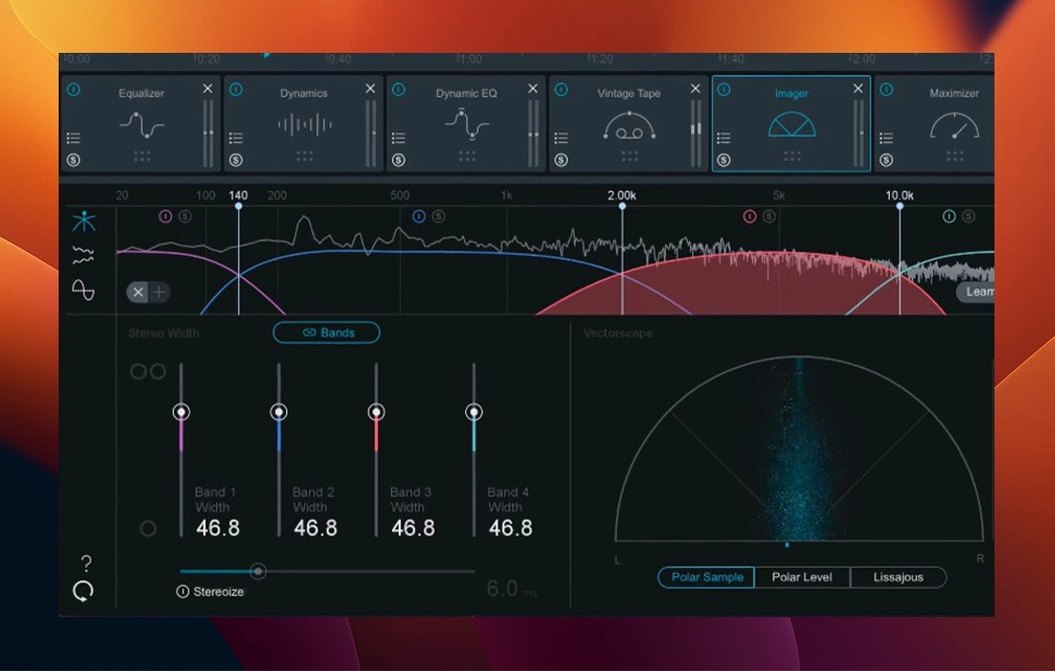
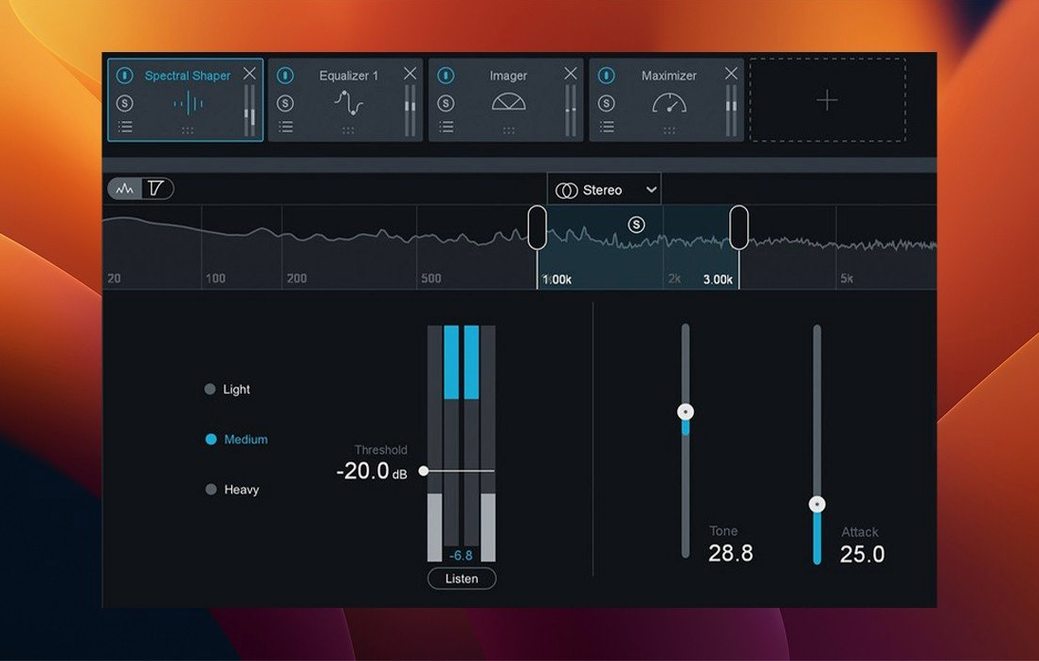
If you have used a channel strip plug-in that pulls a mix together on a single track, Ozone is the equivalent for the final stereo bus. It is a full mastering suite, not a single processor, and recent versions lean on an AI-powered assistant to suggest a starting point. Before anything else, it pays to check whether the software will run on your Mac.
- macOS 13.7 or later is required as of version 12.1.0; earlier macOS releases are no longer supported.
- Runs natively on both Intel and Apple Silicon Macs.
- Plug-in formats are AU, AAX and VST3 — all 64-bit only. No 32-bit hosts are compatible.
- Interface language is English.
- The suite includes modules such as the Maximizer with IRC 5 limiting, Stem EQ and Bass Control.
- Version 12.1.0 added Cubase 15 to the list of supported hosts and fixed slow UI loading times.
Once installed, you get a collection of processors designed to work together inside a single window. The assistant listens to your audio and sets up a chain; you can then adjust individual modules or tweak the overall balance. The Maximizer handles loudness with the IRC 5 mode, while Stem EQ and Bass Control let you shape individual elements or the low end without opening other plug-ins. It is a modern, AI-assisted approach to mastering, but the first step is confirming your system matches the requirements above.
Misunderstandings about how Ozone expects to be used, and their fixes
A few sticking points crop up regularly. Most are not bugs but misunderstandings about how Ozone expects to be used, and they tend to have straightforward fixes.
Plug-in does not appear in the DAW after installation
This is nearly always a plug-in format mismatch. Ozone 12 installers offer AU, VST3 and AAX components. If your DAW only scans VST3 and you accidentally deselected that format during installation, the plug-in will not show up. Re-run the installer and confirm the correct format is ticked. On Apple Silicon Macs running a DAW in native mode, an Intel-only installation will also be invisible — make sure the architecture matches. A rescan of plug-ins inside the DAW, or a full restart of the host, often solves a missing-plug-in complaint after a fresh install.
Master Assistant produces an over-compressed result
The assistant listens to the loudest section of your track and builds a chain from there. If you feed it a quiet intro, it misreads the dynamic range and pushes the Maximizer too hard. Loop the densest chorus or loudest eight bars before running the assistant. After the chain loads, switch the Maximizer to IRC 5 and dial back the threshold a decibel or two — the assistant’s suggestion is a starting point, not a final setting.
Mono-to-stereo instances sound wrong
Version 12.1.0 fixed a bug where mono-to-stereo instances did not output stereo processing correctly. If you are on an earlier build, this manifests as a collapsed stereo image or unexpected summing. The fix is to update to 12.1.0, which also resolves slow UI loading and instantiation times that some users noticed when opening large sessions.
UI sluggishness on older Intel Macs
The 12.1.0 update addressed slow UI loading, but on Intel machines with integrated graphics the analyser and spectrogram can still feel heavy. Reducing the analyser refresh rate in the I/O panel helps. Disabling the real-time waveform in the EQ module also lightens the GPU load. If you run large projects, freezing other tracks before opening Ozone reduces the strain on a single render thread.
Setting the I/O panel to your monitoring setup straight away
Spending the first session or two on deliberate setup avoids frustration later. The suite is deep, but a few habits make the learning curve shorter.
Set the I/O panel to your monitoring setup straight away. Open any module, click the I/O button at the bottom of the chain, and pick a reference target that matches your output — minus 0.1 dBTP for lossy streaming, minus 1 dBTP for CD, or whatever your delivery specification demands. Ozone remembers this per instance, but a saved default preset with your preferred ceiling skips repetitive setup.
Build a handful of reference chains. The assistant gives you a genre-based starting chain; save the ones you like as user presets with a note about the genre and target loudness. After a week you will have three or four go-to templates that need only small adjustments per track.
Learn the Maximizer first. Most of what people call “the Ozone sound” comes from the IRC 5 limiter inside the Maximizer. Spend an afternoon pushing different material through just the Maximizer with the assistant bypassed. Switch between IRC modes — Transient, Balanced, Modern — and learn what each does to the front of a kick drum. Once you can hear the difference reliably, the rest of the suite falls into place.
Route Stem EQ sensibly. Stem EQ can process individual instrument groups, but it needs a multi-output routing in your DAW to function beyond the stereo bus. Set up a template with at least three stem busses — drums, instruments, vocals — and route them into Ozone on the master. This takes thirty minutes the first time and saves hours later.
Resist the urge to match loudness on day one. It is tempting to push the Maximizer until your track matches a commercial reference in perceived level. Without first balancing the tonal curve with the Stabilizer and EQ modules, loudness matching leads to distortion and ear fatigue. Build the tonal balance first, then raise the level.
Taming dark mixes and uneven low end across four techno tracks
Suppose you produce melodic techno. You have four tracks mixed in Ableton Live, each pushing around minus 6 dBFS peak on the master channel. The mixes are clean but a little dark, and the low end varies track to track — one tune has a sub-bass that overwhelms a smaller system, another feels thin below 60 Hz. You need the four tracks to sit together as a coherent EP without sending them to a separate mastering engineer.
You open the first track and loop the densest thirty-two bars. The Master Assistant listens and returns a chain with an EQ cutting 2 dB around 300 Hz, a Stabilizer set to Electronic, and a Maximizer targeting minus 14 LUFS. The tonal balance is close, but the bass still feels uneven when you switch to the second track.
You insert Bass Control on every instance and set a consistent target: low-end shelf at 80 Hz, gain matched so each track reads roughly the same level on the analyser’s low band. The module’s boundary control keeps the sub from spilling into the low-mids, which cleans up the translation to smaller speakers. The Unlimiter goes on the track with the aggressive sub — it clips the peaks transparently before they hit the Maximizer, so IRC 5 does not have to work as hard.
By the third track you have a workflow: loop the climax, run the assistant, tweak the Stabilizer’s genre target, check Bass Control, adjust the Maximizer threshold so integrated LUFS sits at minus 9 across the EP. You save a user preset called “Techno EP Master” and apply it to the fourth track in twenty seconds, making only small EQ moves to account for a brighter hi-hat balance. The EP sounds like one body of work, and the low end translates from headphones to a club system without surprises.
Undo and redo work across the entire chain
Ozone packs a number of smaller features that do not get a module of their own but speed up daily work considerably.
- Undo and redo work across the entire chain. Cmd-Z and Cmd-Shift-Z step back through parameter changes in any module, not just the currently selected one. This is especially useful after experimenting with the Maximizer threshold and Stabilizer shape at the same time.
- Double-click any parameter to return to its default value. Applies to knobs, sliders and numeric readouts. Faster than dragging a fader back to zero by hand.
- Alt-click a module’s solo button to solo just that band or region. Inside the EQ and Dynamics modules, this isolates frequency ranges without affecting the rest of the chain, so you can hear exactly what a mid-side EQ cut is doing to the side channel.
- The spectrogram in the EQ module shows pre- and post-processing curves simultaneously. A small toggle in the lower-left corner of the EQ display overlays the input spectrum on the processed signal. Useful for spotting where a boost is chasing a resonance the analyser already found.
- Reference track management is built into the I/O panel. You can load up to ten reference tracks, loop sections, and level-match them to your master without leaving the plug-in window. Gain adjustment per reference keeps A/B comparisons honest.
- Module order is freely draggable. Drag any module vertically to reorder the signal flow. Placing the Stabilizer before the EQ produces a different tonal result than placing it after; the drag-and-drop ordering encourages trying both.
- The window can be detached from the chain view. Clicking the module name opens it in a floating window, which is handy on a dual-monitor setup where the analyser and spectrogram benefit from more screen real estate.
Runs natively on Apple Silicon with no Rosetta translation layer
Does Ozone work on an M1 or M2 Mac running the latest macOS?
Yes. Ozone 12.1.0 is compiled for Apple Silicon natively and runs on macOS Ventura 13.7, Sonoma 14.7 and Sequoia 15.4 with no Rosetta translation layer. Performance on M-series chips is smooth, and the 12.1.0 update specifically addressed UI loading times that some Apple Silicon users noticed in earlier builds.
Which DAWs are officially supported?
The AU, VST3 and AAX formats cover Logic Pro, Ableton Live, Cubase (now including version 15), Pro Tools, Studio One, FL Studio and REAPER, among others. All hosts must be 64-bit; 32-bit DAWs cannot load Ozone at all. If you use an unusual host, checking that it supports one of those three plug-in formats at 64-bit is the only compatibility check needed.
Can I use it as a standalone application, or is it plug-in only?
Ozone runs as a plug-in inside a DAW. It does not ship as a standalone application. If you need to process audio files outside a DAW, you can host it in a lightweight plug-in host or audio editor that supports AU or VST3.
How does the AI assistant handle genres it does not know?
The Stabilizer module includes 25 genre targets covering common categories from hip-hop to orchestral. If your music falls between genres or outside them entirely, you can run the assistant and then manually adjust the target curve. Some users searching for ozone 9 mac torrent may have encountered earlier assistants with fewer targets; the current version’s broader palette makes manual tweaking less necessary. The assistant’s suggestions are based on spectral analysis of the input, not a rigid genre template, so unusual material still gets a tailored starting point.
Does it require an internet connection?
The assistant processes audio locally on your machine. No cloud upload happens, and the plug-in functions fully offline once installed. People who look for ozone 12 rutracker or izotope ozone 12 full often ask this, expecting always-online activation — the assistant is self-contained.
Is there a difference between the modules included here and the individual plug-ins iZotope sells?
Ozone’s modules are designed to work inside the Ozone chain and share a common interface, analyser and preset system. The individual plug-ins sold separately sometimes offer deeper controls — Neutron for mixing, for instance, has more detailed compression options than the Dynamics module inside Ozone. For mastering purposes, the integrated suite covers the necessary ground without switching between separate plug-in windows. Those searching for ozone 10 free or ozone 12 advanced free often want to know if the standalone plug-ins are redundant; the answer is that they serve a different workflow, and Ozone’s chain approach is faster when you are mastering rather than mixing individual tracks.
Will version 12.1.0 open projects saved with older Ozone versions?
Session recall between Ozone 11 and 12 is generally smooth for the core modules. If a project used module presets exclusive to an older version, those settings may not translate perfectly, but the chain structure and most parameter values are retained. As a precaution, render stems or print a safety master before updating a project that relies on an older Ozone version.