Aspecten
 Download (1 GB)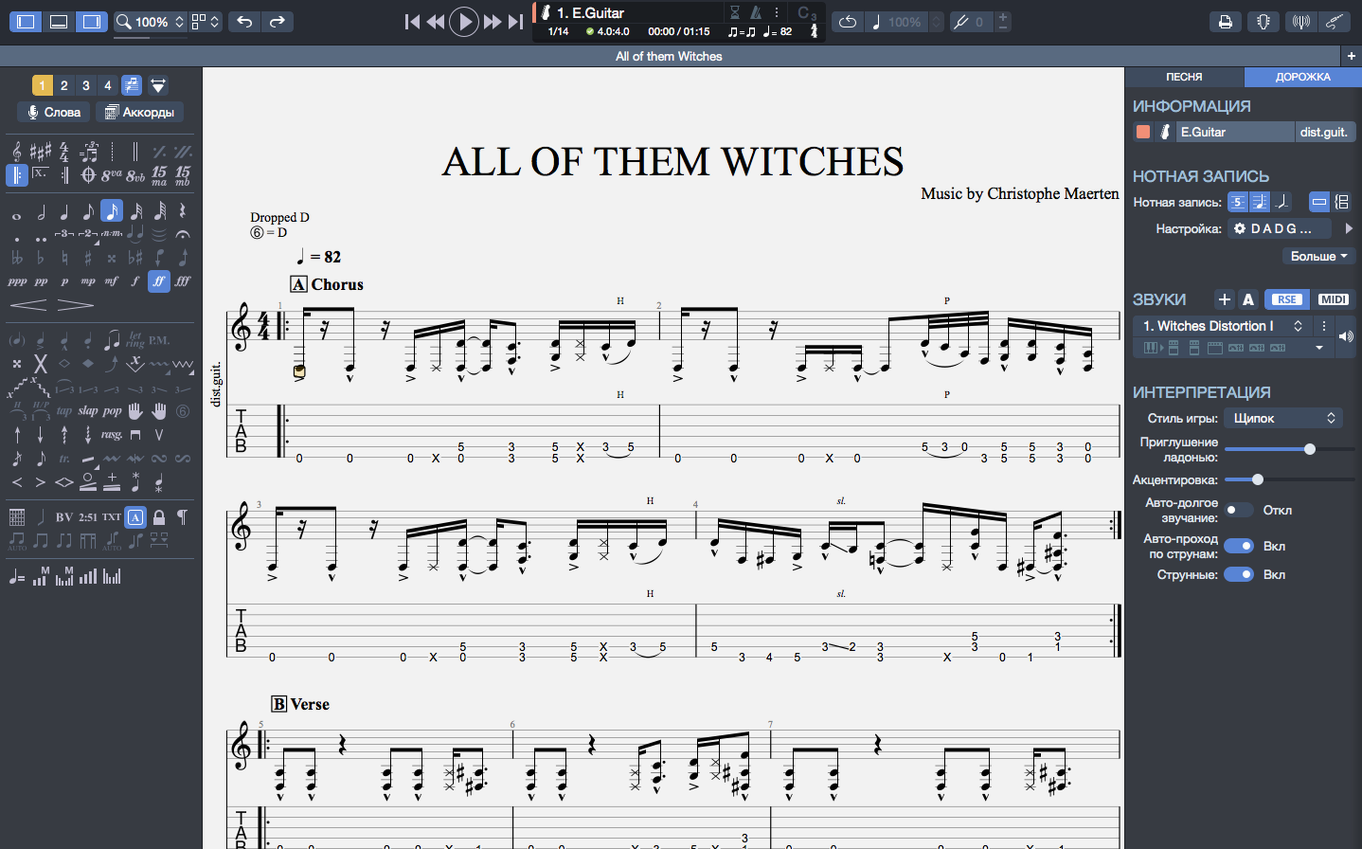
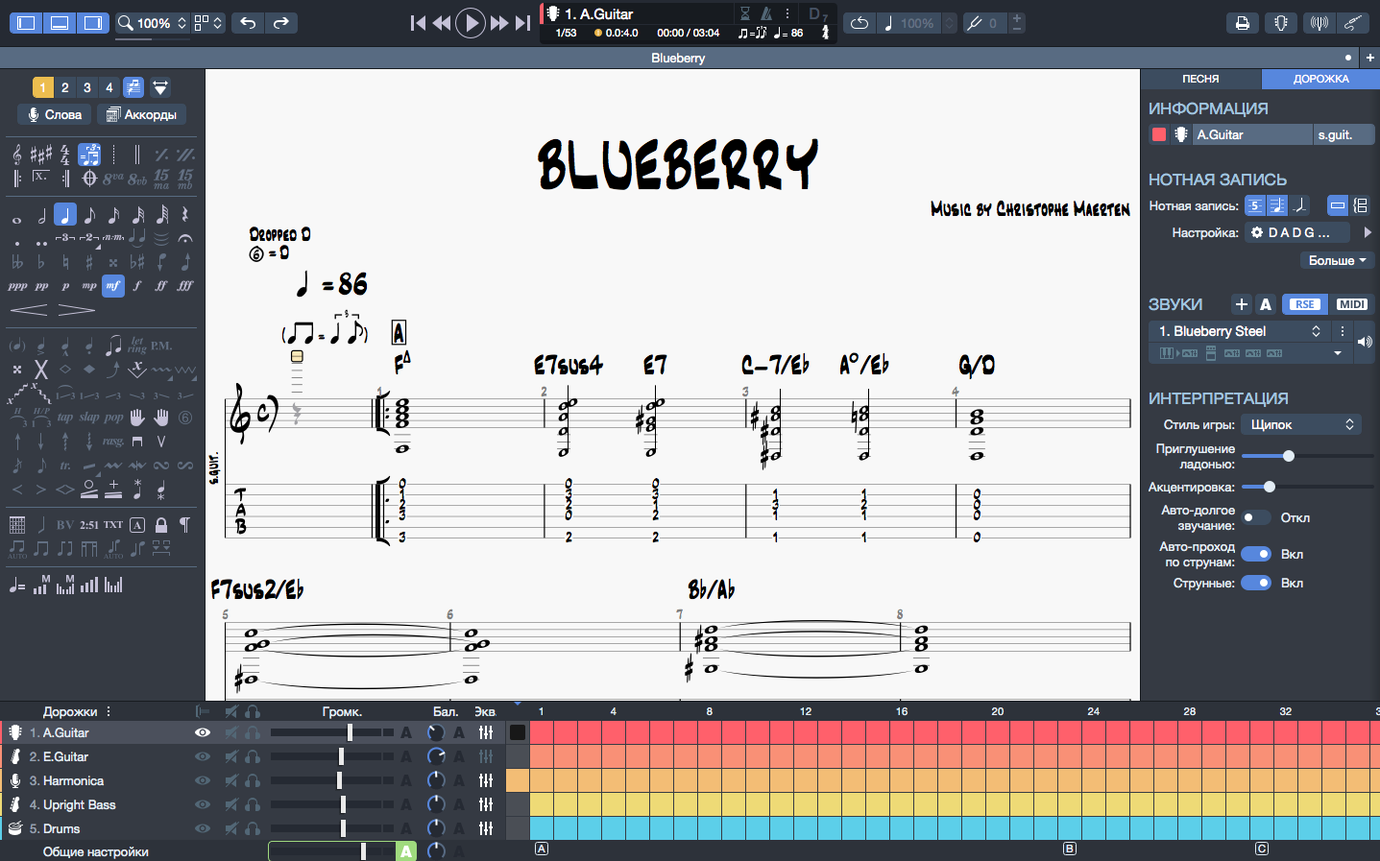
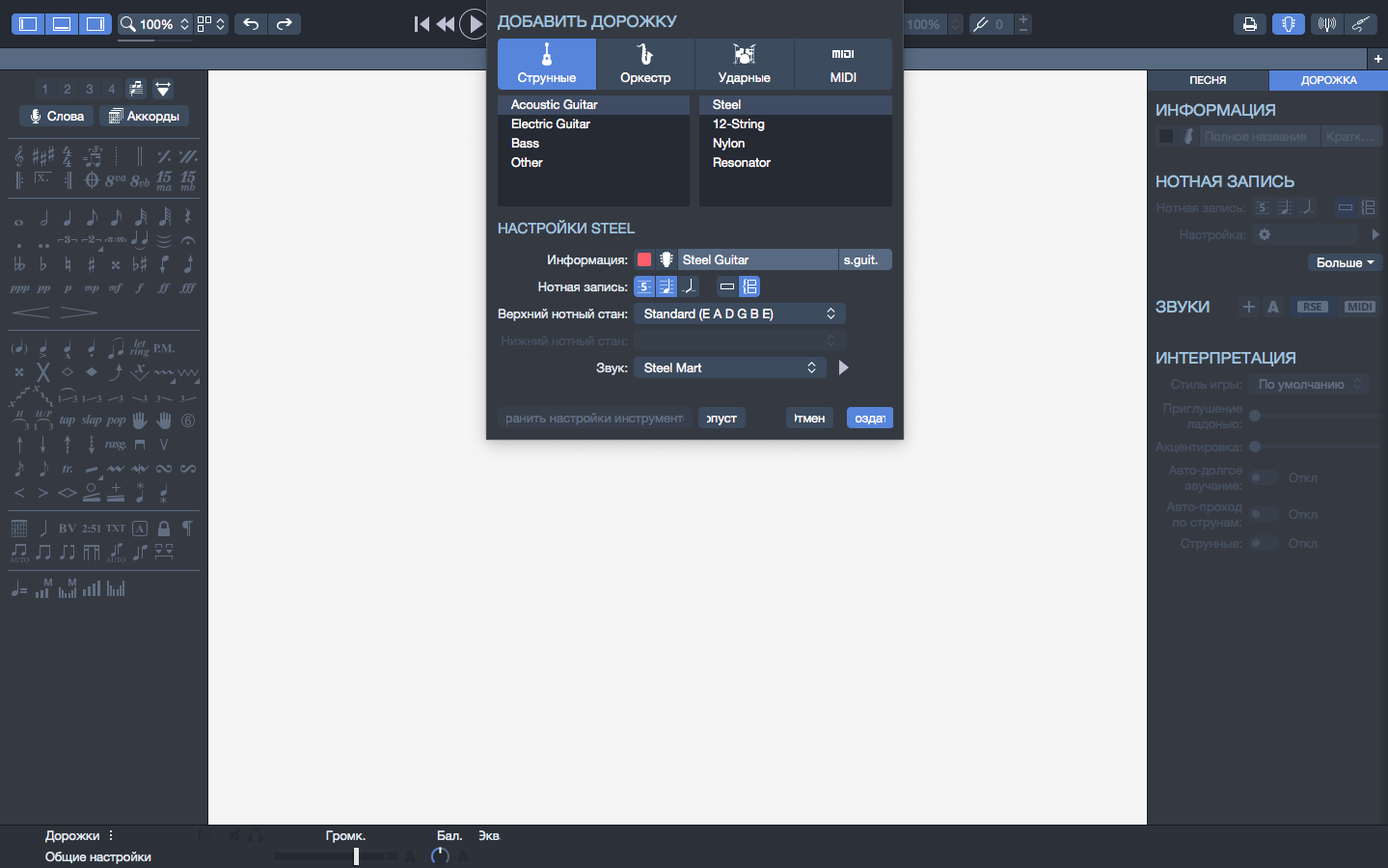
Guitar Pro 8.1.5 runs on any Mac with macOS 10.13 (High Sierra) or newer. It works on both Intel and Apple Silicon processors. Arobas Music lists a 64-bit dual-core chip, 4 GB of RAM and 2 GB of free disk space as the minimum, and the installer asks for administrator rights. The interface is translated into twelve languages, including English, German, French, Japanese and Korean.
Editing and notation
The latest build fixes a few stubborn notation bugs. Stem directions that used to lock up now respond when you change them, and arpeggios placed right at the start of a score play back correctly instead of being skipped. The chord builder transposes chord names and fingerings together, so a capo shift or key change keeps everything aligned. Scores can be exported as SVG for further layout work, or as PNG with a transparent background when you need to drop notation into another document without a white box around it.
Playback and the player
Guitar Pro includes its own metronome and a playback engine that reads tablature and standard notation side by side. On macOS, plugging in or unplugging an audio device no longer trips the playback continuity—an improvement that matters if you switch between onboard speakers and an interface mid-session. If the soundbank is missing or broken, the player may work but the instrument sounds fall back to a flat General MIDI set, or go silent during bends and slides.
Writing desk, not a stage
Guitar Pro makes most sense when you treat it as a writing desk rather than a stage. It is not a performance looper and it does not replace a DAW, but for certain kinds of Mac-based musician the fit is close to perfect.
Guitar teachers get a lot from it. You can build an exercise sheet in minutes, add a drum and bass backing track so the student hears the groove, then export the whole thing as a PDF for the next lesson. The metronome and speed trainer turn a single bar into a graduated drill, and because chord names transpose with the fingerings you can shift a piece into a student's range without rewriting every diagram by hand.
Songwriters who sketch ideas on a guitar or bass find it a natural scratchpad. A riff can be tabbed out, harmonised with a piano track from the built-in MIDI editor, and played back immediately. The playback may be mechanical compared to a human performance, but it tells you straight away whether the bass line walks into the vocal melody or stays out of the way. Being able to export the score to SVG also means you can hand a clean lead sheet to a bandmate without redrawing anything in a vector app.
Transcribers and cover-artist YouTubers lean on Guitar Pro for speed. The tablature editor is fast once you learn the number-key shortcuts, and the ability to pin files on the home screen means a half-finished transcription of a solo stays visible instead of scrolling off the recent list. Exporting to PNG with a transparent background is a small feature that saves a recurring fifteen-minute hassle for anyone who drops notation blocks into video editing software.
Music students working through method books benefit from the combination of notation and playback. A passage that looks dry on the page becomes a musical phrase when the MIDI engine reads it back with drums and bass. The chord builder doubles as a theory reference: you can click through inversions and hear how a Cmaj9 sounds voiced across four strings versus spread over six.
What Guitar Pro does not suit well is live performance or electronic production. It is a notation-first environment, and the MIDI editor, though serviceable, lacks the piano-roll refinement of a dedicated sequencer. If your day is spent inside Logic Pro or Ableton Live, Guitar Pro is a companion tool rather than a centrepiece—useful for sketching guitar parts that you later record as audio, but not where you mix or master.
Drag-and-drop score fragments into other apps
Guitar Pro sits quietly inside the wider Mac ecosystem. It is not a hub app, but it connects outward in a few well-chosen ways that reward a little setup.
The most practical bridge is drag-and-drop export. A selected bar or an entire score can be dragged to the desktop as a PDF, PNG, or SVG, which slots into almost any workflow. Graphic designers drop transparent PNG staves straight into Affinity Publisher or Adobe InDesign without an intermediate crop step. Musicians who keep a practice journal in Apple Notes or Notion can drag a PDF snippet of a tricky phrase into a daily entry.
MIDI export is the link to DAWs. A full arrangement—guitar, bass, drums, keys—can be exported as a standard MIDI file and imported into Logic Pro, GarageBand, or Reaper. The instrument assignments carry over, so the drum track lands on channel 10 and the guitar part arrives on a separate track ready for a virtual instrument or amp sim. The reverse path, from DAW to Guitar Pro, is less smooth; MIDI import works, but phrasing and string assignments need manual correction.
Audio interface switching, which was a pain point in earlier builds, has improved. Plugging in a Focusrite or Universal Audio interface while the playback engine is running no longer causes a dropout that requires a restart of the application. macOS's own audio routing—aggregate devices, multi-output setups—works without extra configuration inside Guitar Pro, because the app follows the system audio selection.
Text-based collaboration is another quiet strength. Guitar Pro's native file format is compact and self-contained, which makes it easy to share by email or cloud storage. A guitarist in Berlin and a bass player in Manchester can pass a .gp file back and forth, each adding their part, and the file stays small enough for a quick message attachment. iCloud Drive and Dropbox work without conflicts as long as two people do not edit the same file simultaneously.
For those who work with notation software like Dorico or Sibelius, MusicXML export is the interchange format. The translation is not lossless—articulation details and layout choices sometimes shift—but the core pitches, rhythms, and chord symbols survive the round trip well enough for most practical purposes.
Hover on the home screen to pin recent files
Several features in Guitar Pro 8 do their work so quietly that they go unnoticed until you stumble across them or someone points them out.
Pinned recent files. On the home screen, hovering over any file in the recent list reveals a pin icon. Clicking it locks that file to the top of the list, where it stays regardless of how many other scores you open. For anyone juggling a set list, a method book, and a transcription project at the same time, this removes the friction of hunting through folders each session.
Number-key tab entry. Tabbing with a mouse is slow. With the cursor on a string, pressing a number enters a fret value and advances to the next beat automatically. The numpad works for this, and the number row on a compact keyboard does too. Holding Shift while pressing a number ties the note to the previous one. These shortcuts are not advertised prominently, but they double the speed of note entry once they become muscle memory.
Spacebar behaviour in playback. Tapping the spacebar starts and stops playback, as expected. Holding Shift and pressing space plays from the current bar rather than from the beginning of the score. Holding Ctrl and pressing space plays only the selected bars in a loop. These variations are easy to overlook in the menu bar, but they turn the player from a simple start-stop control into a focused practice tool.
Transparent background export. The PNG export dialog includes a checkbox labelled "Transparent background." When ticked, the staff lines and notation render without a white fill behind them. For anyone who layers notation over video footage, album artwork, or a coloured page in a document, this checkbox eliminates the step of removing a white rectangle in an image editor.
Chord builder as a theory sandbox. The chord builder is not just for inserting diagrams into a score. Clicking through a chord's inversions and voicings while the playback engine strums it gives immediate audible feedback. A songwriter stuck on a bridge can browse through extensions—major seventh, ninth, suspended fourth—and hear how each one changes the emotional colour without committing anything to the score.
Scale diagrams in the fretboard view. The fretboard panel can overlay scale patterns across the neck. Selecting a key and scale type highlights the available notes, which is useful for visualising positions during transcription or for building a solo that stays within a mode. The highlight updates when you change the capo setting, so a piece in E major with a capo on the second fret displays the correct shapes relative to the capoed position.
Full band scores render in under a second on Apple Silicon
On Apple Silicon Macs, Guitar Pro 8.1.5 launches in under three seconds from an internal SSD and opens a modest score almost instantly. Larger files—full band arrangements with multiple instruments and several pages of notation—take a fraction longer to render but remain responsive during editing. The native ARM build is efficient: the app idles at around 200 MB of RAM with a simple score open, and CPU usage during playback stays low enough that the Mac's fans remain silent on an M1 or M2 MacBook Air.
Intel Macs see a slightly heavier footprint, particularly on older dual-core machines that meet the minimum specification. Playback of a dense score with drums, bass, two guitars and a piano track can push CPU usage above 30 percent on a 2017 MacBook Air, but the interface stays fluid and note entry does not lag. The 4 GB RAM requirement is realistic; pushing below that with other applications open can cause the soundbank to unload, resulting in silent bends and slides until the app is restarted.
Long editing sessions are stable. The autosave function writes a recovery file quietly in the background, and crashes are rare in normal use. The two notation bugs fixed in 8.1.5—arpeggio playback at the start of a score and unresponsive stem directions—were among the more visible glitches, and their absence makes the editing experience more predictable. Scrolling through a multi-page score is smooth, and zooming in on a dense passage does not cause the display to stutter.
The soundbank loading is the most noticeable bottleneck. On first launch after installation, or after the app has been quit and reopened after a system update, the instrument sounds take a moment to initialise. During that window, playback uses a flat General MIDI fallback set that strips away the articulation detail. Once the soundbank loads, bends, slides, vibrato and palm muting return to their intended character. Keeping the app open rather than quitting it between sessions avoids the reload delay.
File sizes stay small. A typical four-minute song with five instruments saves as a .gp file under 100 KB. This makes cloud sync quick and means a large library of scores consumes negligible disk space compared to audio recordings or video captures. The 2 GB of free disk space listed in the requirements is for the soundbank and temporary files, not for the scores themselves.
Match the audio output device before you play a note
A few deliberate steps in the first sessions turn Guitar Pro from an unfamiliar notation editor into a tool that fits your hands.
Set the audio output first. Open the audio preferences and confirm that the output device matches what you intend to use. If you work with headphones plugged into an interface, select that interface explicitly rather than relying on the system default. The playback engine respects this choice and the device-switching fix in 8.1.5 means you can change it mid-session without restarting.
Load a score you know well. Before building anything from scratch, open a familiar piece—a song you can play from memory, or one of the example files included with the installation. Watch the playback cursor move through the bars while you listen. This calibrates your ear to the MIDI sound set and gives you a baseline for how notation, tablature and audio relate inside the application.
Learn three shortcuts immediately. The number keys for fret entry, Shift-space for playback from the current bar, and Ctrl-space for looped playback of a selection. These three alone cover most of the repetitive actions in a typical editing or practice session. Write them on a sticky note or set a reminder; they are the difference between working at the speed of thought and fighting the interface.
Pin your current projects. As soon as you open a score you will return to, pin it on the home screen. The pin is subtle—a small icon that appears on hover—but it builds a permanent shortlist that survives file moves and renames. After a week of pinning, the home screen becomes a dashboard of active work rather than a chronological log.
Export a test SVG early. Even if you do not plan to use vector notation right away, exporting one bar to SVG and opening it in Preview or a browser confirms that the export pipeline works and shows you exactly what the output looks like. This is useful knowledge later when a project demands a clean notation block at short notice.
Check the soundbank. Play a bend-heavy phrase—a blues lick with quarter-tone bends, or a solo with wide vibrato—and listen for the articulation. If the bends sound flat or silent, the soundbank has not loaded correctly. Quit and reopen the app to trigger a reload. Once the articulations play back with their full contour, the soundbank is working and will stay loaded as long as you keep the app open.
Resist the urge to over-arrange early. Guitar Pro can build a full band score with drums, bass, keys and multiple guitars, but the first week is better spent on single-instrument scores. The tab entry shortcuts become automatic faster when you are not switching between tracks, and the playback engine reveals its strengths and limitations more clearly when it is not juggling six instruments at once.