Aspecten
 Download (63 MB)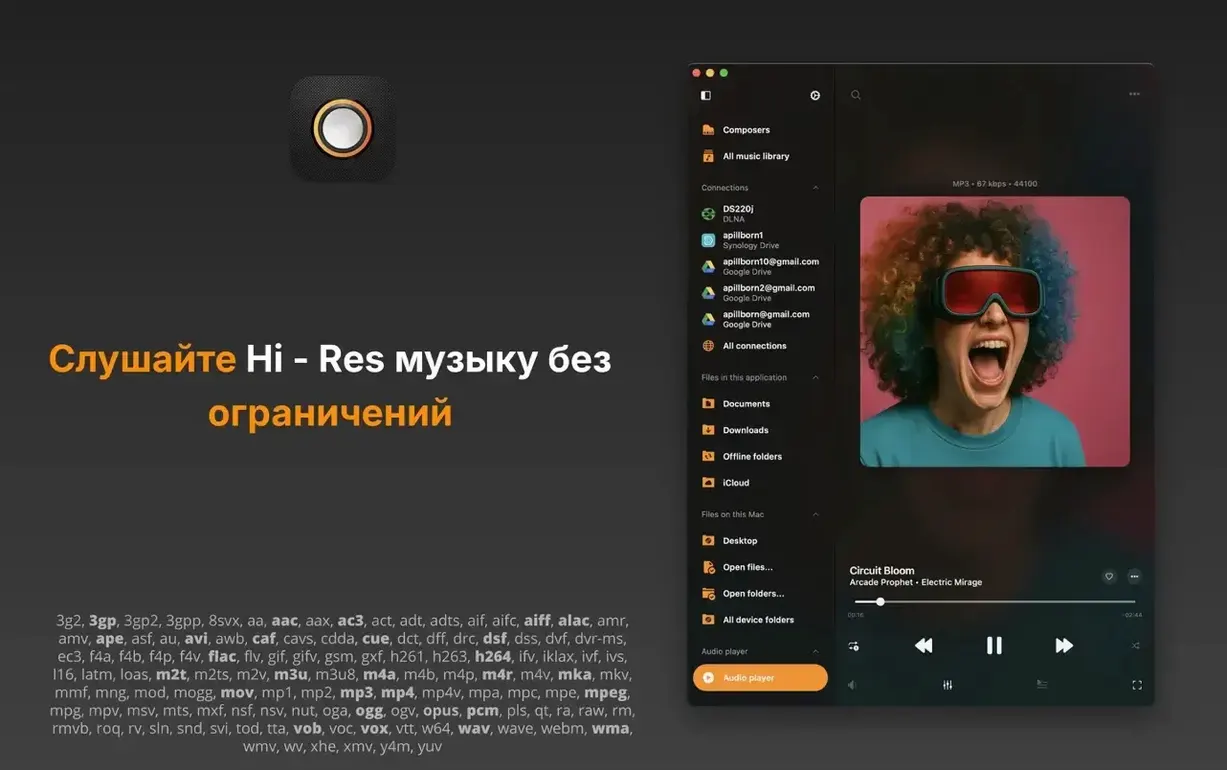
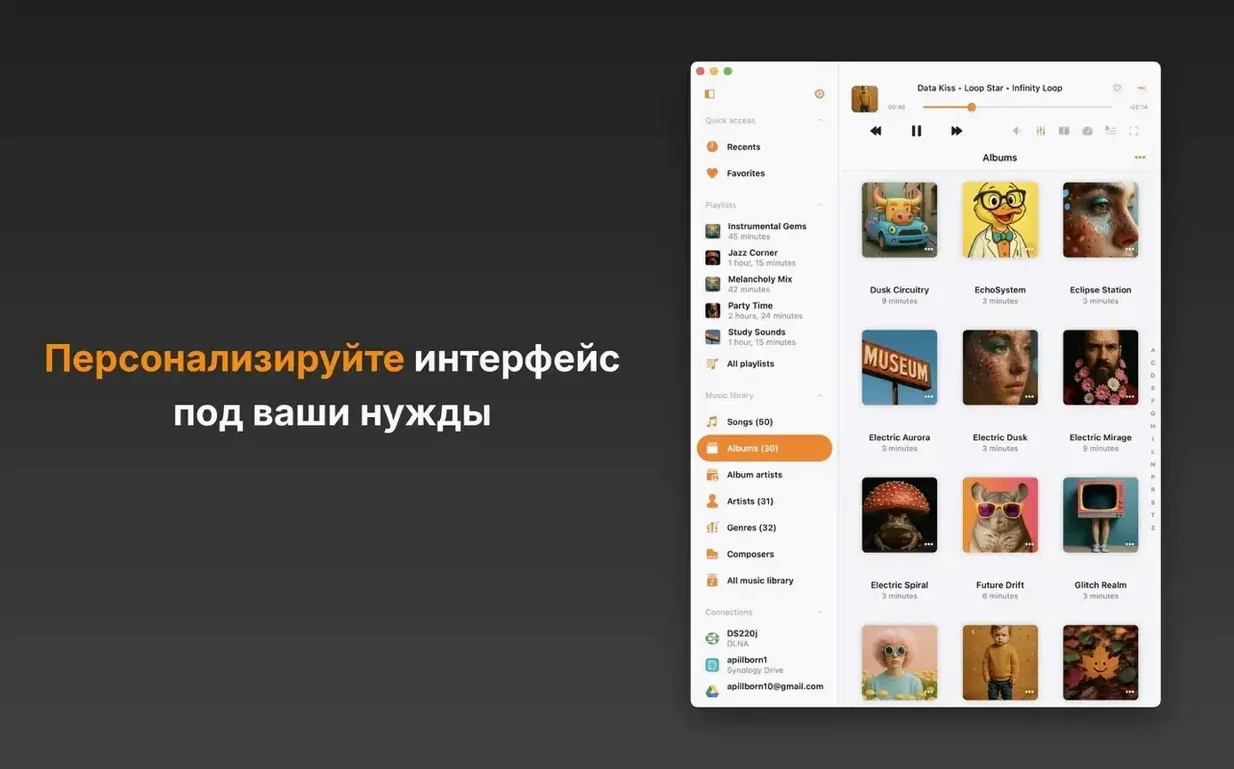
Twenty-eight audio formats, from AC3 to WMA, with FLAC and DSF sitting right where they belong. Flacbox is a music player built for high-resolution local files and network streams, and it starts with a clear requirement: macOS 12 or later, on both Intel and Apple Silicon Macs.
| Format support | Cloud & network |
|---|---|
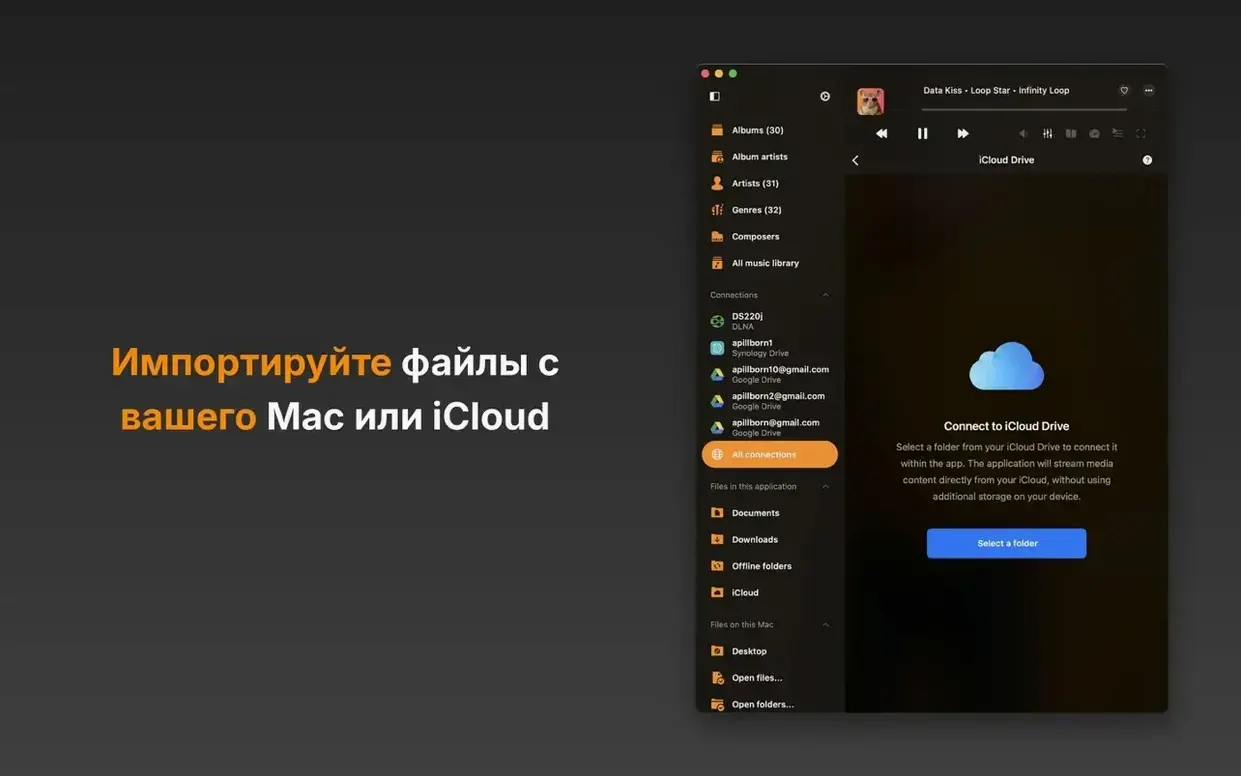
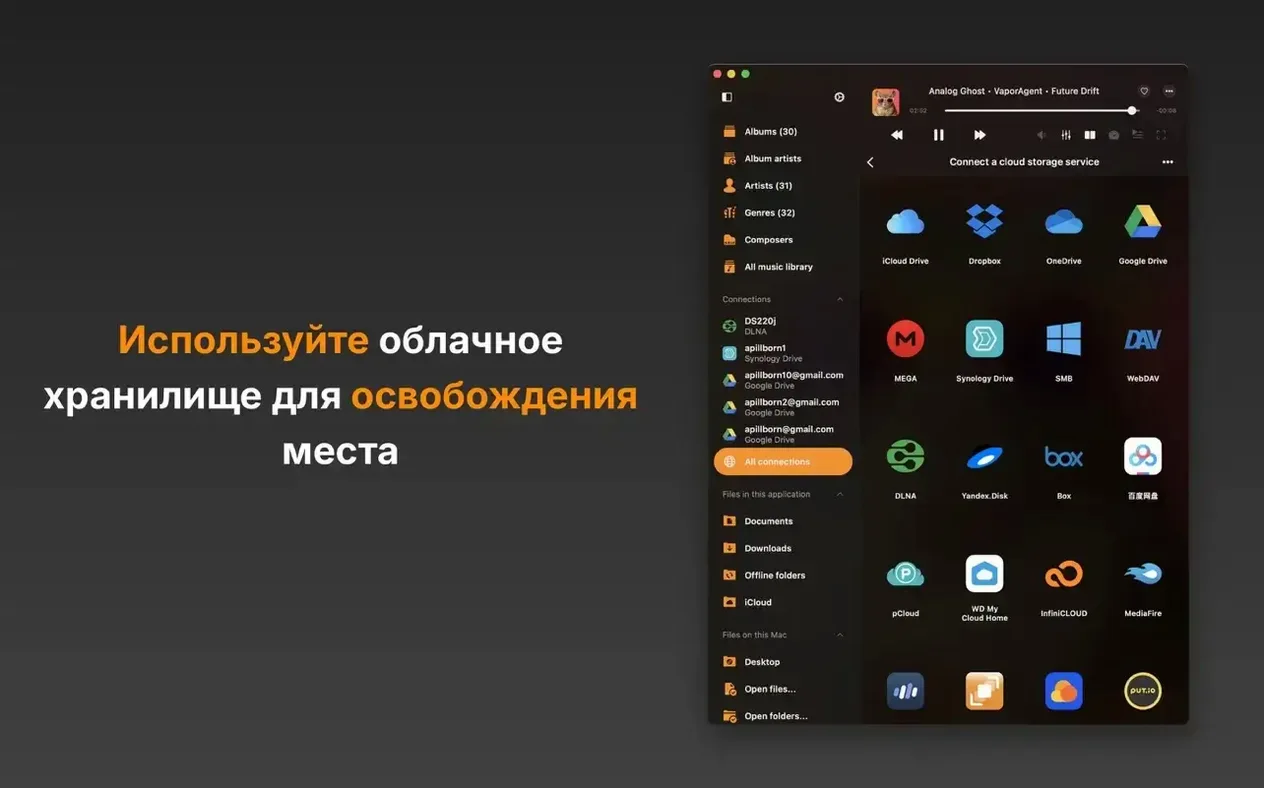
| FLAC, DSF, ALAC, WAV, AIFF, MP3, AAC, OGG, OPUS, AC3, WMA, PCM, M4A, M4V, MKV, MOV, MP4, MPEG and more | iCloud Drive, Google Drive, Dropbox, OneDrive, Box, MEGA, pCloud, SMB, WebDAV, DLNA and several others |
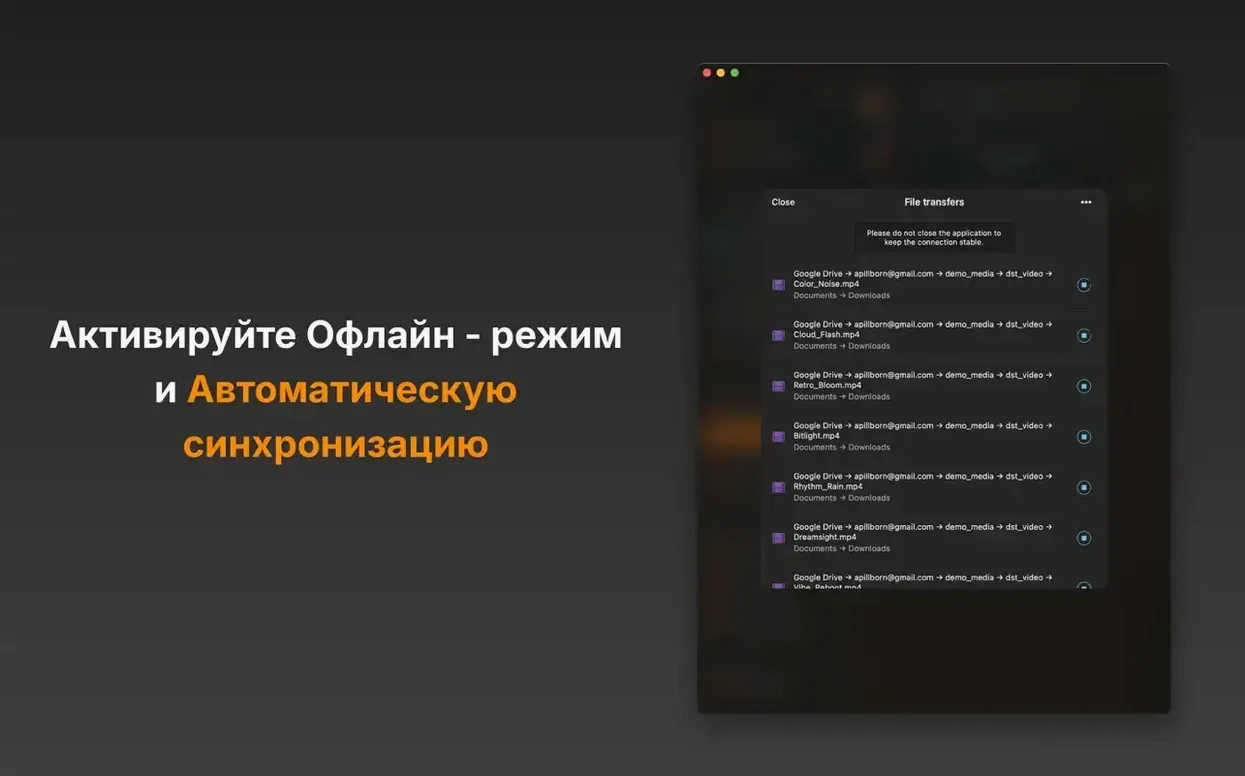
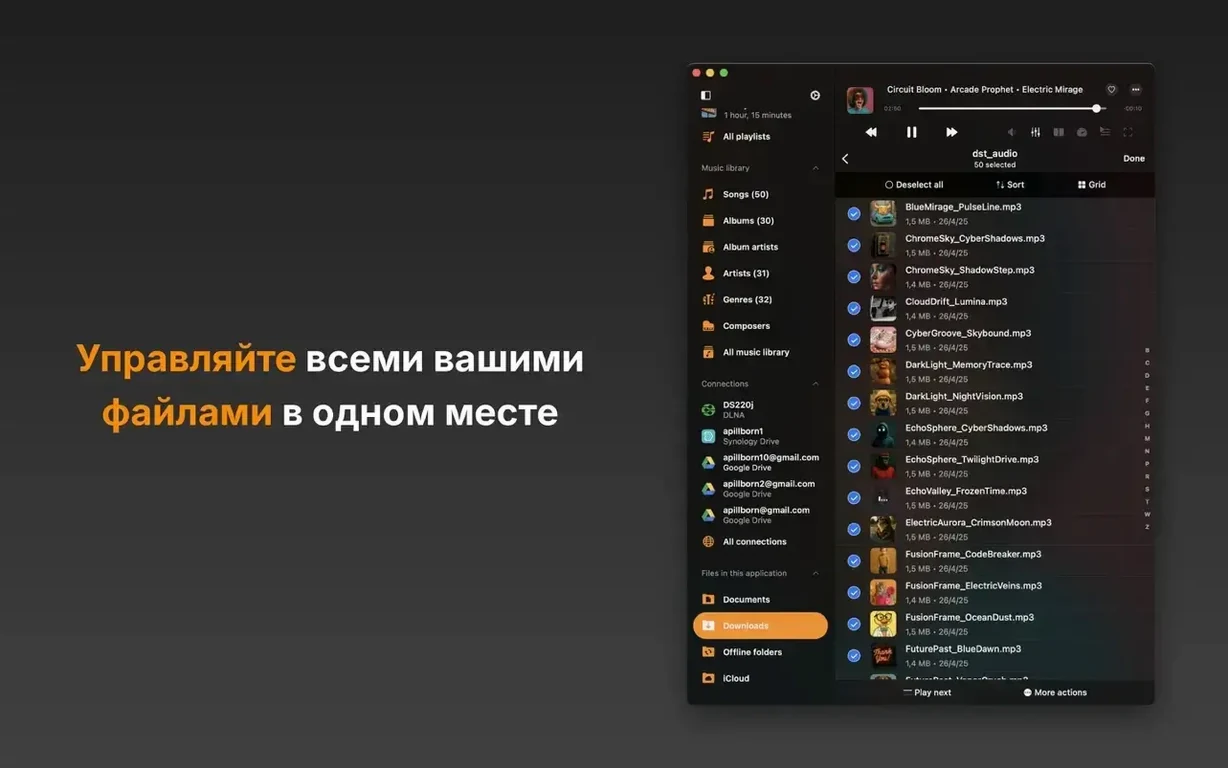
Version 7.6 brings a notable change under the hood: the BASS audio engine, which adds real-time effects, a DSP processor and a music visualizer. Tracker formats — MOD, XM, IT and similar — also play natively now. The player can pull music from cloud services or a local NAS via SMB and DLNA, sync files for offline listening, and resume a session exactly where you left it. An ID3 tag editor, Wi-Fi transfer and M3U/CUE playlist support round out the toolset. The interface, localised into more than fifty languages, keeps the focus on playback rather than library management, which suits users who browse by folder or stream from a server.
Opens a few thousand FLAC albums in under two seconds
On a desktop Mac with a few thousand FLAC albums indexed, Flacbox opens in under two seconds and begins playback without scanning delays. The app runs as a single lightweight process; memory consumption hovers around 90–140 MB during local playback of 24-bit/192 kHz material, rising modestly when the visualizer is active. CPU load stays below 2% on Apple Silicon for standard FLAC and ALAC files, and even DSD64 playback rarely pushes the processor past 4%. Network streaming over SMB from a NAS adds negligible overhead — the buffer fills quickly, and gapless transitions between tracks feel as smooth as they do with local files.
Stability during daily use rests on a straightforward foundation. The move to the BASS engine in version 7.6 resolved occasional stutters that some users encountered with high sample-rate OPUS streams in earlier builds. Crash recovery works quietly: if the app quits unexpectedly, the playback queue and last position are restored on relaunch without manual intervention. Long listening sessions of six hours or more pass without gradual slowdown, and cloud sync tasks run in the background without blocking the interface. The one practical trade-off is that loading a folder with several thousand loose MP3 files over a slow Wi-Fi connection can keep the file list spinner visible for a few seconds longer than a lean directory-based player would.
Apply compression and spatial effects without an external host
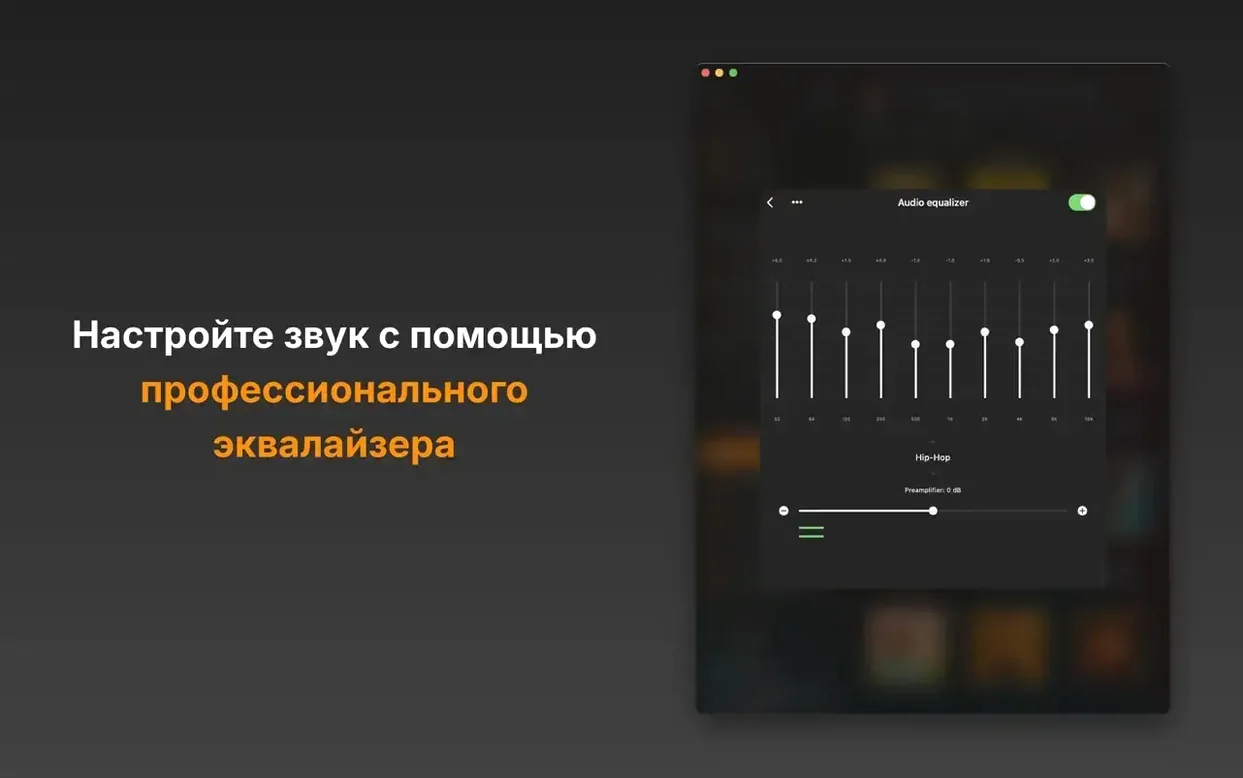
Before 7.6, Flacbox handled audio effects through a simpler chain. The real-time DSP processor now makes it possible to apply compression, limiting and a handful of spatial effects directly, without routing audio through an external host. In practice, that means someone listening to a quiet rip of a classical recording can add gentle dynamic range compression inside the player itself, rather than reaching for a separate plug-in. The refreshed effects and equalizer screens are flatter and quicker to navigate — fewer tabs, clearer labels, and sliders that respond predictably to mouse drags or trackpad gestures.
Tracker format playback is another addition that changes what shows up in a folder view. Old MOD, XM and S3M files that previously sat ignored in a collection now appear as playable items with the same metadata and queue behaviour as any FLAC track. The music visualizer, while not a tool for critical listening, gives a useful visual signal when audio is playing at very low volume — helpful when checking whether a silent passage is actually silence or a paused stream.
Change music speed without altering the pitch
Flacbox hides several useful touches behind modest interface elements. The playback speed control works not only for podcasts and spoken-word files, but for music too, and it includes a pitch correction toggle that keeps the tonality intact when slowing down a tricky guitar passage. A long press on the next-track button scrubs forward through the current track; a long press on the previous button scrubs backward, which is faster than reaching for the progress bar. The sleep timer can be set to stop playback after the current track ends, not just after a fixed number of minutes — a small detail for anyone who listens before sleeping.
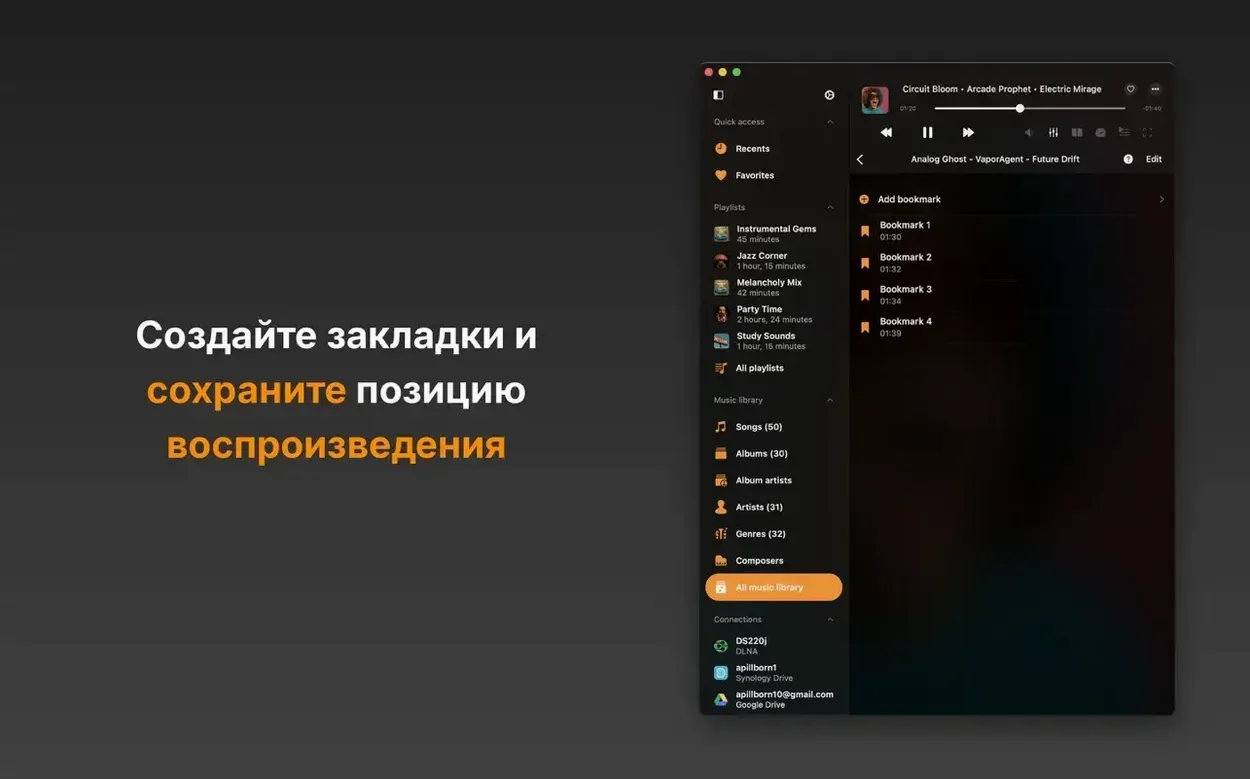
The Wi-Fi transfer feature turns the Mac into a temporary file receiver: when enabled, any device on the same network can push audio files to the app through a browser, bypassing cloud sync entirely. Bookmarks, tucked inside the playback screen, let you mark positions inside long audio files — useful for multi-movement classical pieces stored as single FLACs. And the equalizer includes a preamp slider that remembers its setting per output device, so switching from built-in speakers to an external DAC does not require re-adjusting the gain to avoid clipping.