Aspecten
 Download (322 MB)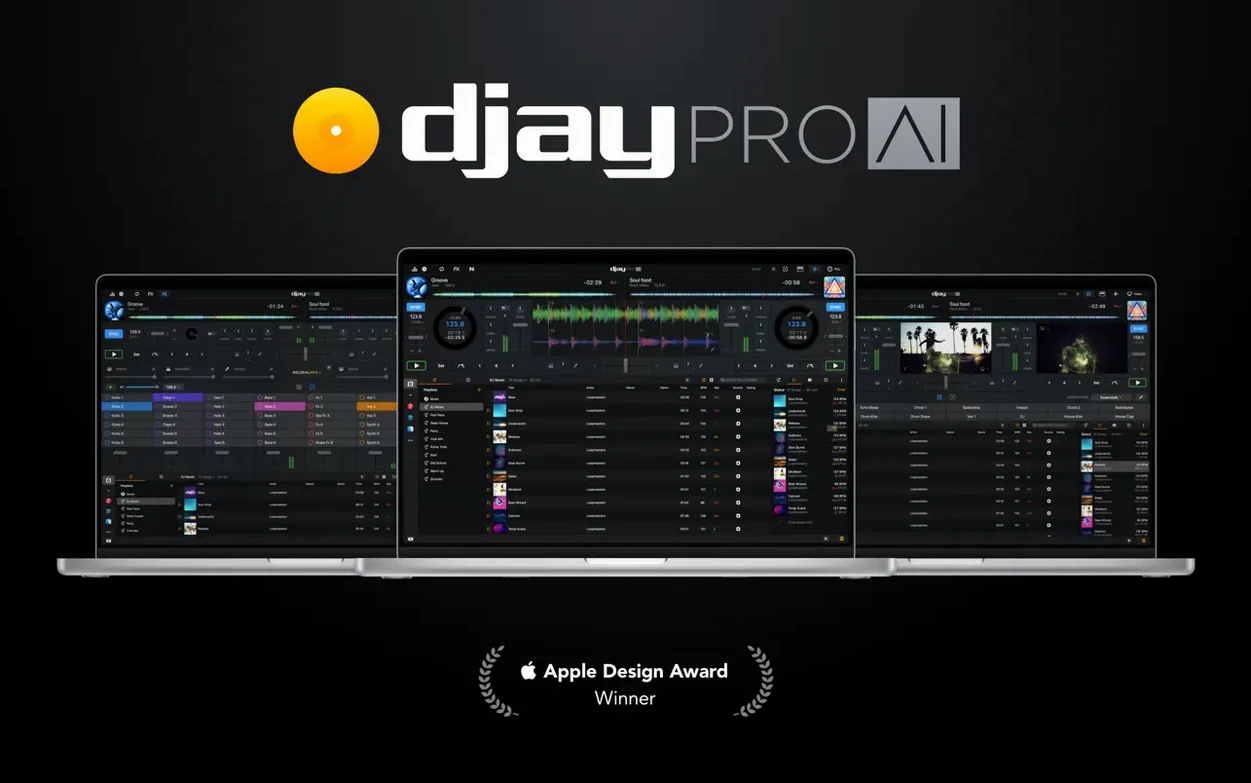
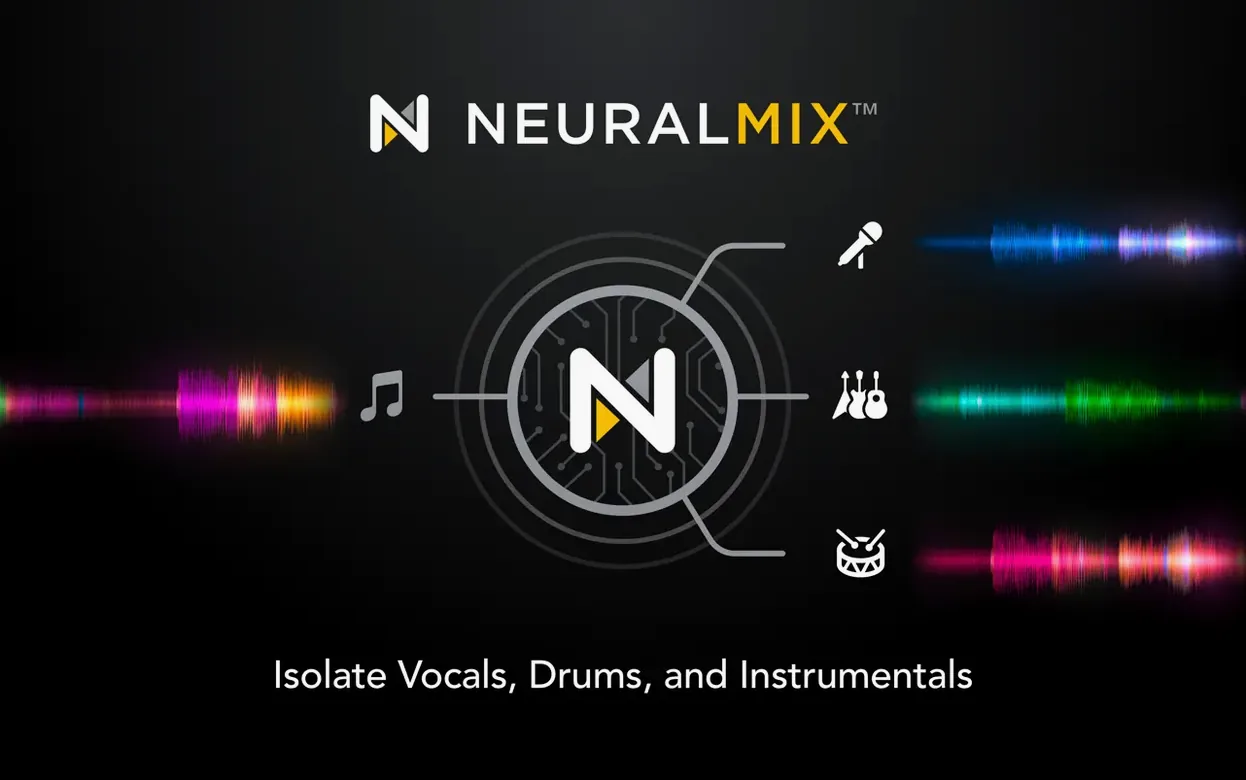
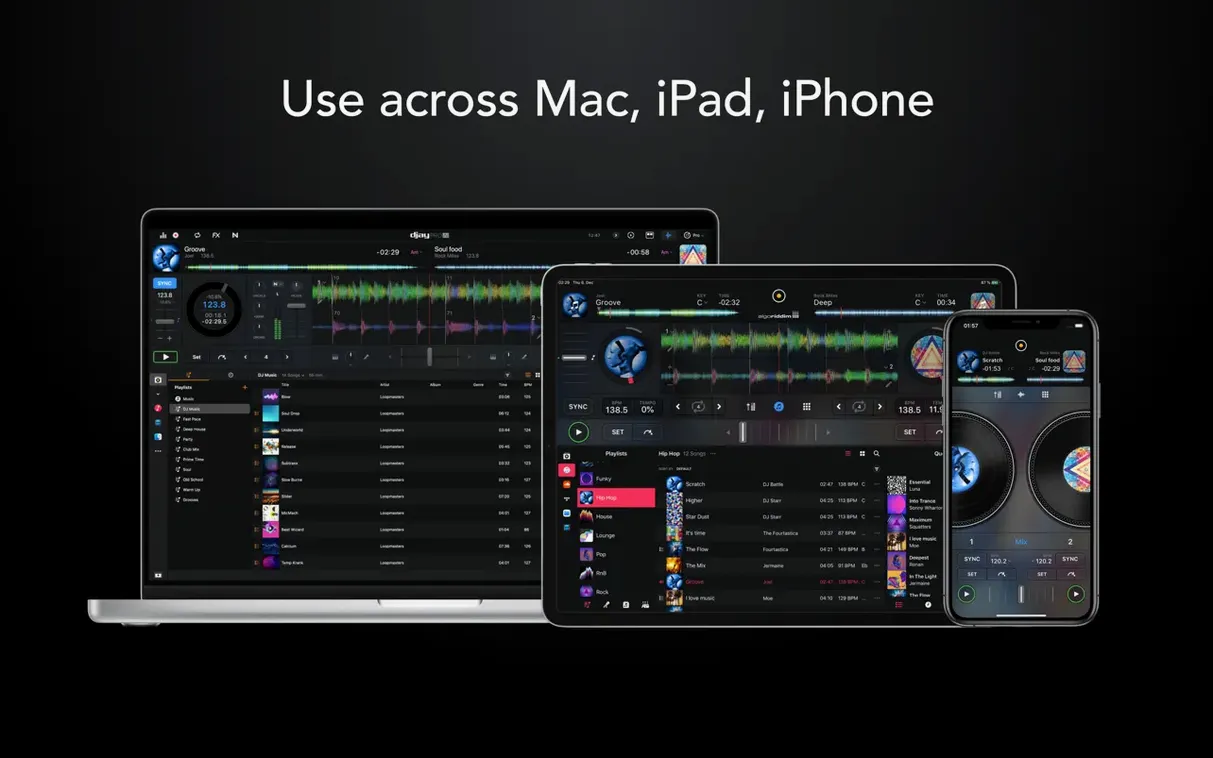
A DJ opens djay Pro on a MacBook already running Ableton Live in the background for production edits. A track loads, its waveform spreading across the screen in high definition. With a click, the vocal lifts away from the instrumental, leaving a clean bed for a transition. This is the kind of real-time source separation that sets the app apart from simpler playback utilities.
Four decks and forty-plus effects in a single row
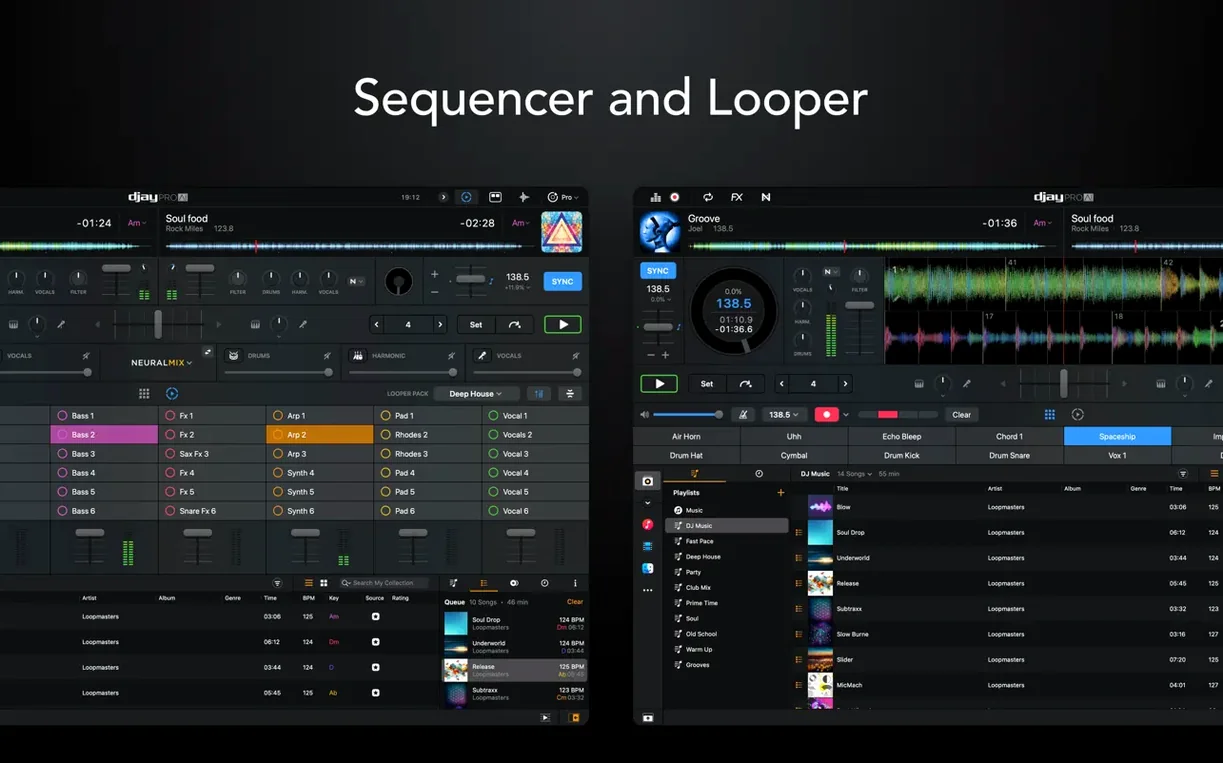
The four-deck layout presents waveforms with enough resolution to spot breakdowns before they arrive. Effects sit in a tidy row—more than forty of them, from basic filters to time-stretching oddities. The automix mode handles straightforward blends when attention is elsewhere, while the looper holds up to forty-eight loops per track for building tension manually. A sequencer runs over the top, letting a user layer kick and snare patterns without leaving the mixing view. Together these tools make the window feel like a workstation rather than a pair of virtual turntables.
Isolating drums, instruments and vocals in real time
Neural Mix is the centrepiece. Isolating drums, instruments and vocals in real time means a mix can borrow a bassline from one record while the acapella from another floats over the top, all without pre-rendered stems. This slots naturally next to a DAW: a producer can rough out an arrangement in djay Pro, record the separated parts, then pull them into Logic or Bitwig for refinement. MIDI actions for beat jump duration, added in version 5.6.9, make controller navigation faster during live sets. RANE System One integration, also new, brings native display feedback for motorized platters—useful for scratch routines and 45 RPM playback where timing is tight.
RANE System One display mirroring without a sideways glance
Version 5.6.9 is not a headline-grabbing overhaul, but it fixes friction points that anyone performing live will recognise. The RANE System One integration means the controller's own display now mirrors track information, BPM and waveform position without a sideways glance at the laptop. For a DJ who keeps the screen angled away during a set, that alone cuts a small but persistent distraction.
Two other changes affect cueing and browsing. MIDI actions for beat jump duration let a performer map a knob or pair of buttons to tighten or loosen the skip amount without opening a preference panel. Someone building energy in a drum-and-bass set might shorten jumps from eight beats to two in a bar, then back out again for a breakdown. On Pioneer CDJs, playlist presentation in the media library now follows the folder structure more faithfully, so tracks nested in sub-folders appear in the expected order rather than as a flat list. It is the kind of quiet correction that prevents a miscue during a back-to-back handover.
Cue-point jumping on motorized controllers also received attention. Scratching and spindown behaviour is less prone to overshoot when a hot cue is triggered mid-motion—something turntablists who ride the platter hard will notice within a session. The 45 RPM improvement for motorized decks means timecode stability holds better at the higher rotation speed, which is welcome for anyone mixing vinyl rips or actual 7-inch records into a digital set.
Routing master and cue to separate outputs
A fresh install of djay Pro arrives with sensible defaults, but a few adjustments repay the time immediately. The first stop should be the audio output routing. By default, the master and cue channels may both feed the built-in output. Assigning the cue channel to a separate output—a USB audio interface or a controller's headphone jack—restores the split that makes beatmatching practical. Skipping this step leaves a beginner wondering why the headphone cue sounds identical to the room.
Next, the crossfader curve. The default setting is smooth enough for long blends but too gradual for cutting. Shortening the curve to a sharper taper suits genres where fast chops define transitions. The setting hides under the mixer section of preferences, and a user who discovers it after a month of fighting sluggish fades usually mutters something under their breath.
Neural Mix quality deserves a look too. The algorithm offers a speed-versus-fidelity trade-off. On an Apple Silicon machine, setting it to the higher quality tier still leaves CPU headroom for effects and a fourth deck. On an older Intel Mac, keeping it on the fast setting avoids dropouts during stem isolation. The difference in separation cleanliness is audible, but not enough to ruin a house party mix.
Finally, the library watch folders. Pointing djay Pro at a well-organised directory—rather than dragging tracks in ad hoc—means cue points, beat grids and Neural Mix analyses persist across sessions. The app writes metadata to its own database, so the original files stay untouched. Setting this up early prevents the frustration of losing an hour of preparation because the session file was never saved.
Low-frequency artefacts lingering after vocal isolation
The most common stumble is treating Neural Mix as a magic button. Isolating vocals from a densely layered pop track works impressively well, but the result is not a clean studio acapella. Low-frequency artefacts and faint harmonic bleed remain audible on a PA system. A beginner who drops an isolated vocal over a clashing key will blame the software rather than the source material. Checking separation results on headphones before bringing them into the room avoids a thin, phasey mess through the subs.
Another error involves the automix mode. Leaving it engaged while manually nudging a platter on a controller confuses the beat alignment logic. The software fights the correction, and the mix lurches. Automix is best treated as a hands-off tool—ideal for a dinner playlist or a bathroom break—and switched off the moment manual control resumes.
Controller mapping overreach trips up the keen tinkerer. djay Pro recognises over a hundred MIDI controllers out of the box, each with a curated mapping. A user who immediately clears the factory assignments to build a custom layout often loses the tight integration that makes jogwheel tension and LED feedback work properly. The safer path is to duplicate the factory map and adjust one control at a time, testing after each change.
Sync-lock dependency creeps in quietly. With four decks, quantized loops and a rock-solid beat grid, it is tempting to leave sync engaged full-time. The skill of nudging a track by ear atrophies, and the first set played on unfamiliar gear without sync becomes a rough experience. The app does not force this discipline, but a user who practices a few manual beatmatches per session keeps a safety net that software cannot provide.
Different centres of gravity across Serato, Traktor and Mixxx
Three other Mac DJ platforms define the competitive landscape: Serato DJ Pro, Traktor Pro and the free Mixxx. Each has a different centre of gravity, and the choice between them turns less on feature counts than on how a DJ intends to perform.
Serato DJ Pro is the reference for DVS users and turntablists. Its timecode vinyl response is the benchmark, and its library management handles crates of tens of thousands of tracks without slowing down. Where Serato leads, djay Pro follows at a respectful distance: the RANE System One integration in 5.6.9 narrows the gap, but Serato's platter feel and sticker-lock display logic remain slightly more refined. Conversely, Serato has no real-time stem separation built in. A user who wants to isolate a bassline on the fly in Serato needs a separate plugin or pre-rendered stems. In djay Pro, it is a single click. For a mobile DJ who mixes across genres, that immediacy often outweighs Serato's edge in tactile precision.
Traktor Pro appeals to the sound designer. Its effects routing is deeper, with assignable chains and macro controls that djay Pro does not offer. The remix decks in Traktor allow a performer to trigger one-shot samples and loops in a grid, something closer to Ableton Live than a traditional DJ setup. djay Pro's sequencer and looper cover similar ground but with less depth. The trade-off is complexity: Traktor's interface assumes the user wants to build a custom mapping and tweak filter curves. djay Pro opens with a layout that a newcomer can read in thirty seconds. For a working DJ who needs to set up quickly on a shared sound system, that simplicity has practical value.
Mixxx is the open-source alternative, and it is remarkably capable for free software. It supports four decks, effects, and a broad range of controllers. The interface lacks the visual polish of djay Pro's HD waveforms and the Neural Mix panel is absent entirely. Beat detection in Mixxx is less reliable with live drummers and older funk records. Someone playing strictly quantized electronic music may find Mixxx perfectly adequate; someone who mixes Motown into house needs the more forgiving grid analysis in djay Pro. The gap widens with video mixing, which Mixxx does not handle in earnest. djay Pro's video deck, with crossfading visuals and text overlays, gives it a role in multimedia shows that the free option cannot match.
Where djay Pro carves a distinct space is in the overlap between DJing and production prep. The combination of Neural Mix, Ableton Link and a built-in sequencer means an idea sketched during a mix can sync to a running DAW session. Serato and Traktor connect to Ableton Link, but neither offers the same one-tap stem isolation that lets a producer grab a drum loop from a mastered track without leaving the performance window. It is a niche, but for the right user it makes the app a bridge rather than just a playback tool.
Ableton Link keeps tempo locked across the network
djay Pro does not live in isolation. Its Ableton Link support means tempo stays locked across applications on the same network or on the same machine. A producer can run Ableton Live on a second MacBook, or even on the same one if the audio routing allows, and have djay Pro's decks follow the DAW's transport. Sending separated stems out of djay Pro into Live for looping and processing turns the DJ software into a sketchpad for arrangement ideas.
The Mac's own Audio MIDI Setup utility lets a user create an aggregate device that combines a controller's built-in sound card with a separate audio interface. Routing the master output through the interface's balanced outputs while keeping the cue channel on the controller's headphone amp is possible without extra cabling, as long as both devices are clock-synced. This is not a djay Pro feature as such, but it unlocks cleaner sound for club installations where the booth and main outputs need independent processing.
Spotify integration, once a headline feature, is no longer present after the streaming service withdrew third-party DJ access. However, djay Pro's media library still reads the local Music app library and any iTunes-purchased tracks that reside on the Mac. Playlists curated in the Music app appear inside djay Pro without manual import, and any changes to metadata or album art in Music propagate after a library refresh. A DJ who maintains a separate user account on the Mac for performance can point djay Pro at a slimmed-down Music library containing only mixed-down, analysed tracks, keeping the main account's library of half-finished edits out of sight.
Shortcuts integration is basic but functional. A Shortcut can launch djay Pro and load a specific playlist, which is handy for a venue that runs the same warm-up set each week. It cannot yet trigger automix or adjust crossfader position, but the groundwork is there for future automation. For now, the practical connection is simply having the app open and ready before the previous act finishes packing down.
Touch Bar support on older MacBook Pro models displays transport controls and a miniature waveform scrubber. It is not a replacement for a controller, but during preparation sessions it saves a few mouse trips. On a current MacBook with Apple Silicon, the Neural Mix engine runs with noticeably lower fan noise than on an Intel equivalent, which matters in a quiet room where a whirring laptop undercuts the mood.