Aspecten
 Download (924 MB)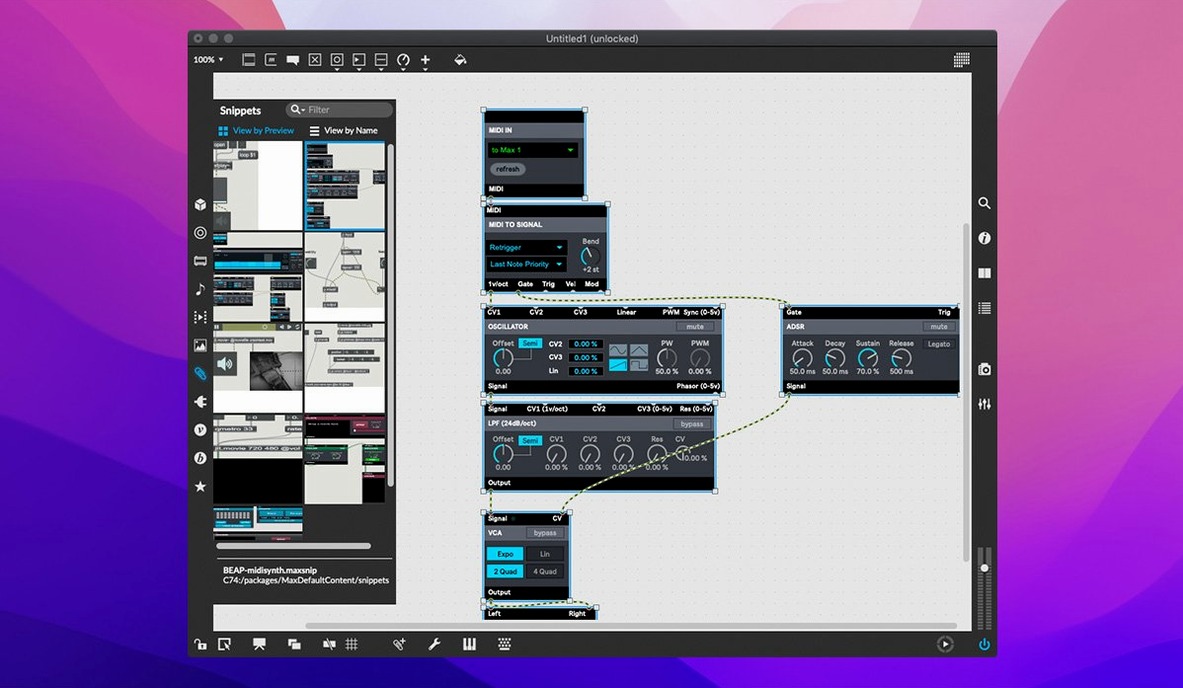
You sketch a small network of objects on a blank canvas—a few number boxes, a toggle, an oscillator—and a tone emerges from your speakers. That immediate feedback loop between visual logic and audible result describes a typical first session with Max.
Visual patching and multitasking before you install
- What is it, exactly? Max is a visual programming language for music and multimedia. Cycling '74 materials often refer to it as Max/MSP, reflecting its core signal processing identity.
- Does it run multiple tasks? Yes. Max can create and run several applications and processes at once, constrained only by your computer's memory and speed.
What you can expect from the real application
Max 9.0.9 bundles RNBO v1.3.5 and includes full MIDI input and output stream support alongside QuickTime movie playback. Each object in the patching environment opens into an interactive help file—a working demonstration rather than a static text document. A cross-platform SDK allows extending the software, while the built-in Web Based Text Editor recently fixed its File > List Externals and Subpatcher Files commands. The Inspector crash when editing or closing a text field has been resolved, and button assignments for parameter banks in live.banks are now supported.
Brisk patching-window redraws even with many objects
On a day-to-day basis, Max 9.0.9 feels brisk without being showy about it. Launching the application takes a few seconds on Apple Silicon, slightly longer on Intel, and once it is open the patching window redraws smoothly even with several hundred objects visible. The real test comes when you start adding audio processes. A moderate patch with a dozen oscillators, some filters and a delay line barely registers on the CPU meter, hovering around 5–8% on a recent Mac. Things get more interesting when you introduce FFT analysis, real-time sample granulation or dozens of parallel signal chains; the scheduler keeps its head, although you will notice the fan spinning up on Intel machines sooner than on ARM hardware.
Memory use is modest for what the application does. A fresh launch with an empty patch sits at roughly 200 MB of RAM, and even a complex performance patch with RNBO exporters and several jit.world instances rarely pushes past 1.2 GB unless you load large video files or sample banks. Cycling '74 have been attentive to memory leaks in recent releases, and the 9.0.9 Inspector crash fix removes one of the more annoying stability gremlins from earlier in the 9.x cycle. During multi-hour sessions, the application remains predictable—no gradual slowdown, no creeping RAM figures that suggest a slow leak.
Stability holds up well under repetitive editing. Undoing and redoing complex object arrangements, rapidly connecting and disconnecting patch cords, and switching between edit and locked modes do not provoke crashes. The one area where you might exercise caution is when using third-party externals from older sources; the cross-platform SDK means community objects vary in quality, and a poorly compiled external can bring down the whole environment. Stock objects, however, run without incident. If you work with large coll data sets or heavy JavaScript inside js objects, save your patch before experimenting—the Web Based Text Editor improvements in 9.0.9 help with text-heavy workflows, but no environment is immune to an accidental infinite loop.
Pd, Reaktor, and SuperCollider alongside the same patching paradigm
Three other environments tend to surface in the same conversations as Max.
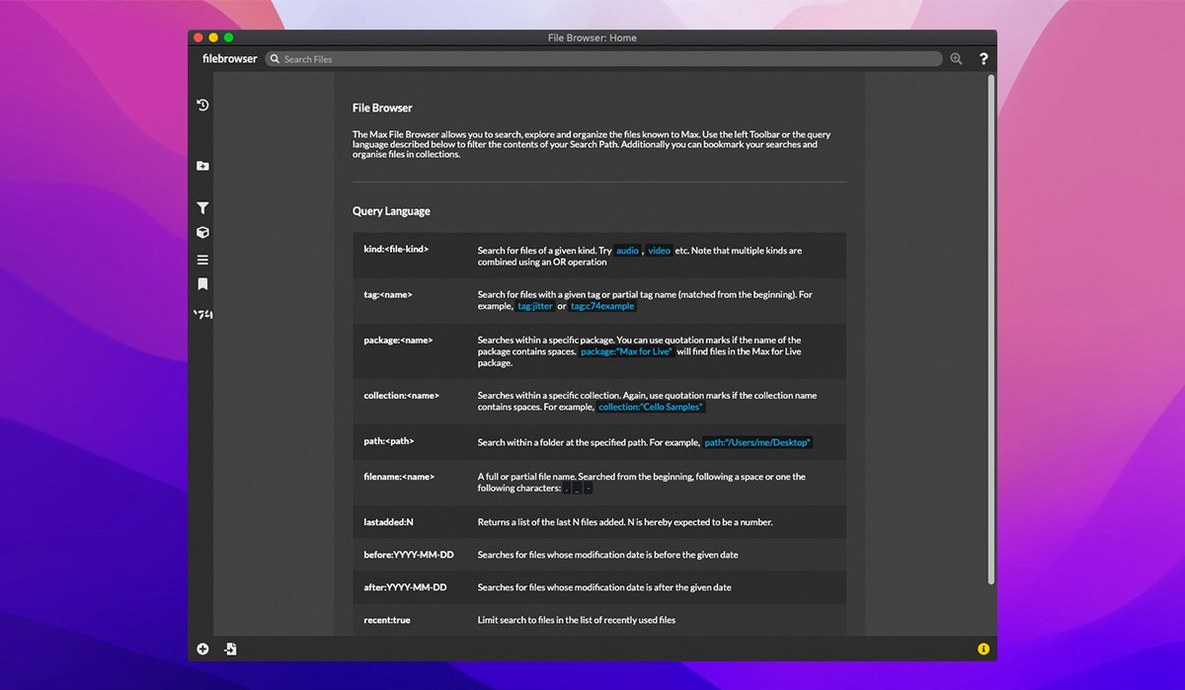
Pure Data (Pd). Miller Puckette's open-source cousin of Max shares the same visual patching paradigm and many of the same object names. Pd feels leaner in its default interface, almost austere, and it lacks the polished UI widgets and the collection of tutorial patches that Max provides. Where Max offers RNBO for exporting code to hardware and the web, Pd relies on community projects such as libpd for embedding. Pd's signal processing core is comparable in quality, but the editing experience in Max—object inspectors, searchable help patches, the file browser sidebar—stays a step ahead in daily use.
Reaktor. Native Instruments' Reaktor approaches modular sound design from a different angle, with a library of ready-made ensembles and a lower-level building environment called Core. Reaktor excels at being an instrument you can play and tweak without ever touching its internals, whereas Max assumes you will build something from scratch. The Reaktor interface is more skeuomorphic, with knobs and panels that resemble hardware; Max remains diagrammatic, closer to a technical sketch. Max's MIDI routing and its ability to host VST plug-ins through external objects give it an edge for multi-tool studio setups, while Reaktor shines as a self-contained sound design lab.
TouchDesigner. Derivative's TouchDesigner focuses on real-time visual performance and installation work more than it does on audio signal processing. Its node graph looks familiar to Max users, and it handles video, lighting and projection mapping with less effort than Max's Jitter objects require. For pure audio work, Max is the stronger choice—MSP runs deeper, and the scheduler is more forgiving of complex sound patches. Artists who work across both audio and visuals often end up using the two side by side, sending OSC messages between them.
Option-click a port to spawn a new object and wire it
A handful of touches in Max save more time than their modest appearance suggests.
- Option-click on an object's inlet or outlet creates a patch cord directly to a new, empty object. The cursor changes to a crosshair, and wherever you click, a fresh object box appears. This cuts out the step of creating the object, moving it, and then wiring it—three actions become one.
- The
pshortcut in a locked patch. Pressing the letter P while hovering over abpatcheror subpatcher opens that subpatch instantly, without unlocking the parent. You can peek inside, adjust something, close it and carry on performing. - Command-Shift-C copies an object's colour to another object, a tiny feature that encourages visual organisation without opening the Inspector palette every time.
- Right-click on a number box in presentation mode reveals options to switch it to a dial, slider or other widget, which saves trips back and forth between edit and run modes.
- Help files as live patches. Every object's help file is a working patch you can modify. You can copy a section of a help file straight into your own work, tweak values and hear the result instantly. It is documentation you can play.
Building a live-input harmoniser with two pitch-shifted copies
Imagine you want to build a harmoniser that takes a live microphone input and adds two pitch-shifted copies.
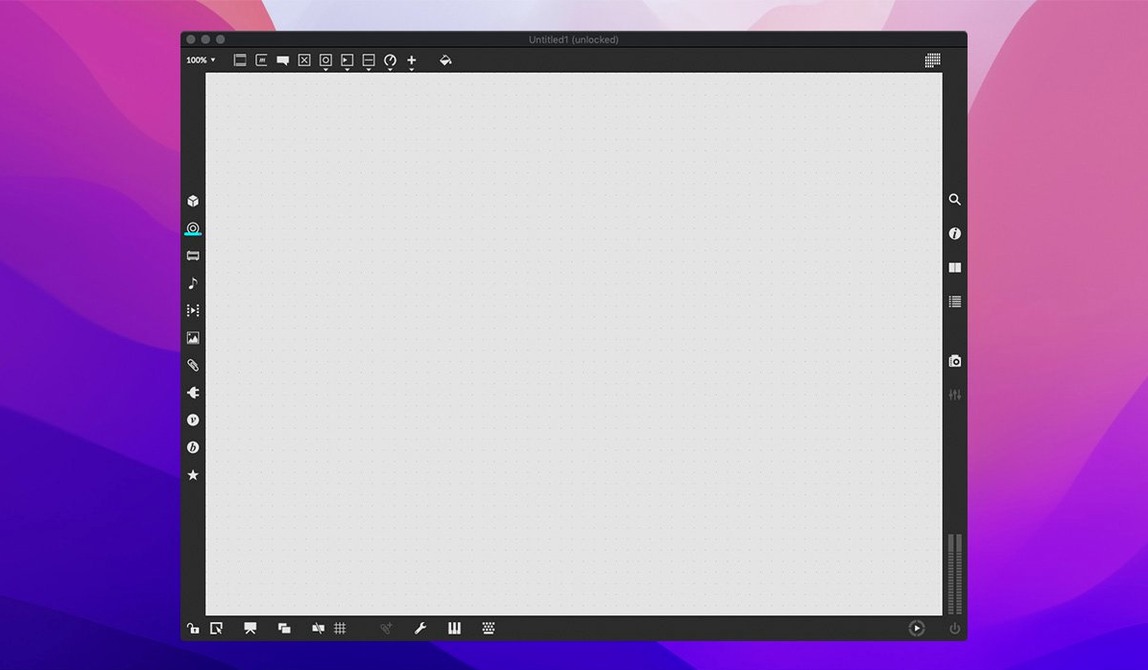
You open Max and the blank patcher window fills the screen. First, you create an ezadc~ object by typing N and then the object name; this brings audio from your interface into the patch. You add a live.gain~ slider from the palette for input level control. Three patch cords connect the adc outputs to the gain inputs—a quick drag from each outlet to the corresponding inlet.
Next you need pitch shifting. You type N again and create gizmo~, an MSP object that handles real-time pitch transposition. You duplicate it with Command-D so you have two copies, one for each harmony voice. Into the left inlet of the first gizmo~ you feed the processed signal from live.gain~; the right inlet receives a number box set to 4, meaning a major third up. The second gizmo~ gets the same input but a transposition of 7 semitones—a perfect fifth.
The three signals—dry, a third up, a fifth up—now need mixing. You create three *~ objects for level control, connect each to a +~ chain for summing, and route the combined signal to ezdac~. You lock the patch, turn on the DSP toggle in the toolbar, and speak into the microphone. Three notes ring out from a single voice.
Something is off: the pitch-shifted copies have a metallic timbre. You unlock, select the gizmo~ objects and open their help files—right-click, "Open gizmo~ Help". The help patch reveals a grain size setting you had left at default. You reduce the grain duration to 50 milliseconds, click the DSP on, and the sound settles into something closer to a natural choir.
Within fifteen minutes you have a working harmoniser, and you have already used object shortcuts, help file referencing, duplication and live audio testing. The patch sits at perhaps 25 objects, clean and readable. You save it, knowing you will open it again next week and understand exactly how it works—because the visual logic is the documentation.